
Clawdbot 如何配置 智谱GLM4.7 模型
7 months ago
我安装好 Clawdbot 之后,想用智谱模型跑起来,但按照配置教程的配置一直没跑通,配置完后,Chat 对话页面一直没响应。
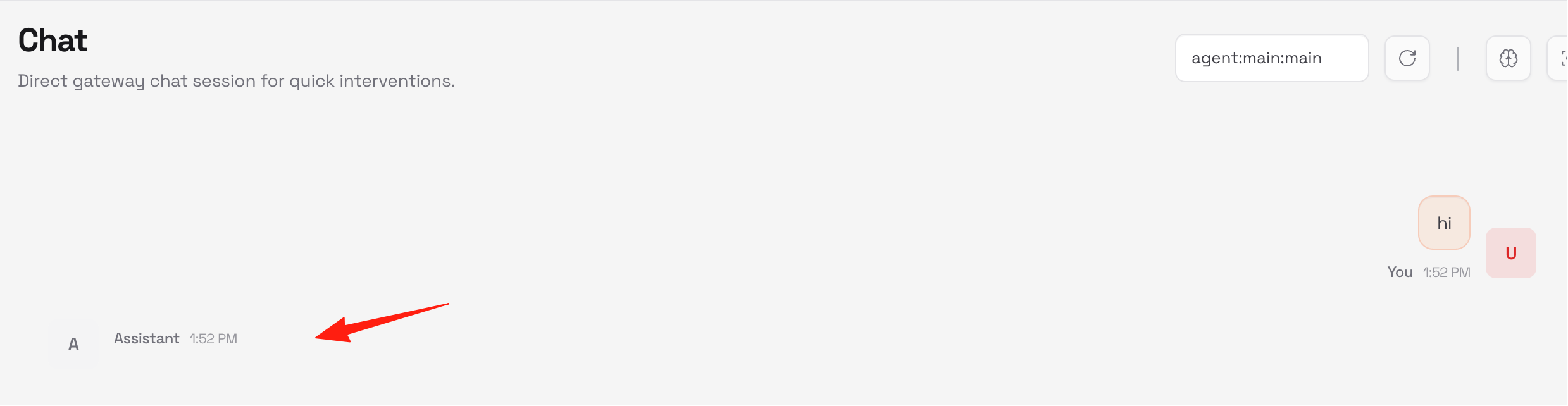
经过和 AI 反复对话,终于调通了,这篇攻略作为补充。
https://appstore.lazycat.cloud/#/shop/detail/iamxiaoe.lzcapp.clawdbot
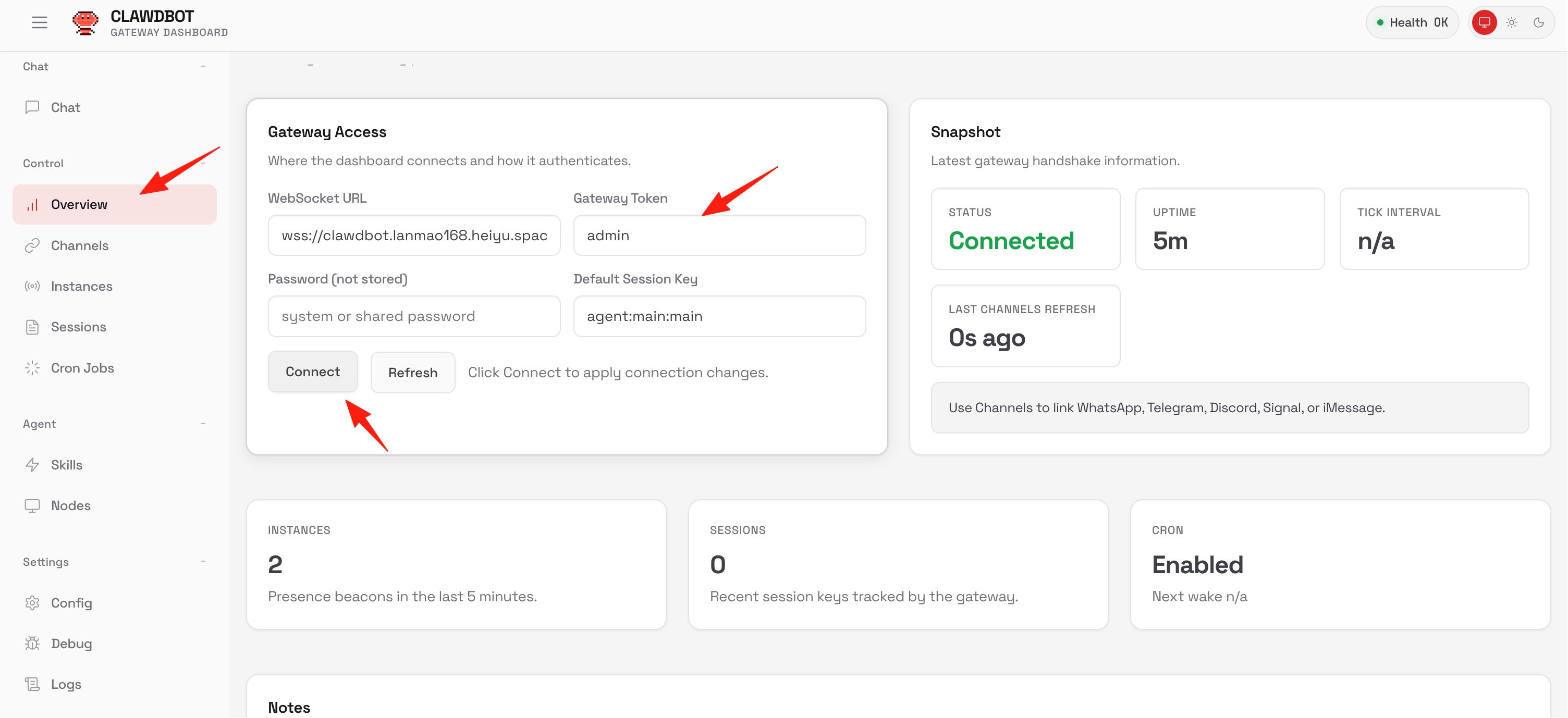
应用安装后,打开首页,此时有一个错误,需要先配置 Gateway Token 选择Overview,找到Gateway Token,填写admin,点击连接
点击config,切换到RAW模式,将填写完成的配置粘贴进去,点击save保存
我以智谱的 GLM4.7 为例,可以作为 Claude Code 的国产平替模型 先在智谱后台新建一个 apikey
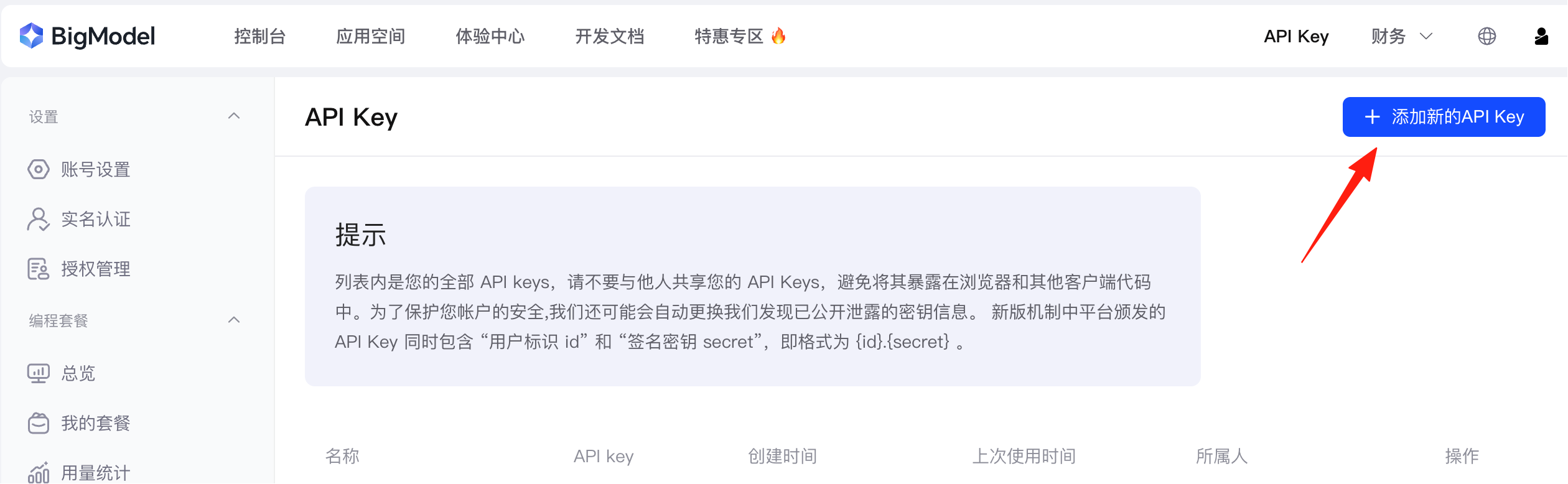
baseUrl填这个:https://open.bigmodel.cn/api/paas/v4 模型 Id 填 glm-4.7 注意:智谱 GLM 使用的是 OpenAI 兼容格式,应该用 "api": "openai-completions"。
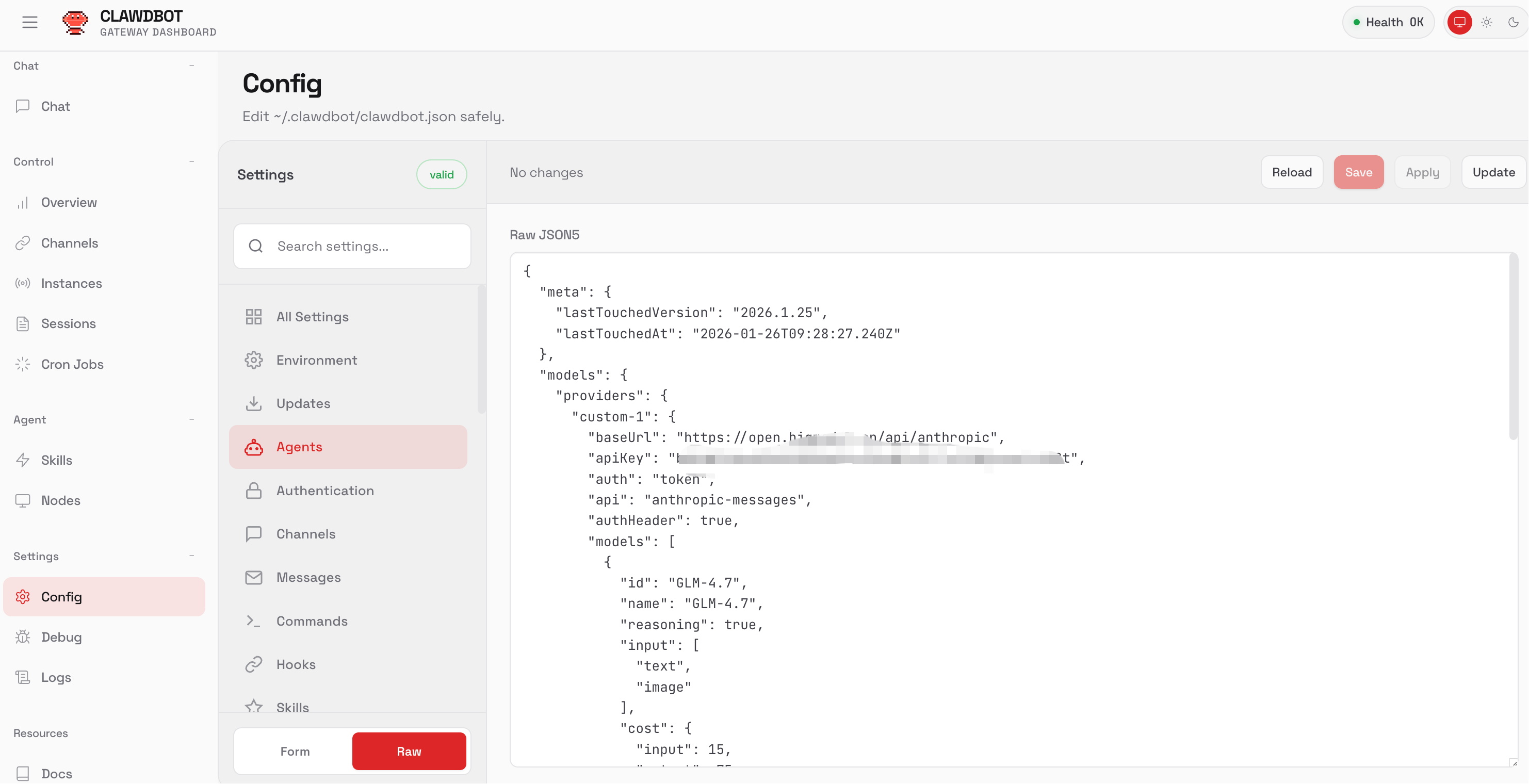
完整的配置参考:
{
  "models": {
    "providers": {
      "zhipu": {
        "baseUrl": "https://open.bigmodel.cn/api/paas/v4",
        "apiKey": "你的 apikey",
        "auth": "token",
        "api": "openai-completions",
        "authHeader": true,
        "models": [
          {
            "id": "glm-4.7",
            "name": "智谱 GLM-4.7",
            "reasoning": false,
            "input": [
              "text"
            ],
            "contextWindow": 128000,
            "maxTokens": 32000,
            "cost": {
              "input": 0,
              "output": 0,
              "cacheRead": 0,
              "cacheWrite": 0
            }
          }
        ]
      }
    }
  },
  "agents": {
    "defaults": {
      "model": {
        "primary": "zhipu/glm-4.7"
      },
      "workspace": "/home/node/clawd",
      "maxConcurrent": 4,
      "subagents": {
        "maxConcurrent": 8
      }
    }
  },
  "messages": {
    "ackReactionScope": "group-mentions"
  },
  "commands": {
    "native": "auto",
    "nativeSkills": "auto"
  },
  "web": {
    "enabled": true
  },
  "gateway": {
    "mode": "local",
    "controlUi": {
      "allowInsecureAuth": true
    },
    "auth": {
      "mode": "token",
      "token": "admin"
    }
  },
  "meta": {
    "lastTouchedVersion": "2026.1.25",
    "lastTouchedAt": "2026-01-28T06:00:48.413Z"
  }
}
关键修改:
| "web": { "enabled": true } | 新增 - 启用 Web UI 聊天界面 |
| "reasoning": false | 修改 - 关闭推理模式(文章建议避免) |
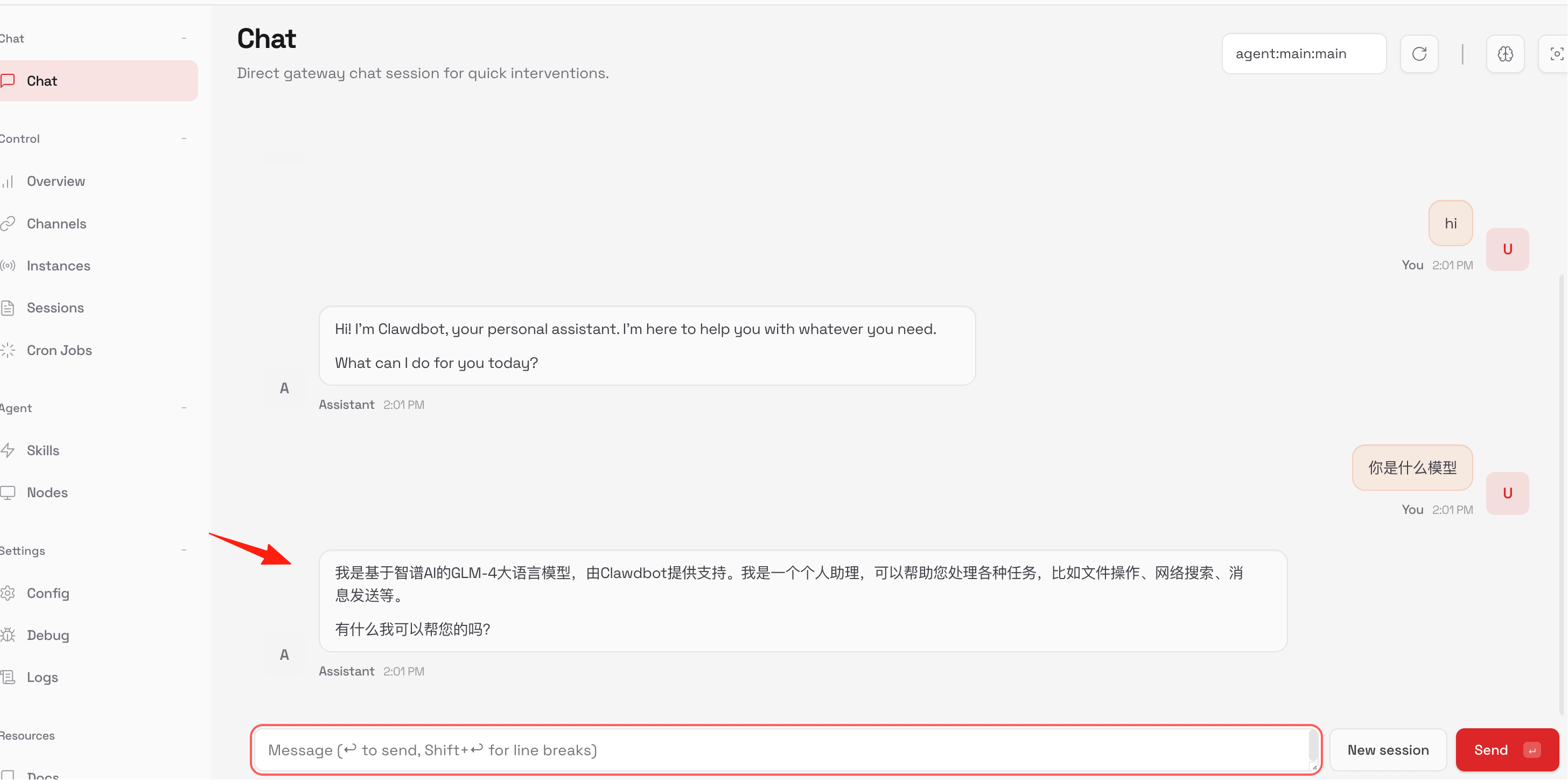
保存配置后,在 Web UI 界面就能直接与机器人对话了!
回到 chat,见证奇迹
作者
天天