
Plane User Guide: A Powerful Project Management Tool
What is Plane?
In simple terms, Plane is an open-source project management tool that serves as an alternative to paid tools like JIRA, Linear, Monday, and Asana.
Imagine never having to click through a dozen options in JIRA just to create a simple task, or getting frustrated because you can't find a specific feature. Plane is the kind of tool where "what you need is right where you expect it."
It comes with all the essential features:
- Task Management: Create, assign, and track tasks
- Sprint Management: Essential for agile development, easily handle sprint planning
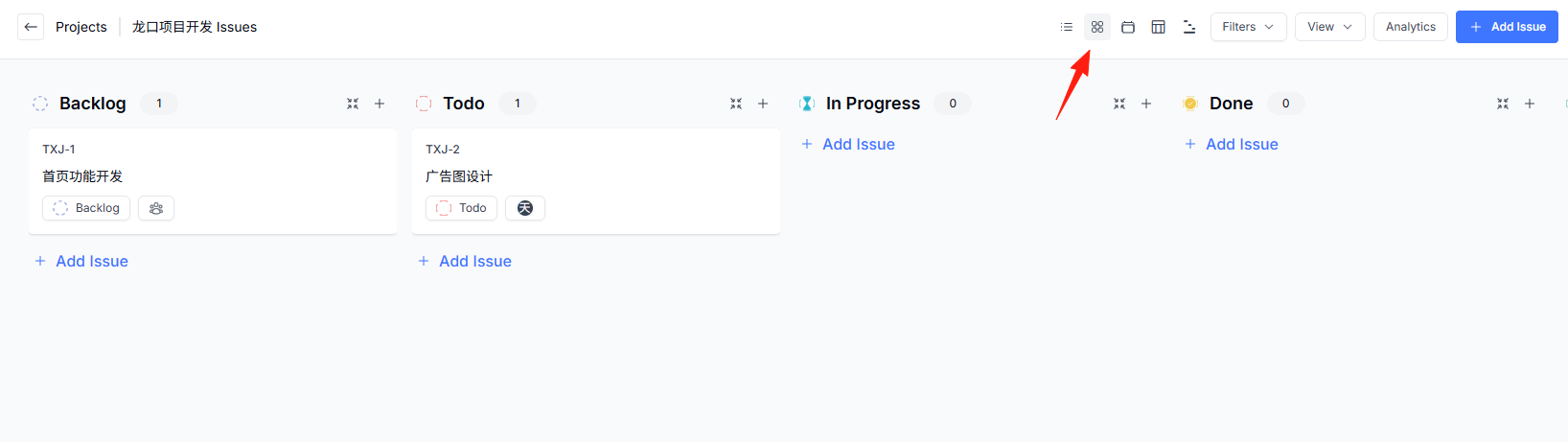
- Kanban View: Visualize task workflows at a glance
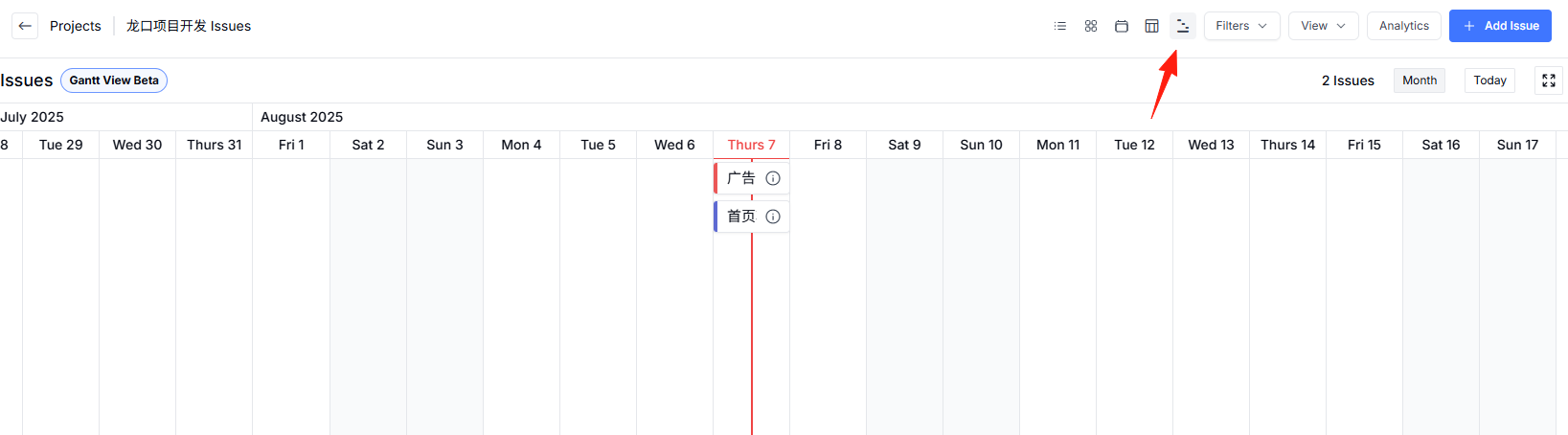
- Gantt Chart: A powerful tool for project progress control
- Roadmap: A sharp tool for product planning
https://appstore.lazycat.cloud/#/shop/detail/cloud.lazycat.app.plane
User Guide
After the application is installed, it's already integrated with Lazycat account login. First, set a role; I selected Developer.
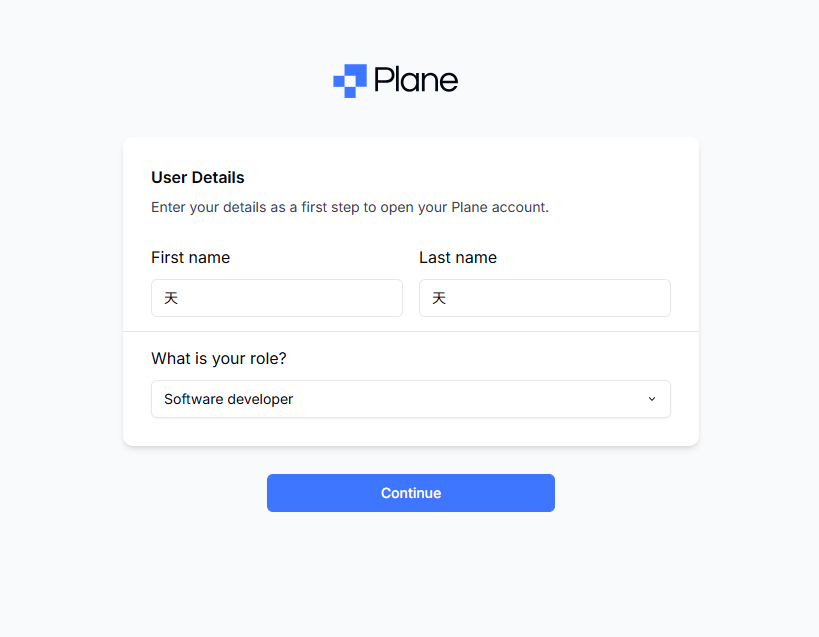
Create a workspace. This is like building a house for your team, where all projects will be managed.

Invite others – you can skip this for now.

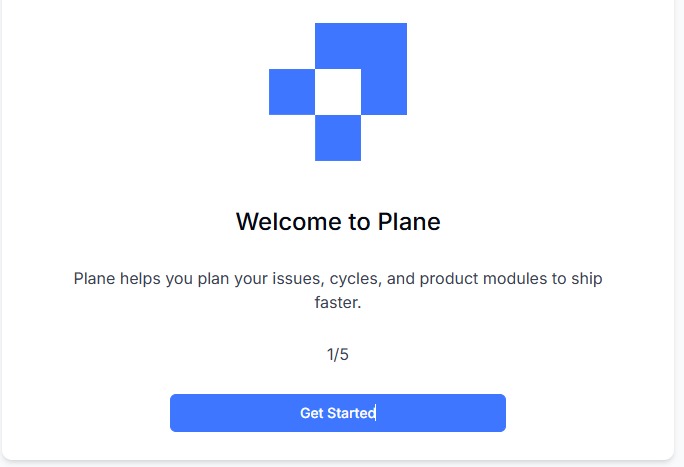
Enter the welcome page, just keep clicking Next.
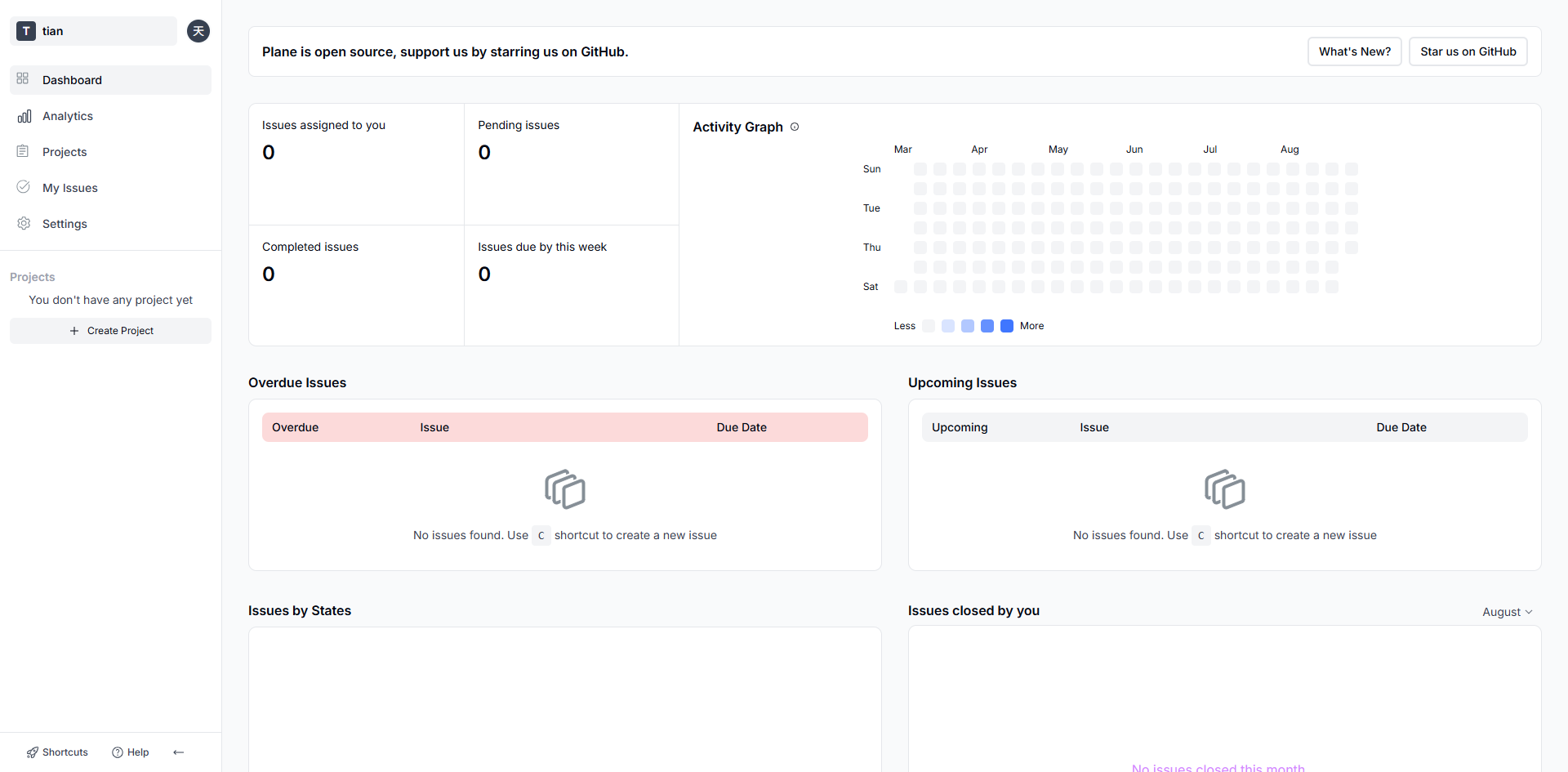
Enter the main page.
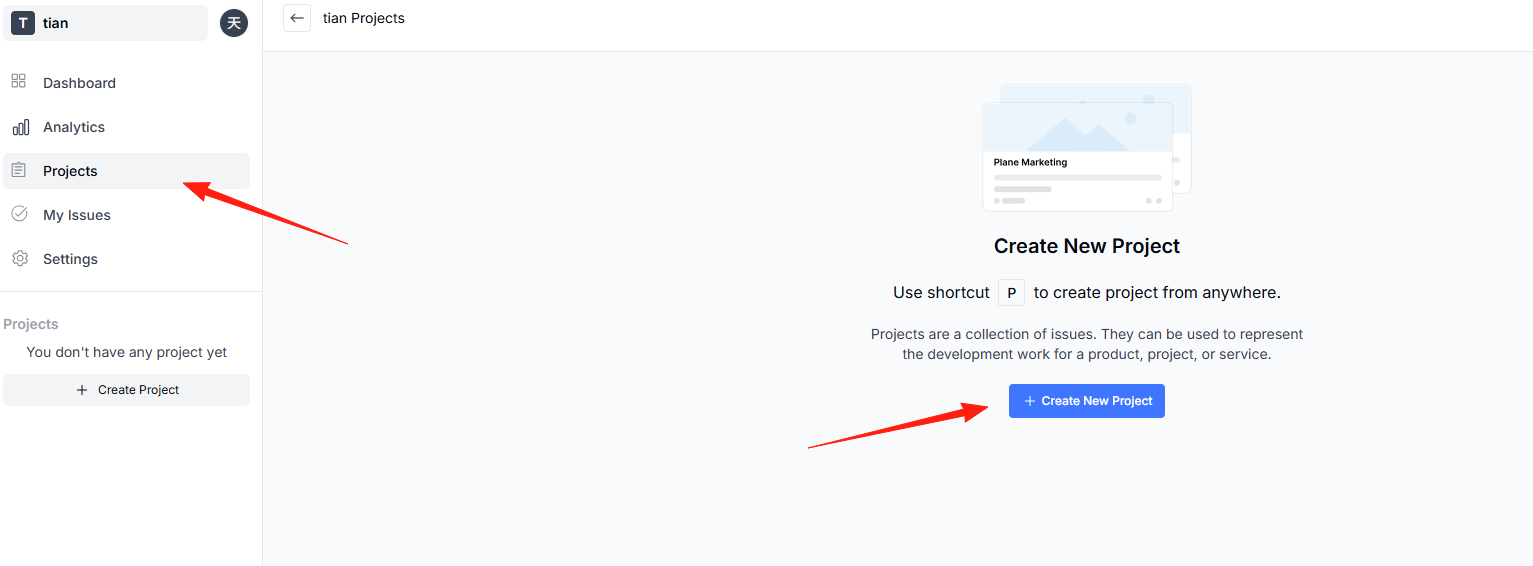
Click "New Project".
Fill in a project name.
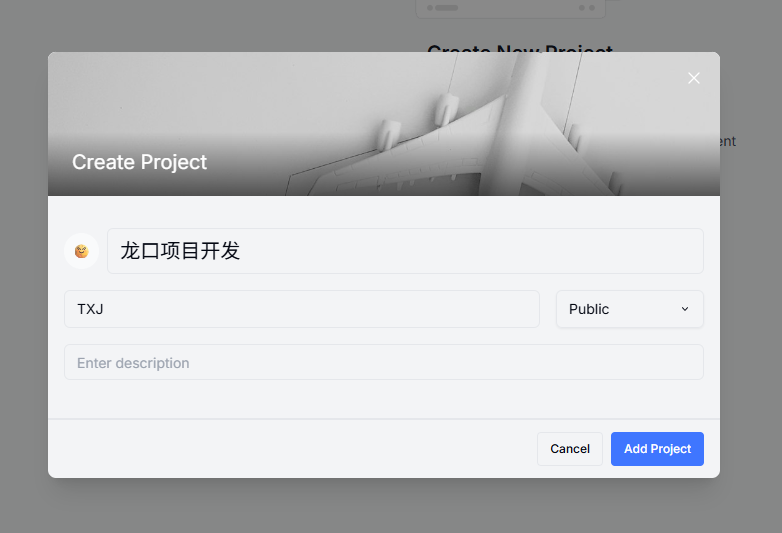
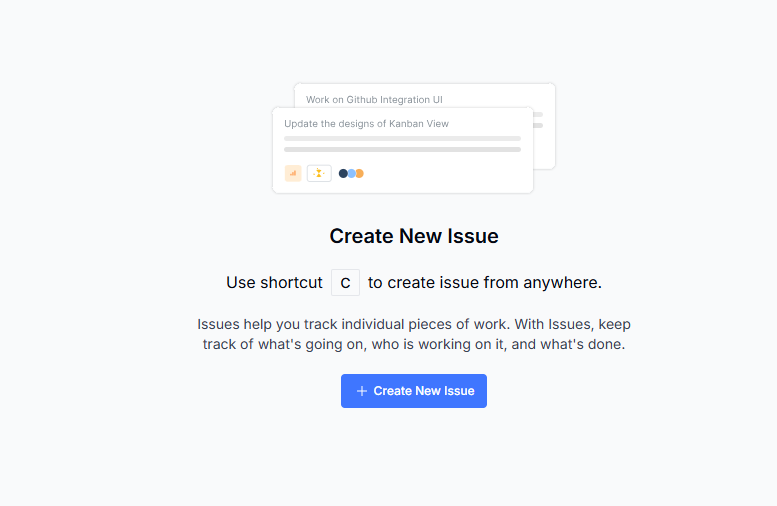
Create a new issue.
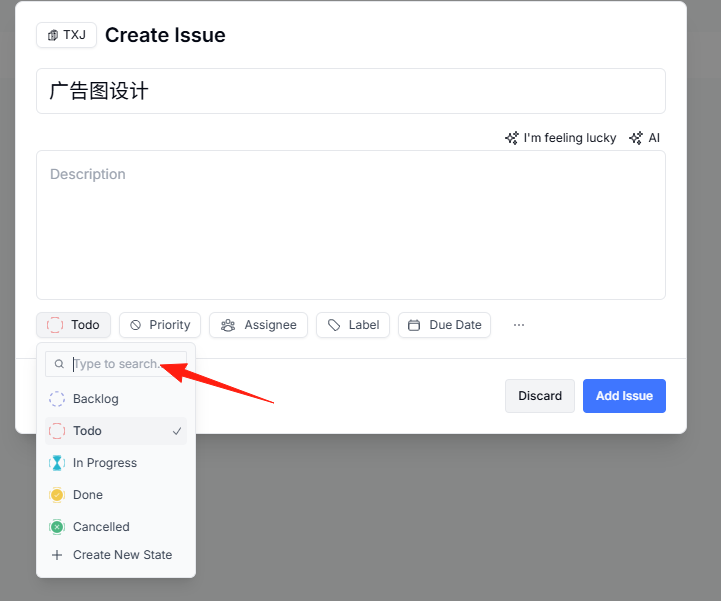
Set labels, priority, due date, etc.
List View: Ideal for managing task lists.
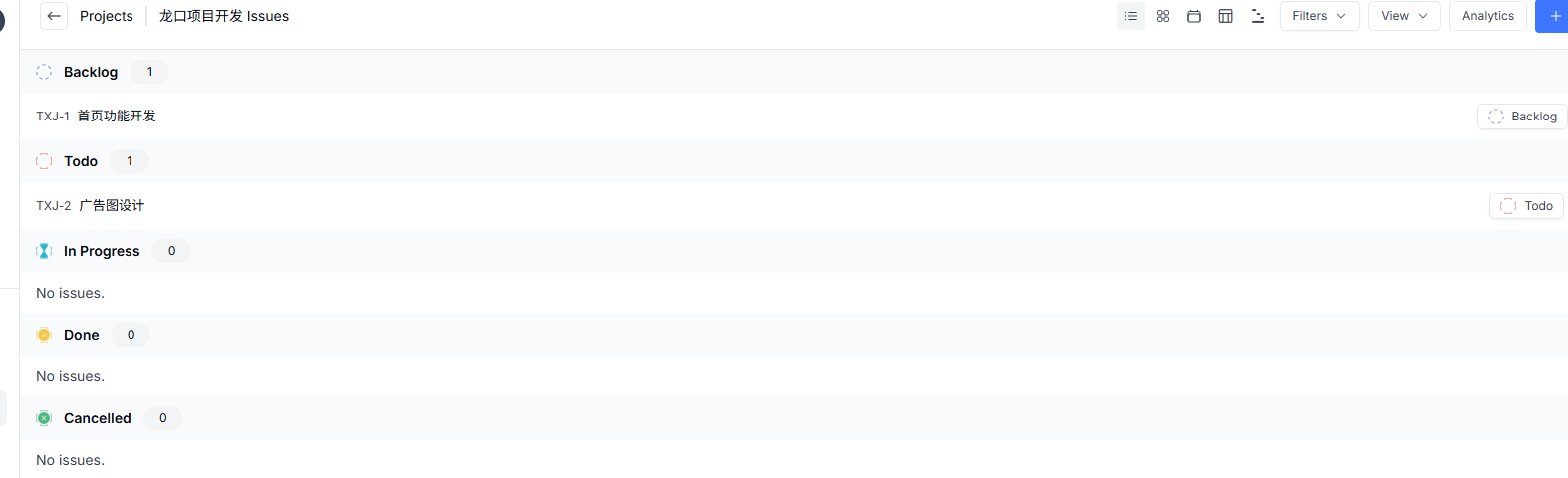
You can switch display views here. Kanban Board: Visualize the workflow.
Switch to the Gantt Chart for project progress tracking.
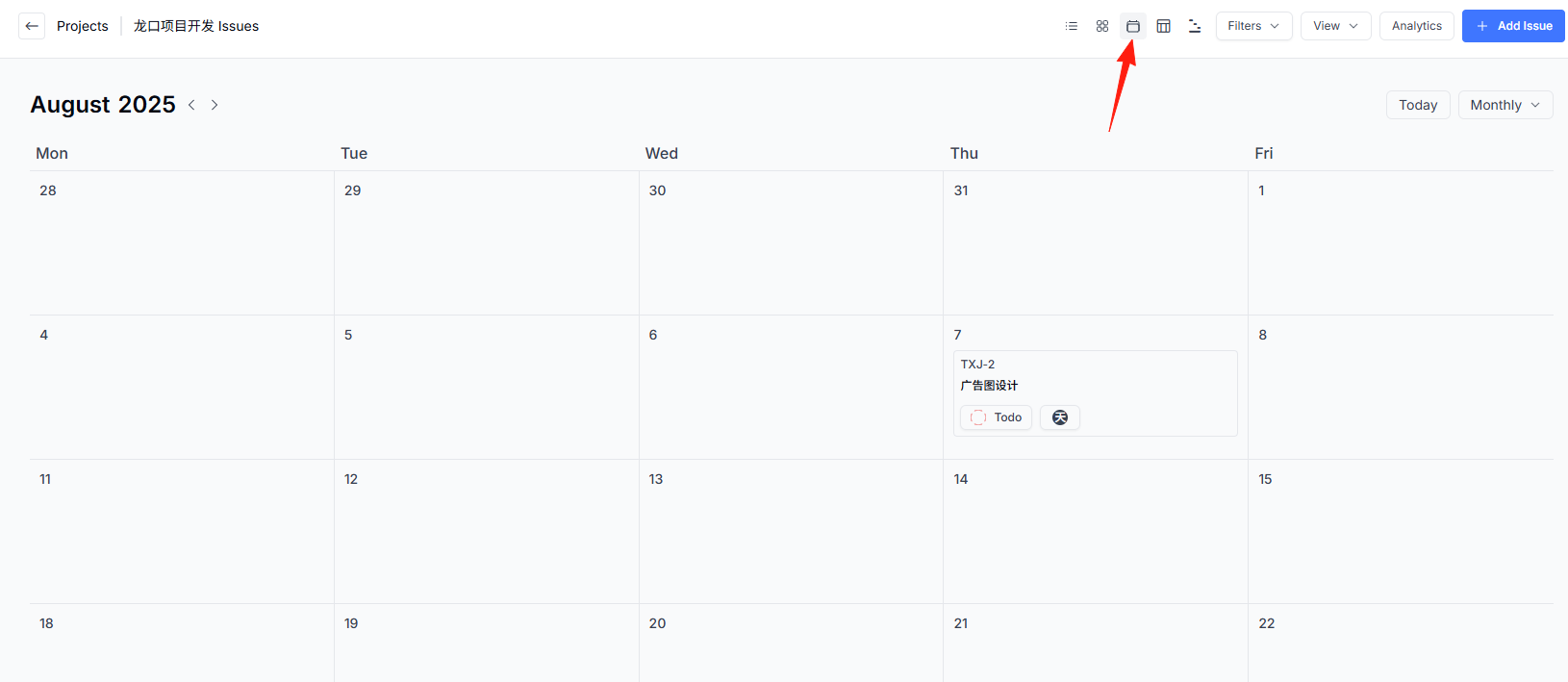
Calendar View: A powerful tool for time management.
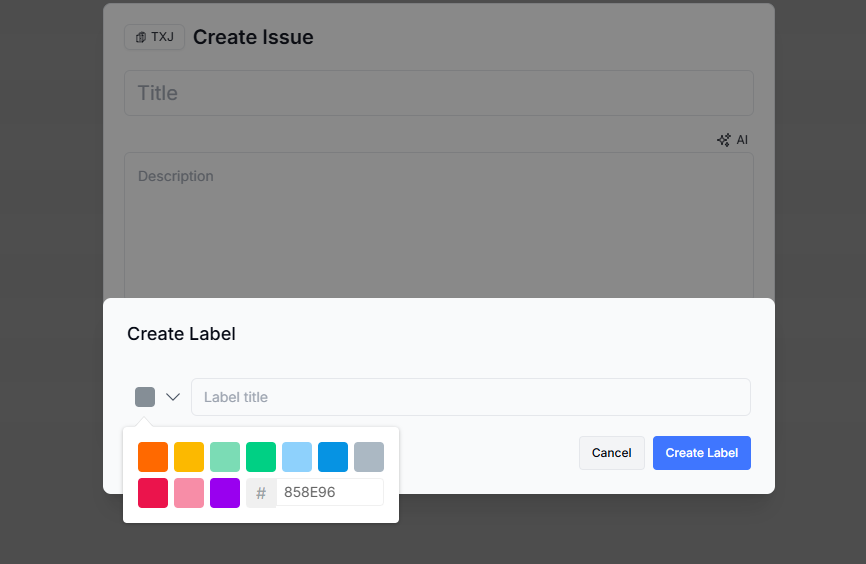
Add labels to tasks (e.g., Urgent, Optimization, New Feature), then use the filter function to quickly find the corresponding tasks. This trick is especially useful when you have many tasks.
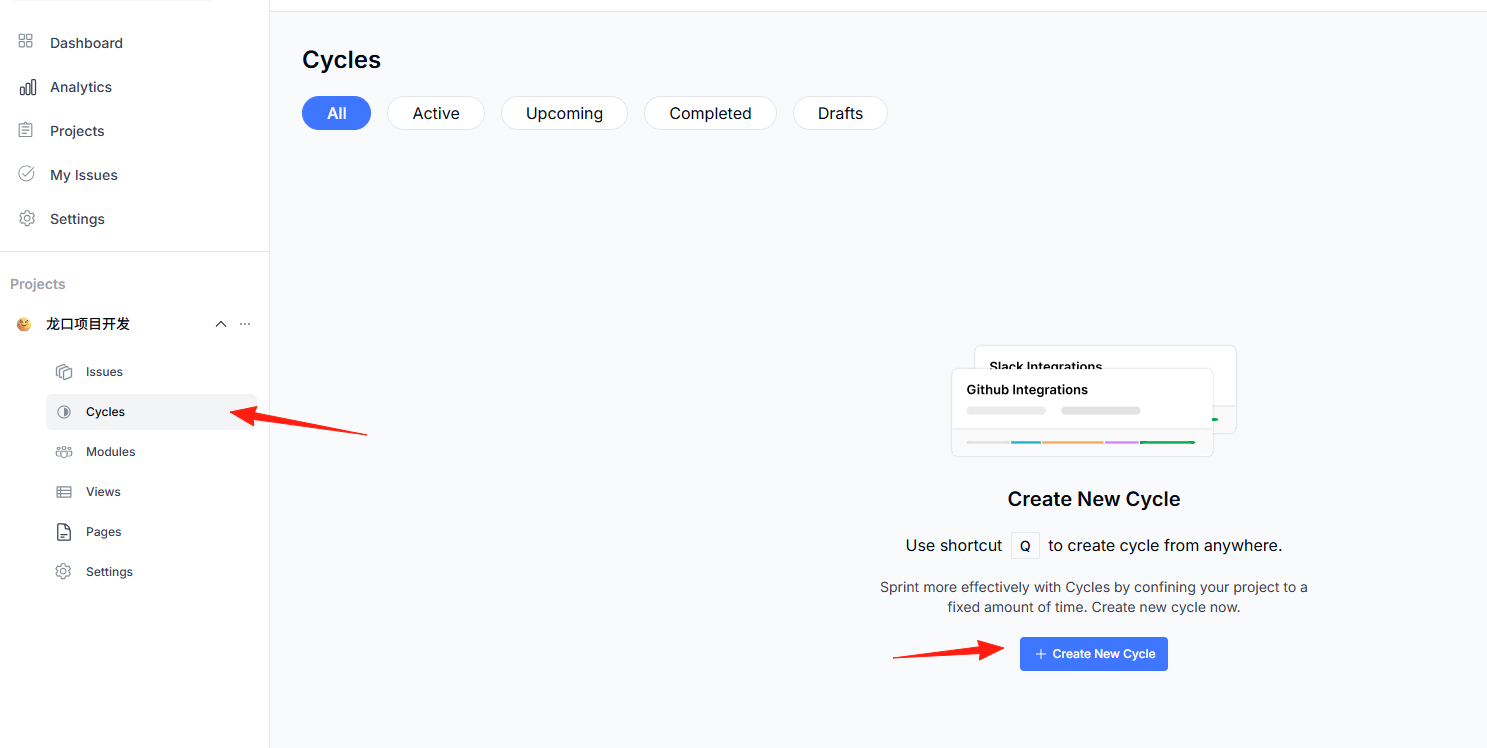
The "Cycles" feature page helps you break down project tasks into fixed time periods for completion. Within a cycle, the team focuses only on the tasks scheduled for that period, avoiding distraction by trying to handle too many things at once.
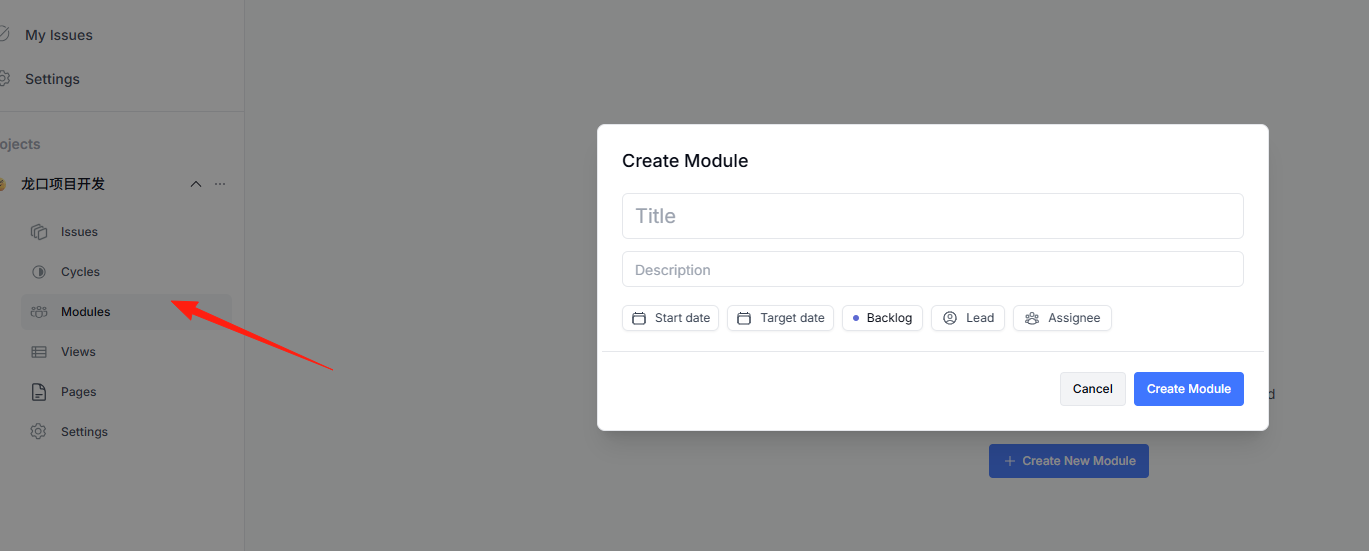
"Modules" are used to create smaller, more focused projects, helping you group and organize issues within a specific timeframe.
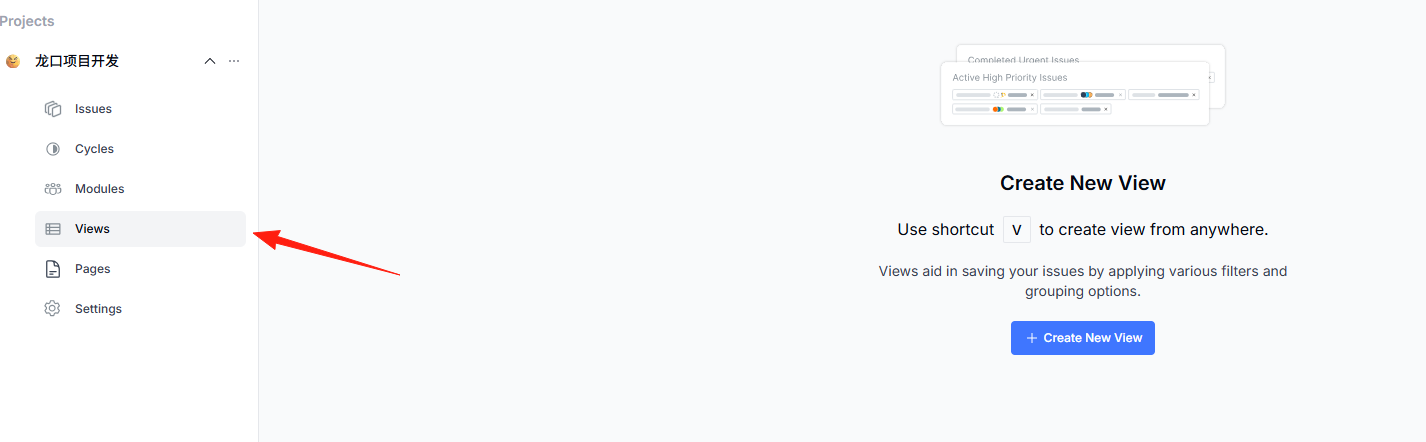
"Views" are essentially customized "filters" and "organizers" that help you display the tasks (issues) in your project in a tailored way.
Summary
Honestly, Plane is a real hidden gem. If you're tired of JIRA's complexity or don't want to spend too much on project management tools, Plane is definitely worth a try.
Its biggest advantage is that it's simple and easy to use – it won't make you click a dozen buttons just to perform a simple operation. Plus, it's open-source and free, so you have complete control over your own data.