
Ticky User Experience: A Simple Kanban Task Management Tool
What is Ticky?
In simple terms, Ticky is a completely free kanban task management tool, similar to Trello but with more powerful features.
Let's first look at its features:
- Project Management: Create multiple projects, each containing multiple boards
- Board Operations: Drag-and-drop cards, bookmark frequently used boards; basic operations are very smooth
- Column Settings: Set card limits for each column, with automatic task completion marking
- Subtasks: Break down large tasks into smaller ones for clear progress tracking
- Time Tracking: Built-in timer, so you never have to worry about where your time went
- Due Dates: Color-coded reminders to prevent forgetting important tasks
- Tag System: Customizable colors and priorities for easy categorization
- File Attachments: Upload files directly to cards, so your materials are never lost
- Comment Functionality: Essential for team collaboration, keeping all communication records
- User Permissions: Assign different permissions to different members
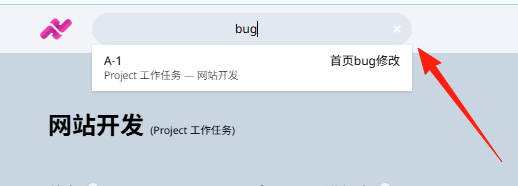
- Global Search: Quickly find tasks using card IDs
https://appstore.lazycat.cloud/#/shop/detail/com.dkorecko.ticky
Usage Tips
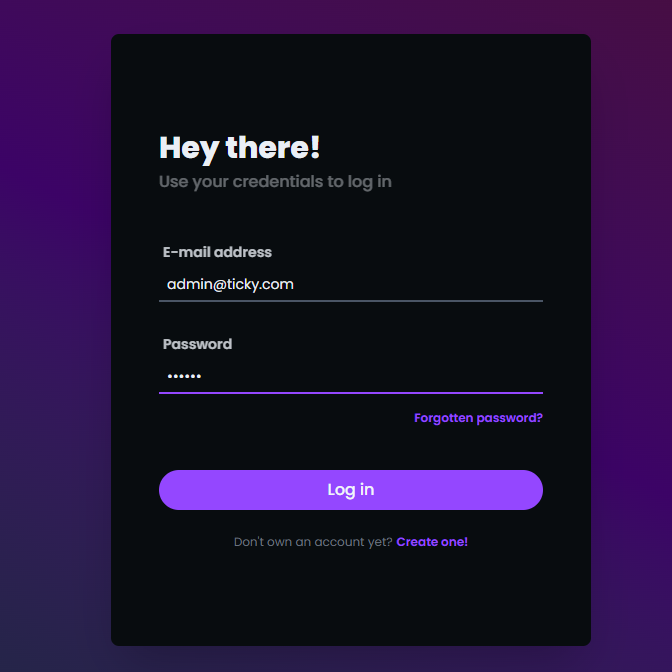
After installing the application, open the login page. The initial account/password is: admin@ticky.com abc123
After logging in, first change to your commonly used email and password.
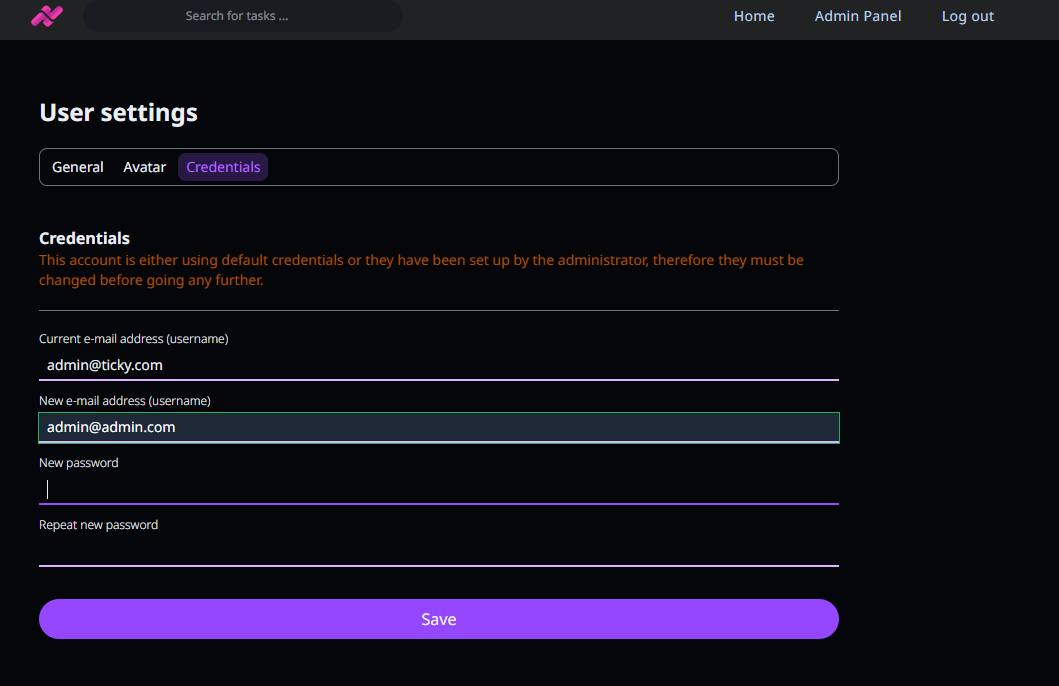
After logging in again, you will enter the homepage.

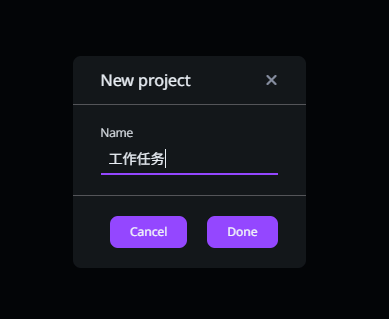
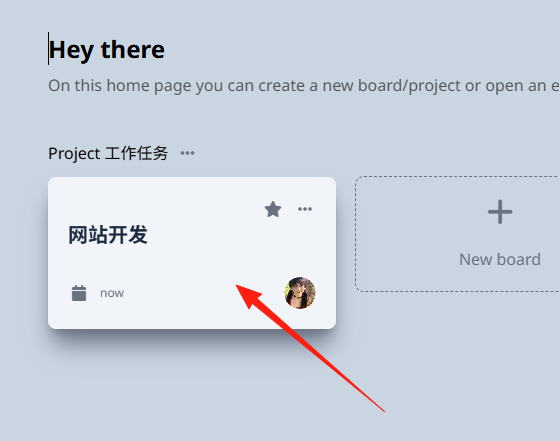
Click on the right side to create a new project, for example:
Create a "Work Tasks" project.
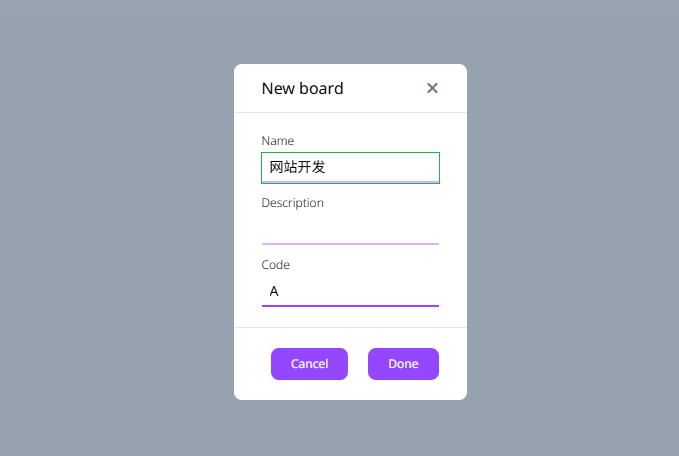
Create a board, which represents a specific goal.
 Click on the newly created board.
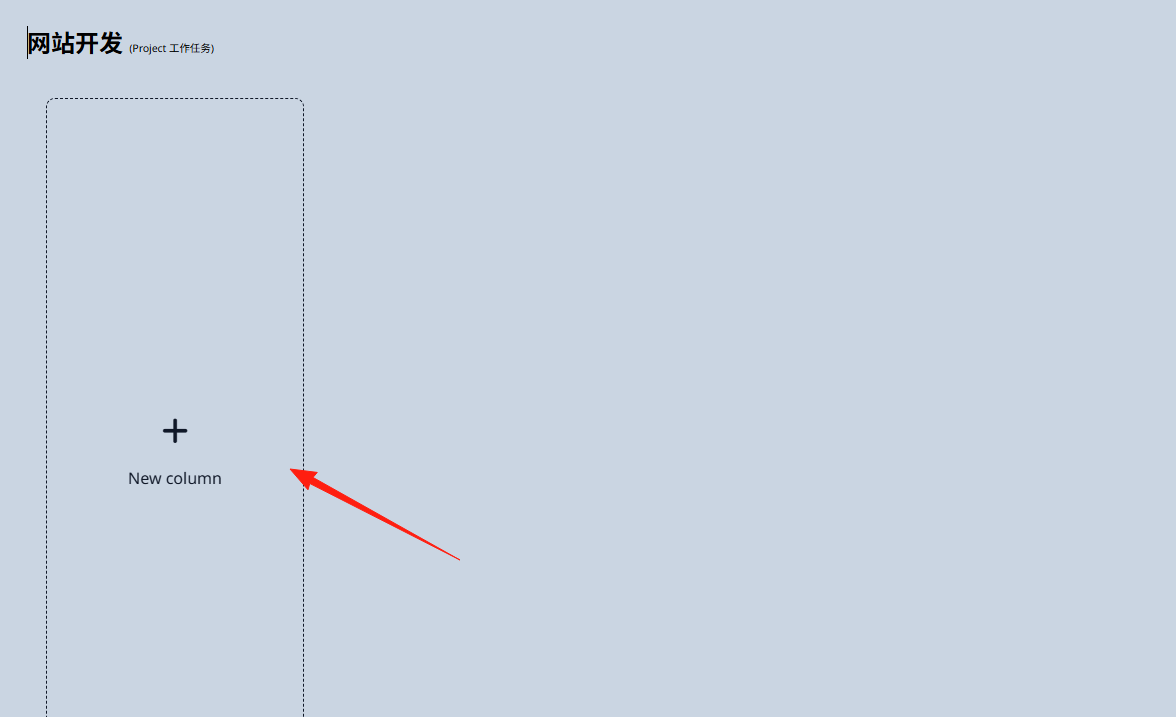
Column: Those vertical rectangular areas are "columns". Each column represents a work stage or task status.
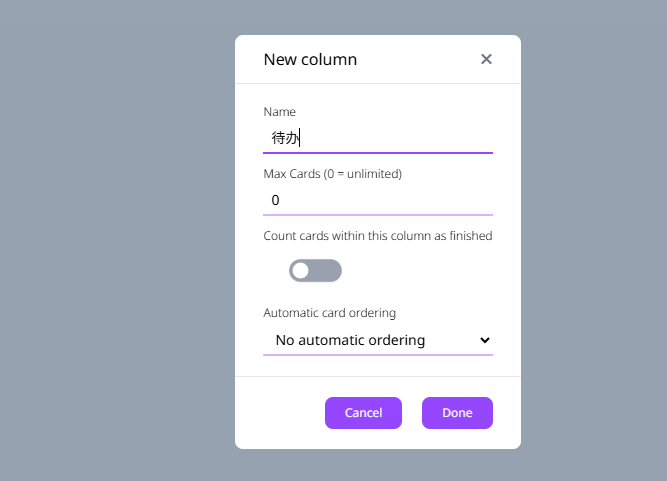
I'll create a few: To Do → In Progress → Pending Review → Completed
 The result after adding them.
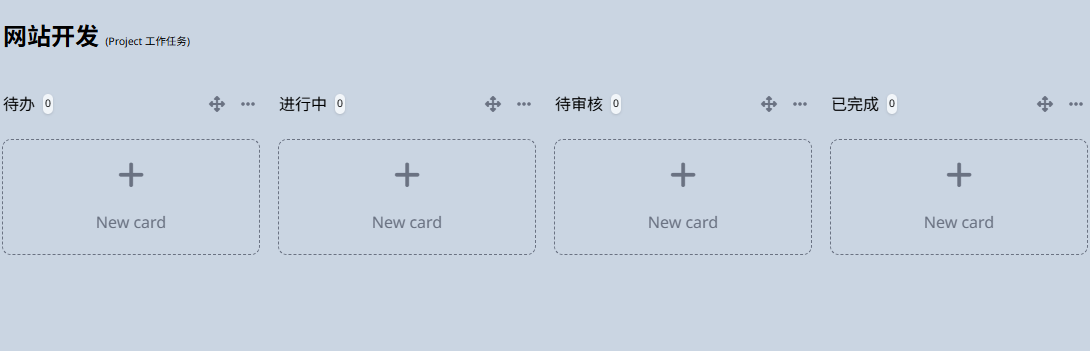
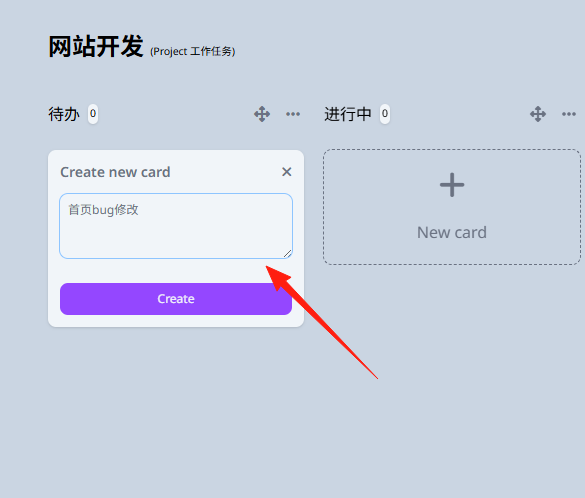
Card: Those small white squares inside each column are "cards".
Each card represents a specific task, a to-do item, or a work item.
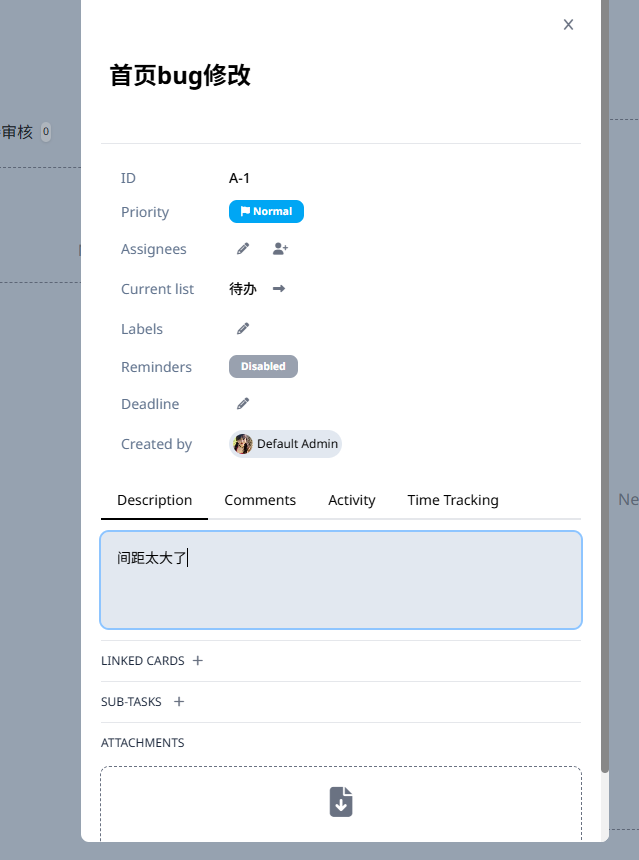
You can add more detailed descriptions to specific cards.
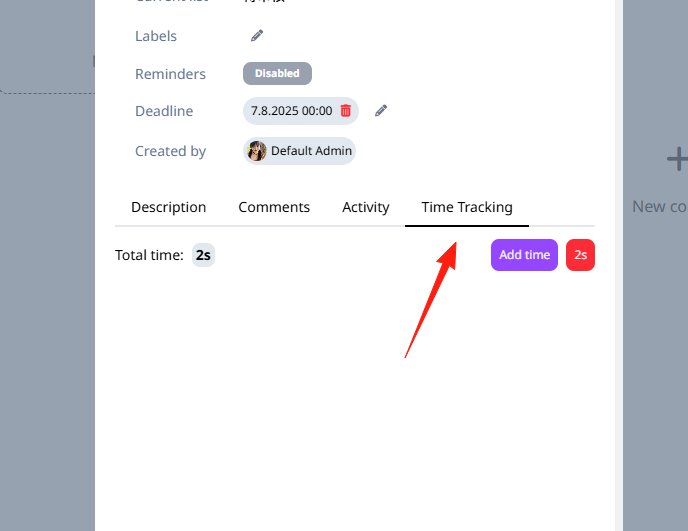
Tasks have a built-in time tracking feature:
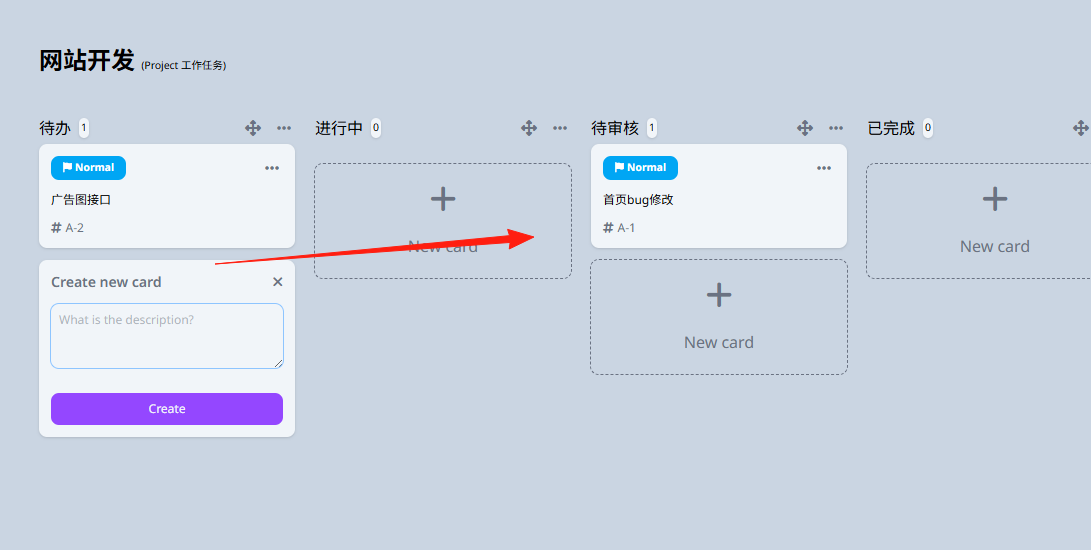
Cards support drag-and-drop functionality. My favorite part is the sense of accomplishment when moving tasks to the completed column.
Make good use of the search function. Each card has a unique ID, such as PROJ-1.
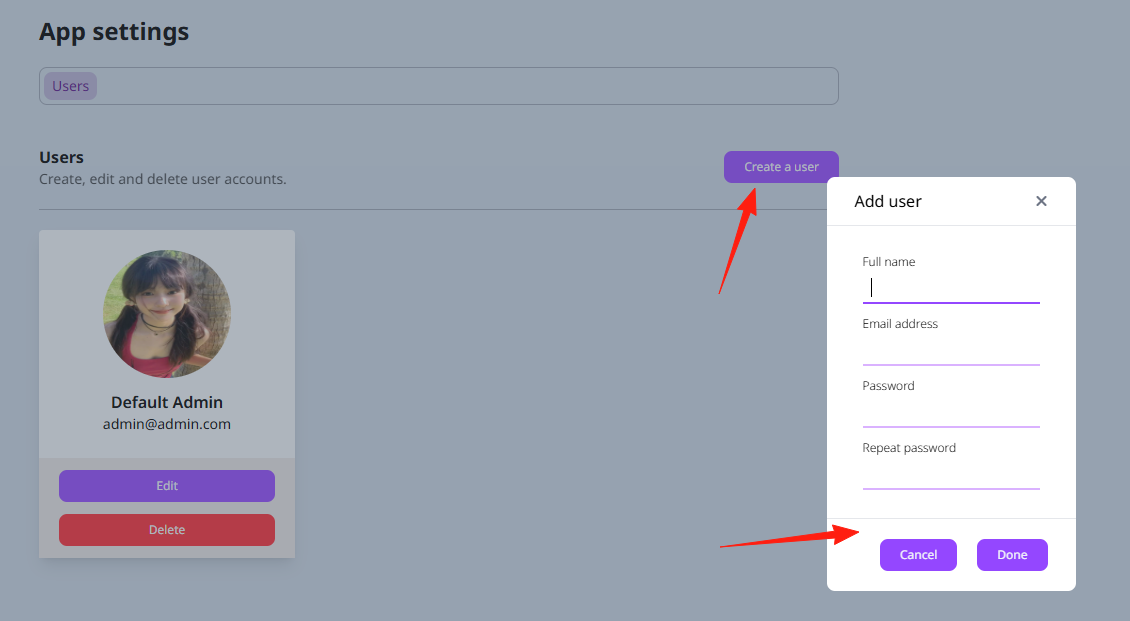
If you want to collaborate with multiple people, you can add users in the settings.
Summary
If you are looking for a task management tool, Ticky is definitely worth trying. Especially for individual users who don't want to be limited by paid features and wish to keep their data under their own control.
The learning curve is very low. If you have used Trello before, you can basically get started in about 10 minutes.