
Upvote RSS Guide: How This Little Tool Helped Me Break My Reddit Addiction
Have you ever had this experience: you just wanted to take a quick look at technical discussions on Reddit, but ended up scrolling for two hours, watching all sorts of cat videos, silly memes, and keyboard wars, while finding very few truly valuable pieces of content.
Or perhaps you follow several high-quality subreddits, but manually checking for updates every day is too tedious. Sometimes you miss great posts, and other times you get overwhelmed by spam.
The Upvote RSS tool is designed to solve these problems.
Simply put, it converts content from websites like Reddit and Hacker News into RSS feeds, and allows you to set filtering conditions—such as only showing posts with over 100 upvotes—so you only receive genuinely high-quality content.
https://appstore.lazycat.cloud/#/shop/detail/chestnut.app.upvote
How to Use
After installing the app, opening it takes you directly to the functional page. The interface is very intuitive, divided into 3 main steps, from left to right: Build your feed, Preview posts, and Copy RSS URL.
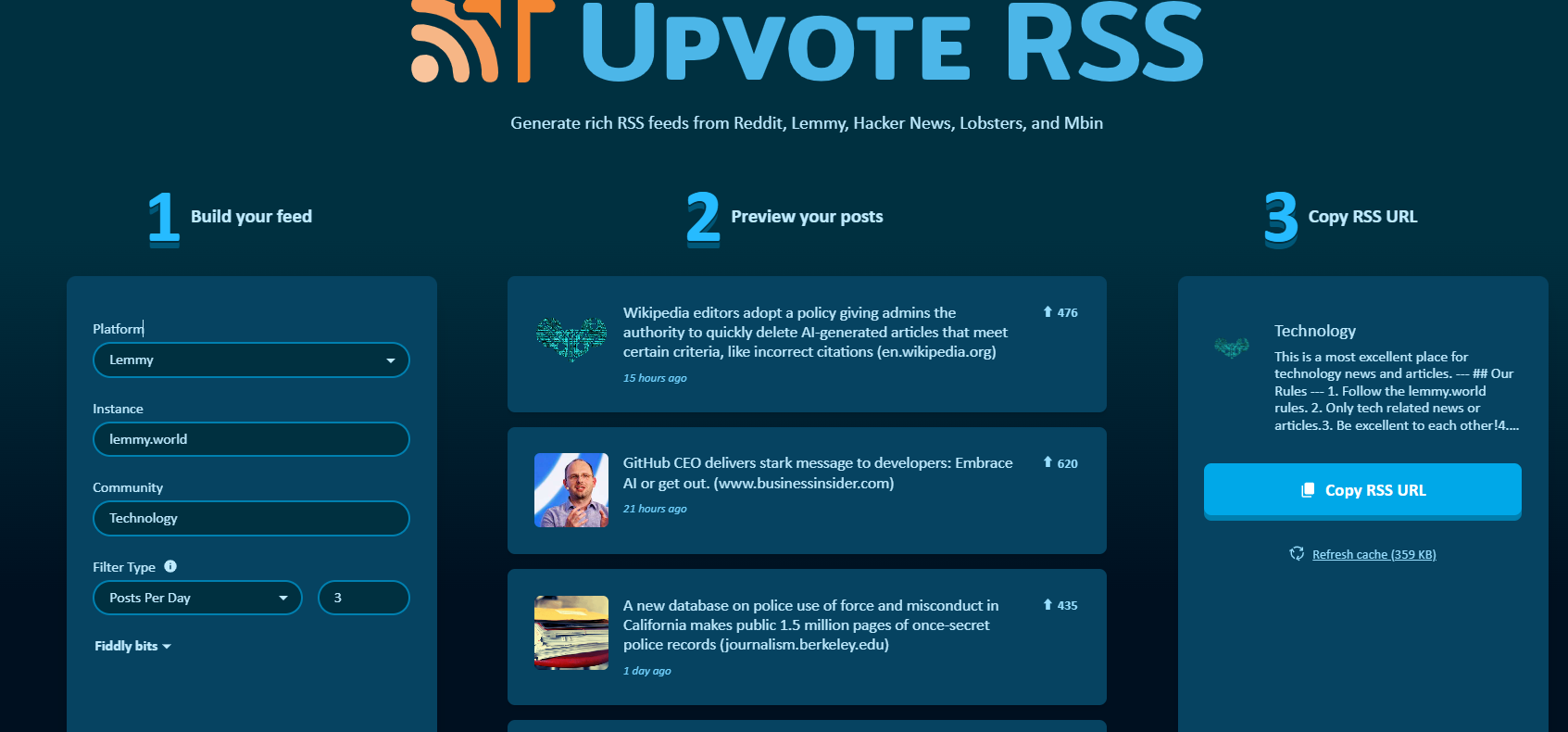
Part 1: 1 Build your feed
This is where you set the filtering criteria, telling upvote-rss which platform, which community, and what standards to use for fetching content.
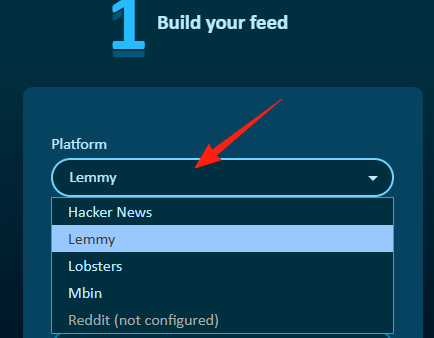
Platform Dropdown
* Purpose: Select the social platform or content website from which you want to generate an RSS feed.
* Options: Reddit, Lemmy, Hacker News, Lobsters, Mbin
Instance Input Field
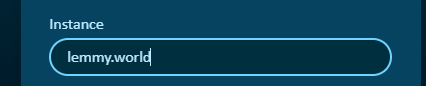
Purpose: This option typically appears for platforms in the "Fediverse," such as Lemmy or Mbin. These platforms consist of many independent "instances," which you can think of as interconnected servers run by different communities or individuals. You need to specify the particular instance you want to fetch content from.
Usage: Enter the domain of the Lemmy instance you wish to follow, e.g., lemmy.world or beehaw.org.
Community Input Field
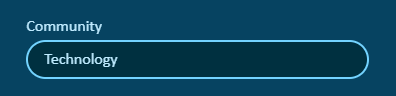
Purpose: Specify the particular community, Subreddit (on Reddit), or discussion board you want to follow on the selected platform and instance.
Usage: Enter the name of the community. For example, if you want to follow tech news on Reddit, you might enter technology
Filter Type Dropdown
* Purpose: Define the specific criteria used to filter posts.
* * Score (Minimum Score): This is the most common option. Set a minimum number of upvotes (or score) a post must have; posts below this threshold will not be included in the RSS feed.
* Posts Per Day: Set the maximum number of posts to display per day; it will select the posts with the highest scores from that day.
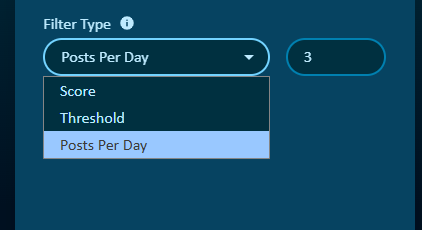
If you selected Minimum Score, enter your desired minimum upvote count here, e.g., 100. If you selected Posts Per Day, enter the maximum number of posts you wish to receive daily.
Part 2: 2 Preview your posts
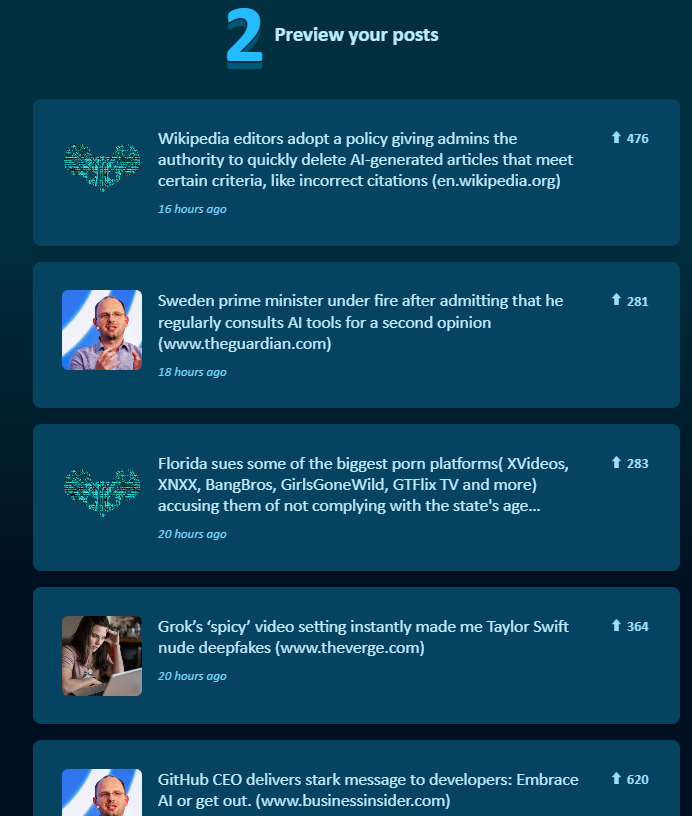
This area displays some posts that meet the criteria you set on the left, allowing you to preview the results before generating the final RSS link.
- Displayed Content: Shows the post title, publication time, and most importantly—the upvote/score count.
Part 3: 3 Copy RSS URL
This is the final step to obtain your RSS subscription link.
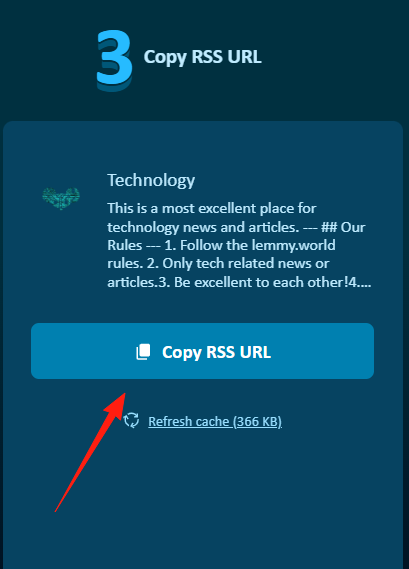
When you are satisfied with the settings on the left and the preview in the middle, click this button to copy the generated RSS feed URL to your clipboard, ready to be pasted into your RSS reader for subscription.
Summary
The Upvote RSS tool effectively combines the advantages of RSS with the content from modern social media platforms. You get to enjoy the high-quality content from sites like Reddit and HN without the risk of accidentally falling into a two-hour scrolling rabbit hole.
For anyone looking to consume information efficiently, it's an absolute game-changer.