
Meilisearch Experience: A Simple Full-Text Search Engine
When it comes to full-text search engines, many people think of Elasticsearch. But honestly, ES is overkill for small projects—it has complex configuration, high memory usage, and requires learning a bunch of concepts.
Today, I'd like to recommend a lightweight alternative: Meilisearch.
How simple is it? Benchmark tests show that Meilisearch processes 100,000 documents with an average search time of 1.47 milliseconds, while Elasticsearch takes 44.1 milliseconds. Not only is it fast, but it's also incredibly easy to get started.
https://appstore.lazycat.cloud/#/shop/detail/xu.deploy.meilisearch
Quick Start
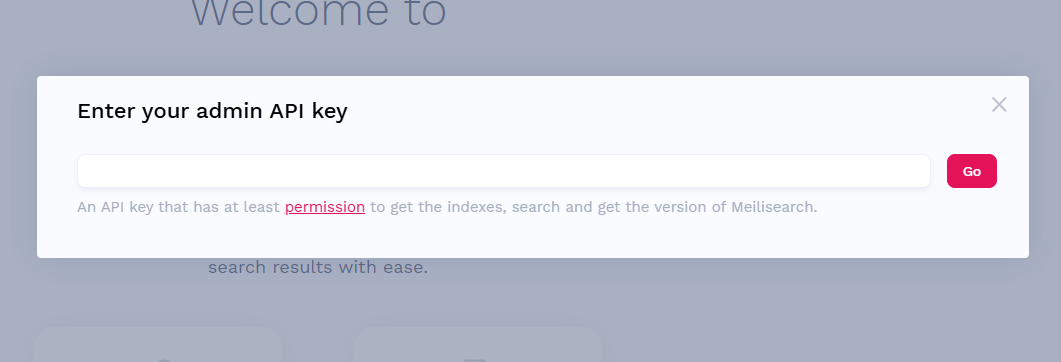
After installing the application, you need to enter the token: lazycatcloud
Add some data. The official provides a JSON file:
https://www.meilisearch.com/movies.json
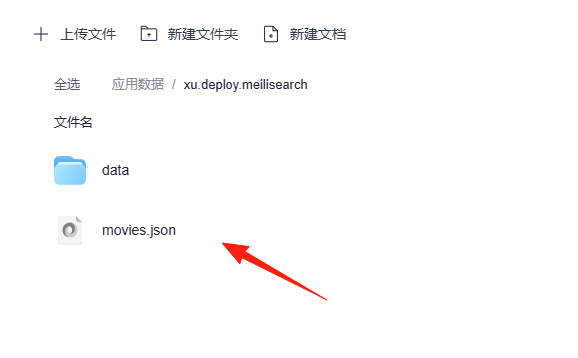
After downloading, place it in the Meilisearch directory.
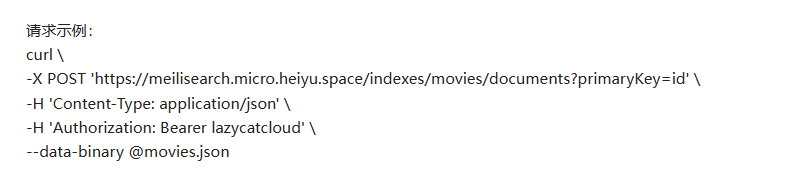
Locally, I used Postman to send a request to generate an index in Meilisearch.
You can refer to the project description.
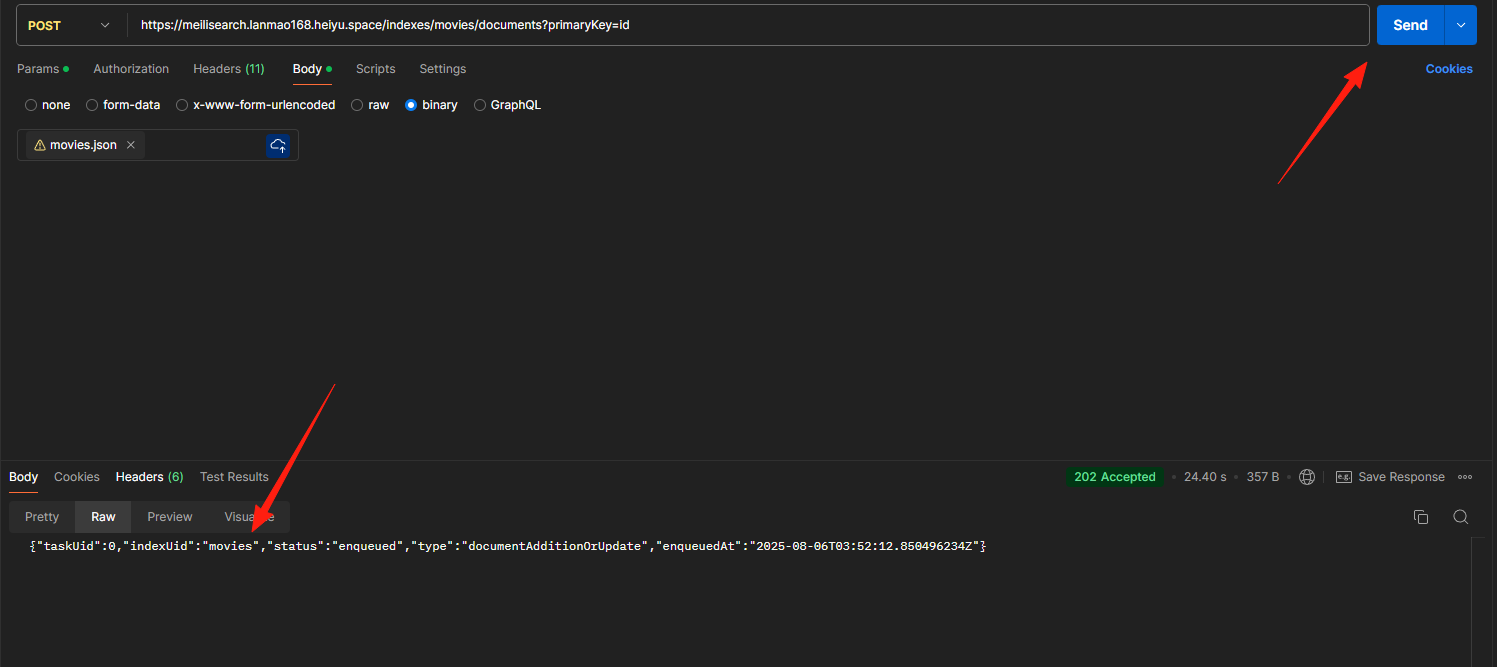
After sending the request, the index ID was returned, indicating success.
Return to the application, refresh the page, and you'll see the data is now available.
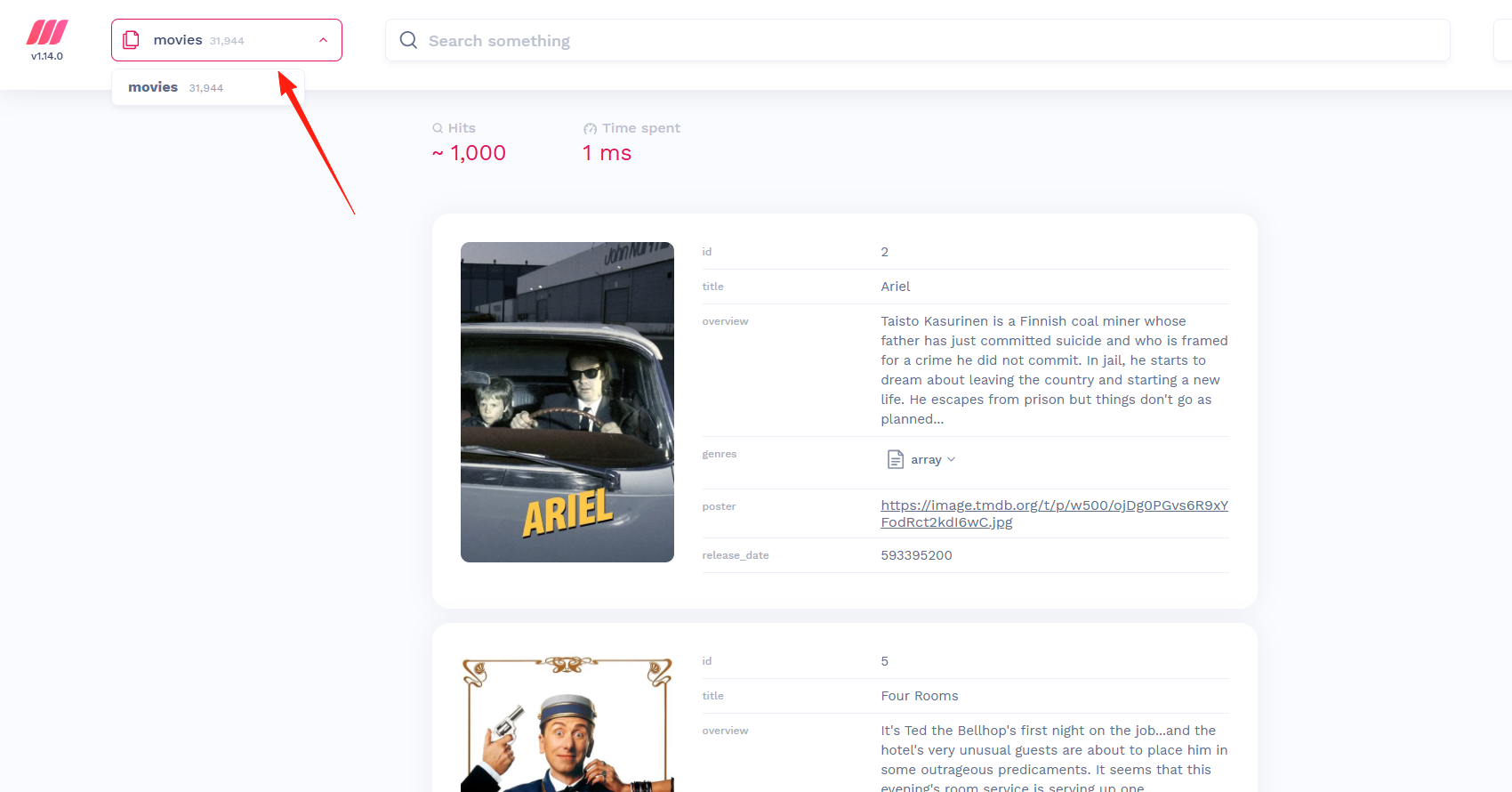
Start searching. With over 30,000 records, results appear almost instantly as you type, providing a real-time search experience where users see results as they type.

Summary
Meilisearch is suitable for small to medium-sized projects. Compared to the complex configuration of Elasticsearch, it's incredibly simple and performs exceptionally well, delivering a smooth search experience.
If you're considering adding search functionality to your project, I highly recommend trying Meilisearch.
Although Meilisearch is excellent, if your project involves extremely large datasets (tens of terabytes) or requires complex data analysis features, it's better to stick with Elasticsearch. Tools aren't inherently good or bad—they're just more or less suitable for specific scenarios.