
DokuWiki: The Knowledge Base Powerhouse Even Beginners Can Easily Set Up
What is DokuWiki?
This application belongs to the same category as the previously recommended TiddlyWiki, and you can choose between them based on your preference.
DokuWiki is suitable for building documentation libraries and project knowledge bases, helping you consolidate acquired knowledge and techniques.
It does not require database support, is compact and lightweight, flexible yet powerful, simple to install, rich in plugins, features robust access control, and is completely free. In simple terms, it's user-friendly but doesn't lack functionality.
https://appstore.lazycat.cloud/#/shop/detail/dev.beiyu.dokuwiki
How to Use
Open the main page after installing the application.
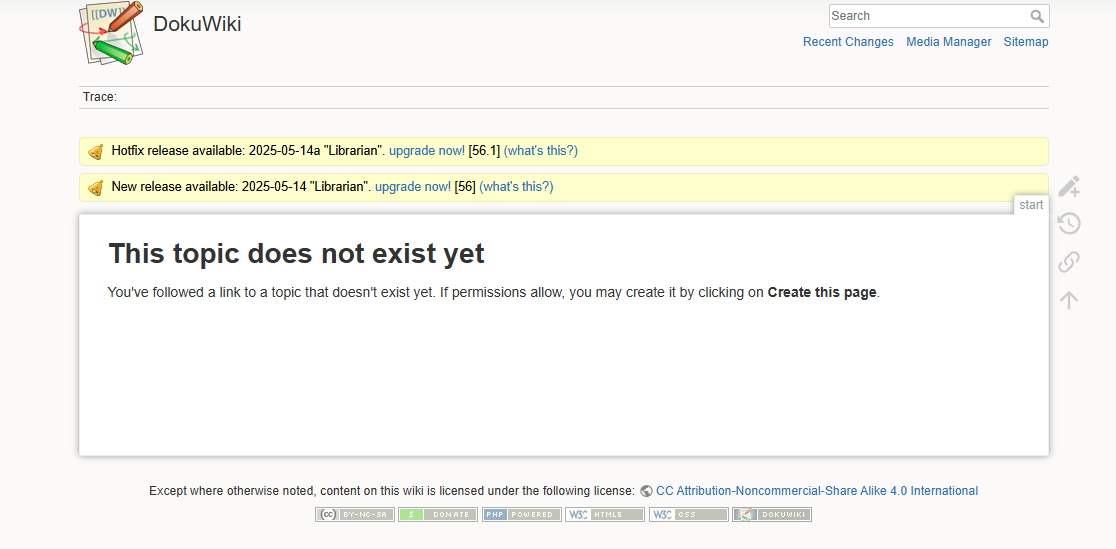
Go to https://dokuwiki.${your_username}.heiyu.space/install.php to perform the initial installation.
Note: ${your_username} is your LazyCat username.
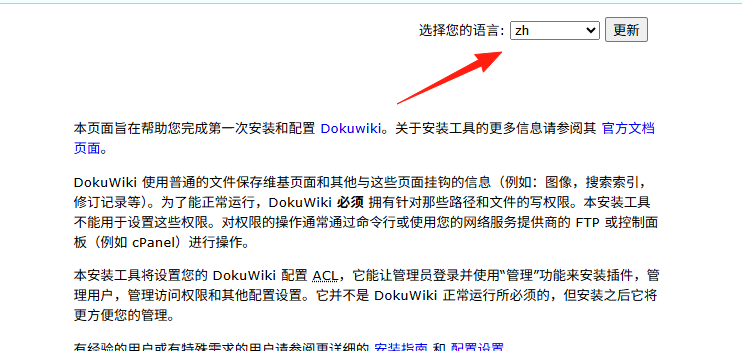
First, change the language on the right to Chinese.
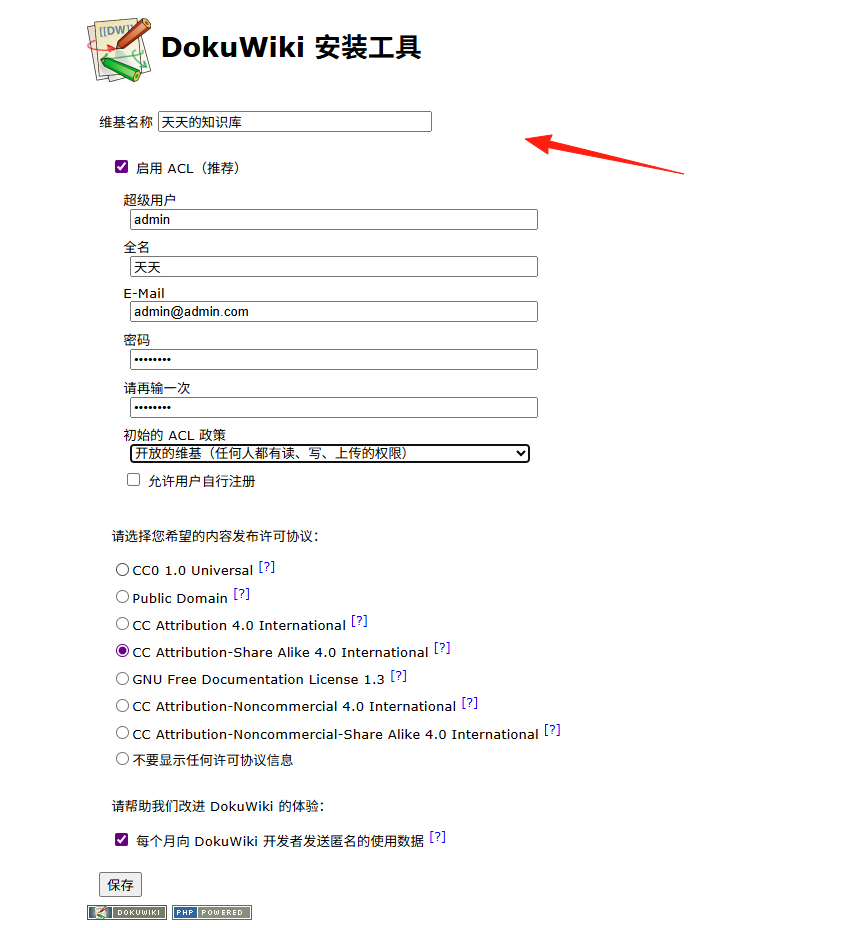
Register an administrator account.
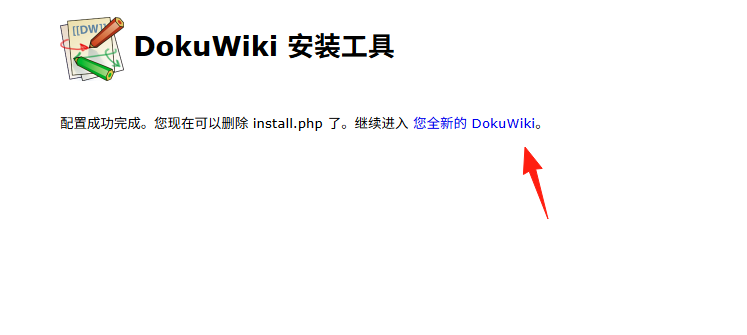
Click to enter.
Click "Login" in the upper right corner.

After logging in, you will enter the main page.
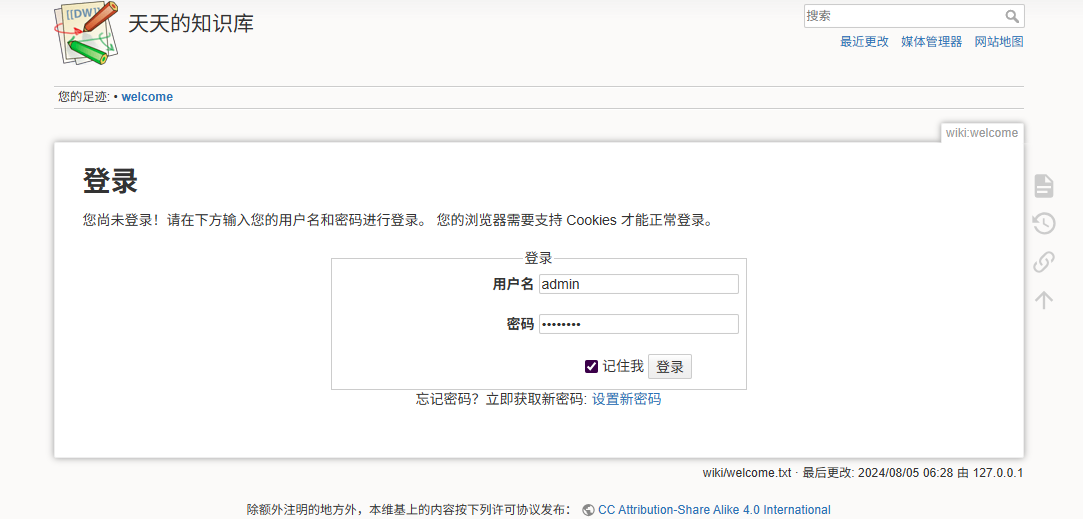
It requires a welcome page; click "start".
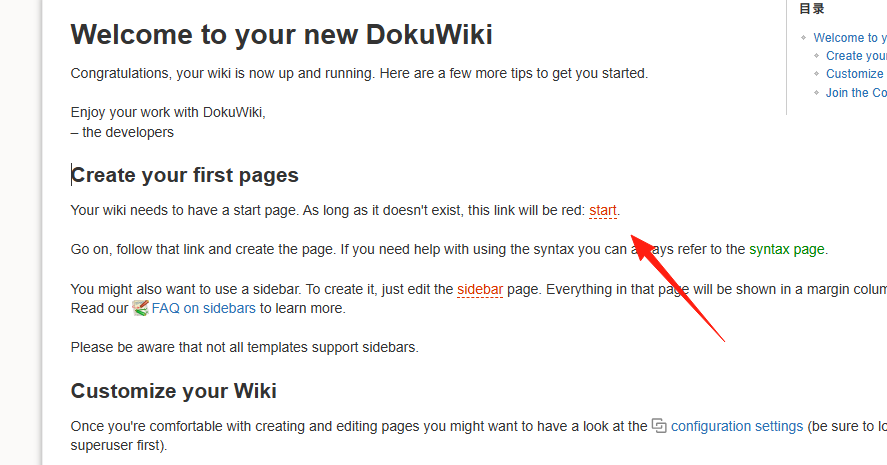
Create a page.
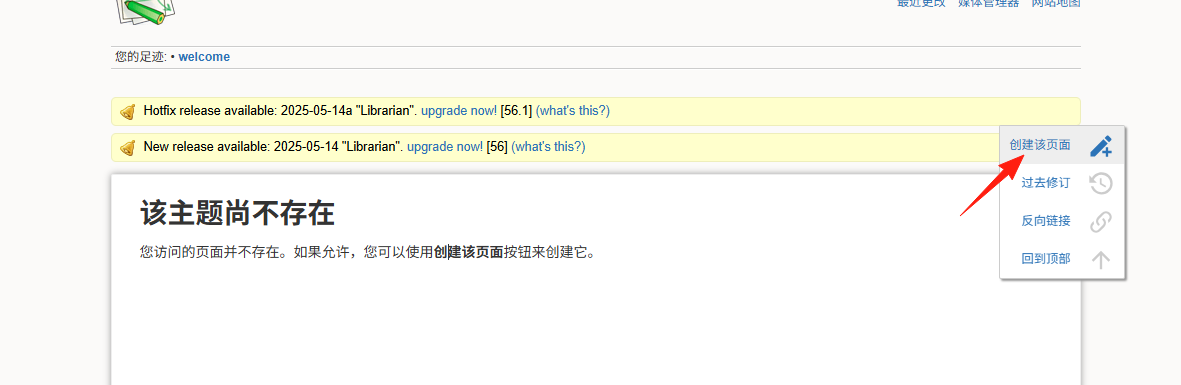
Enter the Administration interface.
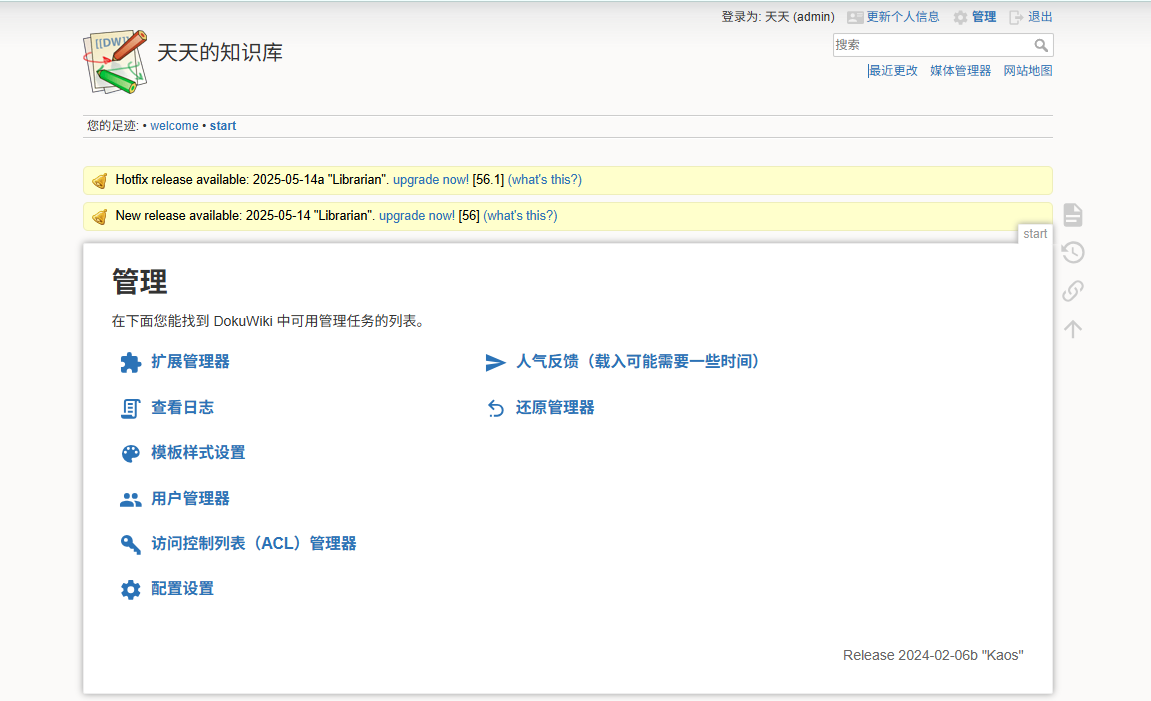 Go to Extension Manager -> Search and Install.
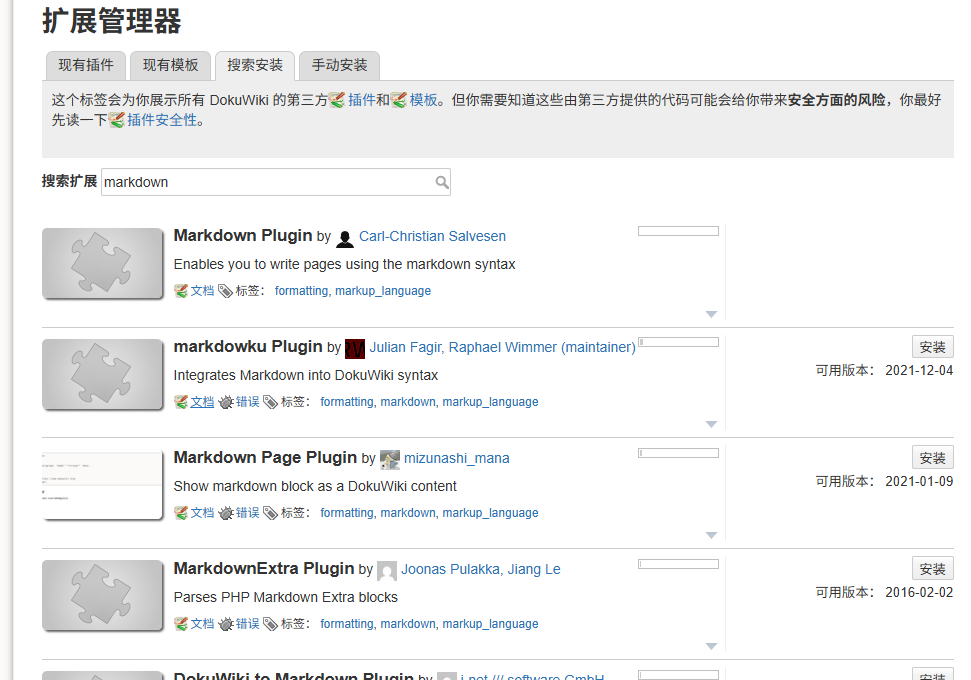
- Editor.md - Supports Markdown editing, WYSIWYG.
- Tag - Add tags to pages for easy categorization.
- Discussion - Adds a comment feature.
- Gallery - Displays images more attractively.
- PDF Export - Exports PDF documents.
Using Namespaces DokuWiki's namespaces function like folders, helping you organize content:
ProjectA:Requirements
ProjectA:TechnicalSpecification
ProjectA:TestReports
ProjectB:ProductSpecs
ProjectB:UserManual
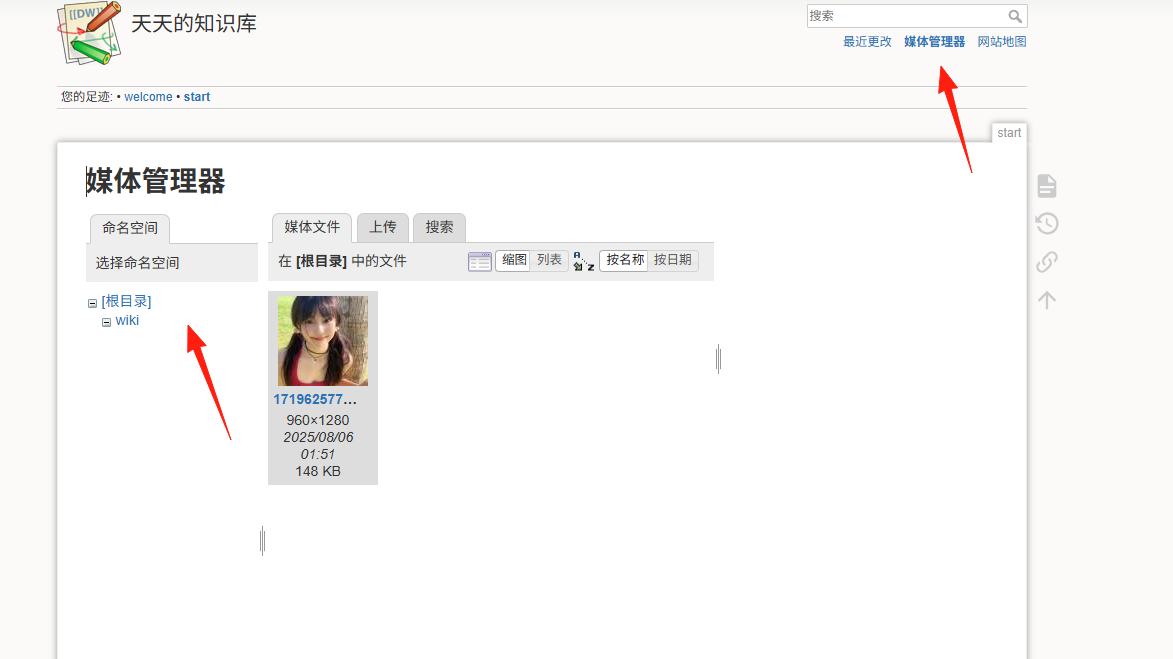 This keeps things clearly categorized and super easy to find.
Leverage Templates Create a few commonly used page templates, such as:
- Meeting Notes Template
- Project Documentation Template
- Knowledge Summary Template
Copy the template content each time you create a new page to instantly boost efficiency.
Quick Links
[[PageName]]- Link to another page.[[Namespace:PageName]]- Link to a page in a specific namespace.{{image.jpg}}- Insert an image.
Creating Tables
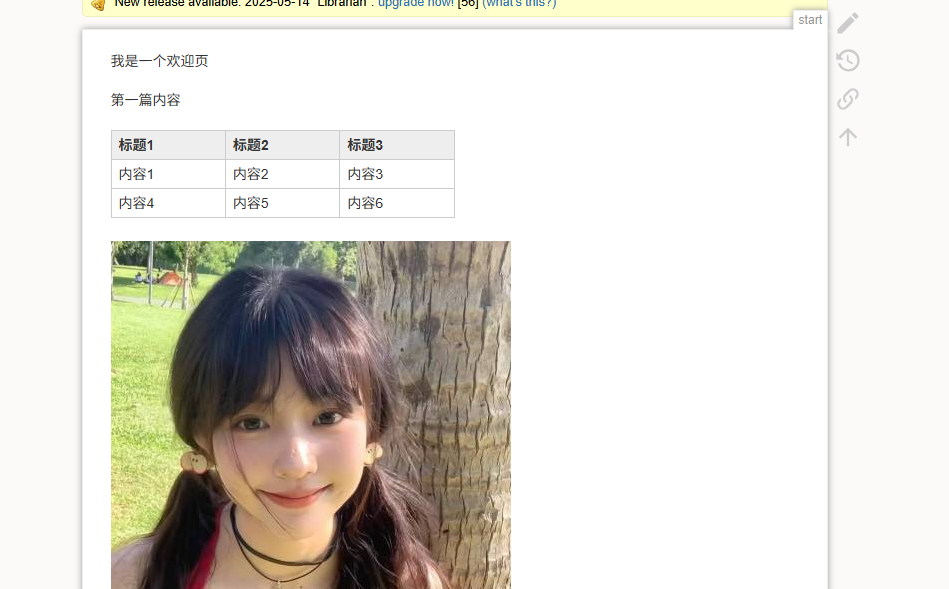
^ Header1  ^ Header2  ^ Header3  ^
| Cell1    | Cell2    | Cell3    |
| Cell4    | Cell5    | Cell6    |
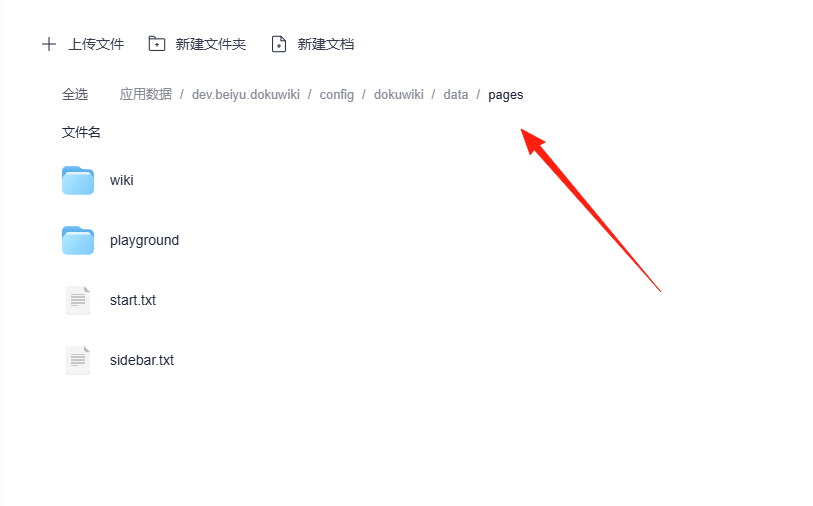
You can directly place text files into the data/pages directory, and DokuWiki will automatically recognize them.
Summary
DokuWiki's interface might not be as flashy as some modern tools, but it excels in stability and practicality.
The advantages of DokuWiki include simple installation, easy configuration, and high performance. It's a good choice for anyone looking to build their own knowledge base.