
Kanboard: A User-Friendly Project Management Tool
What is Kanboard?
In simple terms, Kanboard is a free, open-source Kanban project management software. You can think of it as a digital sticky note wall, but with far more powerful features than real sticky notes.
Its core concept is the Kanban Method – dividing your tasks into columns like "To Do," "In Progress," and "Done," and managing each task using cards. It sounds simple, but you'll discover its power once you start using it.
https://appstore.lazycat.cloud/#/shop/detail/xyz.mxue.kanboard
Quick Start
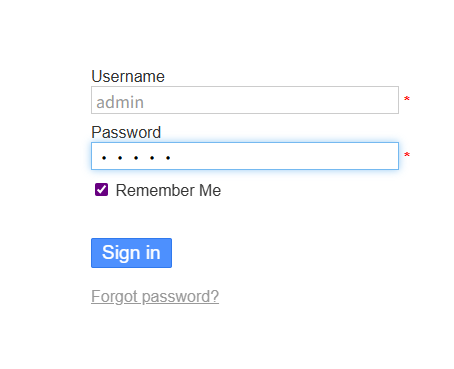
After installing the application, log in with the default credentials (Username: admin, Password: admin).
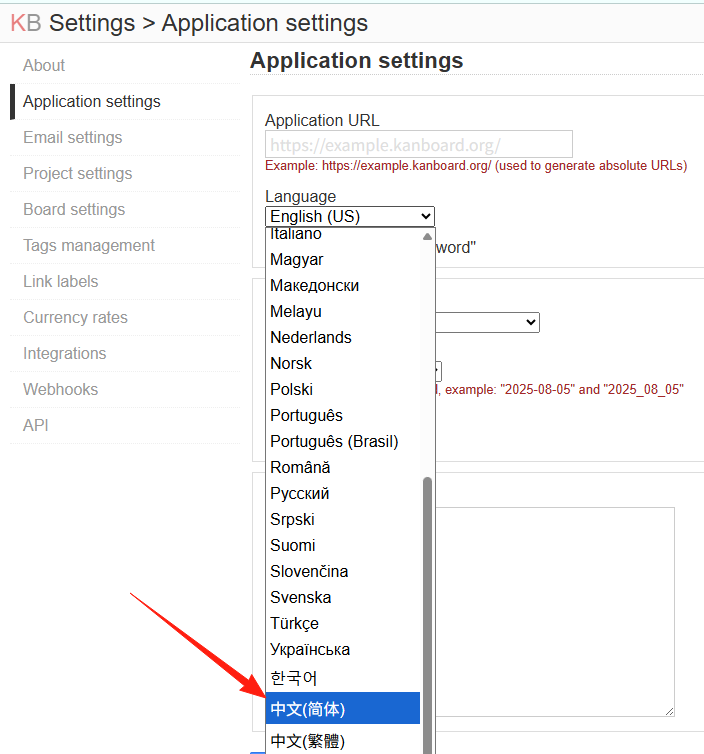
In the settings, you can change the language to Chinese.
Return to the main page.

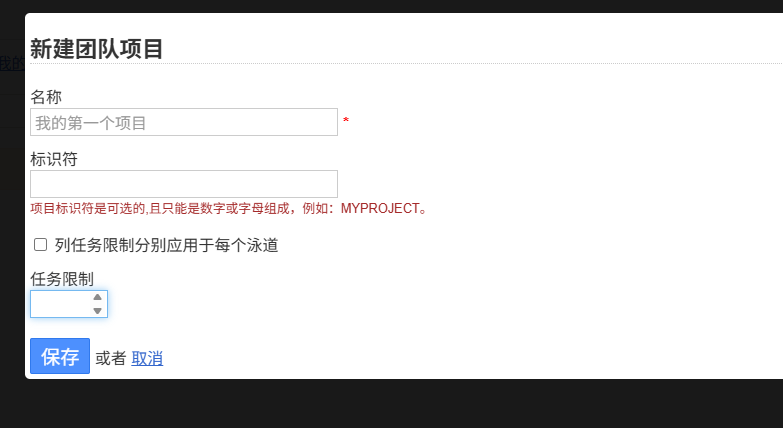
Click "Create New Project," and give your project a name, for example, "My First Project."
Set up your Kanban columns. By default, there are three columns: Backlog, Ready, In Progress, and Done.
You can modify them according to your needs:
- Work Tasks: Pending → In Progress → Completed → Accepted

Create Task Cards
Click the "+" sign to add a task, and give the task a name, for example:
- "Complete this week's work report"
- "Study Python Chapter 3"
- "Buy groceries and cook"
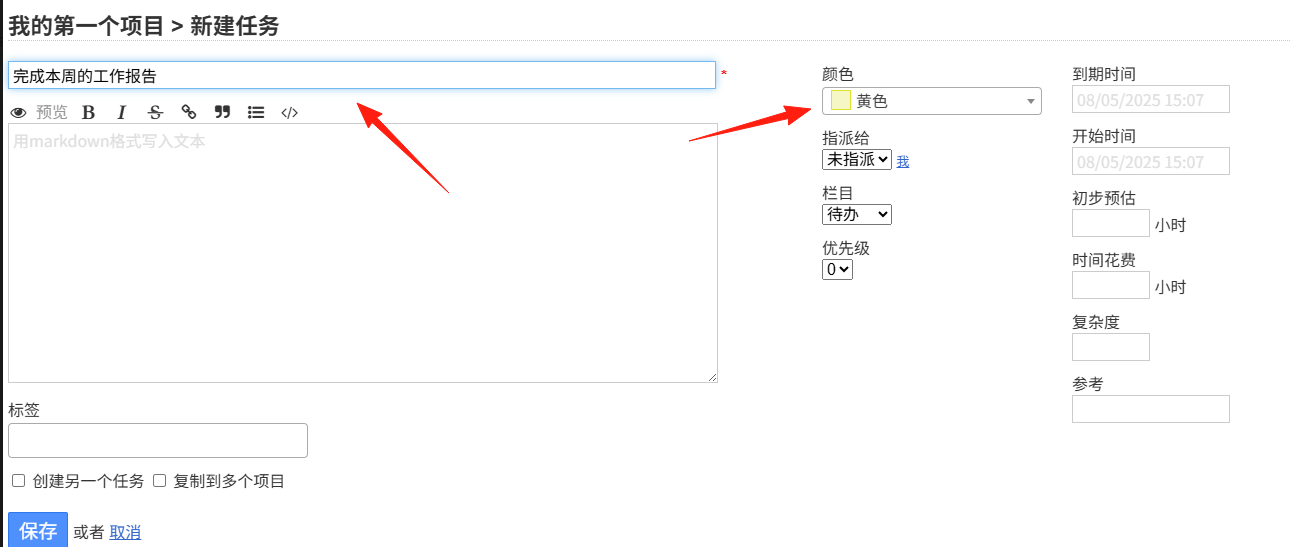
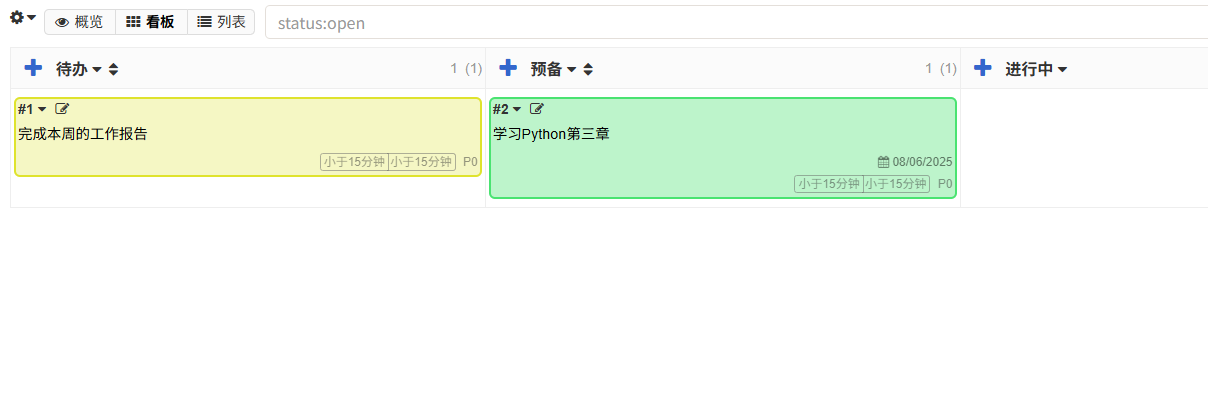
For each task, you can set:
- Due Date: When it needs to be finished
- Assignee: Who is responsible for this task
- Priority: Level of urgency
- Tags: For easy categorization and searching
- Description: Detailed explanation of the task content
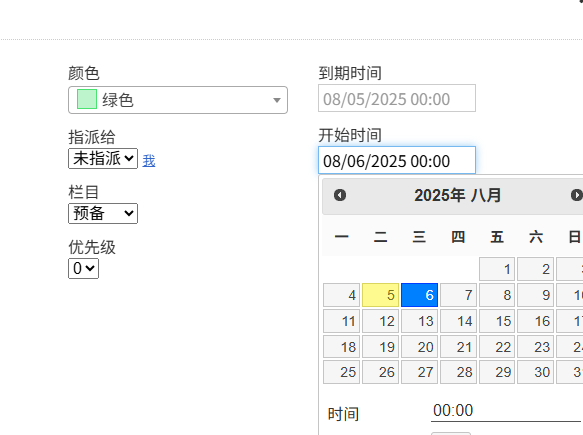
Assign different colors to different types of tasks:
- 🔴 Red: Urgent and Important
- 🟡 Yellow: Important but Not Urgent
- 🔵 Blue: Routine Tasks
- 🟢 Green: Learning & Self-Improvement
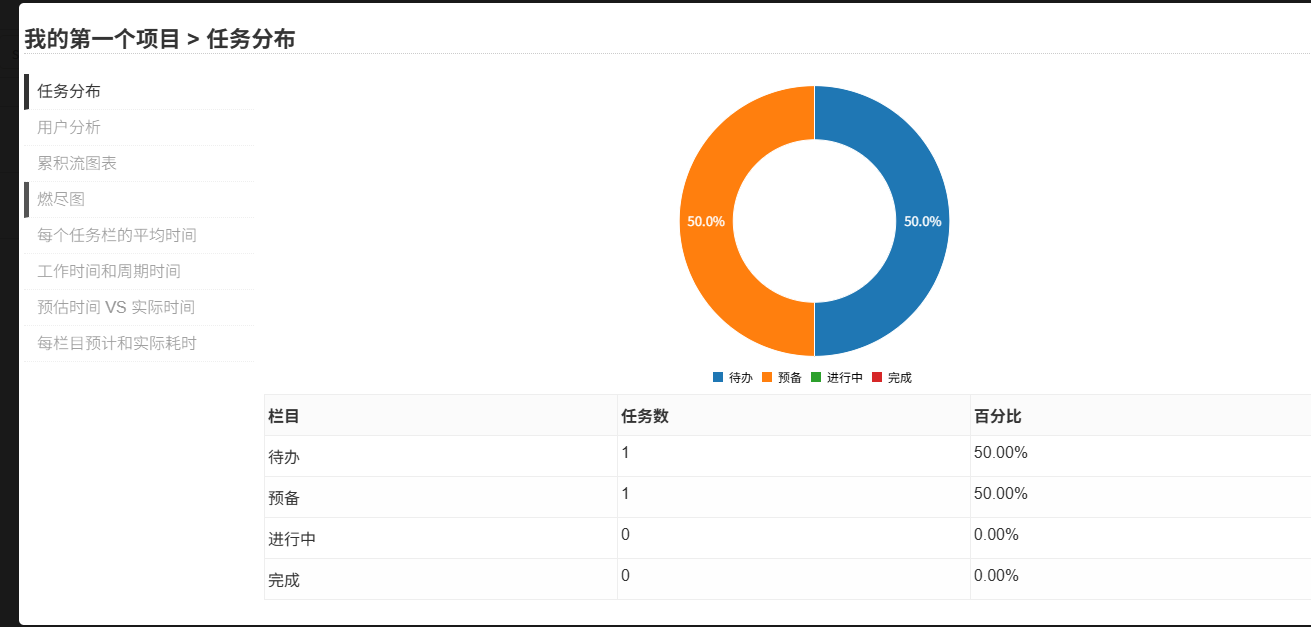
Kanboard has excellent statistical features, allowing you to see:
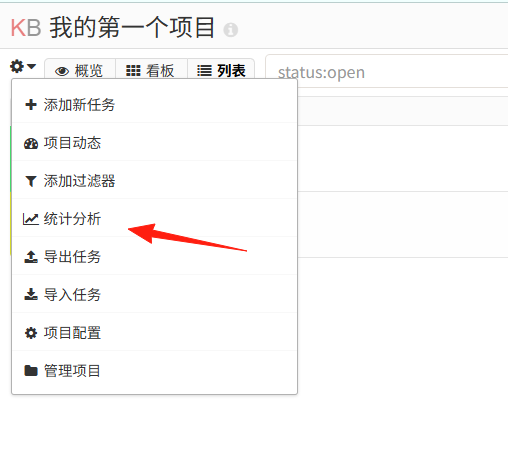
Task completion rate, average processing time, team member workload distribution.
This data helps you better organize work and improve efficiency.
Summary
Kanboard isn't the most glamorous project management tool, but it's definitely one of the most practical. Its value lies not in flashy features, but in its ability to genuinely help you get things done and manage your team effectively.
My favorite feature is the drag-and-drop operation. The moment you drag a task from "To Do" to "Done," there's a real sense of accomplishment. Furthermore, watching the "Done" column fill up with more and more tasks provides strong motivation to keep going.
If you're looking for a simple, free, and easy-to-use project management tool, I sincerely recommend giving Kanboard a try.
Project Address: https://github.com/kanboard/kanboard
Official Website: https://kanboard.org/
Installation Documentation: https://docs.kanboard.org/