
FileDrop Practical Guide: The Ultimate Tool for LAN File Transfers
What is FileDrop?
In simple terms, FileDrop is a tool that lets you quickly transfer files between devices on the same WiFi network. Think of it like AirDrop, but cross-platform and completely free and open-source.
Core Features:
- 🔒 End-to-End Encryption - Files are encrypted on your device; the server is just a "mail carrier"
- 🚀 Local Network Direct Transfer - No external internet required, extremely fast speeds
- 💻 Cross-Platform Support - Works on Windows, Mac, and Linux
- 🆓 Completely Free - Open-source project, no ads or hidden tricks
https://appstore.lazycat.cloud/#/shop/detail/in.zhaoj.filedrop
How to Use
After installing the app, open the home page and first set a name.
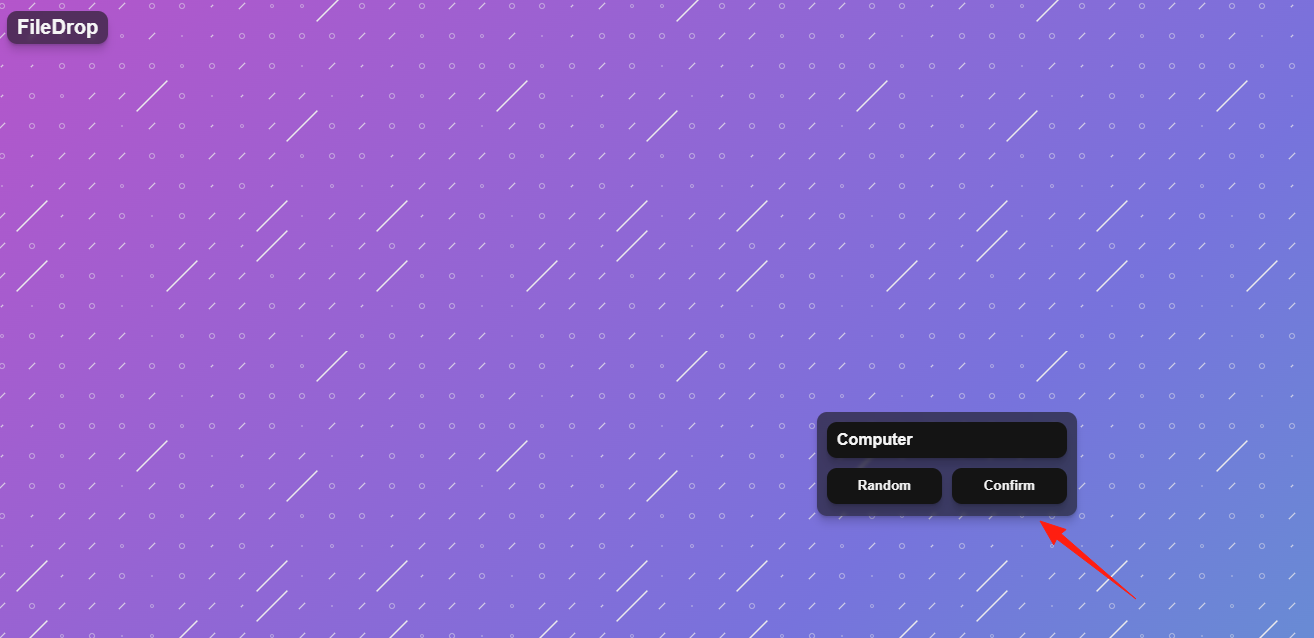
On any device (phone, tablet, another computer) on the same WiFi network, open a browser and enter the address you just saw: https://filedrop.your-lazycat.heiyu.space/
Then, choose a username and log in.
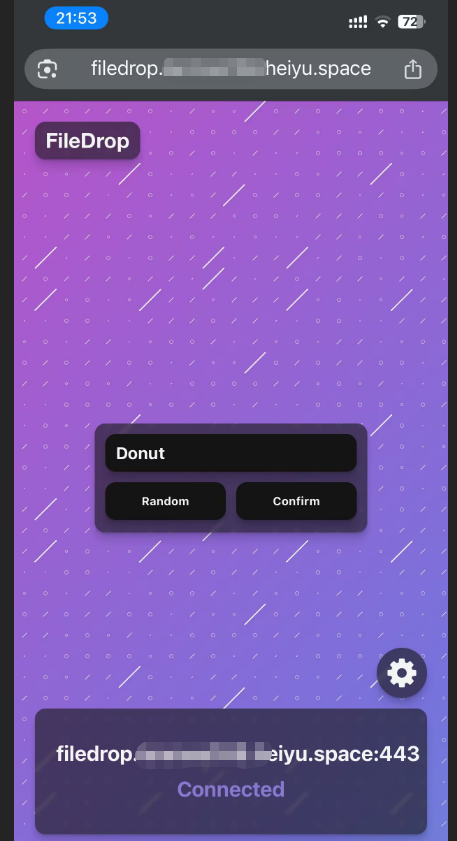
Within the same network, you can see the user from the computer side.
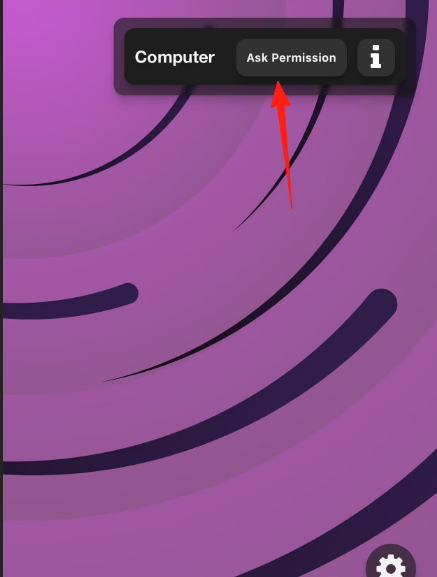
Click the button to request permission.
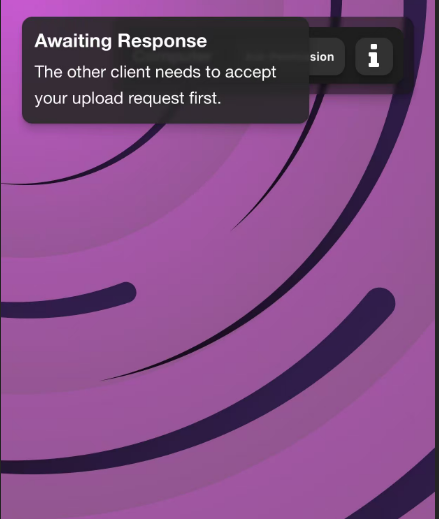
Click 'Accept' on the computer side.

Click 'Sendfile' to send a file.
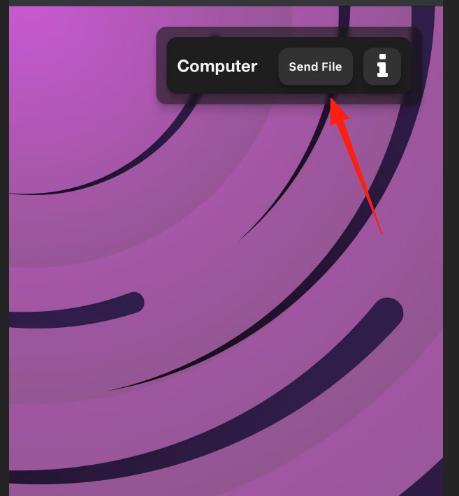
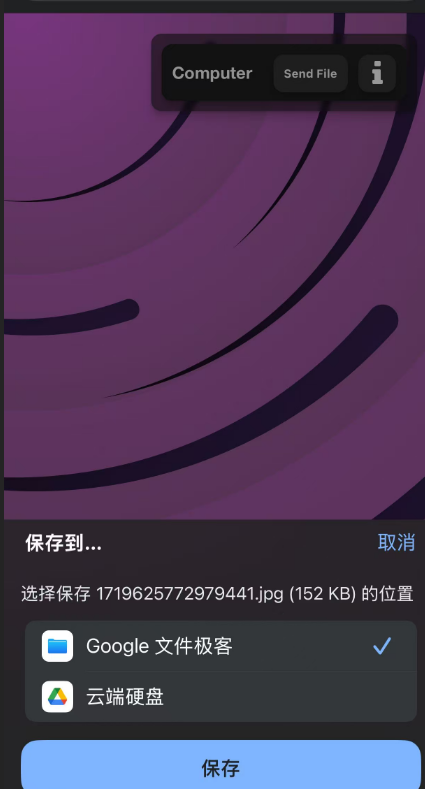
The computer side can then directly save the file to the computer.
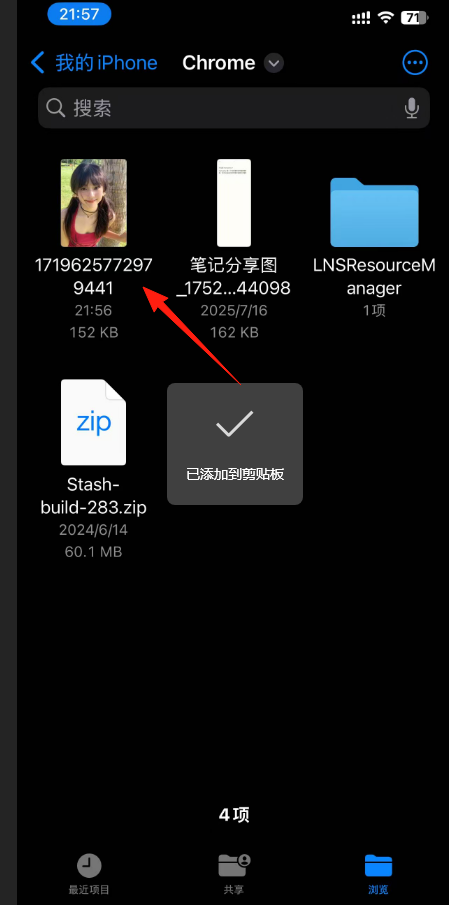
Sending a file from the computer side follows the same process; save the file on the mobile device side.
You can see the file.
Many people are concerned about security. Here's a brief explanation of FileDrop's encryption mechanism:
- RSA Key Pair Generation: Each time the page is opened, the browser generates an RSA public-private key pair.
- AES Symmetric Encryption: During transfer, a 256-bit AES key is generated to encrypt the file.
- RSA Asymmetric Encryption: The AES key is encrypted using the recipient's RSA public key.
- Server Cannot See Data: The server only sees the encrypted data.
In simple terms: even if someone intercepts the transmitted data, they cannot decrypt it without the private key.
If you have a need for transferring files over a local network, why not give FileDrop a try.
Project Address: https://github.com/Xtrendence/FileDrop