
Kanmail: A Kanban-style Email Client
What is Kanmail?
In simple terms, Kanmail transforms your email inbox into a Kanban board. Imagine using Trello or any project management tool – that feeling of organizing tasks by dragging and dropping between columns – you can now handle your emails in the same way.
No more staring at dense email lists every day, or agonizing over "read/unread" or "important/unimportant." Just drag emails where they need to go. It's that simple.
https://appstore.lazycat.cloud/#/shop/detail/wcloud.gblw.app.kanmail
User Experience
After installing the app, the first screen you see is for adding an email account.
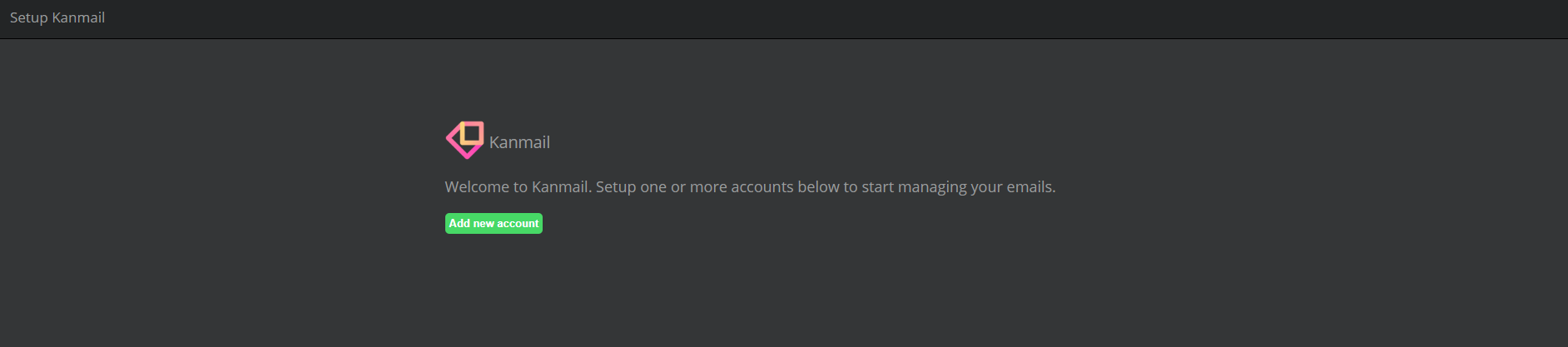
Adding an email account is straightforward and supports major email services:
- Gmail
- Outlook
- Various enterprise email systems (as long as they support IMAP/SMTP)
Using Google as an example: clicking directly often doesn't work, as Google may block the attempt, flagging it as unsafe.
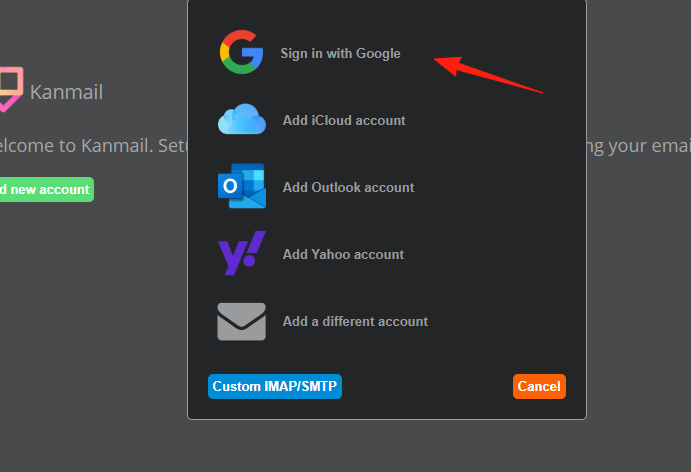
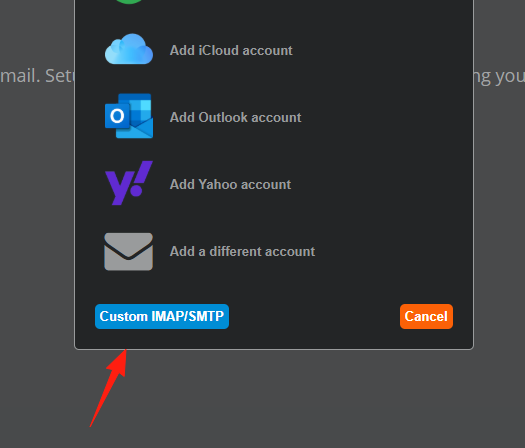
Click the "Custom" option at the bottom.
Configure both IMAP and SMTP settings.
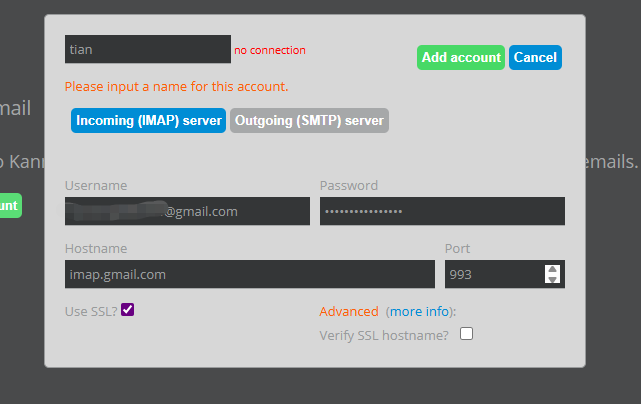
The addition might time out; just try a few more times.
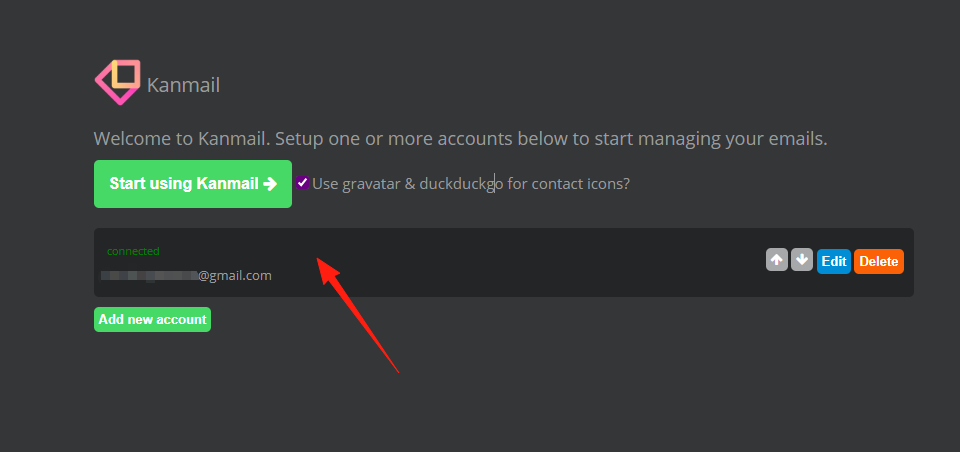
Click "Start" to enter the main interface, where you can see it syncing emails.
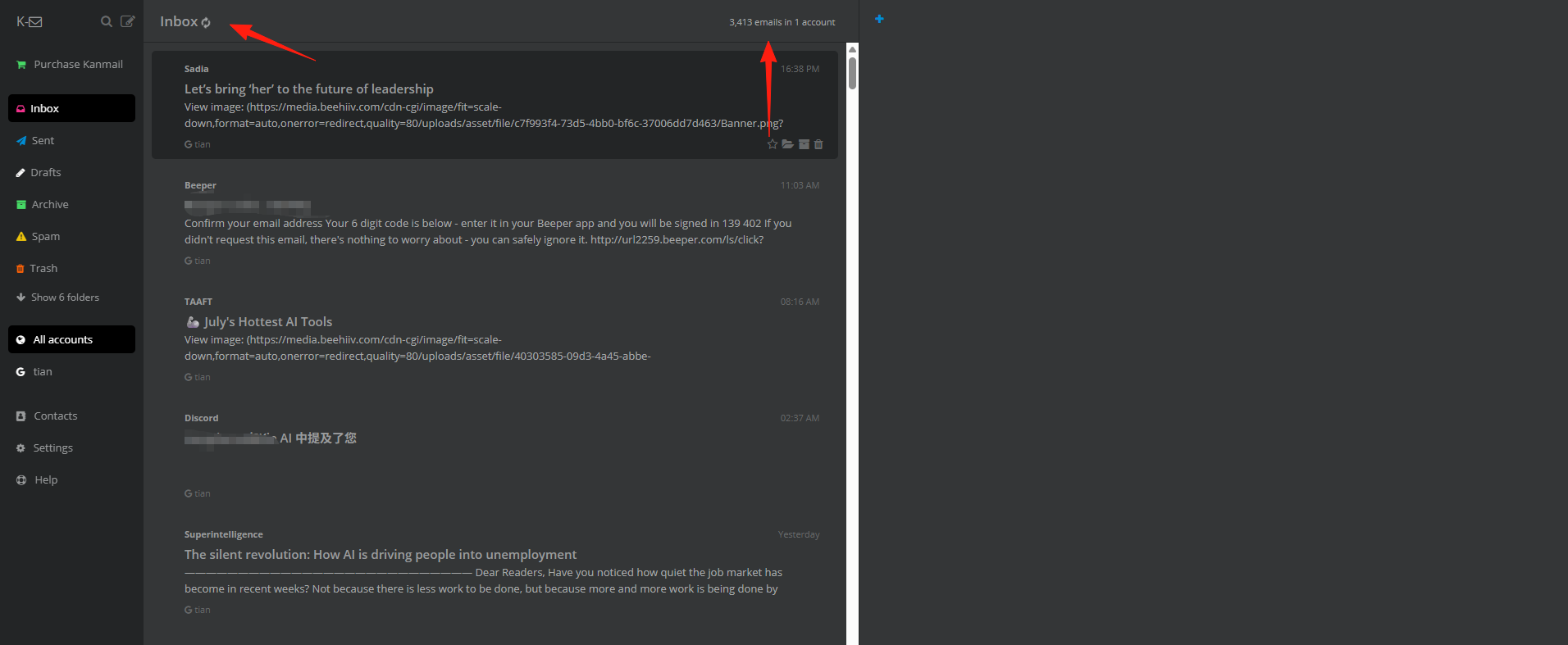
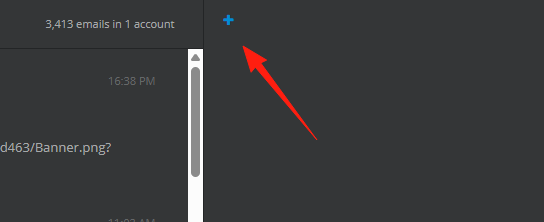
Click the + here to add a new board.
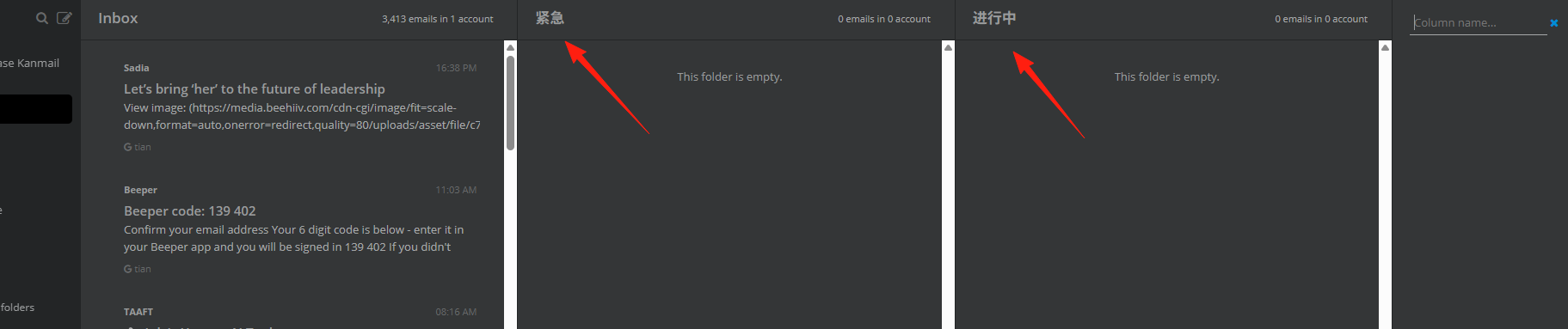
If you are a project manager:, you could set it up like this:
- Urgent
- In Progress
- Review
- Archive
Achieving a similar effect to this:
At the start of each workday:
- First, check the Inbox, quickly scanning new emails.
- Drag urgent items directly to "Today".
- Drag non-urgent but important items to "This Week".
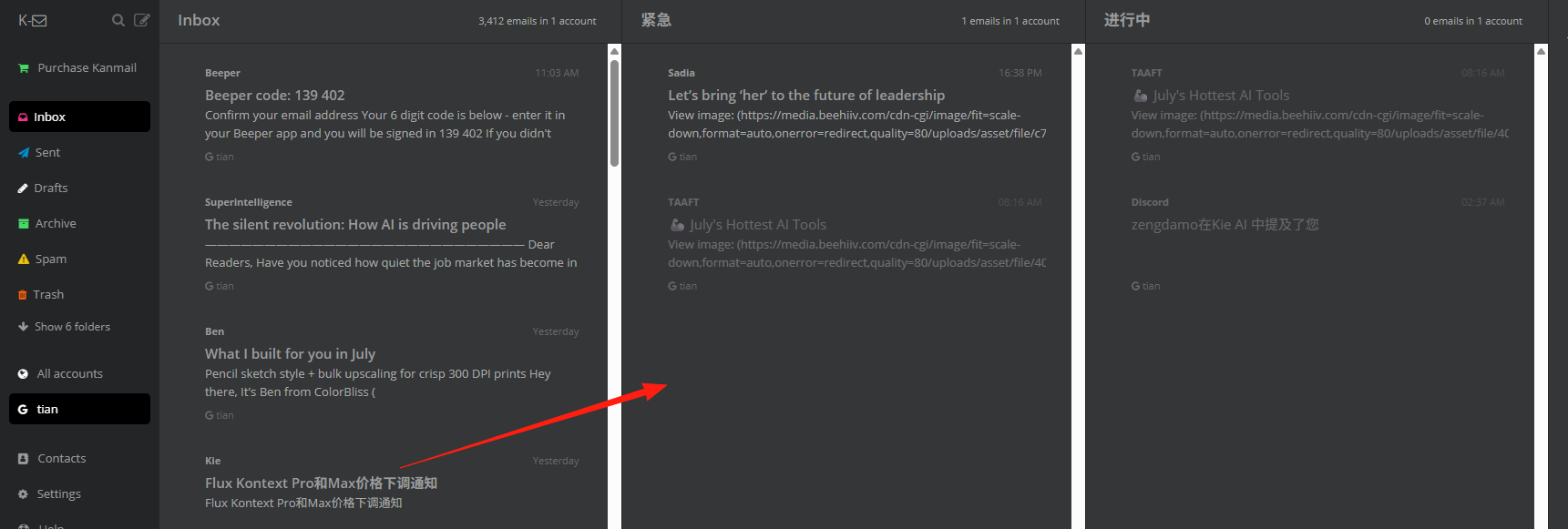
Drag-and-drop techniques when processing emails:
- Drag left/right: Change the email's status (e.g., from To-do to In Progress).
- Drag to the corresponding column: Process similar emails in batches.
- Double-click an email: Quickly open its details.
At the end of each day:
- Clear out the "Today" column.
- Plan ahead for "Tomorrow" by moving items to "This Week".
- Check the "Waiting" column for any items that need follow-up.
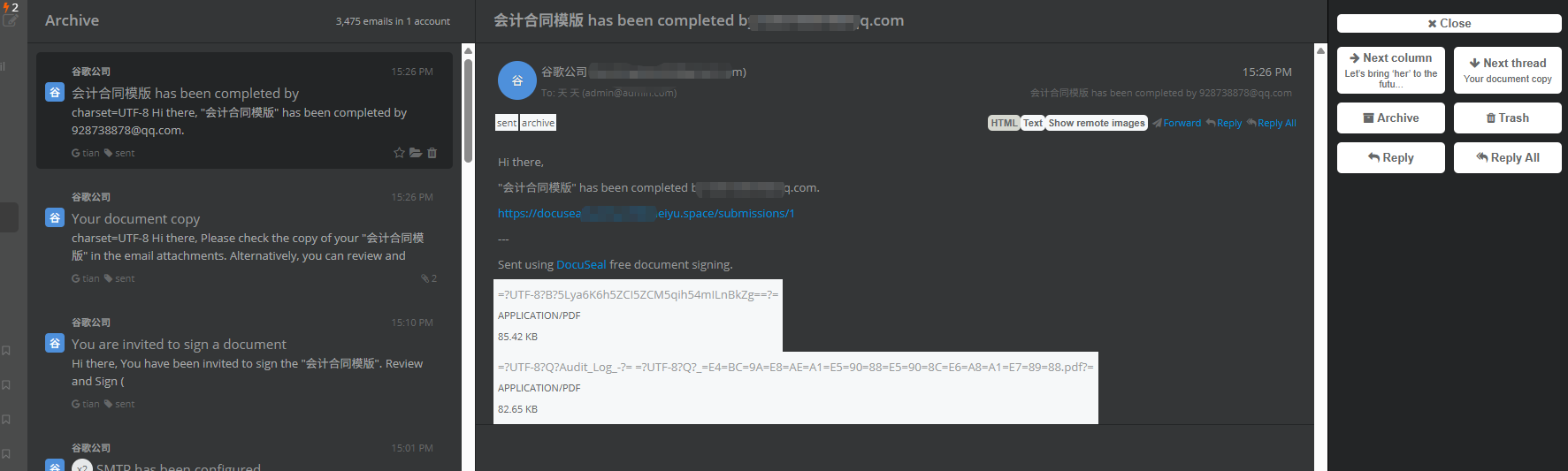
To be honest, Kanmail isn't for everyone:
- For very high email volume: If you receive hundreds of emails daily, the Kanban view might make the interface feel cluttered.
- For heavy reliance on email rules and filters: Kanmail's automation features are relatively basic.
Summary
Kanmail's design philosophy is simple: make email management as intuitive as project management. If you often feel overwhelmed by email or want a more visual way to handle your inbox, it's definitely a good option.
The software itself is lightweight, the interface is responsive, and the learning curve is not steep.
Importantly, it changes how we think about email – shifting from "email management" to "task management." This shift in perspective is valuable in itself.