
DocuSeal Practical Guide: The Free and Open-Source E-Signature Solution
What Exactly Is This Thing?
DocuSeal is an open-source platform that provides secure and efficient digital document signing and processing. It allows you to create, fill out, and sign digital documents ✍️. Easy to use and optimized for mobile devices, it serves as an open-source alternative to DocuSign.
You can seamlessly integrate DocuSeal with your product to help users reduce the overall cost of developing and processing electronic documents, while ensuring security and compliance with local e-document laws.
Core Features at a Glance:
- 📝 Create and edit PDF forms
- ✍️ Online electronic signatures
- 📱 Perfectly adapted for mobile
- 🔒 Secure encryption protection
- 📧 Share documents via email
- 📊 Track signature status
https://appstore.lazycat.cloud/#/shop/detail/io.zeroc.app.docuseal
How to Use
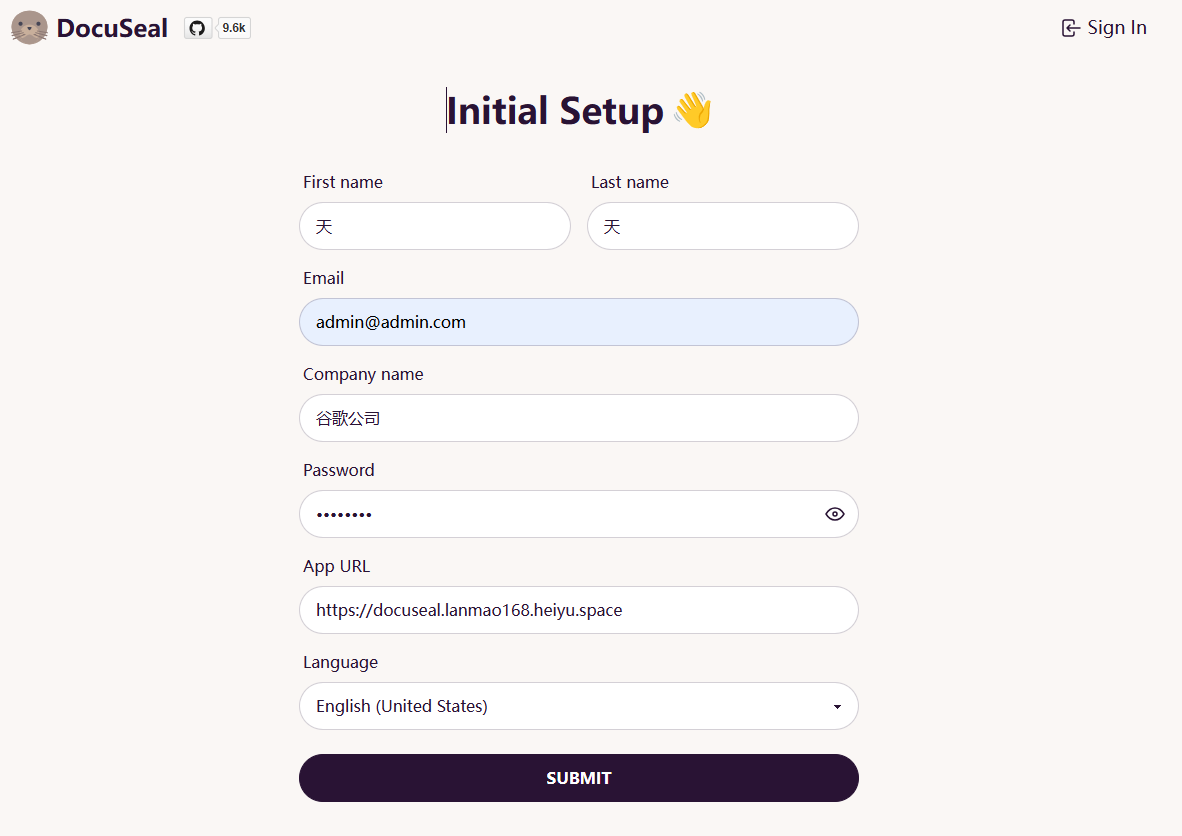
After installing the application, you first need to register a user.
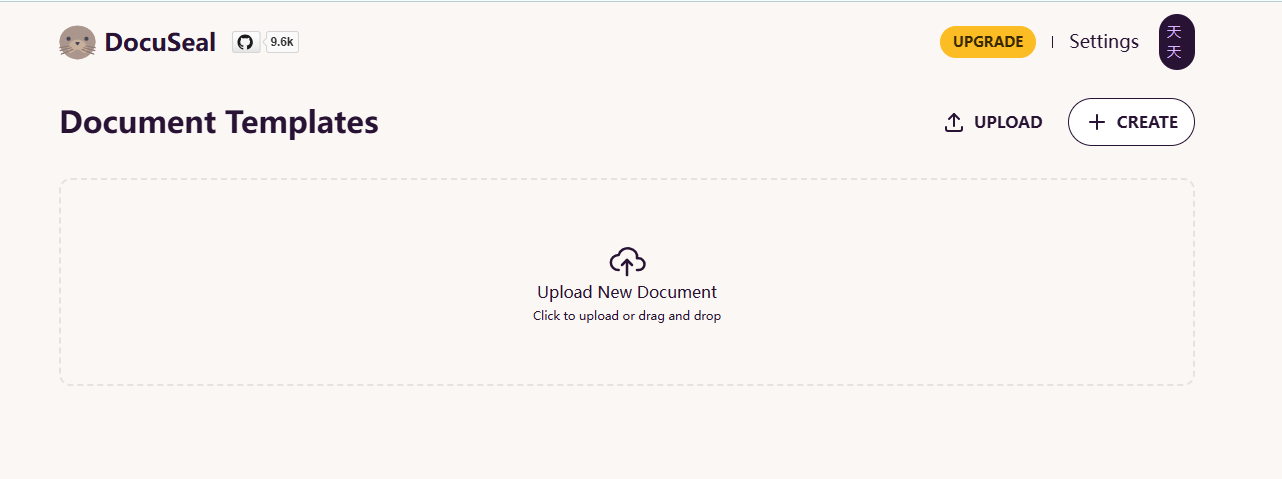
Enter the main page.
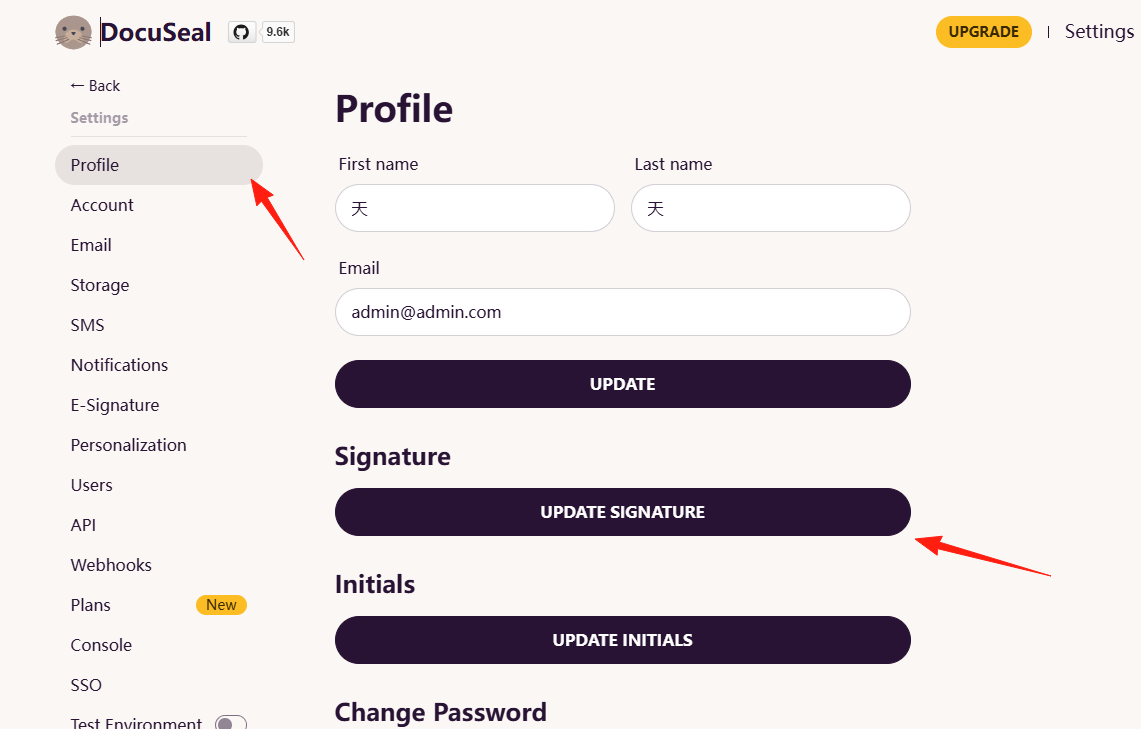
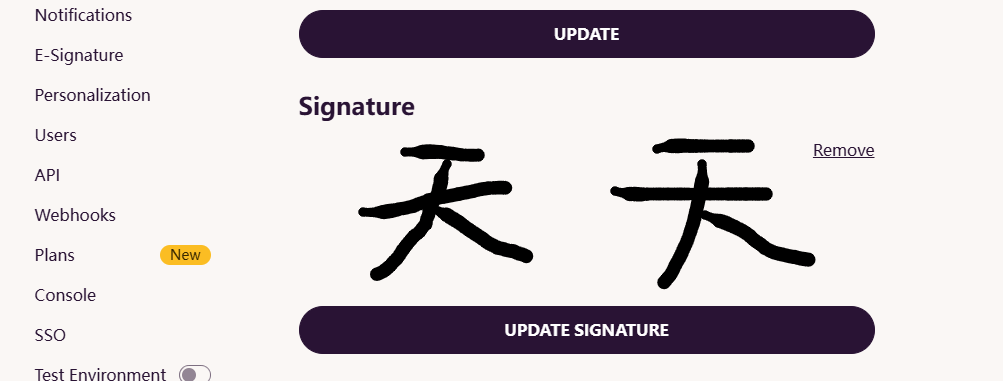
You can first go to Settings to set up a signature.
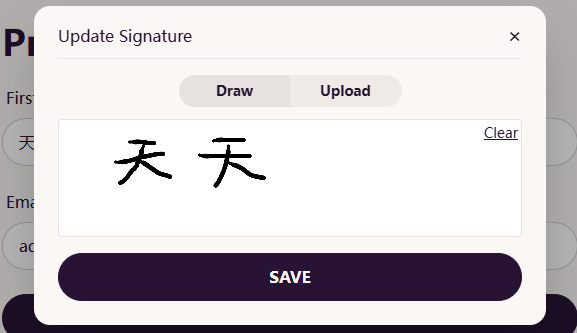
Write one directly with your mouse and save it.
You can see:
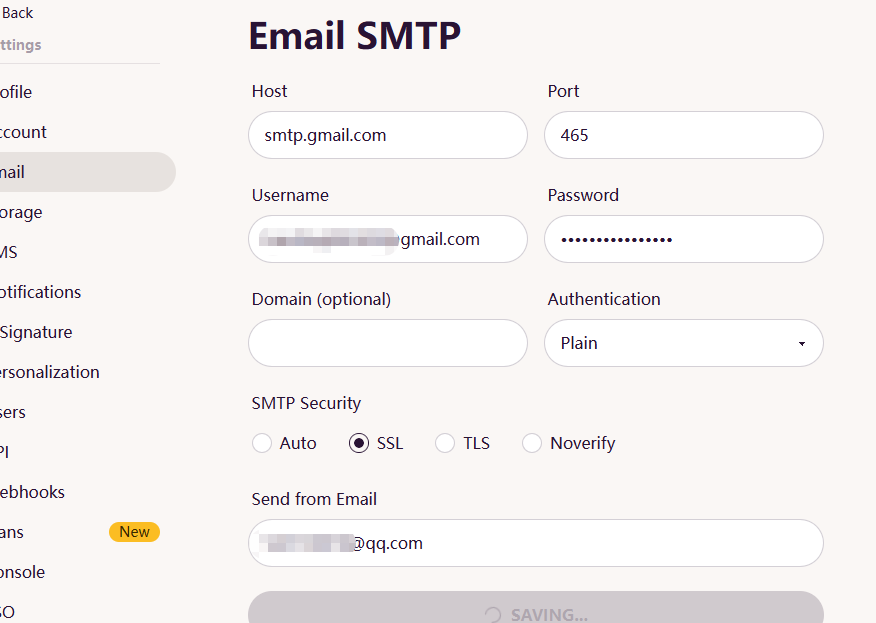
Next, set up SMTP so that signed files can be sent directly to others.
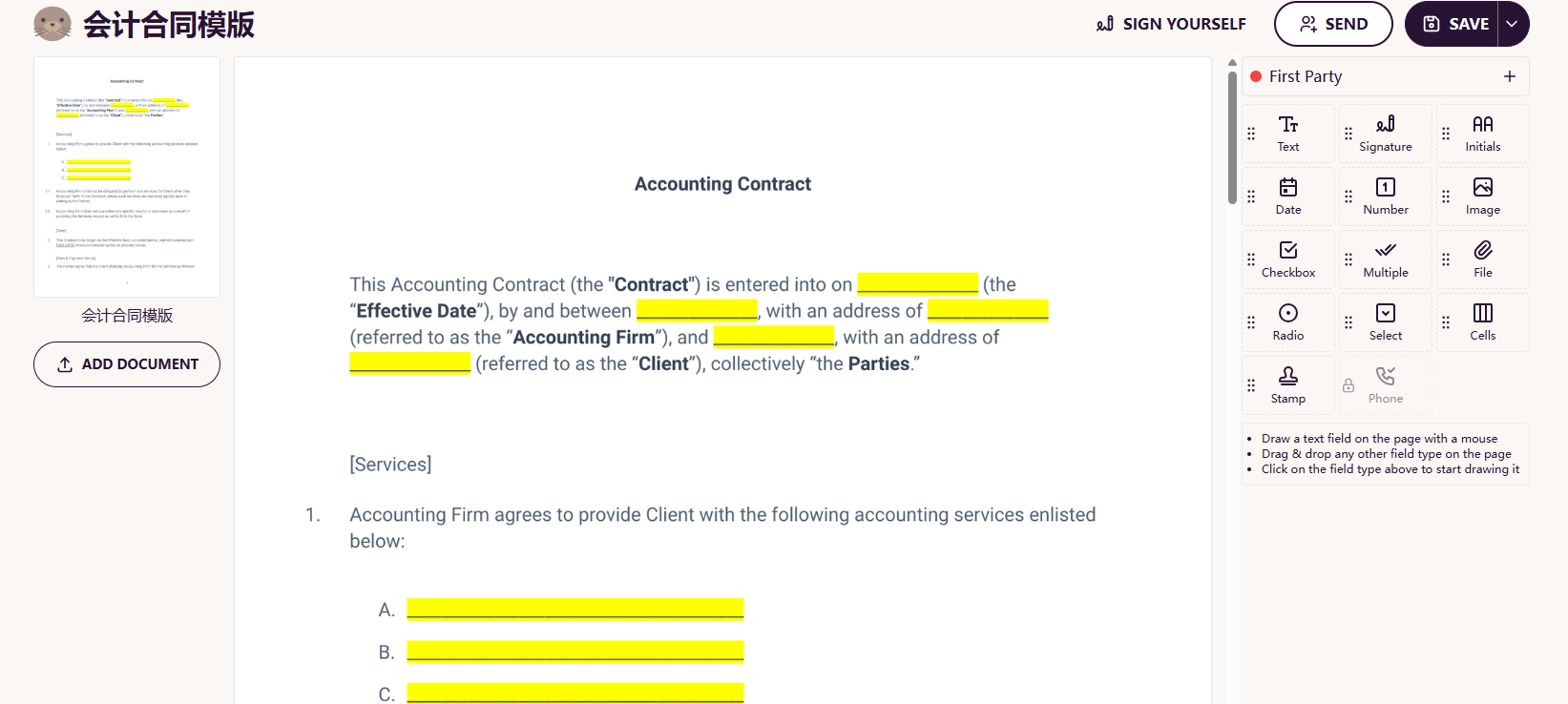
Upload Document: Supports drag-and-drop upload; PDF/Word/Excel files are all acceptable.
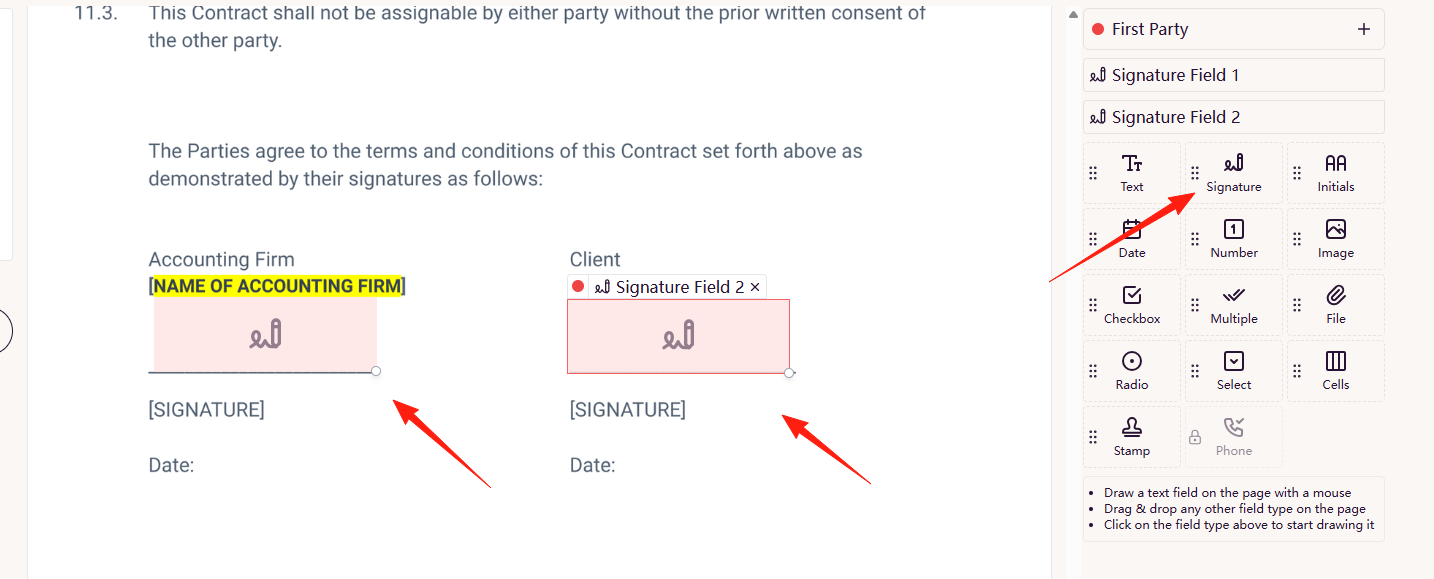
Add Signature Fields
- Click on the position where you want the signature
- You can add elements like text, date, signature, image, checkbox, etc.
- Field style, position, and size can all be customized I'm dragging it directly from the right side.
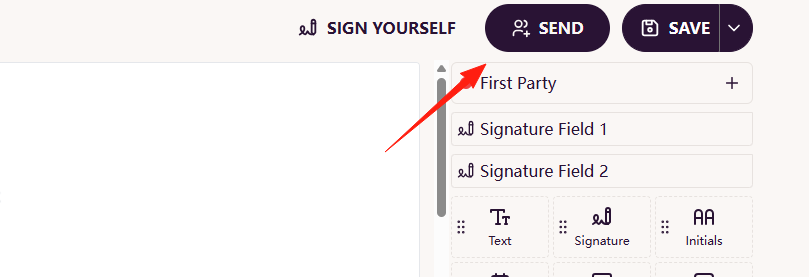
After saving, send it via email, Set the Signer
- Enter the signer's email address
- You can set the order for multiple signers
- Each person can only see the parts they need to fill out
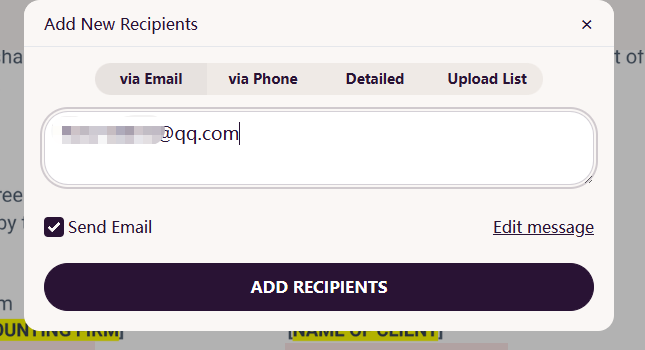
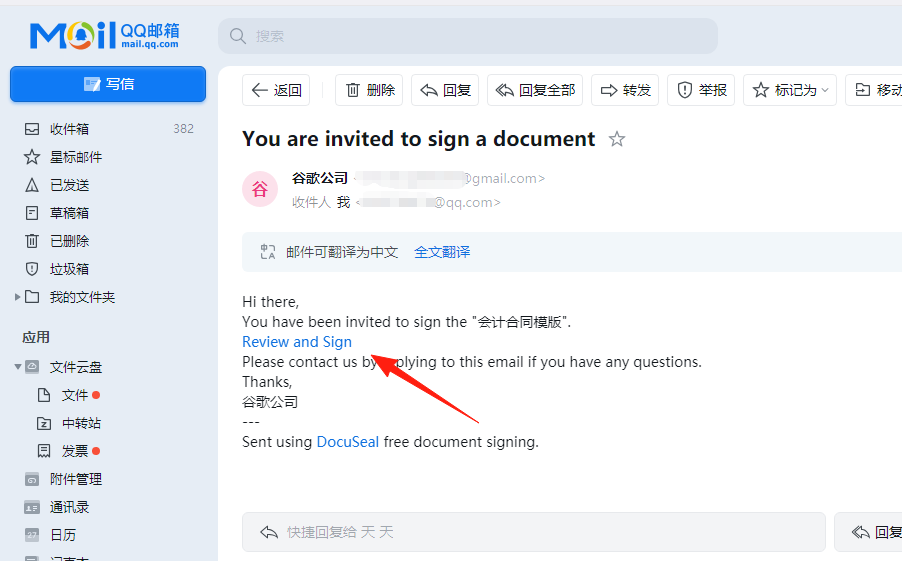
Checking my QQ mailbox, I can see the email has been received.
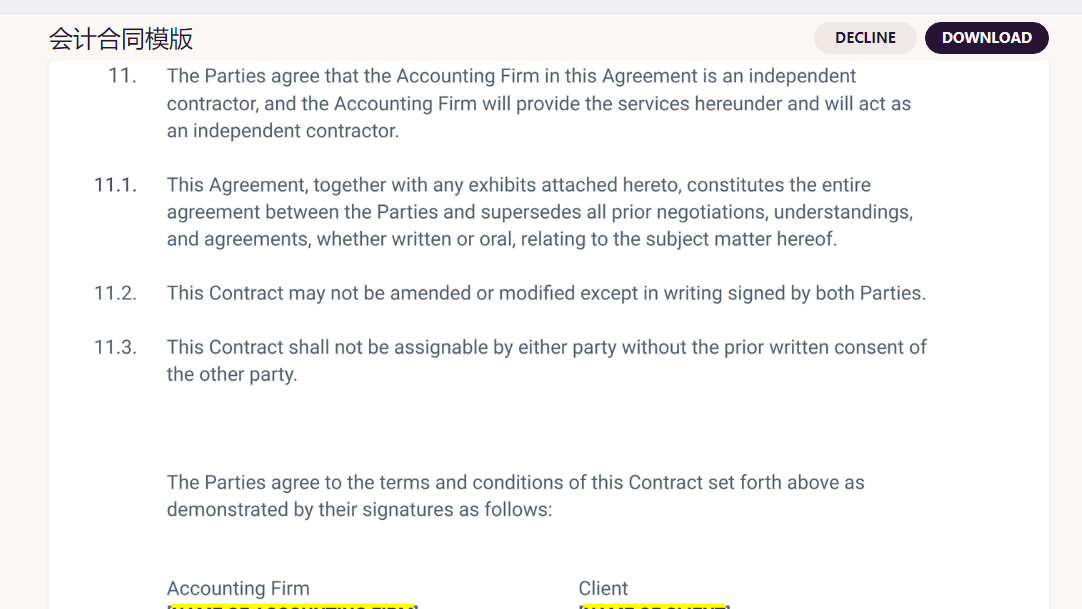
Click the signature hyperlink. You can download it for signing.
In the Gmail sent items, you can also see the email; click the signature button.
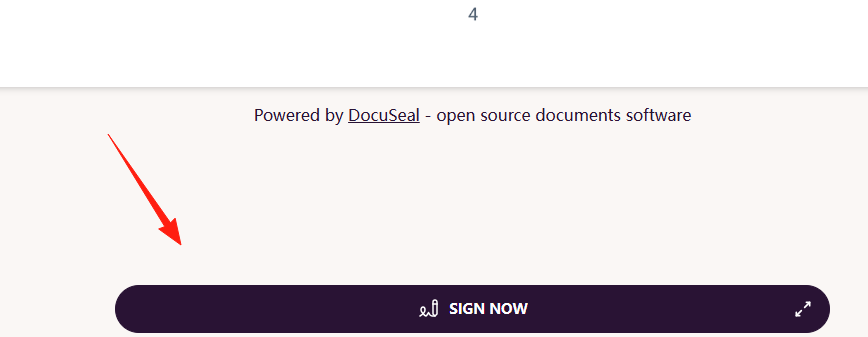
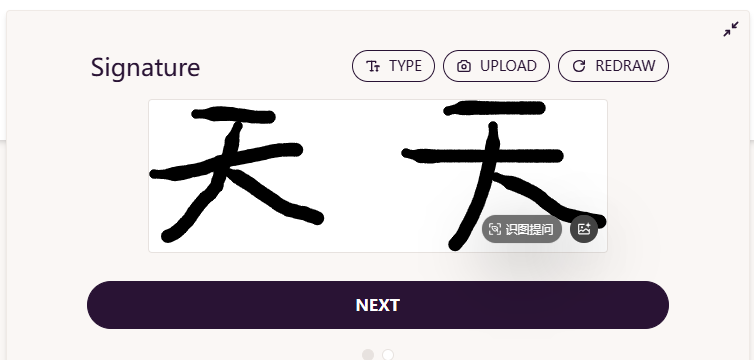
Click Next.
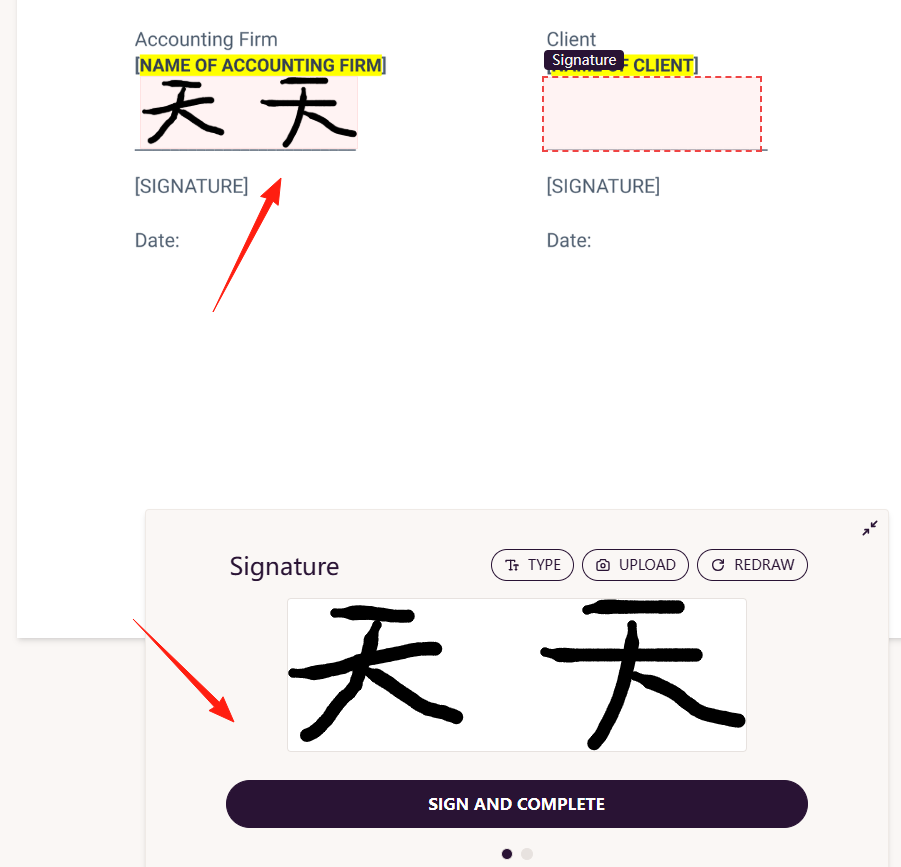
You can see Party A has already signed.
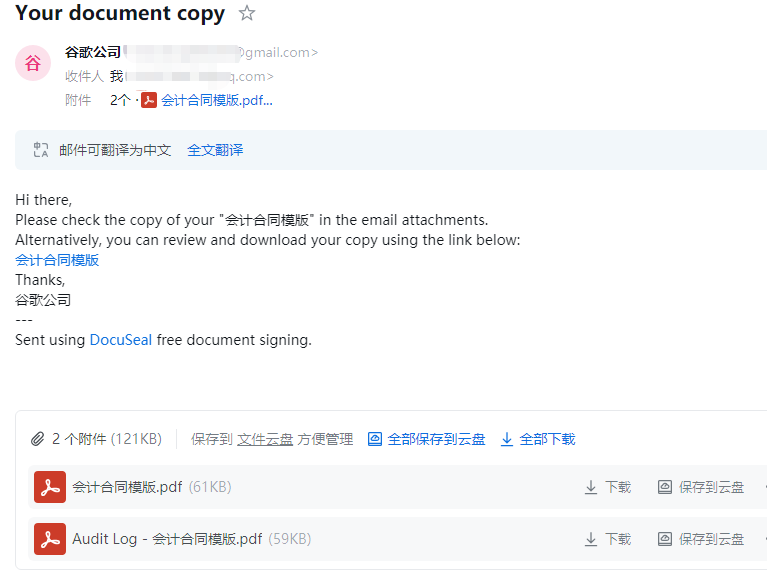
After submission, you will receive an email with two PDF documents attached.
Summary
DocuSeal is a great open-source electronic signature solution. While it might not be as mature as DocuSign, it is fully capable for most use cases.
If you are looking for an electronic signature solution, why not give DocuSeal a try.
Project Address: https://github.com/docusealco/docuseal
Feel free to discuss any questions; let's explore these fun open-source projects together!