
Nextcloud: Building a File Synchronization and Sharing Platform
What is Nextcloud?
Nextcloud is a well-established open-source file synchronization and sharing platform. It's a fully integrated, self-hosted content collaboration platform featuring audio/video team chat, real-time collaborative document editing, email client, and calendar/contact management.
https://appstore.lazycat.cloud/#/shop/detail/dev.libr.nextcloud
How to Use
After installing the application, first register an administrator account.
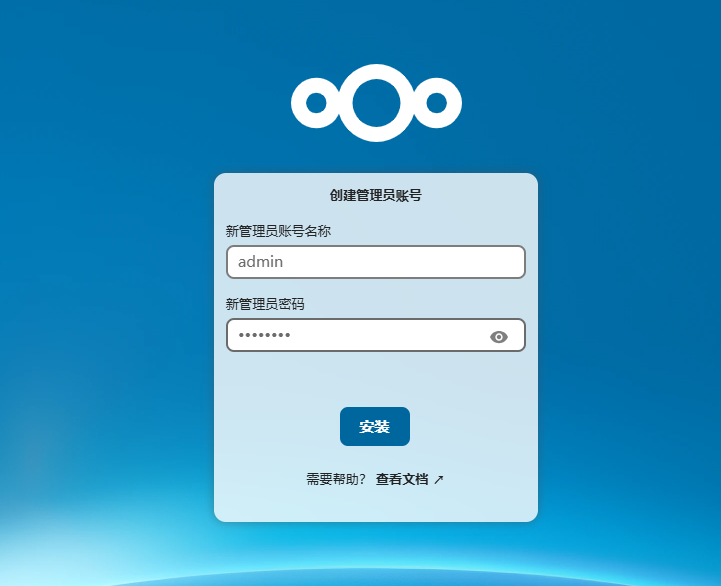
The initial installation is relatively slow, taking approximately 5 minutes.
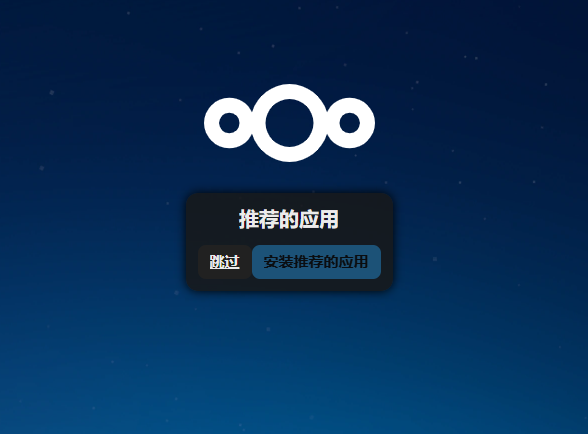
Click "Skip" to enter the main page.
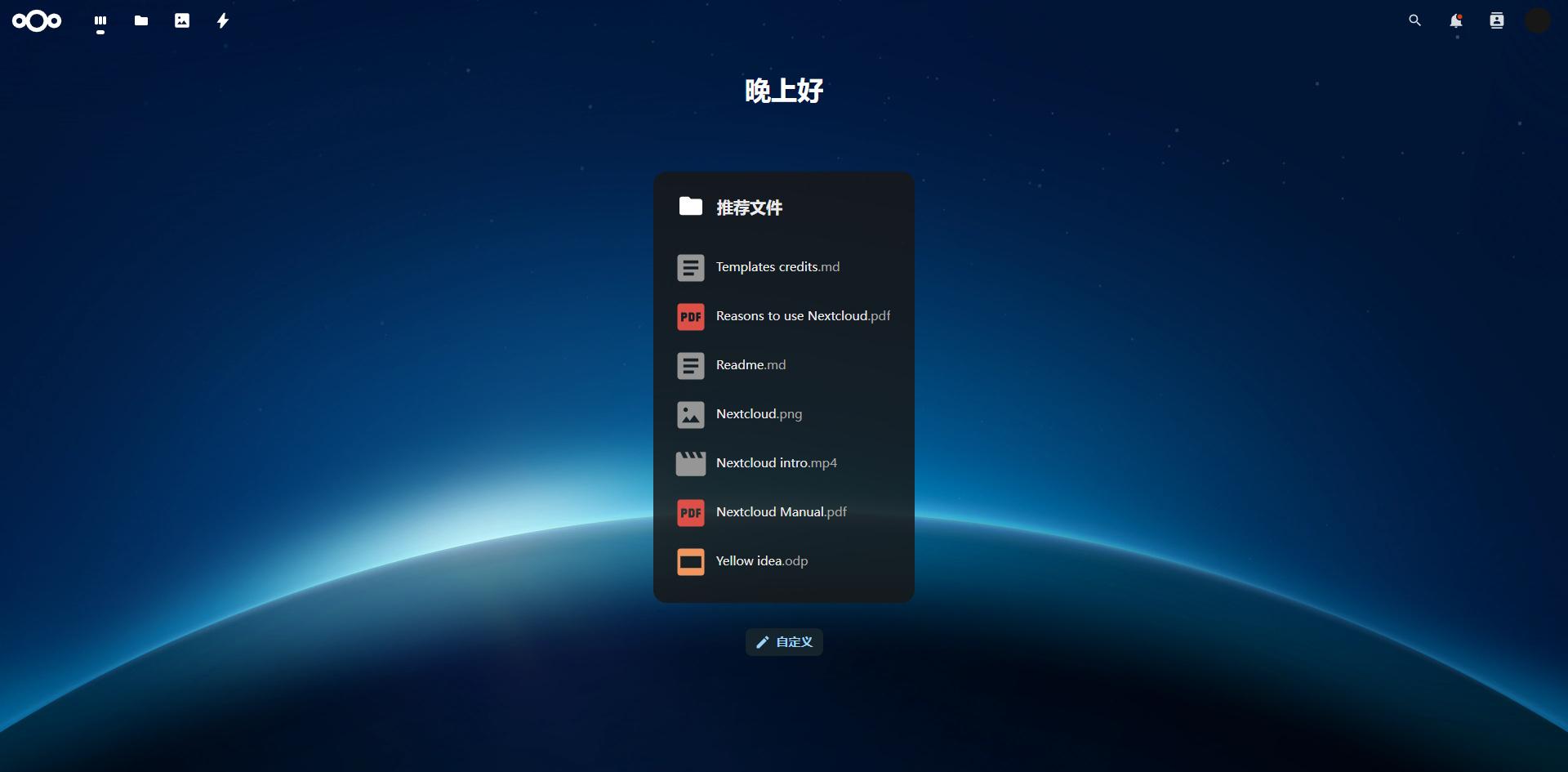
Click the "Files" icon in the top-left corner to see that this is essentially a cloud drive.
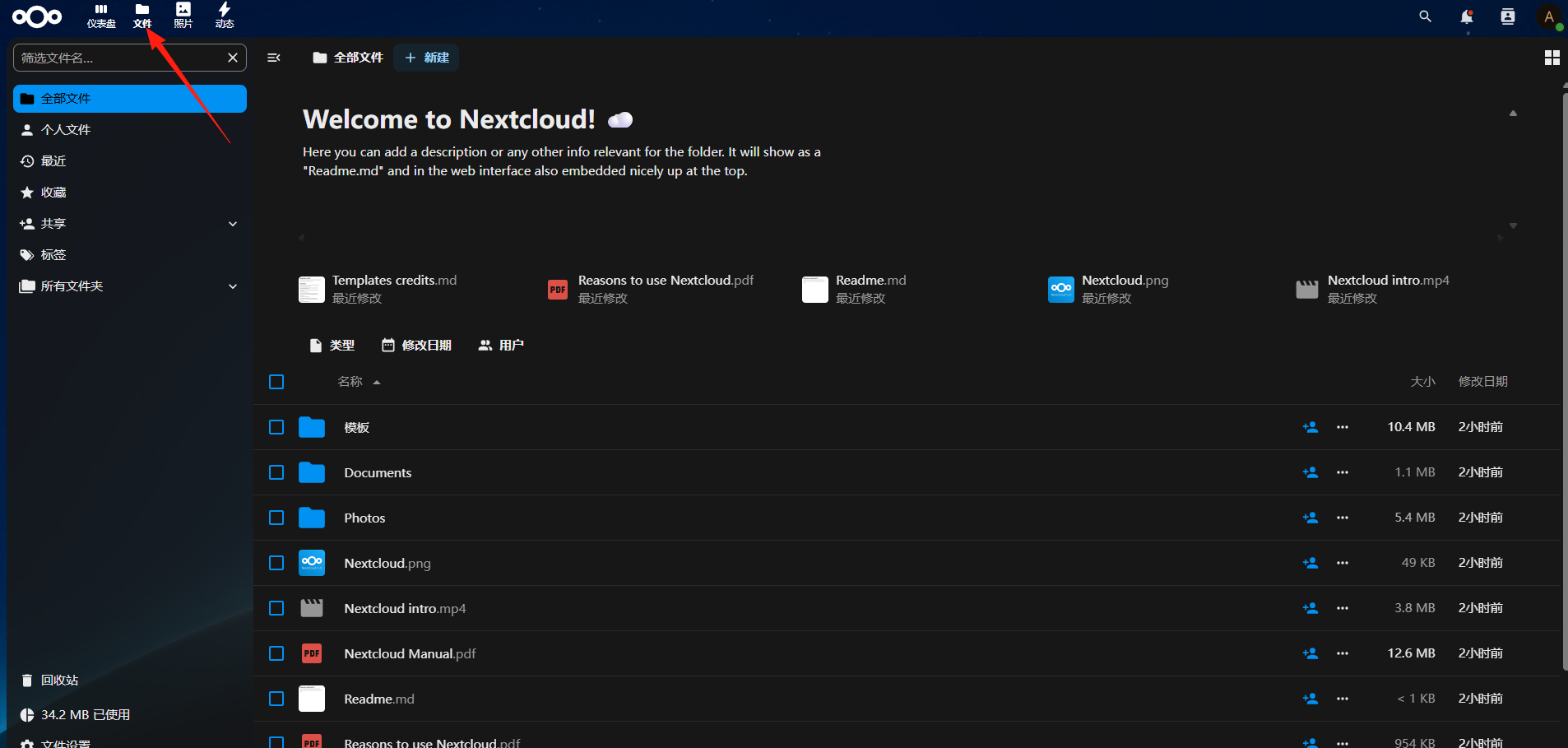
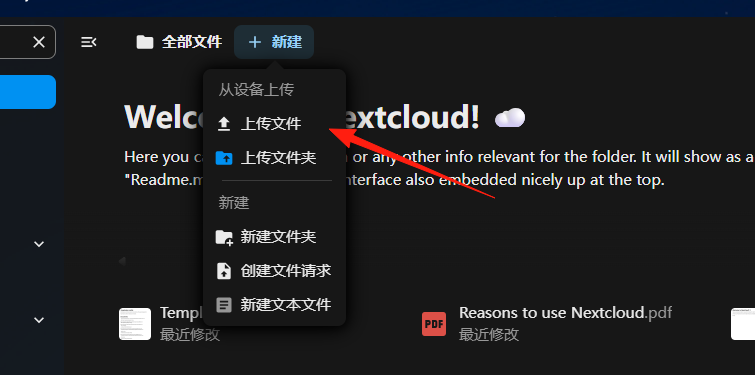
Click "New" to upload files.
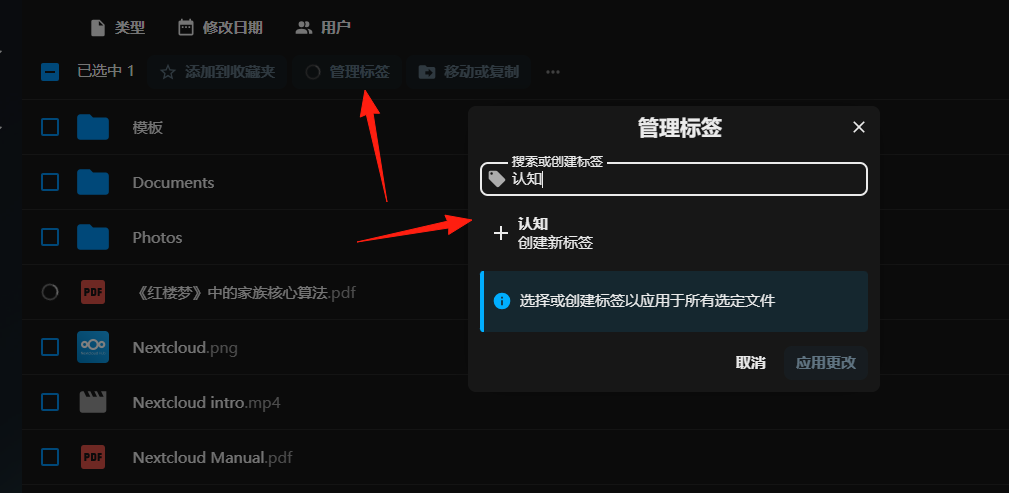
Select a file to perform actions like adding tags, moving, or copying.
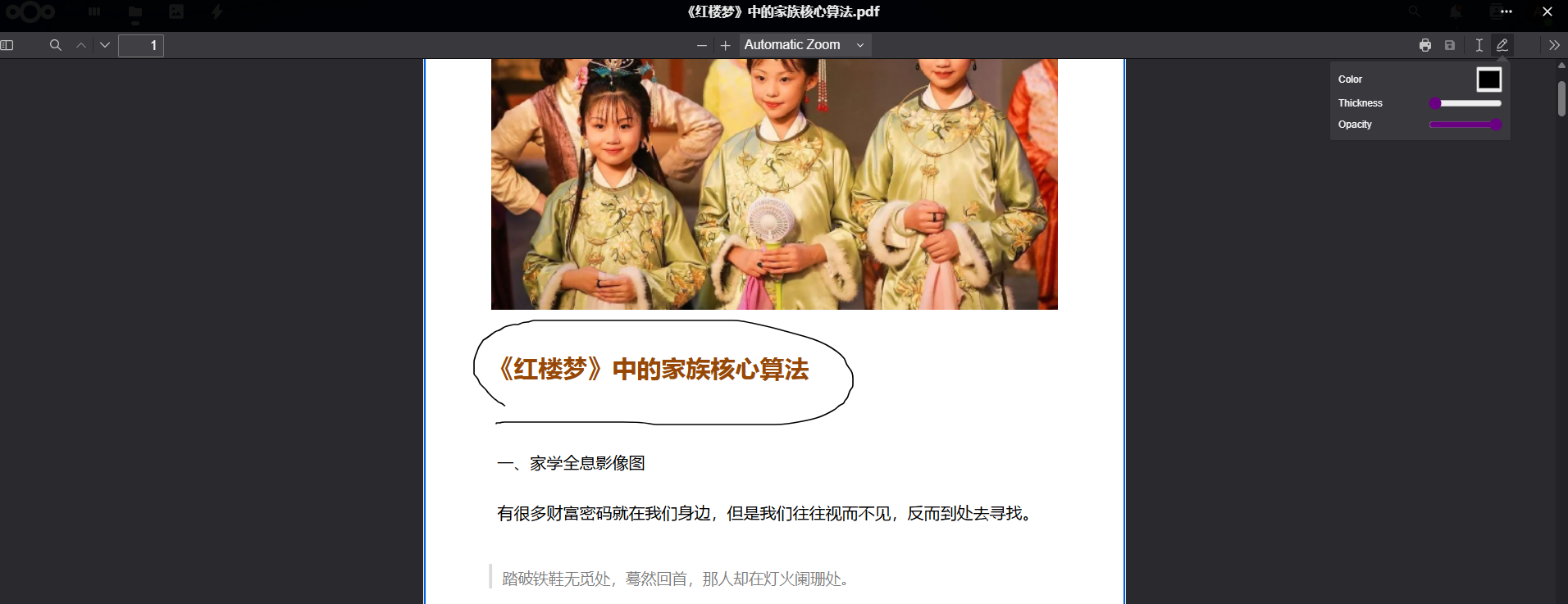
Files can also be viewed and edited online, supporting images, PDFs, and Office documents.
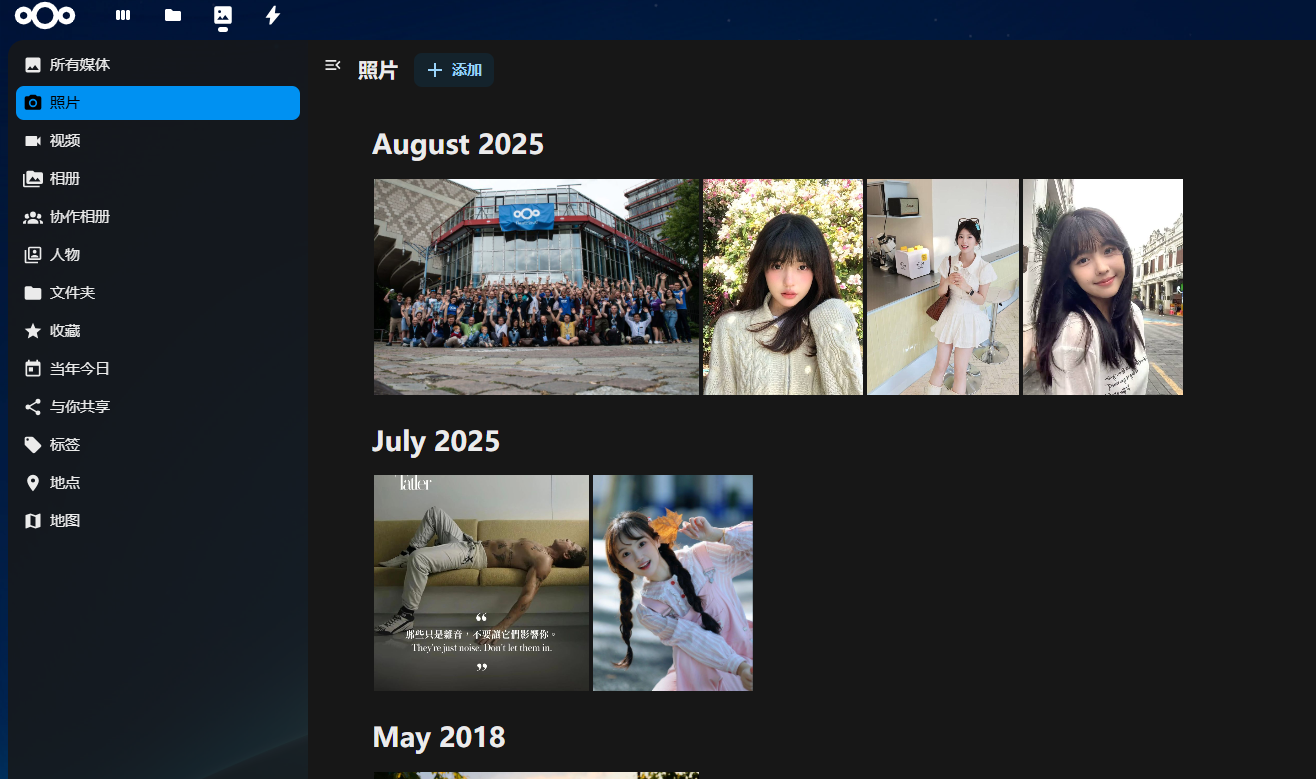
Click "Photos" to access the album management feature.
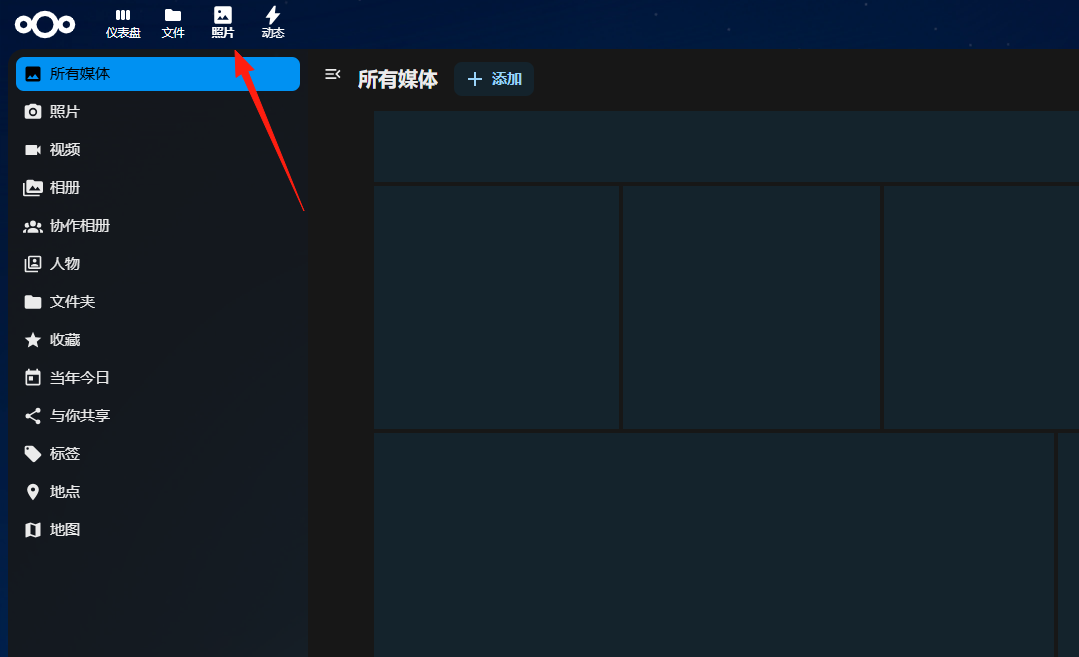
Upload a few images to see the effect.
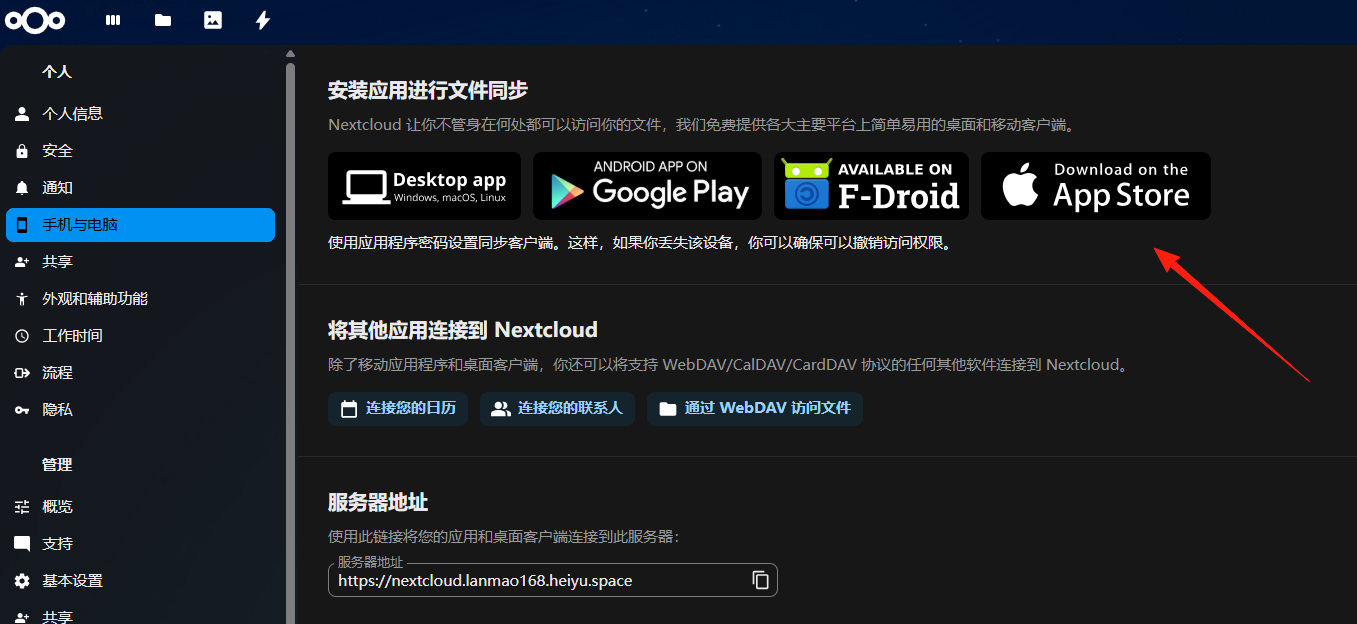
Nextcloud can be used with the mobile Notes client.
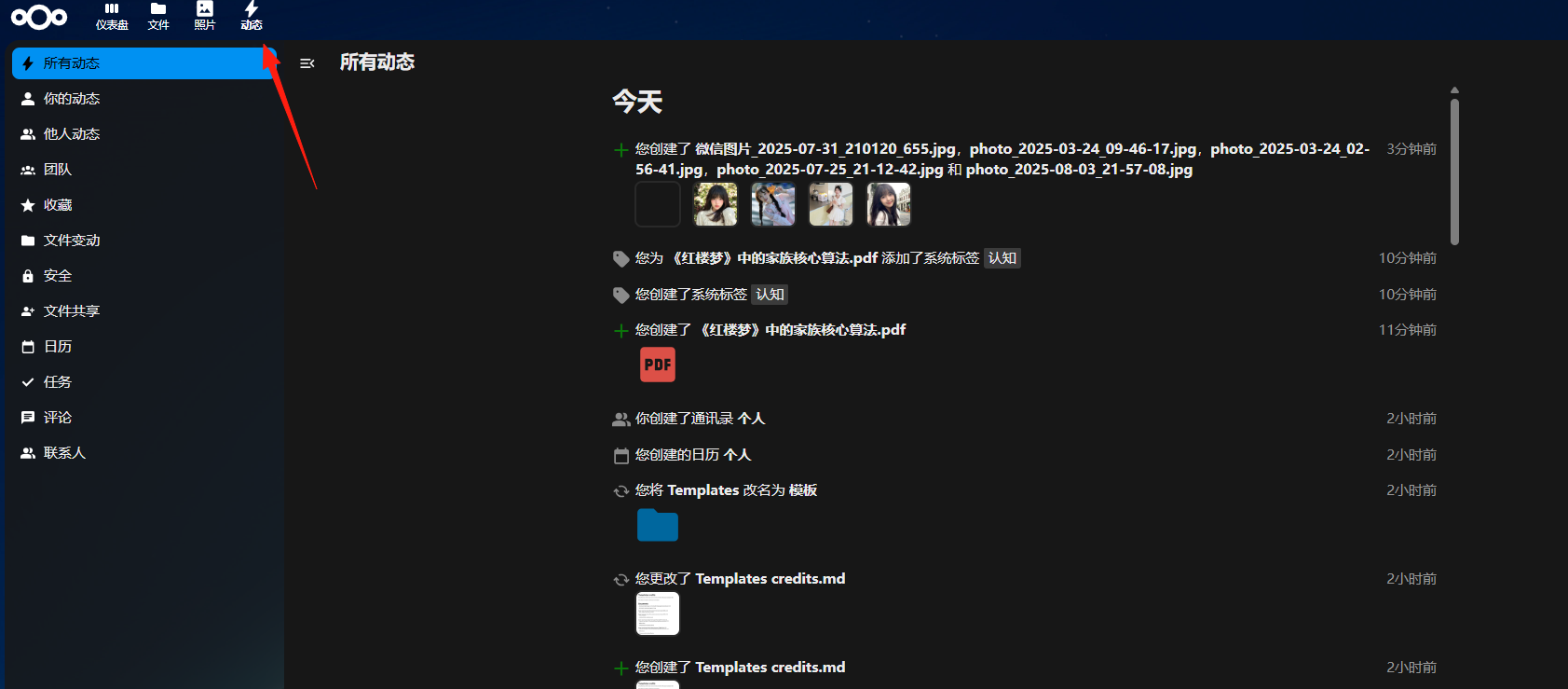
In "Activity," you can view all your operation records.
Final Notes
Nextcloud is not just a cloud drive; it can also be used for team collaboration and managing content with clients.
No need to worry about speed limits, content restrictions, or service providers shutting down. Your data, your control.