
Fusion User Guide: A Lightweight RSS Reader
What is Fusion
Fusion is a lightweight, self-hosted RSS aggregator and reader.
Key Features:
Automatic grouping, bookmarks, search, feed sniffing Import/Export OPML files Supports RSS, Atom, and JSON feed types Responsive design, Light/Dark mode, PWA Lightweight and self-hosting friendly Built with Golang and SQLite, deployed as a single binary
There are already over ten RSS readers available on LazyCat, but this one takes up the least space that I've found so far.
Storage: 37M, Memory: 24.8M – there's a good reason it's called lightweight.
https://appstore.lazycat.cloud/#/shop/detail/xyz.mxue.fusion
How to Use
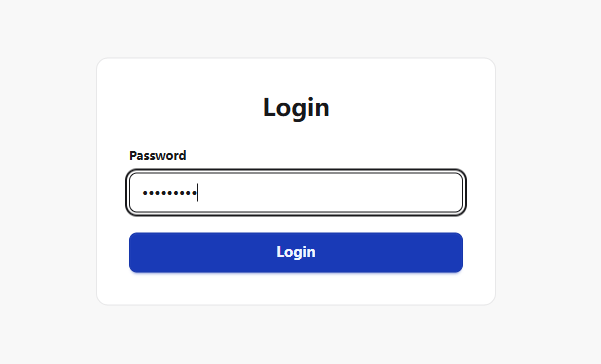
After installing the application, open the login page. The password is your LazyCat username.
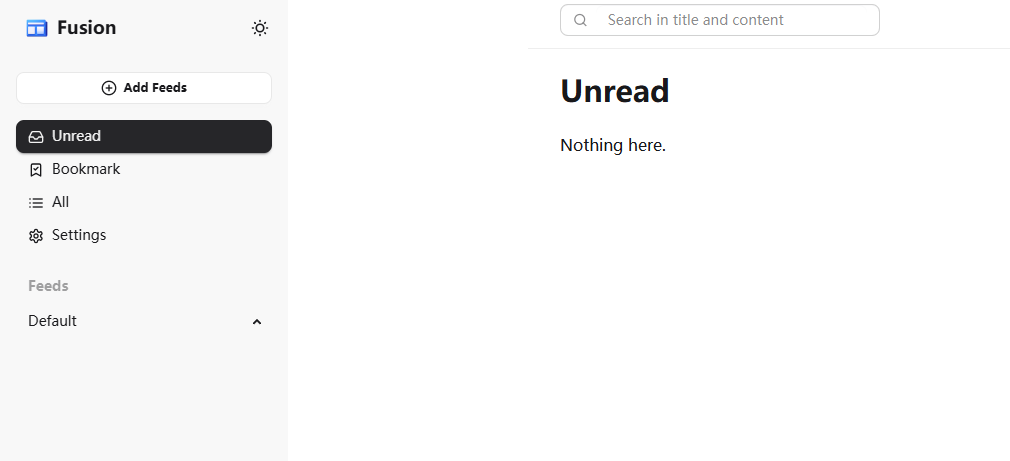
Enter the homepage.
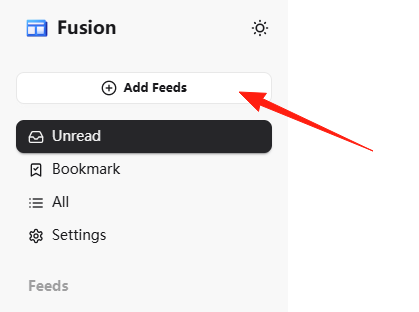
Click to add a feed.
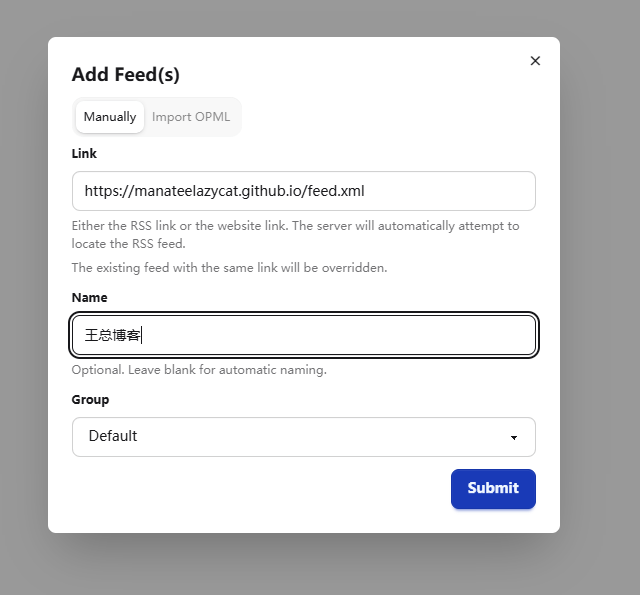
Take Boss Wang's blog as an example: https://manateelazycat.github.io/feed.xml
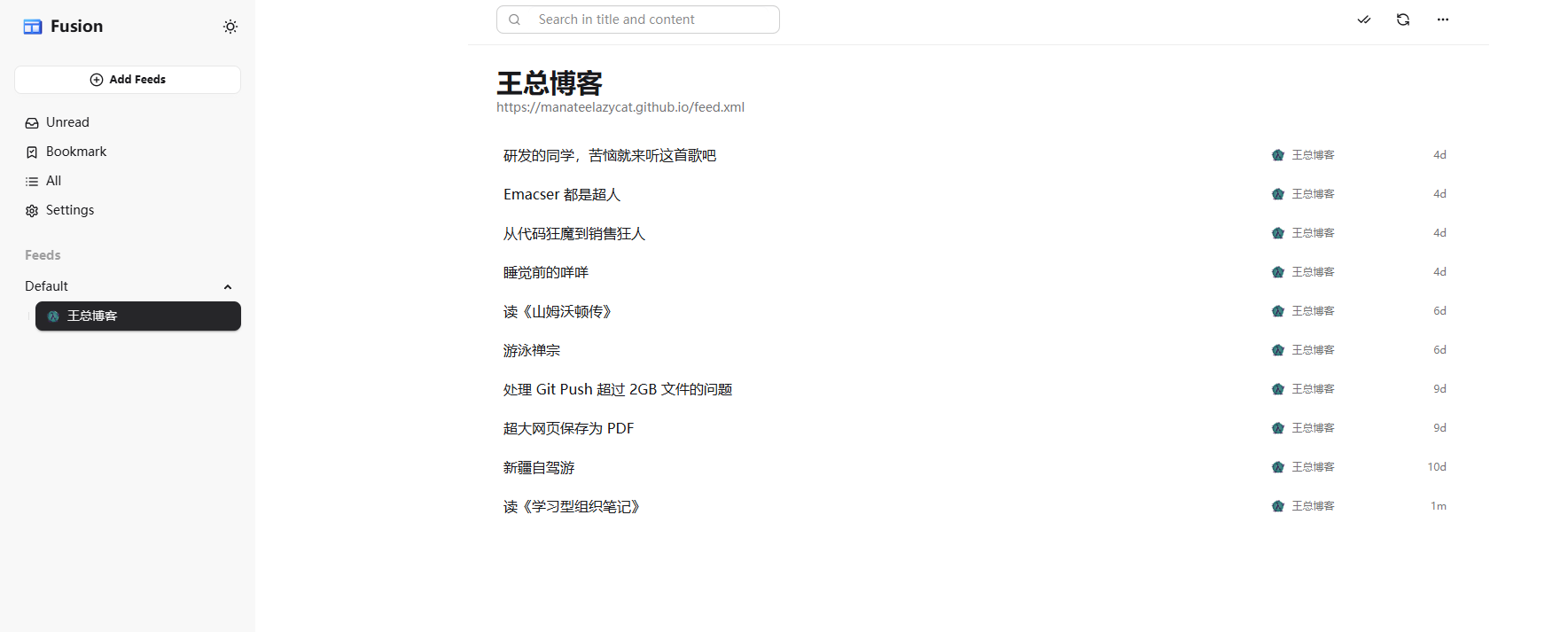
After submitting, you can see the feed.
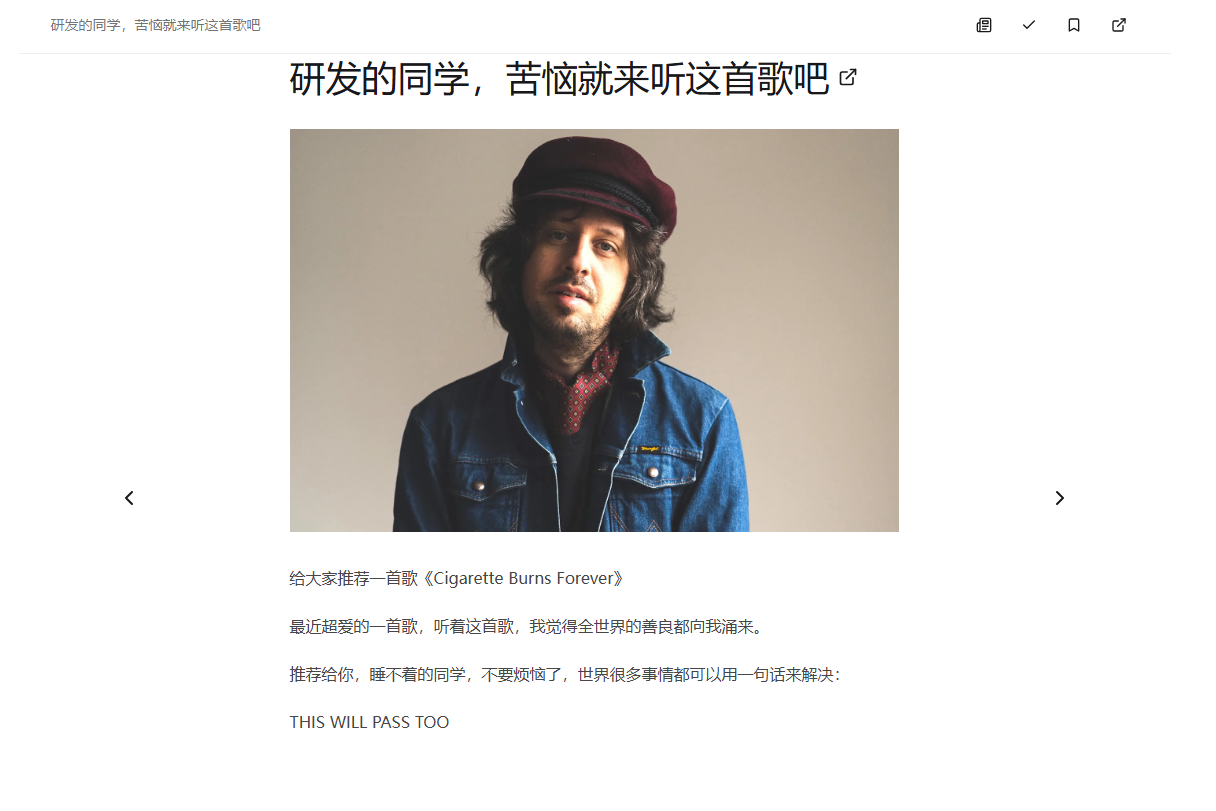
Click on an entry to read it. Supports swiping left/right for next/previous items.
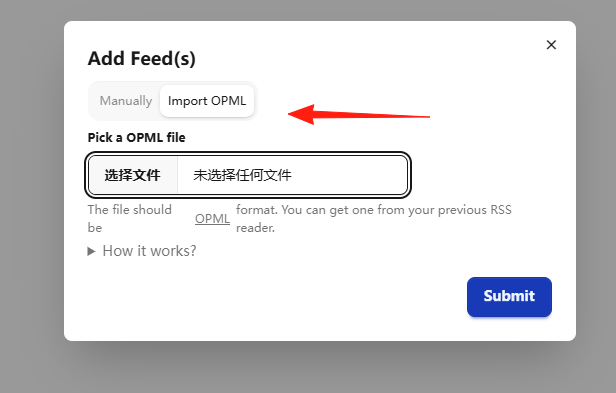
If you were using another reader previously, you can export an OPML file from the old reader and find the "Import OPML" option here.
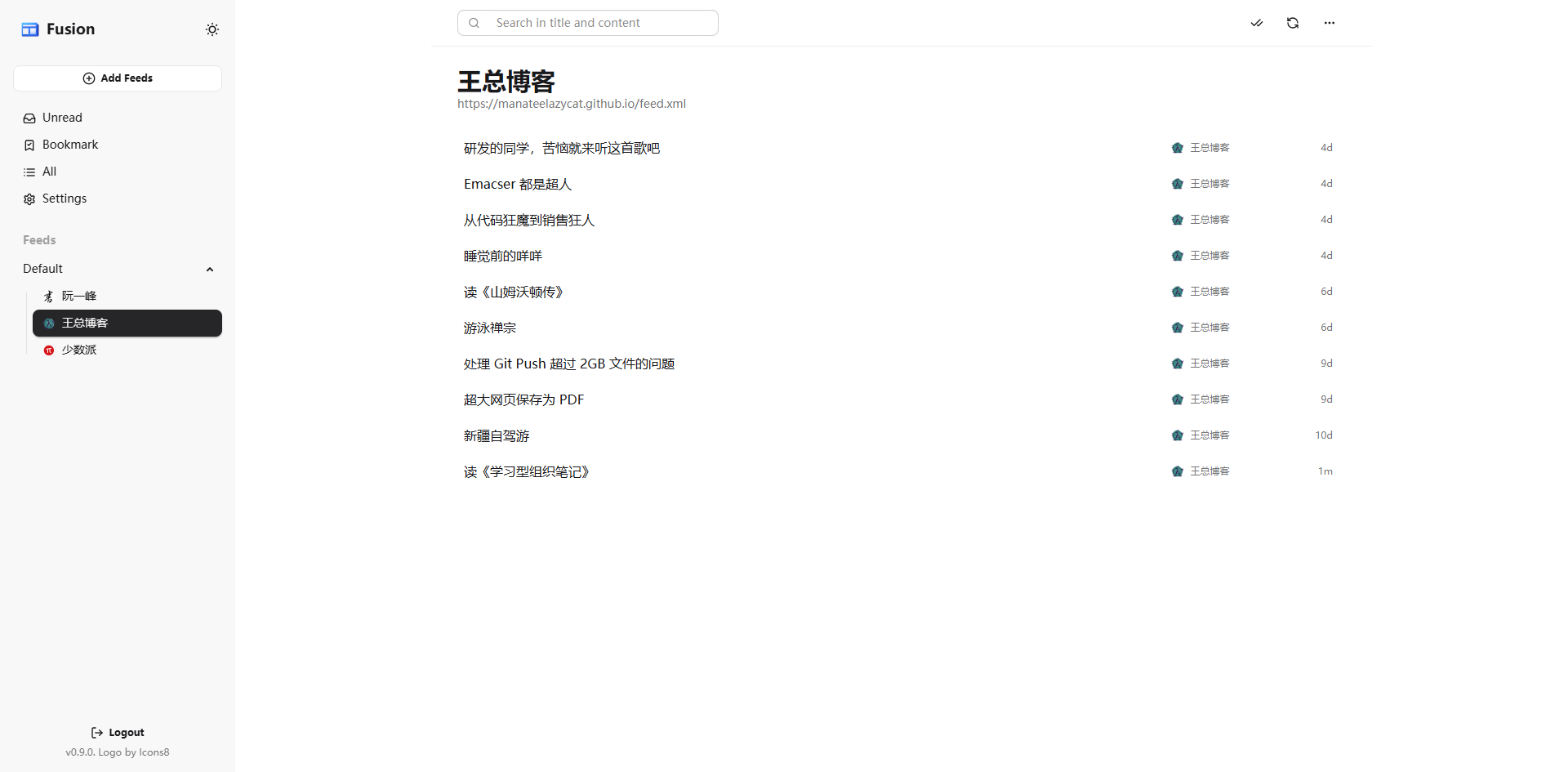
If you're new and don't know what to subscribe to, here are a few recommended quality Chinese feeds:
- SSPAI:
https://sspai.com/feed - Ruan YiFeng's Weekly Blog:
http://www.ruanyifeng.com/blog/atom.xml - V2EX:
https://www.v2ex.com/index.xml
Don't be fooled by its lightweight nature; it has all the essential features: grouping, bookmarks, search, automatic feed sniffing, OPML import/export.
Especially the automatic feed sniffing feature: you just need to input a website address, and it will automatically find the RSS feed address for you, saving you the trouble of manual searching.
Summary
Fusion proves the principle that sometimes "less is more" – you don't need flashy features, just a solid core reading experience is enough.