
TimeTagger: Making Time Management Simple and Fun
What is TimeTagger?
In simple terms, TimeTagger is a web-based tool that helps you track your time. Its core philosophy is "Tag your time, get the insight."
Unlike other tools, it doesn't require you to set up complex project categories. Instead, it uses a tagging system for logging. For example, you can tag your work time with labels like #work #programming #ProjectA, making it highly flexible.
https://appstore.lazycat.cloud/#/shop/detail/xyz.mxue.timetagger
Quick Start
After installing the application, open the home page.
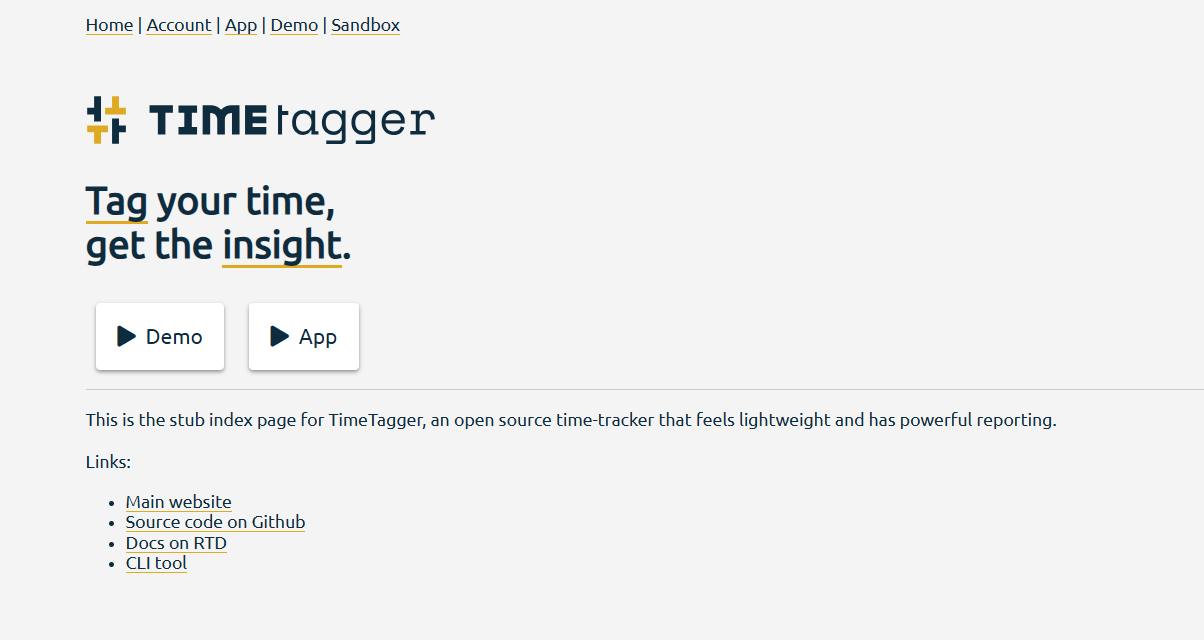
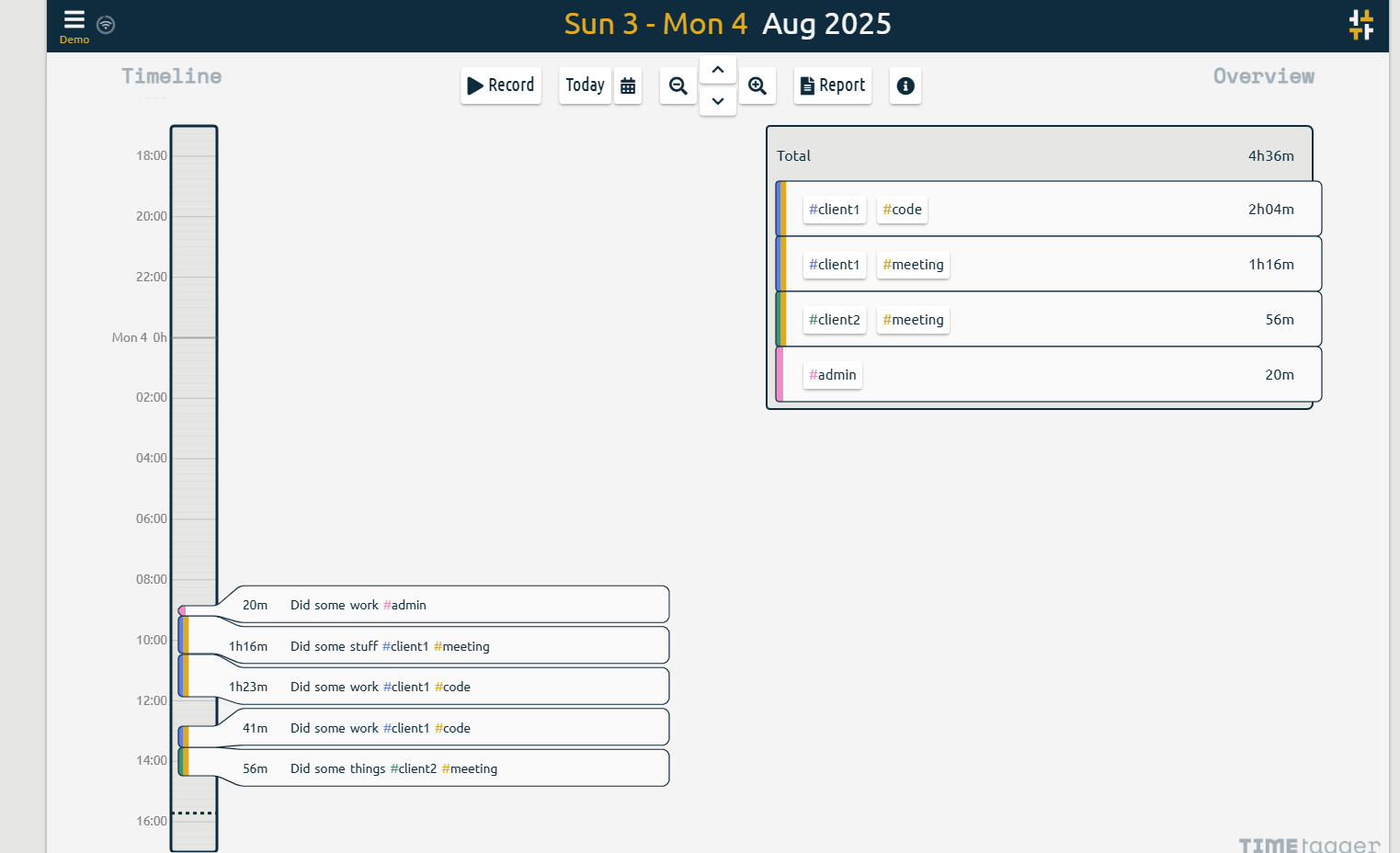
"Demo" is a sample; you can click on it to see how it's used.
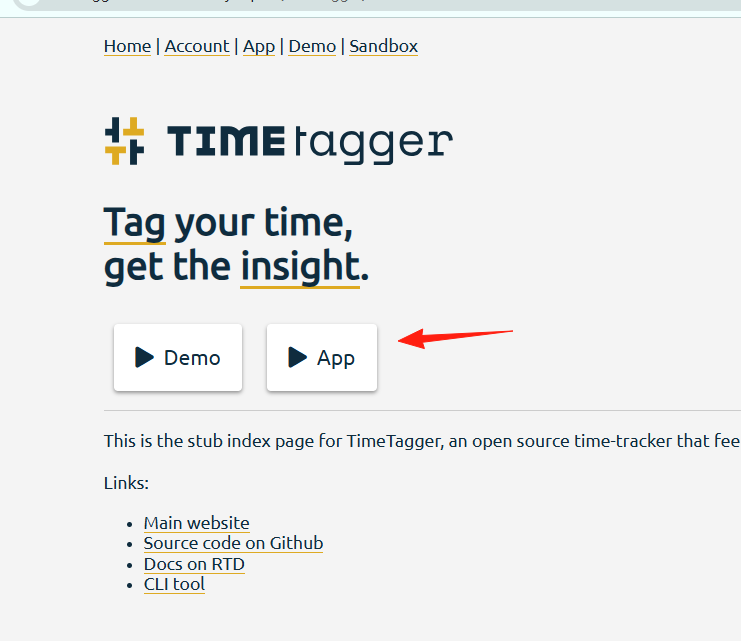
For actual use, return to the home page and click on "App".
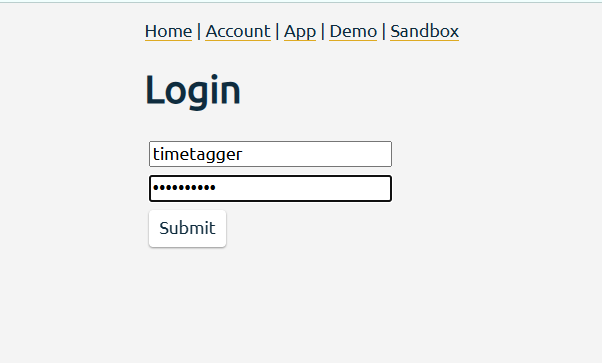
You need to log in first. Use the credentials: timetagger/timetagger
You will enter the main page, which displays a timeline.
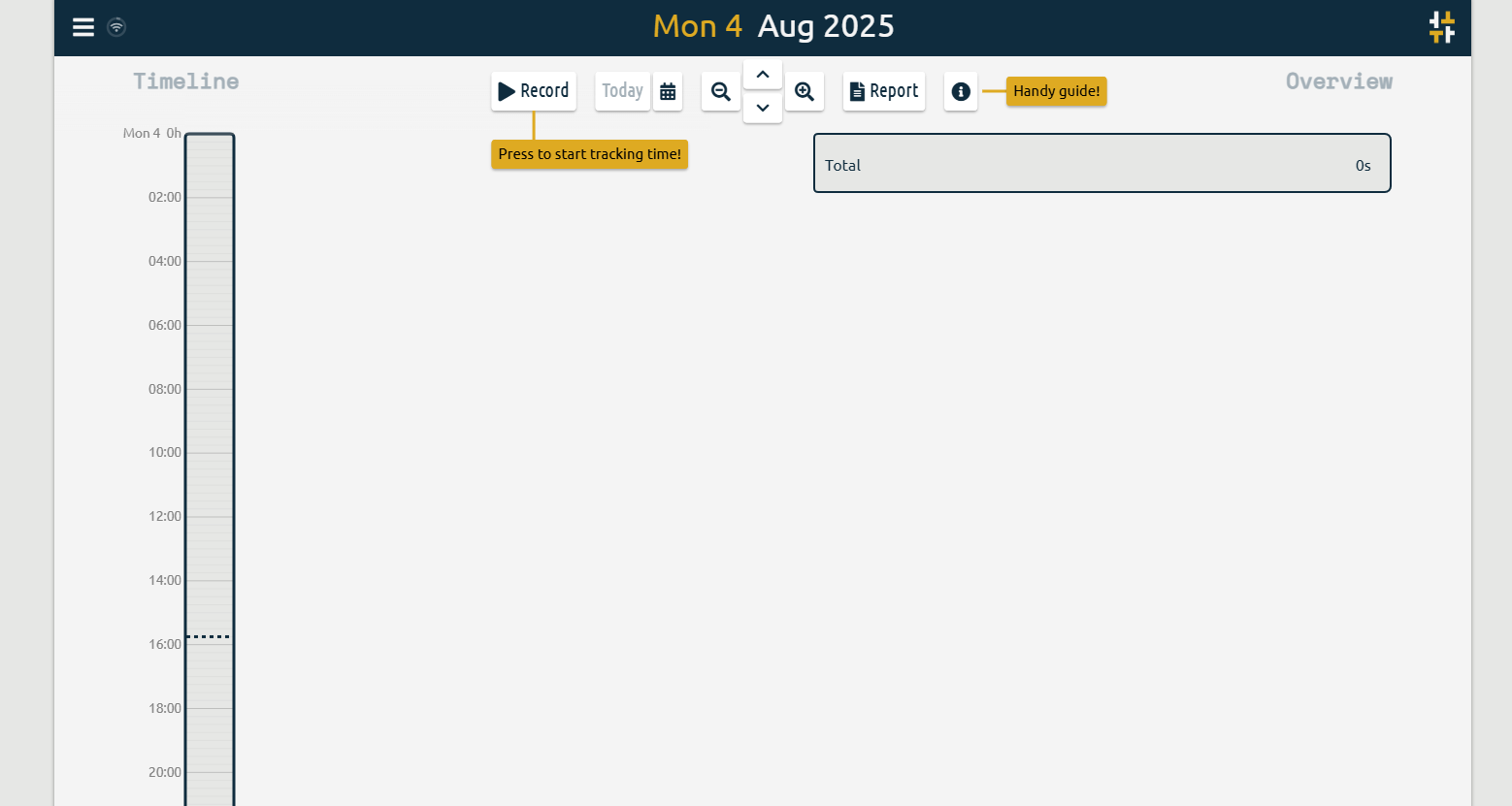
- Start Tracking Time
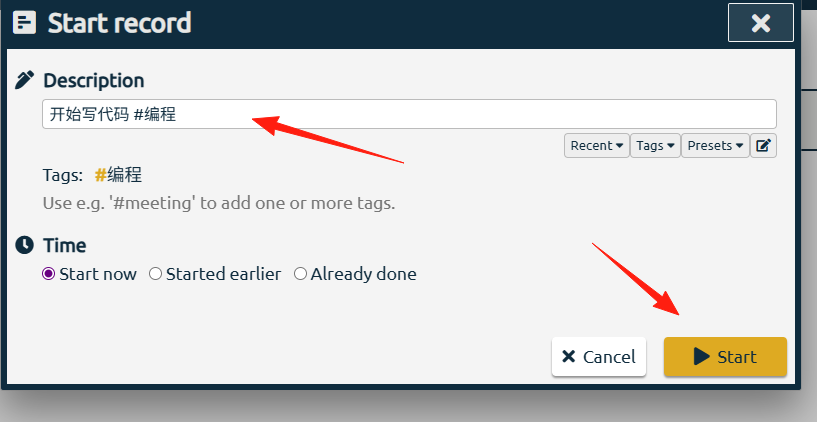
- Click the "Record" button on the page.
- Enter what you are doing, e.g., "Coding".
- Add tags, e.g.,
#work #programming.
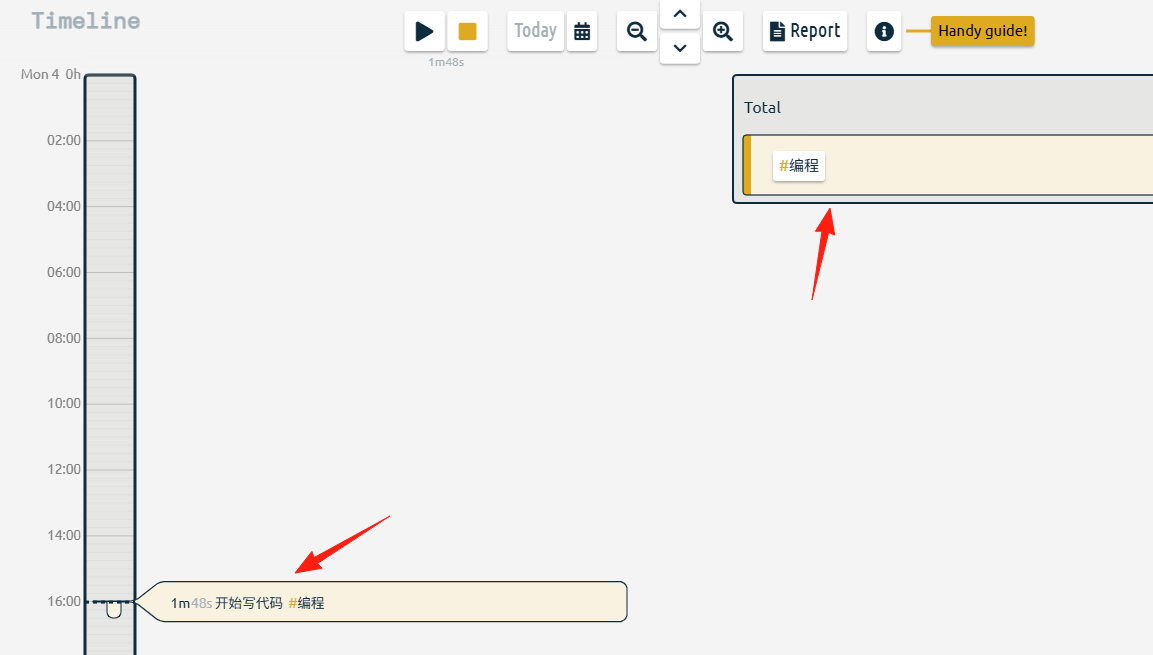
You can see the active recording on the home page.
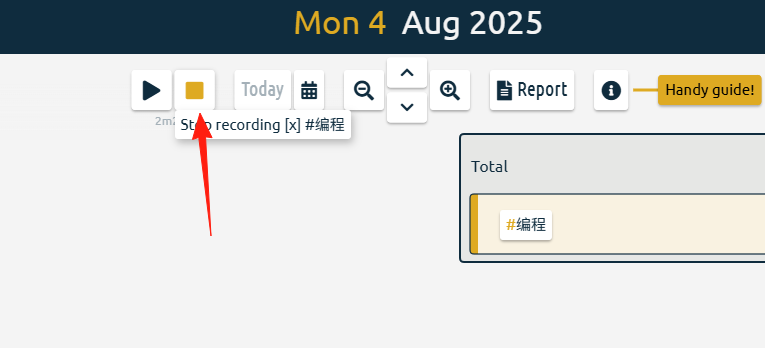
- Stop Recording
- Simply click the "Stop" button.
- The system will automatically calculate the duration.
- View Records
- All records are displayed on the timeline.
- You can click on any record to edit it.
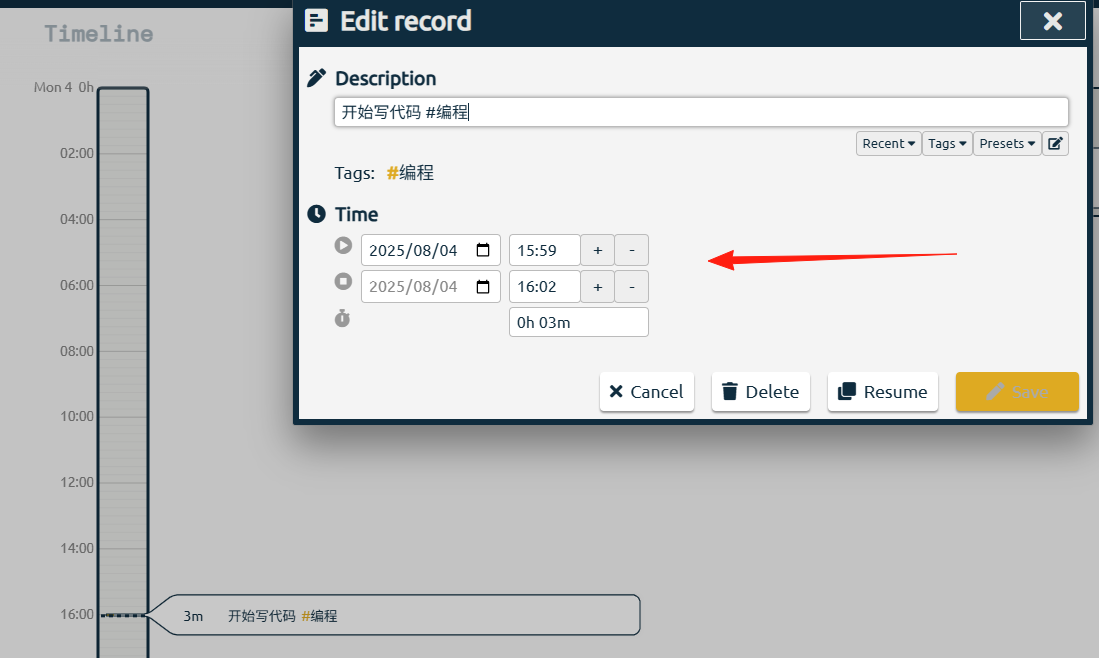
Tags are the core of TimeTagger. We recommend organizing them as follows:
- By Category:
#work#study#life#entertainment - By Project:
#ProjectA#ProjectB#PersonalWebsite - By Skill:
#programming#design#writing#reading - By Location:
#office#home#cafe
For example, if I'm coding for Project A at a cafe, I would use the tags: #work #ProjectA #programming #cafe
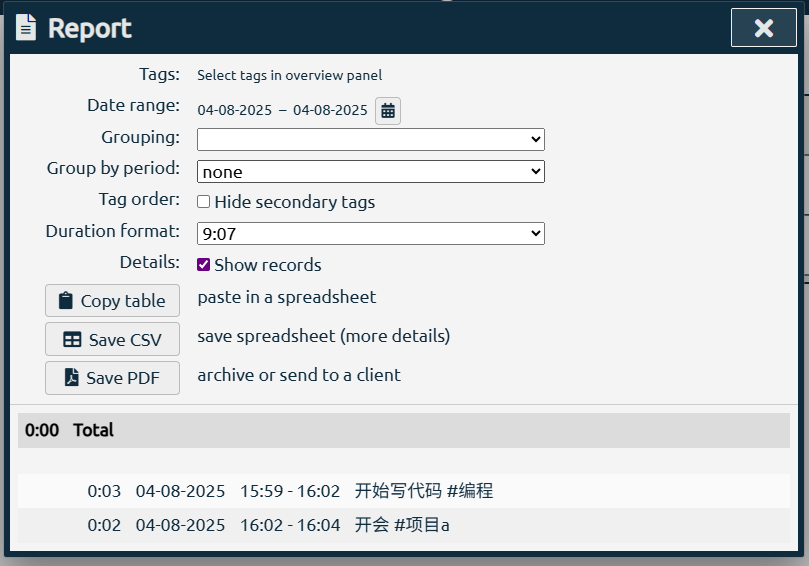
TimeTagger's reporting feature is powerful.
- Review your time distribution weekly to see which activities take up the most time.
- Compare planned vs. actual time to adjust your schedule for the following week.
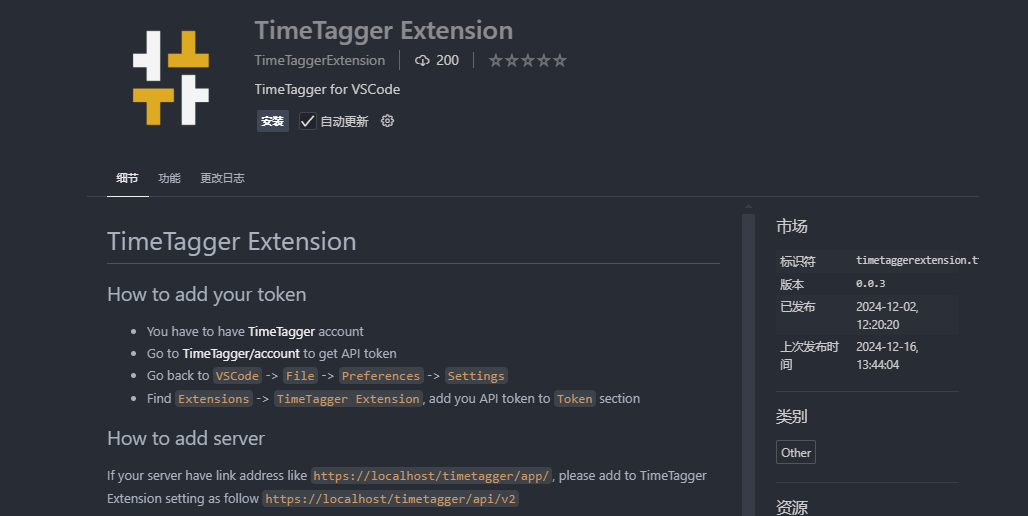
It also supports a VS Code plugin. Search for and install it from the extension marketplace.
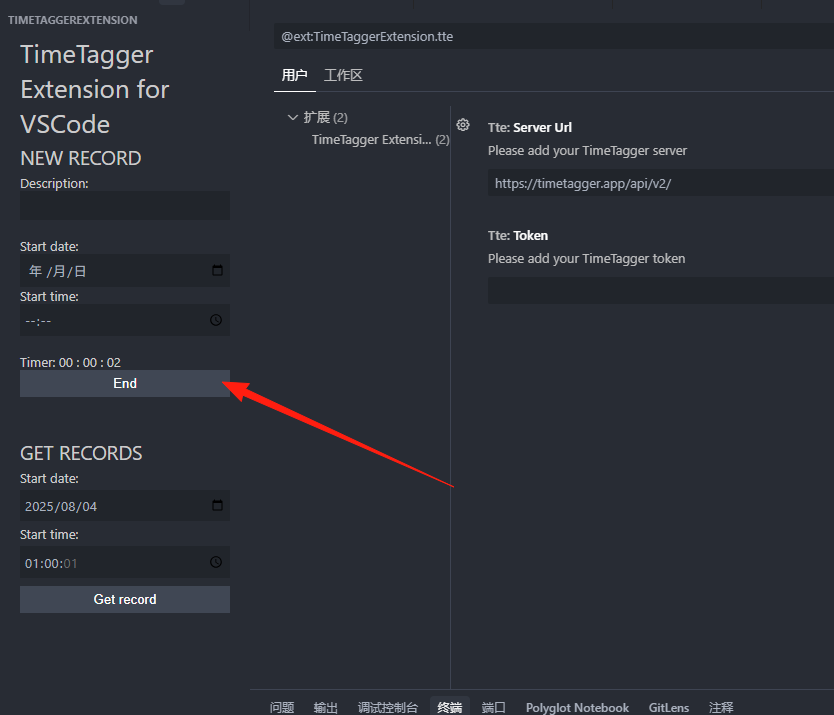
While coding, you can click start/end in the sidebar. The usage is similar to the web version.
Final Notes
There are countless time management tools, but few are sustainable in the long run. The advantage of TimeTagger lies in its simplicity and directness—it won't get in your way.
The key is to develop the habit of tracking and reflecting.
Related Links:
- Official Website: https://timetagger.app
- GitHub Project: https://github.com/almarklein/timetagger
- Online Demo: https://timetagger.app/demo
- Documentation: https://timetagger.readthedocs.io