
dufs - Easily Set Up Your Personal File Server
What is dufs?
Imagine you've just recorded an important video and want to share it with a colleague. Or perhaps you have a bunch of work documents that need syncing across multiple devices. Maybe you want to set up a simple static website to showcase your portfolio.
In these situations, you might think of using cloud storage, but speed limits and storage caps can be frustrating. Using a USB drive? Constantly copying files back and forth is too cumbersome.
dufs was born to solve these pain points. It's an open-source web file server that you can run directly out of the box. It supports file uploads and downloads, search, access control, WebDAV, and more.
https://appstore.lazycat.cloud/#/shop/detail/mcloud.mg.app.dufs
Quick Start
After installing the application, open your browser to find a clean file management interface.
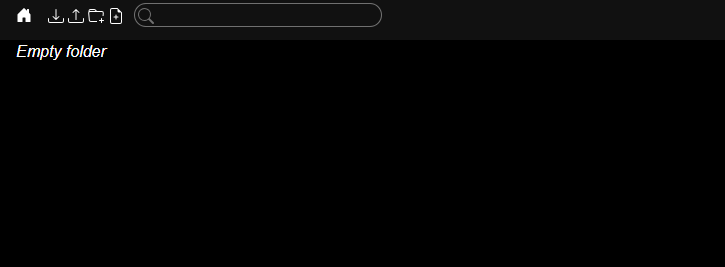
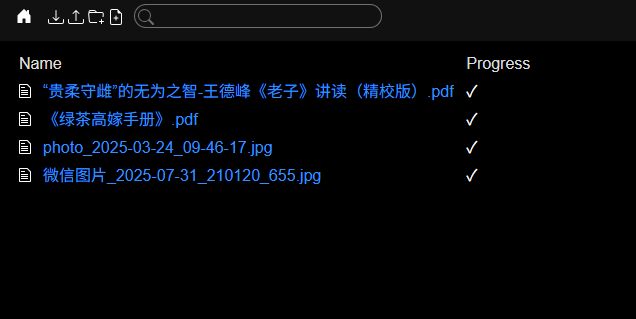
You can directly drag and drop files to upload—it's very fast.
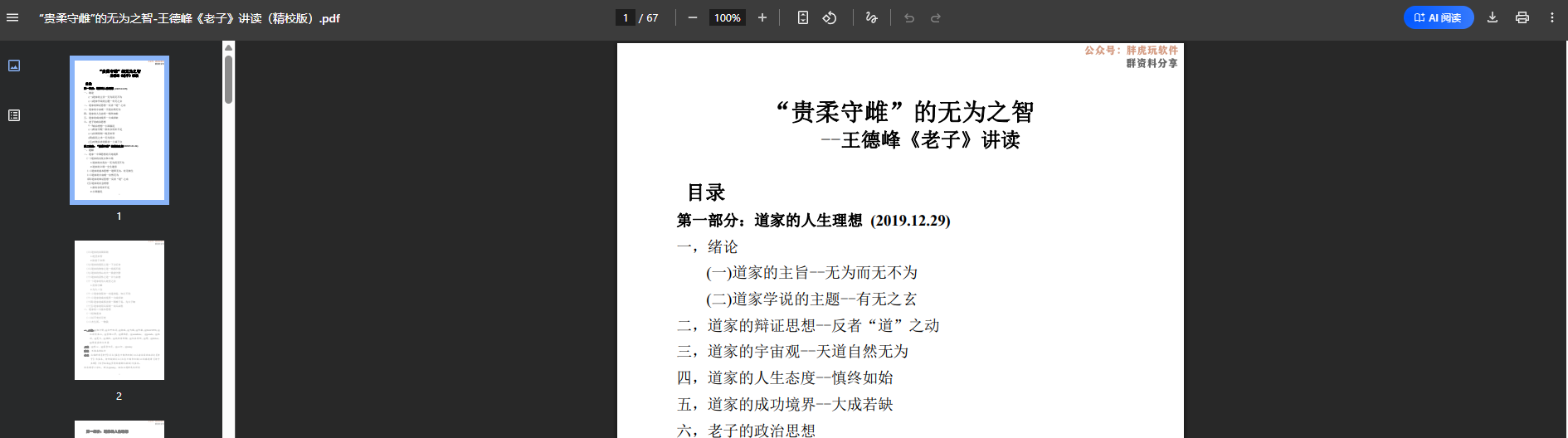
Click on a PDF file to view it directly.
Supports image file browsing; you can directly share the URL.

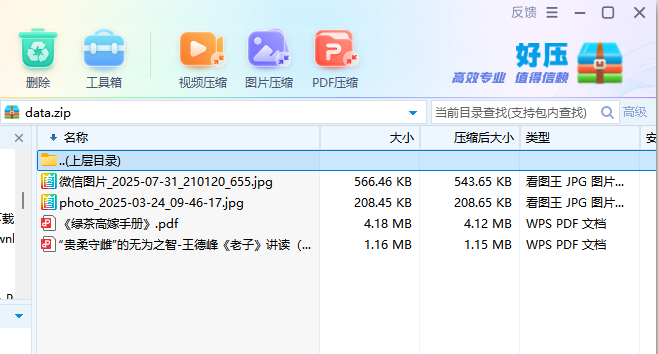
Click the download icon next to a file to download it individually.
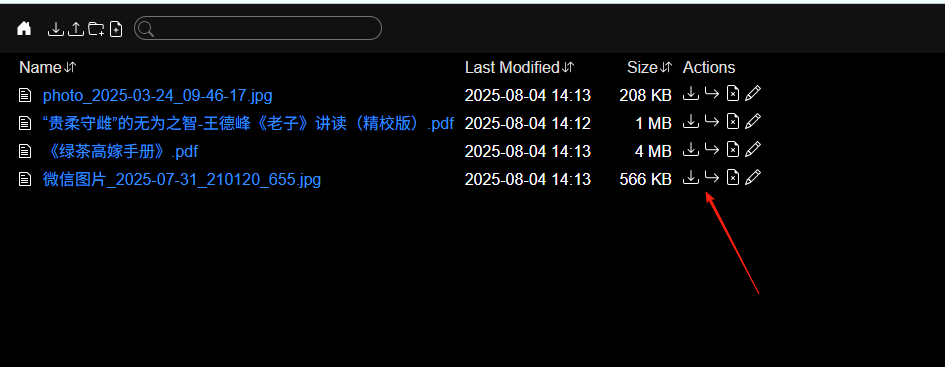
The download icon in the top-left corner downloads all files, compressing them into a ZIP package.
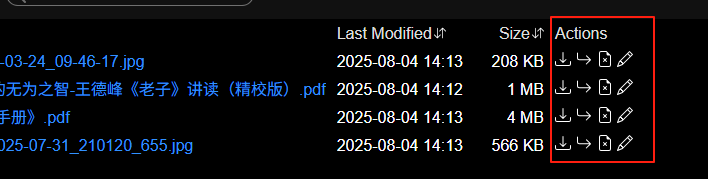
For files, you can download, move, delete, and edit them.
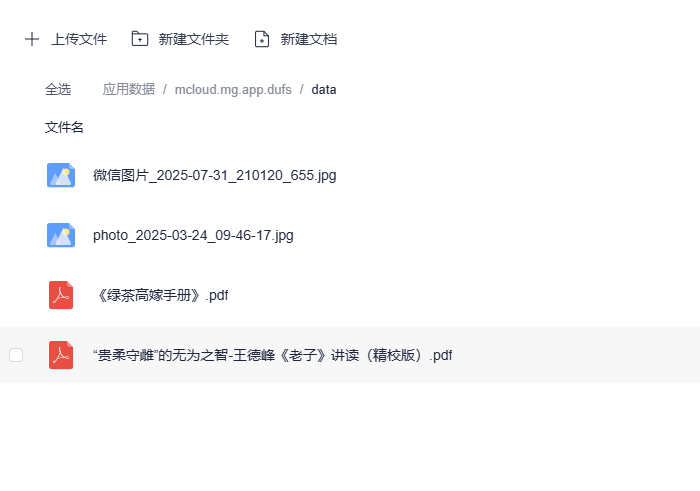
Uploaded files can be found in the application data directory: /data.
Although dufs is simple to use, pay attention to security when dealing with network access:
Do not expose it directly to the public internet - Unless you specifically need to, only use it within your local network.
Summary
dufs is precisely such a simple yet powerful tool.
Whether you want to share files within a team, set up a simple static website, or just transfer files between devices, dufs is up to the task.
Project Address: https://github.com/sigoden/dufs
Feel free to share more tips in the comments section~