
Kokoro TTS: A Practical Text-to-Speech Model
What is Kokoro TTS?
Simply put, Kokoro-FastAPI is a Dockerized FastAPI wrapper based on the Kokoro-82M text-to-speech model. It supports multiple languages (English, Japanese, Chinese), provides an OpenAI-compatible voice interface, and supports NVIDIA GPU acceleration or CPU inference.
In plain English: You feed it some text, and it can read it out loud using various voices, and it sounds quite natural.
https://appstore.lazycat.cloud/#/shop/detail/cloud.lazycat.app.kokoro
How to Use
After installing the application, open the main page.
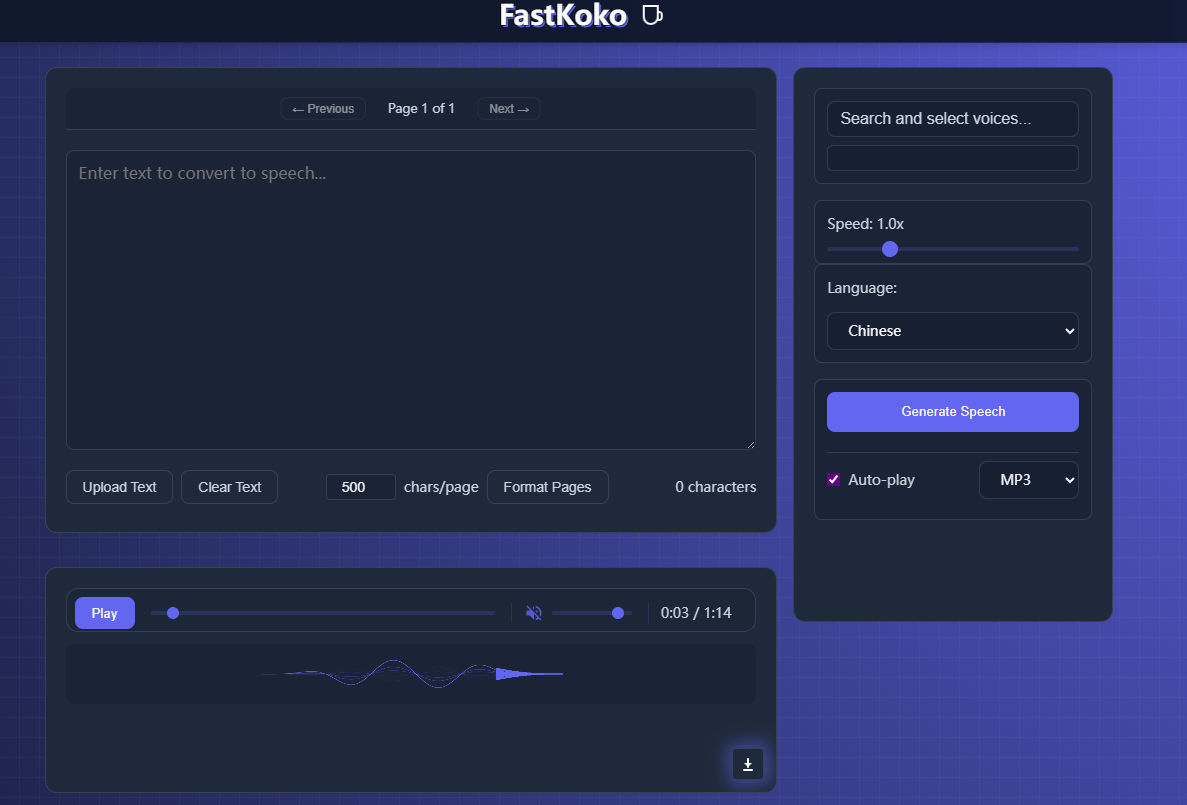
The most basic usage is converting text to an audio file:
Enter your content in the text box. Content exceeding 500 characters will be automatically paginated.
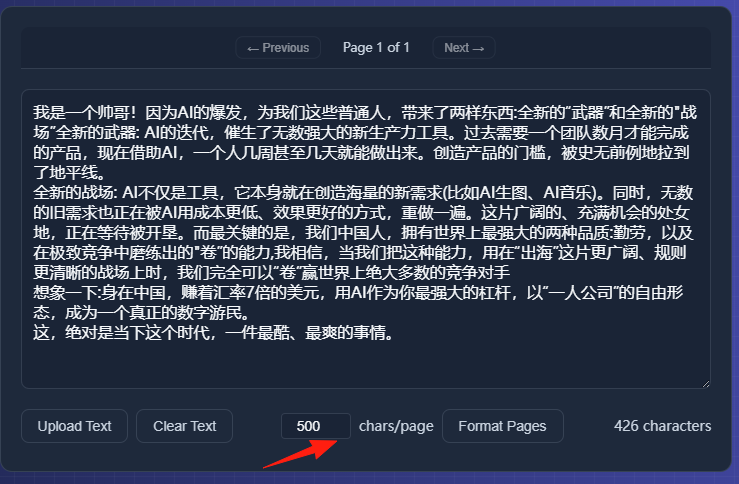
Select the language model.
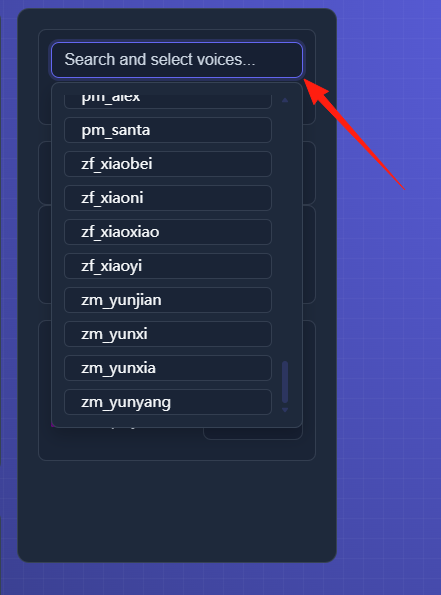
This feature is quite interesting; it can blend multiple voices:
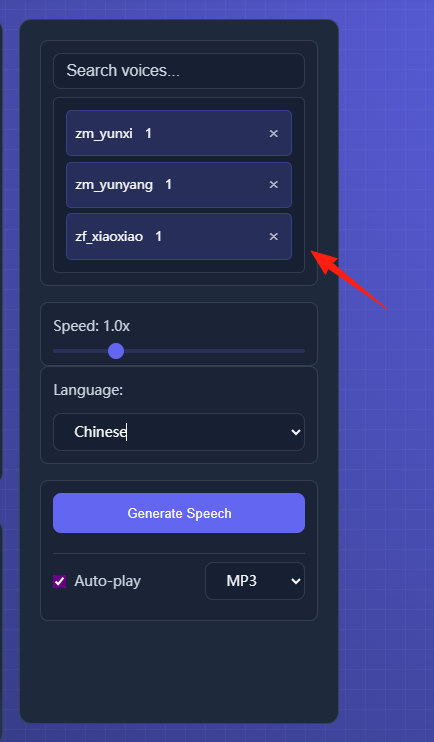
Select the speech speed and language, then click the Generate button.
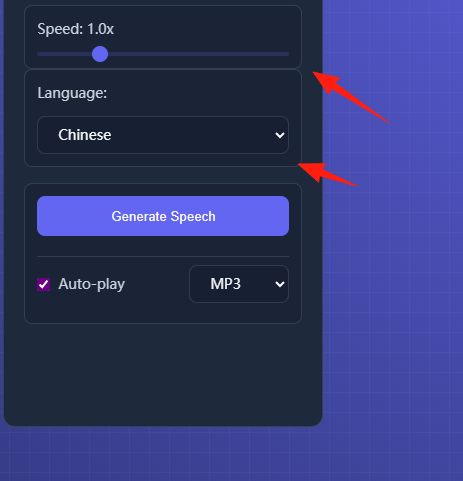
For one page of data, it takes about 2 minutes. After generation, click play to listen to the result.
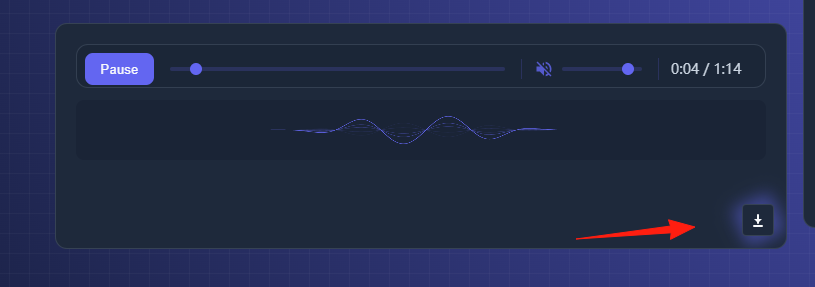
The download button in the lower right corner can be used to download the MP3 file.
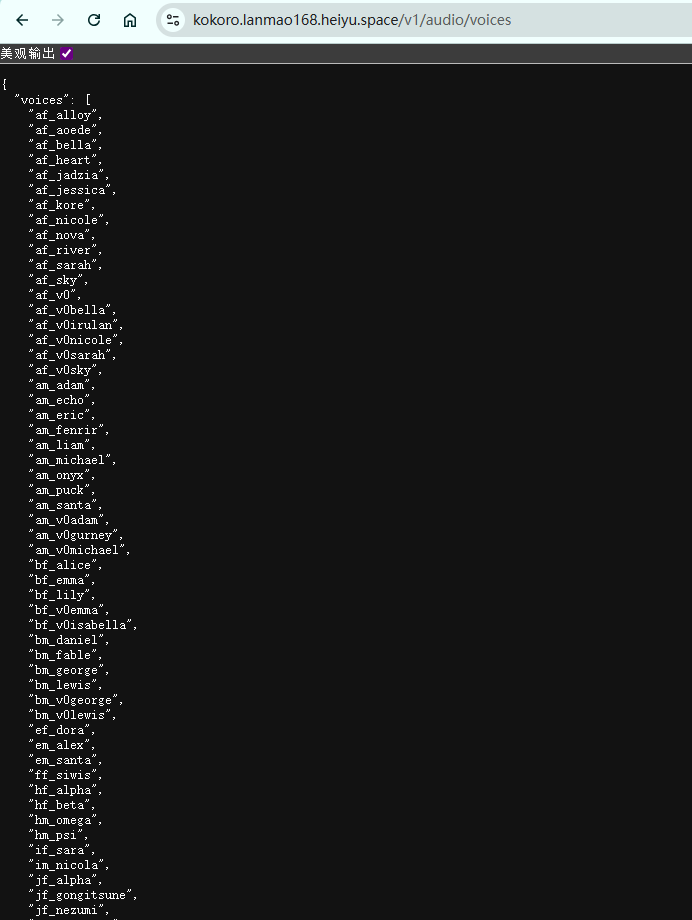
Check the /v1/audio/voices endpoint to get a list of all available voices.
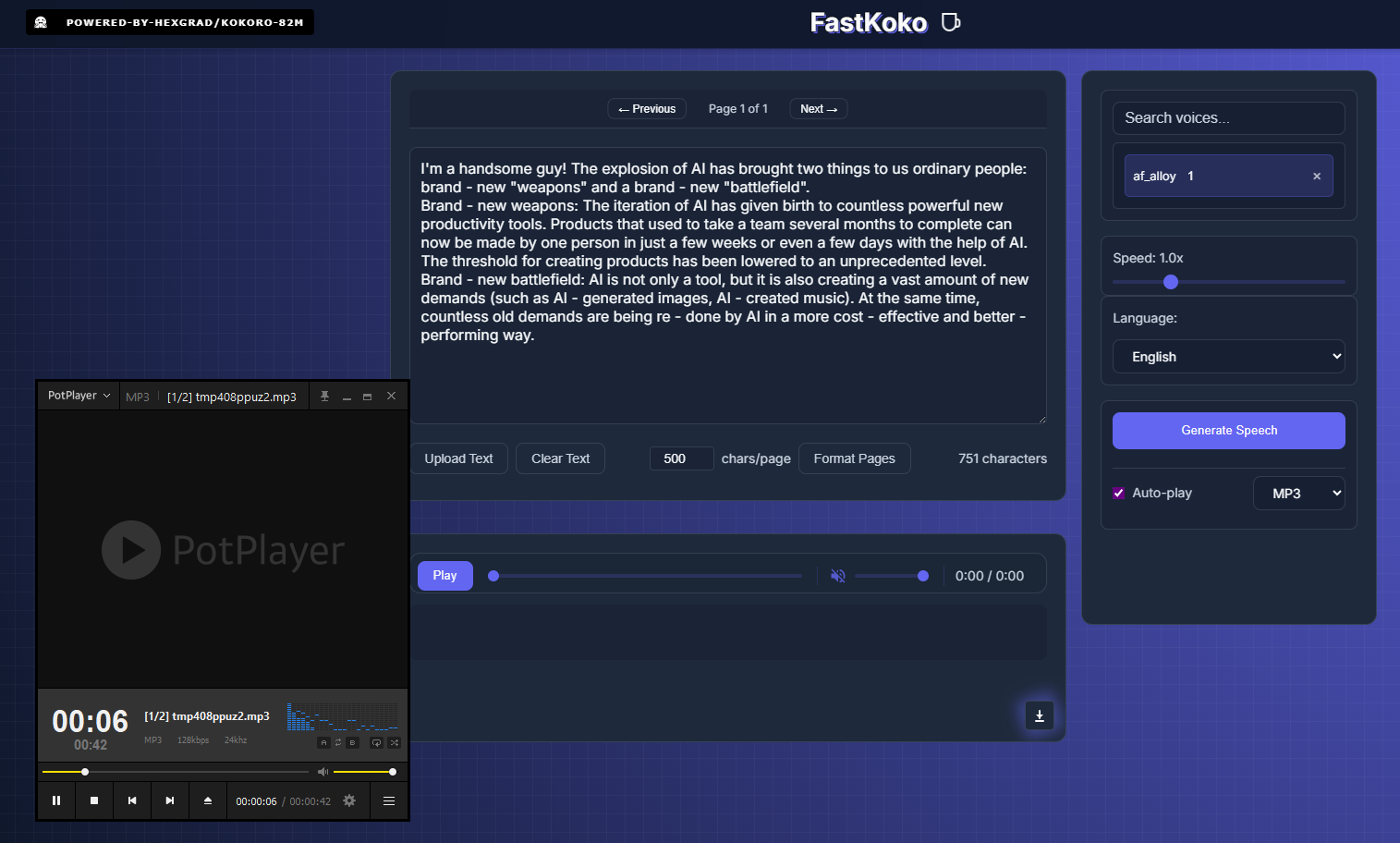
The English results are also good, and the voice quality feels more natural.
Summary
Kokoro is a pretty decent local TTS solution, especially suitable for: Content Creators: Who need to generate voice content in bulk. Privacy-Conscious Users: Who don't want to send their text to the cloud.
Most importantly, this thing is completely free and open-source, so you don't have to worry about running out of API credits or the service being discontinued.