
OpenReader User Guide - The Ultimate Tool for Converting Documents into Audiobooks
Imagine having a pile of PDF study materials and e-books, but your eyes always get tired from reading?
Or wanting to "listen" to a technical book during your commute?
OpenReader is a tool born to solve these exact pain points.
Simply put, OpenReader is a document reader, but it's much more powerful than you might think:
Core Features
- Multi-format Support: PDF, EPUB, DOCX, Markdown, TXT – it handles virtually all the document formats you can think of
- High-Quality Speech Synthesis: Supports various TTS engines like OpenAI TTS, Kokoro, Orpheus, delivering remarkably natural-sounding voices
- Read-Along Experience: Highlights the current sentence during playback, allowing you to listen and follow along visually
- Audiobook Creation: Directly export PDF or EPUB files into M4B format audiobook files
https://appstore.lazycat.cloud/#/shop/detail/lazycat.community.app.openreader
How to Use
After installing the app, a setup pop-up will appear first.
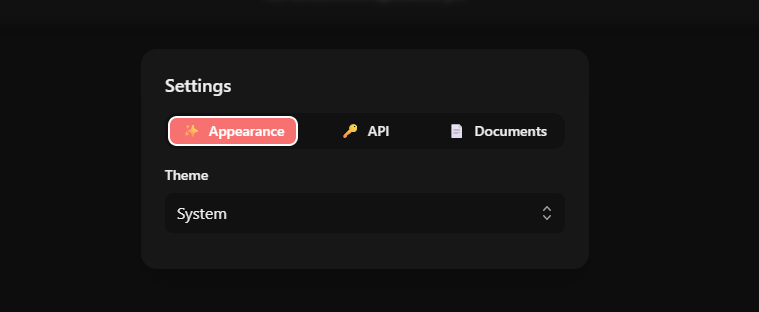
You can skip configuration for now and upload a document first.
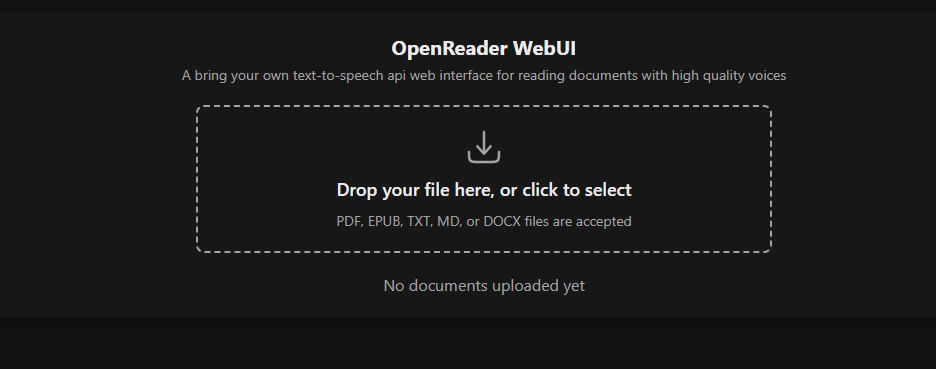
Click on the file to view its details.
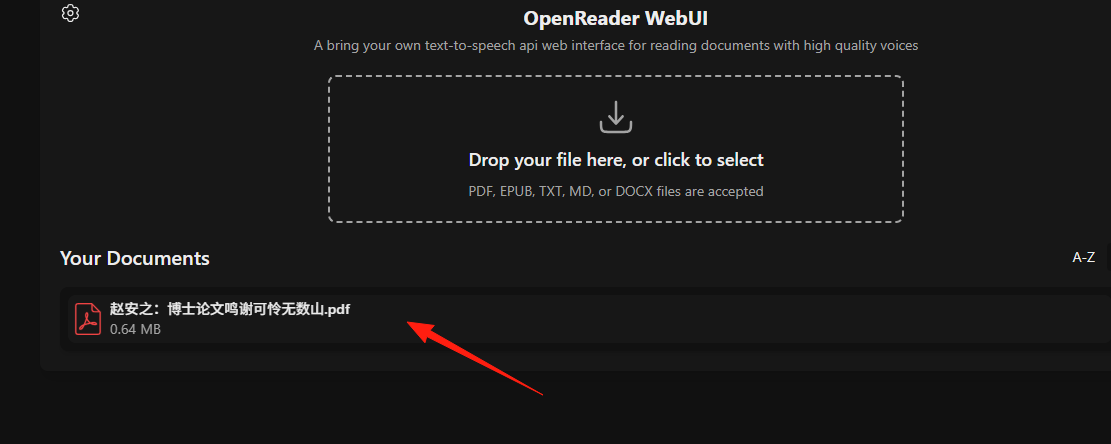
PDF is the most commonly used format but also the most prone to issues:
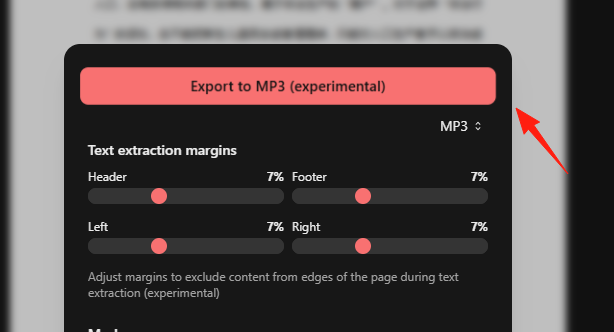
Adjust Margin Settings: You can adjust the PDF text extraction margins in the settings to avoid reading headers and footers.
Text within images will also be recognized.
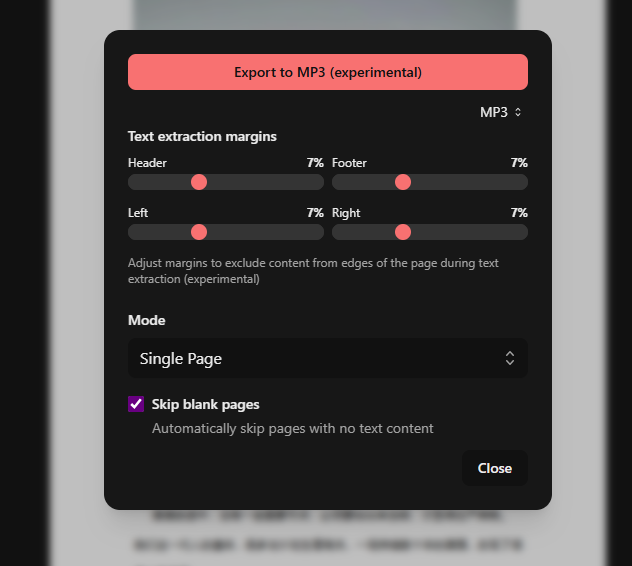
For long PDFs, it's recommended to process them by chapters to avoid generating excessively large audio files at once.
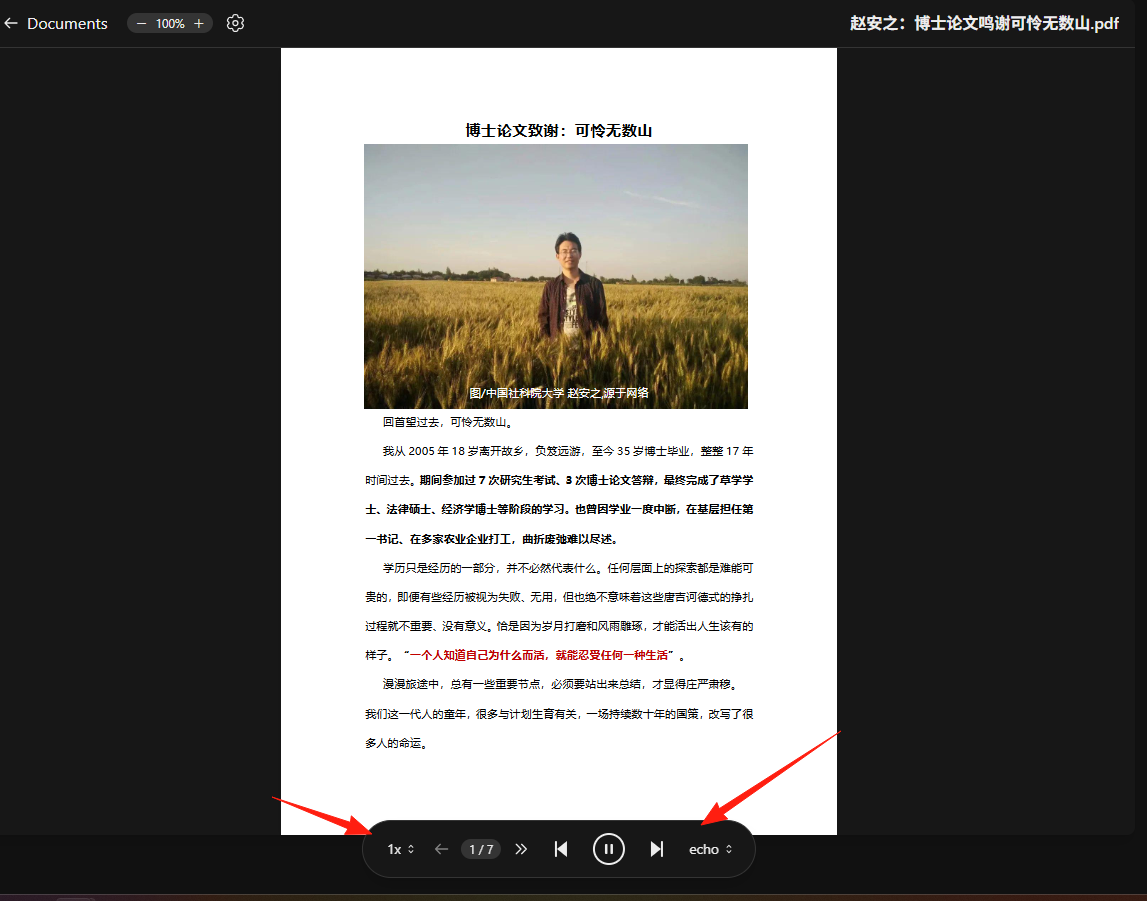
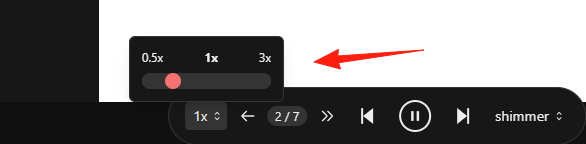
Different TTS engines offer different voice options; try a few to find your favorite. You can adjust the playback speed on the left; 1.2x speed is often a good choice.
You can also export the file as MP3, although the process is a bit slow.
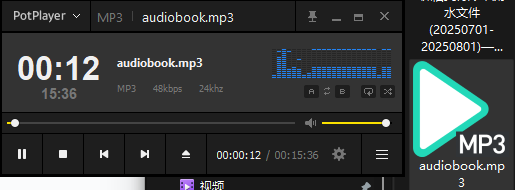
 The audio can be played back normally.
Summary
OpenReader is especially suitable for anyone who needs to do a lot of reading.
This tool addresses a genuine need – making reading easier. Whether you're a student, researcher, or general knowledge worker, it's definitely worth trying.