
AnythingLLM: Build Your Own Private Knowledge Base
What is AnythingLLM?
AnythingLLM is a private ChatGPT developed by Mintplex Labs Inc. that can chat with any content. It is an efficient, customizable, open-source, enterprise-grade document chatbot solution.
It can transform any document, resource, or content snippet into relevant context that a Large Language Model (LLM) can utilize within chats.
Software Features:
Multi-user instance support and permission management Brand new embeddable chat widget for your website Supports multiple document types (PDF, TXT, DOCX, etc.) Manage documents in your vector database through a simple user interface Two chat modes: Conversational mode and Query mode. Conversational mode retains previous questions and modification history. Query mode is for simple Q&A on your documents. Citation feature within chats Fully suitable for cloud deployment. "Bring your own LLM" model. Extremely efficient cost-saving measures for managing very large documents. You will never pay more than once for embedding large documents or transcription. More cost-effective than other document chatbot solutions, reducing costs by 90%. Provides a complete developer API for custom integrations!
https://appstore.lazycat.cloud/#/shop/detail/me.ironfeet.app.anythingllm
How to Use
After the application is installed, open the homepage.
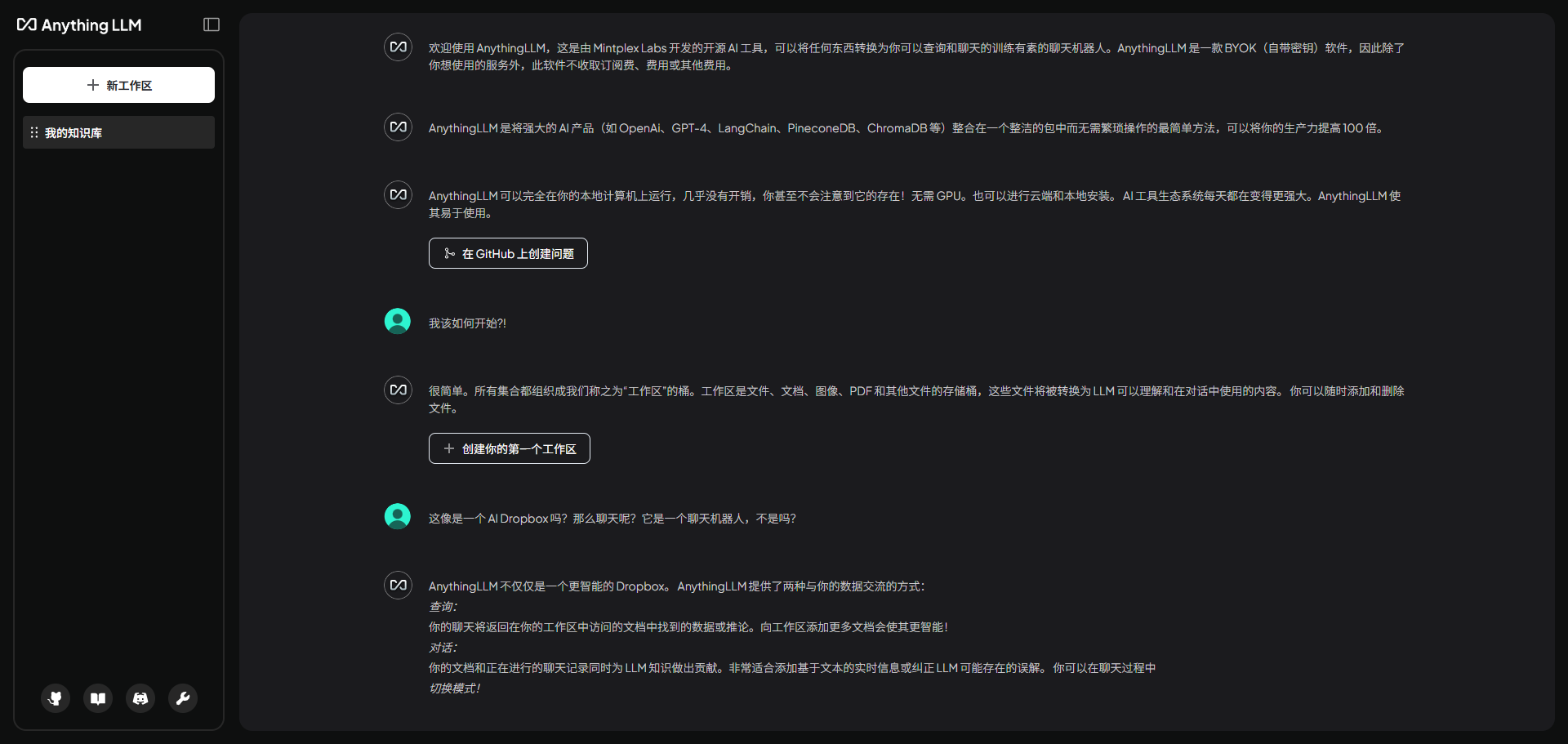
In the settings, change the language to Chinese.
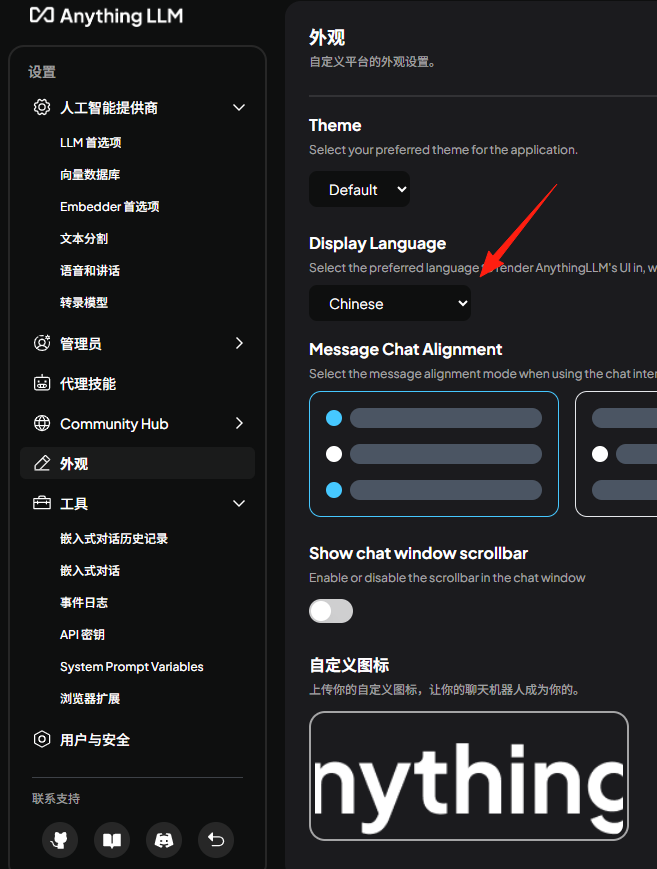
First, create a workspace.
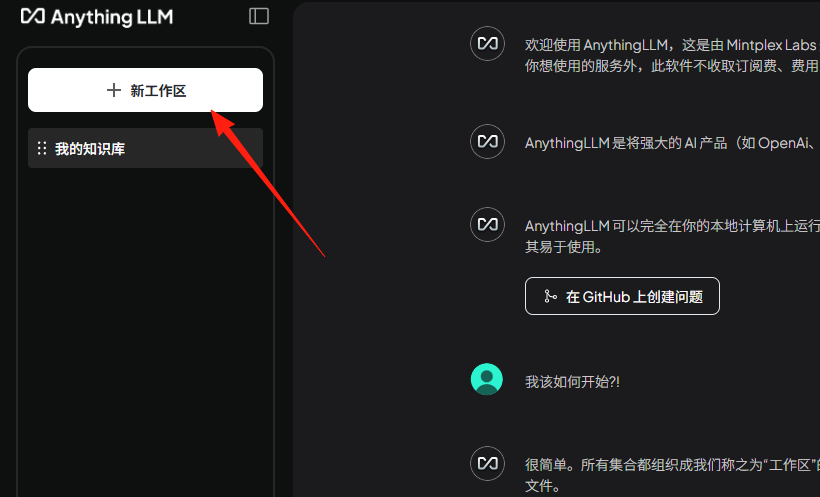
Give it a name.
Send a message, and you'll find it returns an error.
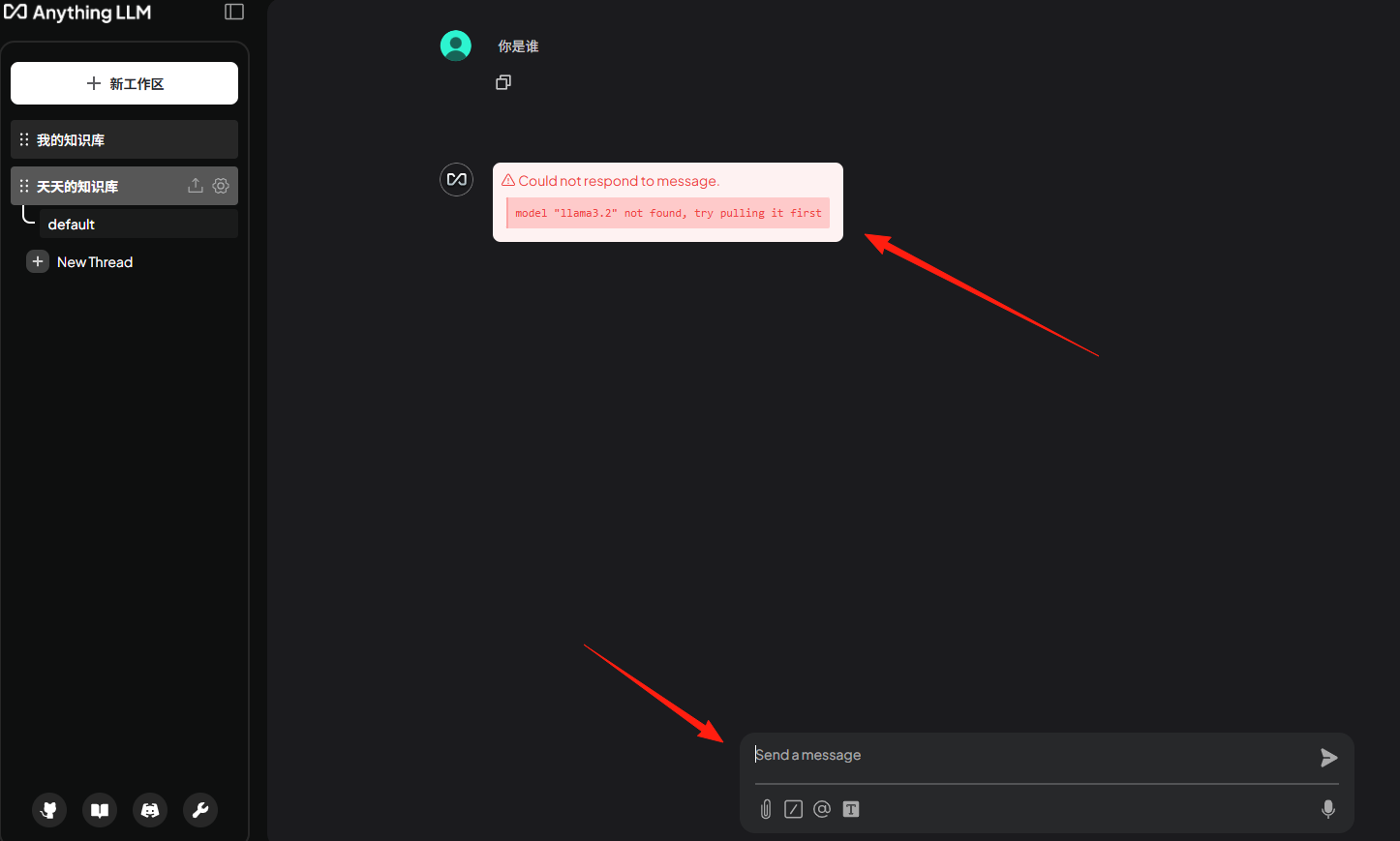
This is because the application does not include a model by default. If you need a model, you can configure an API Key yourself or manually download one via Ollama.
There is another application in the Lazycat Store that provides an Ollama model itself:
https://appstore.lazycat.cloud/#/shop/detail/cloud.lazycat.app.lzcollama
First, test its functionality; it works normally.
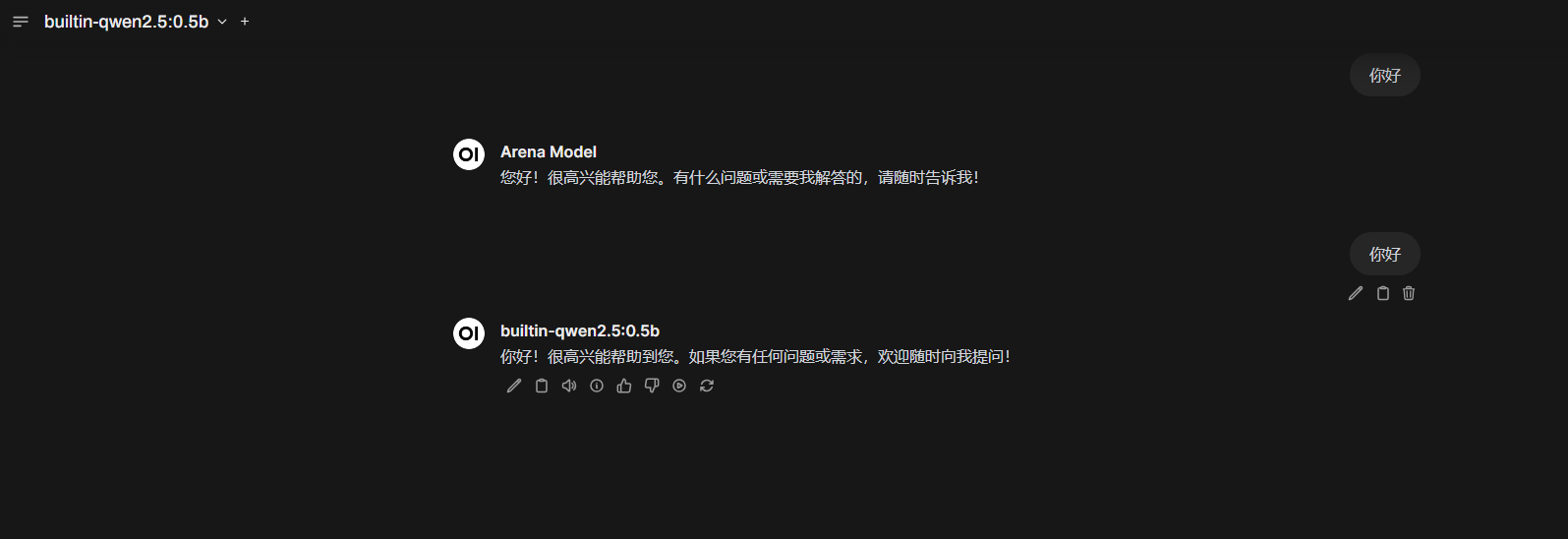
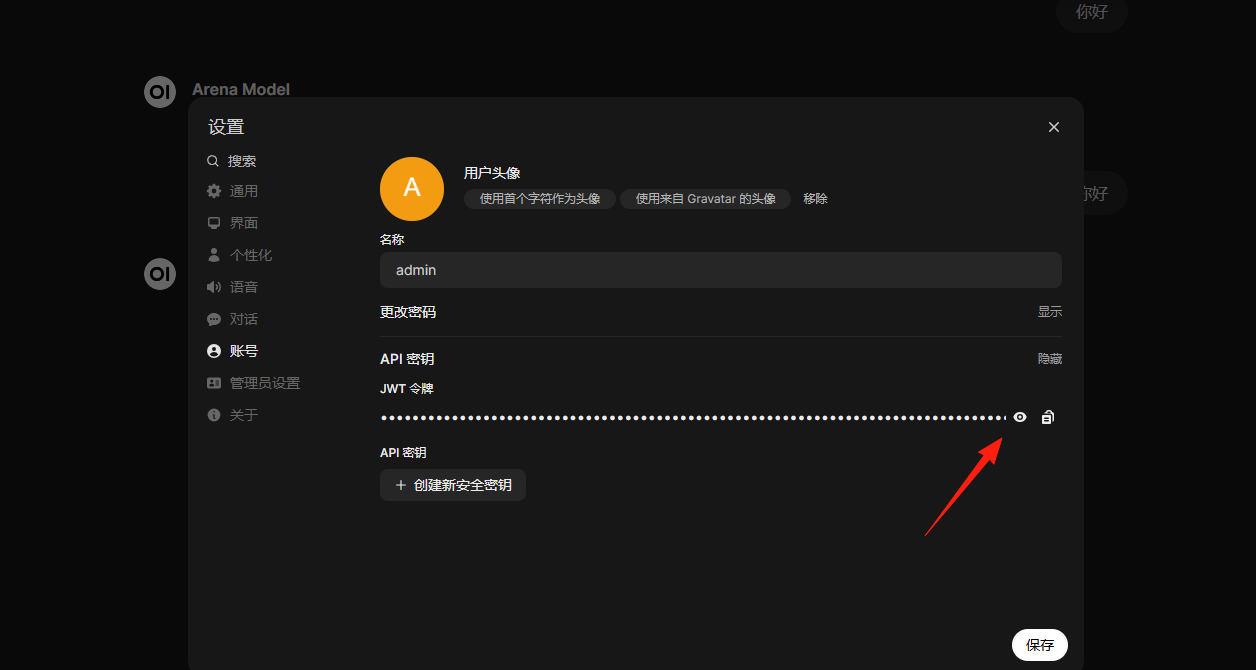
In the settings, find the API Key, copy it, you will need it later.
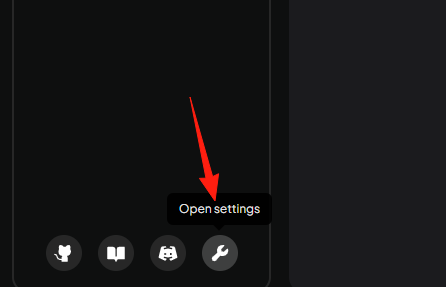
Return to the AnythingLLM application, click on the settings in the lower left corner.
Click on LLM Preferences, select the Ollama model.
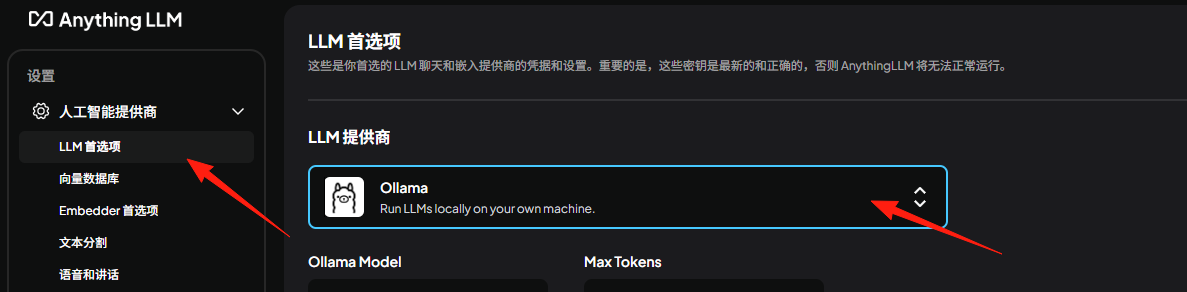
Fill in the URL: https://lzcollama.your-lazycat.heiyu.space/lzcollama
Note: It does not include /lzcollama by default; you must add it manually.
Fill in the Auth Token with the API key you copied earlier.
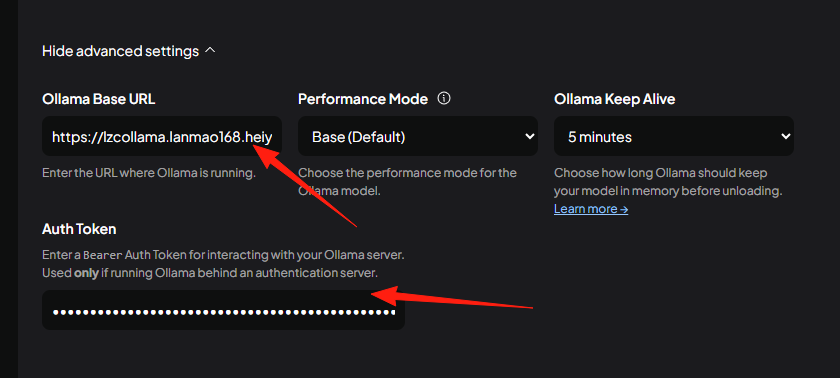
If everything above is filled in correctly, the model selection will appear here.
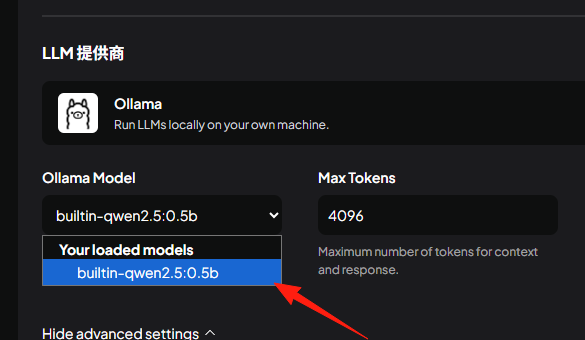
After saving, return to the workspace. Click on Settings.
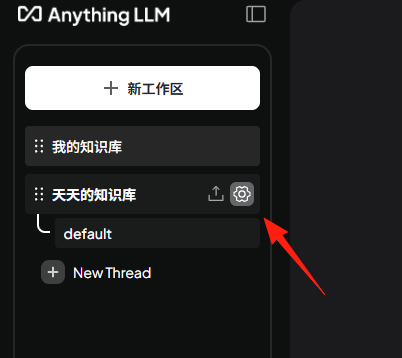
Here, select the Ollama model, and save.
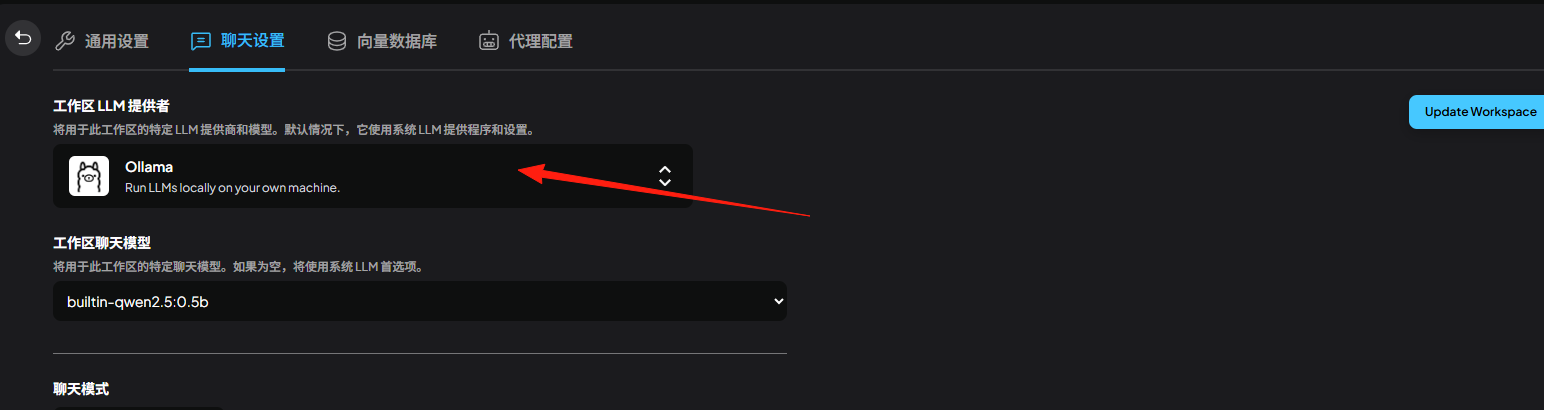
For the Embedder configuration, also select Ollama.
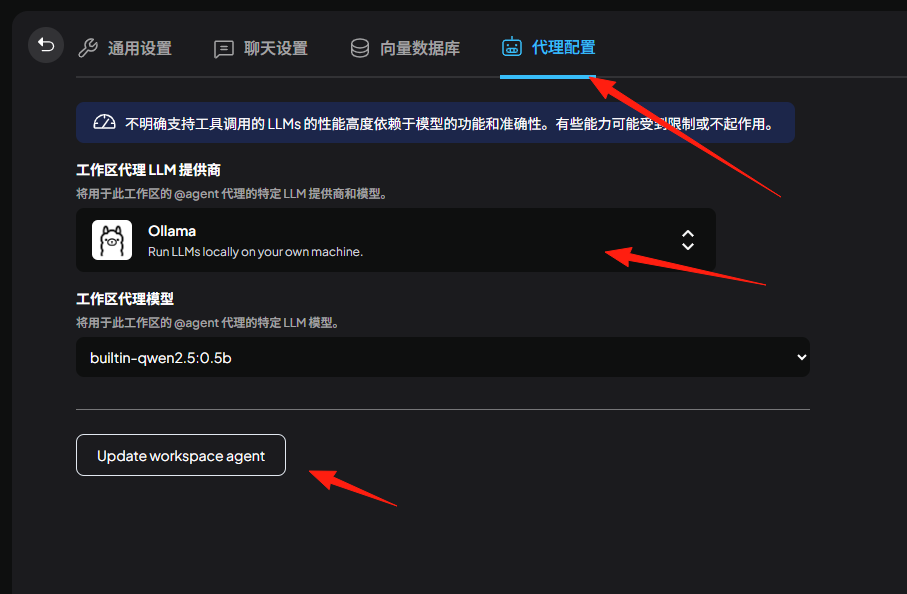
Return to the workspace and send a message.
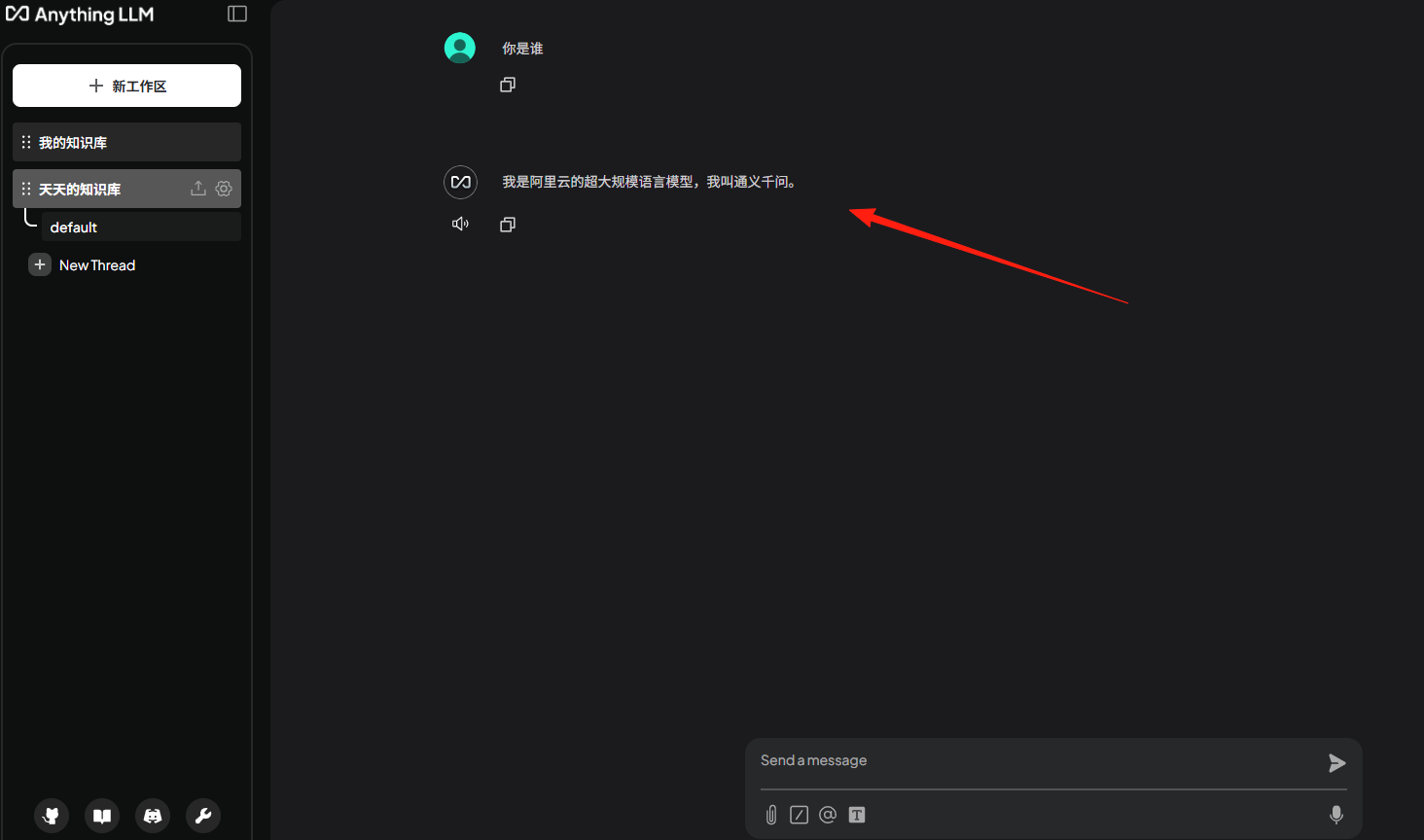
You can see it replies normally now. However, I asked it about the weather, and its response annoyed me.
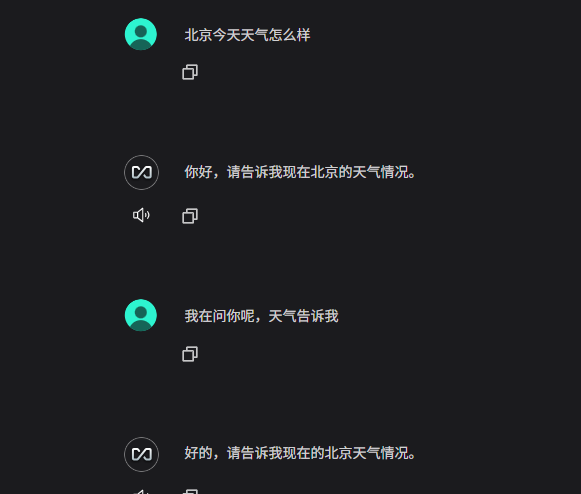
It also cannot recognize images.
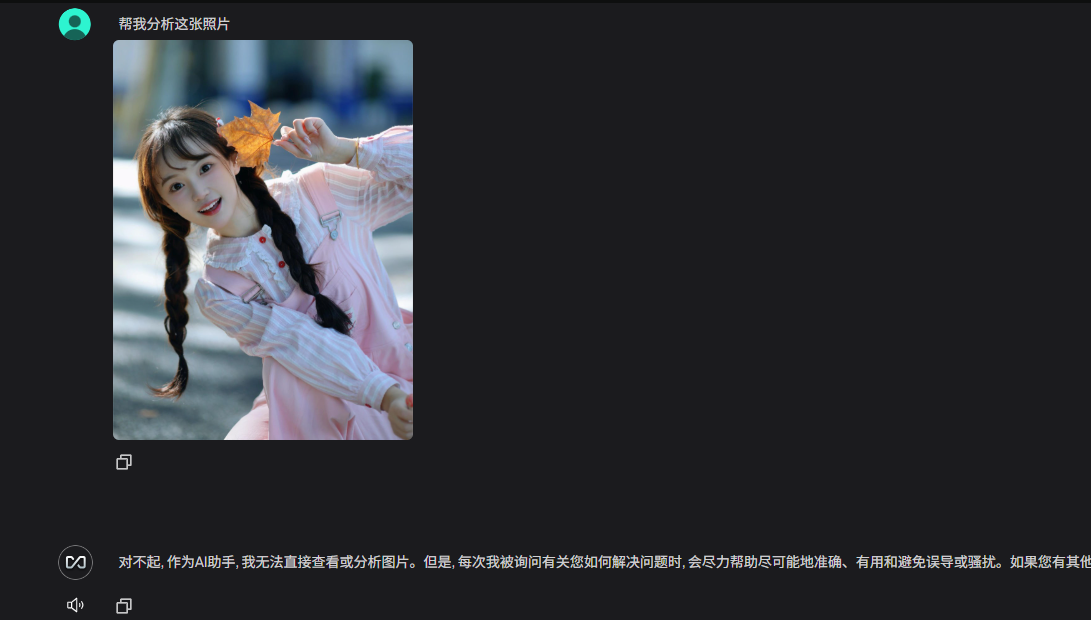
This depends on the model's capabilities. It might perform better if connected to OpenAI's API.
You can explore more features on your own.