
OneNav Guide: Build Your Own Cloud Bookmark System
What is OneNav?
In simple terms, OneNav is an efficient browser bookmark management tool developed in PHP. It centralizes the management of browser bookmarks, perfectly solving the challenges of syncing and accessing bookmarks across different devices, platforms, and browsers. Deploy it once, and access it anywhere.
Put plainly: You build your own "website navigation site," put all your saved websites on it, and then you can access your bookmarks anytime, no matter what device or browser you use.
https://appstore.lazycat.cloud/#/shop/detail/lazycat.app.onenav
How to Use
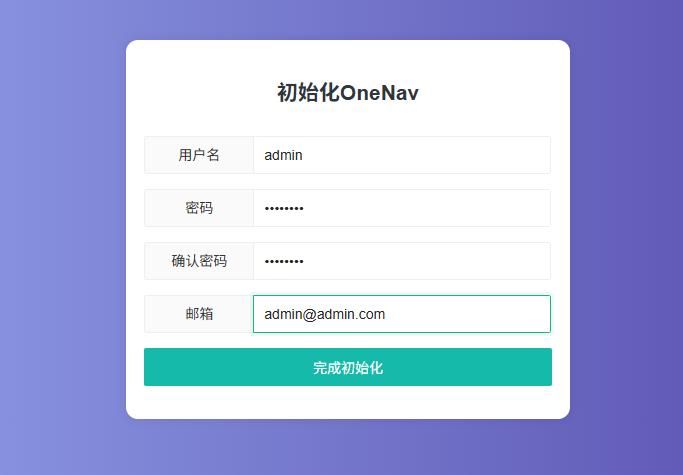
After installing the application, first initialize an account.
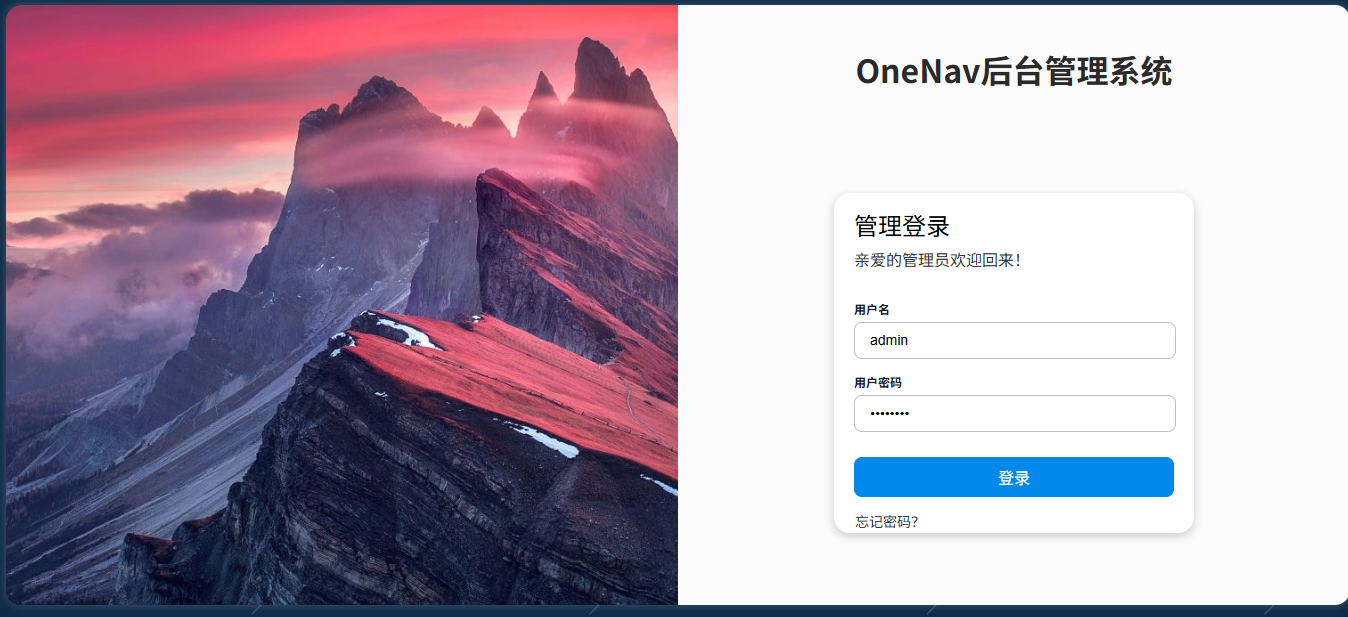
Log in to the admin panel.
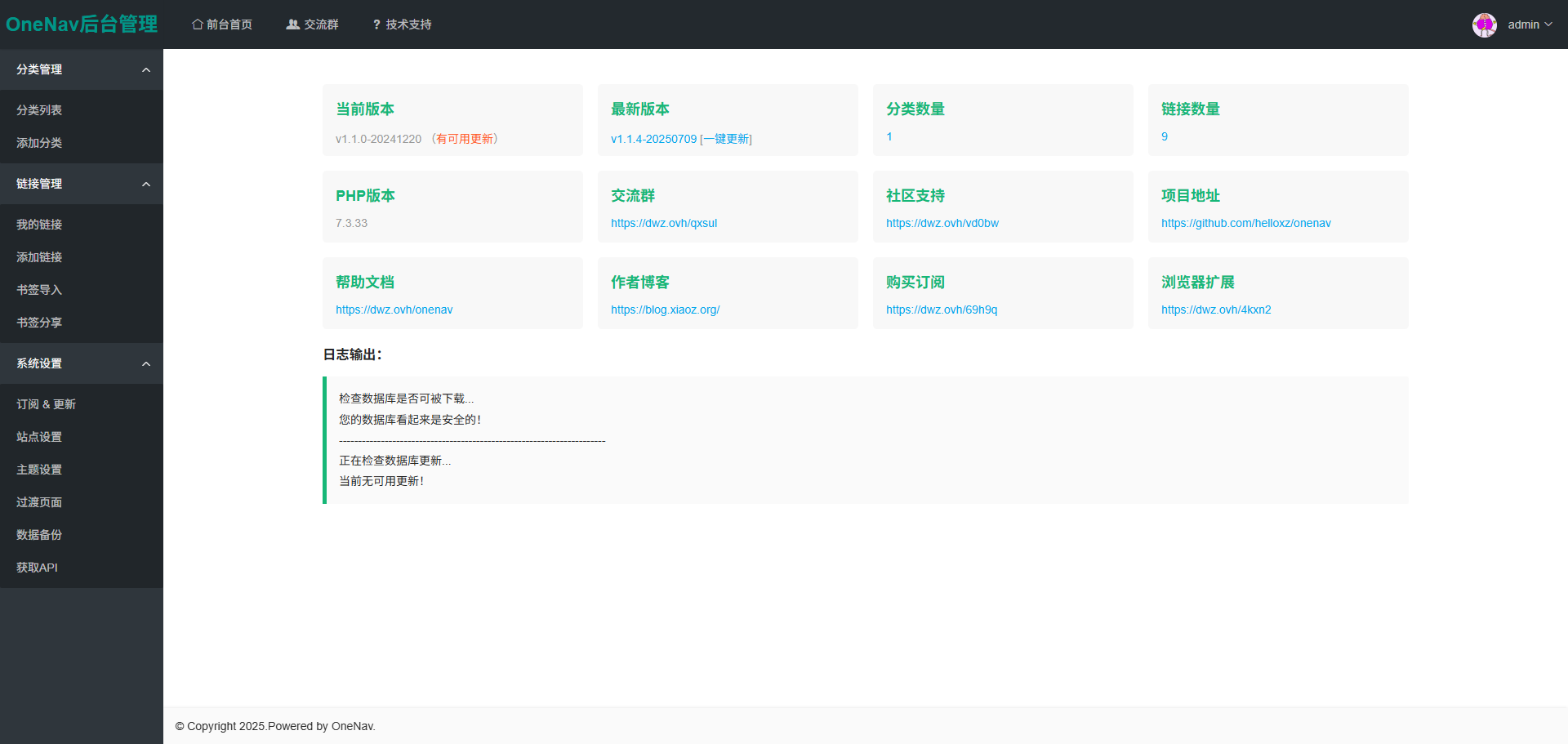
Enter the main page.
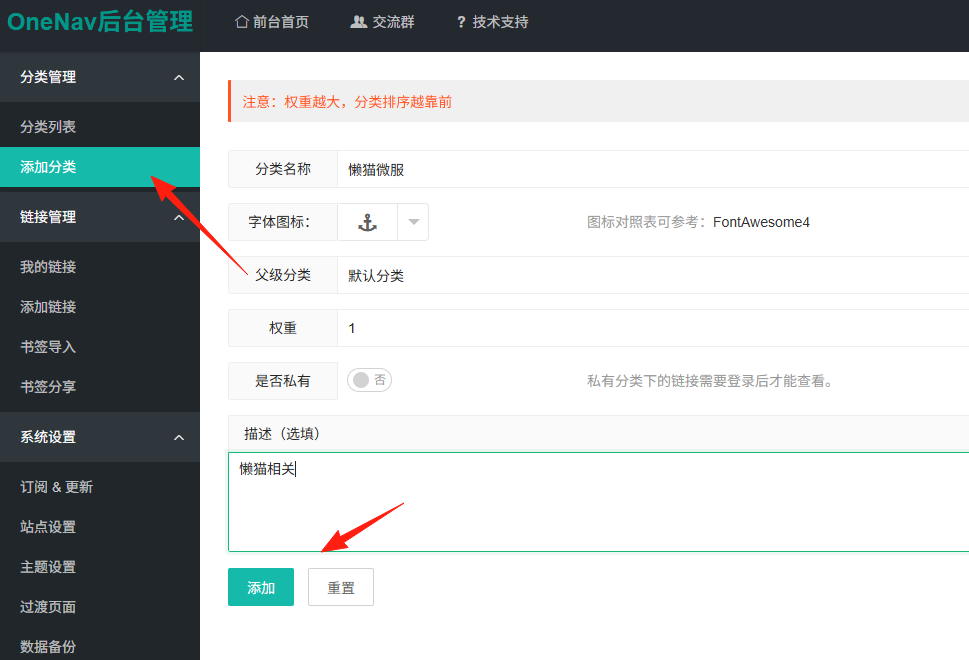
Add a category.
Add a link. You can use the recognition feature to automatically fill in the name.
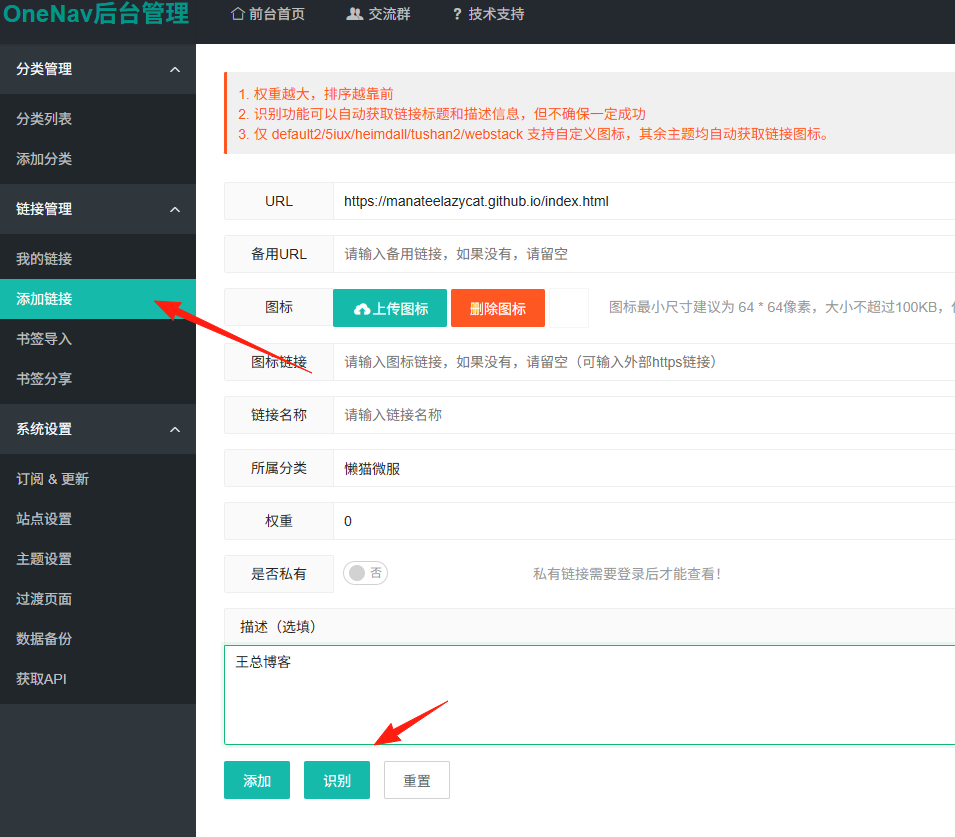
Actually, you don't need to add them manually one by one. You can directly export the bookmark file from your browser and then import it with one click in the OneNav admin panel. It supports bookmark formats from mainstream browsers like Chrome, Firefox, Safari, etc.
Steps:
- Chrome: Settings → Bookmarks → Bookmark Manager → Export Bookmarks
- Go to OneNav Admin Panel → Bookmark Management → Import Bookmarks → Select File
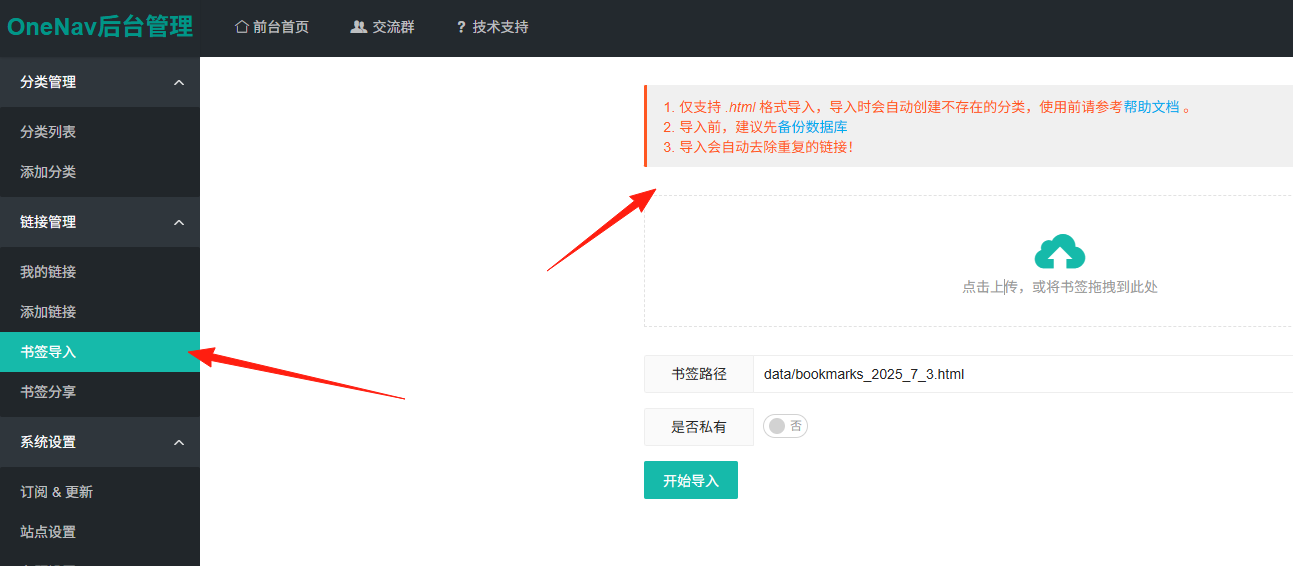
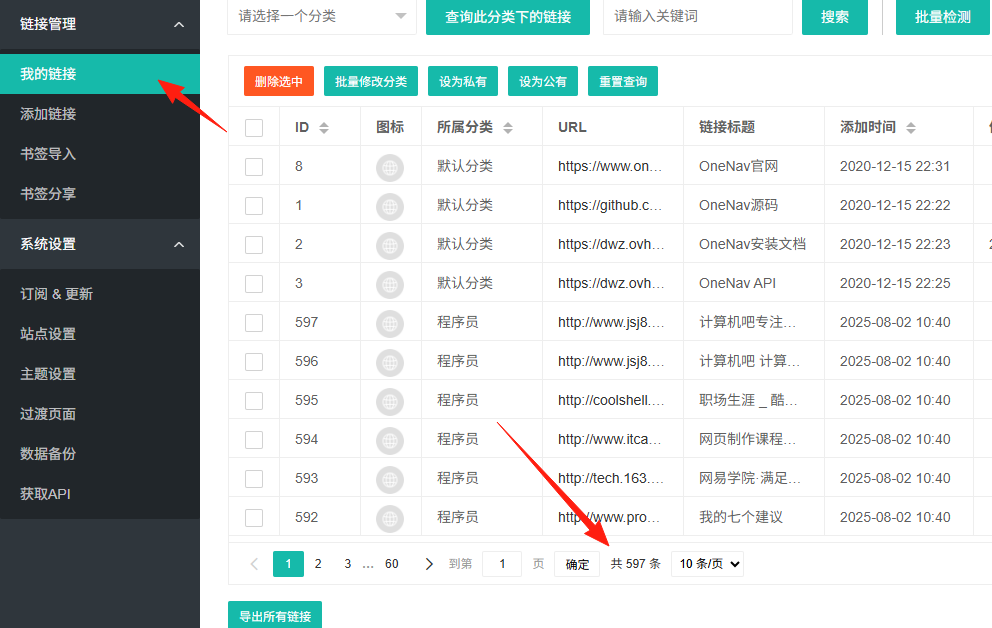
You can see the imported bookmarks in "My Links".
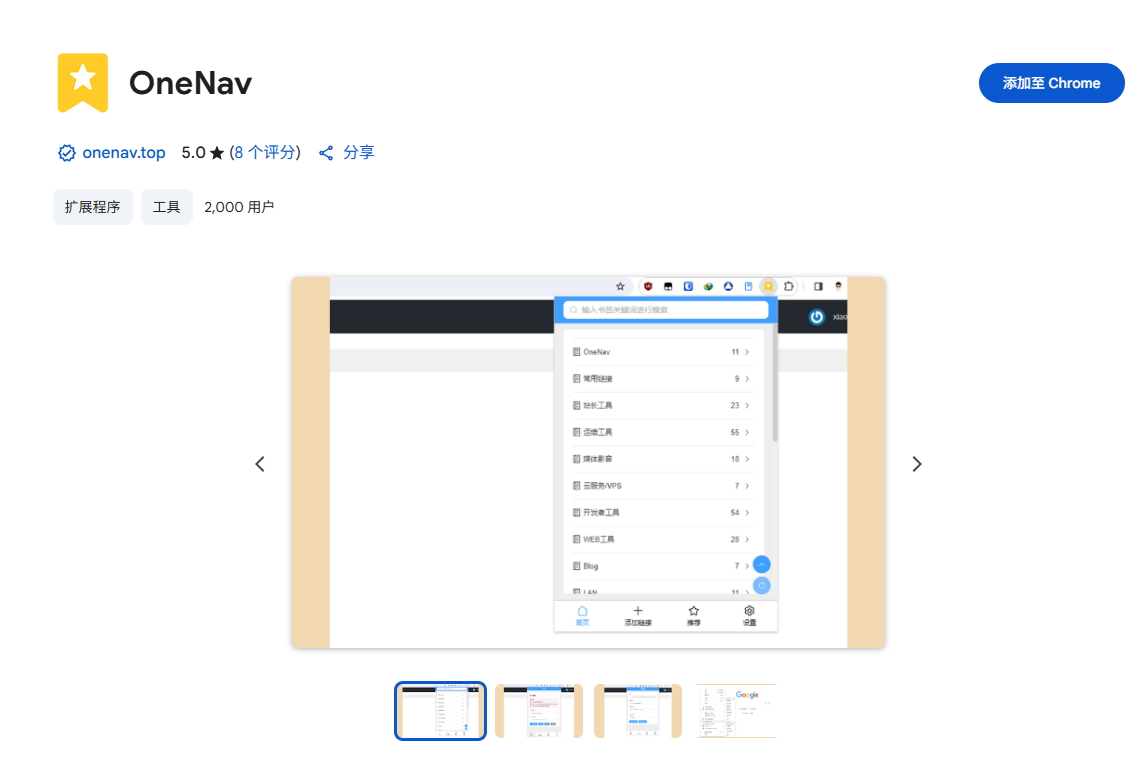
OneNav has an official Chrome extension. After installation, you can:
- Add the current webpage to OneNav with one click
- Quickly access your bookmarks
- Use right-click menu for quick actions
Search for "OneNav" in the Chrome Web Store to find it: https://chromewebstore.google.com/detail/onenav/omlkjgkogkfpjbdigianpdbjncdchdco
In "OneNav Admin - System Settings - Get API", first generate a SecretKey, then click "Calculate Token".
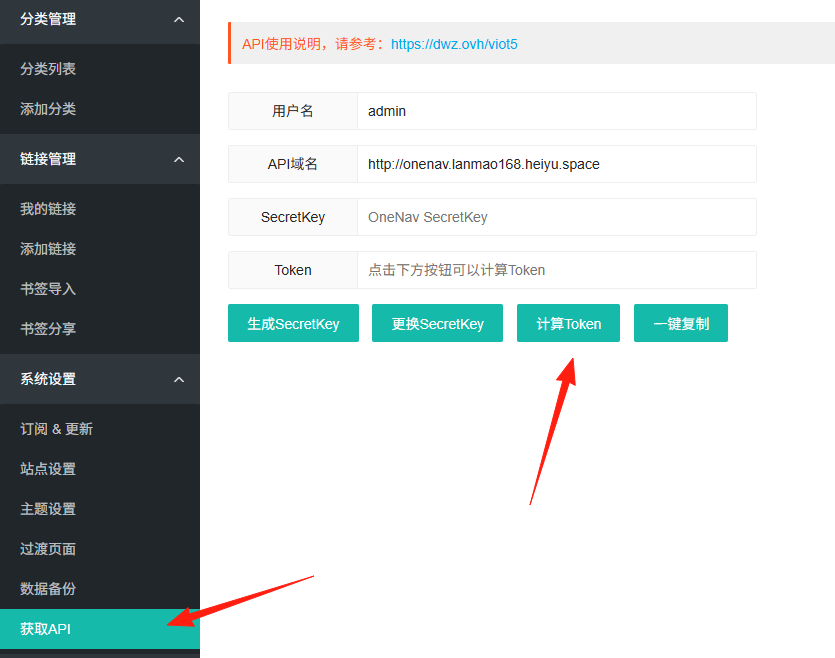
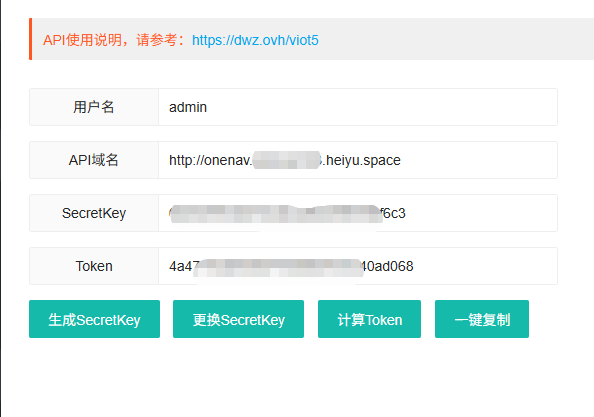
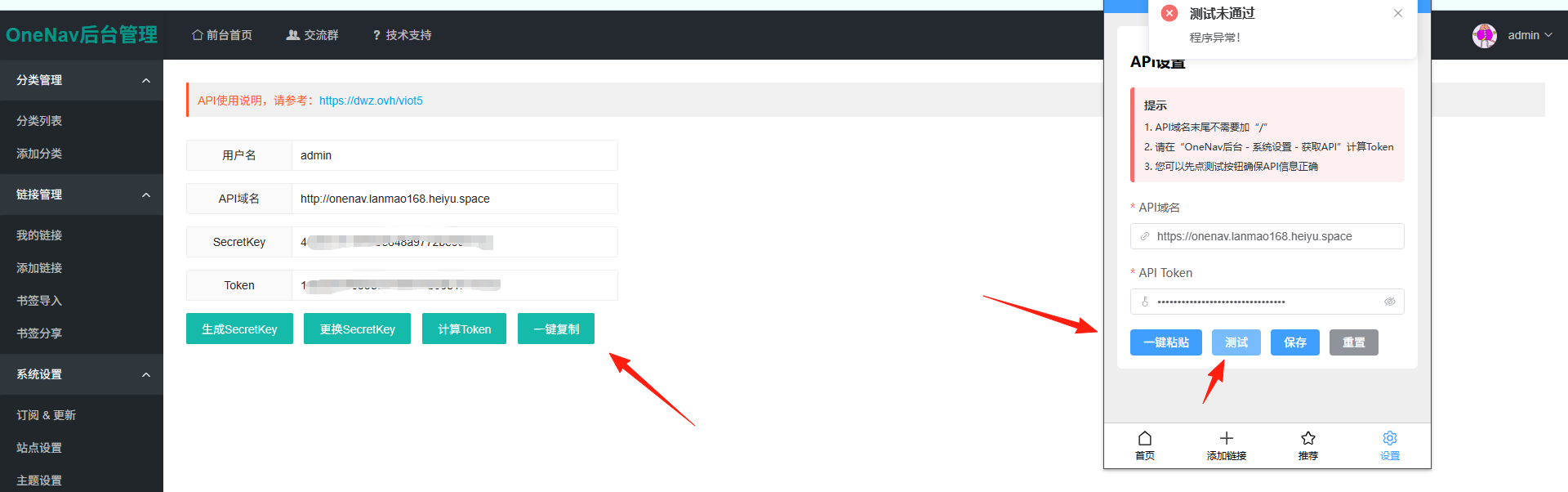
Enter the domain and token into the extension settings. You can copy and paste them easily.
Click "Frontend Homepage" at the top to view the current status.
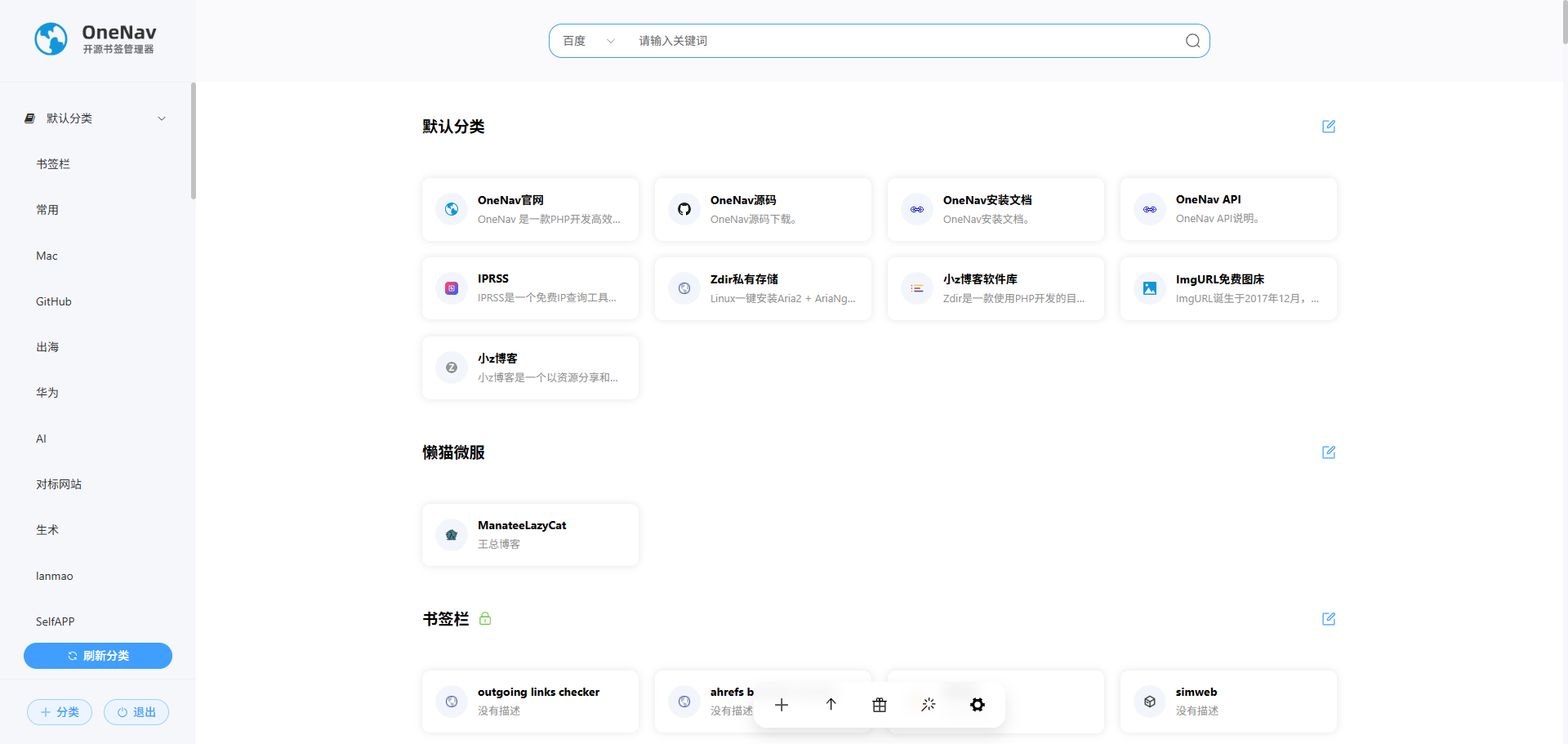
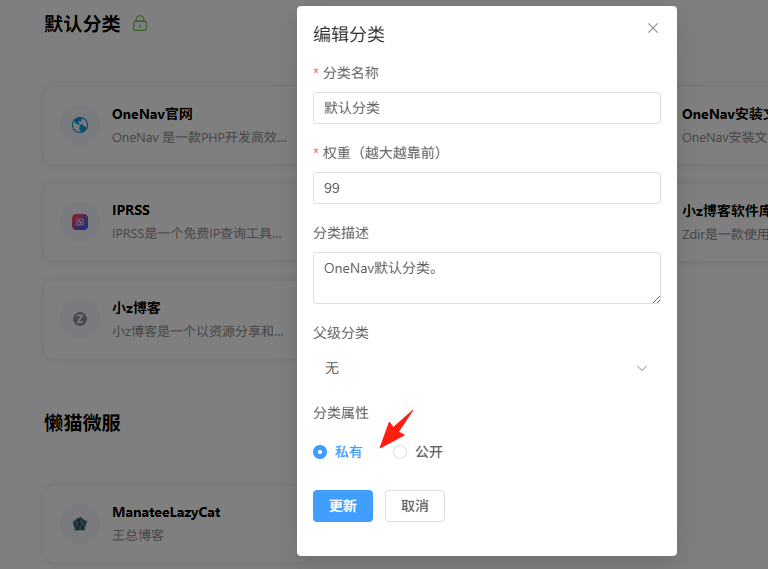
If you set a category or link as private, it will only be visible when logged in.
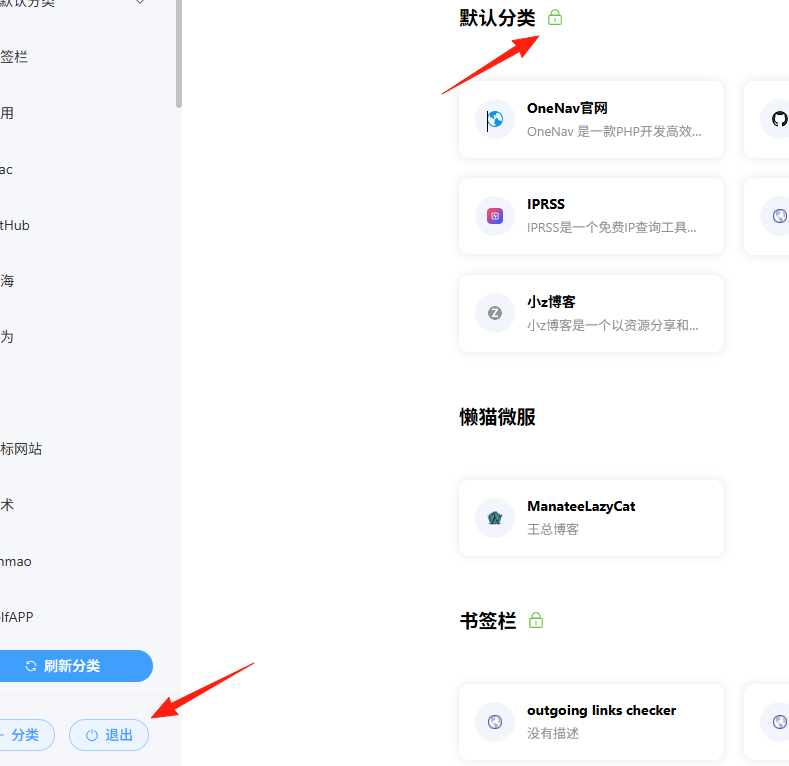
Private items will have a 🔒 icon in the upper right corner. I'll click logout.
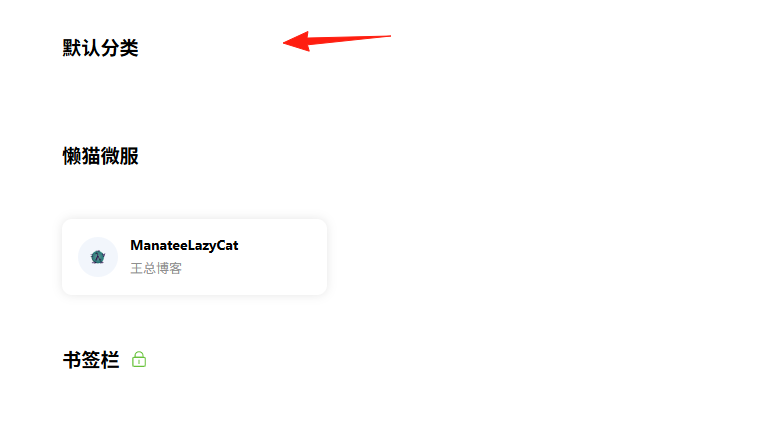
You can see that private items are not visible.
Summary
The OneNav project solves a very common yet troublesome problem.
For those who frequently switch between multiple devices, OneNav is an absolute necessity.
If you also struggle with bookmark management, why not give OneNav a try.
Project Address: https://github.com/helloxz/onenav
Official Documentation: https://doc.xiaoz.org/books/onenav
Online Demo: https://nav.rss.ink/
Feel free to discuss any questions you have!