
Docmost: Making Team Collaboration Documentation Simple
What is Docmost?
You've definitely encountered this situation before:
Your team needs to write a document. One person finishes their draft and sends it to the group chat, then another person modifies it into a new version, followed by a third person with yet another version. Eventually, no one knows which one is the latest. Or perhaps you want a powerful documentation tool like Notion, but don't want to pay for it and are concerned about data security.
That's where Docmost, an open-source collaborative Wiki and document management software, comes in handy.
Simply put, it's a tool that allows multiple people to edit documents simultaneously. It's somewhat like an online version of Word, but with more powerful features and a more modern interface.
https://appstore.lazycat.cloud/#/shop/detail/in.zhaoj.docmost
Getting Started Guide
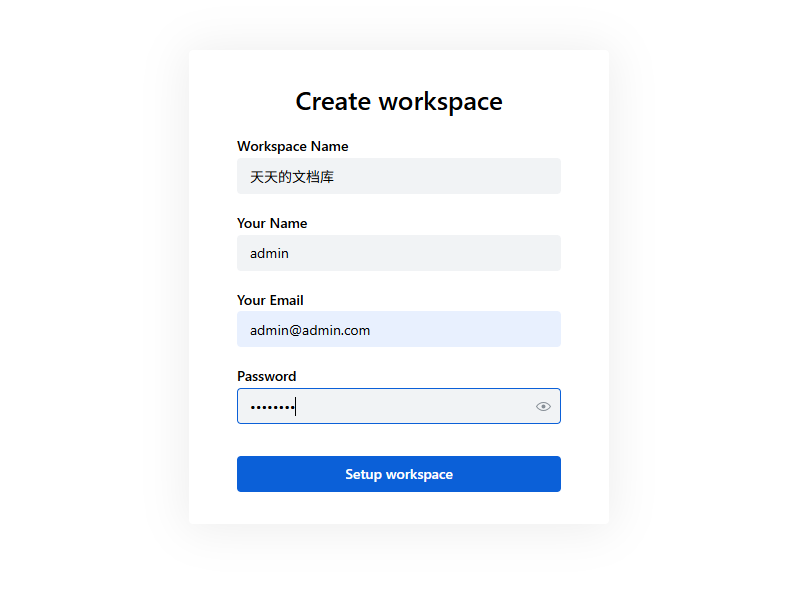
After installing the application, you need to register an administrator account.
- The first registered user automatically becomes the administrator.
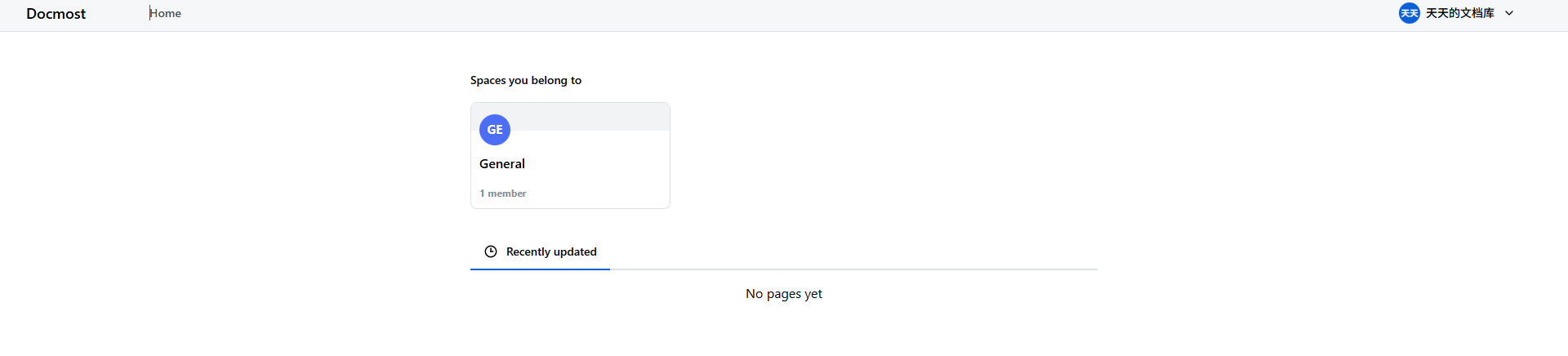
The main page is currently blank.
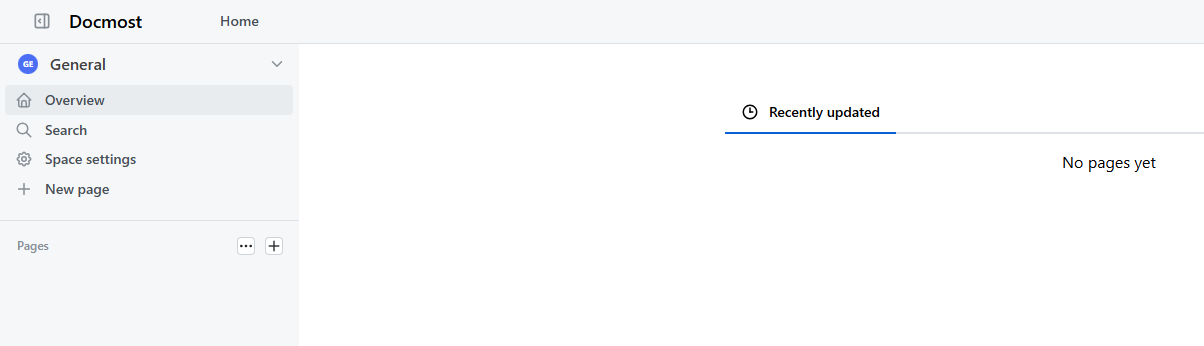
Click on "General" to enter the workspace.
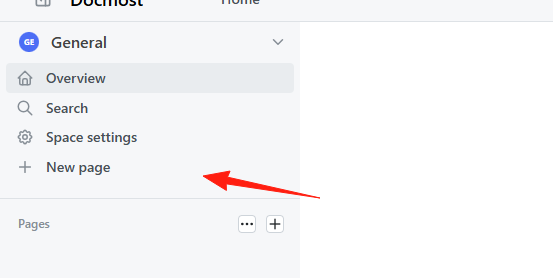
Click "New Page" to create a new document.
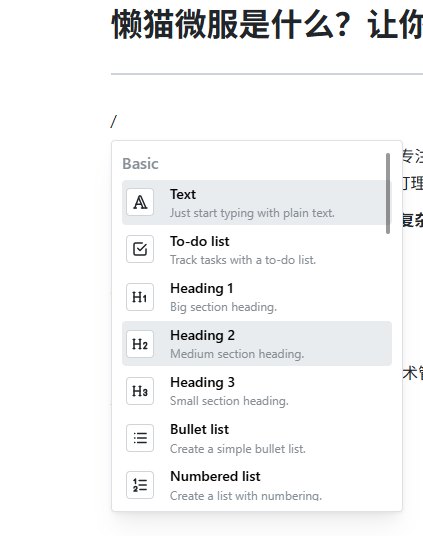
It adopts a block-based editing model, similar to mainstream tools like Feishu and Yuque. Typing / allows you to create code blocks, todo lists, etc.
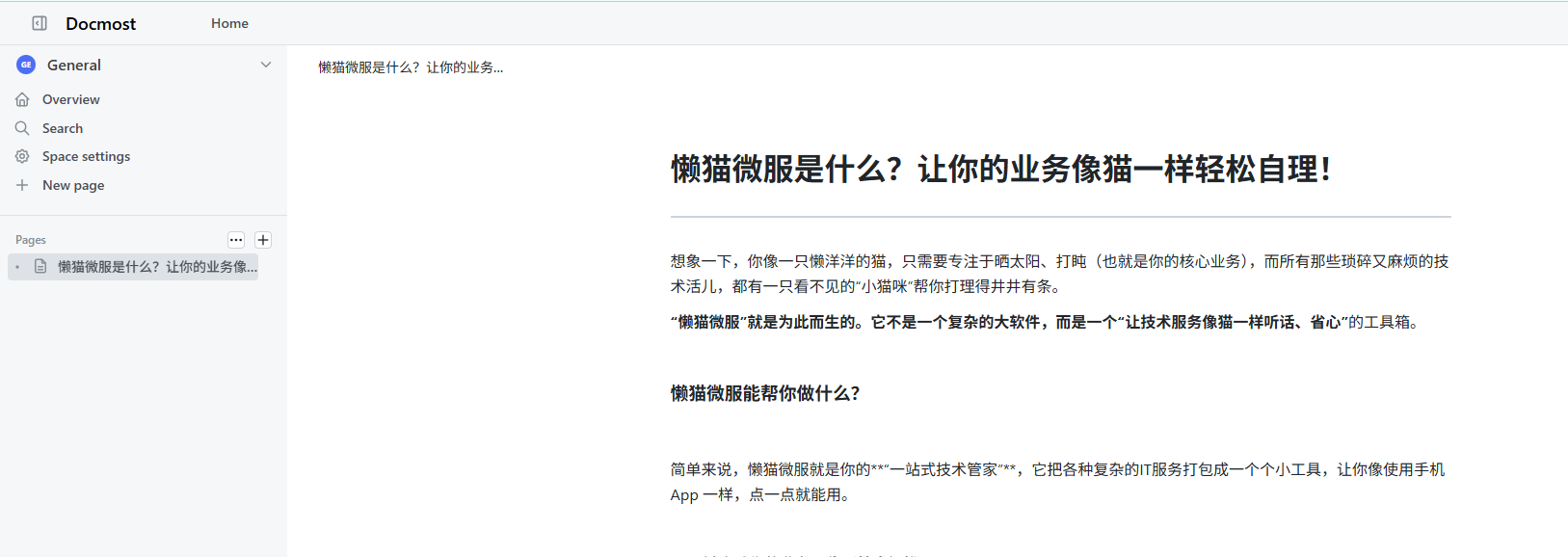
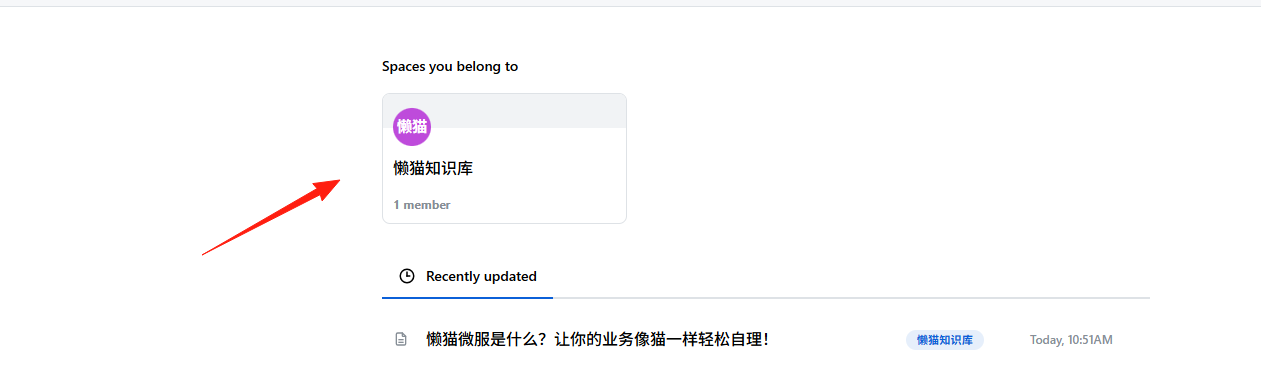
Returning to the homepage, you can see the article.
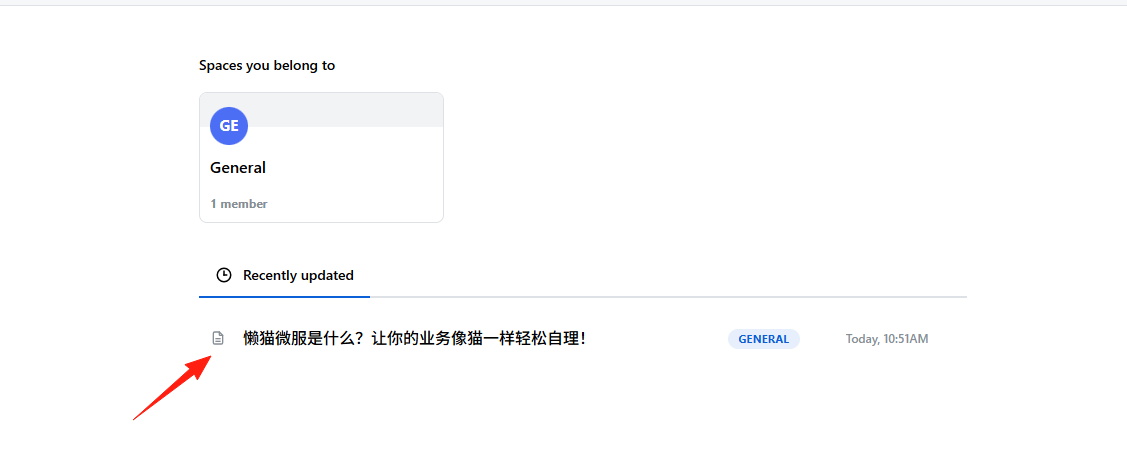
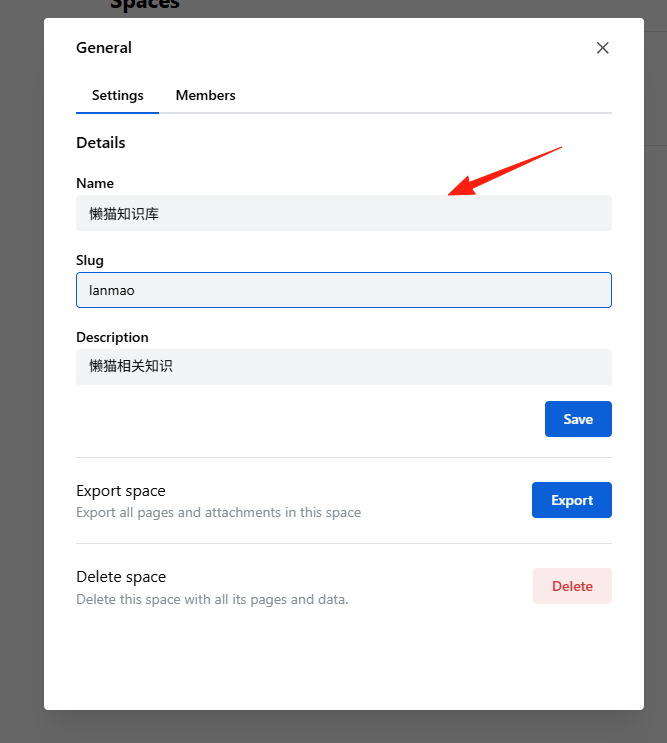
However, I find the default name "General" a bit awkward. You can change it in the settings.
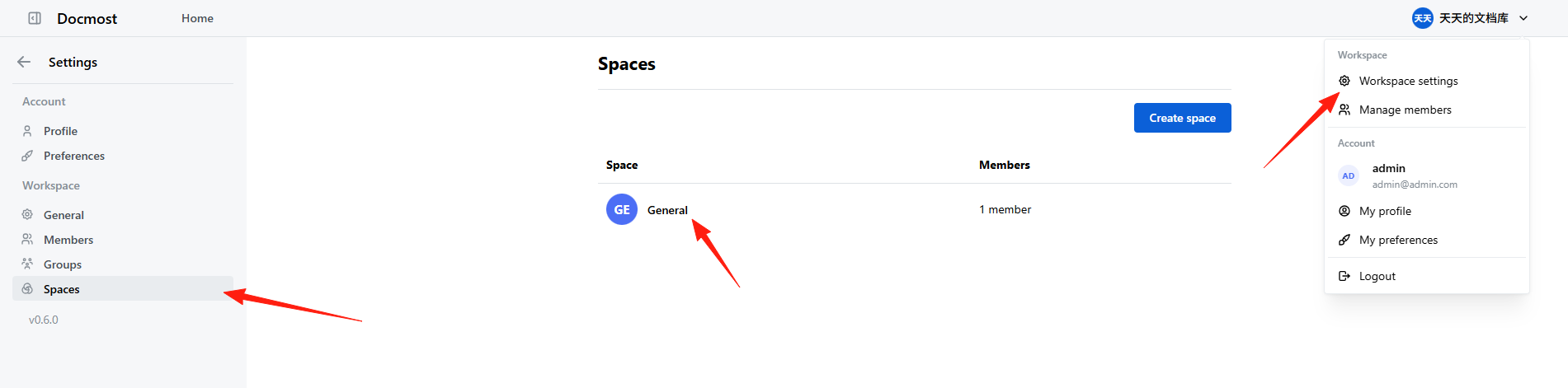
Change the name and description, then save.
Return to the homepage.
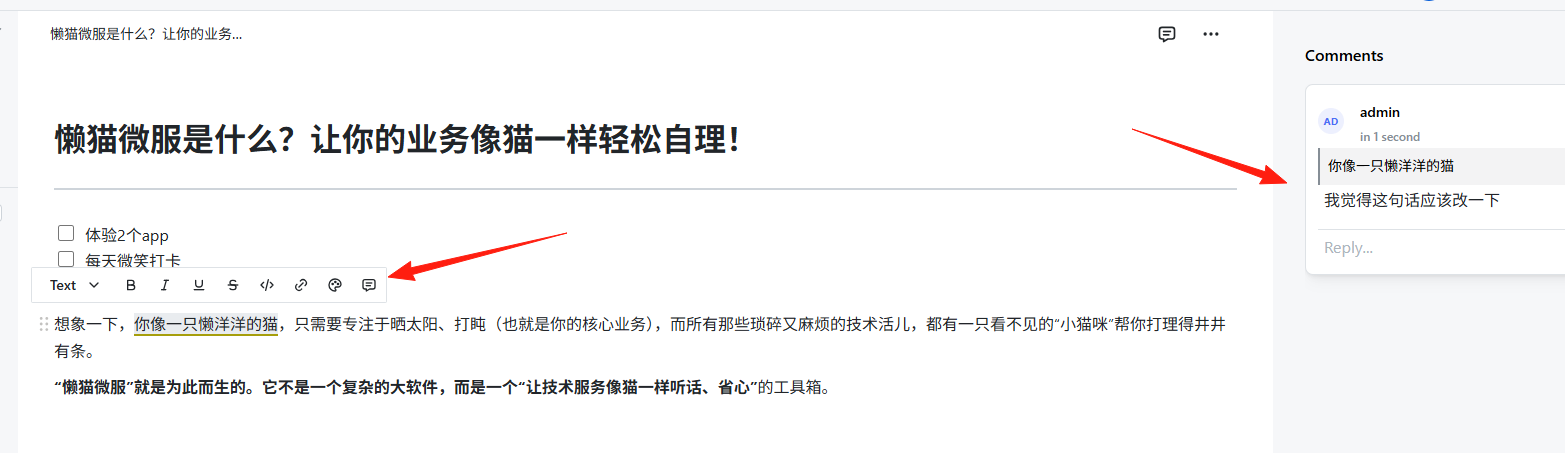
If you have questions about the document content, you can select text and add comments. You can also perform actions like changing color or bolding text.
Documents can be exported as Markdown or printed directly to PDF.
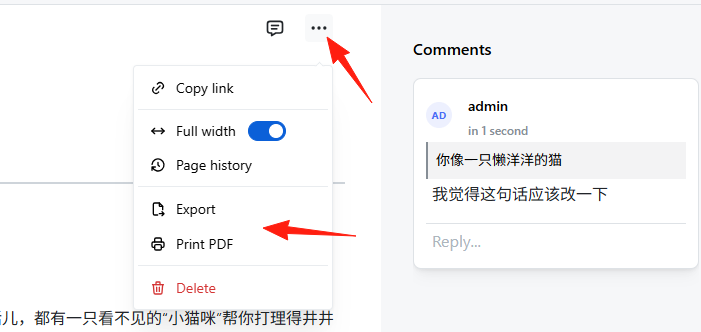
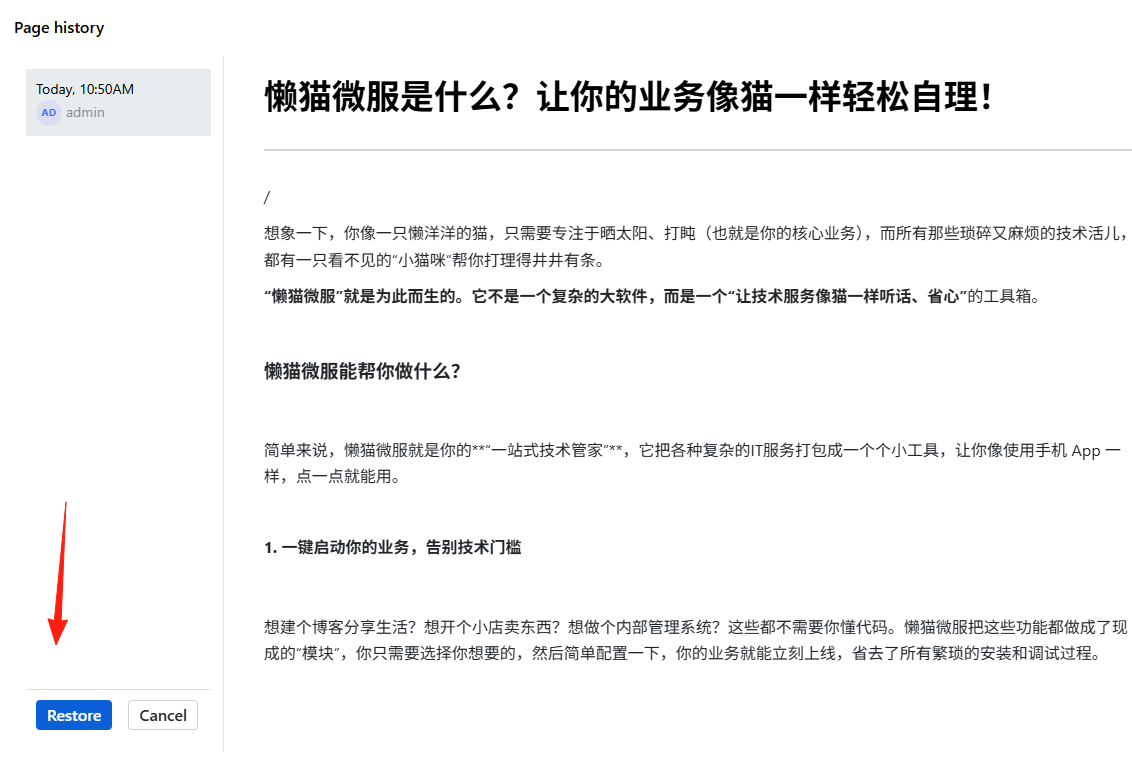
View Page History - If you make a mistake while editing, you can revert to a previous version.
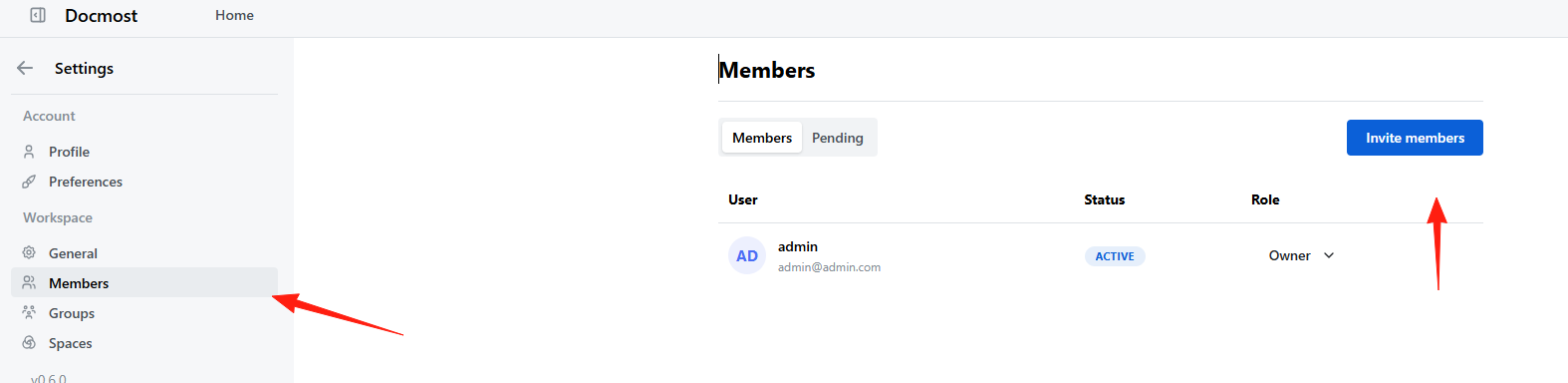
For multi-user collaboration, you can add members here.
Enter the invitee's email address here.
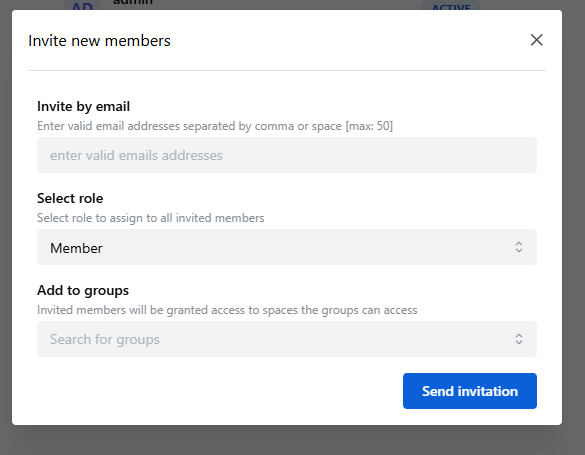
Note: This involves email sending operations. Please ensure your environment variables are configured correctly. Using QQ Mail as an example, you need to add the following environment variables (for reference): MAIL_DRIVER=smtp SMTP_HOST=smtp.qq.com SMTP_PORT=587 SMTP_USERNAME=your_email@qq.com SMTP_PASSWORD=Authorization_Code MAIL_FROM_ADDRESS=sender_email_address MAIL_FROM_NAME=Docmost
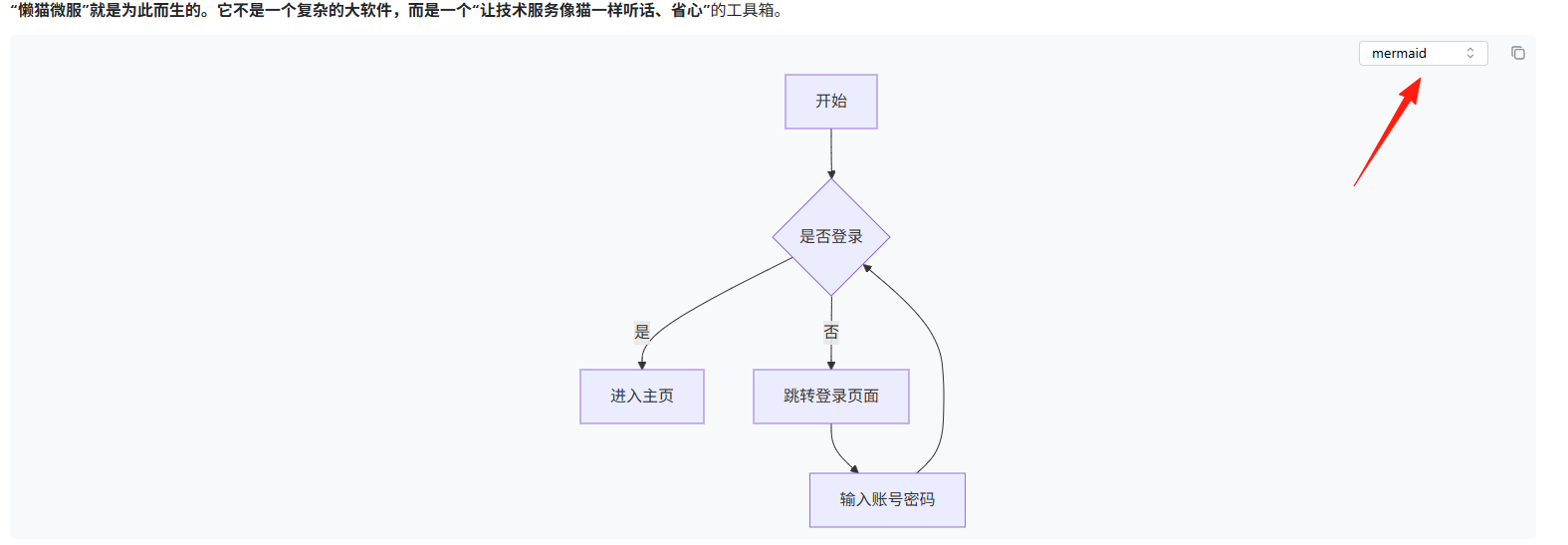
Insert a code block in the document, select the mermaid language, and write:
graph TD
    A[开始] --> B{是否登录}
    B -->|是| C[进入主页]
    B -->|否| D[跳转登录页面]
    D --> E[输入账号密码]
    E --> B
This will generate a beautiful flowchart.
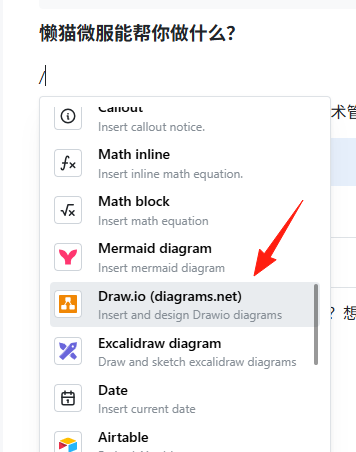
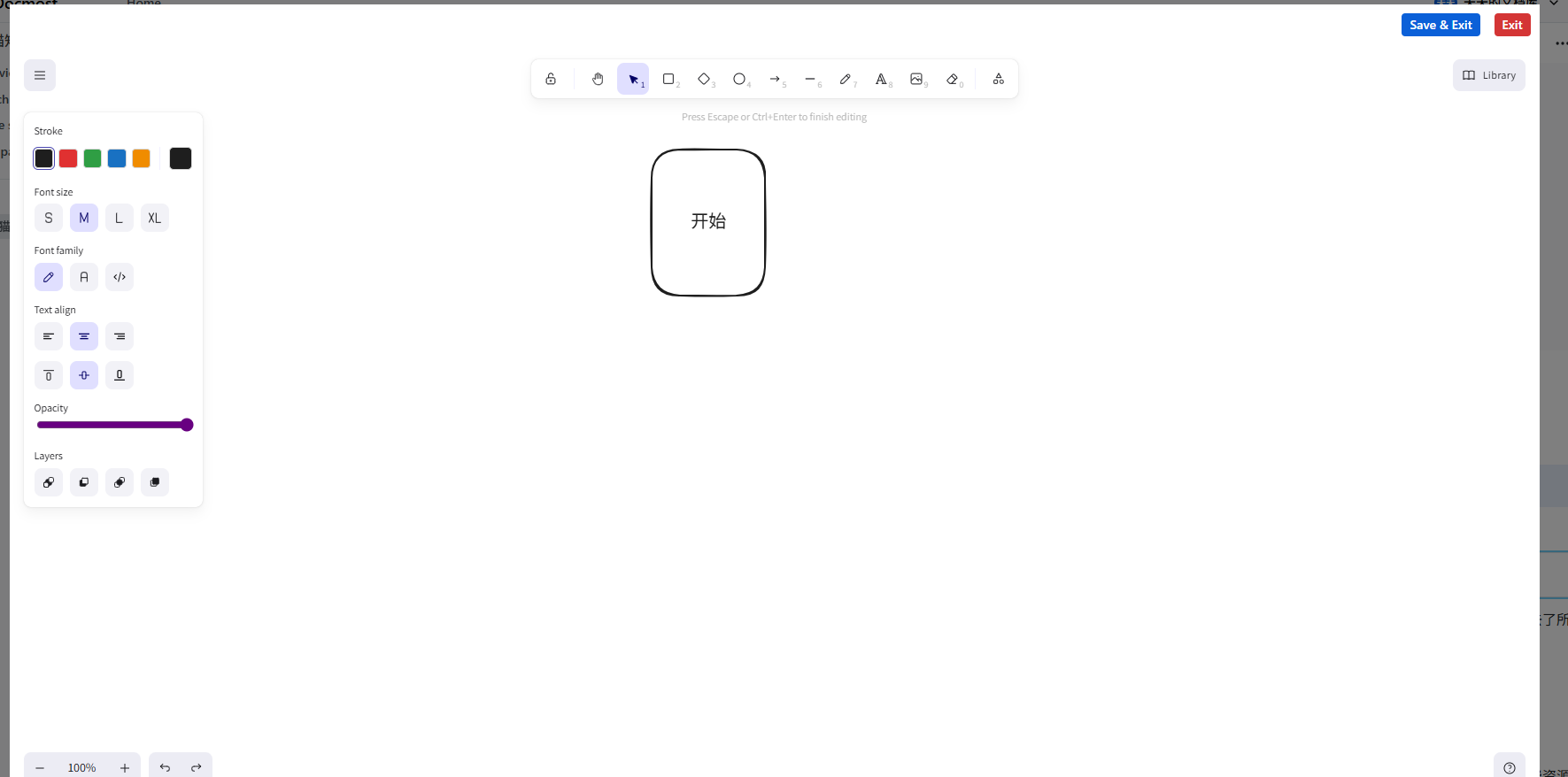
Diagrams (Draw.io, Excalidraw) are built-in. This means you can directly draw flowcharts, mind maps, etc., within the document without switching to other tools.
Summary
Docmost is a great team collaboration tool, an open-source collaborative wiki and document software, especially suitable for:
- Small and medium-sized teams looking for a free document collaboration tool.
- Companies with data security requirements that prefer on-premises deployment.
Of course, it's not perfect. It's currently under active development, and some advanced features might not be as polished as those in paid products. However, for most teams, the basic features are already sufficient.