
Tandoor Recipes: Build Your Digital Kitchen Manager
🤔 What is Tandoor Recipes?
In simple terms, Tandoor Recipes is your personalized digital recipe manager. Think of it as a "smart assistant" for your kitchen—it not only helps you collect and organize recipes but also creates meal plans, generates shopping lists, and even lets you share your signature dishes with family and friends.
This application is primarily designed for individuals with extensive recipe collections who want to share them with loved ones or simply keep their recipes well-organized.
https://appstore.lazycat.cloud/#/shop/detail/com.tandoor.recipes
How to Use
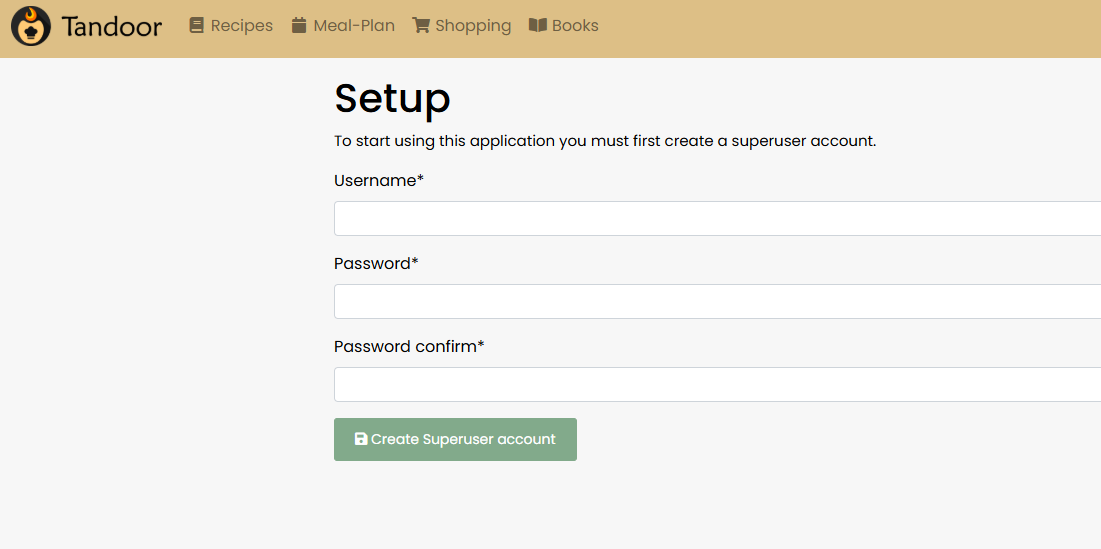
After installing the app, you need to register a user account upon first use. The password must contain both numbers and letters.
After successful login, you'll enter the homepage. Initially, you won't have a Space, so click "Create" on the right.
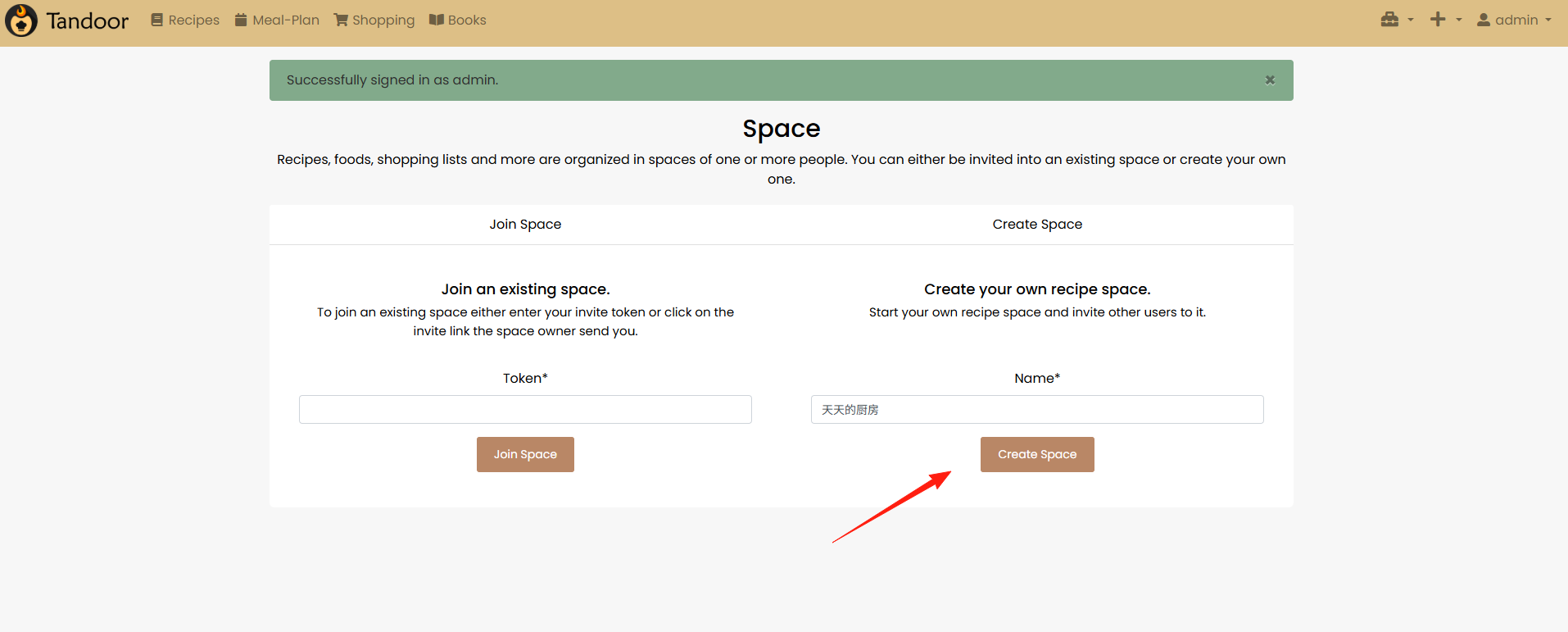
The left side allows you to import recipes, while the right side is for creating new ones.
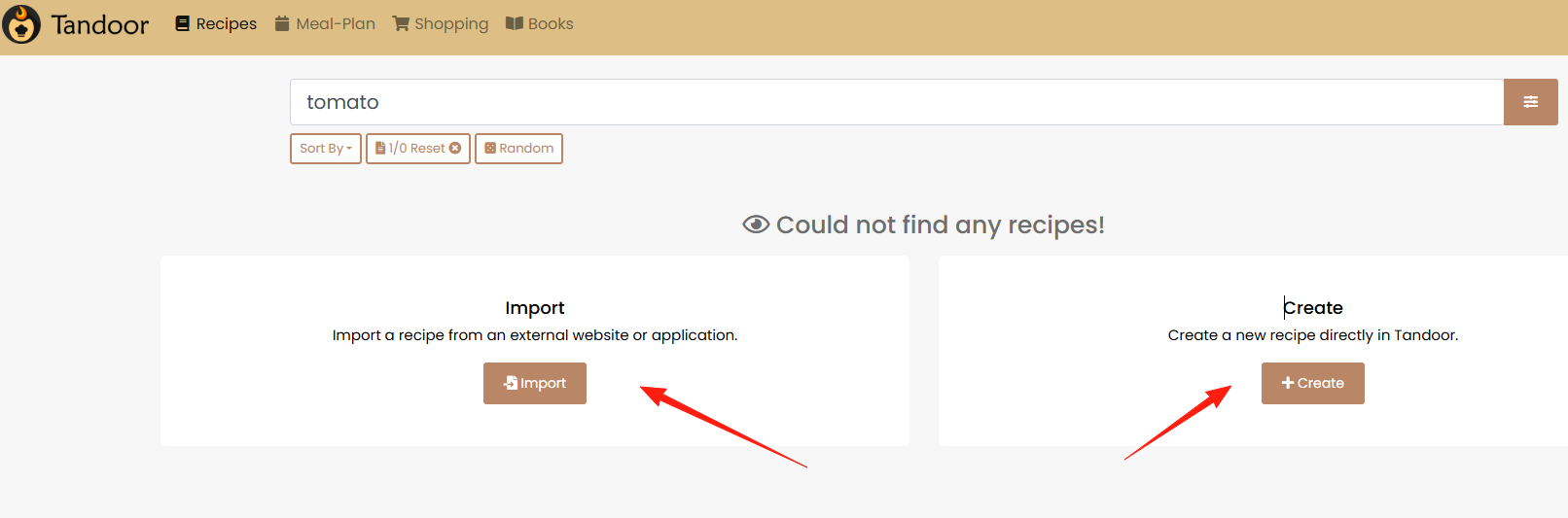
Click "Import" on the left. It supports importing recipes directly from website links, automatically extracting ingredients and steps. However, scraping from Chinese websites isn't optimal because the site must conform to a specific format requirement: https://schema.org/Recipe
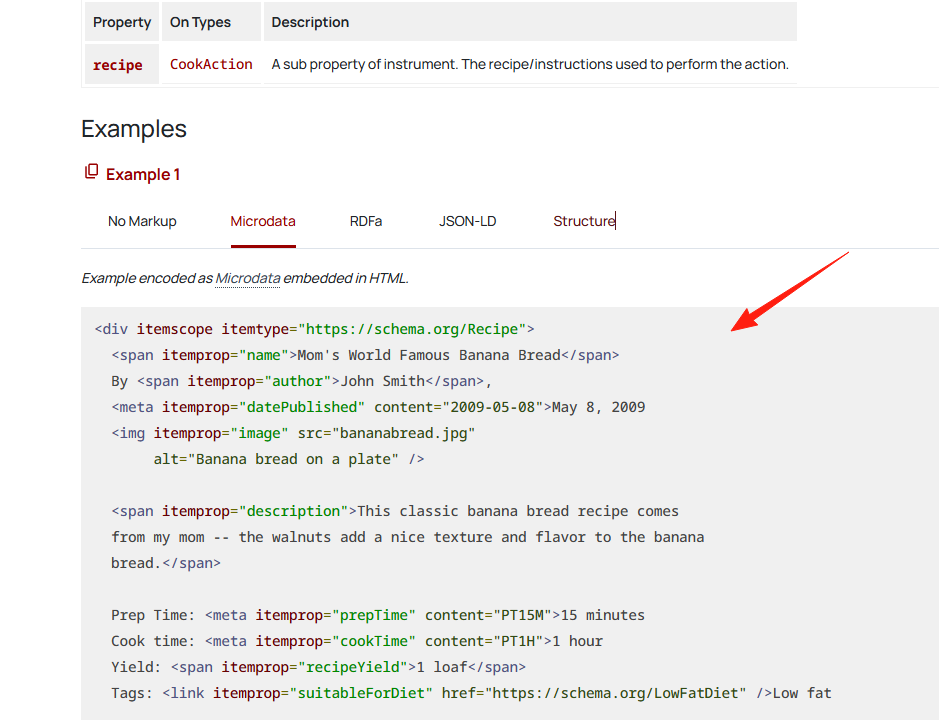
Import the code from the example above.
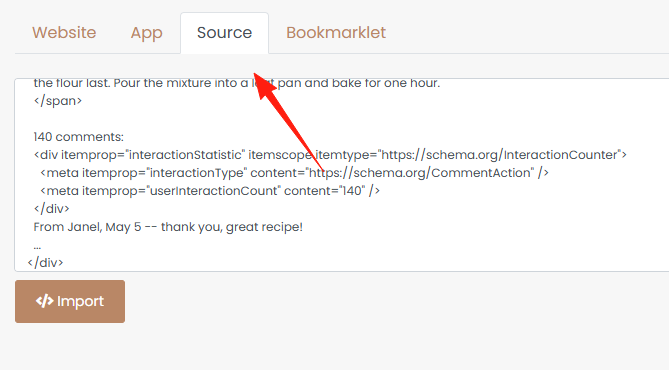
It will be recognized.
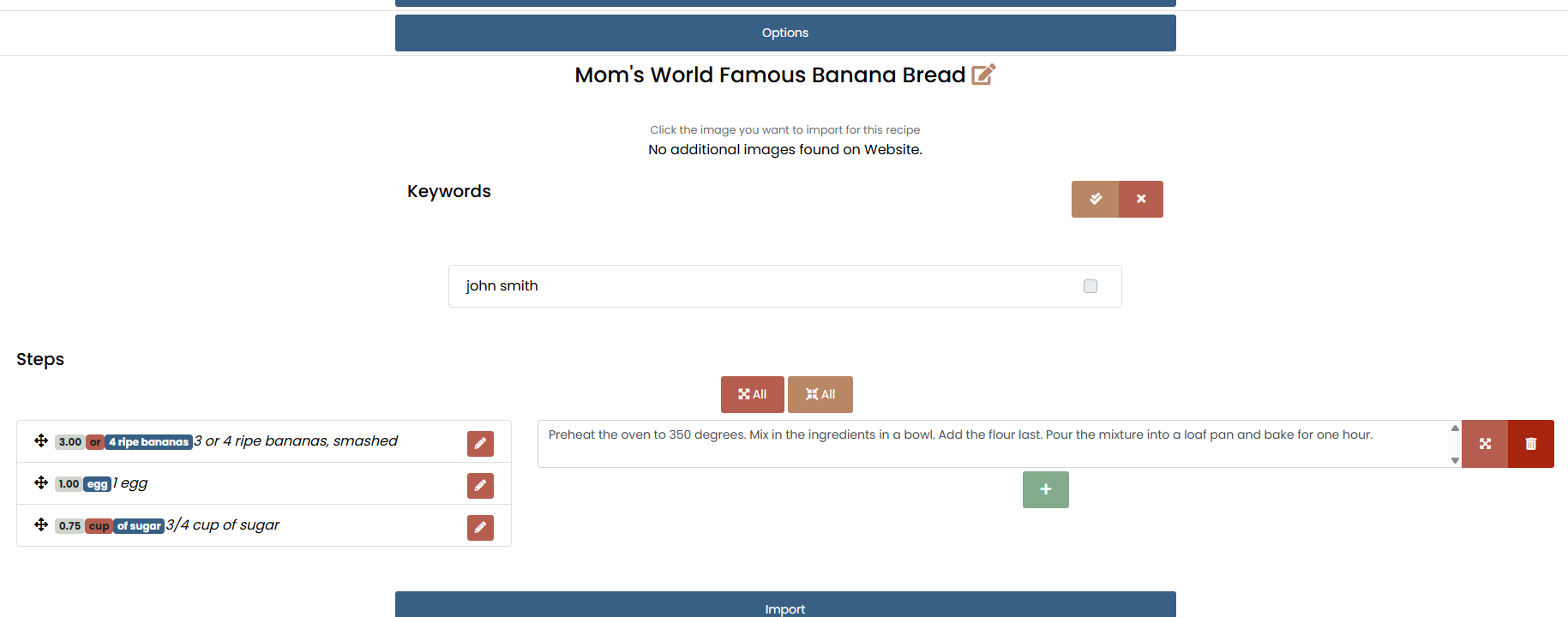
The result after a successful import.
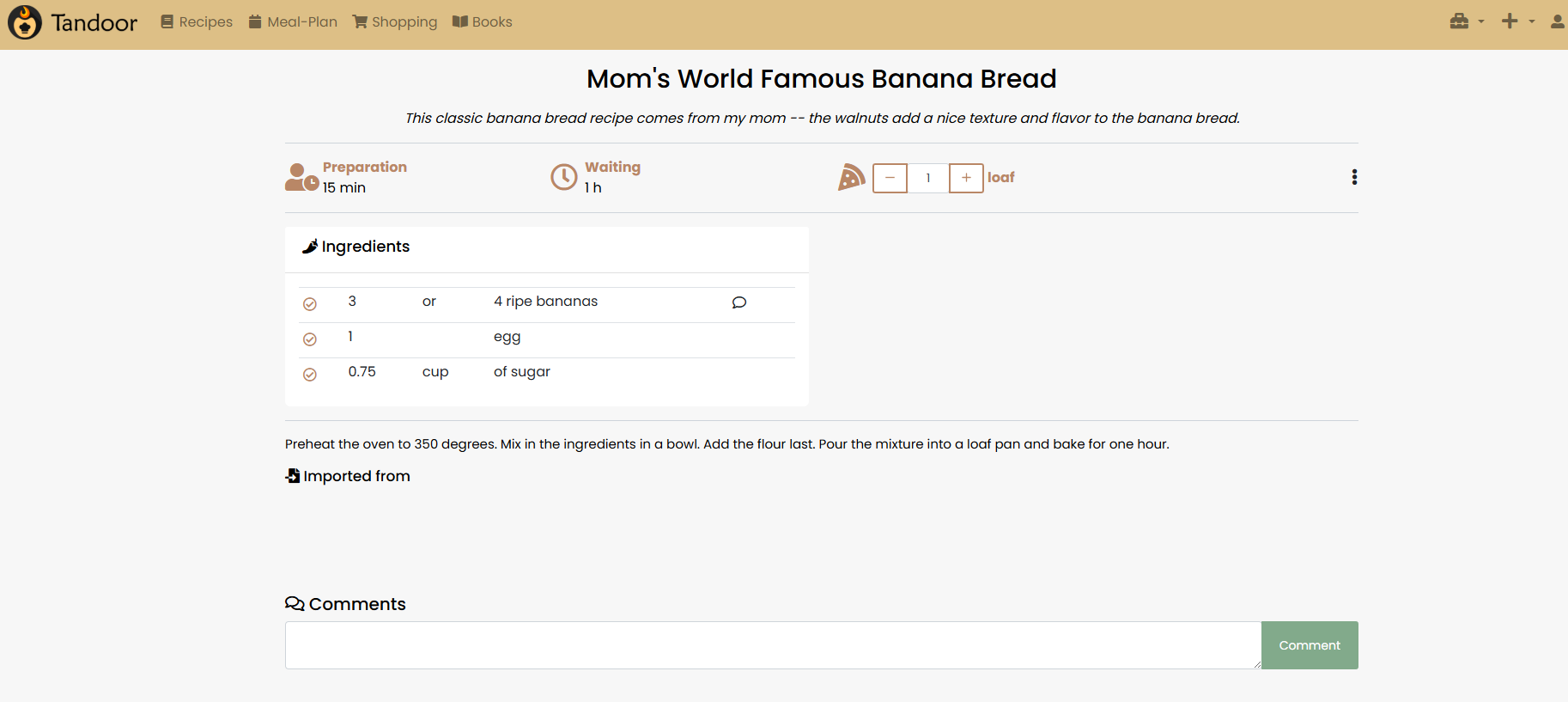
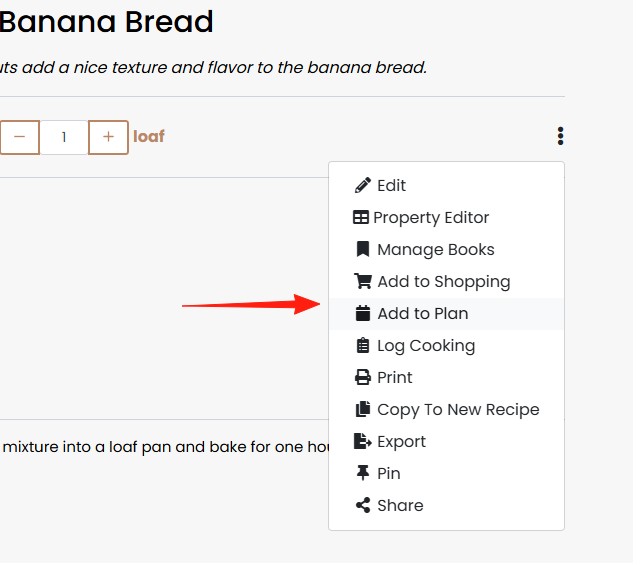
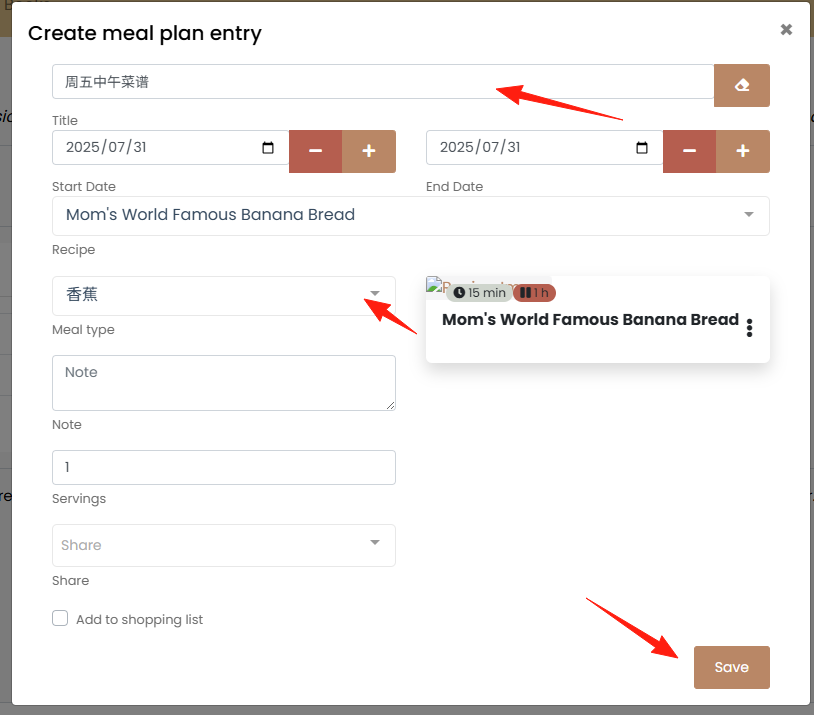
You can add recipes to your Plan or Books.
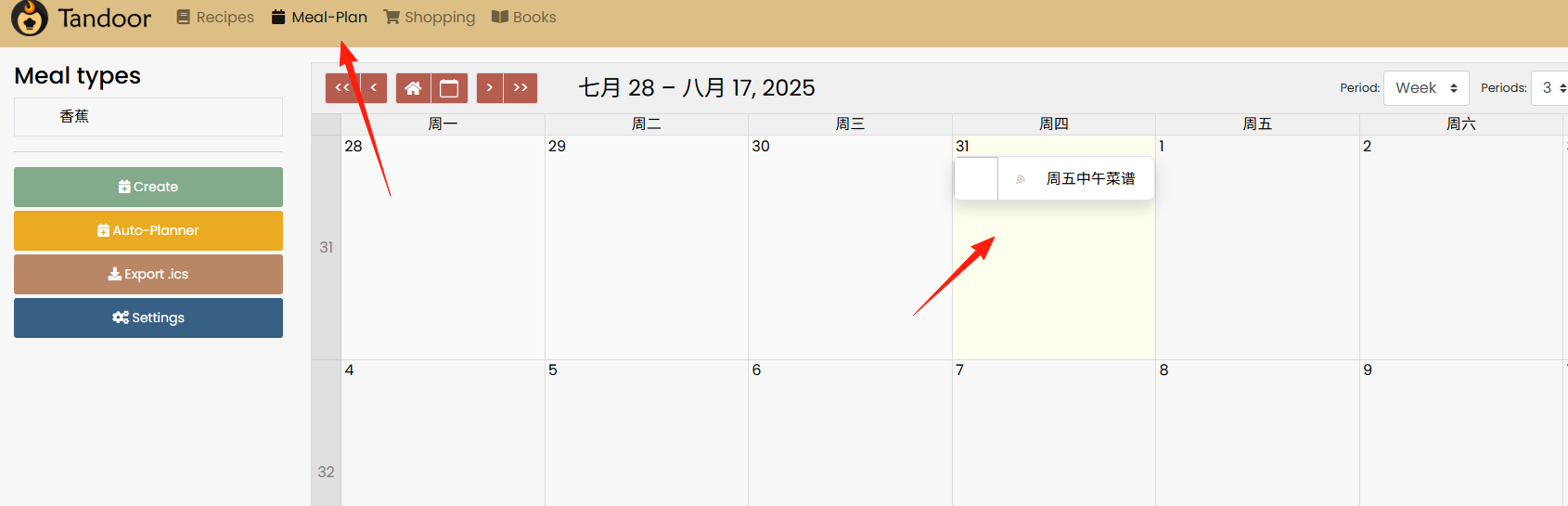
Afterwards, you can see them in the calendar, eliminating the daily dilemma of what to eat.
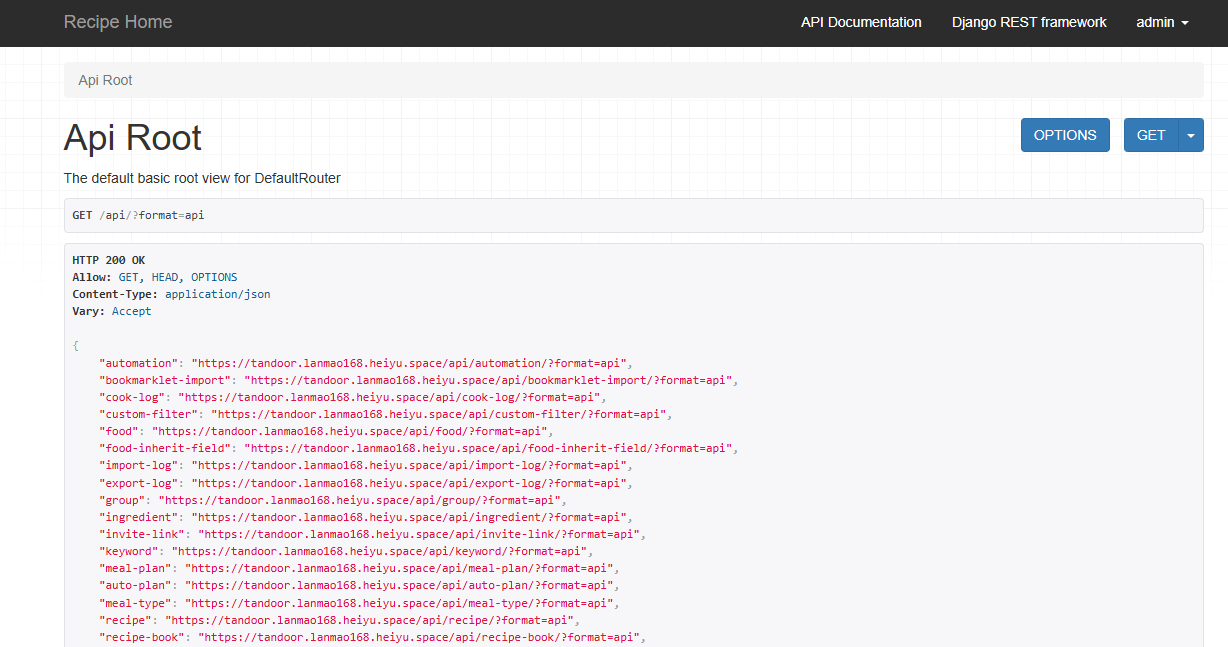
If you have development skills, it also provides API interfaces for integration.
Summary
Tandoor Recipes is developed by volunteers in their spare time, purely for the joy of it. This genuine open-source spirit is truly touching.
If you:
- ✅ Cook frequently and have many recipes to manage
- ✅ Want complete control over your data
Then Tandoor Recipes is worth a try