
Whisper: A Powerful Audio Transcription and Translation Tool
What is Whisper?
Whisper is a general-purpose Automatic Speech Recognition (ASR) model developed and open-sourced by OpenAI.
Simply put, its main function is to convert human speech (audio) into text. But it's more than just speech-to-text; it also possesses the following characteristics:
Multilingual Speech Recognition: It can recognize speech in multiple languages and transcribe it into text in the same language.
Multi-task Model: Besides speech-to-text, it can also perform language identification (determining the language of the speech) and translate non-English speech into English.
Strong Robustness: Since it was trained on a large and diverse dataset of audio (including different accents, background noise, and technical terms), it has strong resistance to these interferences.
High Quality: It offers high transcription accuracy, especially in general-purpose speech recognition.
Open Source: OpenAI has open-sourced the Whisper model and inference code, allowing developers and researchers to use, deploy, and research it for free, greatly advancing the development of speech technology.
Some describe it as OpenAI's "second son," with the first son being GPT.
They have different focuses and are both "milestones" in their respective fields:
The GPT (Generative Pre-trained Transformer) series of models achieved revolutionary breakthroughs in the field of Natural Language Processing (NLP), excelling particularly in text generation, conversation, question answering, and leading the trend of Large Language Models (LLMs). It is widely regarded as OpenAI's "first son" because it first ignited the wave of attention in the AI field.
Whisper, on the other hand, brought significant progress to the field of Automatic Speech Recognition (ASR). Before its release, open-source speech recognition models often lacked in accuracy, multilingual support, and robustness. The emergence of Whisper filled this gap by providing a high-quality, versatile solution that significantly lowered the barrier to entry for voice AI development. It is likened to the "second son," possibly because it was released shortly after GPT and has had a similar impact in the speech domain as GPT had in the text domain.
The Whisper webui project allows us to experience its functionality through a web interface.
https://appstore.lazycat.cloud/#/shop/detail/cloud.lazycat.app.whisper
How to Use
After the application is installed, you can open the function page.
Since the interface is in English, I will explain the functionality of each module.
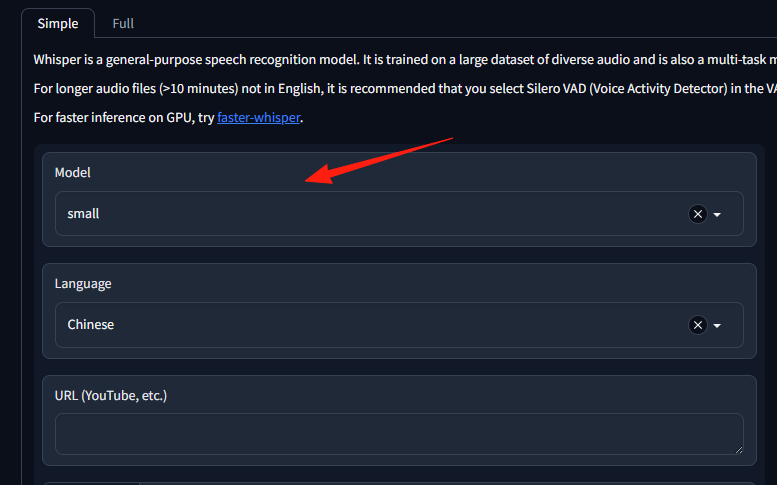
Left Panel: Model
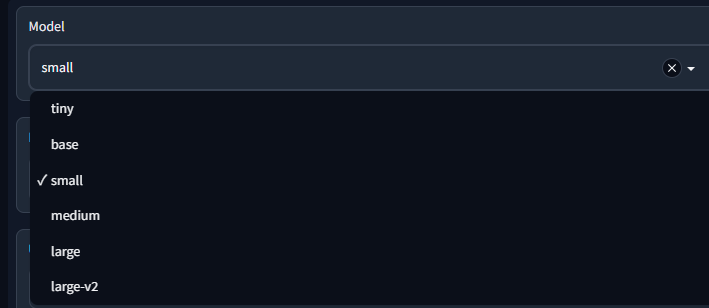
This area allows you to select the Whisper model to use. Different models have different sizes and performance; typically, the "large" model is more accurate but takes longer to run, while the "small" model is faster but may be slightly less accurate.
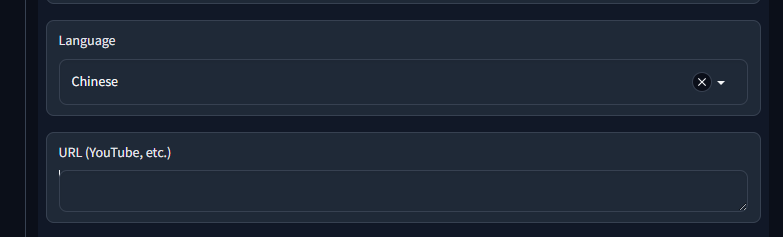
Language
This area is used to specify the language of the input audio.
By default, Chinese is selected. This means the system will assume the uploaded audio is in Chinese and use the Chinese model for recognition.
URL (YouTube, etc.)
If you want to transcribe audio from the web (e.g., YouTube), you can paste the audio or video URL here.
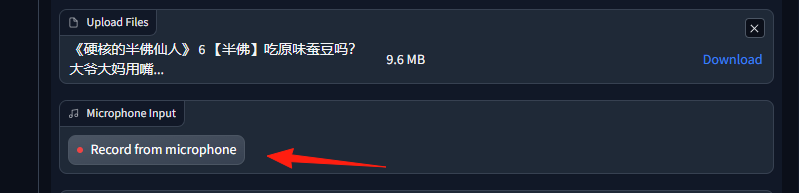
Upload Files
This area allows you to directly upload local audio files for transcription.
I uploaded a file named 硬核的许仙仙人6-半塘吃喝玩乐mp3-大结局.mp3, which is 9.6 MB in size.
Microphone Input
This feature allows you to record audio directly through the microphone and transcribe it.
You can see a "Record from microphone" button; clicking it will start the recording.
Task
This area is used to select the type of task you want Whisper to perform.
Currently, transcribe is selected, meaning the system will convert the audio content into text. Besides transcription, Whisper can also perform translation.
VAD (Voice Activity Detection)
VAD stands for Voice Activity Detection, used to identify which parts of the audio contain human speech and which parts are silence.
Currently, silero-vad is selected, which is a commonly used VAD model.
VAD - Merge Window
This setting is typically used in conjunction with VAD to control how detected speech segments are handled. A smaller window may generate more short speech segments, while a larger window will merge adjacent speech segments.
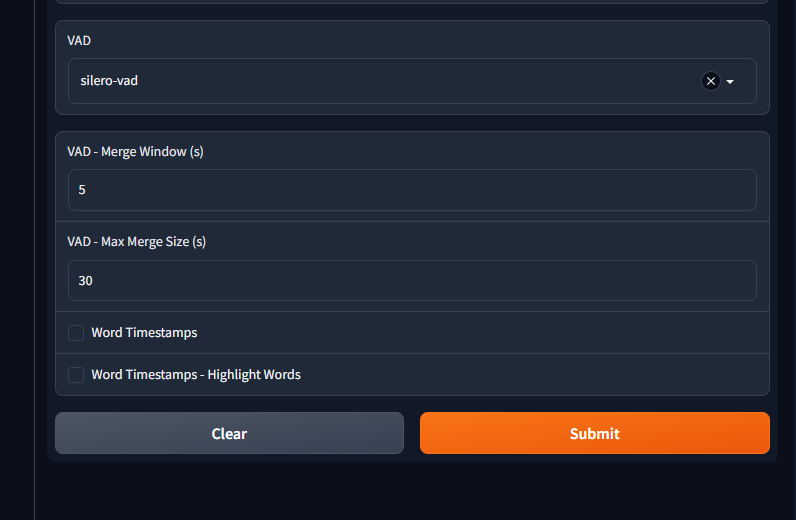
After clicking Submit, the task starts running on the right side. For my 10-minute audio, there is a progress indicator.
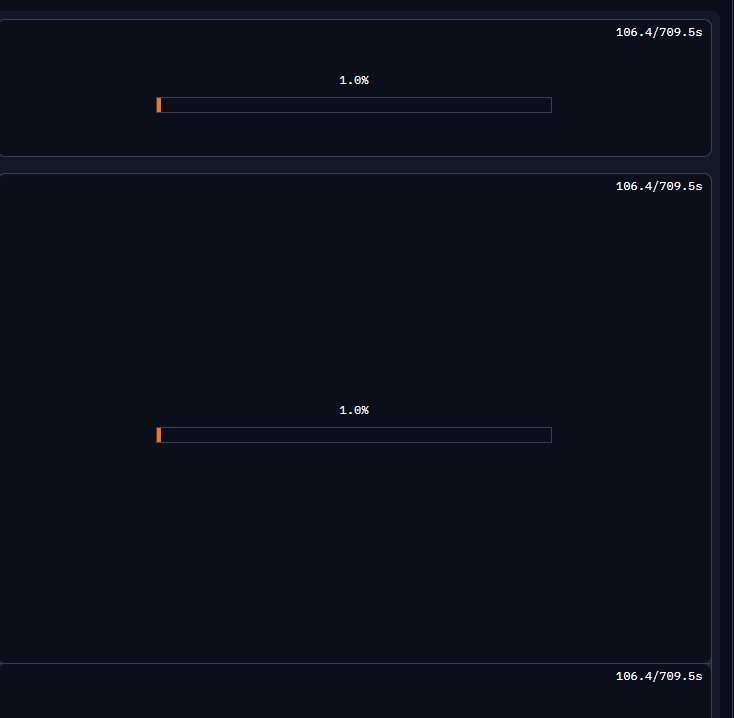
Right Panel
Download
This area lists various files related to the transcription results that you can download.
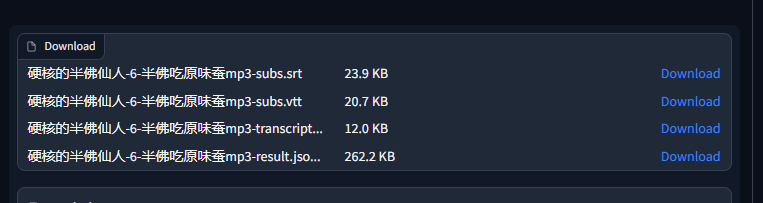
subs.srt(SRT subtitle file)subs.vtt(VTT subtitle file)transcript.txt(Plain text transcription file)result.json(JSON format result file)
There is a "Download" button next to each file for downloading.
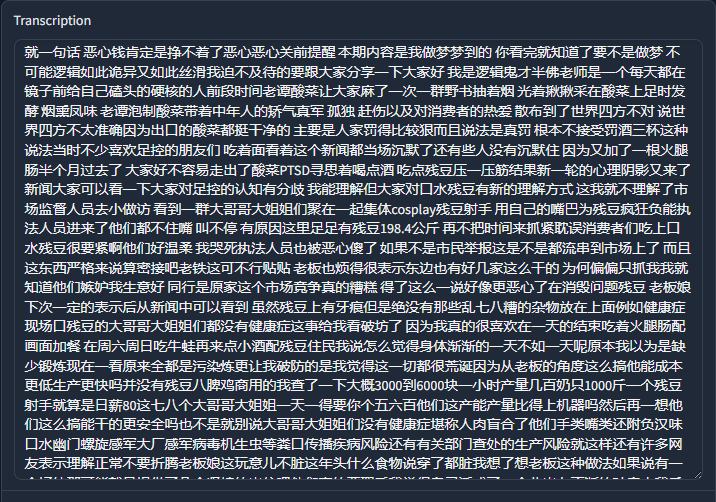
Transcription
This large text box displays the complete transcribed text content of the entire audio file.
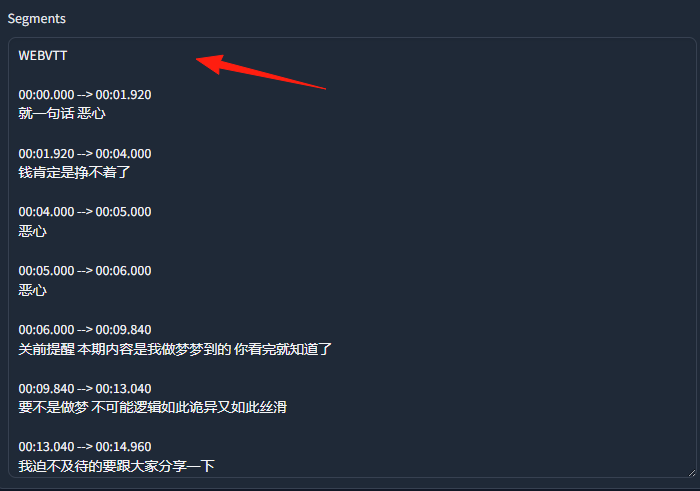
Segments
This area further breaks down the transcription results into individual speech segments with timestamps.
WEBVTT indicates that these segments are displayed in WebVTT format, commonly used for web video subtitles.
Each segment includes a time range and the corresponding transcribed text, e.g., 00:00:00.000 --> 00:01:19.920 硬...仙.
Finally, a reminder: it is relatively resource-intensive, so ensure you have sufficient disk space and memory.
Disk usage: 32 GB

Memory usage: Over 5 GB

Overall, this application provides an intuitive way to interact, allowing users to easily upload audio, select models and languages, perform transcription tasks, and download transcription results in various formats.