
CommaFeed: A Google Reader-Style RSS Reader
What is CommaFeed?
CommaFeed is a self-hosted RSS reader inspired by Google Reader, built on Dropwizard and AngularJS. CommaFeed is now considered feature-complete and is in maintenance mode.
https://appstore.lazycat.cloud/#/shop/detail/cloud.lazycat.app.commafeed
How to Use
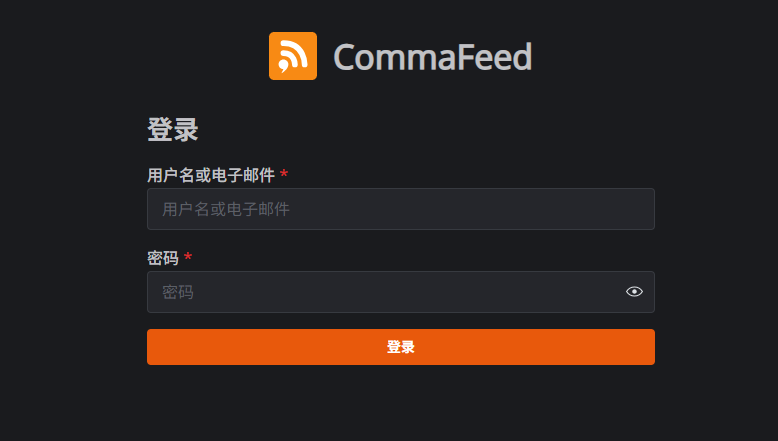
After the application is installed, open the login page. The default username is admin and the password is admin.
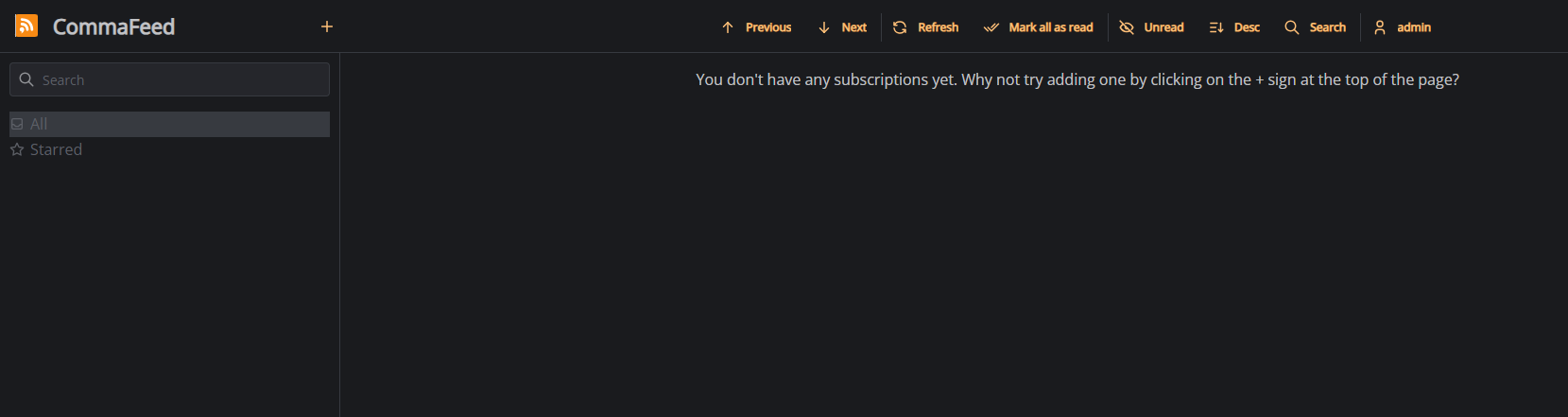
After logging in, you will enter the main page.
Click the + button to add a subscription.
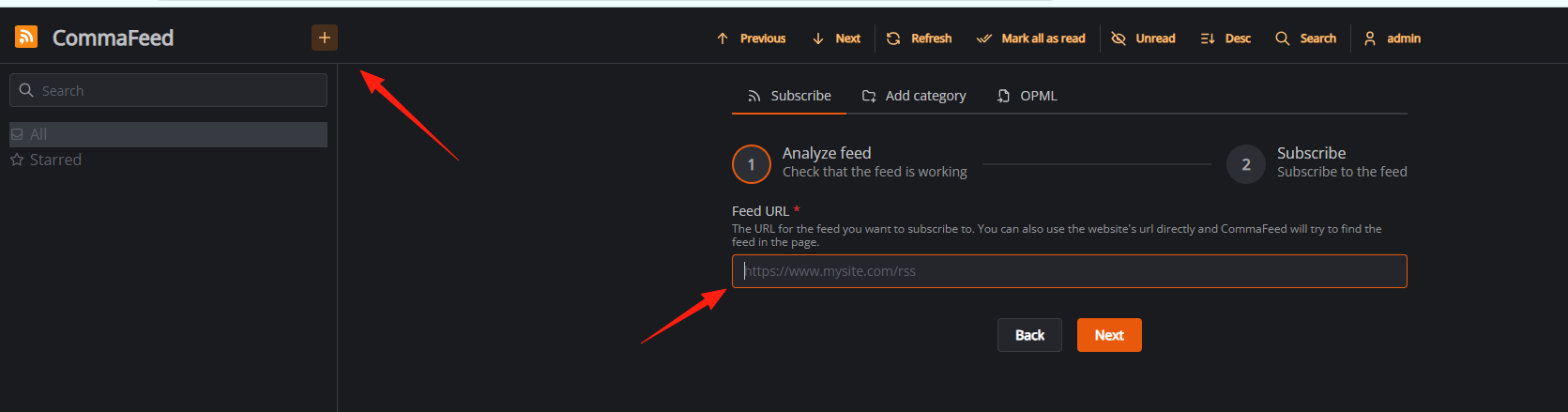
Using Boss Wang's blog as an example: https://manateelazycat.github.io/feed.xml
The name will be automatically recognized.
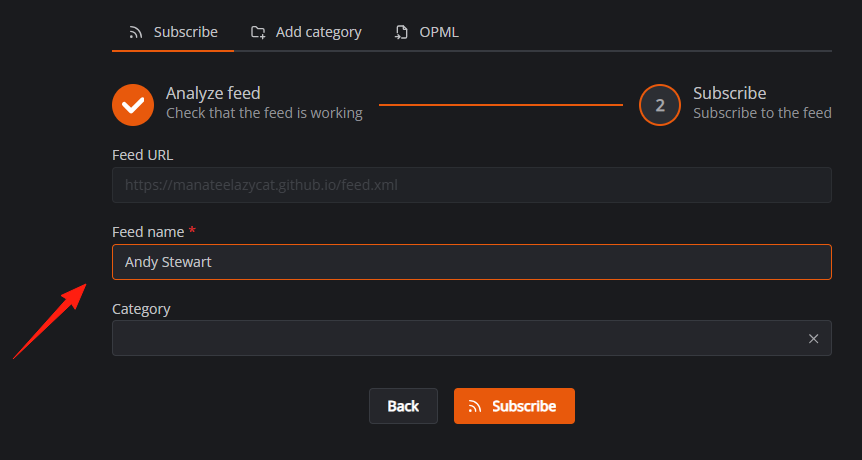
After confirmation, you can see the data.
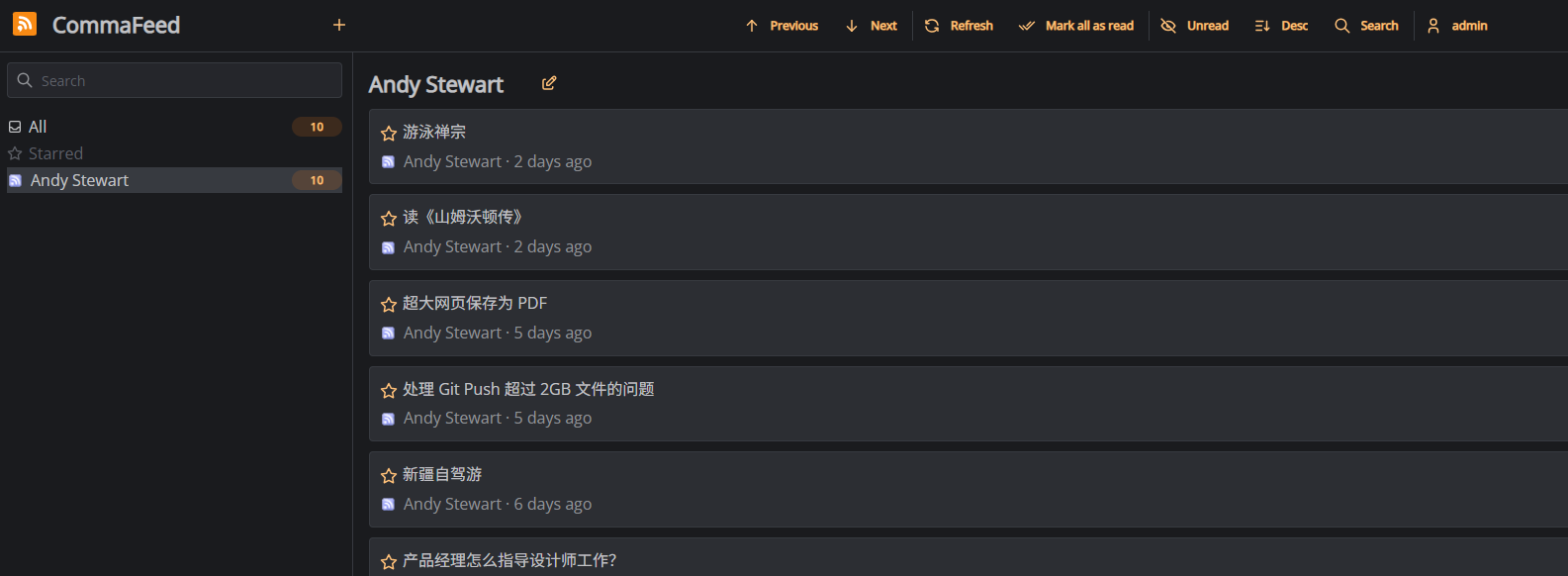
You can view the content directly on the current page.
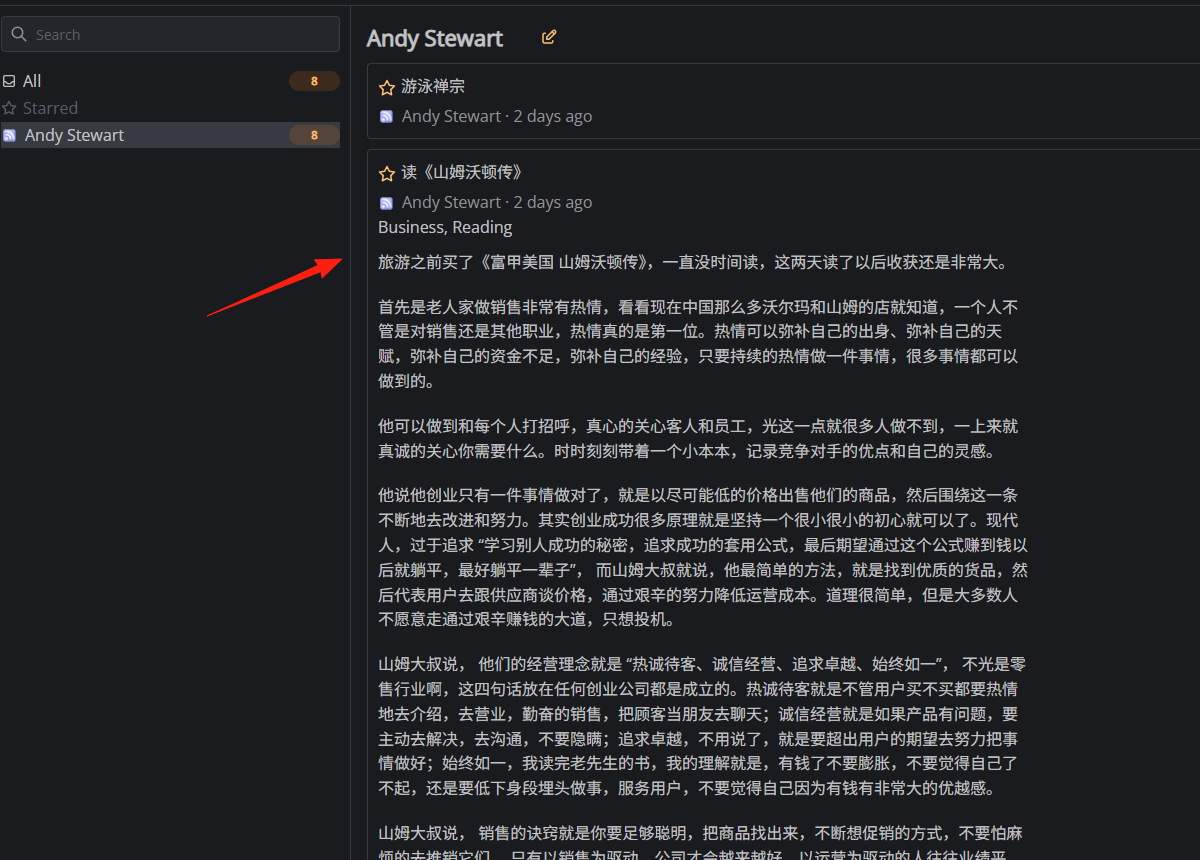
You can add categories here.
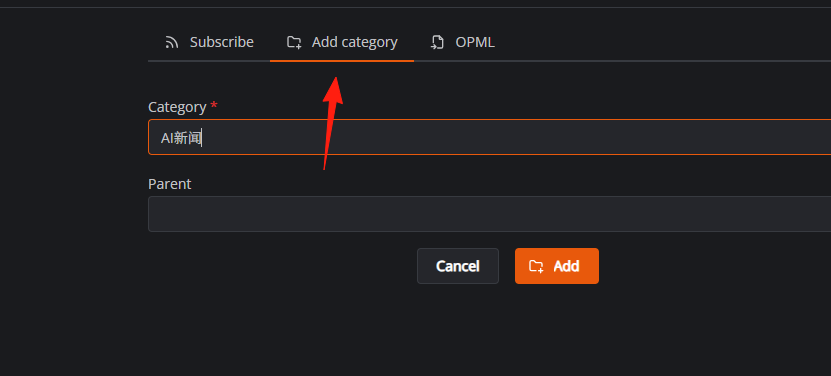
If you have used similar RSS tools before, you can import OPML files.
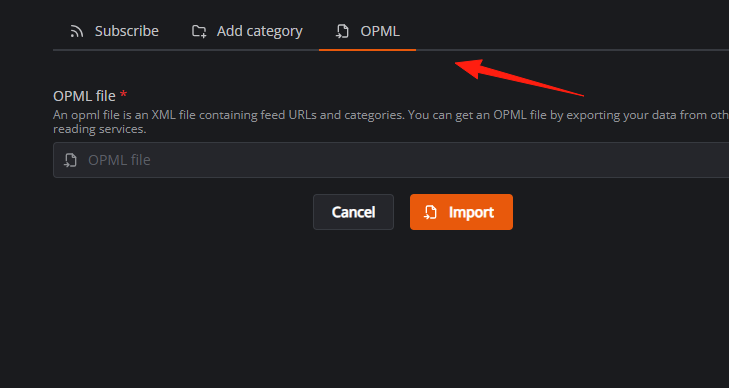
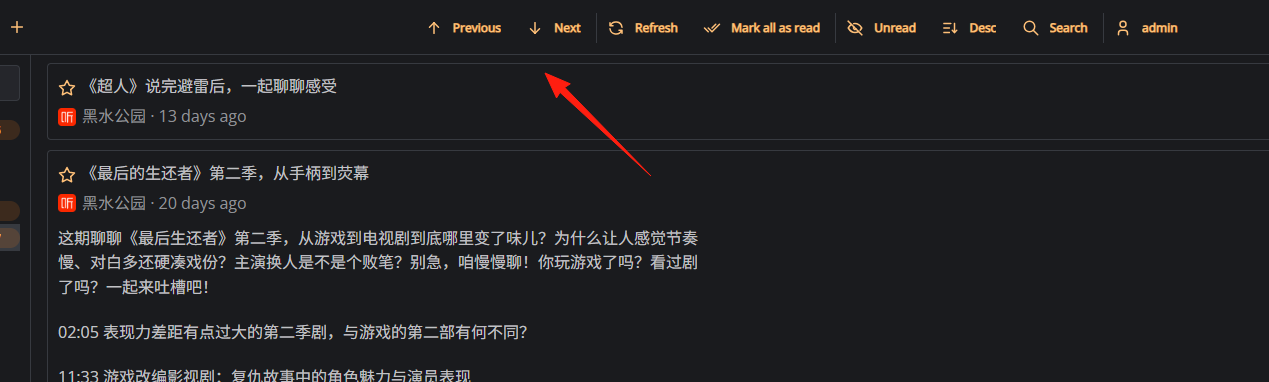
The keyboard shortcuts at the top make it convenient to switch to the next item.
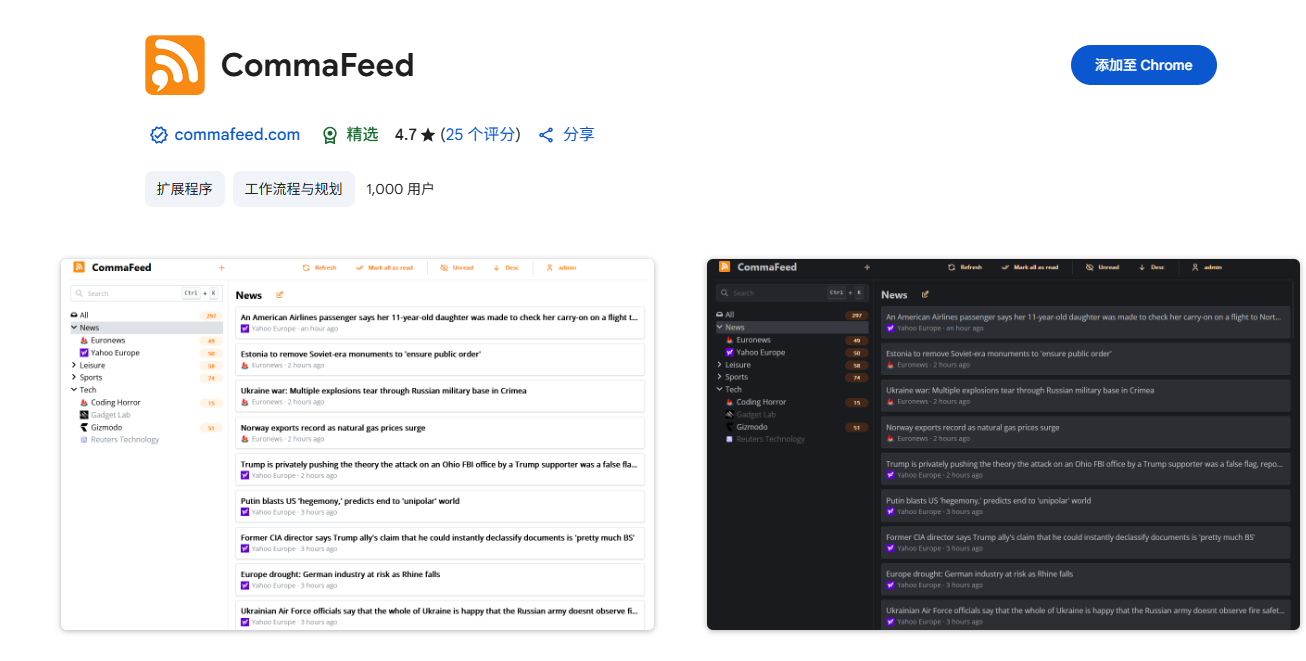
It also supports browser extensions. https://chromewebstore.google.com/detail/commafeed/bpbfpjiciblcfeganojjkfapnllbhdga
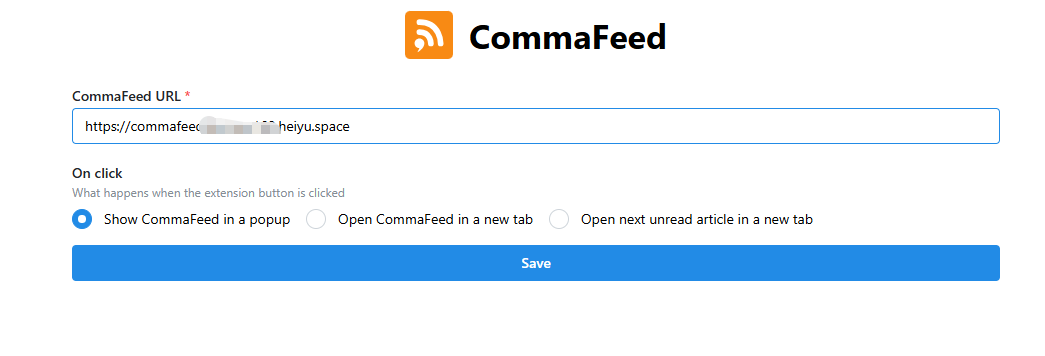
Enter your own URL in the address field: https://commafeed.your-lazycat-domain.heiyu.space/
Now, when you click the extension icon in your browser, you can see it.
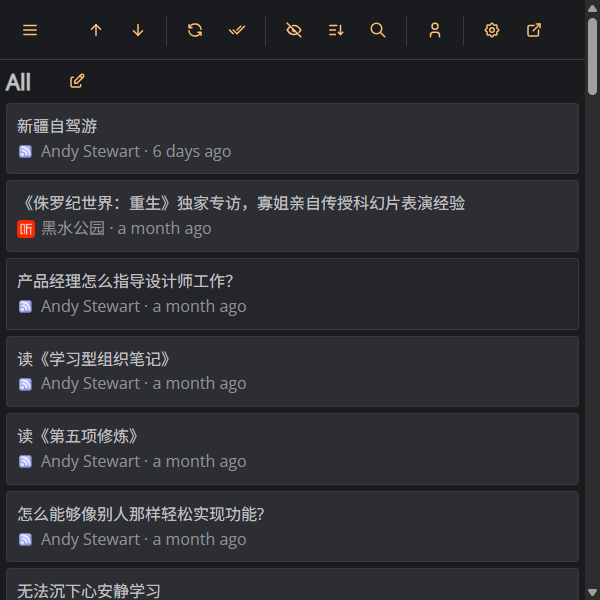
The functionality is completely consistent with the web version, just more convenient.
Finally, here are some recommended commonly used RSS feeds: ● Podcast Feed Subscriptions: https://getpodcast.xyz/ ● Some RSS feeds for legal-related information: https://blackwinmin.github.io/posts/law_rss/ ● Blog addresses of some tech personalities: https://github.com/Gracker/Rss-IT ● Domestic security information: https://github.com/zhengjim/Chinese-Security-RSS/ ● RSS Feed Sharing: https://trello.com/b/lvMGhlNB/