
Full-Text-RSS: A Tool for Extracting Full-Text RSS Feeds from Web Pages
What is Full-Text-RSS?
Full-Text-RSS easily extracts complete article content from web pages or summary-only RSS feeds, helping users obtain and read full articles more conveniently.
Key Features:
• Supports extracting full-text content from individual web pages or entire RSS feeds • Provides a Web UI for browser-based access and operation • Supports article extraction and RSS conversion via API endpoints • Customizable cache directory for improved performance • Supports setting an admin password for enhanced security • Suitable for scenarios requiring aggregation, extraction, and organization of web content
https://appstore.lazycat.cloud/#/shop/detail/cloud.lazycat.app.fulltextrss
How to Use
After installing the application, open it to access the feature page.
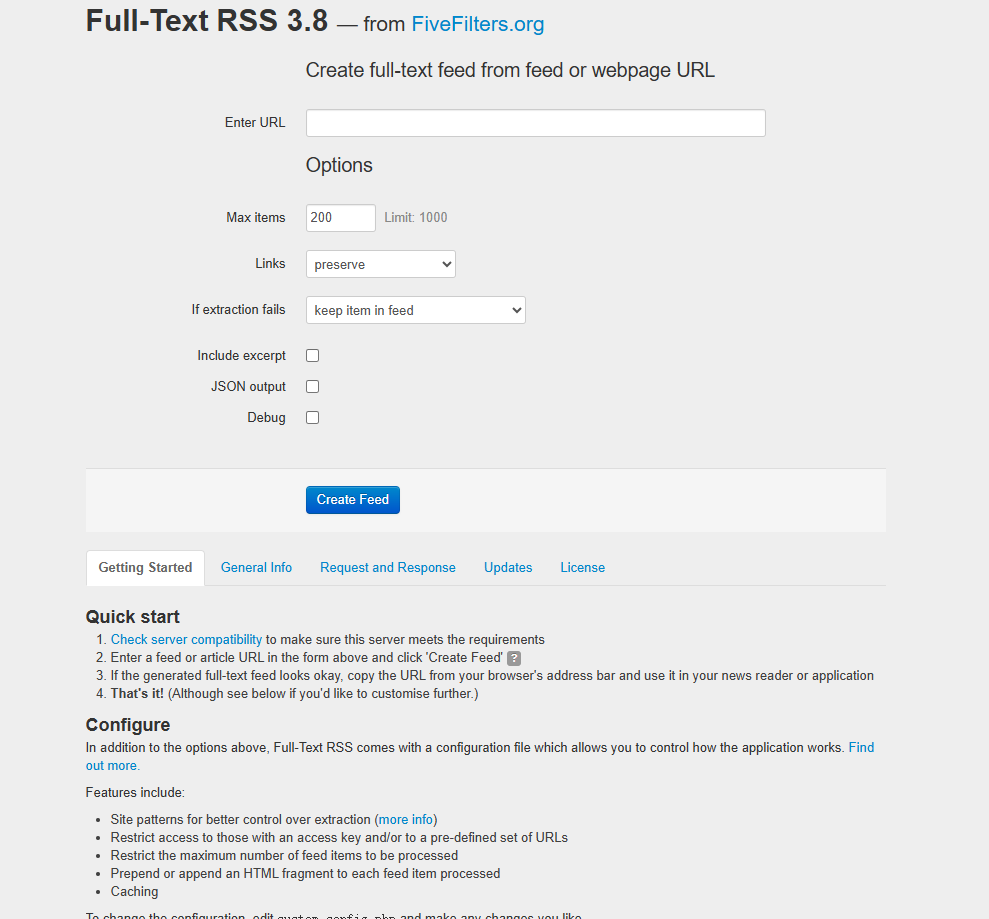
Enter the subscription feed URL: https://manateelazycat.github.io/feed.xml
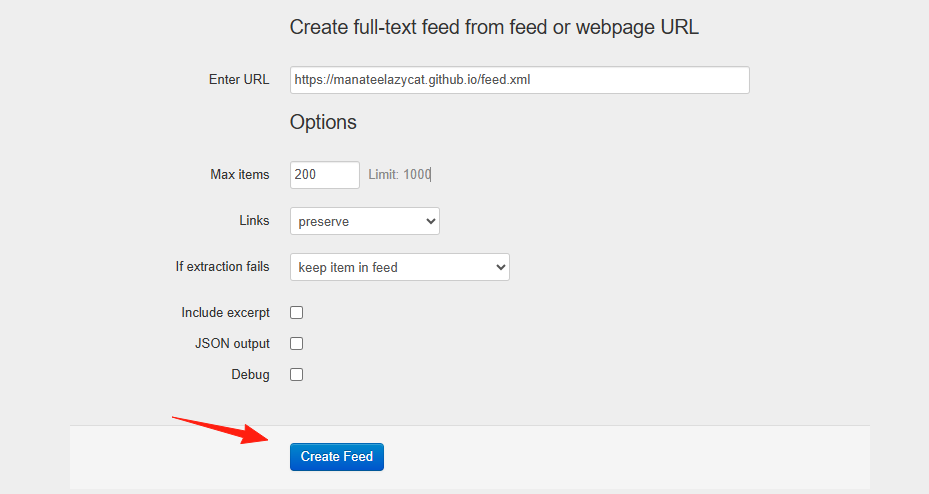
Keep other settings as default.
Click Create.
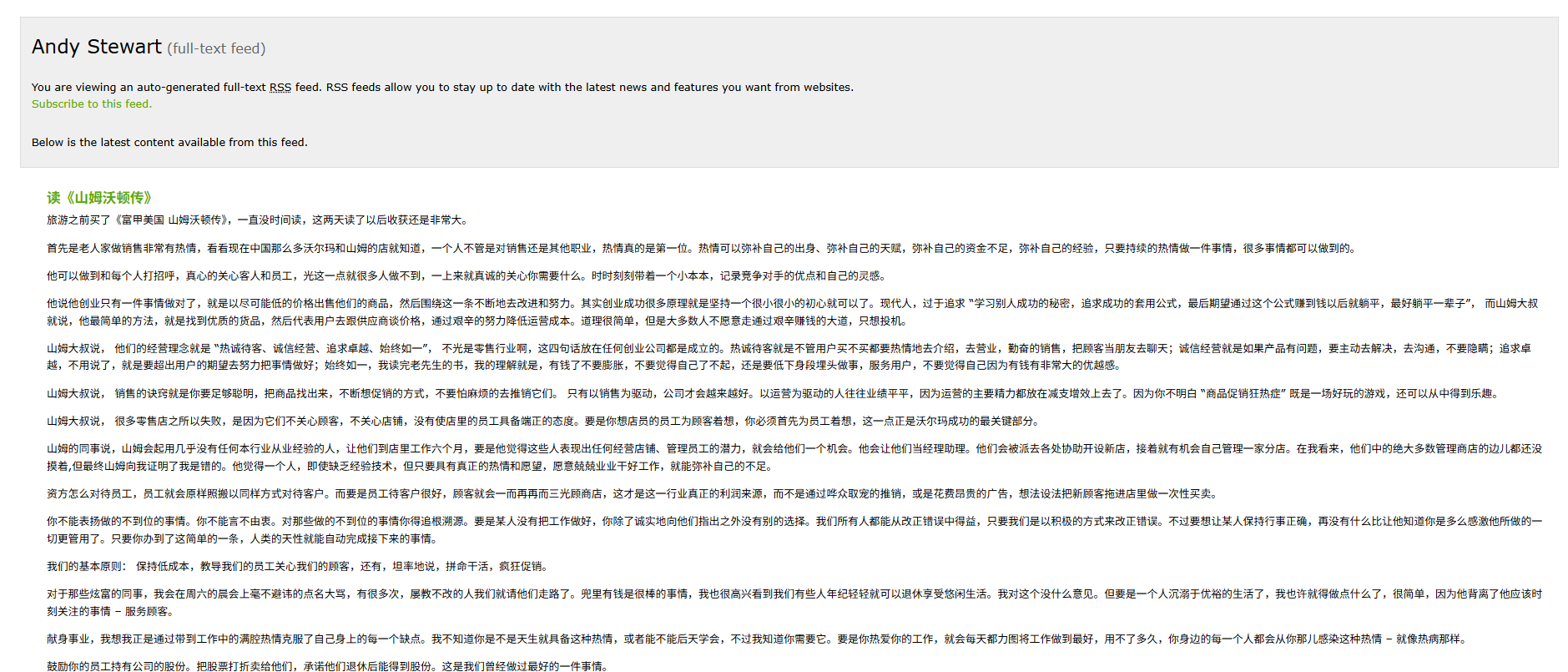
You can see the data has been fetched.
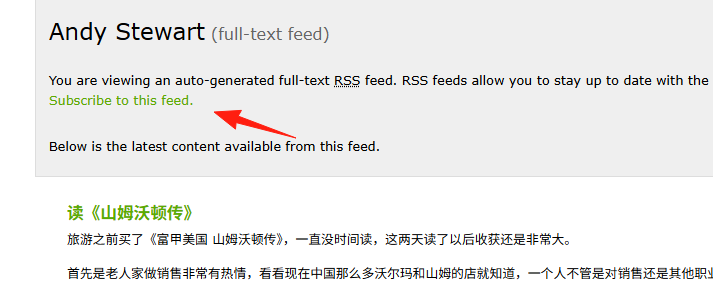
Click Subscribe.
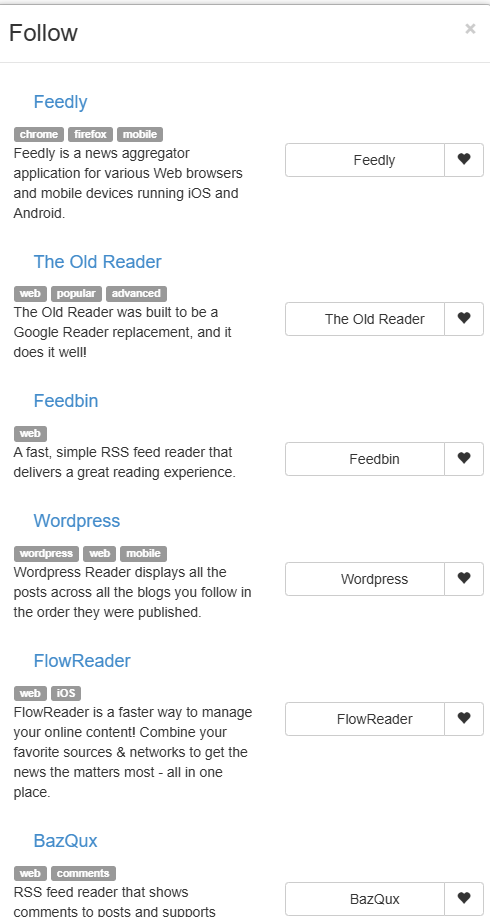
These are the supported clients.
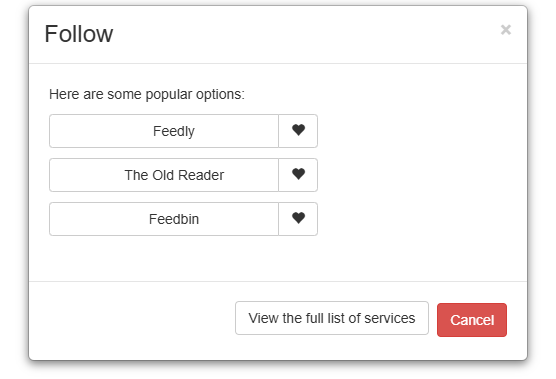
Click on the left side to see more.
It has a backend; click to access it.
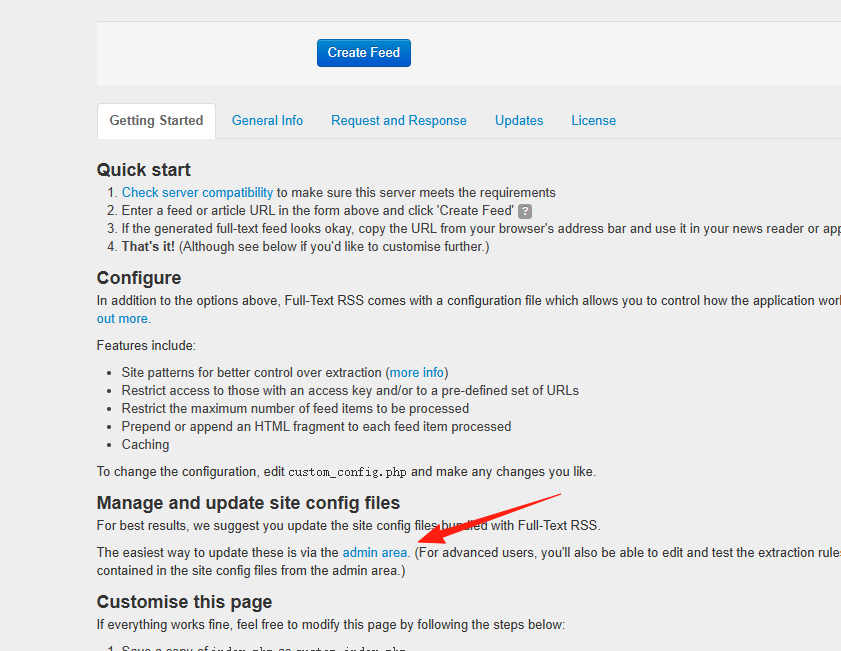
The administrator account credentials are as follows:
Username: admin
Password: Lazycat
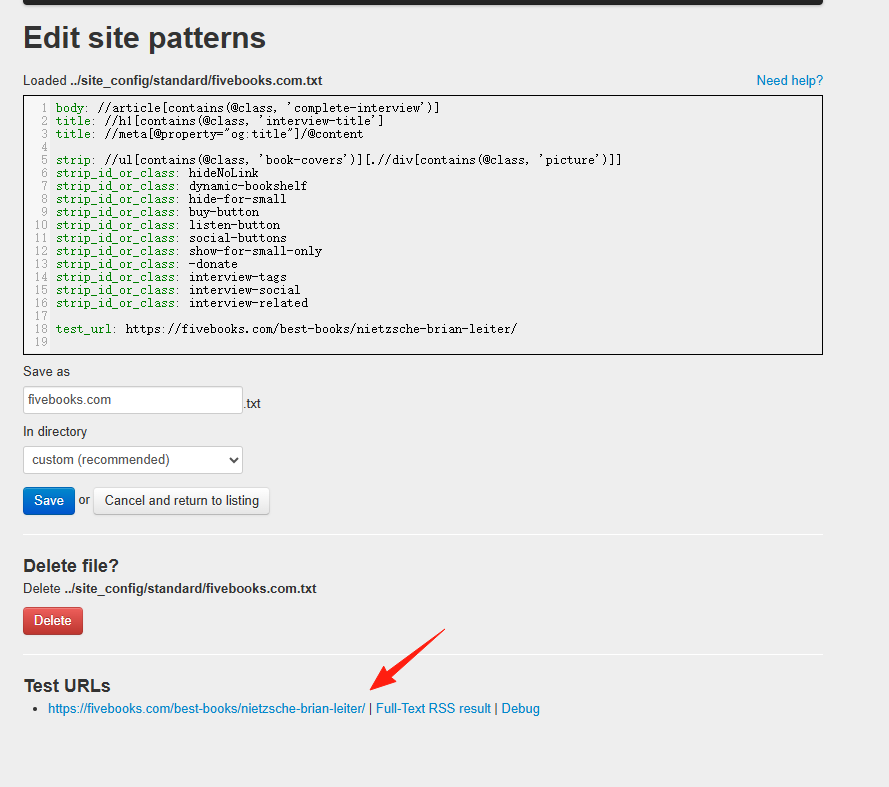
In "Edit site patterns," some default site templates are provided.
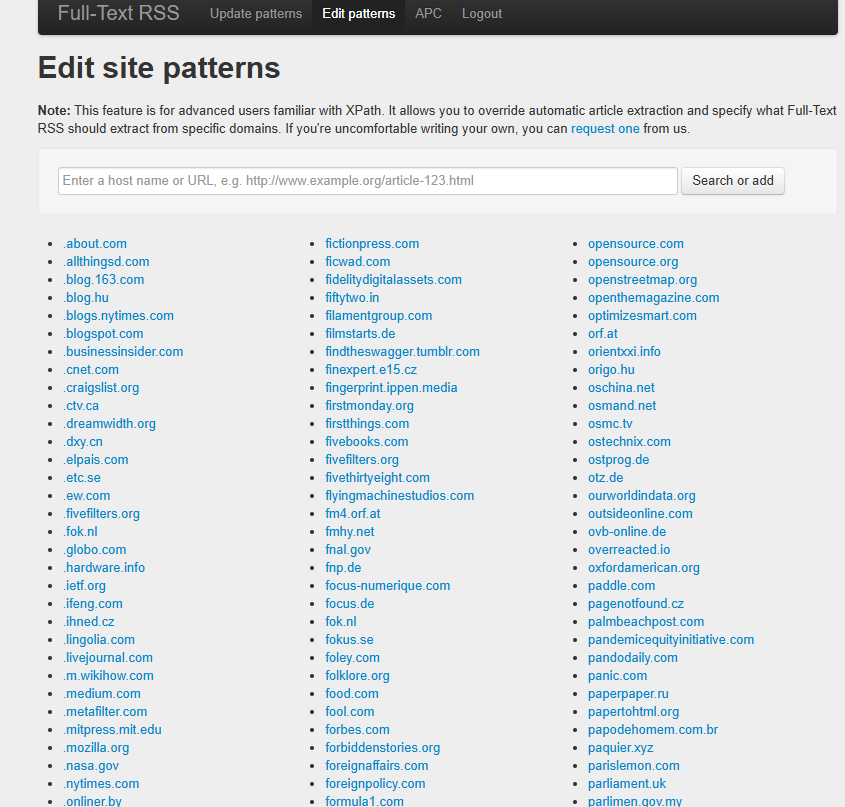
Open any template, and you can see the "Test url" section below.
With Full-Text-RSS, you no longer need to guess content from summaries or endure the limitations of third-party services.