
Pingvin Share: A Stylish File Sharing Tool
What is Pingvin Share?
Pingvin Share is a self-hosted file sharing platform and an alternative to WeTransfer. With Pingvin Share, there are no limits on the size of files you can share—only your disk space is the constraint.
Features:
Create file shares accessible via links Support for custom link suffixes No file size limits (as long as your hard drive is large enough) Set expiration times for shares Visitor restrictions, allowing you to protect shares with passwords Toggle whether login is required for uploads Enable/disable user registration Email notifications for recipients Dark mode and light mode support Supports amd64/arm64 architectures
https://appstore.lazycat.cloud/#/shop/detail/cloud.lazycat.app.pingvinshare
How to Use
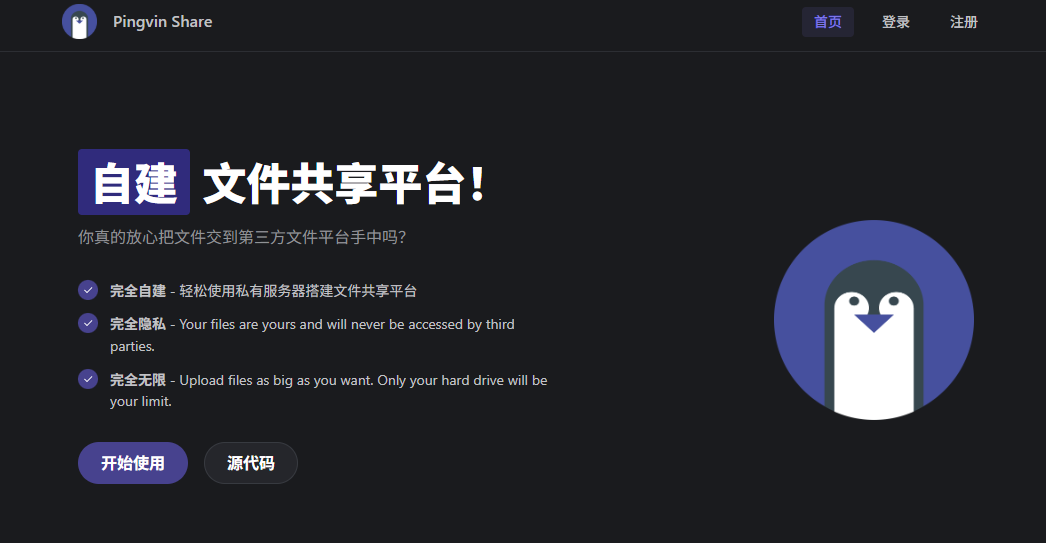
After installing the application, open the page and click "Get Started".
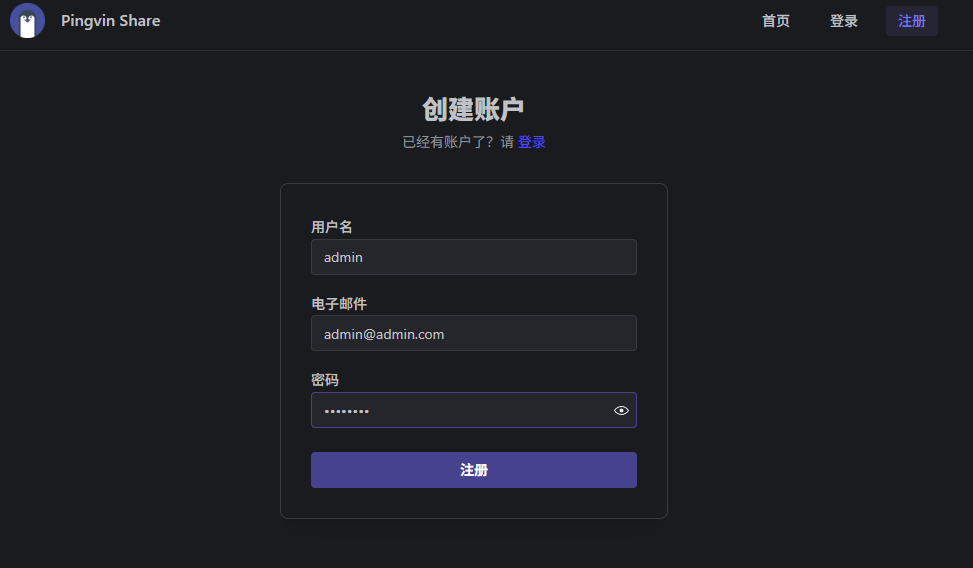
First, register a user account.
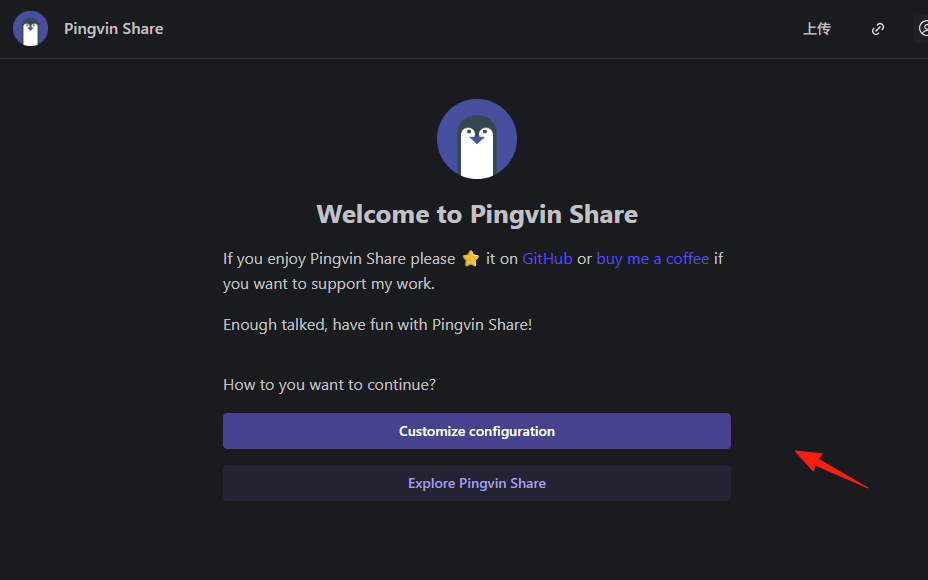
After successful login, you can perform some initial setup.
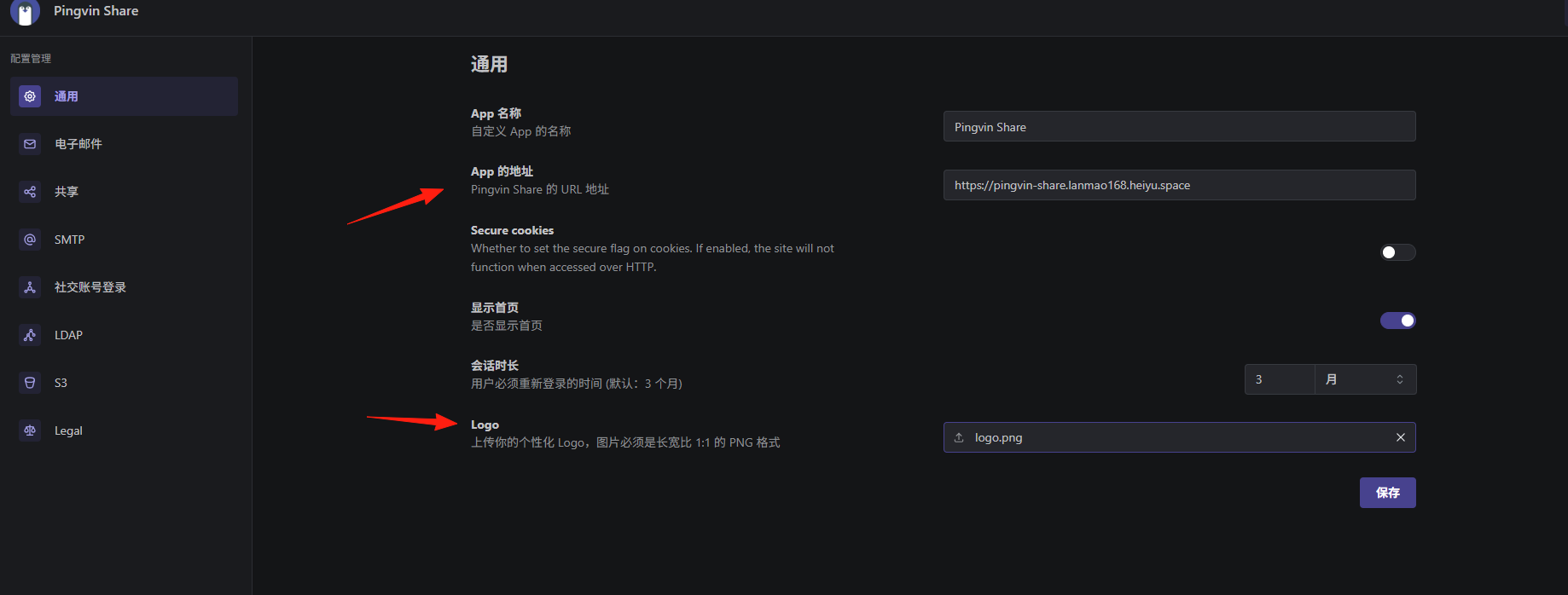
Modify your URL, upload a logo, etc.
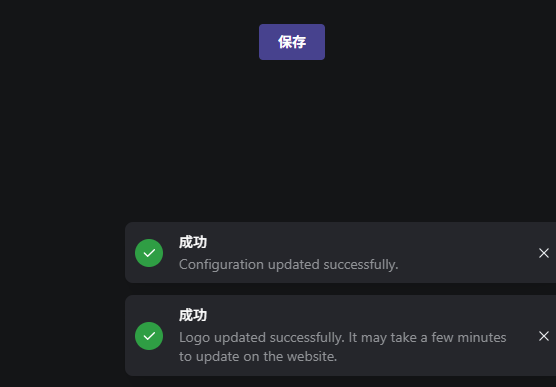
A success message will appear after saving.
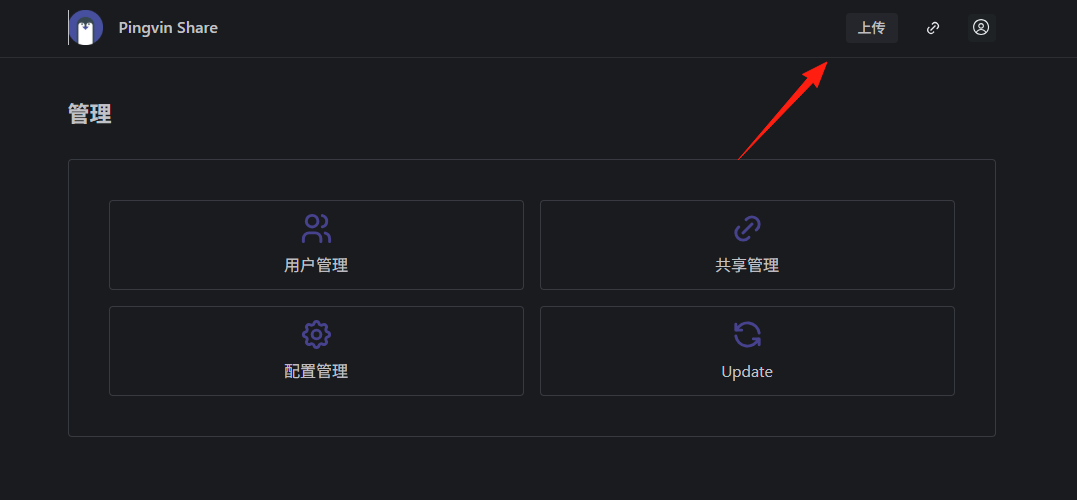
Click the "Back" button in the upper right corner, then upload a file.
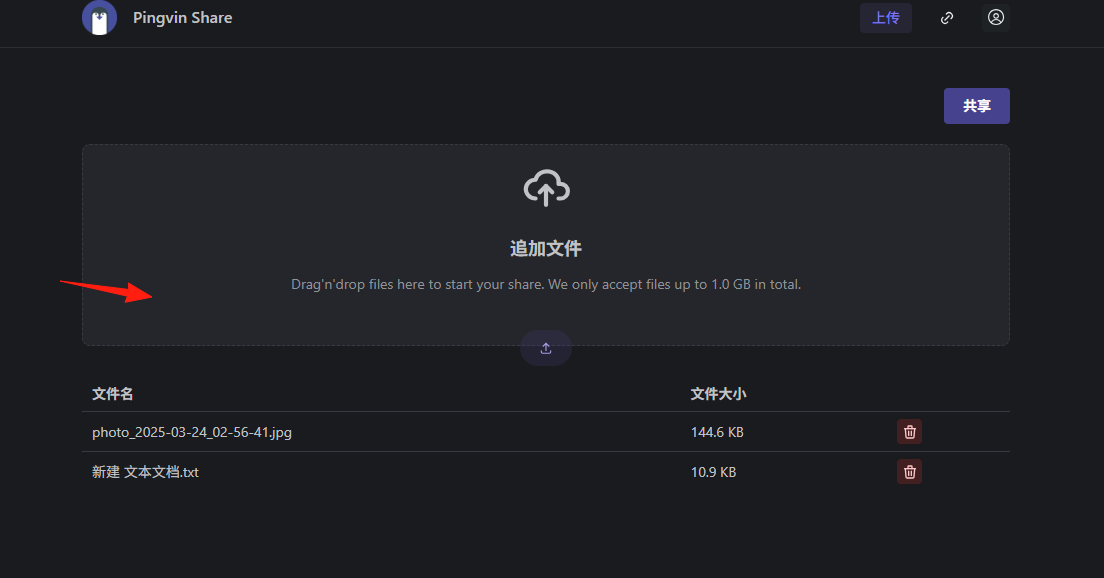
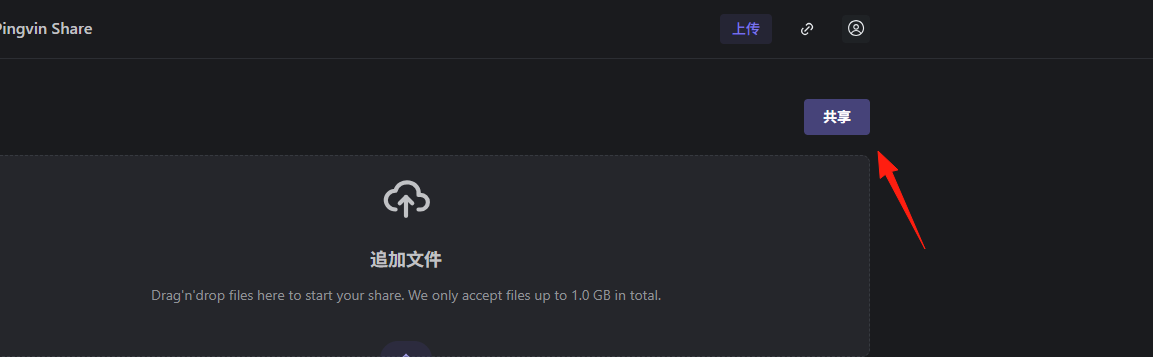
Click "Share".
You can set a custom suffix and expiration time.
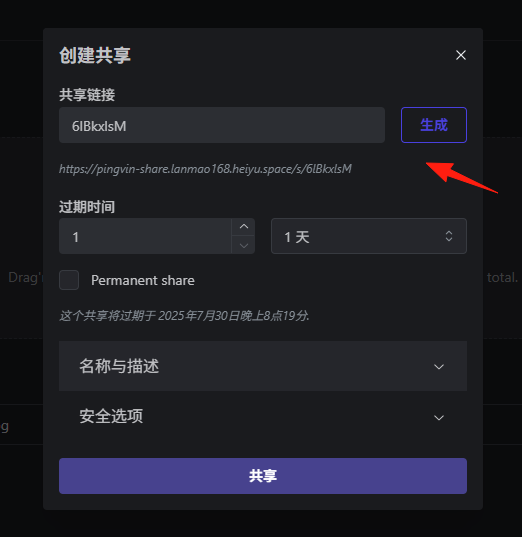
After generating the link, you can share the URL with friends.
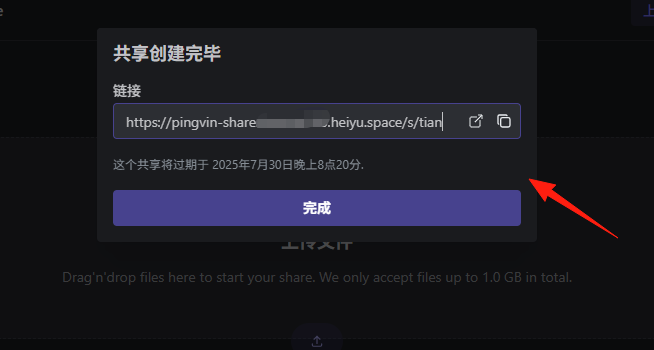
This is the page that opens when accessing the share link.
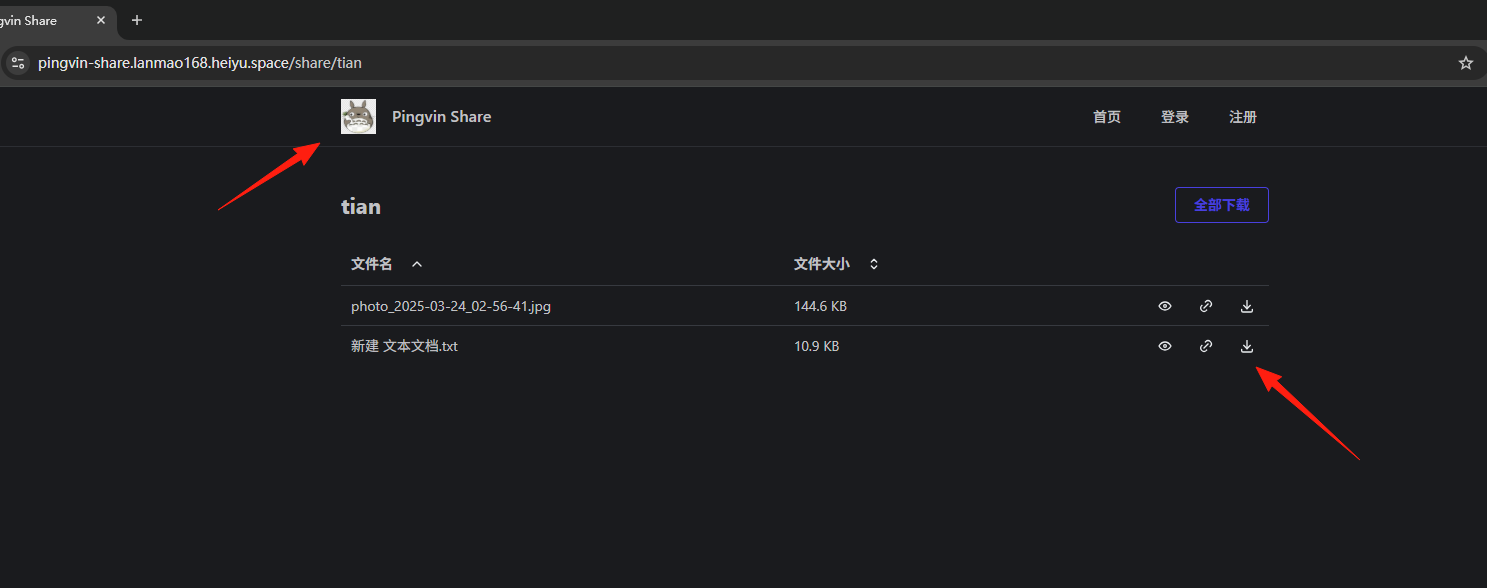
You can preview the file or click to download it.

Click "My Shares" to modify or delete files.
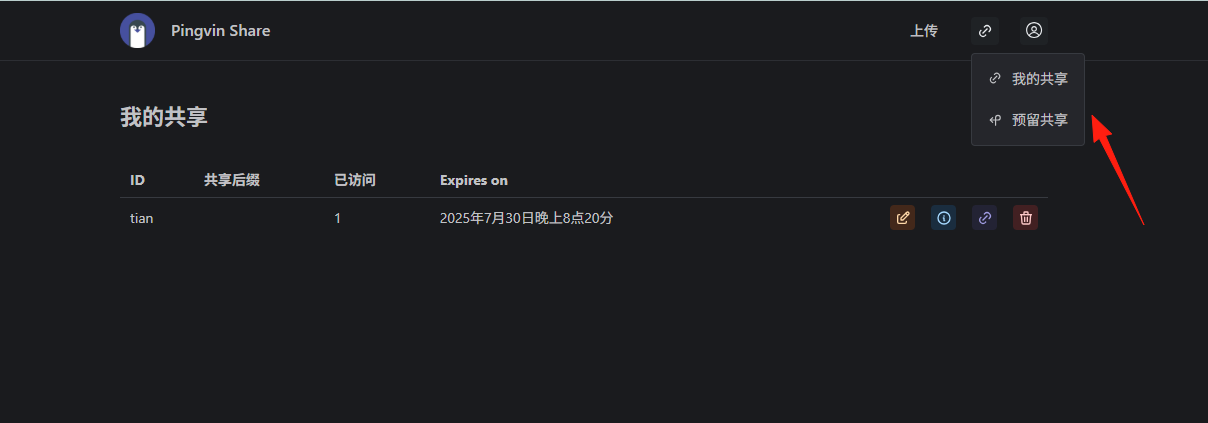
Overall, it's quite simple to use.
A 5-minute deployment grants you complete file freedom—say goodbye to "file expired" and "slow download speeds" from cloud drives. Your data, 100% under your control.