
Scraperr Practical Guide: The Ultimate Web Scraping Tool Even Beginners Can Master
What is Scraperr?
Simply put, Scraperr is a tool that helps you "steal" data from web pages. Don't worry, this "stealing" refers to legal data scraping 😄.
Imagine you need to collect price information for all products on an e-commerce website. Manually copying and pasting would take forever, but Scraperr can get it done for you in just a few minutes.
Core Advantages:
- 🎯 Precise Targeting: Use XPath selectors to accurately extract the content you want
- 🚀 Easy to Use: Operate via a web interface, no need to write complex code
- 📦 Self-Hosted: Keep your data security in your own hands
- 🔄 Batch Processing: Submit multiple scraping tasks at once
- 📊 Result Visualization: View scraped data directly in a table
https://appstore.lazycat.cloud/#/shop/detail/top.j0k3r.scraperr
Practical Guide
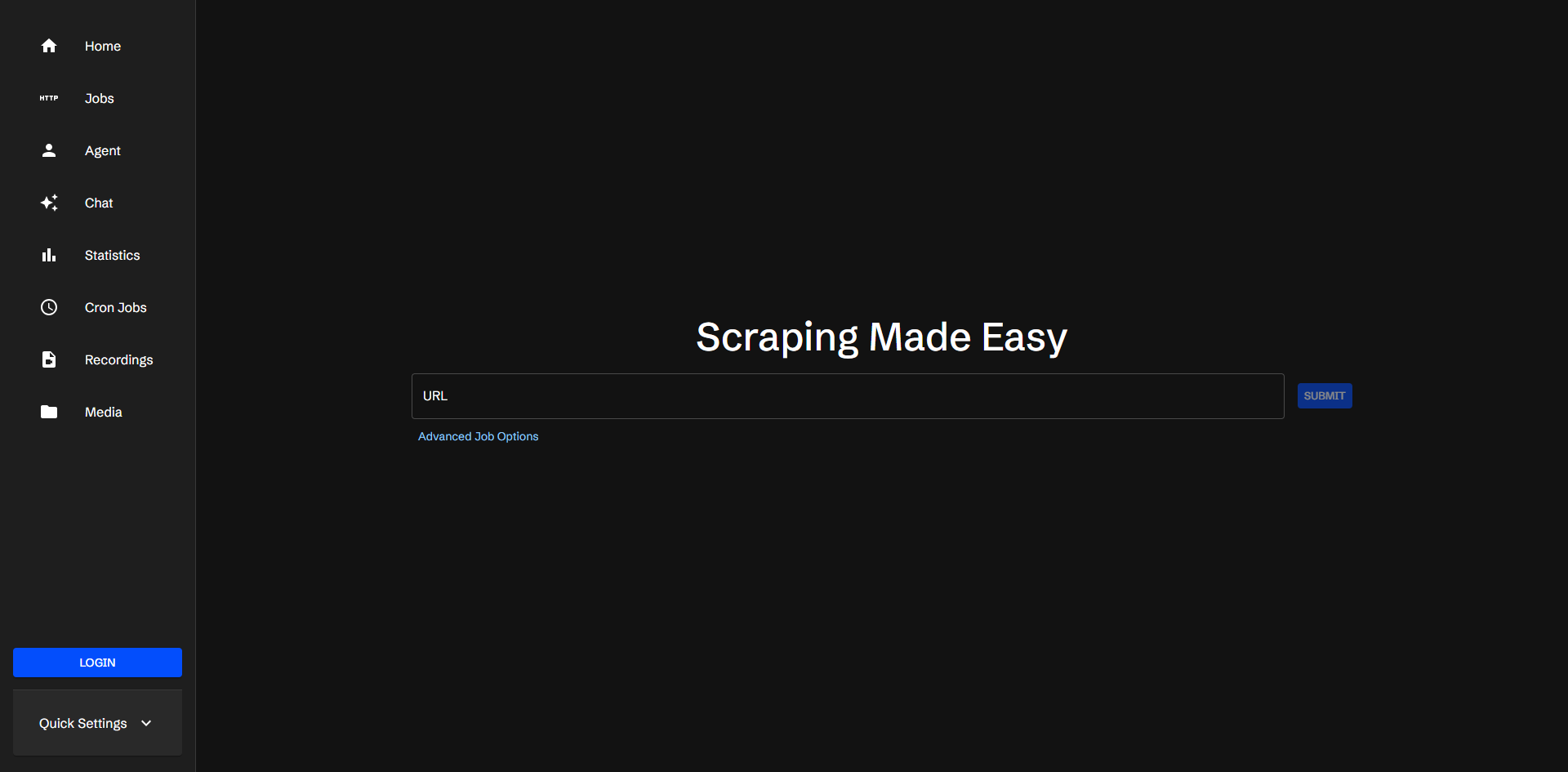
After installing the application, the main page opens upon launch.
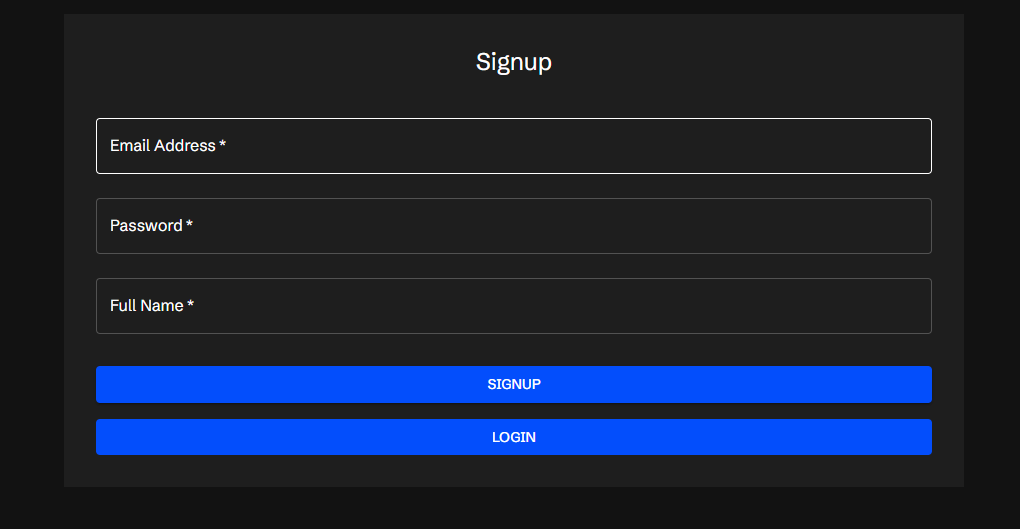
First, register an account.
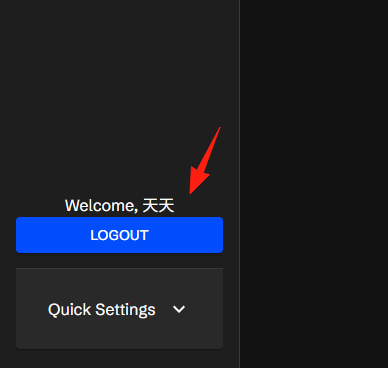
After logging in, you'll see a prompt in the lower left corner.
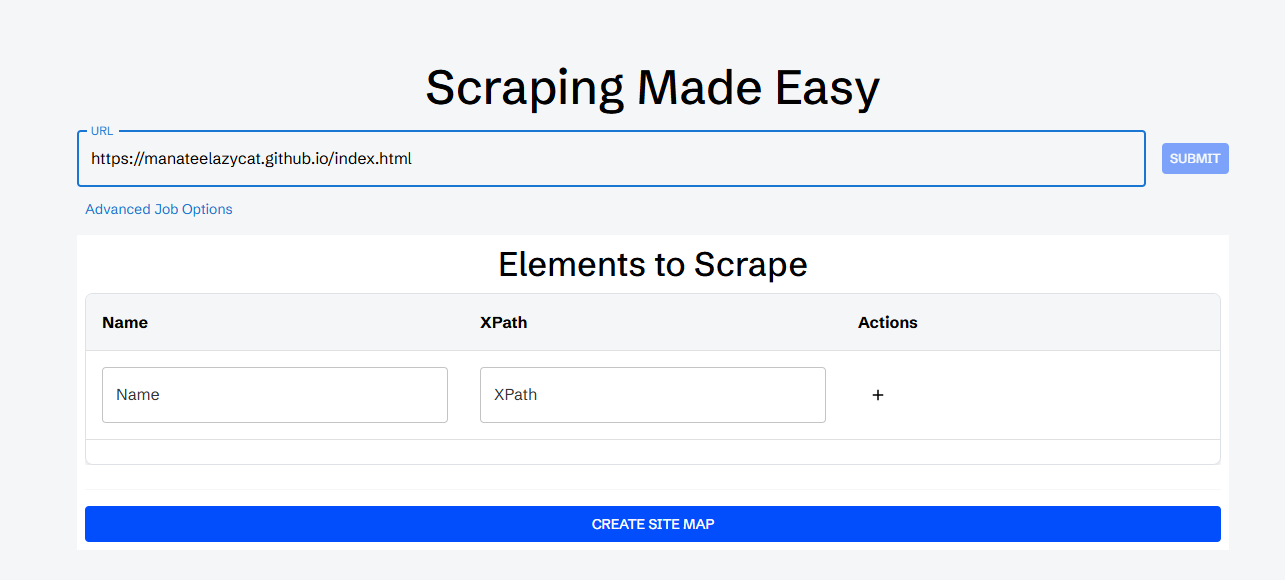
Let's use Old Wang's blog as an example: https://manateelazycat.github.io/index.html
Understanding XPath (Don't be intimidated, it's really simple)
XPath is like the "address" of a web element. For example, if you want to find a product title, XPath tells the program: "Go look in the 2nd span tag inside the 3rd div."
Practical XPath Tips:
- Right-Click Method: Right-click on the content you want to scrape → Inspect Element → Right-click and select "Copy XPath" to get a ready-made path.
- Common Patterns:
- Scrape all links:
//a/@href - Scrape all images:
//img/@src - Scrape text from a specific class:
//div[@class='product-title']/text() - Scrape elements containing specific text:
//span[contains(text(), 'Price')]
- Scrape all links:
Using Old Wang's blog as an example:
- URL: The blog address is https://manateelazycat.github.io/index.html
- Name: Since we are scraping titles, we entered "Article Titles"
- XPath: Can be obtained in the browser, e.g.,
/html/body/div[1]/ul
Click Submit.
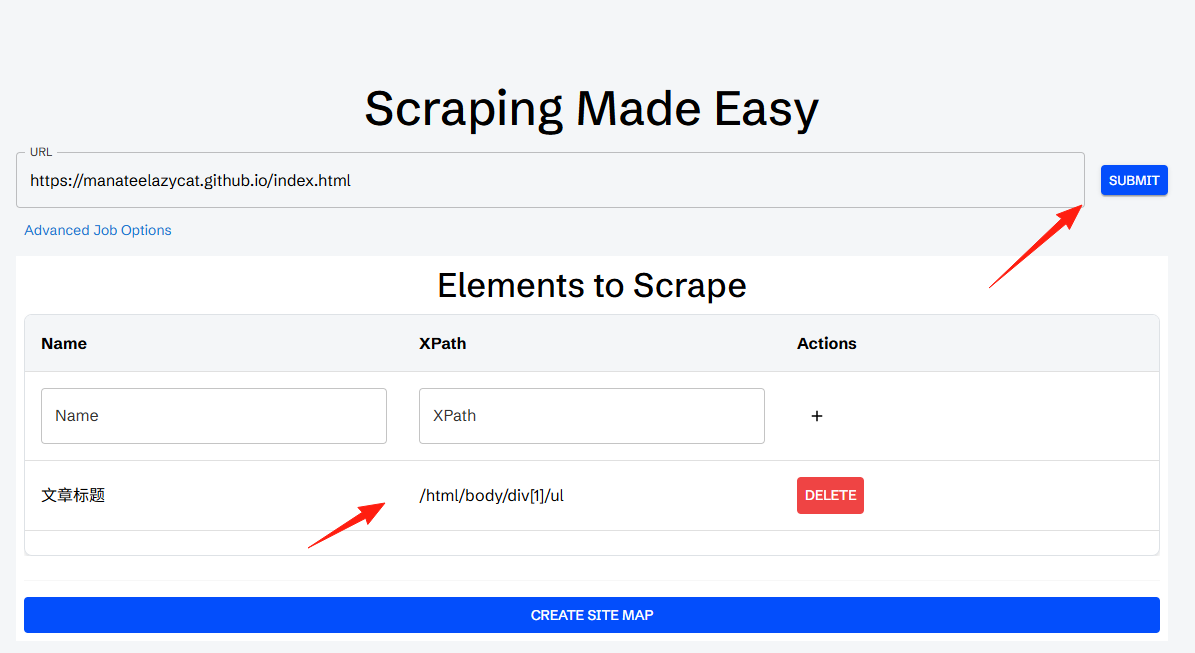
A prompt in the lower left corner will indicate a Job was created.

You can see it in the left-side Job section.
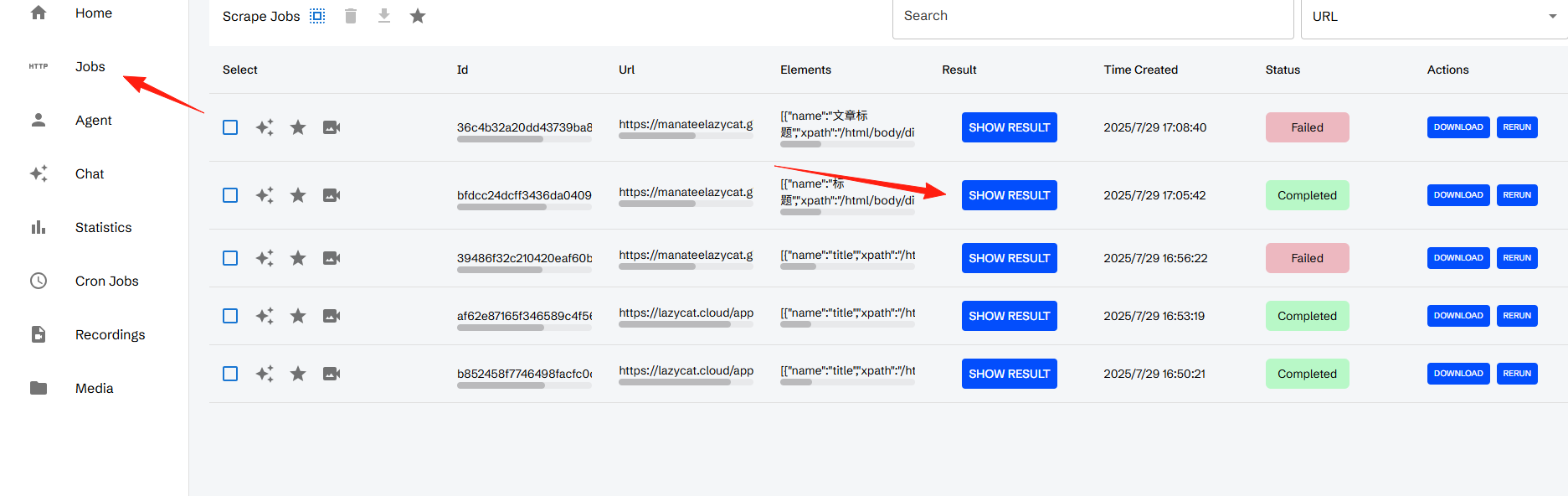
It might fail sometimes, but if successful, it will show "complete". Click "showresult".

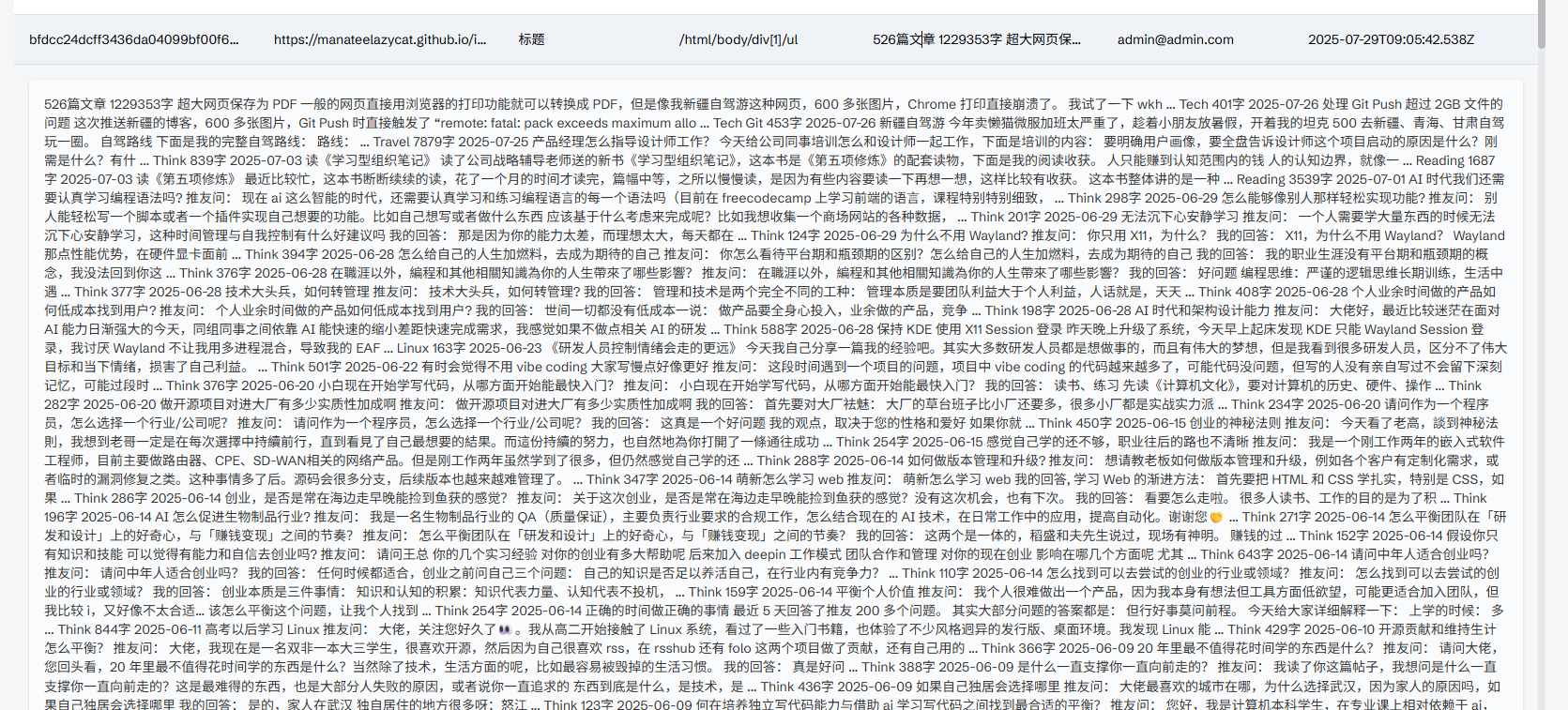
Click into it, and you can see all the scraped content.
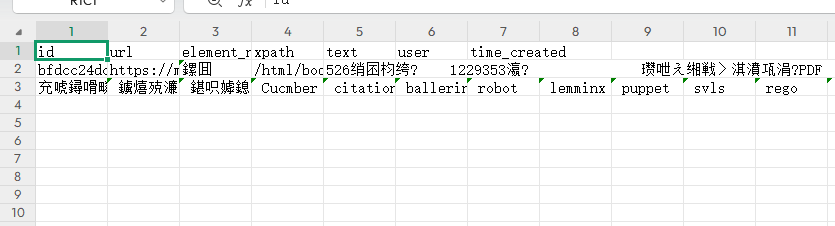
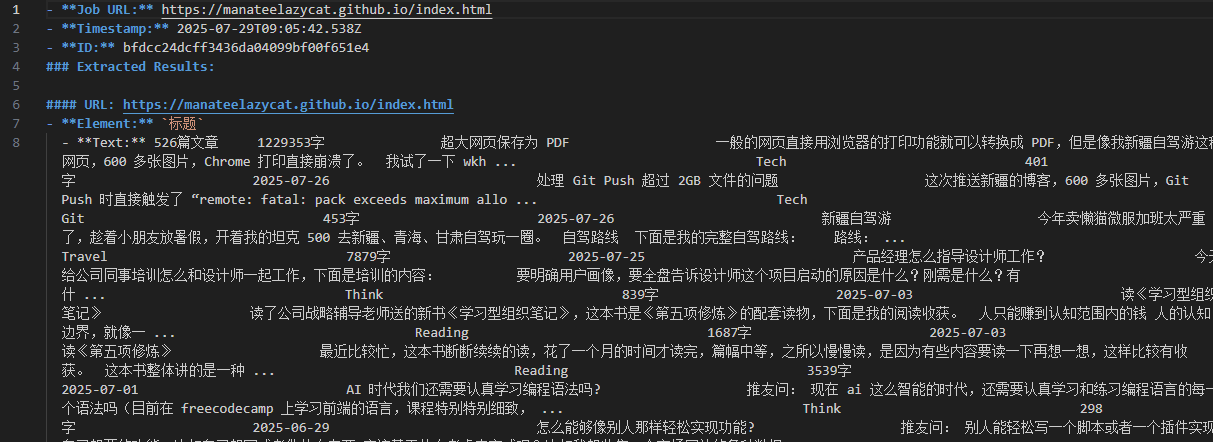
You can also download it.

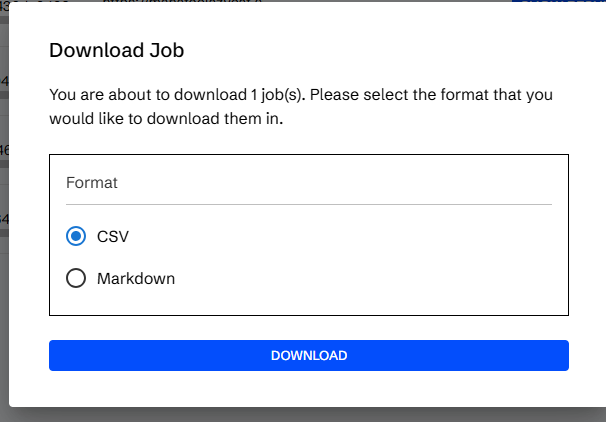
The CSV I downloaded had garbled Chinese characters.
The markdown version was fine.
Important Notes: Use Compliantly
- Check robots.txt: Visit
website_domain/robots.txtto see if scraping is allowed. - Adhere to Terms of Service: Do not scrape content that is explicitly prohibited.
- Control Frequency: Do not make requests too frequently; give the server some breathing room.
Summary
Scraperr is a great tool, especially suitable for friends who need to scrape data regularly but don't want to write complex crawler code. It has a clean interface, comprehensive features, supports self-hosting, and ensures data security.
With this tool, collecting data becomes much easier. Just remember to use it compliantly and be a responsible data collector 😊
Note: This article is for technical exchange purposes only. Please comply with relevant laws, regulations, and website terms of service when using it.