
QM-Music: Your Personal "Private NetEase Cloud"
What is QM-Music?
Simply put, QM-Music is a self-hosted music server. You upload your music files to the server, and then you can listen to your music anytime, anywhere on your phone, computer, or tablet. It's as convenient as using NetEase Cloud Music, but you have complete control over your music library.
Most importantly: It's based on the Subsonic protocol, which means you can use a wide range of existing clients to listen to your music, without worrying about the lack of a good player.
https://appstore.lazycat.cloud/#/shop/detail/wcloud.gblw.app.qmmusic
User Experience
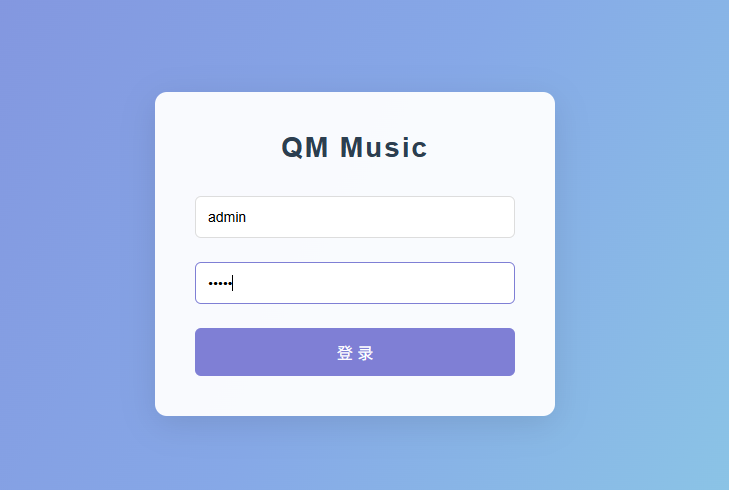
After the application starts successfully, open the login page and use the default credentials to log in: Username: admin Password: admin
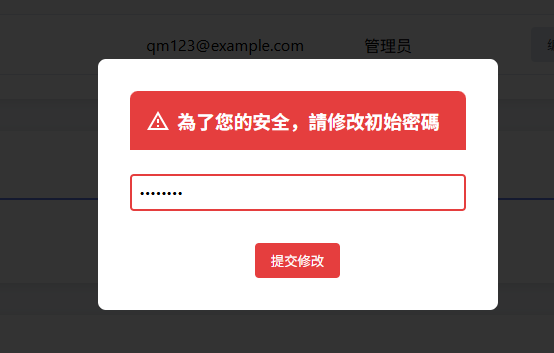
You will be prompted to change the initial password.
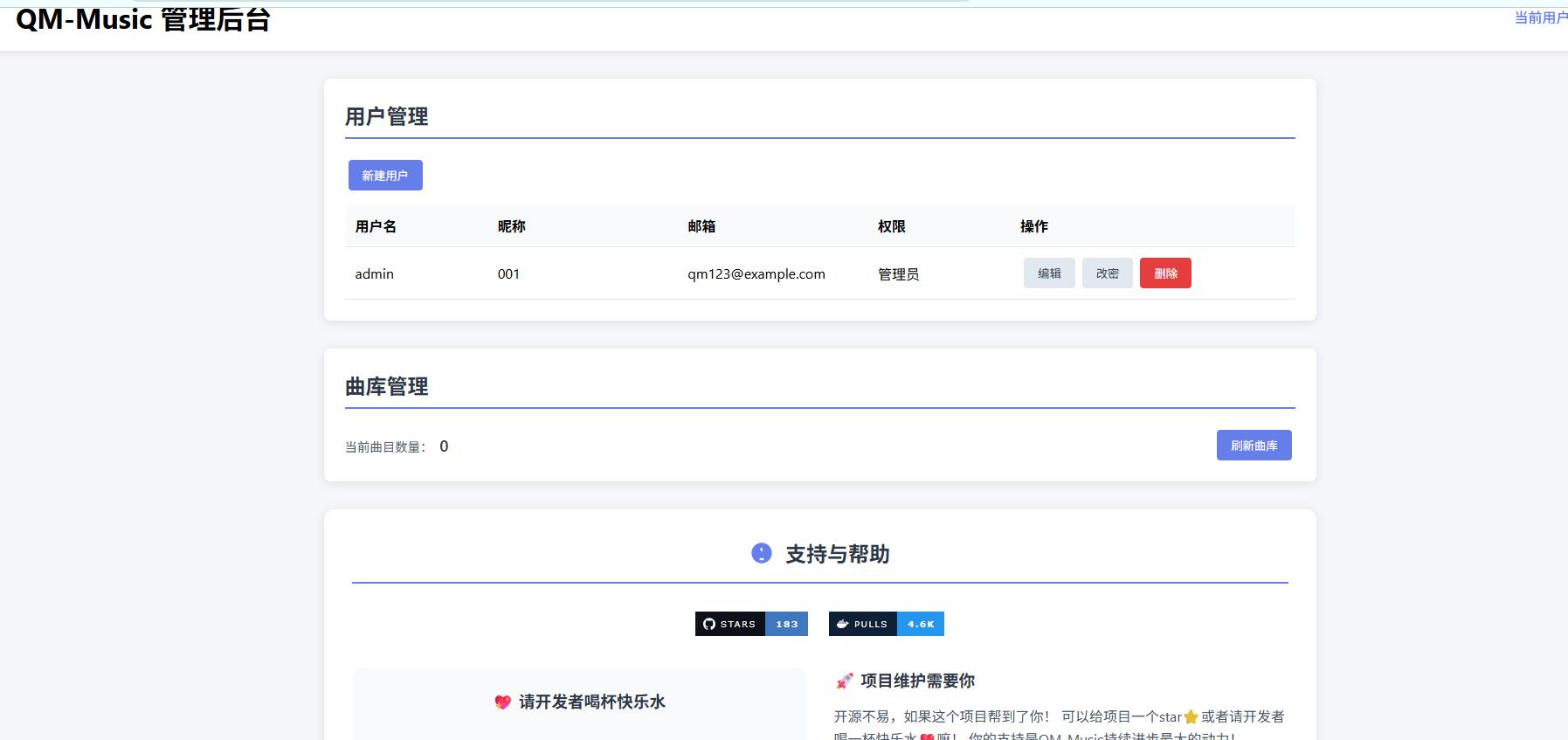
After logging in again, you will enter the admin dashboard page.
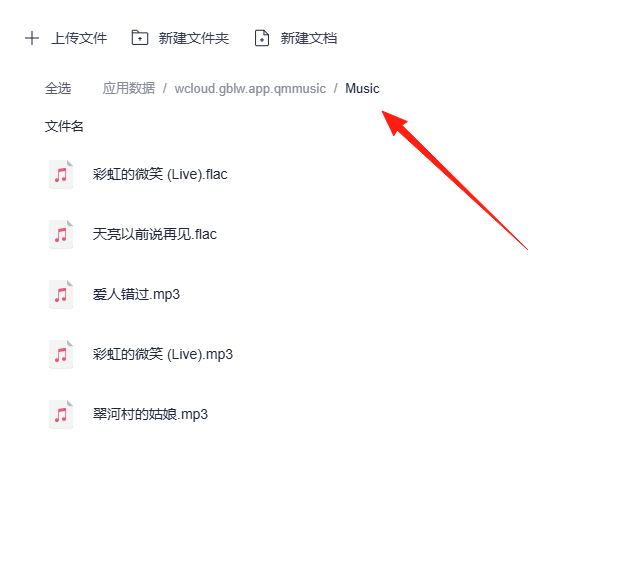
Place your prepared music files in the directory shown below.
Refresh the music library. After entering the management interface:
- Find "Library Management"
- Click the [Refresh Library] button
- Wait for the scan to complete (you can check the logs for progress)

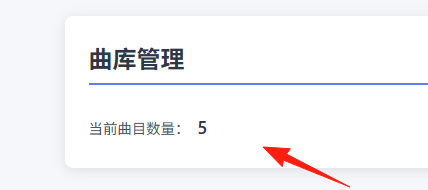
Scan completed, showing the count.
Client Recommendations – There's one for everyone
Mobile
- Audiobooks: A music player supporting Subsonic and Navidrome, with a beautiful interface and comprehensive features. Highly recommended.
- Amperfy: A classic choice for iOS/iPadOS, offering a clean, modern experience as a music server client.
- substreamer: A veteran Subsonic client, stable and reliable.
Desktop
- feishin: A desktop client with high aesthetic appeal.
- music-assistant: Feature-rich, suitable for power users.
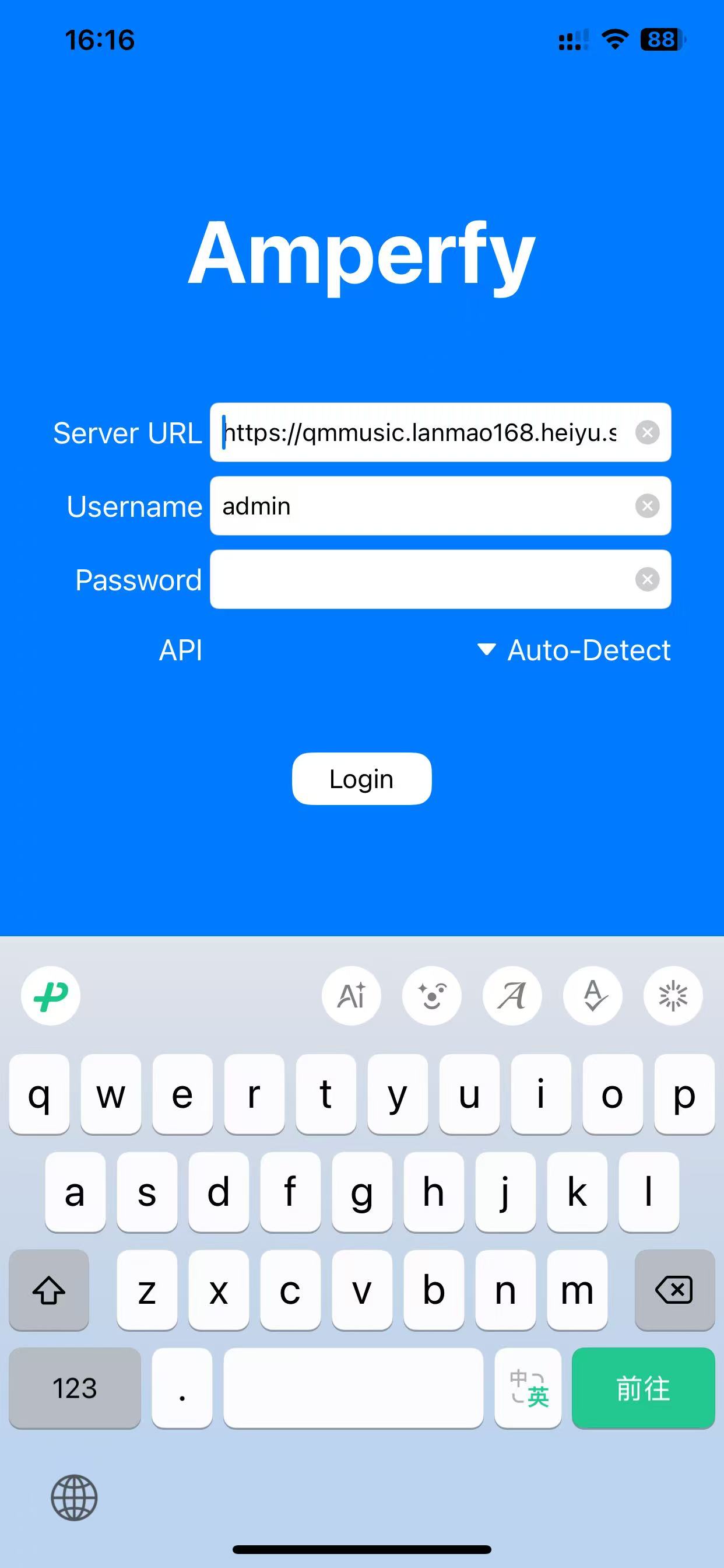
I use an iPhone and have installed Amperfy. Enter:
- Server Address:
https://qmmusic.your-lazycat.heiyu.space - Username: Your modified admin account
- Password: Your modified password
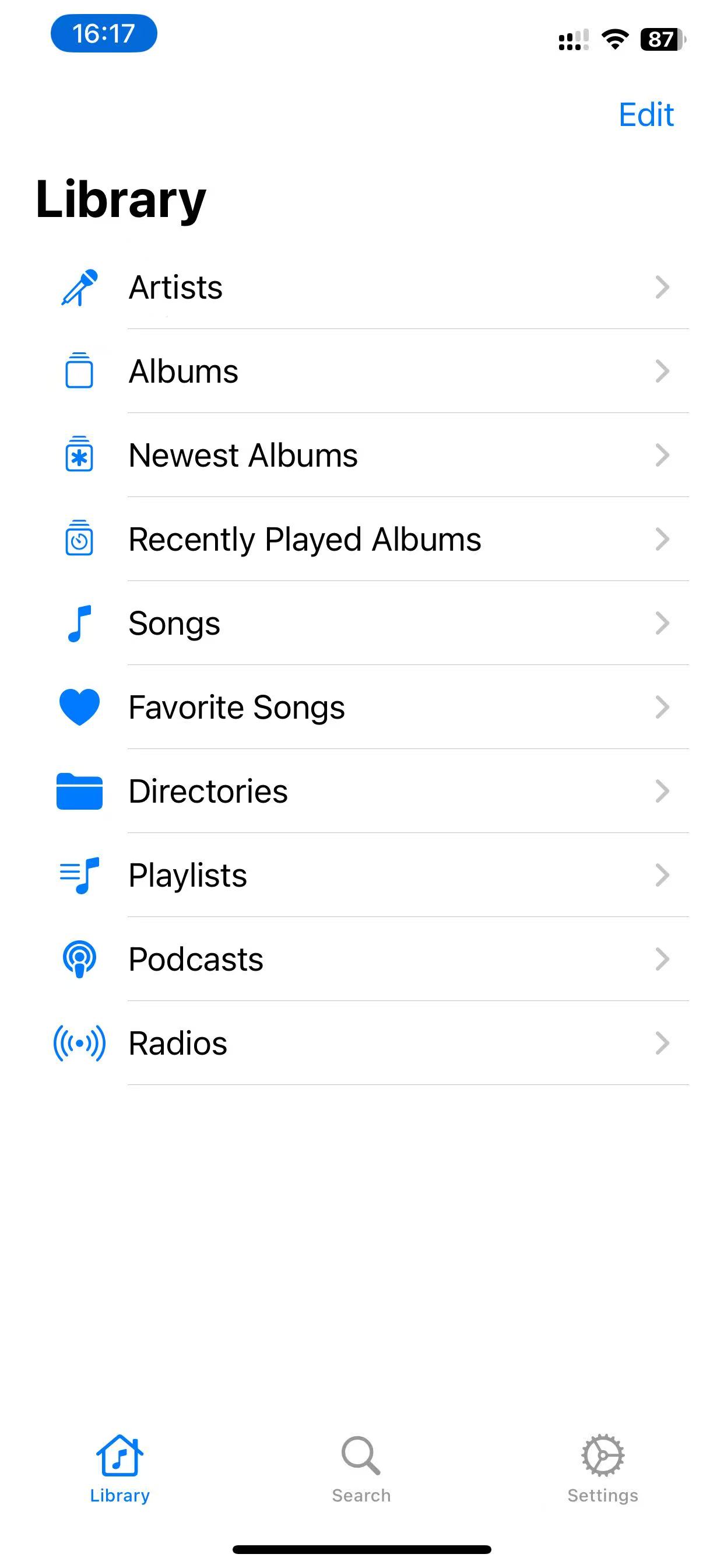
After successful connection, you enter the home page.
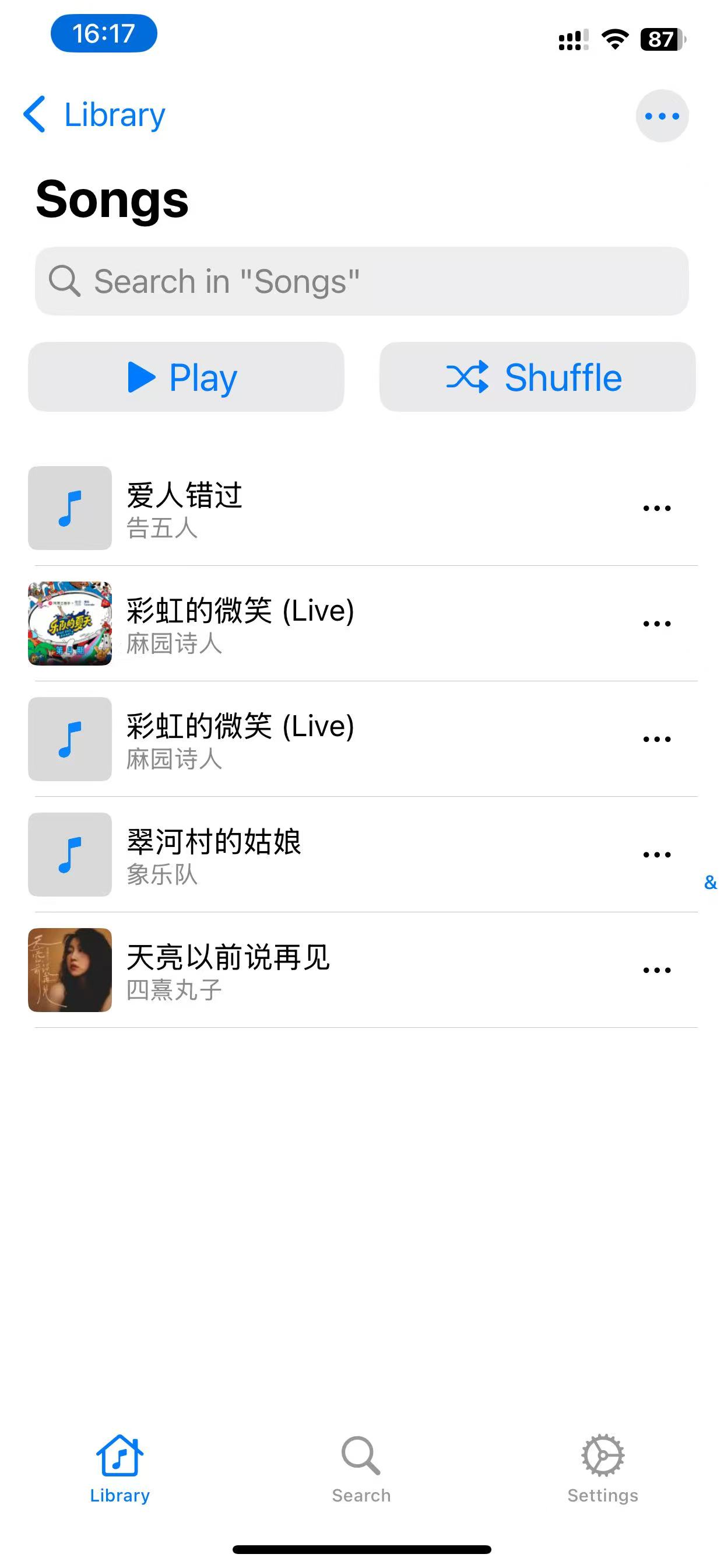
Click on Songs, and you can see the songs we added earlier are now listed.
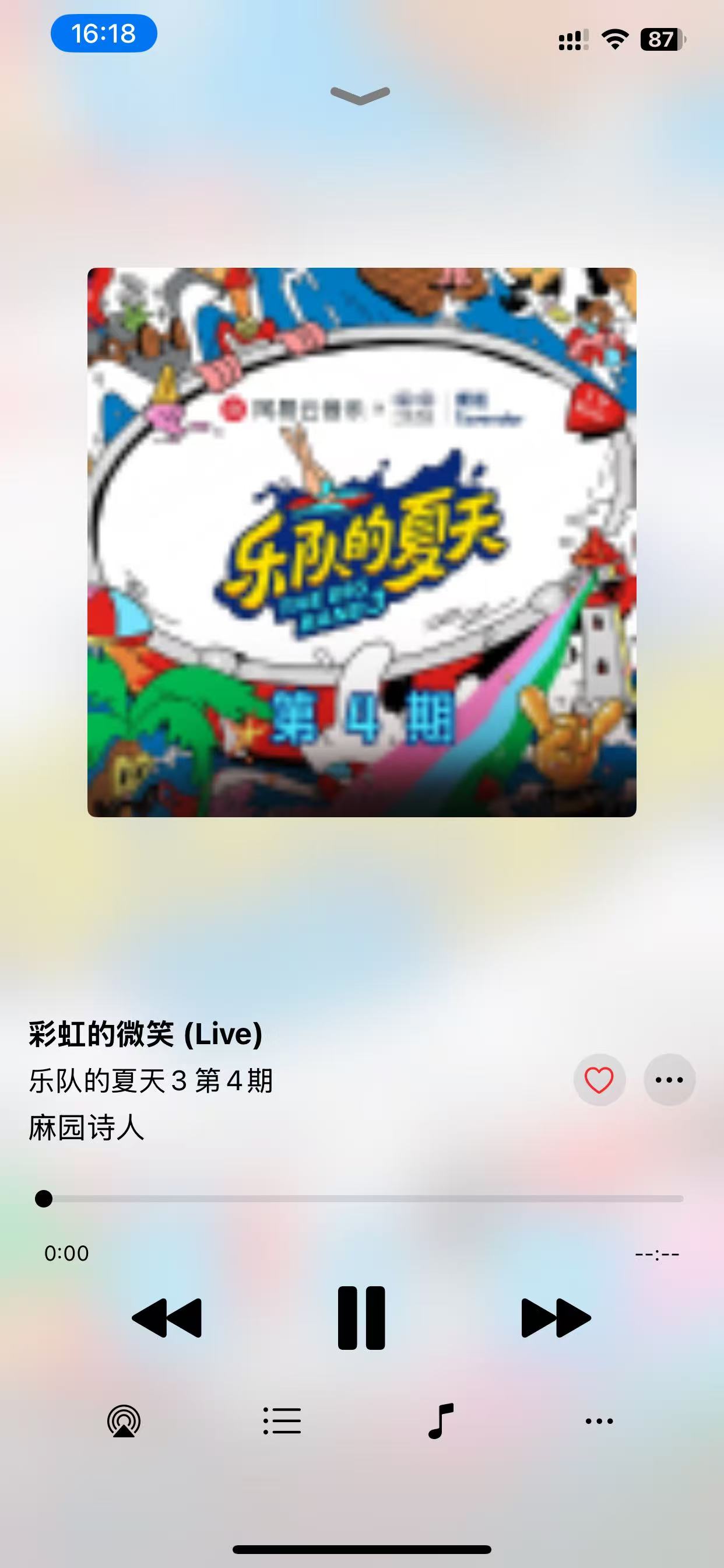
Click to play.
Summary
QM-Music is indeed a great self-hosted music server solution, especially suitable for:
- People who have a collection of high-quality music files and want to listen to them anytime, anywhere.
- Those who don't want to be restricted by the copyright limitations of various music platforms.
- Tinkerers who still want a simple deployment process.
If you also want to have a music library that is completely your own, why not give QM-Music a try.