
Beato: Build Your Personal Music Kingdom
What is Beato?
Beato is a self-hosted music streaming web application designed for music enthusiasts. In simple terms, you can build your own "Netease Cloud Music." Your music, your rules—no more worrying about copyright issues.
While Beato's features aren't overly complex, they are certainly sufficient:
- Supports Major Audio Formats: Handles mp3, aac, wav, ogg, flac with no issues
- Smart Library Management: Automatically organizes your music collection
- Custom Playlists: Create any combination you like
- Audio Enhancements: Built-in equalizer and visualizer (web version exclusive)
- Audio Transcoding: Automatically adapts to different device playback requirements
https://appstore.lazycat.cloud/#/shop/detail/cloud.lazycat.app.beato
Quick Start Guide
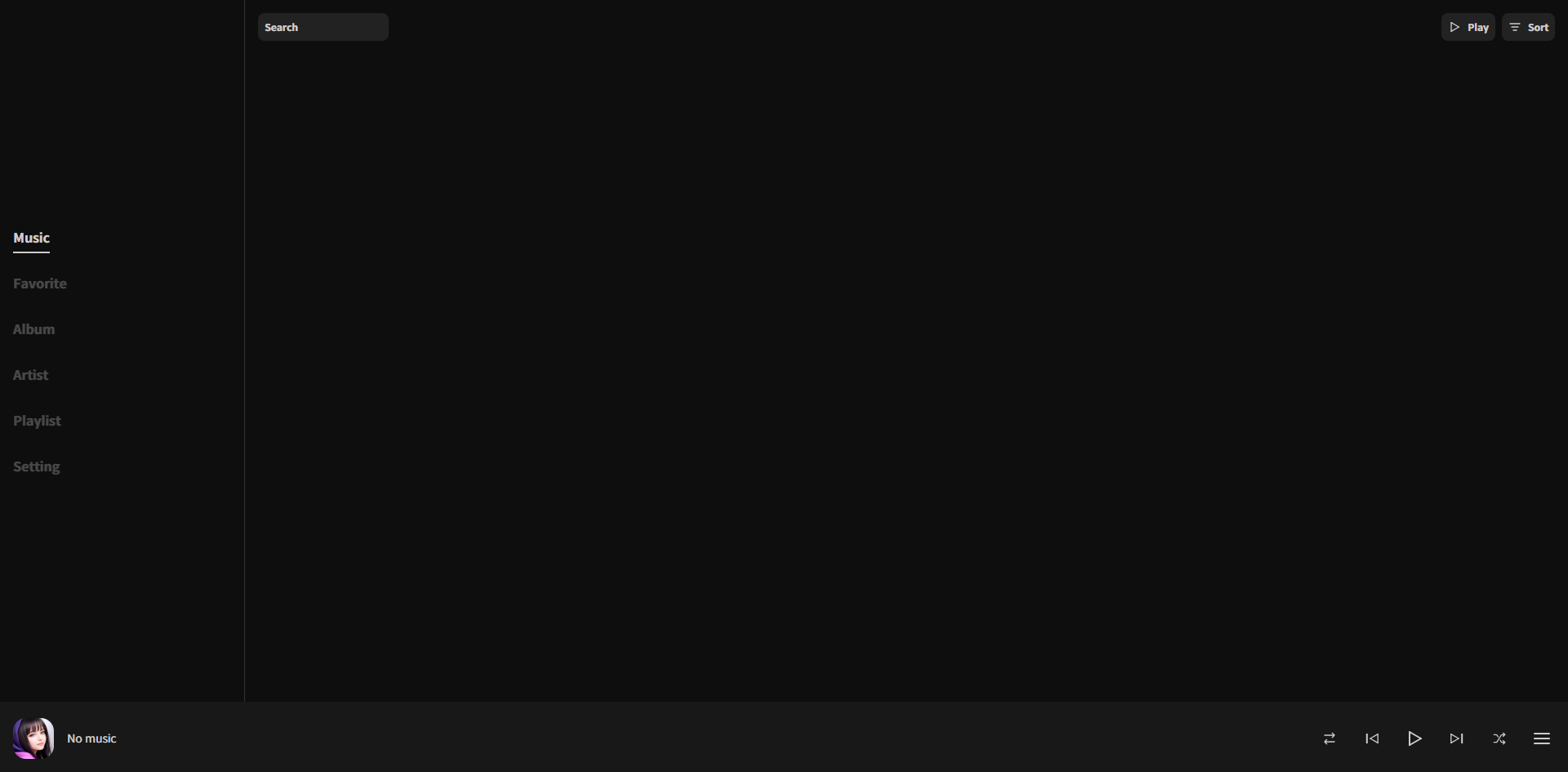
After installation, the application opens to the main page by default. It appears blank initially because there's no data.
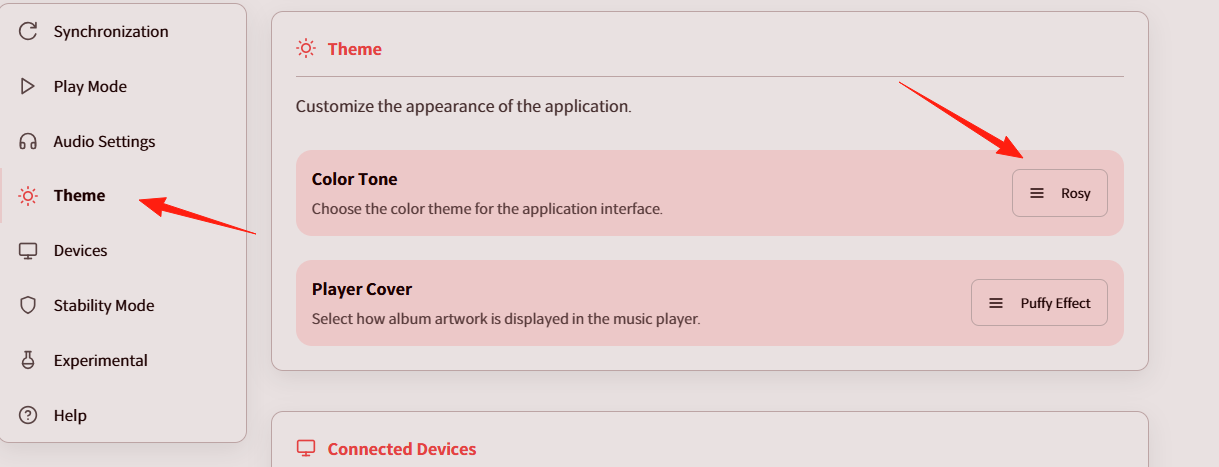
In the settings, you can change the theme. Try this pink one for a youthful vibe.
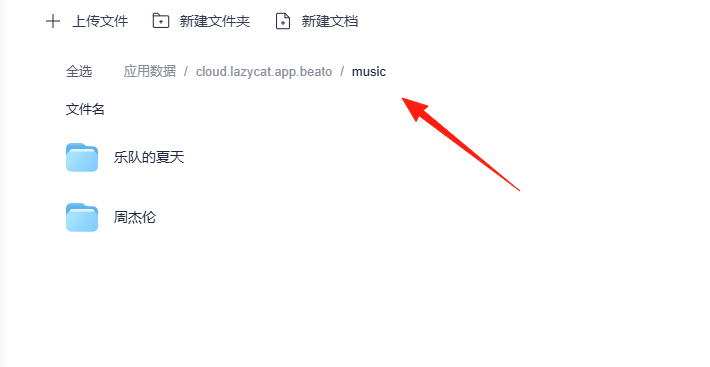
Before importing music, it's recommended to organize your file structure:
Music/
├── Jay Chou/
│   ├── Ye Hui Mei/
│   │   ├── 01. In the Name of the Father.mp3
│   │   └── 02. Coward.mp3
│   └── Fantasy/
├── JJ Lin/
└── English Songs/
Place your music data here.
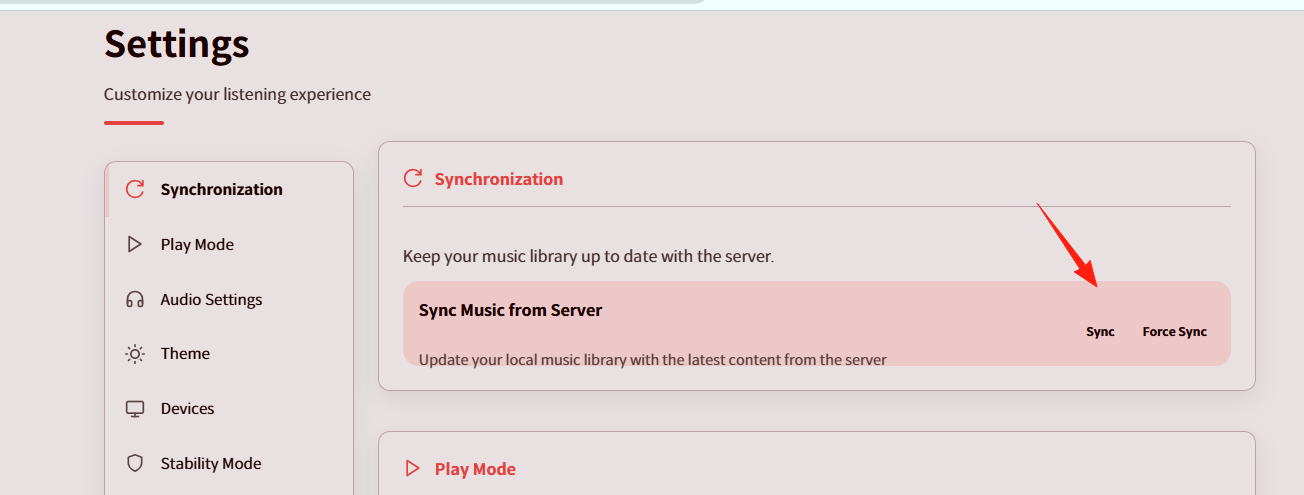
In the settings, click 'Sync'.
Return to the home page to see your music.
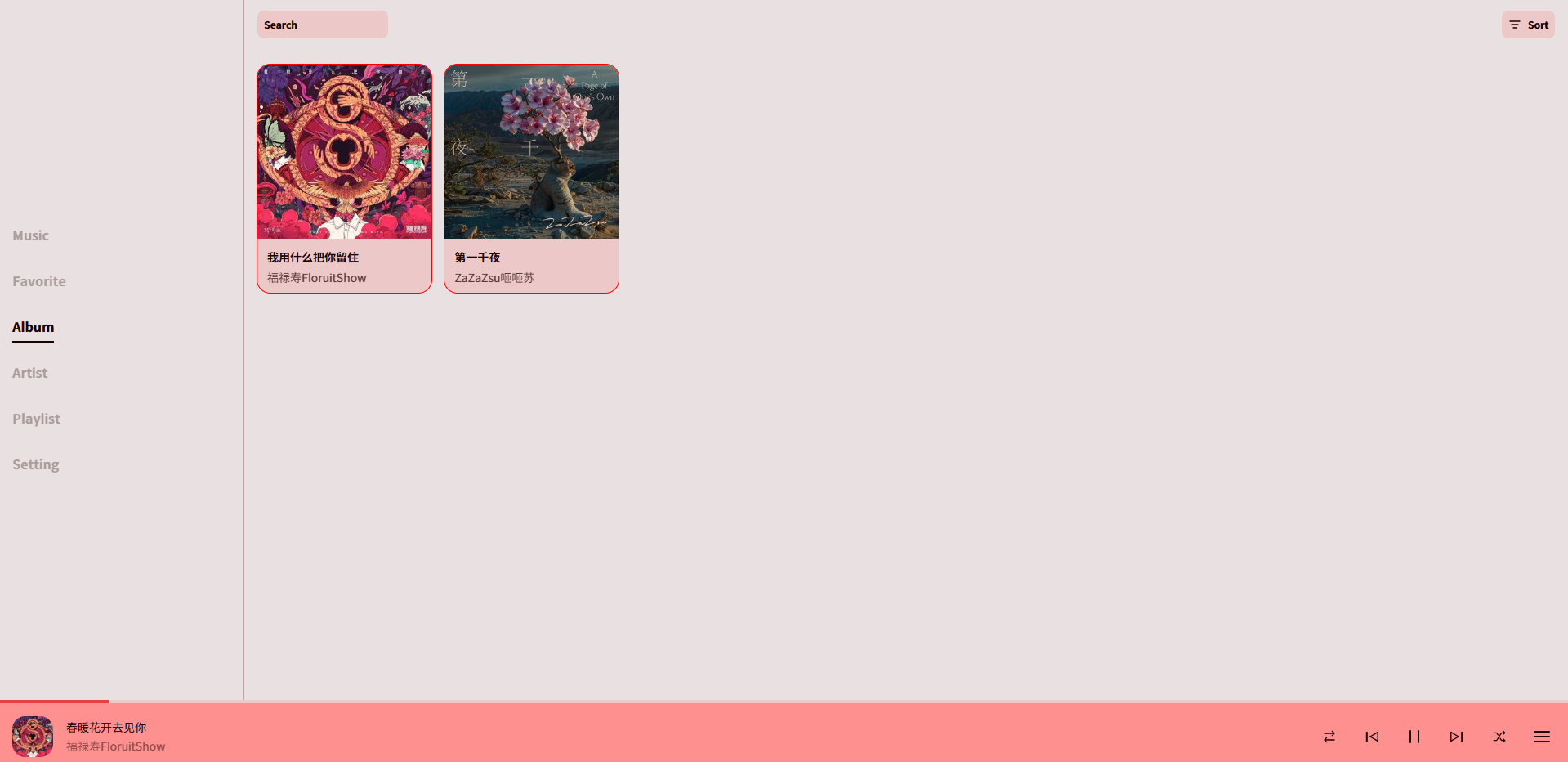
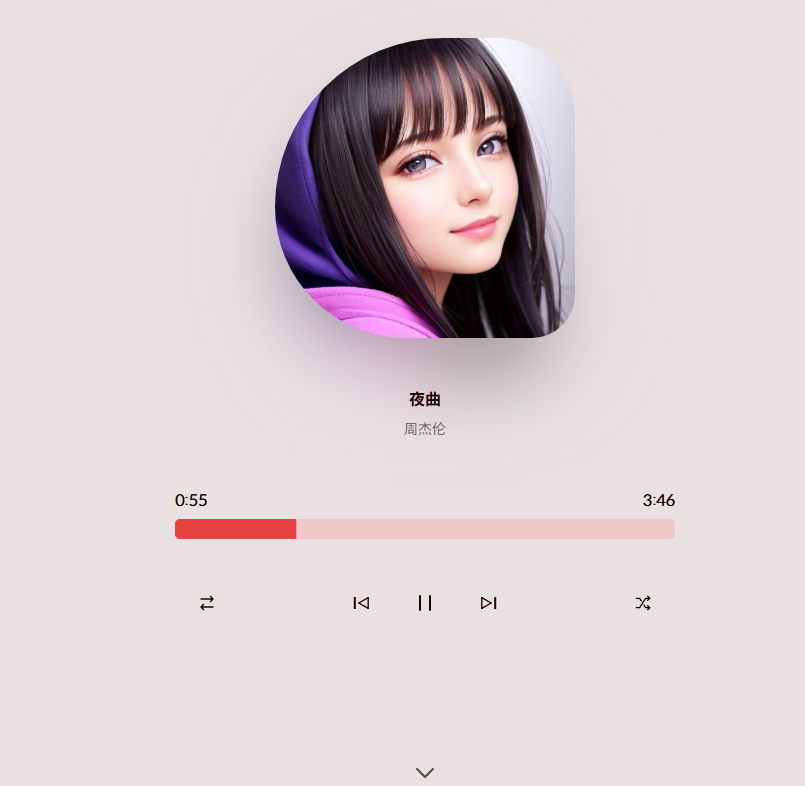
Click on a song to view its page. While visually rich, it's genuinely appealing.
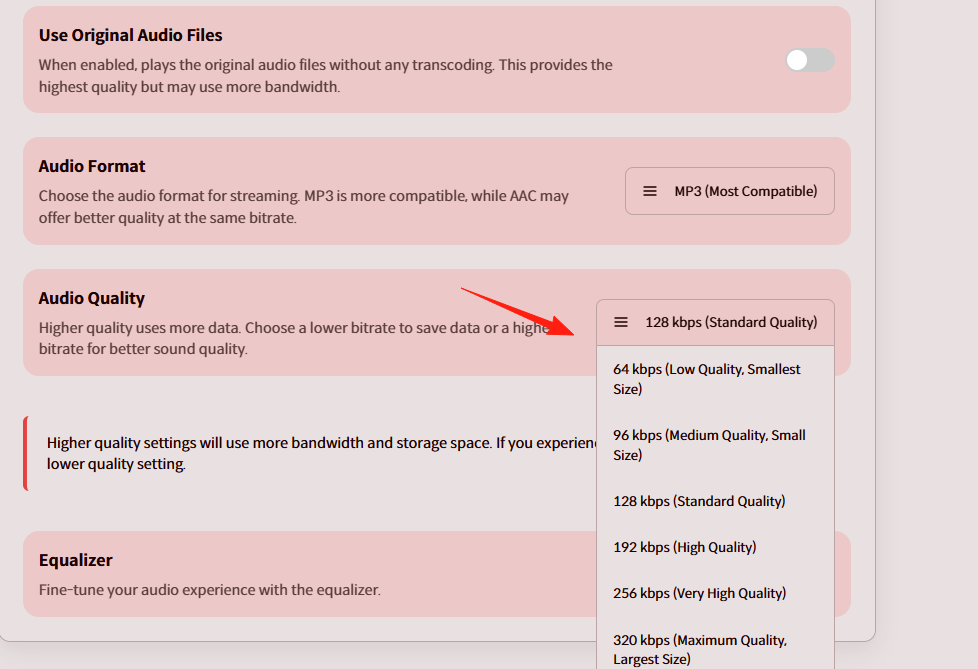
In the settings, you can adjust the playback music quality (bitrate).
Compared to established music servers like Navidrome and Jellyfin, Beato's advantages include:
- Lighter Weight: Lower resource consumption, suitable for low-memory VPS
- Modern Interface: UI design aligns better with contemporary aesthetics
Final Thoughts
While Beato may not be the most powerful music server, it excels in simplicity and ease of use.
If you just want a clean music playback environment without flashy features, Beato is definitely a great choice.