
ZFile: A Personal Cloud Storage Even Beginners Can Easily Set Up
What is ZFile?
In simple terms, ZFile is a Java-based online storage program that supports connecting to various storage sources like S3, OneDrive, SharePoint, UPYun, local storage, FTP, and more. It allows online browsing of images, playing audio/video, and viewing text files.
- 📁 File Management: Upload, download, delete, rename – all the basic operations are covered.
- 🖼️ Online Preview: View images directly, play videos instantly, read documents online.
- ☁️ Multiple Storages: Connect local hard drives or major cloud storage services.
- 📱 Responsive Design: Works on both mobile and desktop with a clean interface.
- 🔒 Access Control: Make it public or keep it private, as you wish.
Sounds technical? Don't worry, it's much easier to use than you think!
https://appstore.lazycat.cloud/#/shop/detail/cloud.lazycat.app.zfile
How to Use
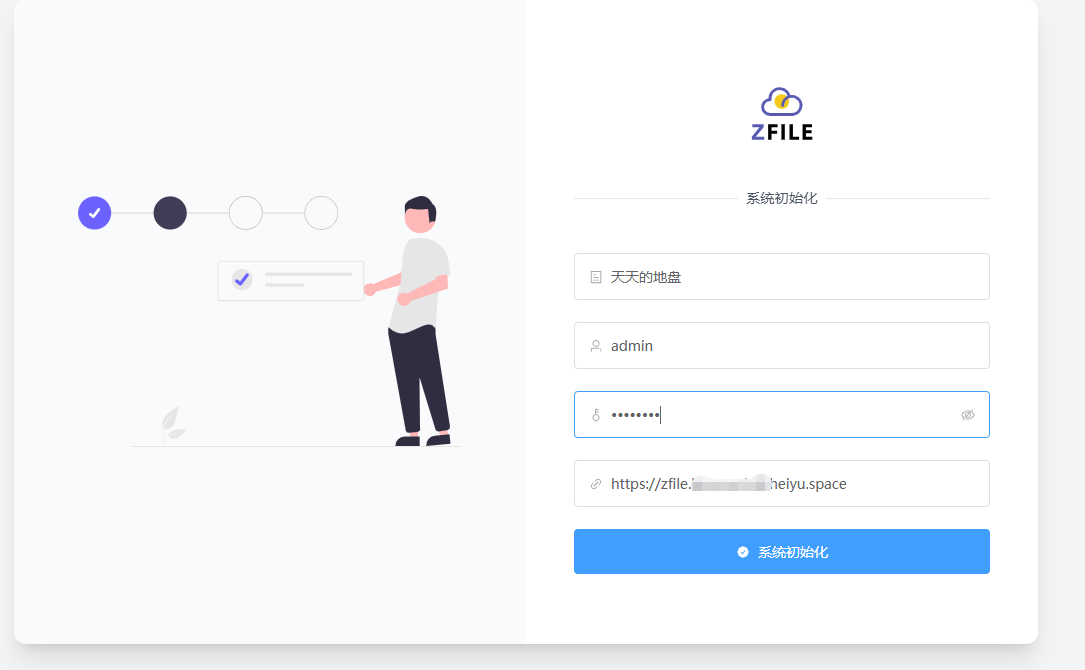
After installing the application, initialization is required.
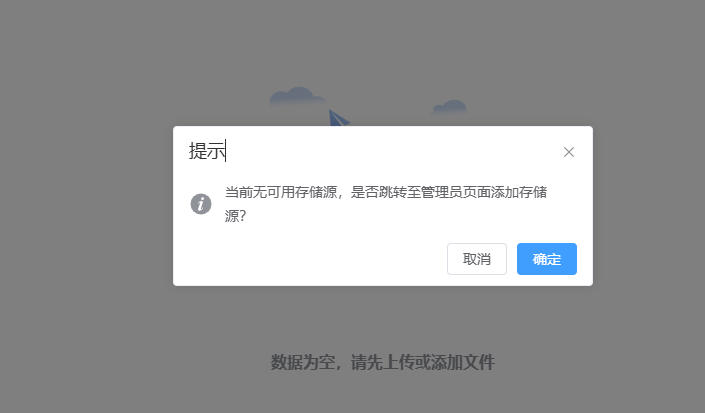
When prompted to Add Storage Source, click OK.
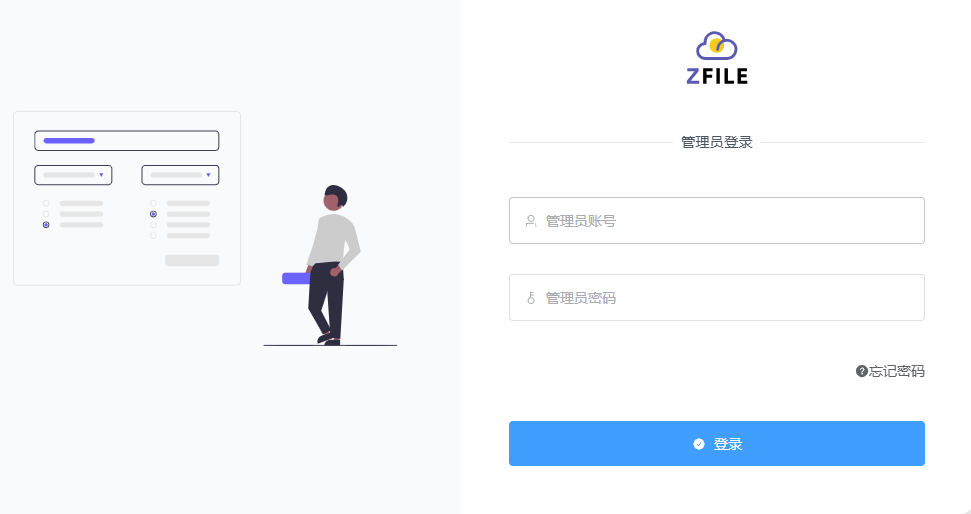
First, log in as an administrator.
Enter the main page.
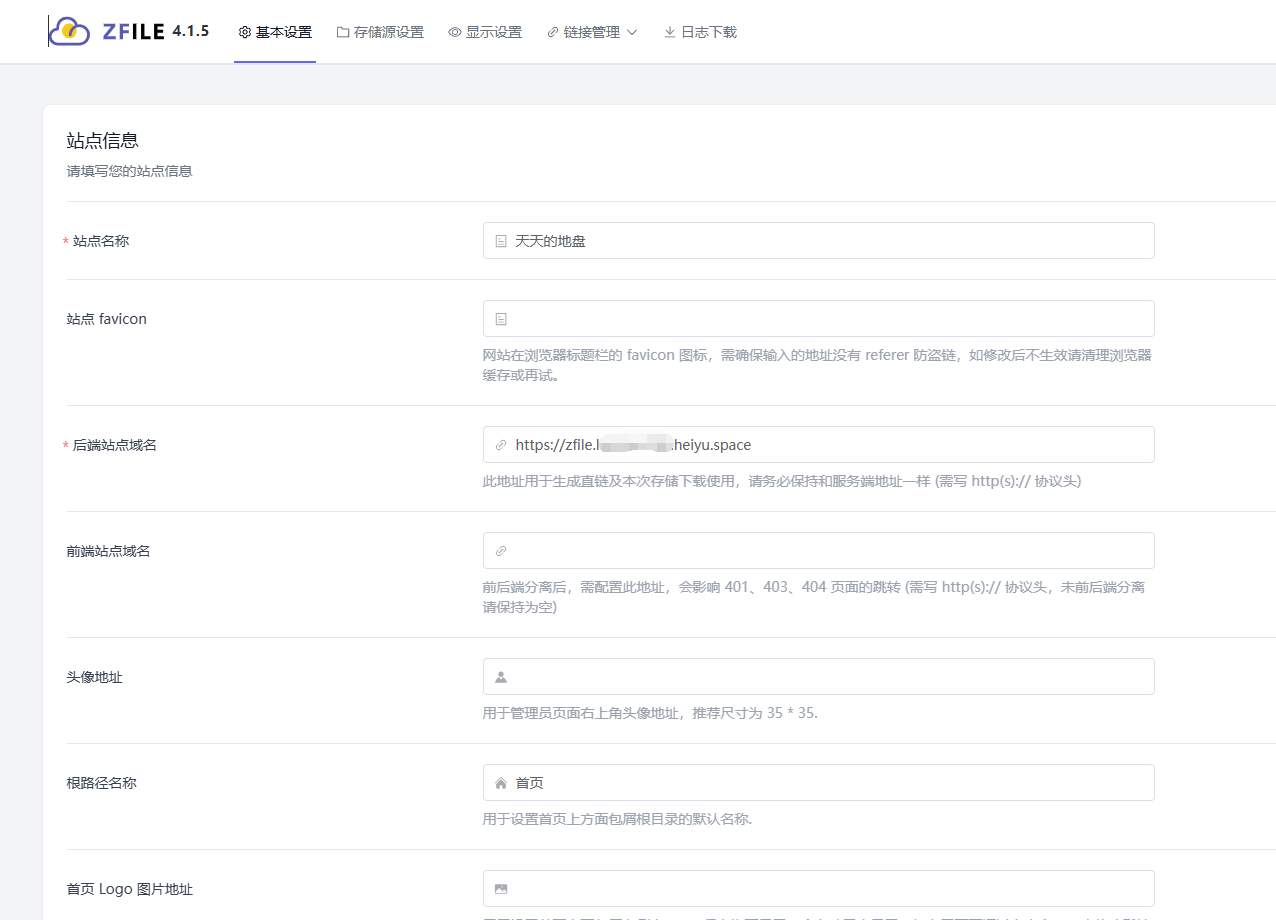
Click on Storage Source Settings and add a new one.
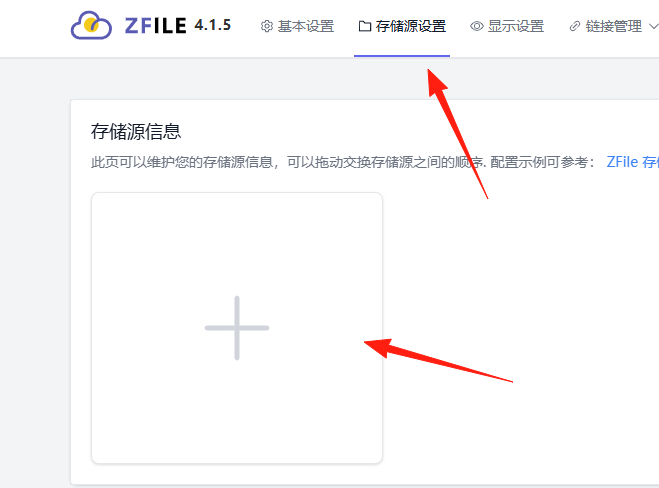
Local Storage Configuration
The simplest method is to use the server's hard drive directly:
- Storage Source Name: Choose any name, e.g., "My Files"
- Storage Source Type: Select "Local Storage"
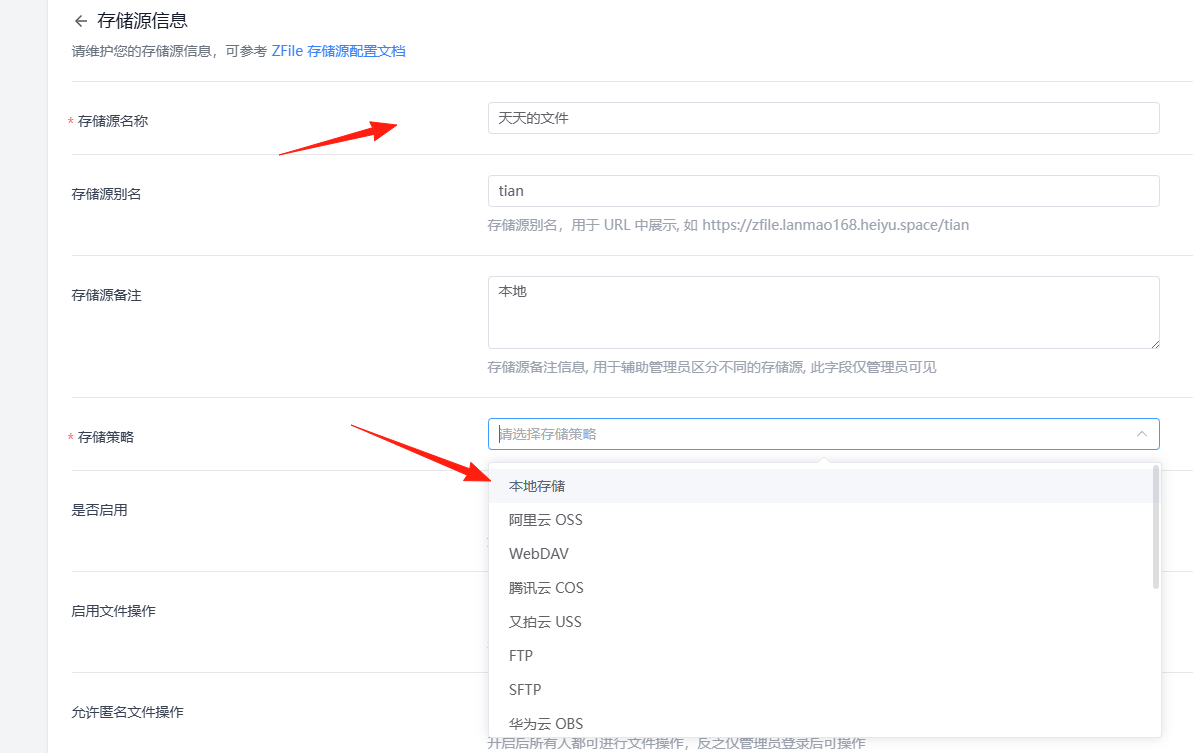
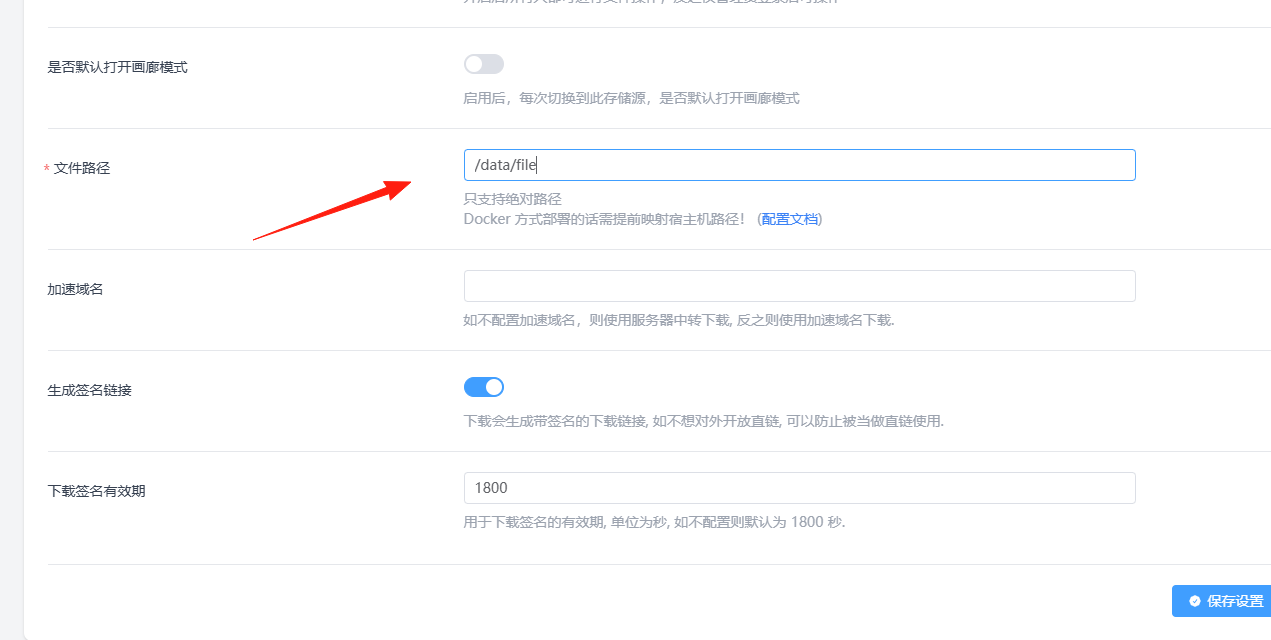
- Storage Path: Select a folder, e.g.,
/data/file - Access Address: Enter your domain or IP
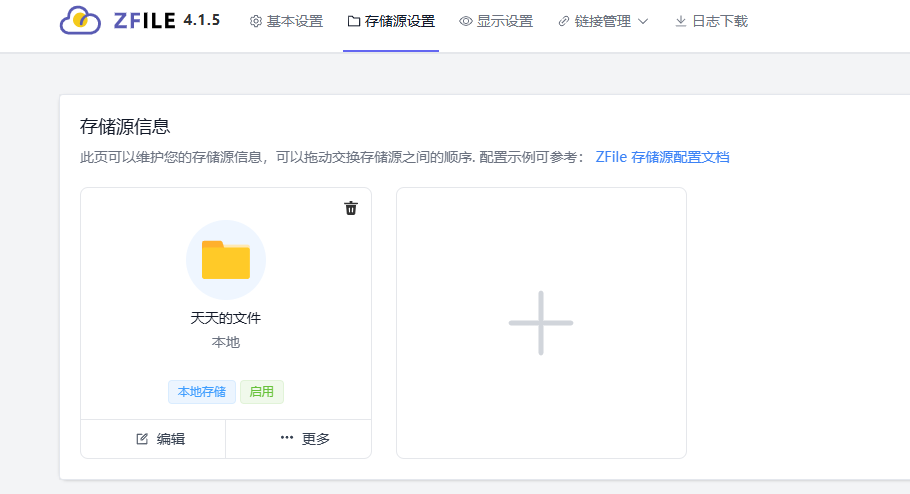
After successful addition, you will see:
Integrating Alibaba Cloud OSS
If you use Alibaba Cloud:
- Storage Source Type: Select "Alibaba Cloud OSS"
- AccessKey and SecretKey: Obtain these from the Alibaba Cloud console
- Bucket Name: Your bucket name
- Endpoint: Select the corresponding region
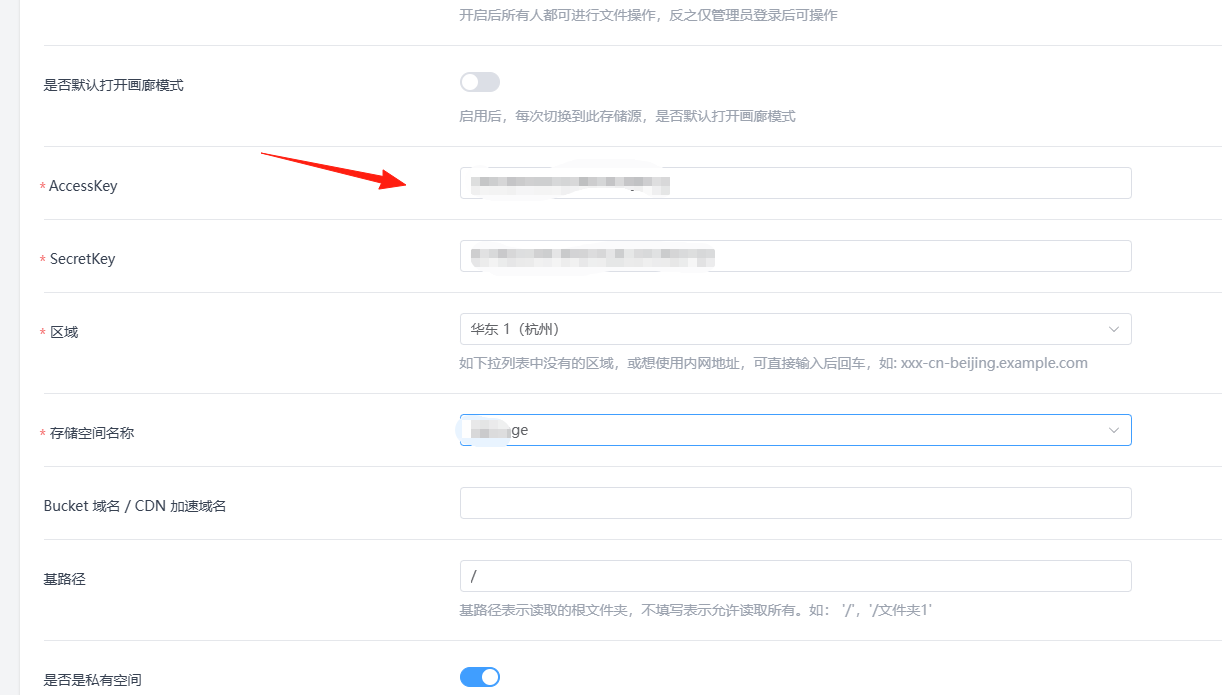
After saving successfully, you will see:
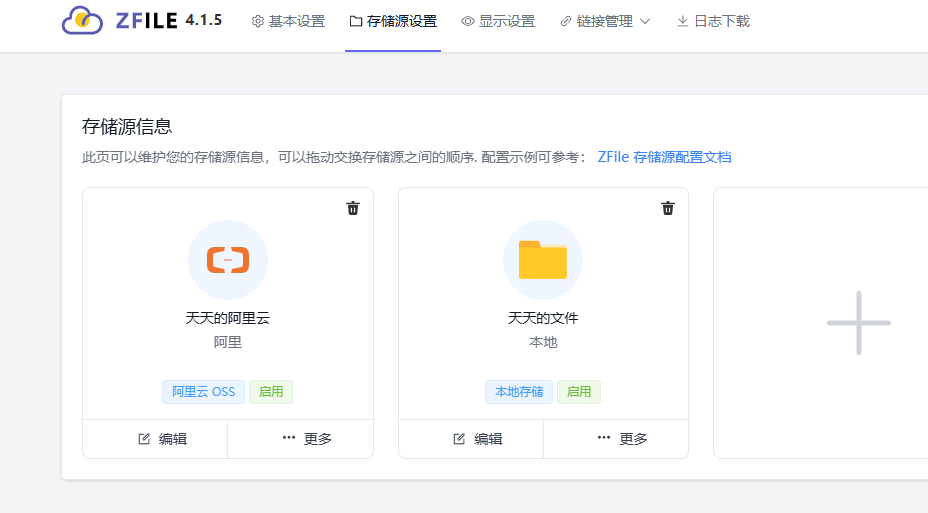
Return to the ZFile frontend page.

Upload a few files.
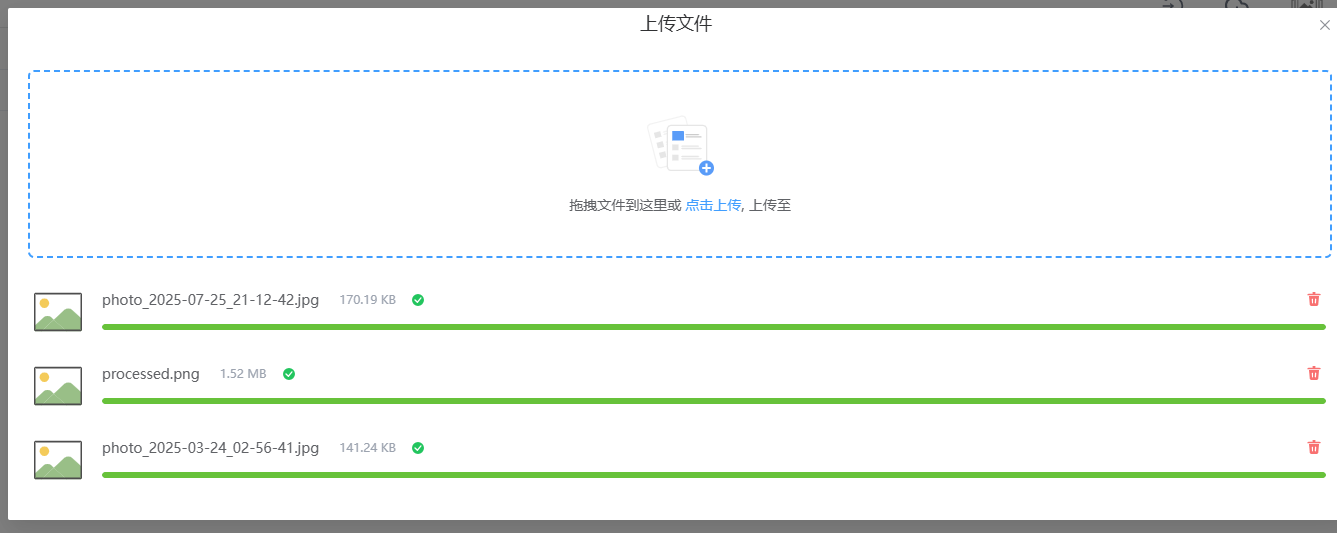
You can preview them online.
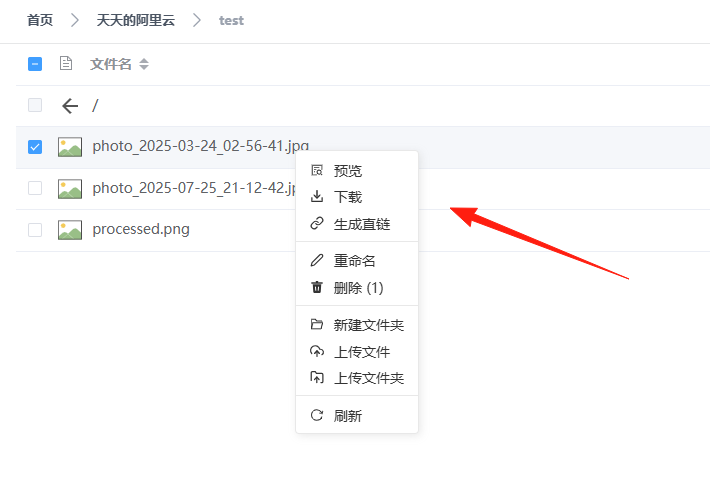

You can also see them in the Alibaba Cloud backend.
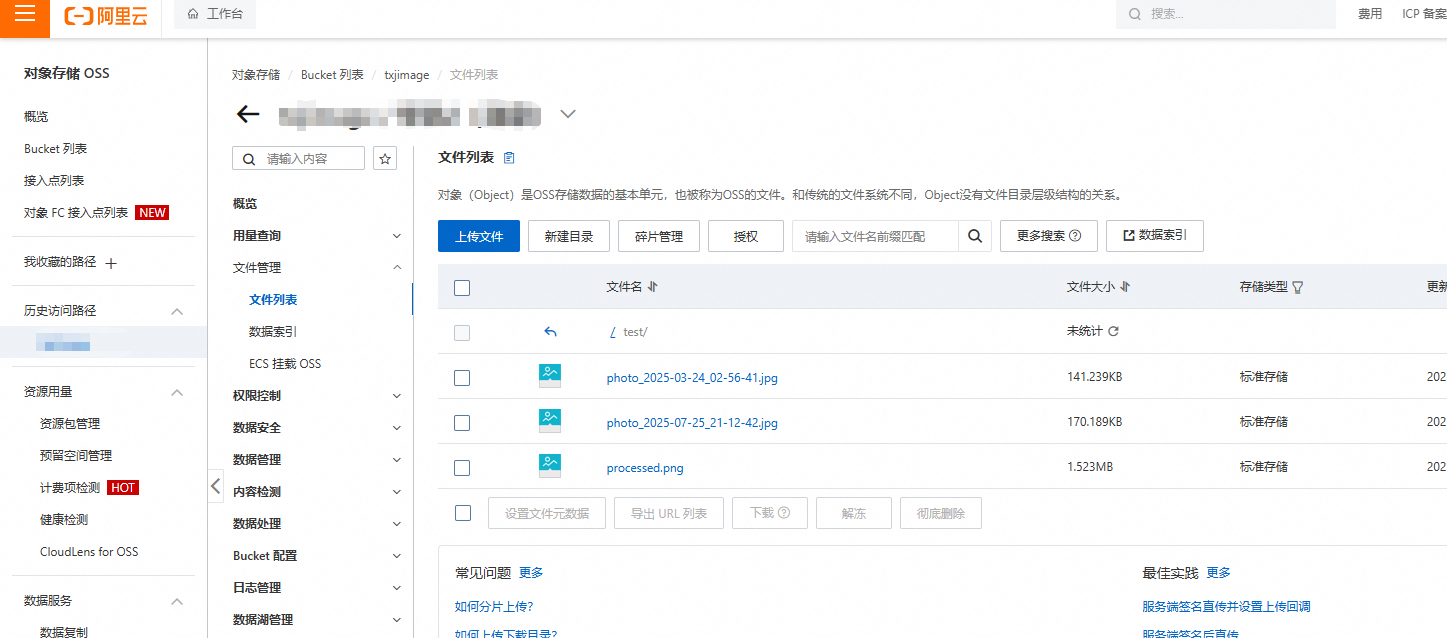
Its intended use is for individuals to store commonly used tools for download or to create a public file library. It avoids overly complex features, focusing solely on doing file management well.
Direct Link Sharing
The file links generated by ZFile are direct links, which can be used directly elsewhere, such as for image hosting.
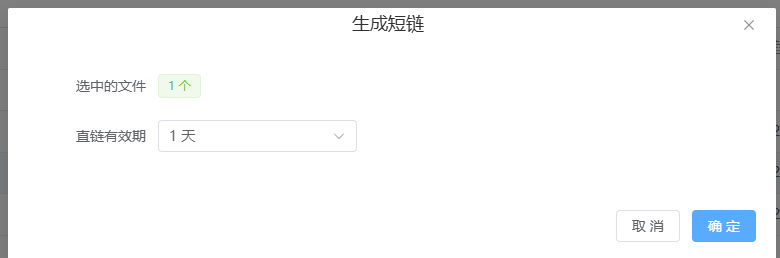
A QR code will be generated.
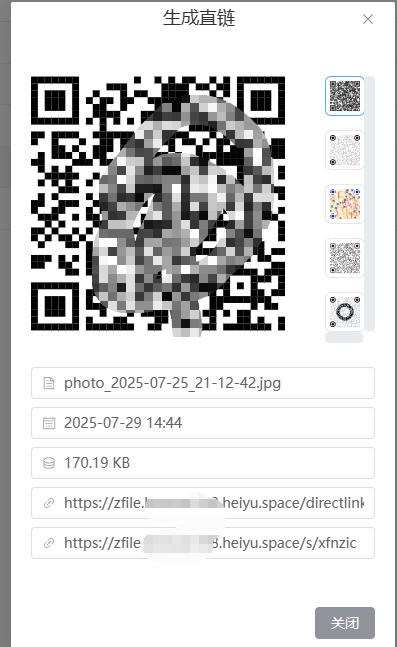
Scan the code with your phone to open the file directly and save it to your album.

Summary
ZFile is indeed a great private cloud storage solution, especially suitable for:
- Users tired of speed limits imposed by various cloud drives.
- Individuals or small teams needing free file management.
- Webmasters wanting to set up a simple download site.
- Users concerned about privacy.
It's not a silver bullet, but in the realm of file management, it does an excellent job. It features a clean interface, sufficient functionality, simple deployment, and is user-friendly for beginners.
If you are looking for a reliable cloud storage program, why not give ZFile a try.
Project Address: https://github.com/zhaojun1998/zfile
Official Documentation: https://docs.zfile.vip/
If you encounter any issues, you can submit an Issue on GitHub or check the official documentation, where most common questions are answered.