
SearXNG: An Open Source Search Engine Without Ads and Tracking
You've definitely encountered this situation: you search for something and the first few pages are all ads; or shortly after searching for a product, various apps start bombarding you with related ads a couple of days later?
This is the current state of mainstream search engines – search results are polluted with ads, and personal privacy is collected everywhere.
The SearXNG we're recommending today was born to solve these pain points. It's not some esoteric technology, but simply a clean, private, free search engine that you can host yourself.
What exactly is SearXNG?
SearXNG is a free internet metasearch engine that aggregates results from various search services. Users are neither tracked nor profiled.
Simply put:
- Aggregated Search: It fetches results from 70+ search engines like Google, Bing, DuckDuckGo, etc.
- Privacy Protection: Does not record your search history or analyze your behavior
- No Ad Interference: Pure search results without promotional links
- Open Source & Free: Code is completely open; anyone can use and modify it
https://appstore.lazycat.cloud/#/shop/detail/xyz.mxue.searxng
User Experience
After the application is installed, opening it presents the search function page.

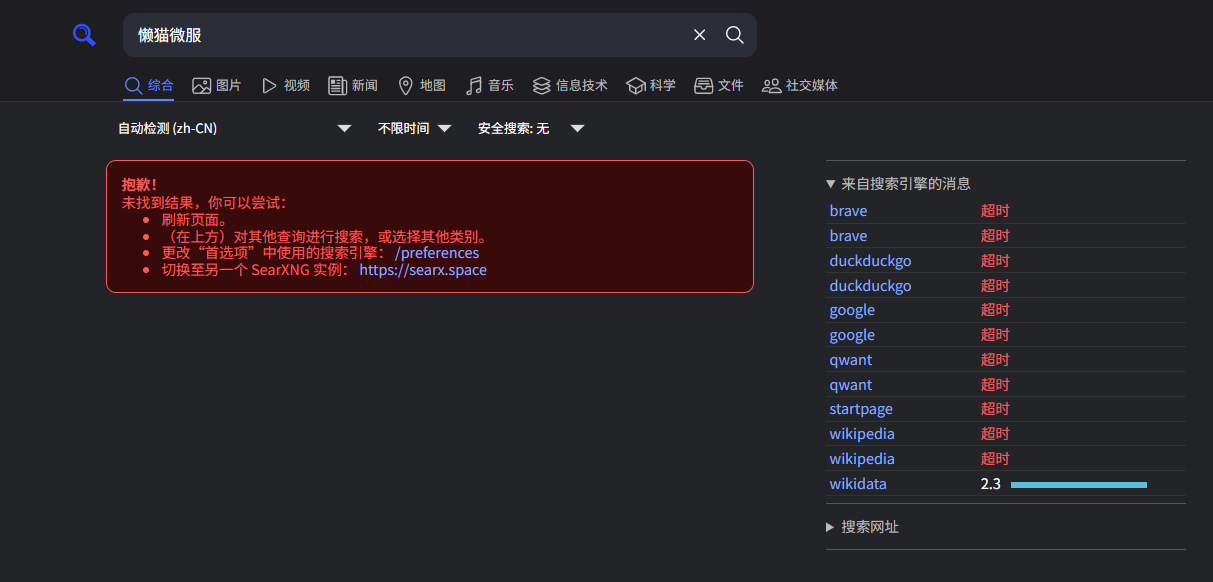
At this point, searches won't return any data.
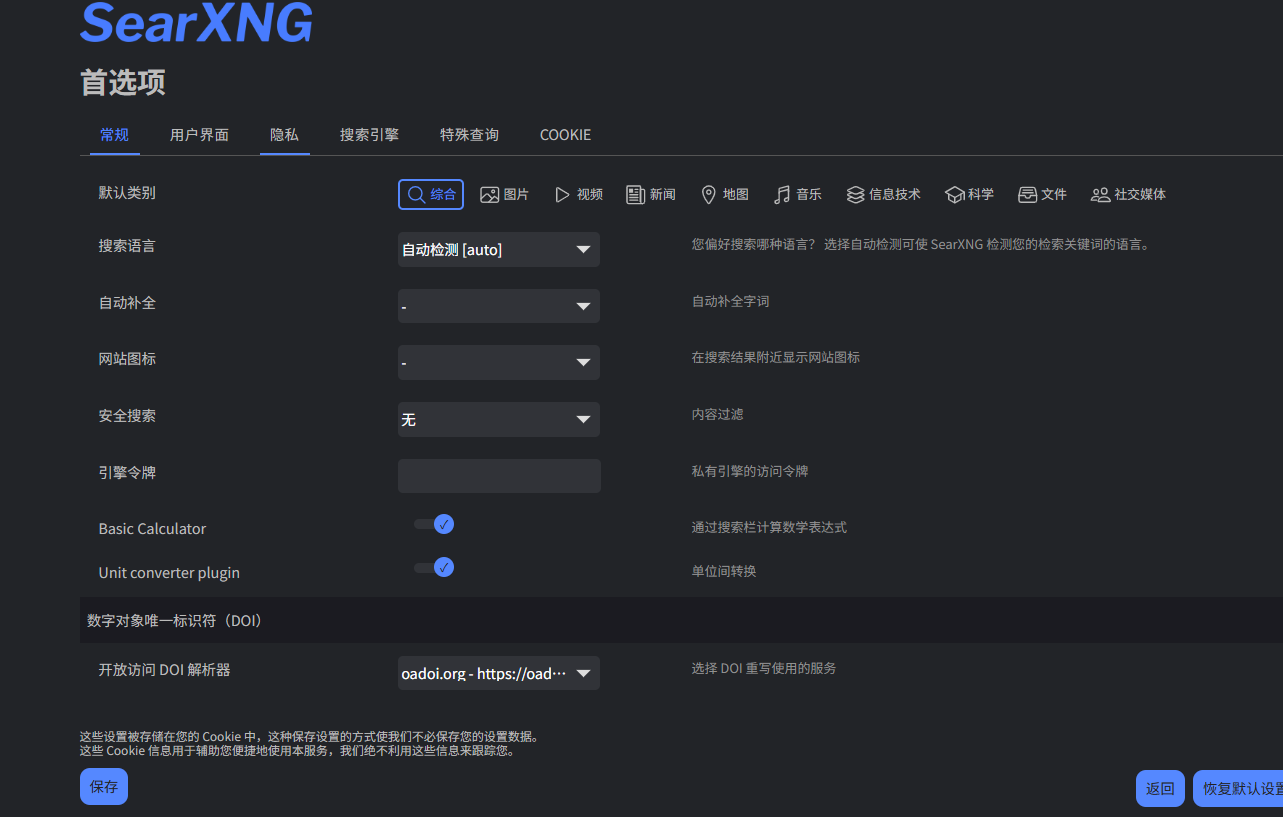
You need to first go to Preferences to configure settings. Any changes require Saving to take effect.
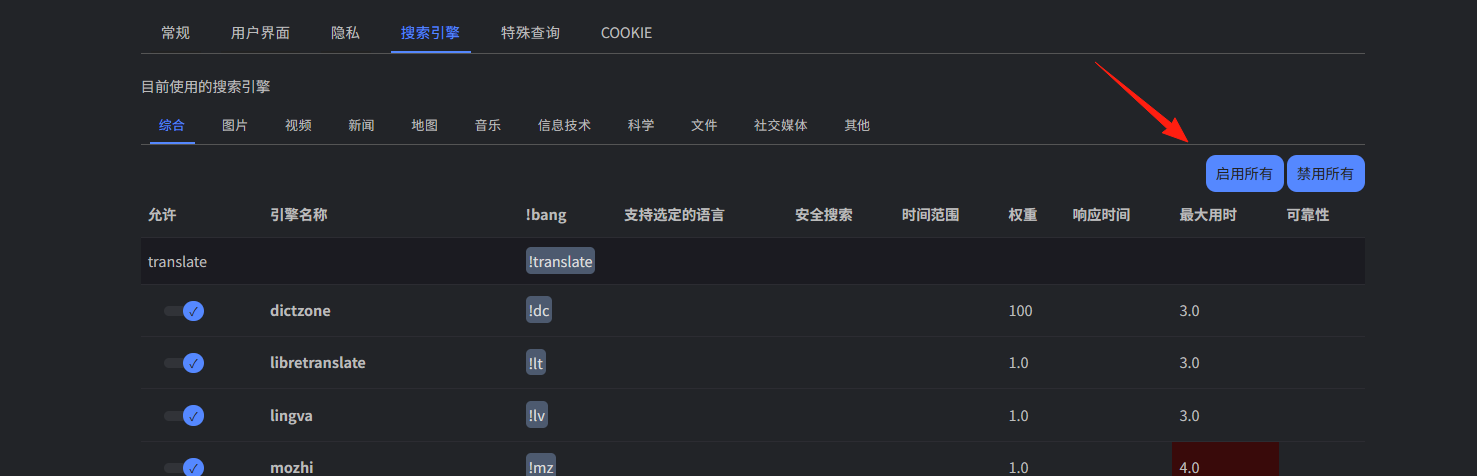
Click Engines, select a few mainstream search engines. If you don't want to pick, you can enable all of them.
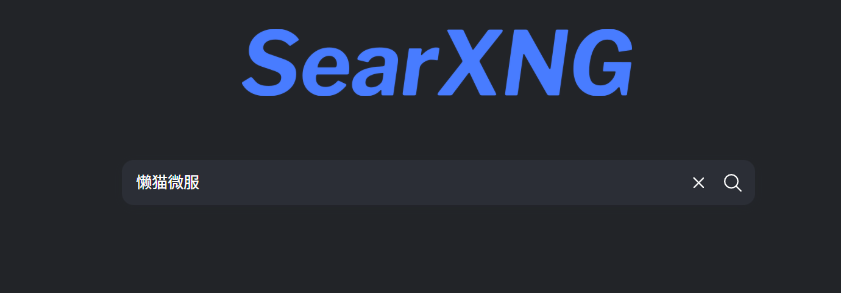
After saving, return to the home page to search.
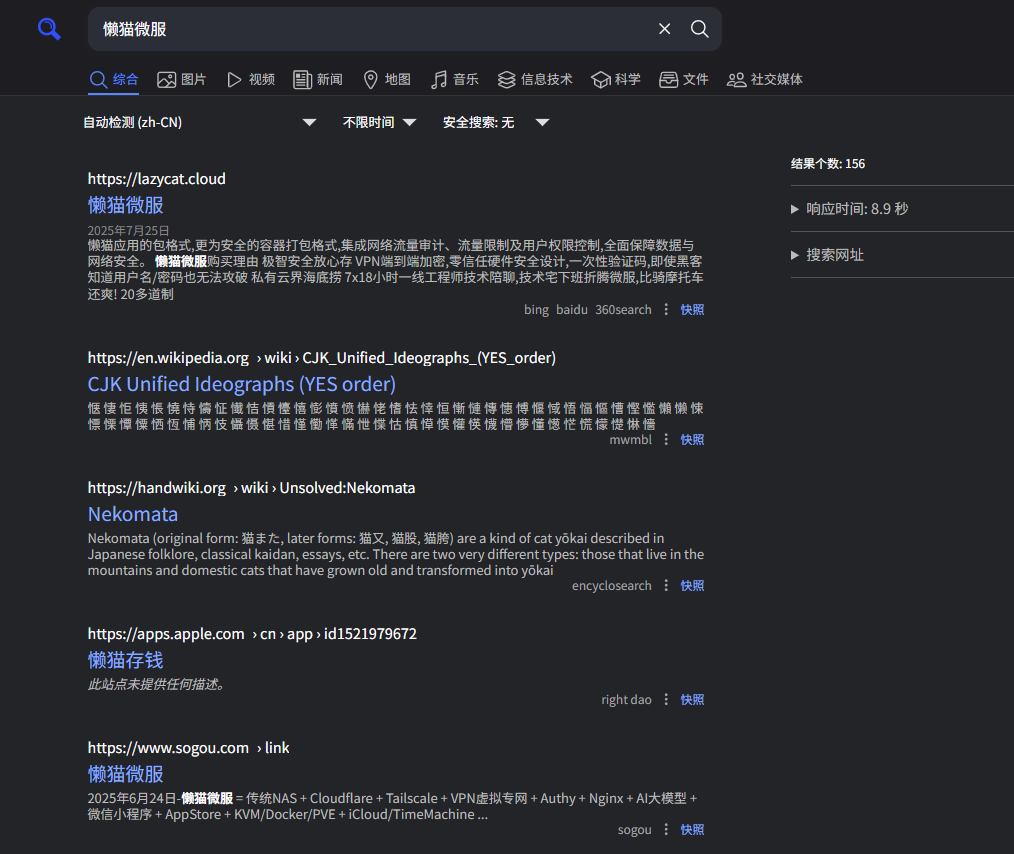
You can now see the results.
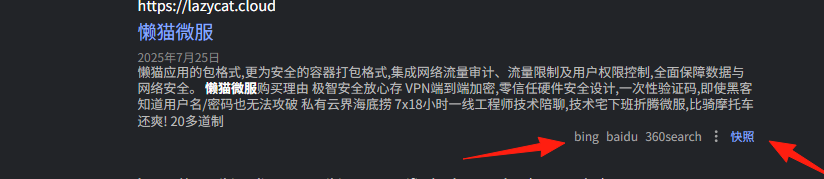
The bottom right corner shows the source of the search engine.
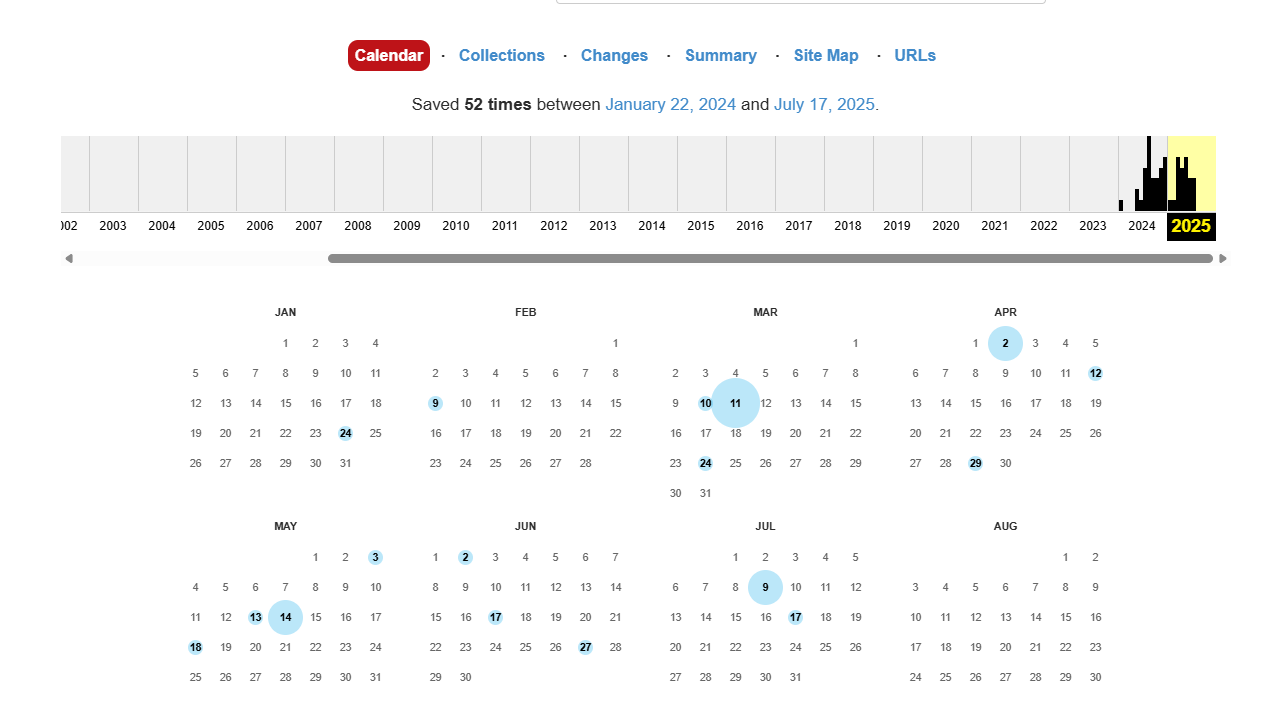
The Snapshot feature redirects to web.archive, allowing you to view the website's historical records.
If you find it comfortable to use, you can set SearXNG as your default search engine:
Chrome/Edge: Go to Settings → Search engine → Manage search engines
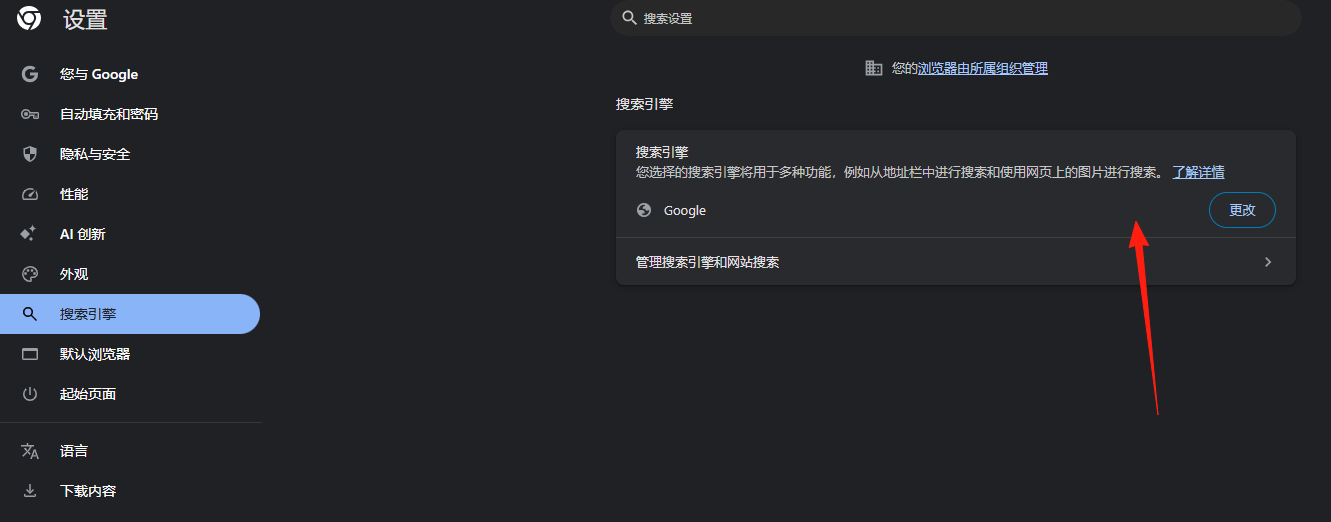
Add a new search engine. Fill in the URL as: https://your-domain/search?q=%s
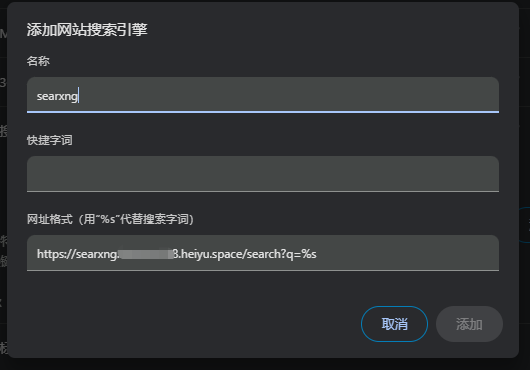
You can then use it directly in the browser like this.

- Removes private data from search requests, does not forward any content from third-party services (e.g., ads) through the search service, and strips private data from requests entering the results page.
- Aggregates results from multiple search engines for higher quality and comprehensiveness.
- Generates random browser configurations for each search. External search engines only see your server's IP address and cannot track you.
Summary
SearXNG is a very practical tool.
If you're troubled by ads and privacy issues with search engines, why not give SearXNG a try?
After all, having a clean, private search environment feels pretty great.