
PortNote Guide: Making Port Management Painless
What is PortNote?
Simply put, PortNote is a web application specifically designed for managing and recording port usage. Unlike bloated control panels, it focuses on doing one thing well—giving you a clear understanding of what each port is being used for.
Core Features at a Glance:
- 📊 Visual Port Management - Say goodbye to checking ports via the command line
- 🔍 Automatic Port Scanning - Discover all active ports with one click
- 📝 Port Annotation Management - Add descriptions and icons for each port
- 🏷️ Categorization - Organize related services into groups
- 🖥️ Multi-Server Support - Manage port usage across multiple machines
https://appstore.lazycat.cloud/#/shop/detail/io.zeroc.app.portnote
User Experience
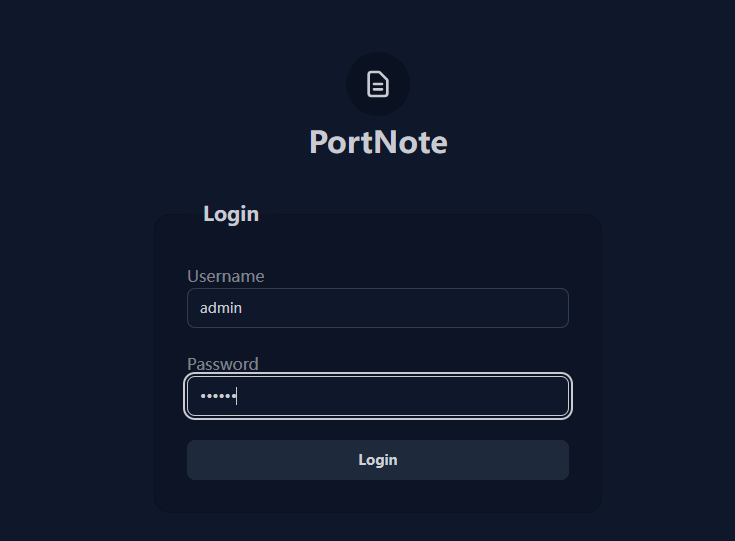
After installing the application, open the login page. The default credentials are: admin / 123456
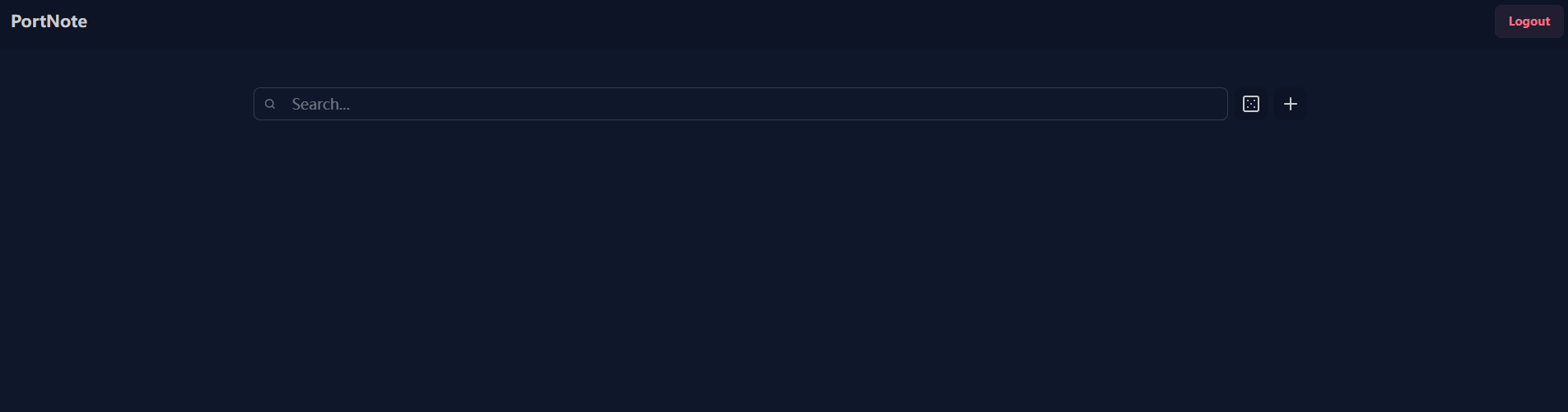
After successful login, you'll enter the main page.
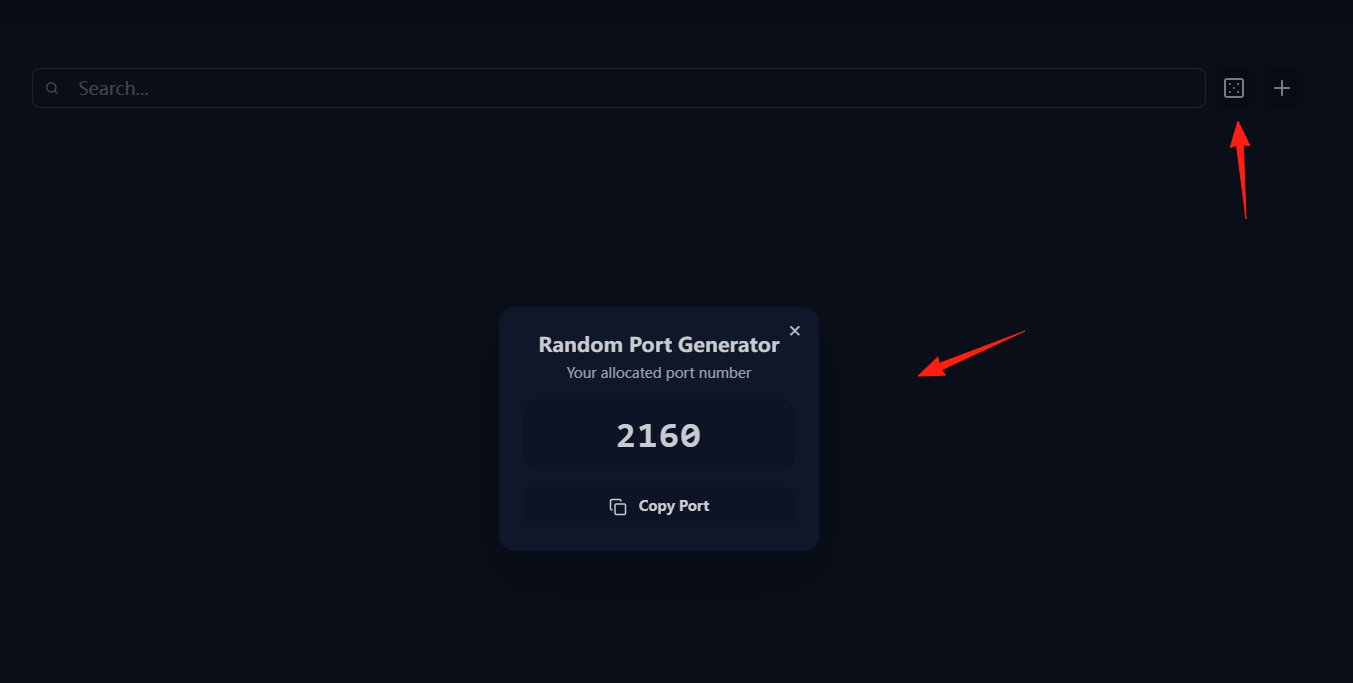
Click the "Generate random port" button to generate a random port that is currently unused.
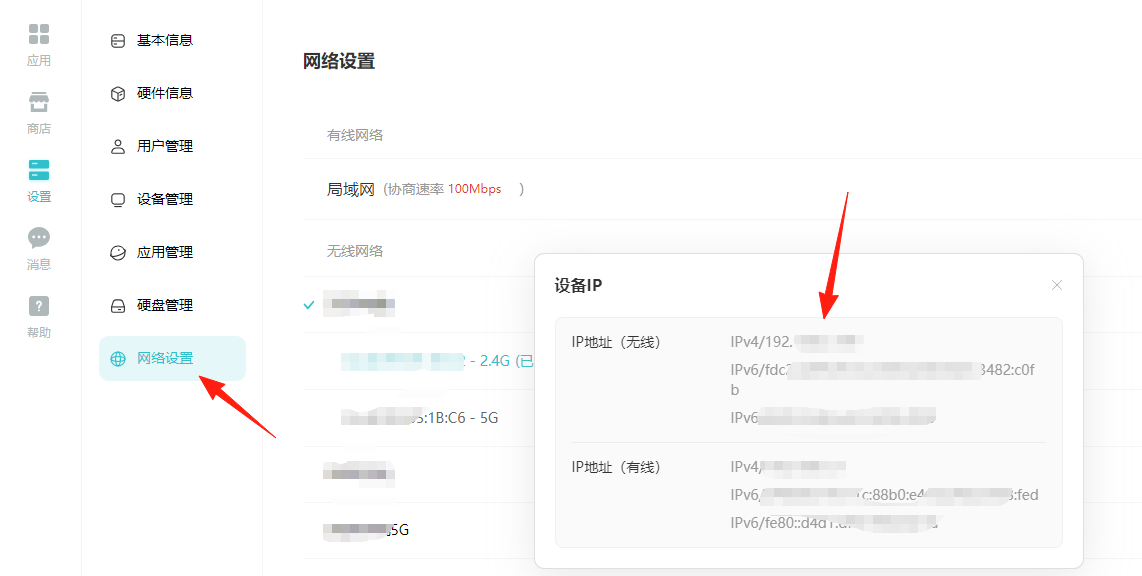
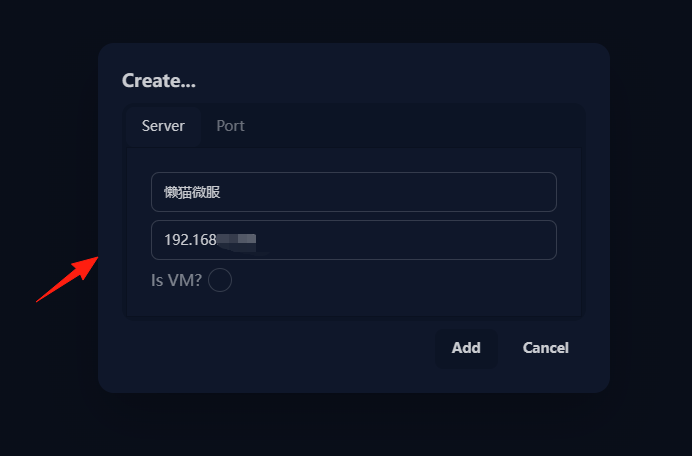
Click the "+" icon to add a server. Using LazyCat as an example, you can find its IP address under Network Settings -> Configuration.
Fill in the IP address and click "Add".
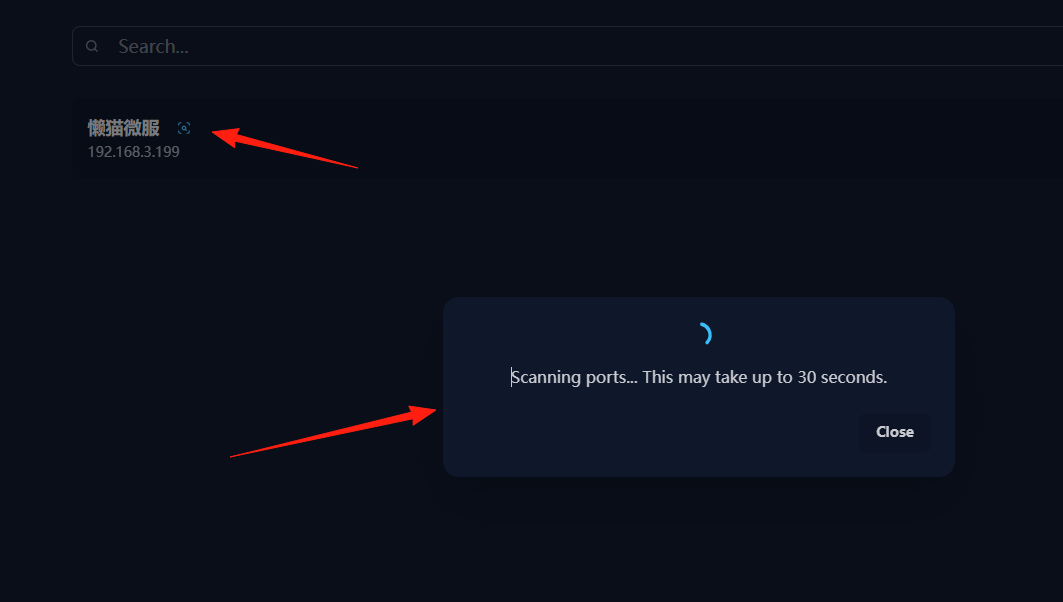
Click the search icon to start the port scan.
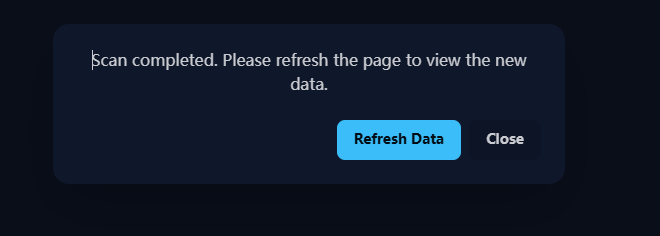
Refresh the page.
You can now see the scan results.
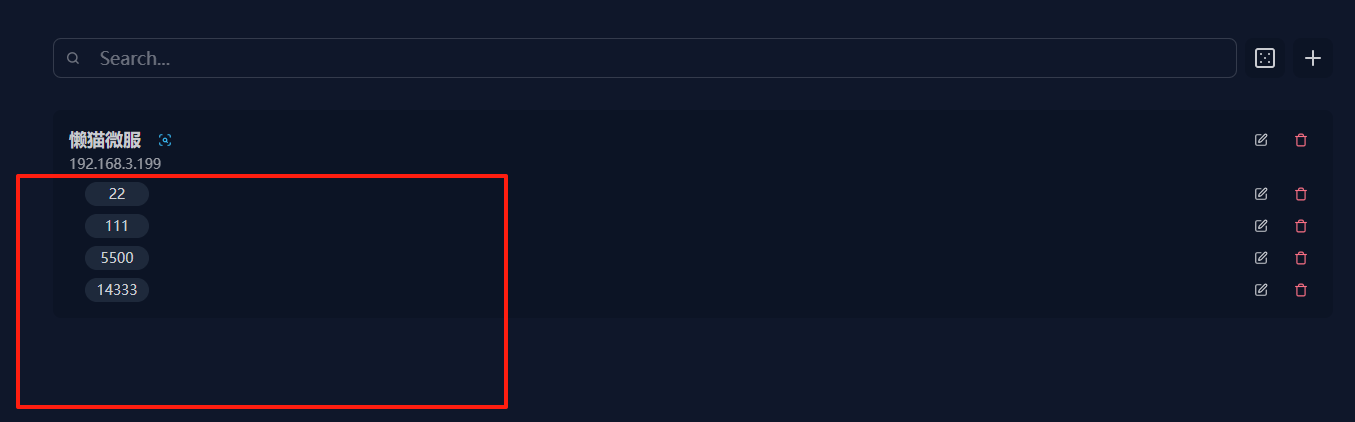
What to do next?
- Click on each port entry one by one to add meaningful names.
- For example, you can annotate port
8080as "Nginx Reverse Proxy". - Annotate port
9000as "Portainer Management Panel".
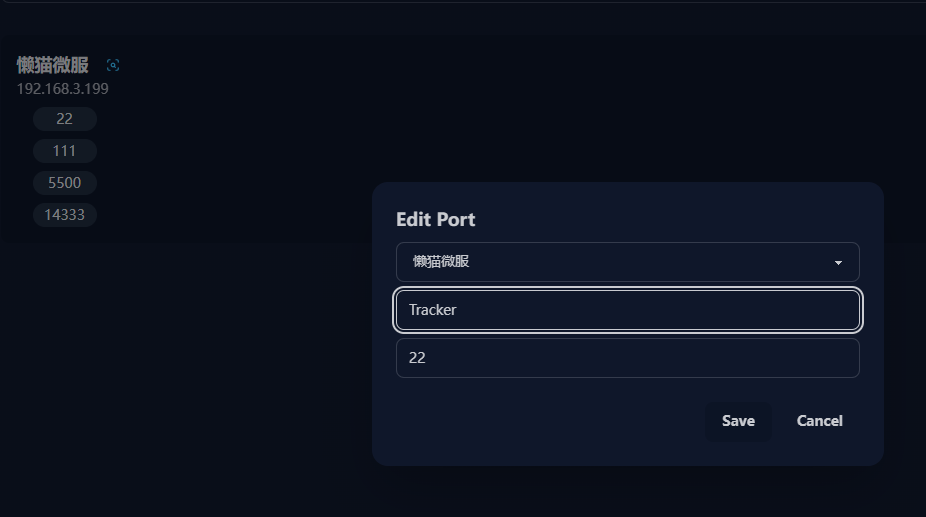
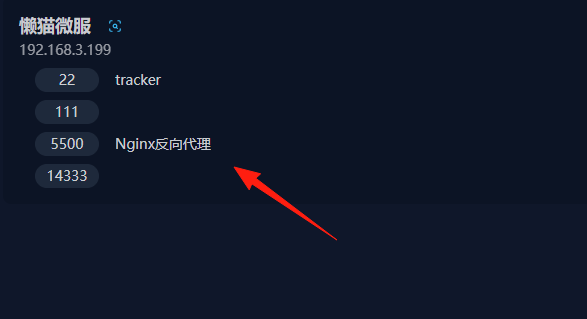
Before adding a new service in PortNote, you can:
- Check which port ranges are already heavily used.
- Select a relatively "clean" port range.
- For example, dedicate 8000-8099 for web services and 9000-9099 for management panels.
Assign different icons to different types of services:
- 🗄️ Database services
- 🌐 Web services
- 📊 Monitoring tools
- 🎵 Media services
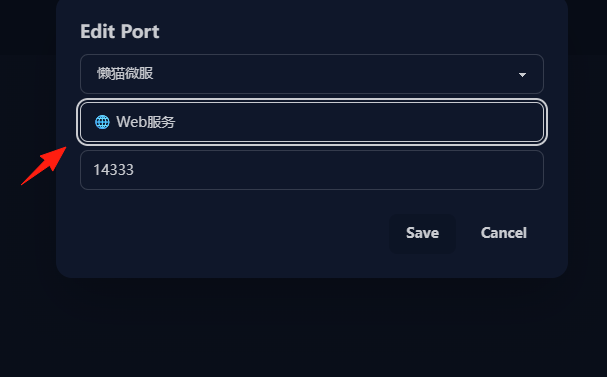
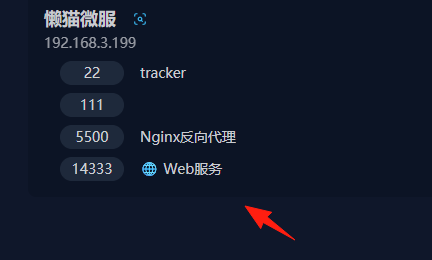
This way, you can tell the general purpose of each port at a glance.
Conclusion
PortNote is one of those "small but beautiful" tools—it focuses on solving one pain point, and solves it well. If you frequently work with Docker or manage multiple services, I highly recommend giving this tool a try.