
Karakeep: Make Your Bookmark Management Super Smart
What is Karakeep?
Karakeep is a self-hostable bookmarking application (for links, notes, and images) featuring AI-based automatic tagging and full-text search. It's perfect for data hoarders.
Honestly, there are tons of bookmarking tools out there, so why use Karakeep specifically?
The coolest thing about this tool is that when you casually throw a link, image, or note into it, it automatically tags and categorizes it for you. No need to rack your brains figuring out which folder it belongs in—the AI handles it for you.
https://appstore.lazycat.cloud/#/shop/detail/top.j0k3r.karakeep
Quick Start Guide
After installing the app, you first need to register a user.
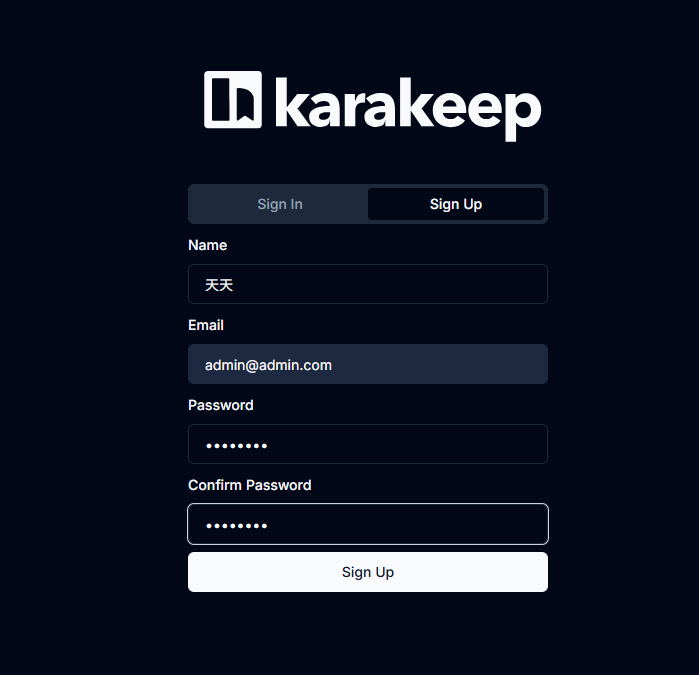
After successful registration, you'll enter the main page.
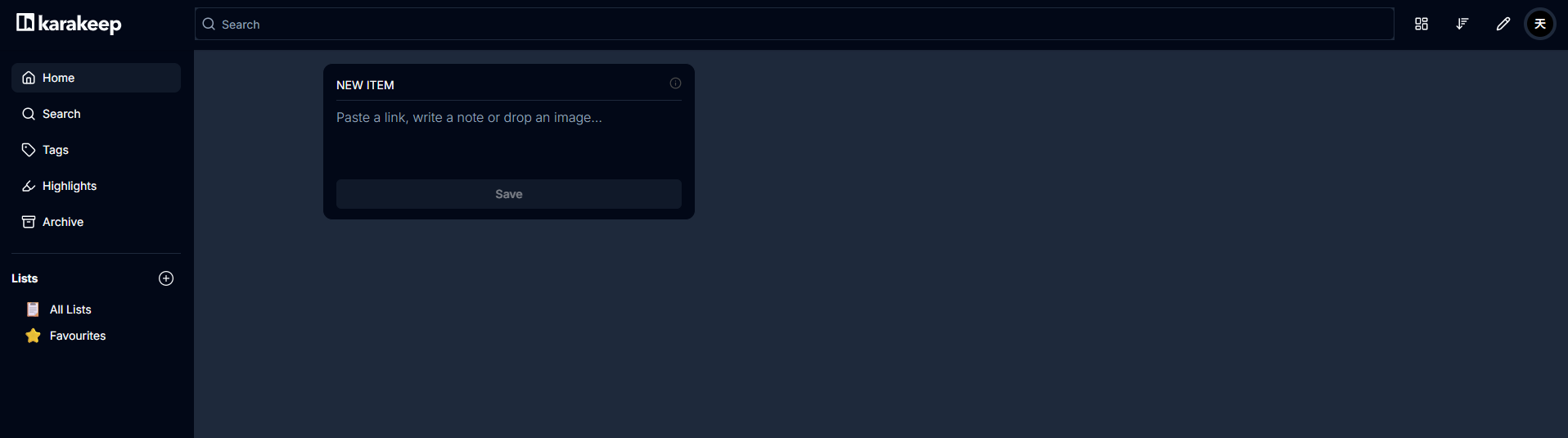
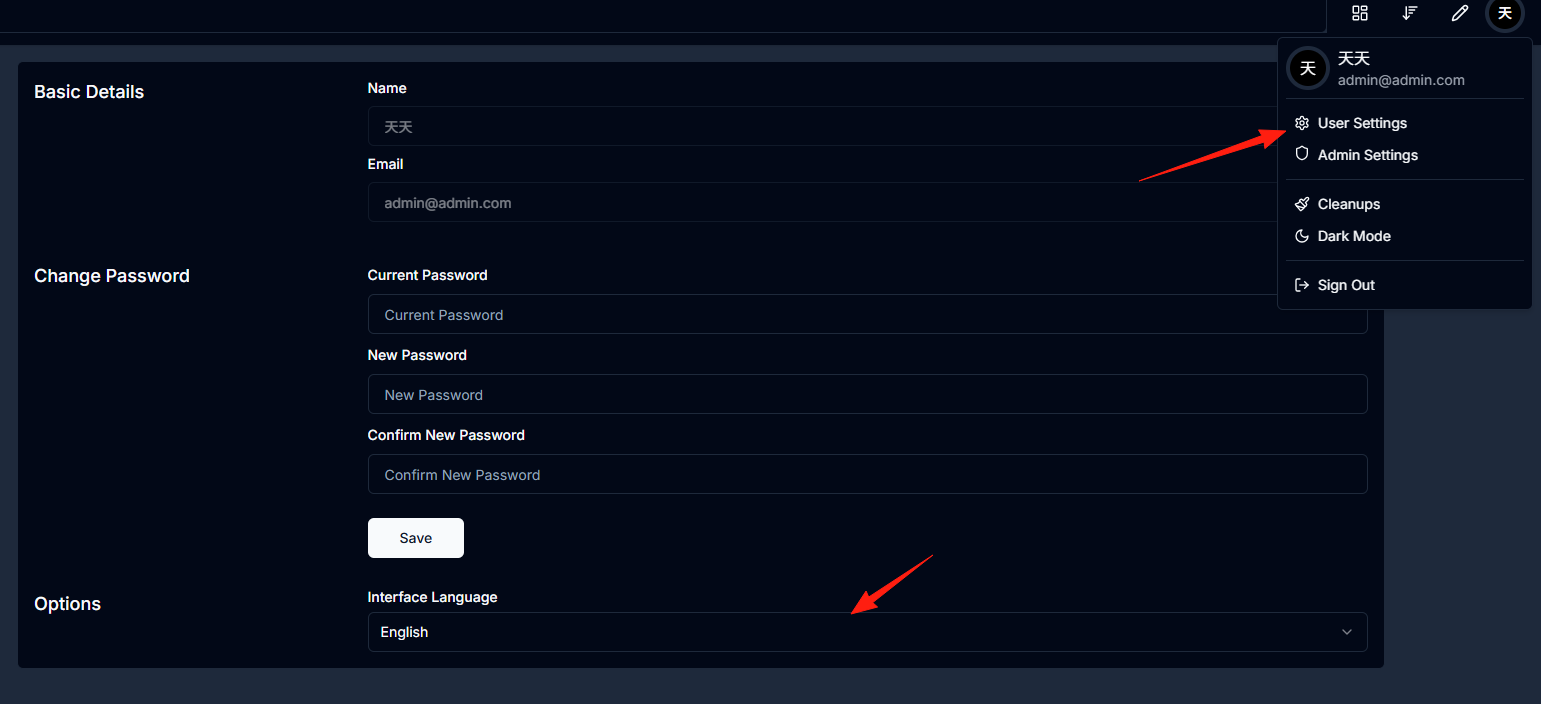
First, go to User Settings and change the language to Chinese.
This looks much more comfortable.
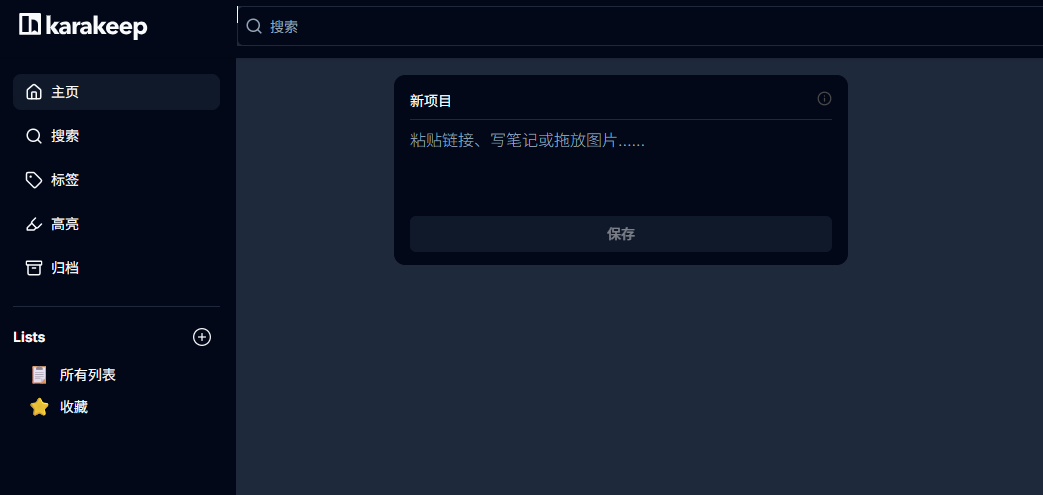
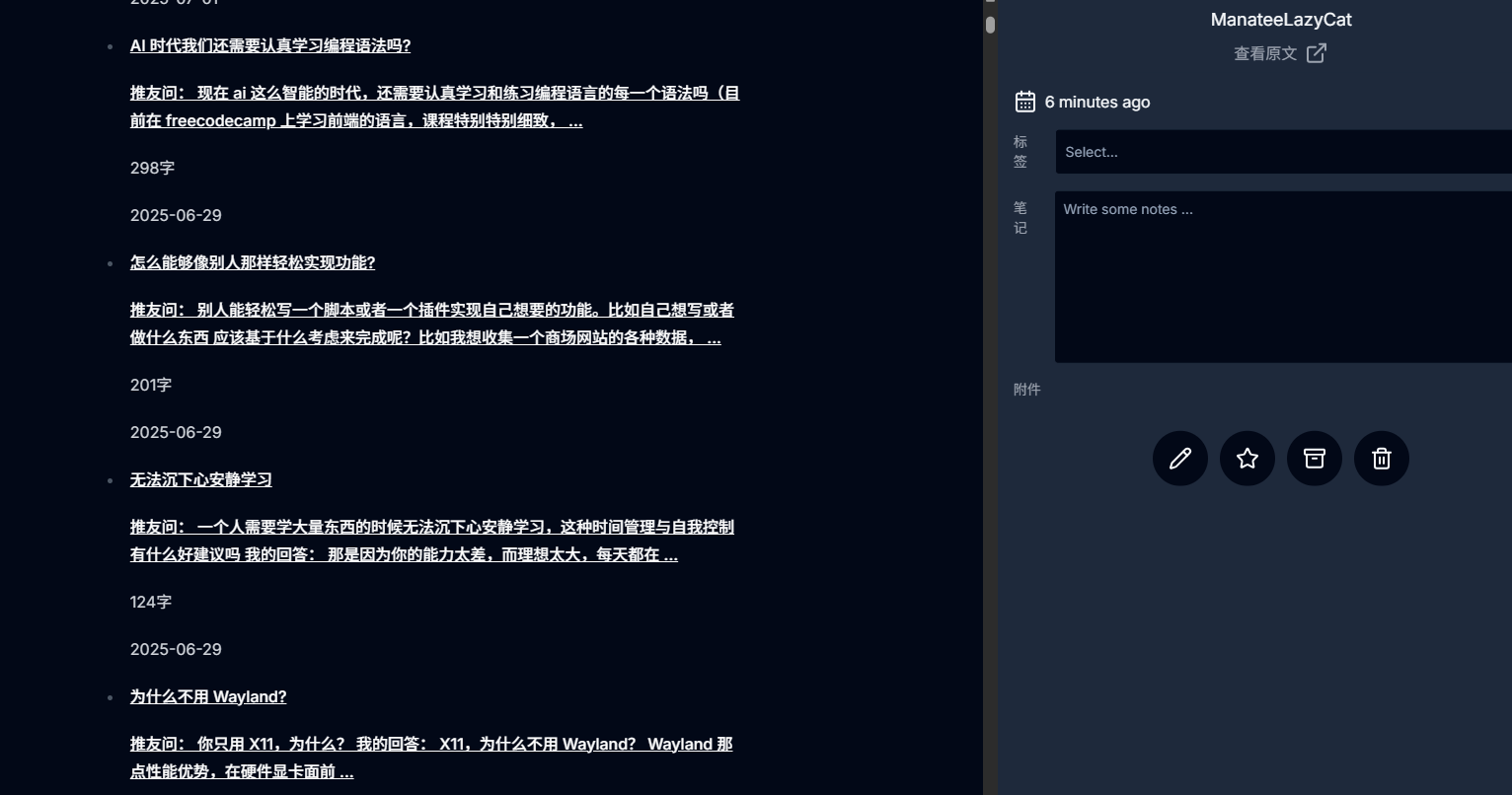
Using Old Wang's website as an example, just drop the URL directly into the app.
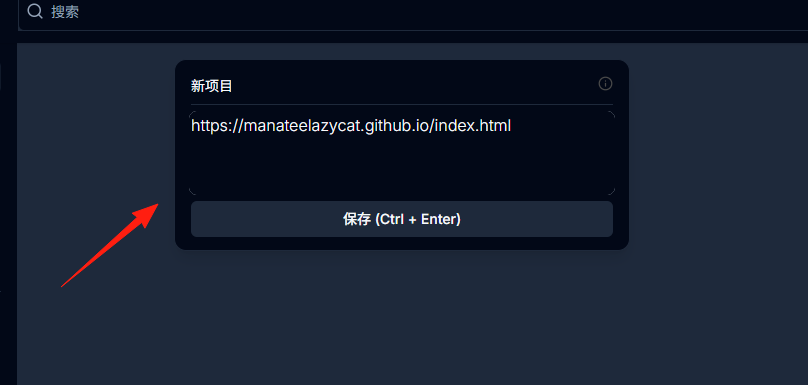
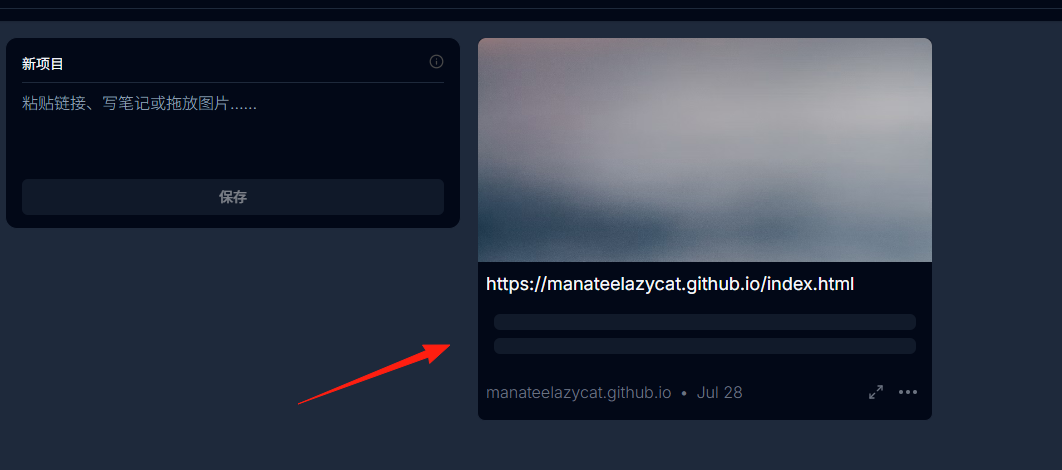
After clicking Save, you'll see it fetching data.
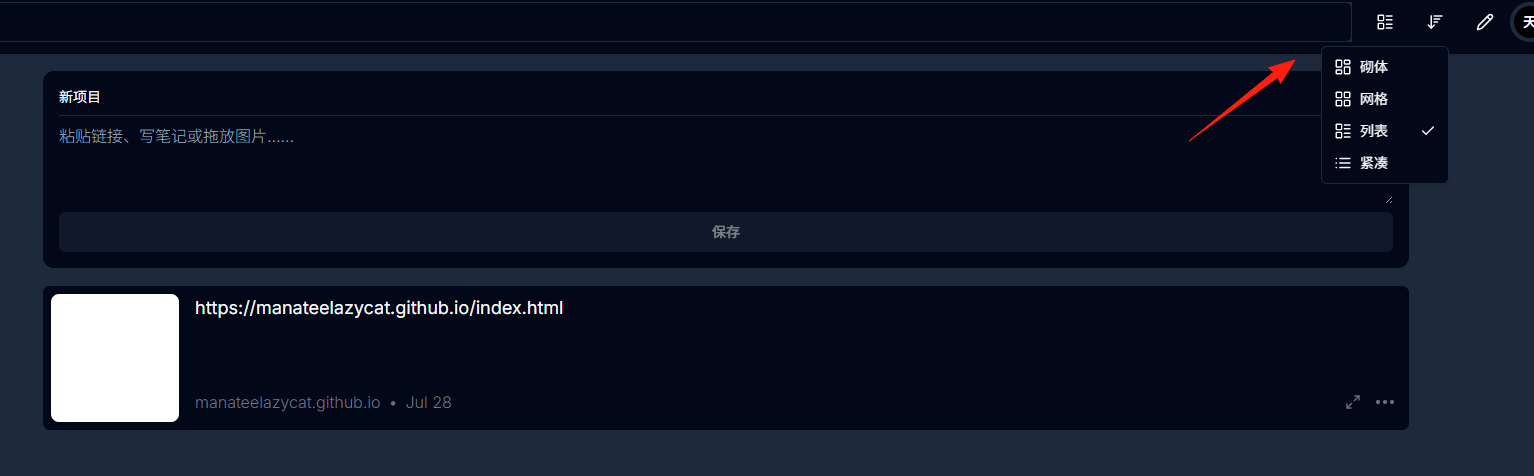
You can modify the homepage layout from here.
Click the three dots to see more menu options.
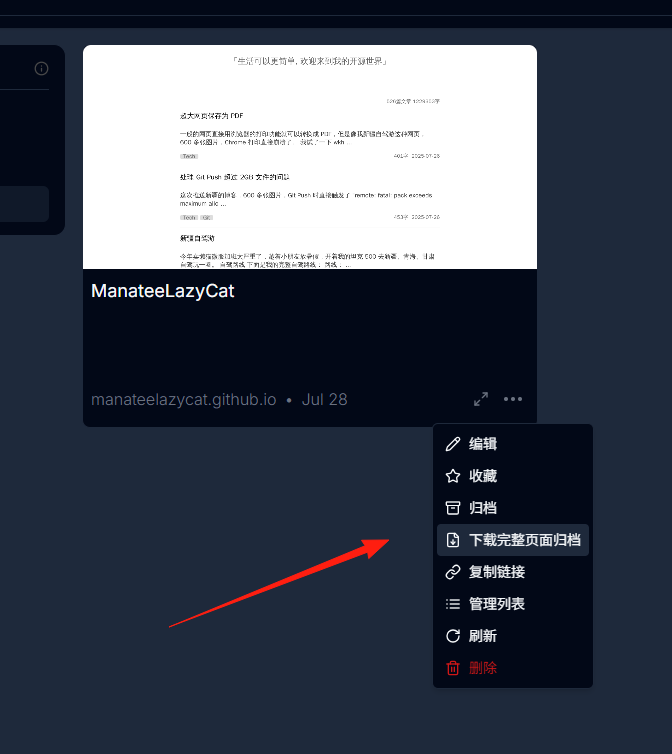
The icon on the left allows for in-page preview.
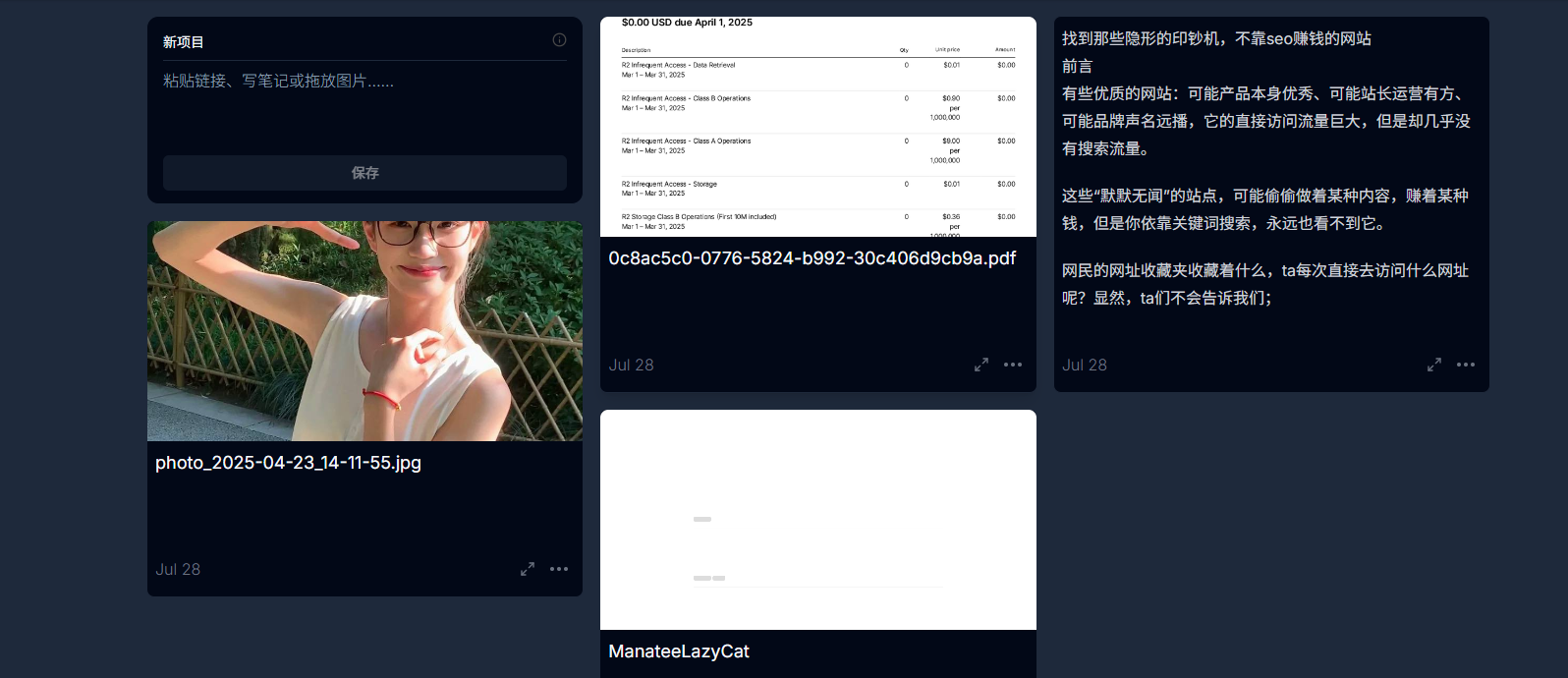
- Images: Screenshots, photos, memes—all supported.
- Text Notes: Ideas, to-dos, random thoughts—write whatever you want.
- PDF Documents: Important files can also be stored.
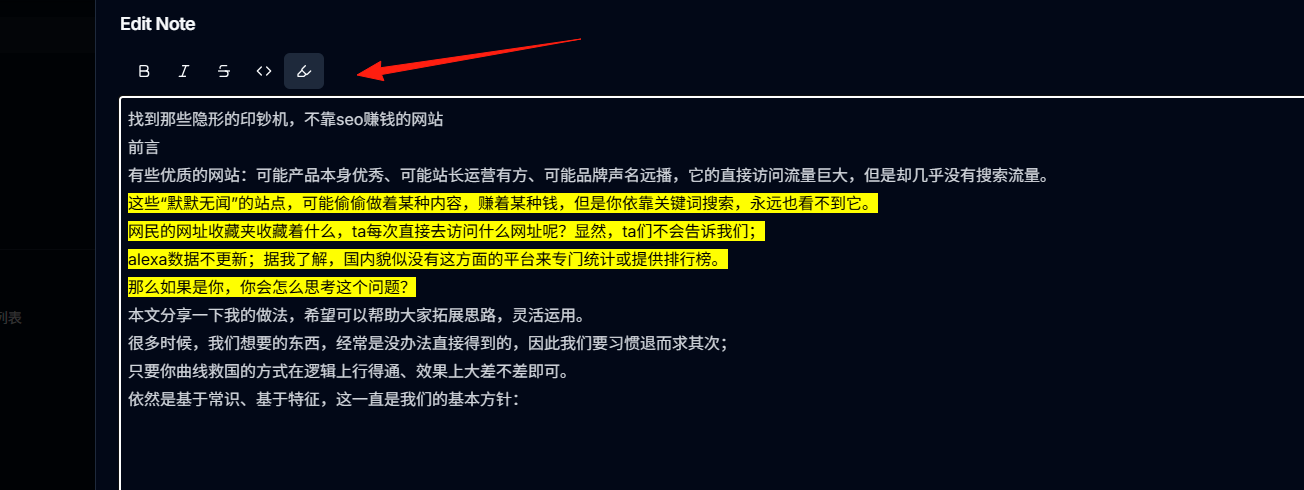
For text content, you can add highlights and annotations.
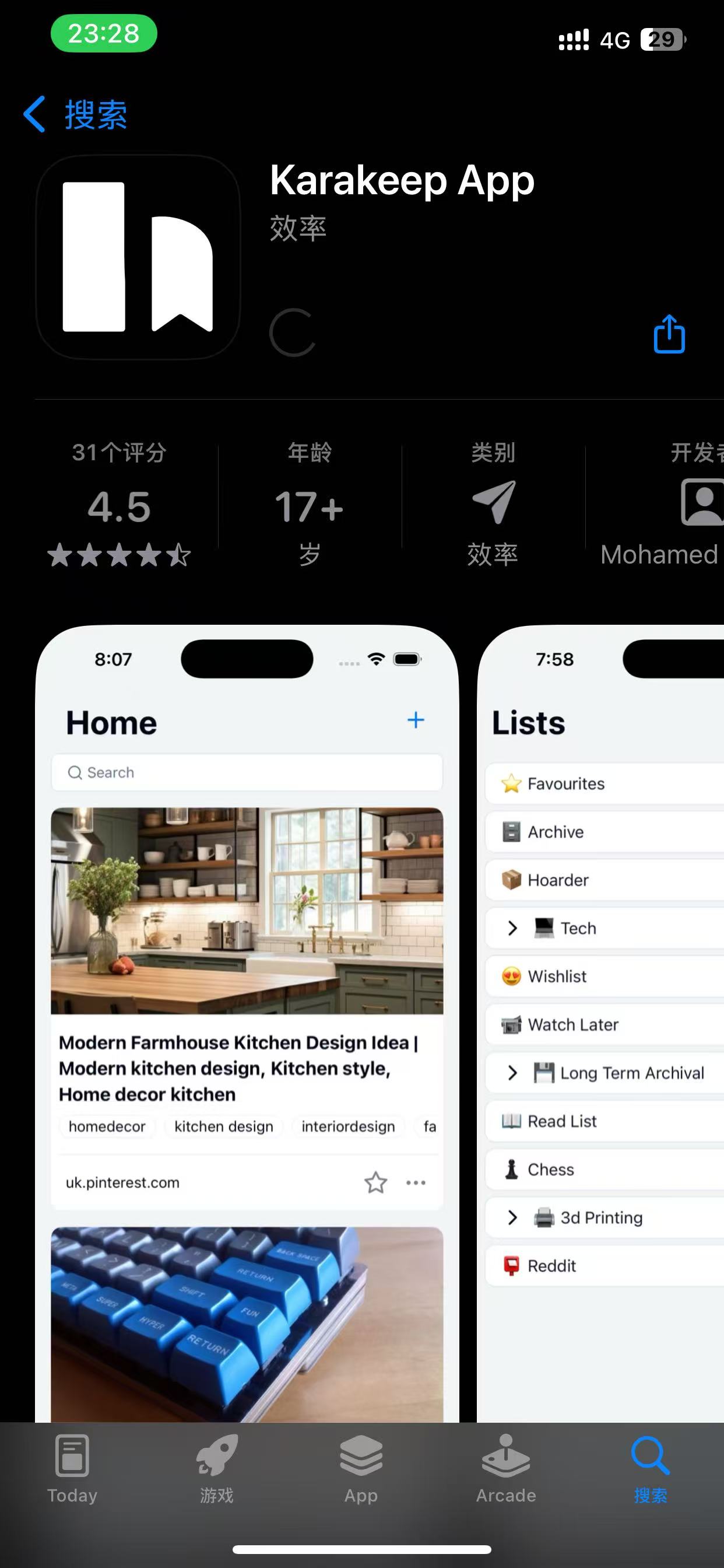
It also supports Mobile Apps:
- iOS: Search for "Karakeep App" on the App Store
- Android: Download from Google Play
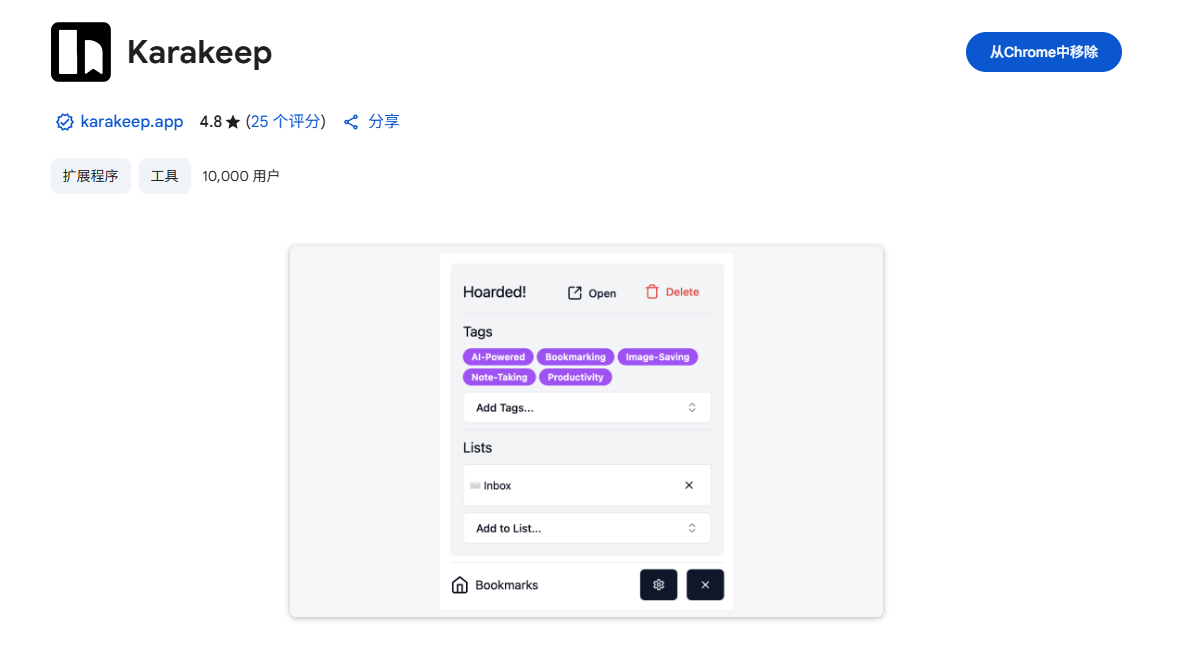
Browser Extension: https://chromewebstore.google.com/detail/karakeep/kgcjekpmcjjogibpjebkhaanilehneje
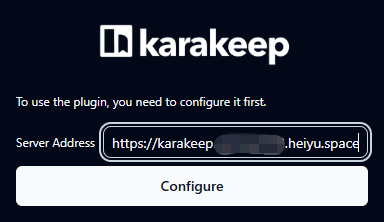
Configure the server address.
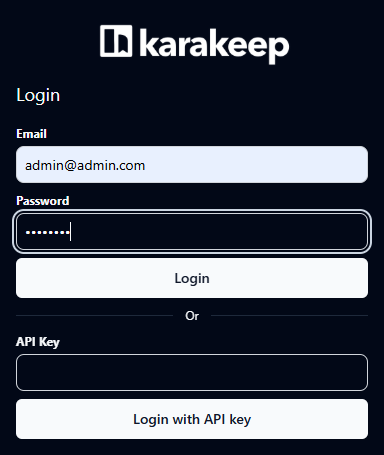
Enter your account information.
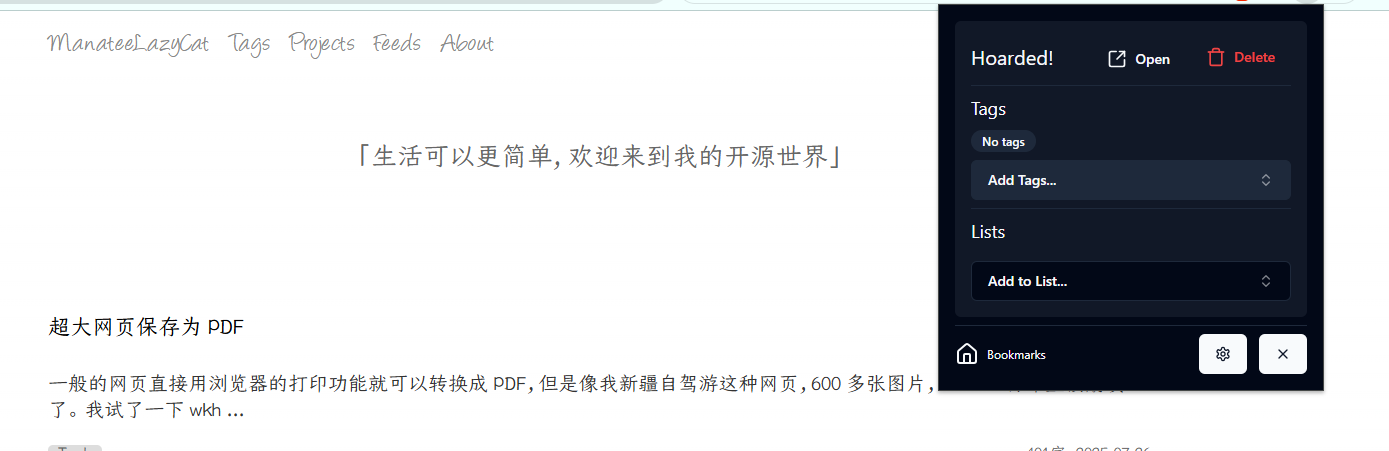
After installing the browser extension, just click the extension icon when you see a good article.
On your phone, use the share function and select Karakeep.
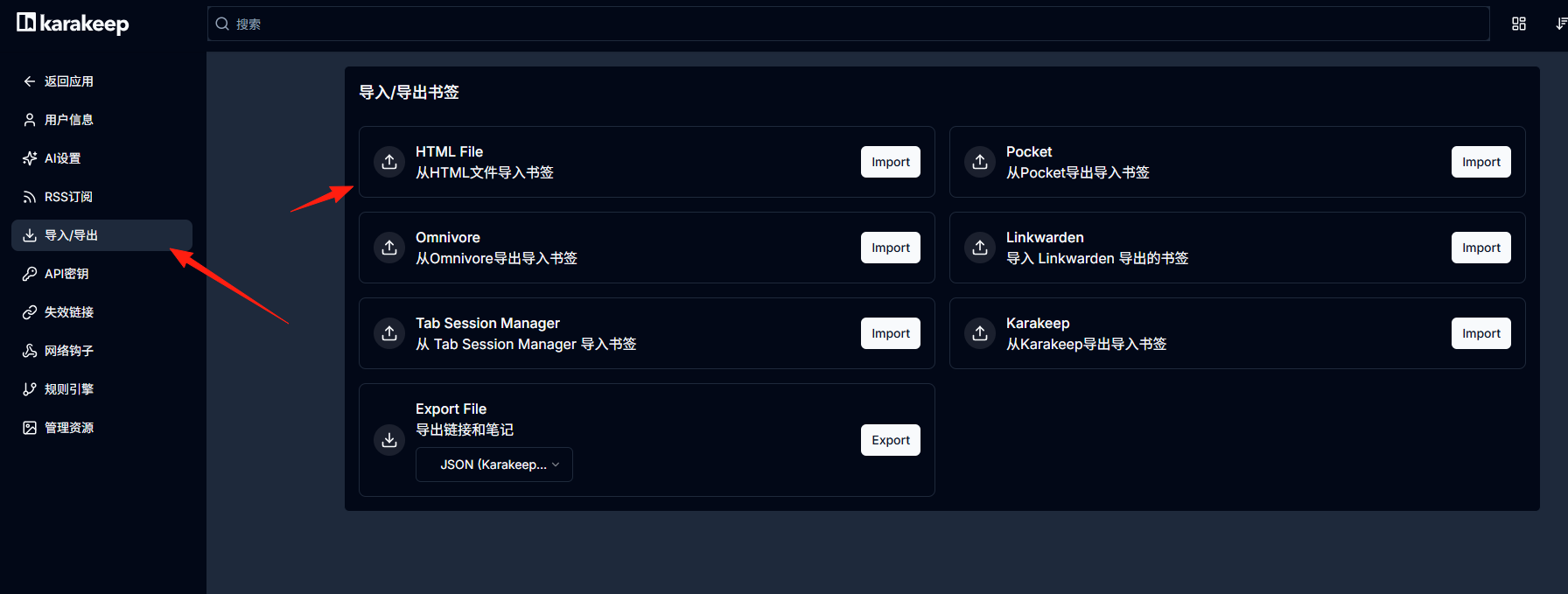
If you previously used other bookmarking tools, you can first export your data as HTML format, then import it into Karakeep. The AI will help reorganize and categorize everything for you.
Final Thoughts
Karakeep isn't one of those overly complex tools that gives you a headache—it's simple and easy to use.
What you need is an assistant to help organize your various materials, not another complex software that requires learning.
Trial suggestion: Use it for a week, casually throw some stuff into it, and experience the effect of the AI tagging. If it feels right, then consider importing your historical data for a complete migration.
Karakeep's value lies in making it easier for you to find the information you need, rather than making you spend more time organizing information.