
Kener: A Self-Hosted Status Page Tool
What is Kener?
Kener is an open-source Node.js status page tool designed to easily monitor services and handle incidents.
It provides a sleek and user-friendly interface that simplifies tracking service outages and improves our communication during incidents. The best part is that Kener seamlessly integrates with GitHub, making incident management part of team collaboration and making it easier for us to track and resolve issues together in a collaboration-friendly environment. Kener uses files to store data.
Simply put, Kener is used to monitor whether websites are online.
https://appstore.lazycat.cloud/#/shop/detail/cloud.lazycat.app.kener
How to Use
After the application is installed, opening it takes you directly to the functional page.
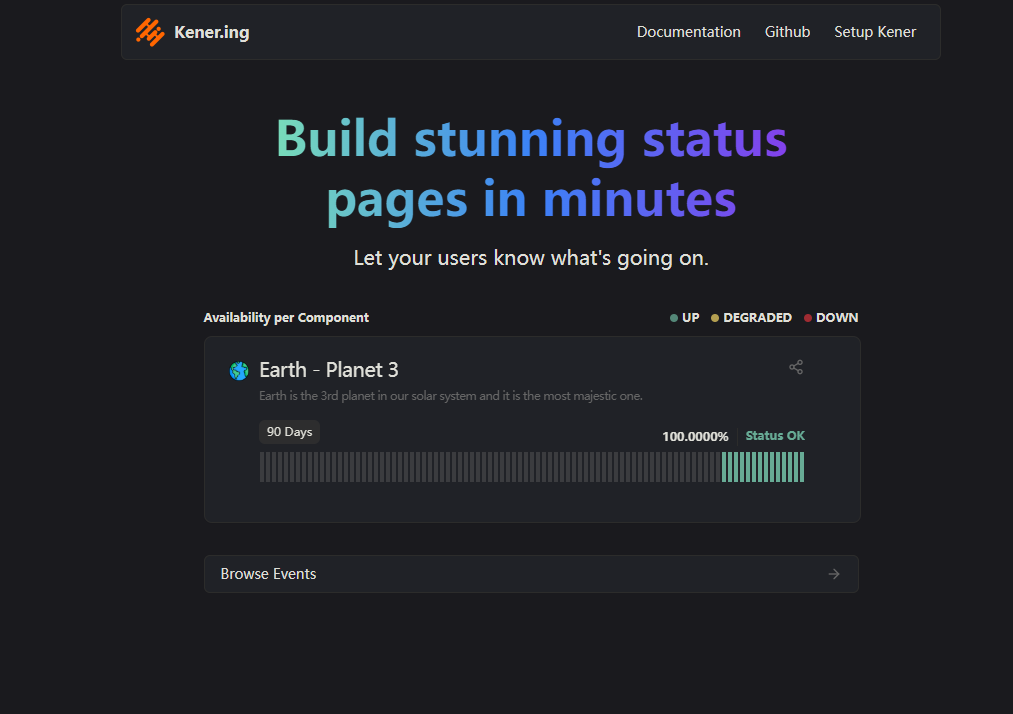
First impressions matter. Kener's interface design is quite modern, and the dark mode is very well executed. First, register a user.
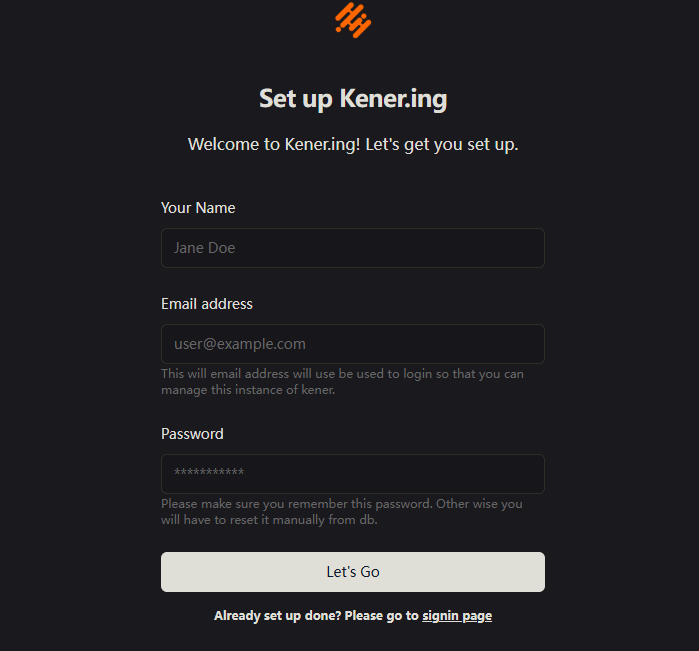
After successful registration, you will enter the management page.
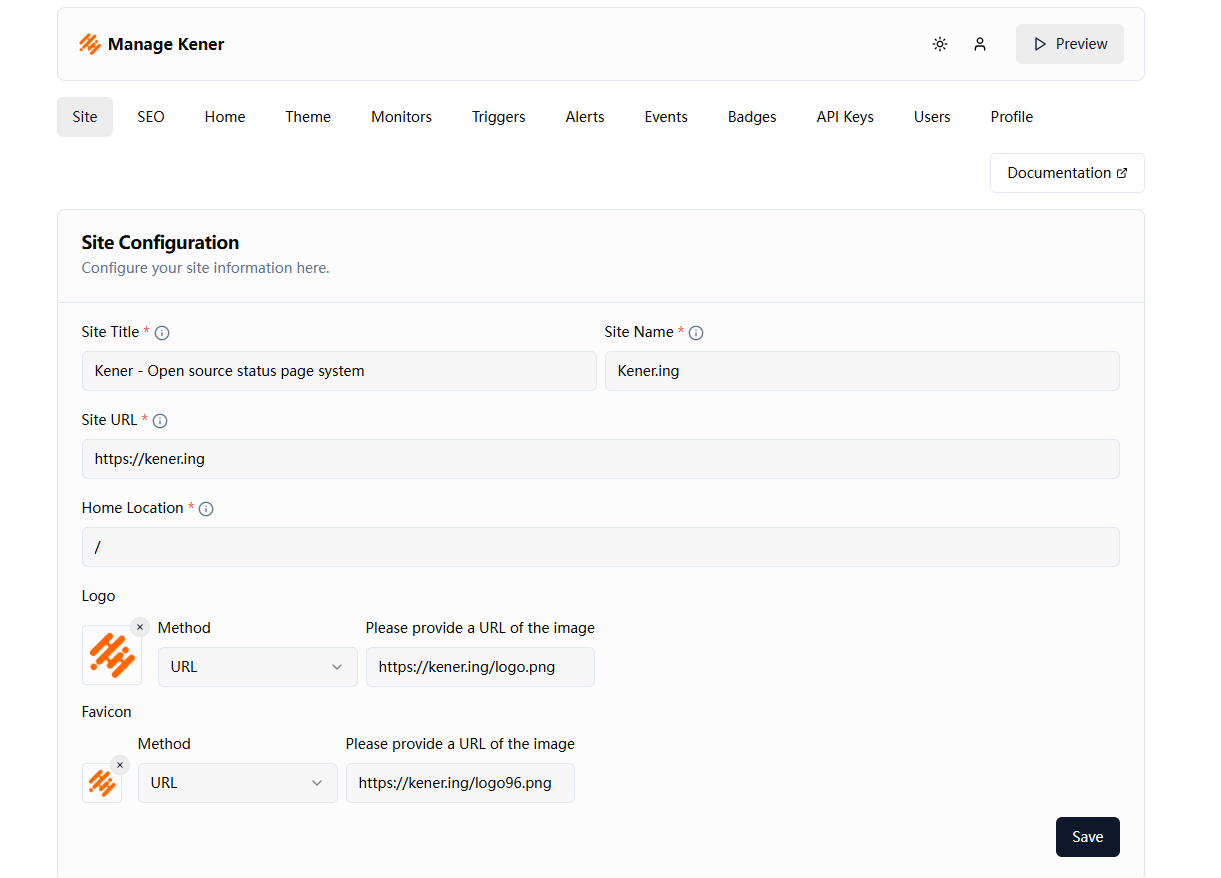
In the website settings, fill in your domain name and click Save.
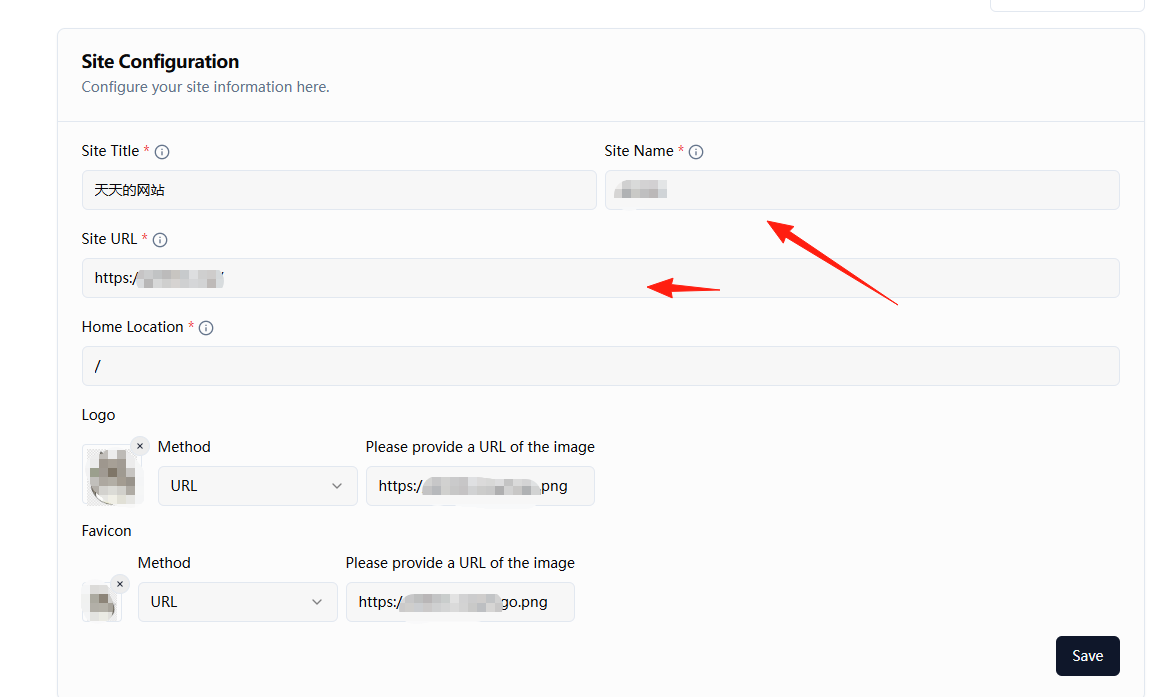
This section is for modifying the displayed logo and website name.

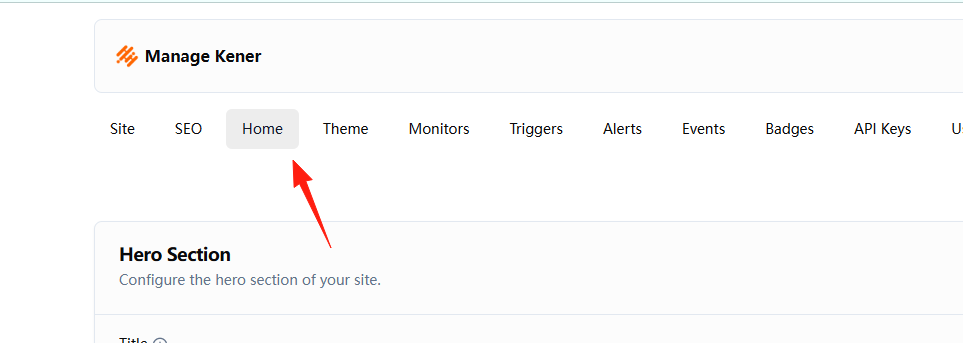
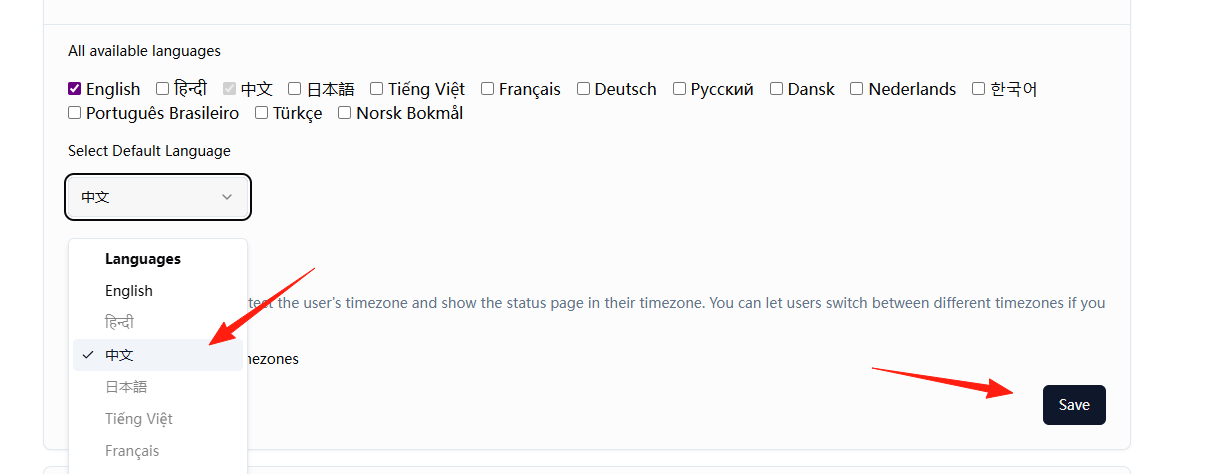
Click Home, scroll down, and modify the language.
Select Chinese and save.
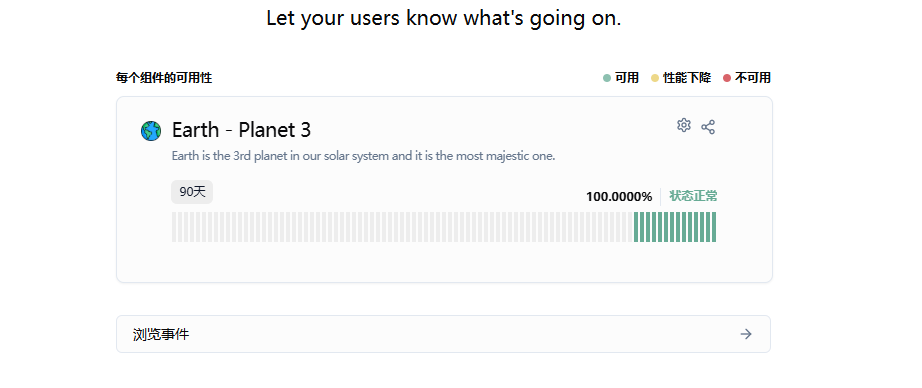
Return to the homepage to see that some text has changed to Chinese.
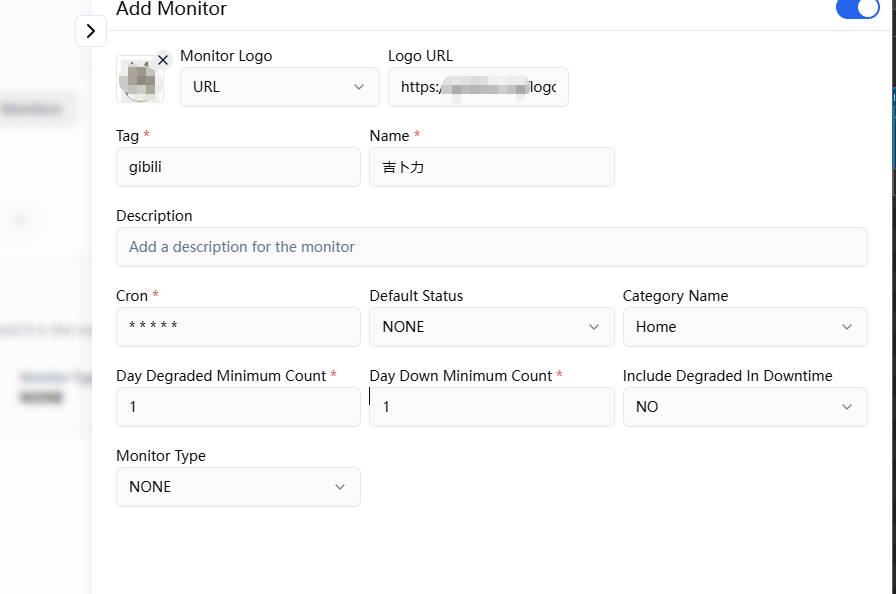
Click Monitor to add a monitor.
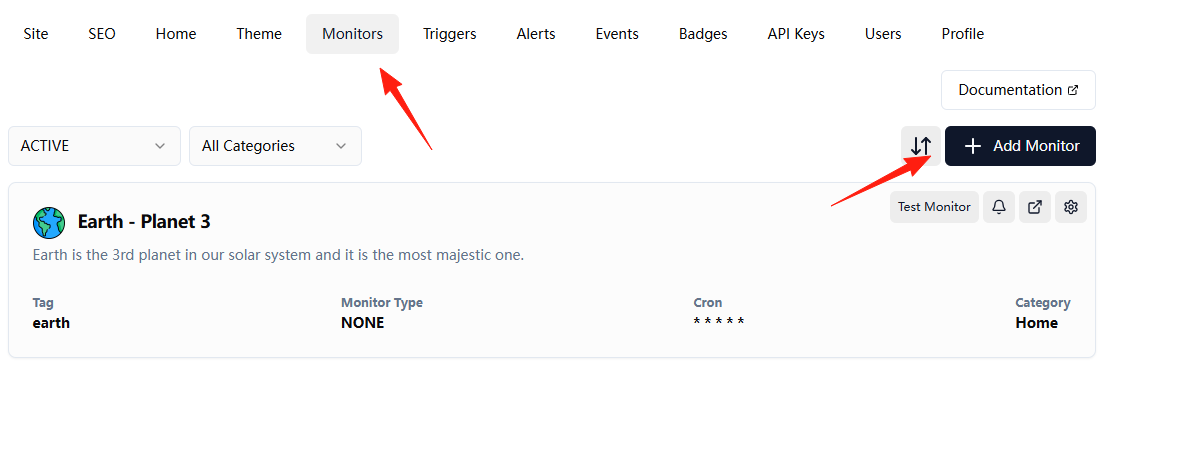
cron: "*/1 * * * *" # means check every minute
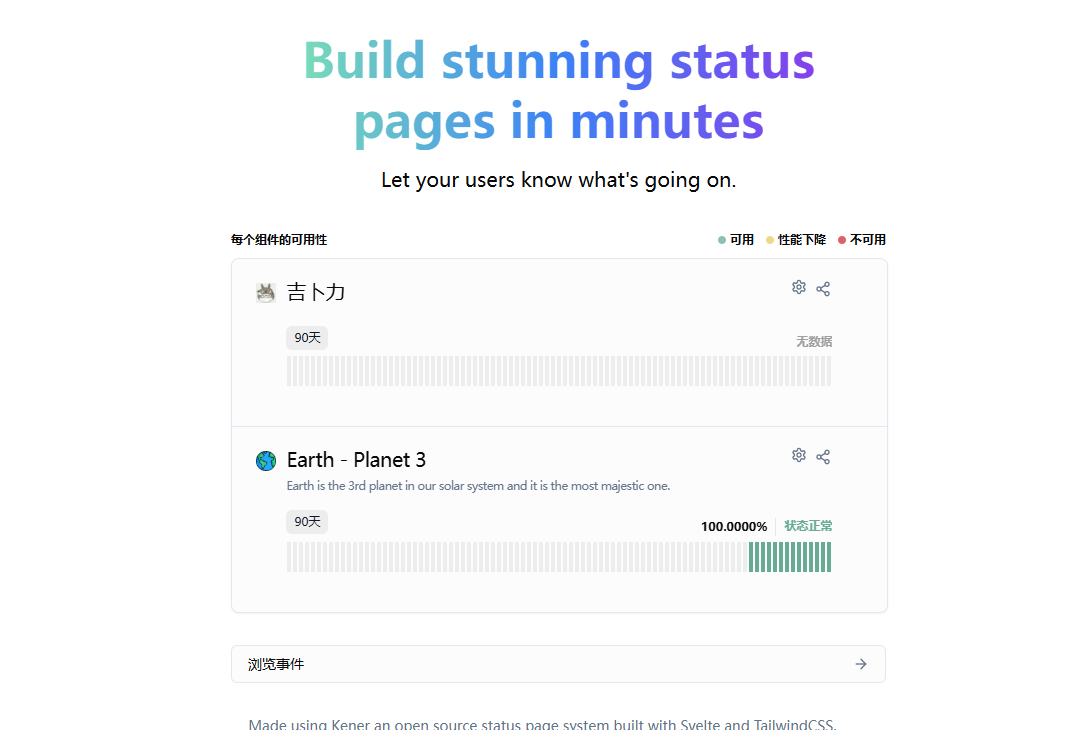
After saving, you can see it on the homepage.
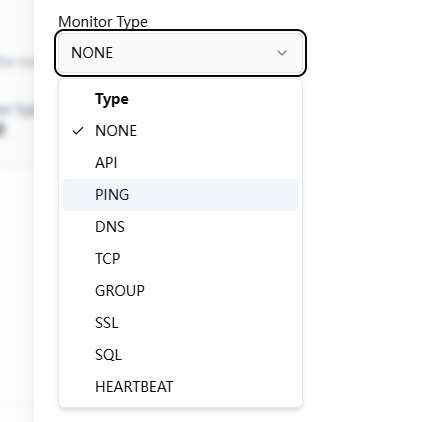
You can monitor various services: backend API monitoring, database connection monitoring.
Summary
If you are frequently asked by users, "Is the website down?", whether you are an individual developer or part of a team, we highly recommend trying Kener.