
Message Pusher Practical Guide - Build Your Own Dedicated Message Push Service
Have you ever encountered situations like these: running a script that takes hours without knowing when it'll finish; server crashes going unnoticed; or wanting to add notification functionality to your code without relying on complex third-party services?
Today I want to recommend Message Pusher - the ultimate tool specifically designed to solve these problems.
This is a fully open-source project that supports multiple message delivery methods, features Markdown support, is built with Golang as a single executable file, and works out-of-the-box.
Simply put, it's a self-hosted message push service similar to Server Chan, but with more powerful features and completely free.
https://appstore.lazycat.cloud/#/shop/detail/dev.beiyu.message-pusher
Quick Start
After installing the application, open the main interface
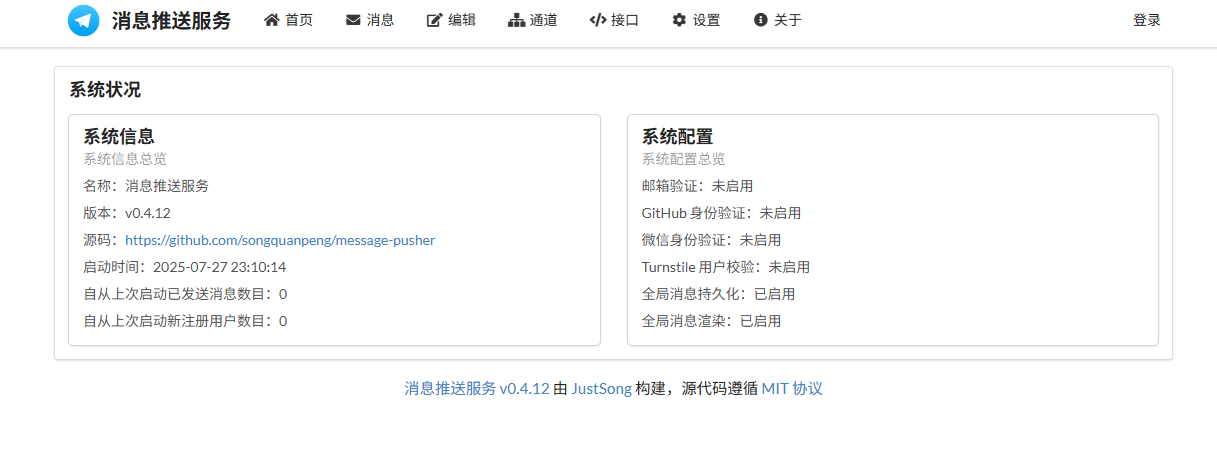
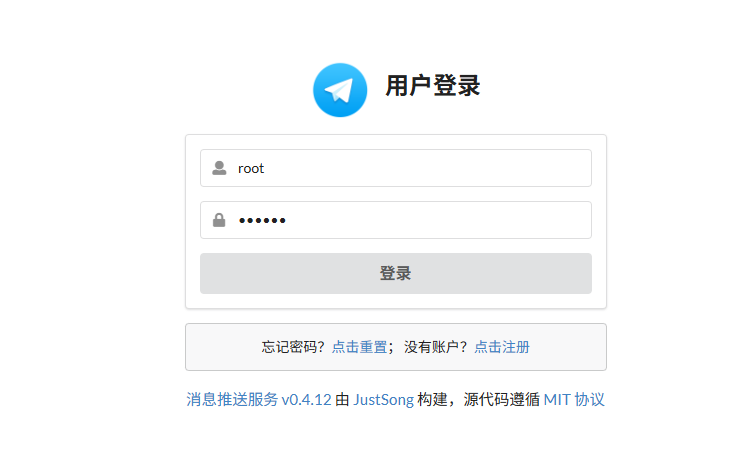
Click Login, username is root, password is 123456
Step 2: Configure Email Push
Email push is the most stable method - strongly recommend setting this up first:
Click "System Settings" Find the SMTP configuration section
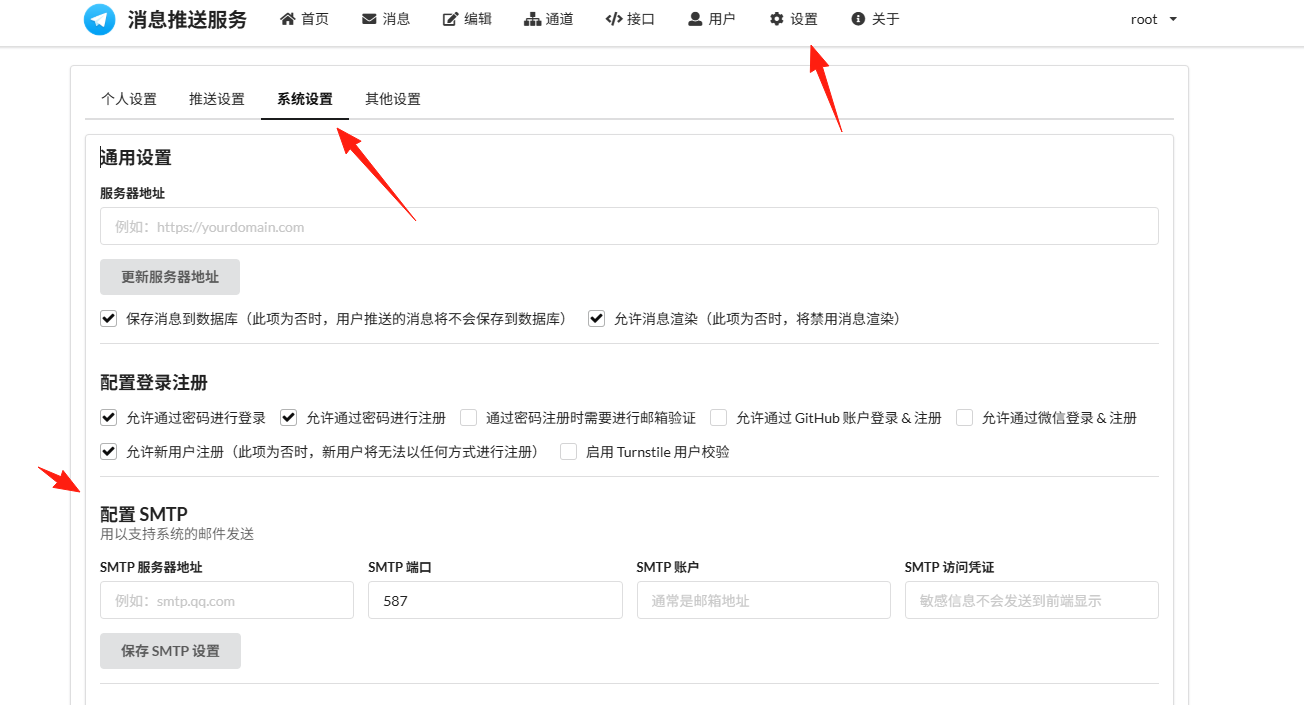
If you're using QQ Mail, the settings are:
- SMTP Server:
smtp.qq.com - Port:
587 - Username: Your QQ email address
- Password: QQ Mail authorization code (not your QQ password!)
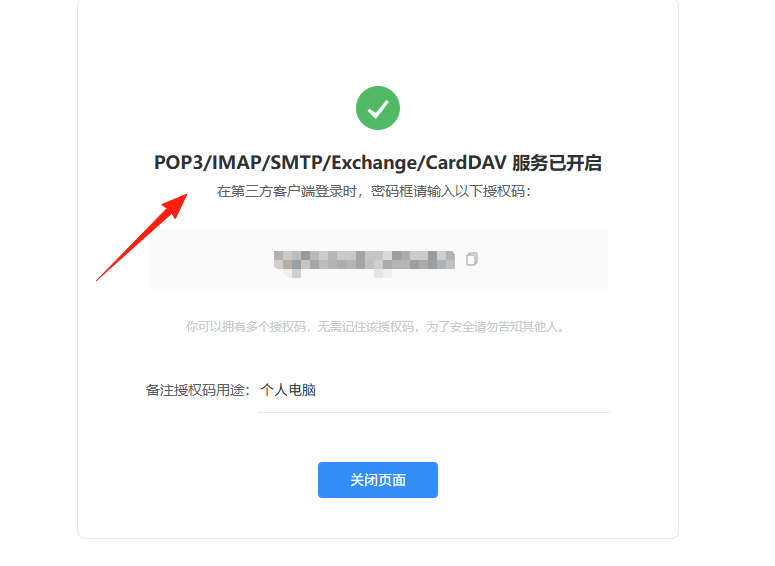

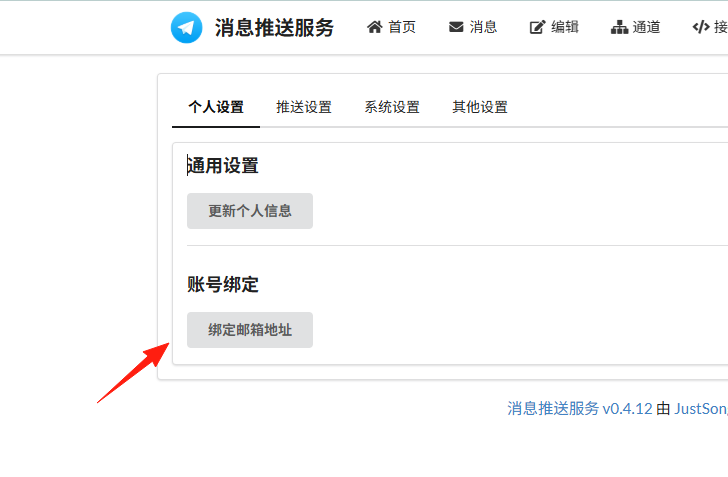
Step 3: Bind Personal Email
Bind your email address in "Personal Settings" to start receiving push notifications.
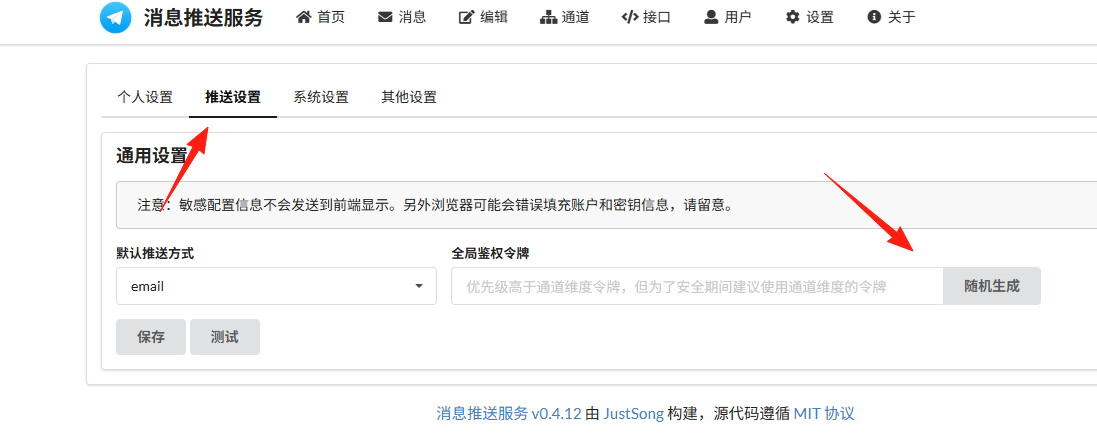
Step 4: Set Push Token
Set a Token in "Push Settings" - this acts like a password and is required for API calls. Recommend setting a complex one, such as mytoken123456.
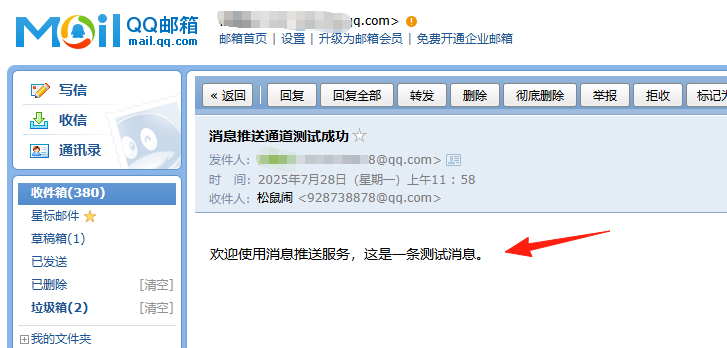
Click Test - if you receive a message in your QQ mailbox, the configuration is successful
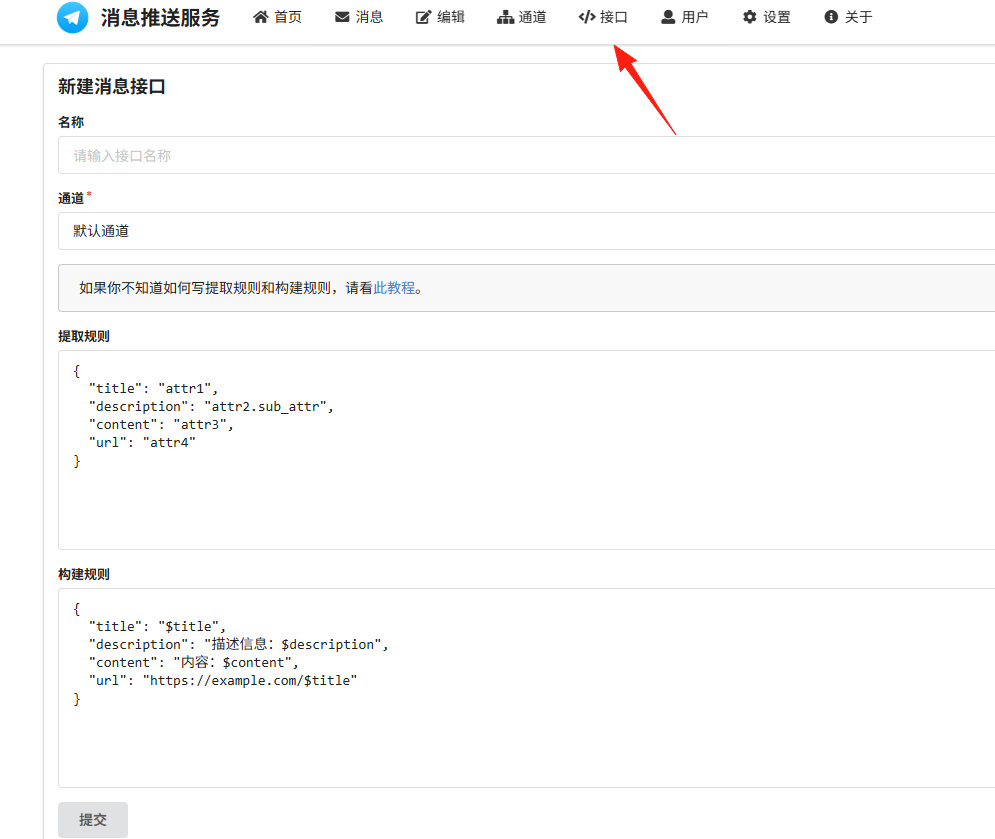
Calling the interface is super simple - just a single HTTP request. It's also compatible with Server Chan's API, allowing seamless migration if you've used Server Chan before.
Summary
Message Pusher is truly a practical tool, especially suitable for developers and operations personnel. It solves the pain points of message pushing and is completely free and open-source.
If you frequently need to receive various system notifications, monitoring alerts, or want to integrate push functionality into your projects, Message Pusher is definitely worth trying.