
8 Useful Typing Practice Apps to Master Your Keyboard Skills
The kids are on summer vacation and getting restless at home. I figured I'd have them practice typing—they can learn while having fun, and I can have some peace of mind.
There are several useful typing apps on Lazycat, so let’s take a look at them today:
https://appstore.lazycat.cloud/#/shop/detail/wcloud.gblw.app.typingface
This app is the simplest with a clean interface.
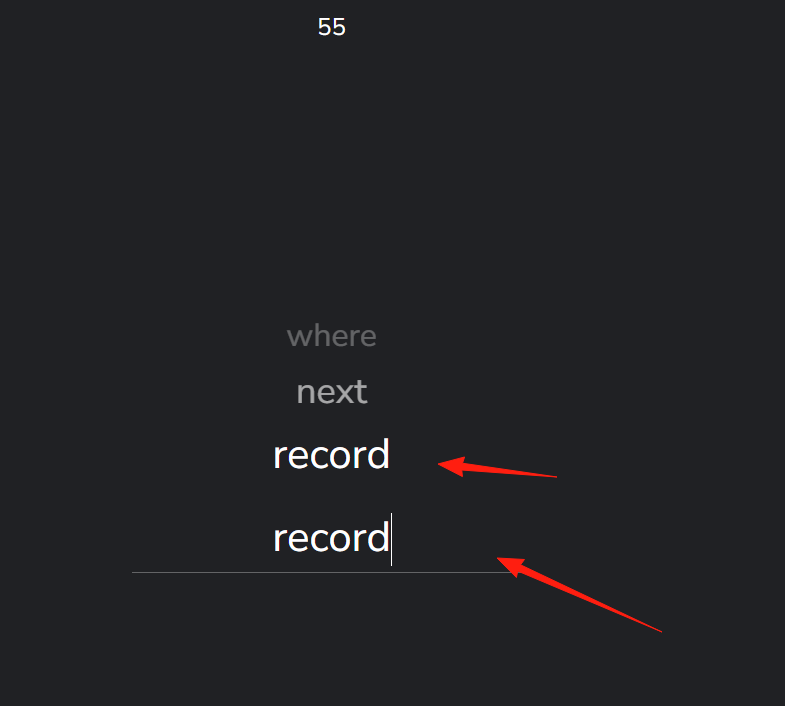
After typing a word, press the spacebar to move to the next one. A countdown timer is displayed at the top. When the timer ends, your typing speed is shown.
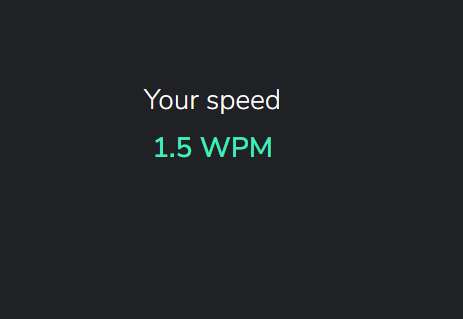
WPM stands for Words Per Minute, commonly used to measure typing speed.
https://appstore.lazycat.cloud/#/shop/detail/wcloud.gblw.app.typepad
This one focuses more on Chinese typing practice. Just select the box below and start typing.
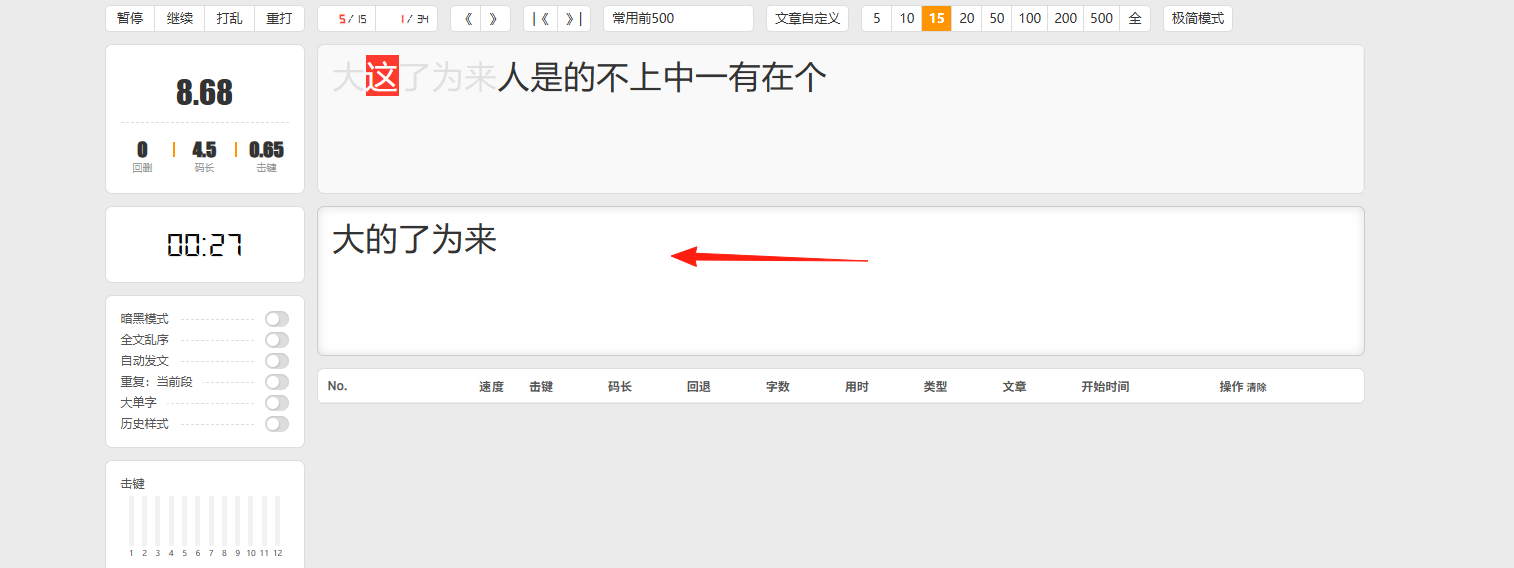
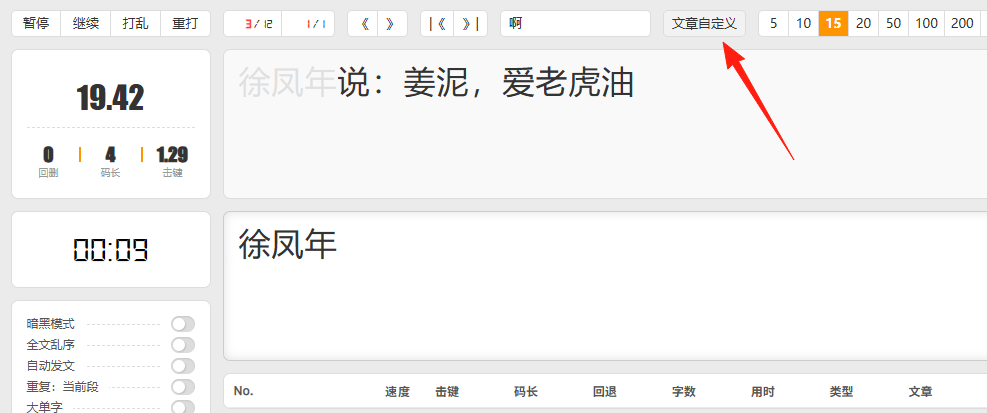
A great feature is that the text can be customized. You can input your favorite articles or textbook passages, allowing you to reinforce knowledge while practicing typing.
https://appstore.lazycat.cloud/#/shop/detail/wcloud.gblw.app.eletypes-frontend
This app has a clean interface and allows background music playback, though the songs are mostly samples.
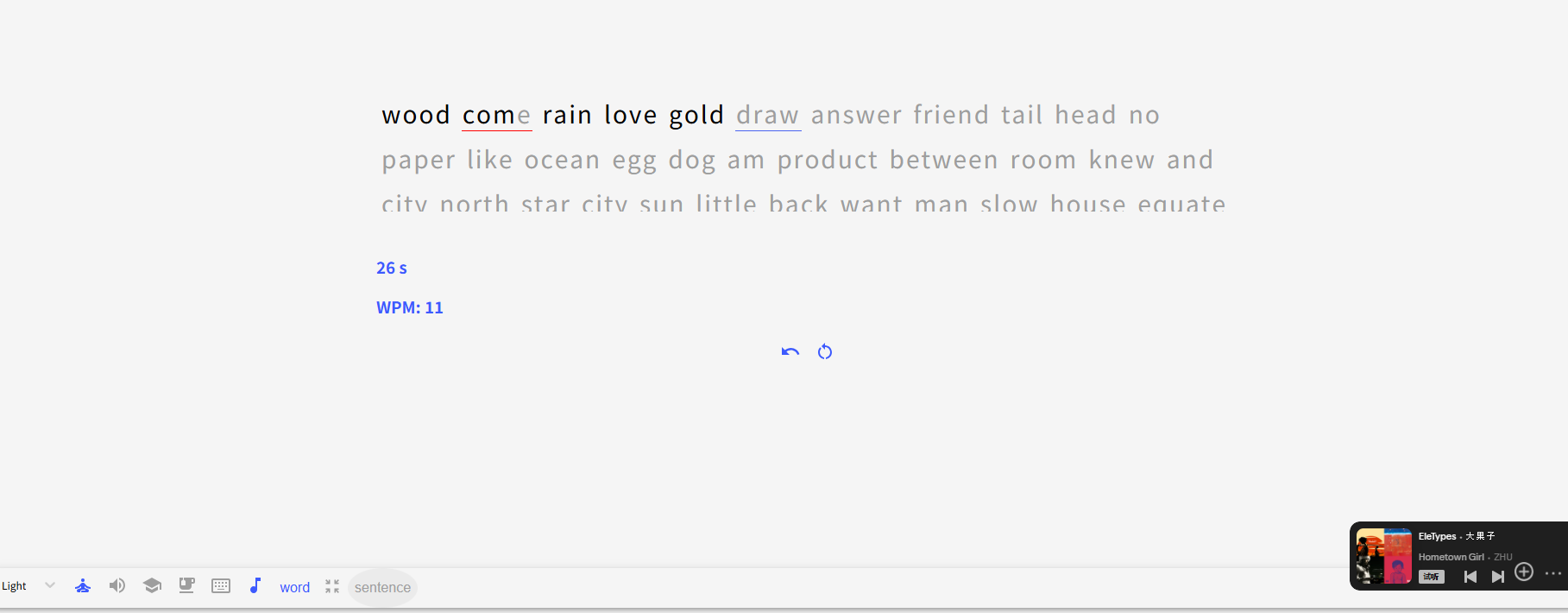
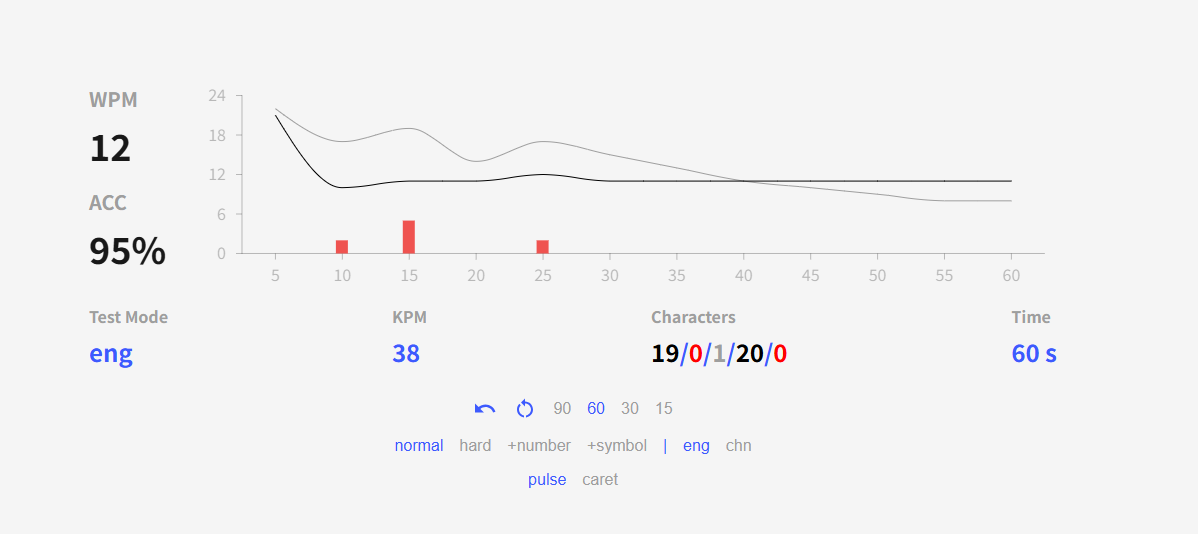
The summary report after typing is well done.
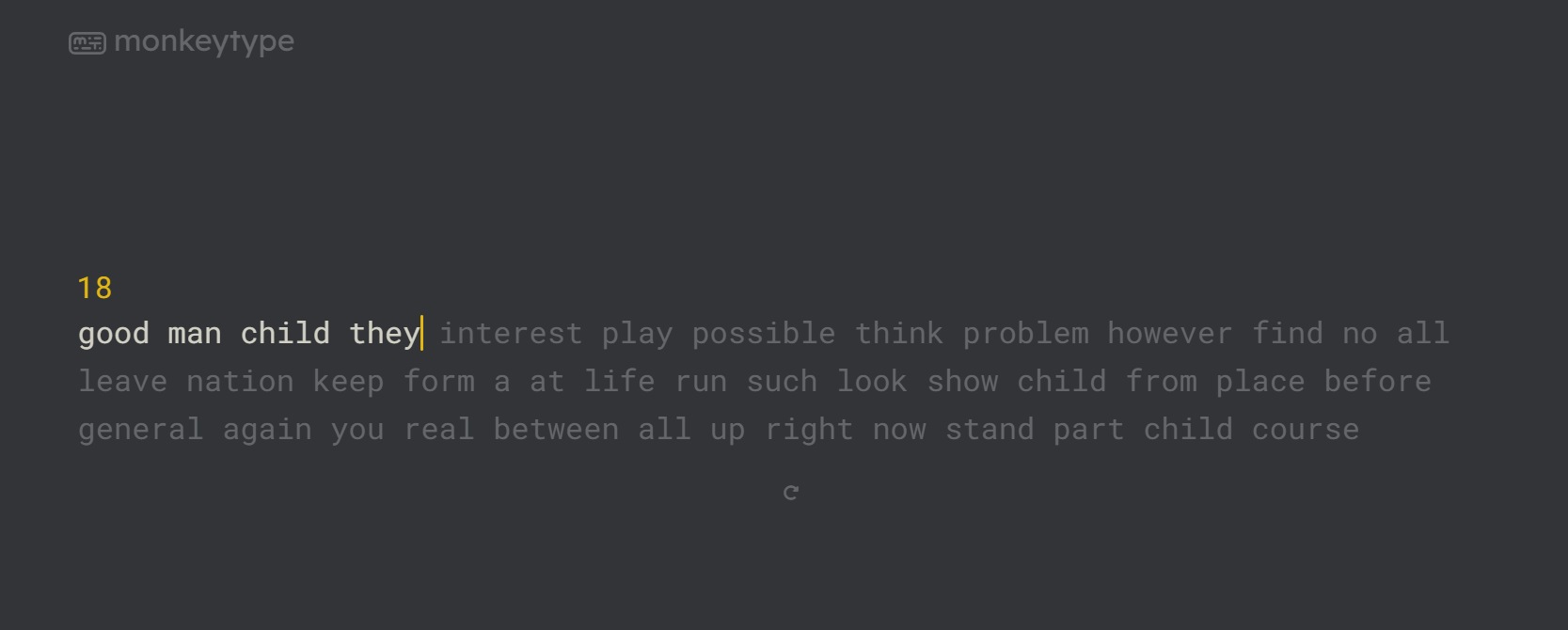
https://appstore.lazycat.cloud/#/shop/detail/lazycat.stmoonar.app.monkeytype
Monkeytype has a very smooth interface. The basic typing functionality works fine, but features like rankings and summaries are not integrated and may cause errors when clicked.
https://appstore.lazycat.cloud/#/shop/detail/com.typing.practice
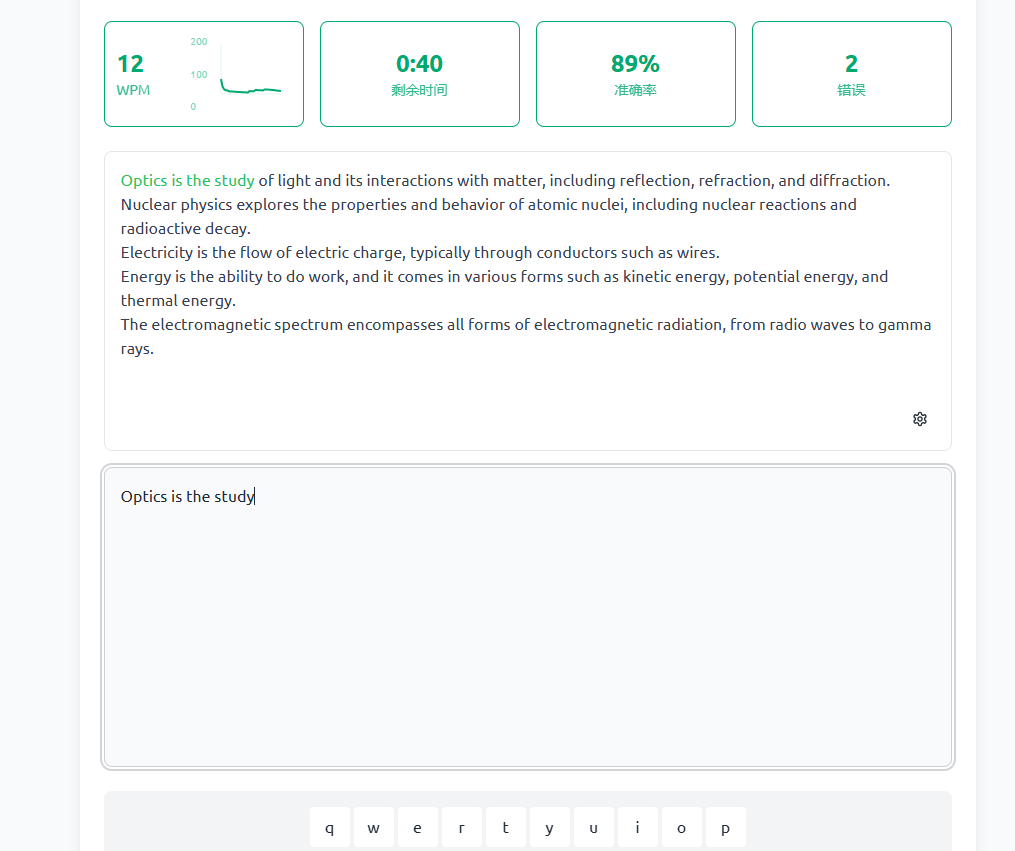
This app focuses mainly on English practice. You set the typing duration at the beginning.
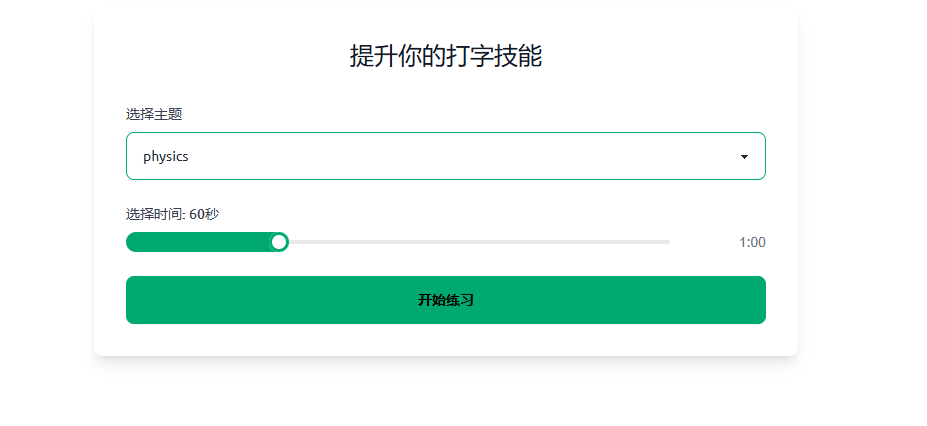
A keyboard layout is displayed at the bottom, which is beginner-friendly, though the entire screen may not fit all content.
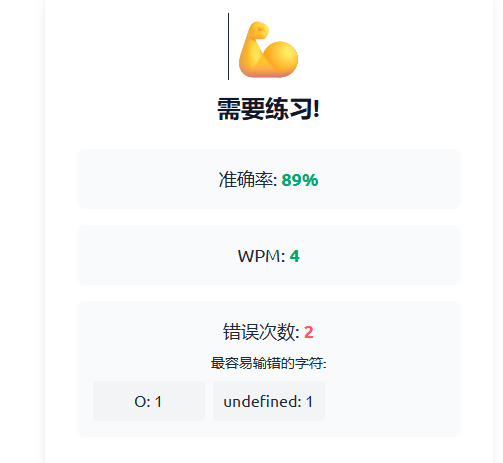
A notification appears when typing is completed.
https://appstore.lazycat.cloud/#/shop/detail/wcloud.gblw.app.typerush
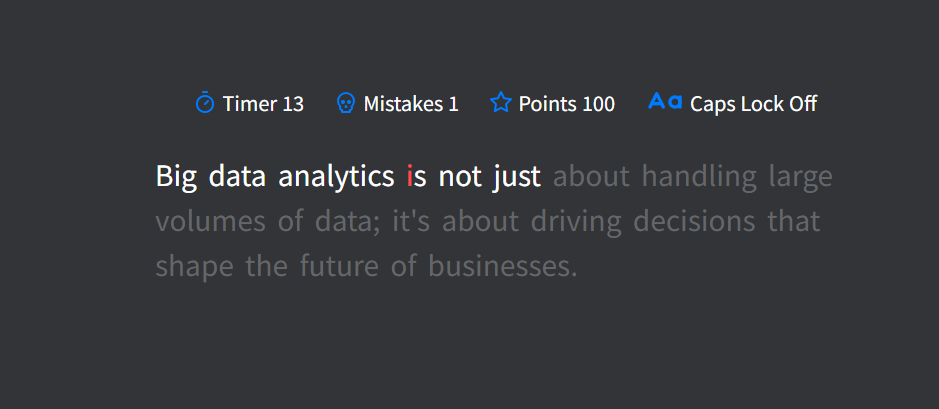
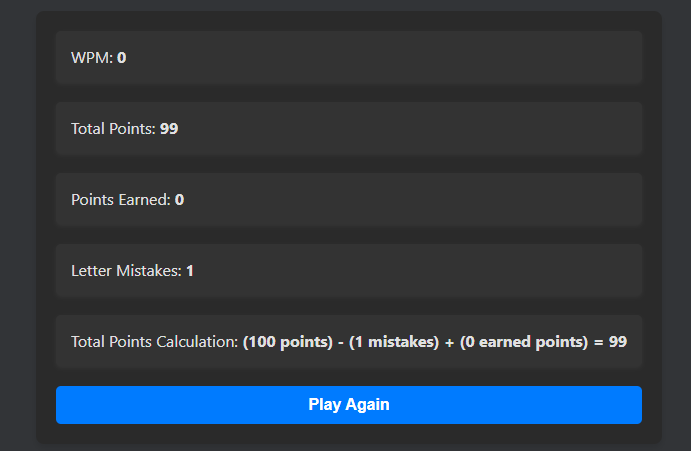
This one is also very simple to use—just click start and begin typing.
https://appstore.lazycat.cloud/#/shop/detail/xyz.mxue.typing-word
This one is highly recommended. It focuses on words, includes English pronunciation and keyboard sound effects, and lets you learn words while typing.
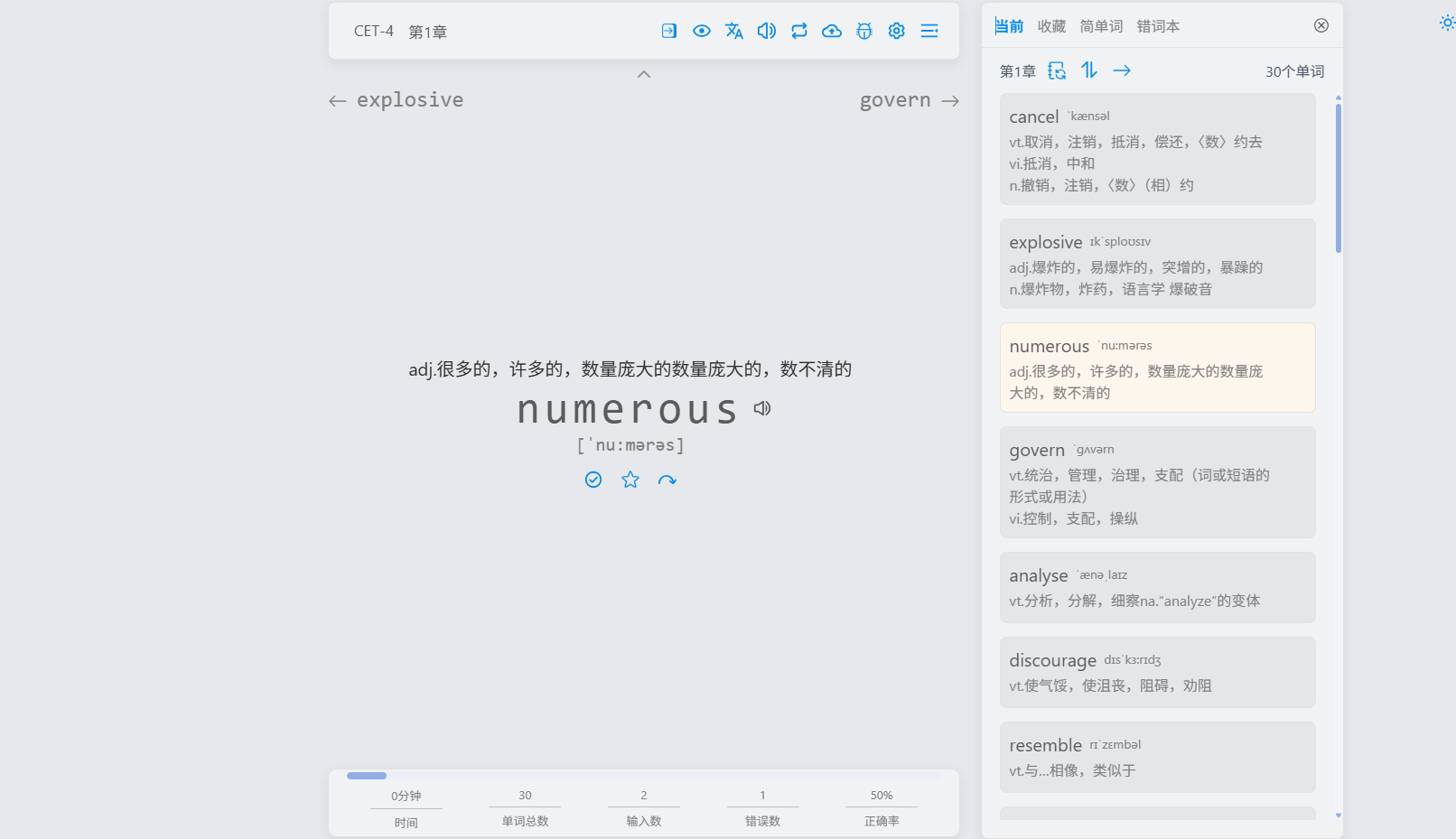
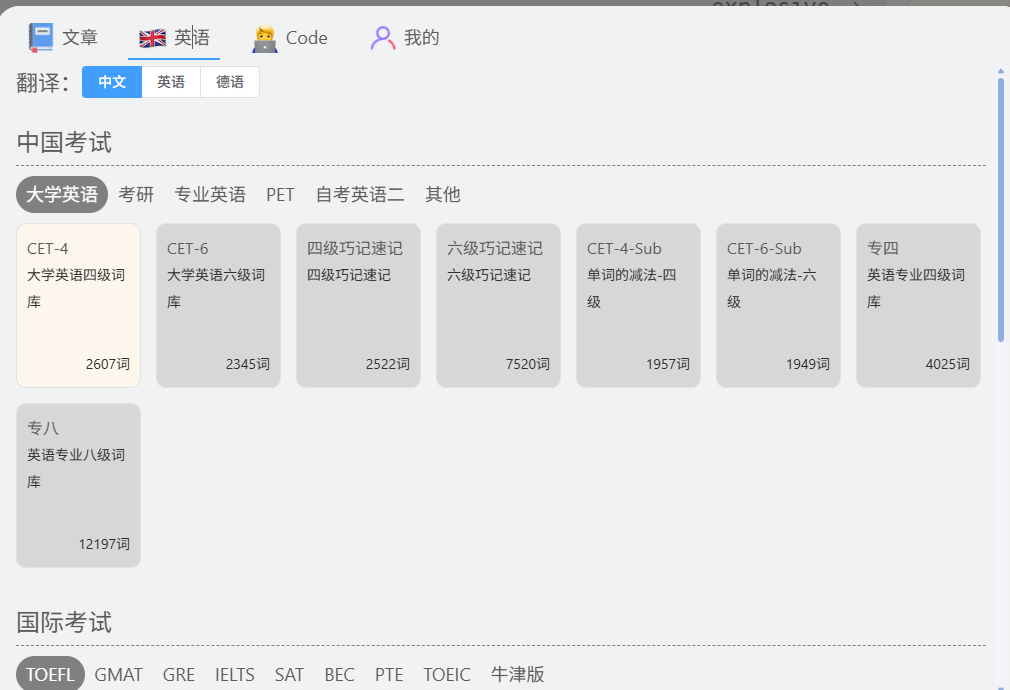
It comes with many built-in word lists and also supports custom imports.
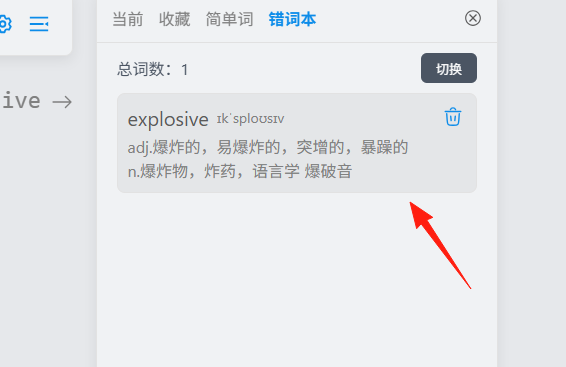
If you type a word incorrectly, it automatically adds it to a mistake notebook.
https://appstore.lazycat.cloud/#/shop/detail/cloud.lazycat.app.qwerty-learner
This is also my top recommendation. It’s feature-rich and user-friendly. Functionally similar to the previous app, but with a more polished interface.
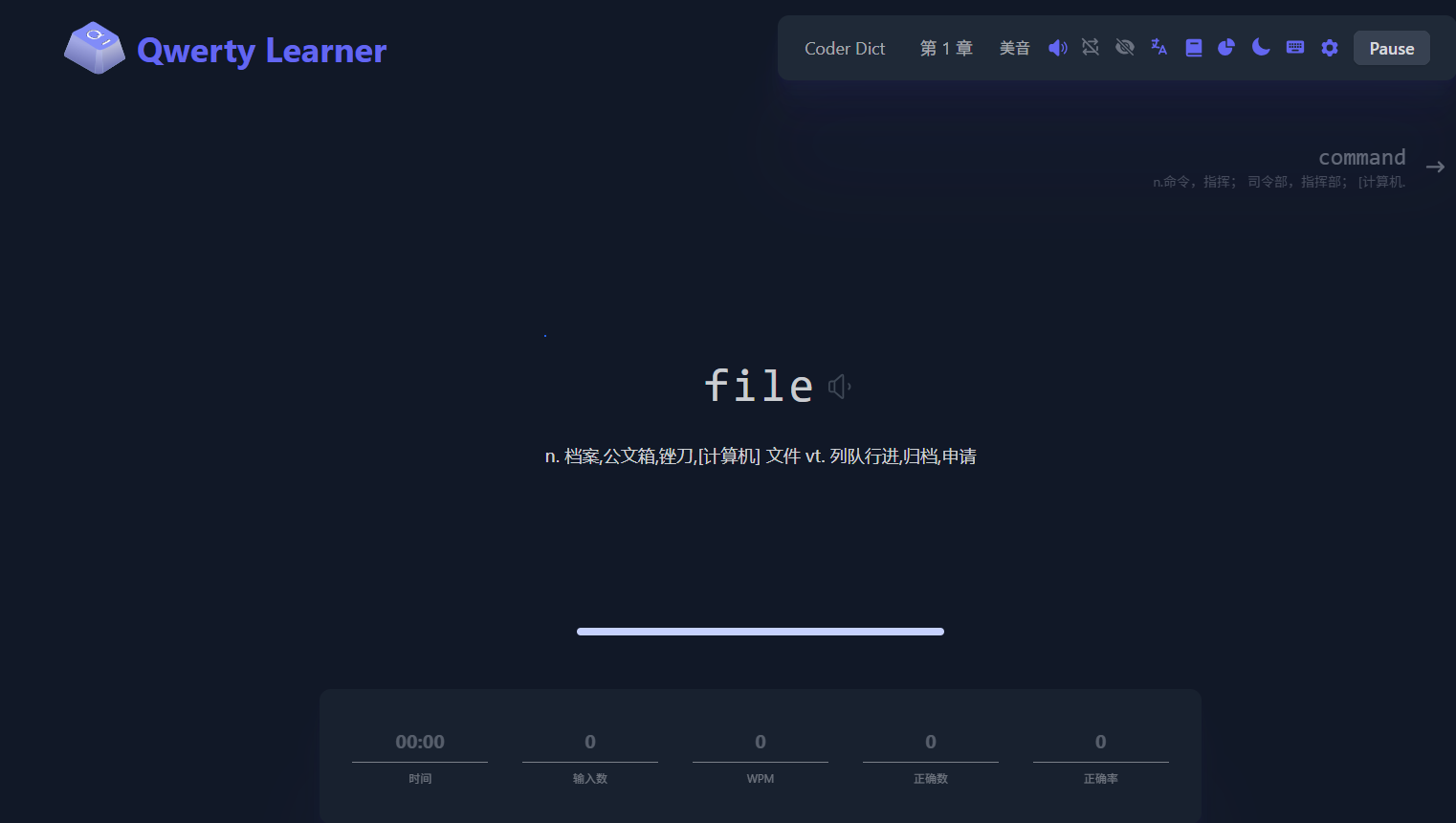
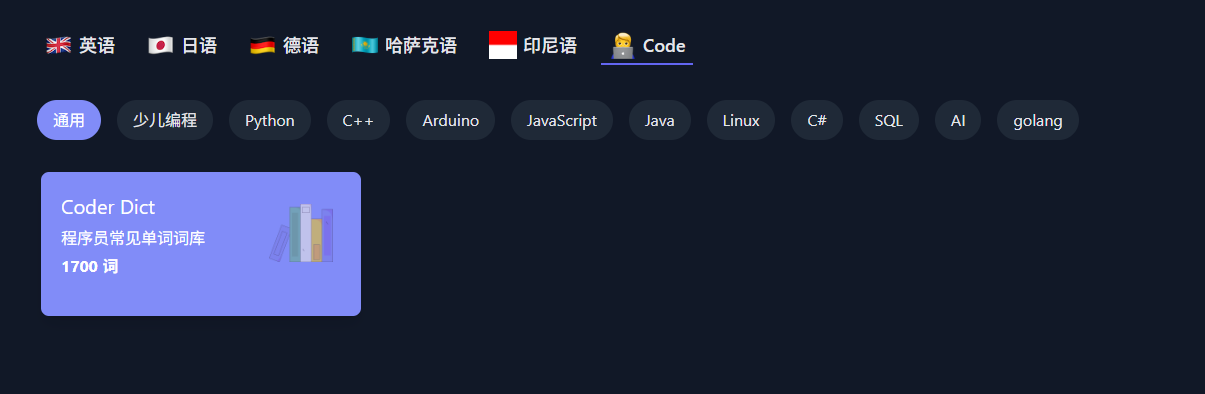
You can also switch dictionaries. Typing here gives a satisfying feeling, like solving problems—it’s really enjoyable to use.
So, with so many typing apps to choose from, there’s bound to be one that suits you!