
SyncTV: A Tool for Remote Movie and Live Stream Watching Together
What is SyncTV?
SyncTV is a program that allows you to watch movies and live streams together remotely.
It provides synchronized viewing, theater, and proxy features. Using SyncTV, you can watch videos and live streams with friends and family, no matter where they are.
SyncTV's synchronized viewing feature ensures all viewers are at the same point in the video.
This means you can pause, rewind, or fast-forward the video, and others will sync to the same point.
SyncTV also supports real-time live streams, allowing you to watch live events together in real time. The theater feature provides chat and danmaku (bullet comments) functionality, enabling you to communicate with friends and family while watching videos. The proxy feature allows you to watch videos and live streams that have slow connection speeds to the source server.
https://appstore.lazycat.cloud/#/shop/detail/lazycat.app.synctv
How to Use
After installing the application, open the main interface and click Login.
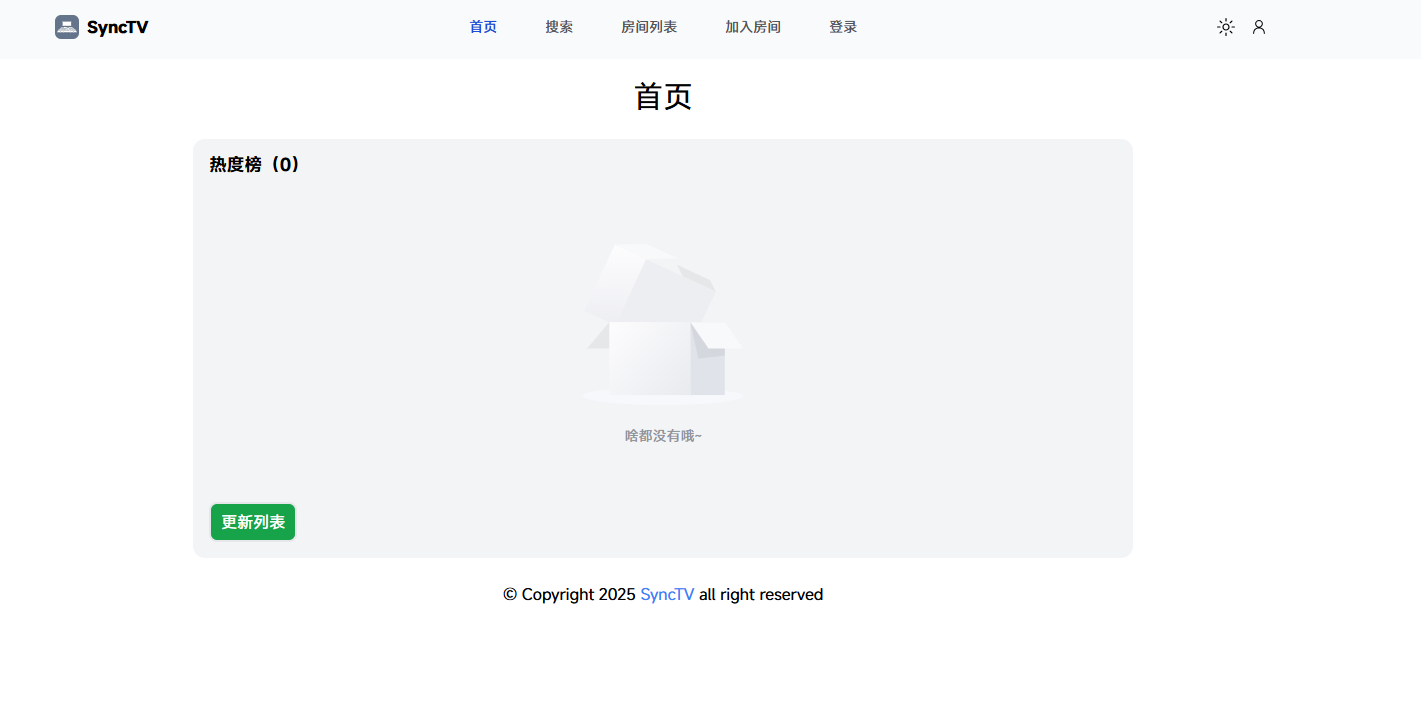 Default password: root/root
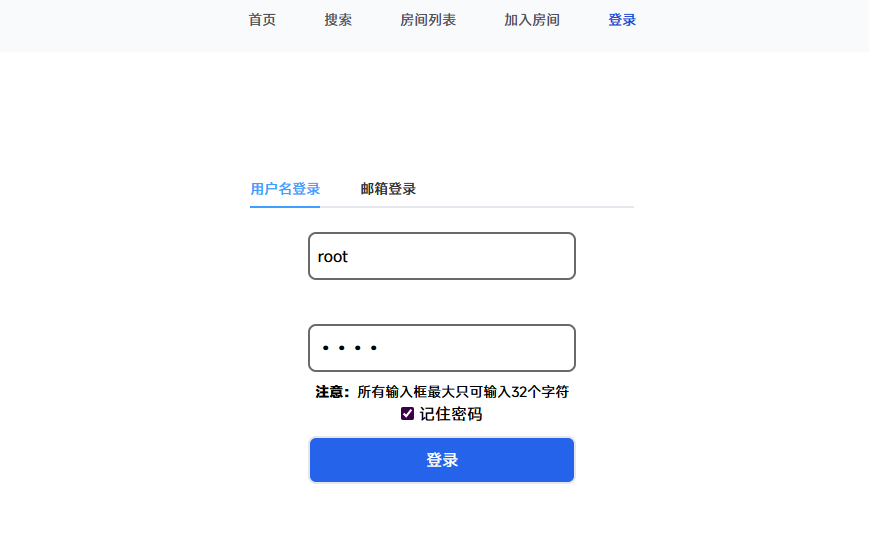
Click Admin Background.
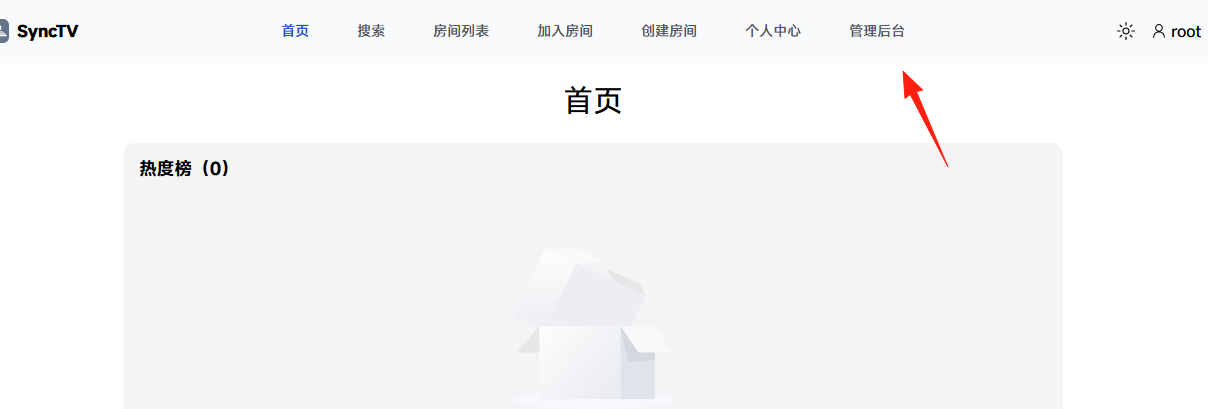
Background Page

Create a Room
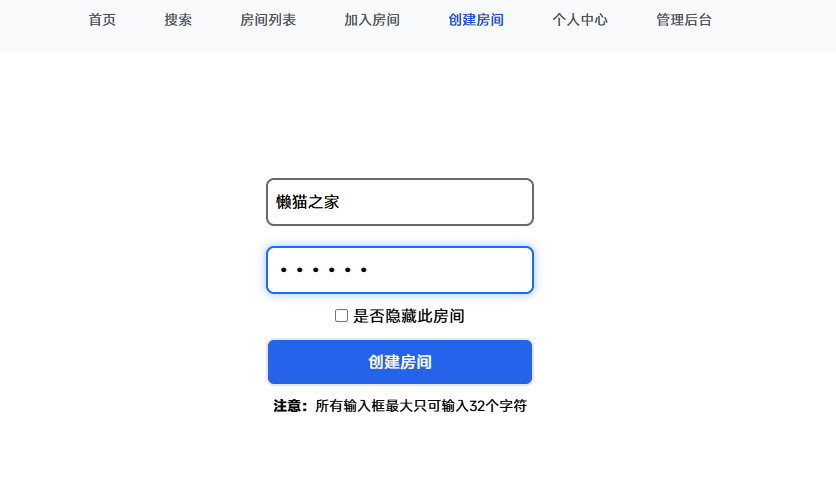 After creating a new room, you become the room owner. In the bottom right corner, you can add video direct links, etc.

I'll use a Bilibili video for demonstration. Paste the URL and click Parse.

Click Play to check if it works normally.

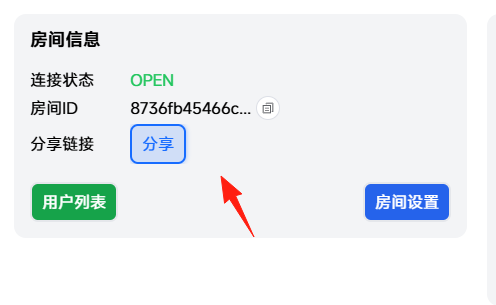
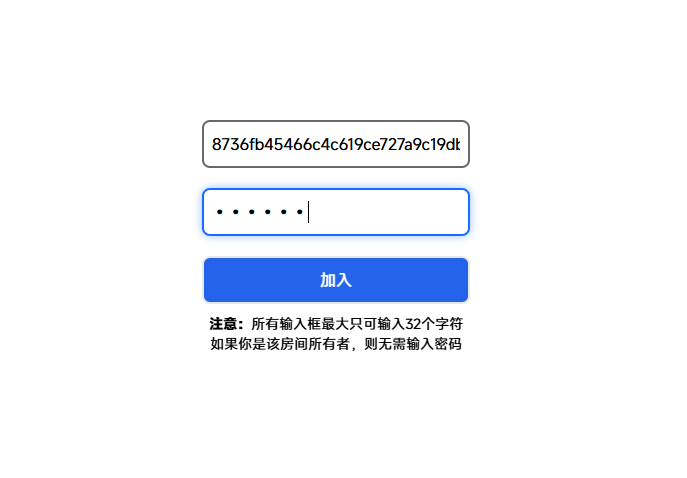
Share the link on the left with others.

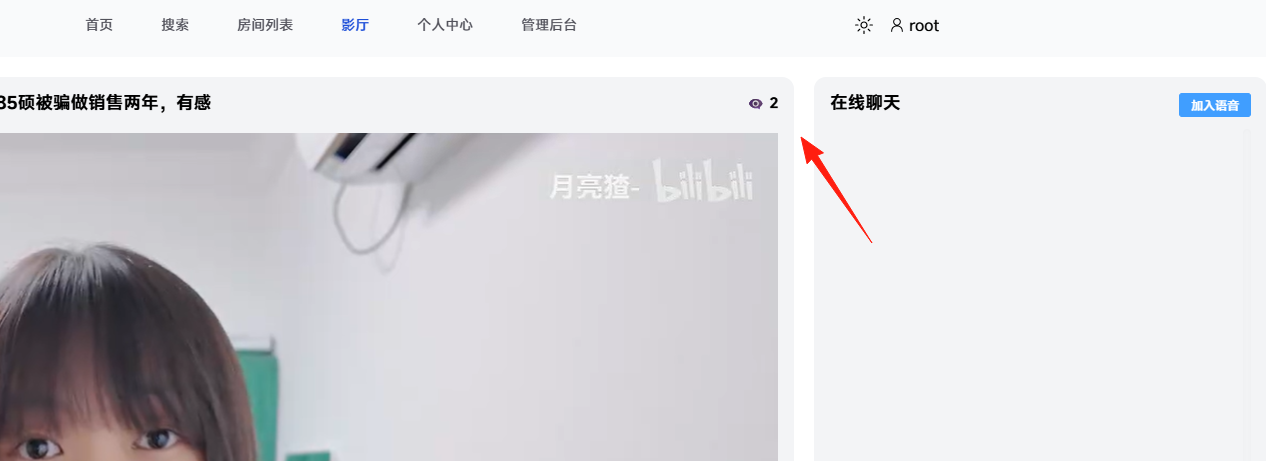
You can see the number of online users here.
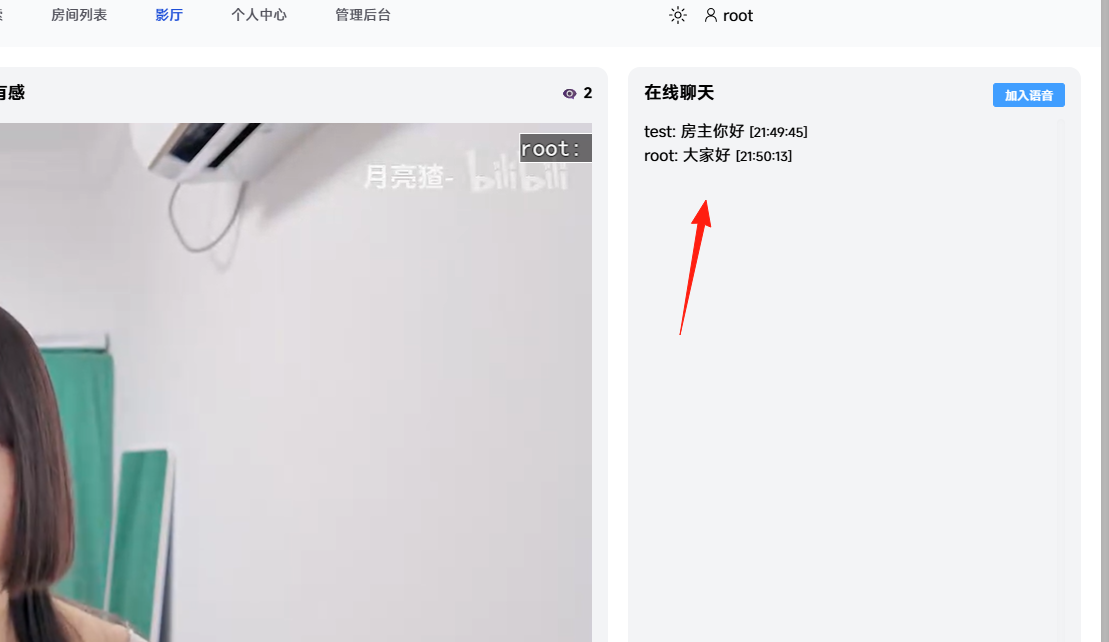
You can also chat online.

 Of course, non-owners do not have permission for operations like deletion or addition; they can only play and pause.
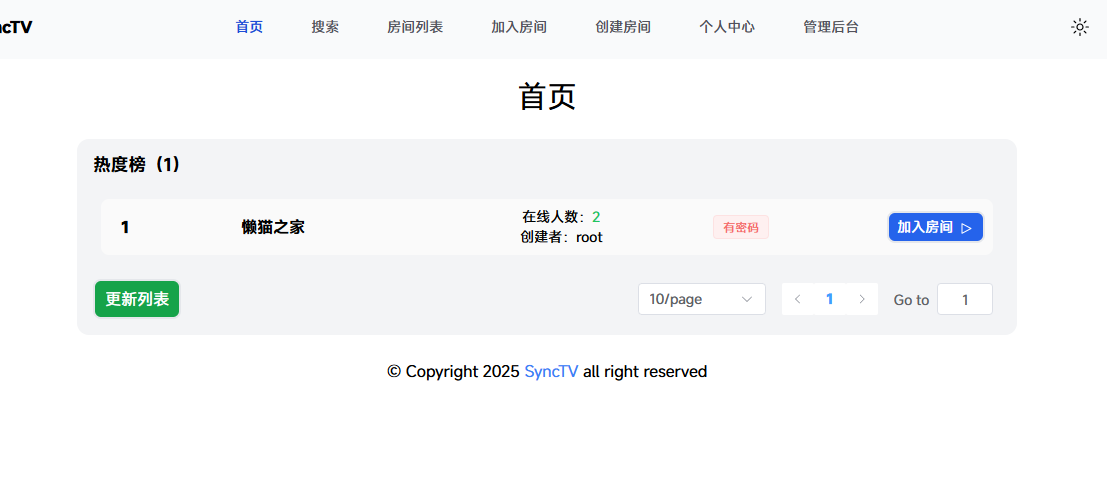
You can view the room status from the home page.
Summary
With SyncTV, when you find a great movie, you can directly share it with friends to watch videos and live streams together, no matter where they are.
You can also chat and share opinions simultaneously, making it a very practical and convenient application.