
Dim: Building a Lightweight Media Server
What is Dim?
Dim is a self-hosted media manager. With minimal setup, Dim will organize and beautify your media collection, allowing you to access and play it anytime, anywhere.
In terms of functionality, Dim is like a simplified version of Jellyfin, and its setup is easier.
https://appstore.lazycat.cloud/#/shop/detail/com.luck.lazycat.dim
How to Use
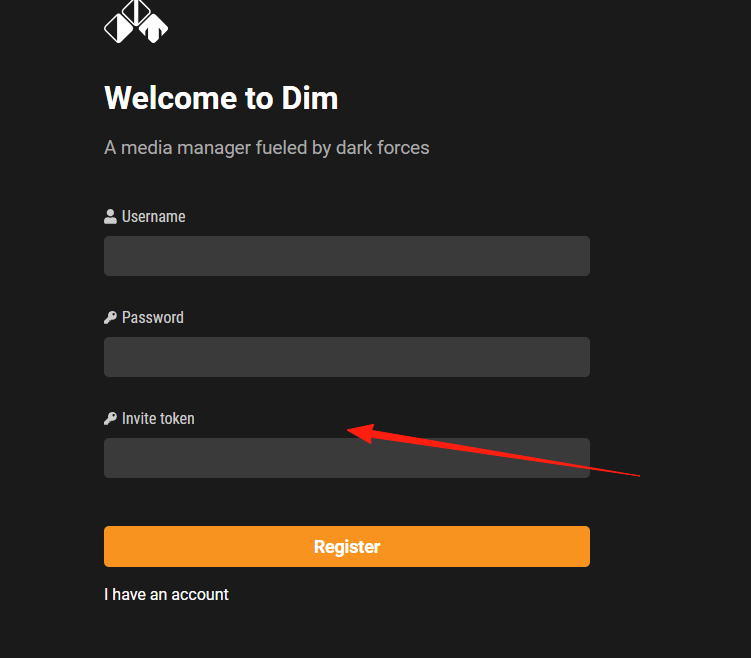
After the application is installed, open the login page. You need to register an account first.
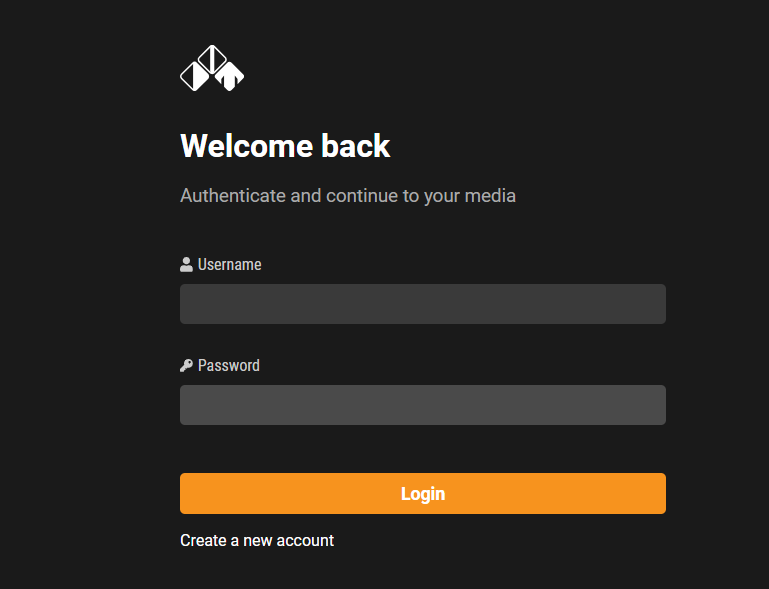
After successful registration, you will be automatically redirected to the main page, which initially has no content.
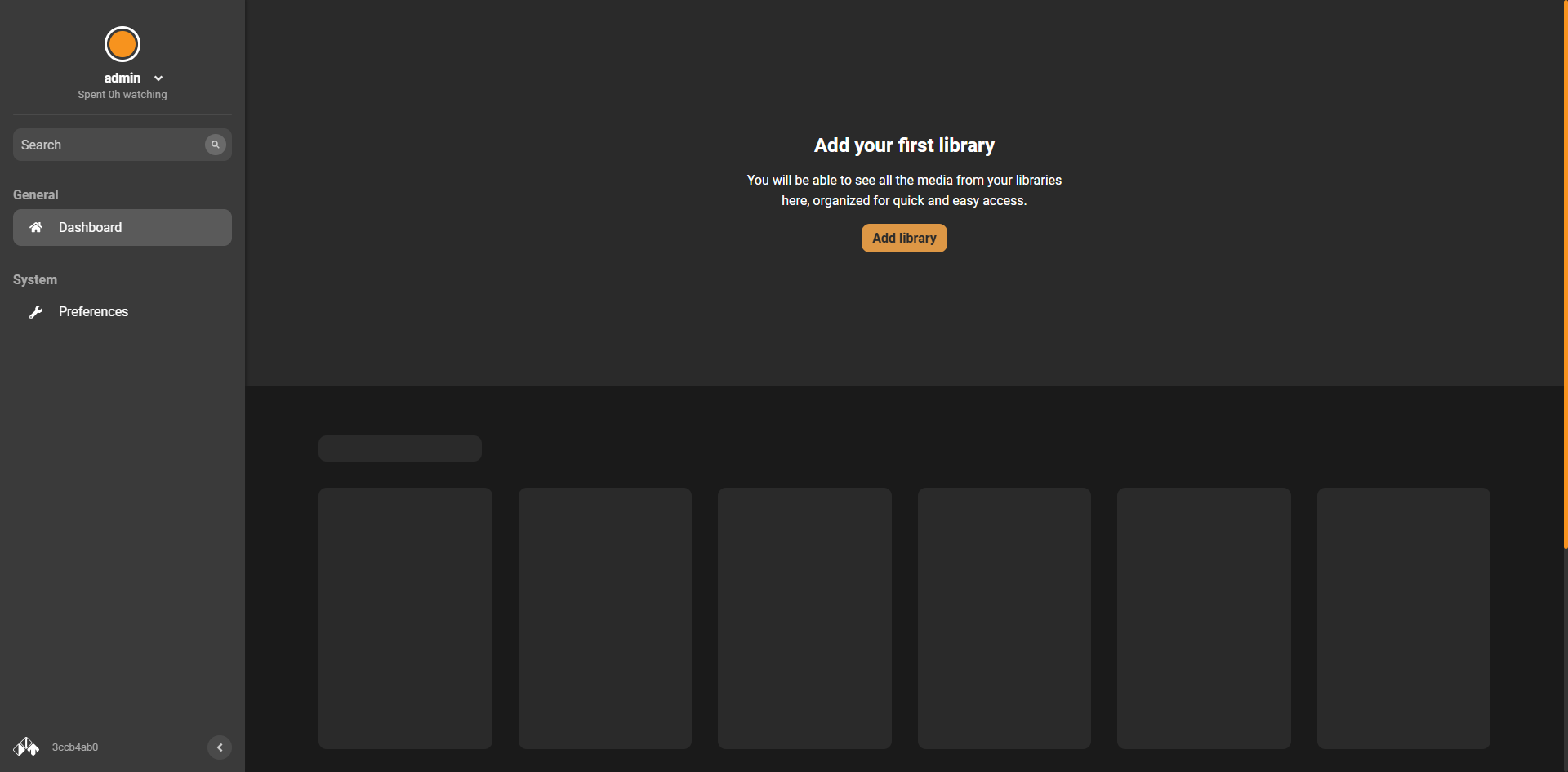
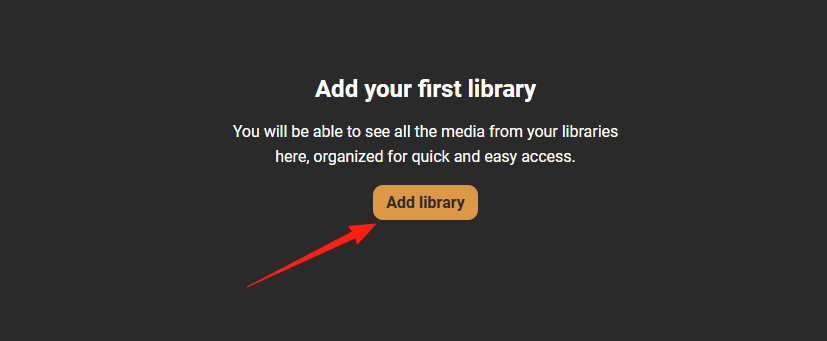
Click Add library.
Select the directory in your cloud drive where your movies are stored. I usually put them in the Movie folder.
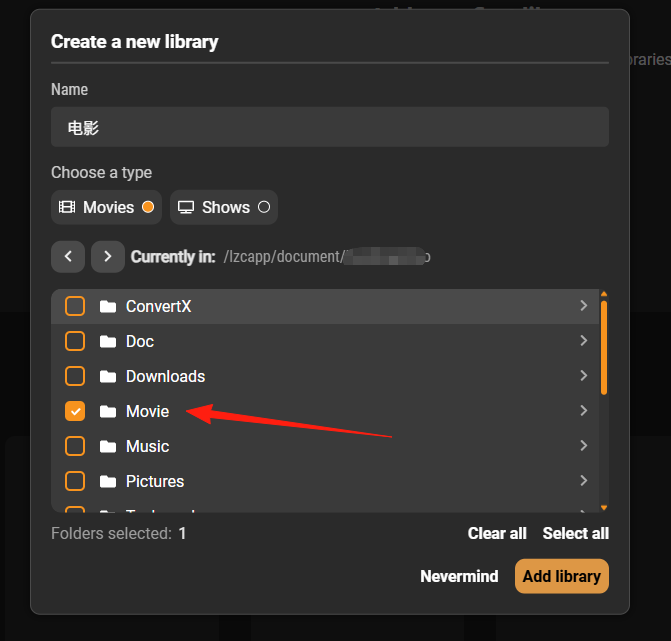
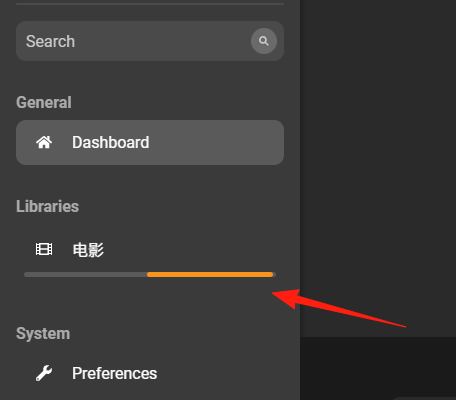
You can see it scanning from the left sidebar.
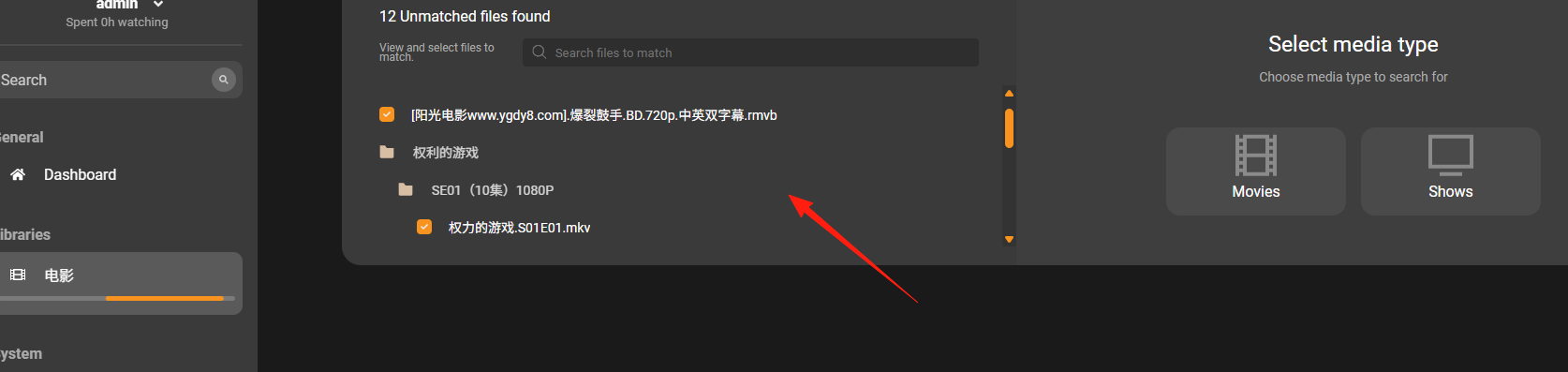
Click on a movie to see its files. You can manually match it.
The first registered user is the administrator by default. For others to register, they must enter a token.
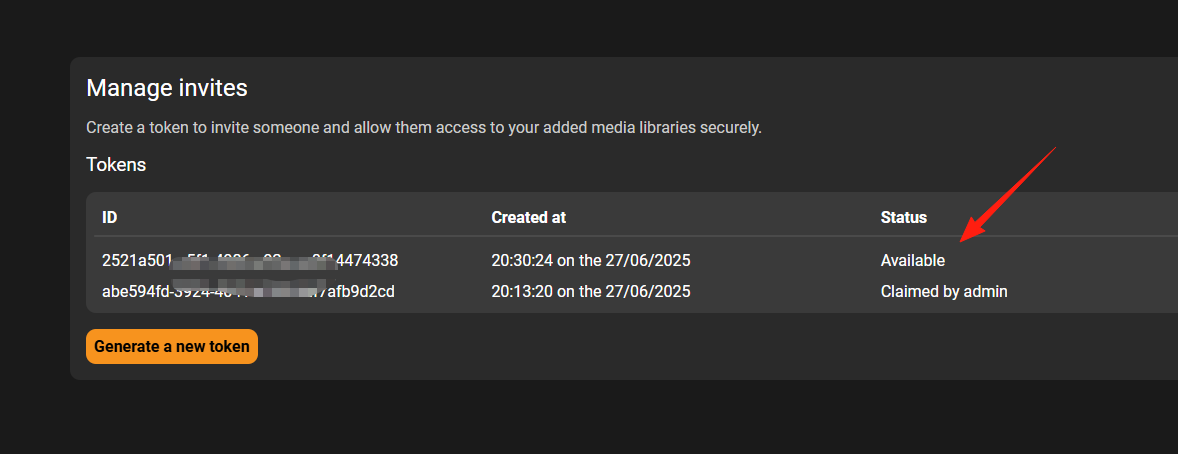
You can generate a new token from Preferences –> Invites –> Generate a new token.
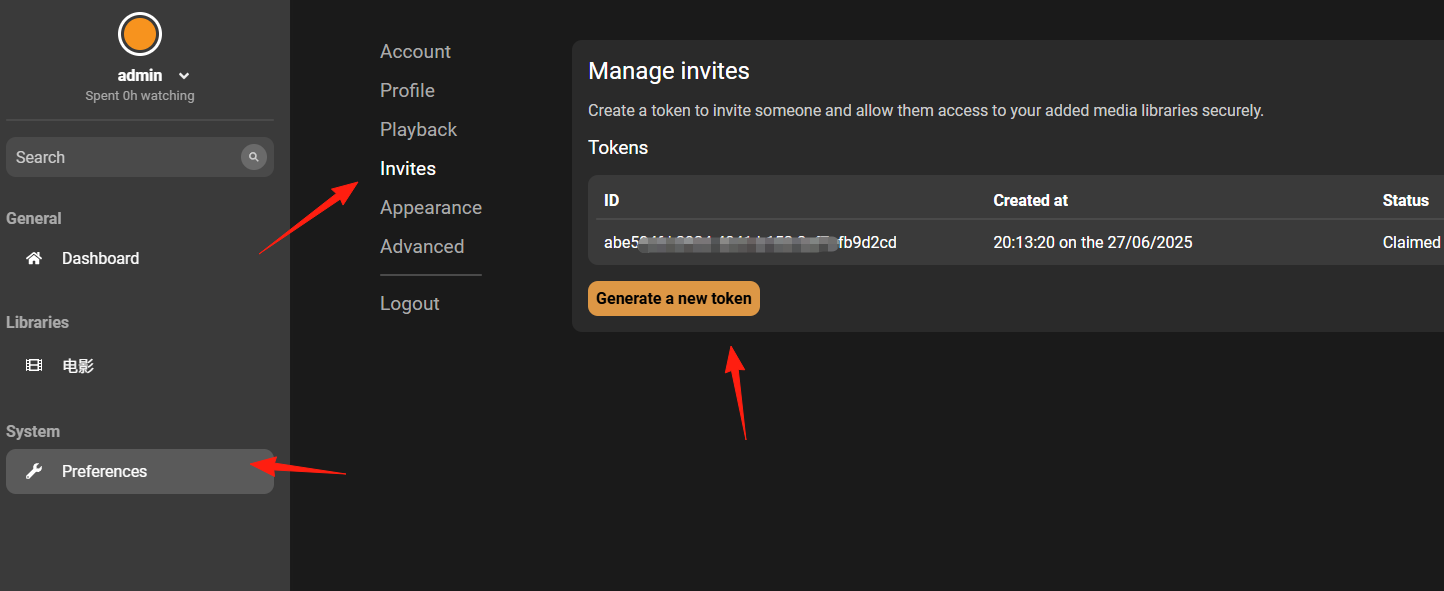
The newly generated Token status is Available and can be used to register a user. Once the Token is used for registration, its status will change to the registered username.
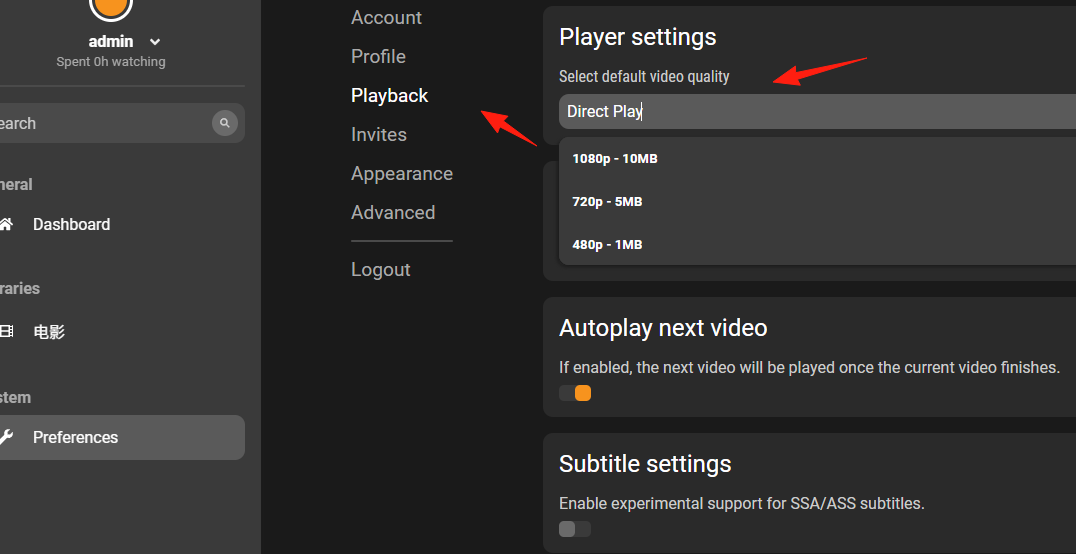
You can modify the playback quality in the settings.
Dim has fewer features than Jellyfin, but its setup is simpler, without a bunch of confusing technical terms.
However, its media recognition needs improvement. It performs well with English movies and TV shows but often fails to recognize Chinese titles correctly.