
ShowDoc: An Essential Tool for Programmers to Write Documentation
What is ShowDoc?
Have you ever been in this situation: you take over someone else's project, open the code, and see nothing but dense, uncommented lines, making you instantly furious. "Where's the documentation? The API documentation? The database schema?" Then you start asking around, pinging people in WeChat groups, sending emails back and forth, only to end up with an outdated version...
In short, ShowDoc is an online document sharing tool perfectly suited for IT teams. It speeds up communication within teams. You don't need to download or install any software; just open your browser to use it. It supports mobile viewing and makes team collaboration very convenient.
Most importantly, it's specifically designed for programmers who understand your pain points.
https://appstore.lazycat.cloud/#/shop/detail/xyz.mxue.showdoc
Getting Started Guide: Create Your First Document in 5 Minutes
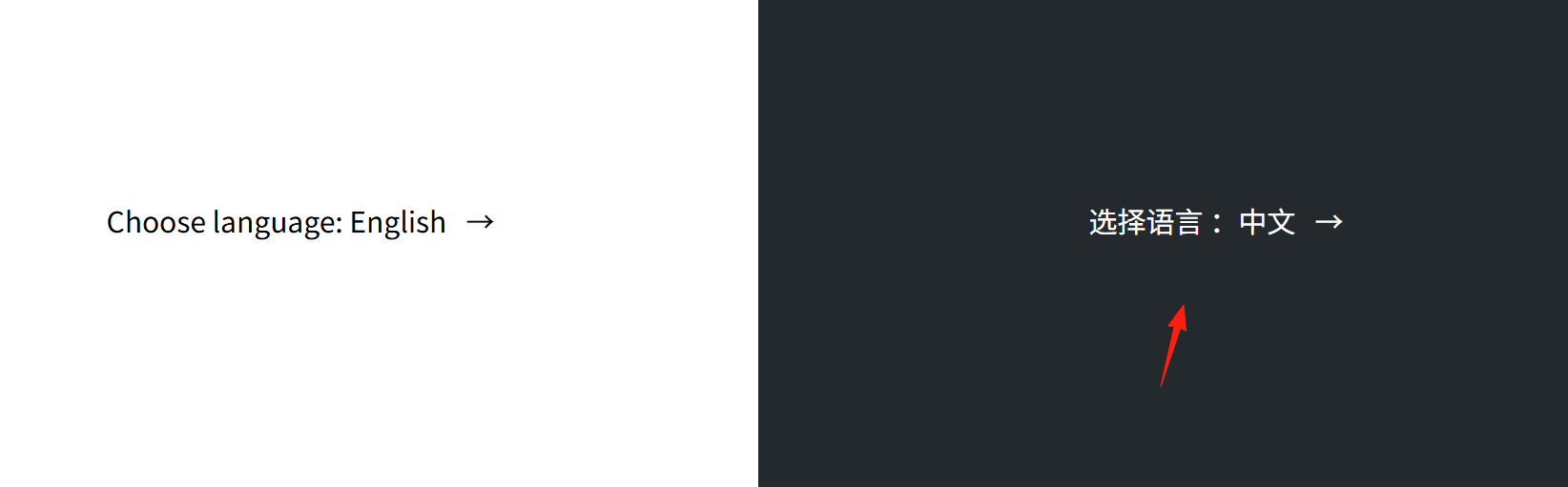
After installing the application and opening the language interface, select Chinese on the right.
After successful initialization, it will show you the username and password.
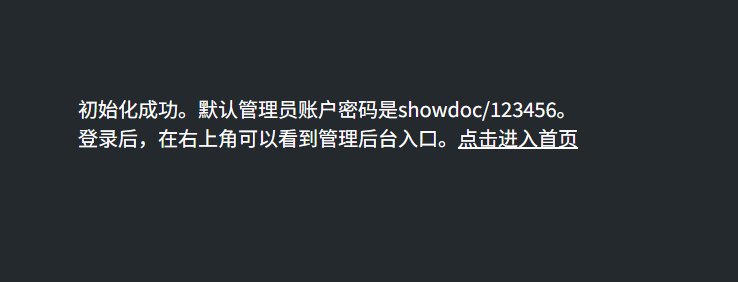
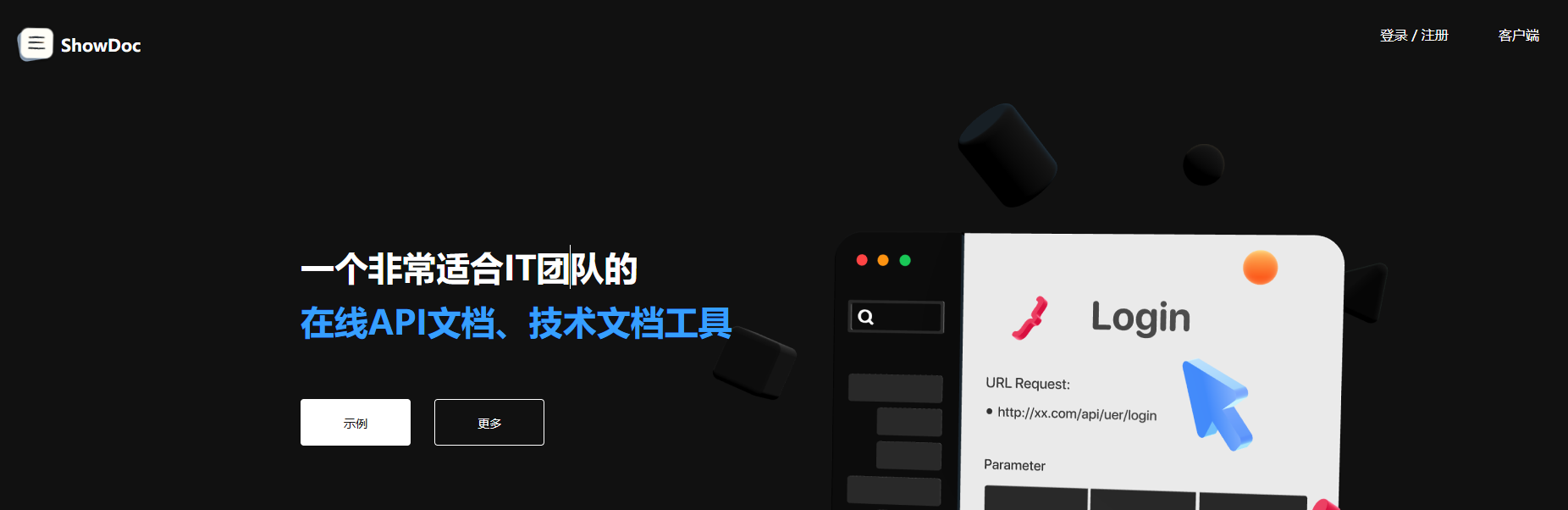
Click to enter the home page.
Log in to the system.
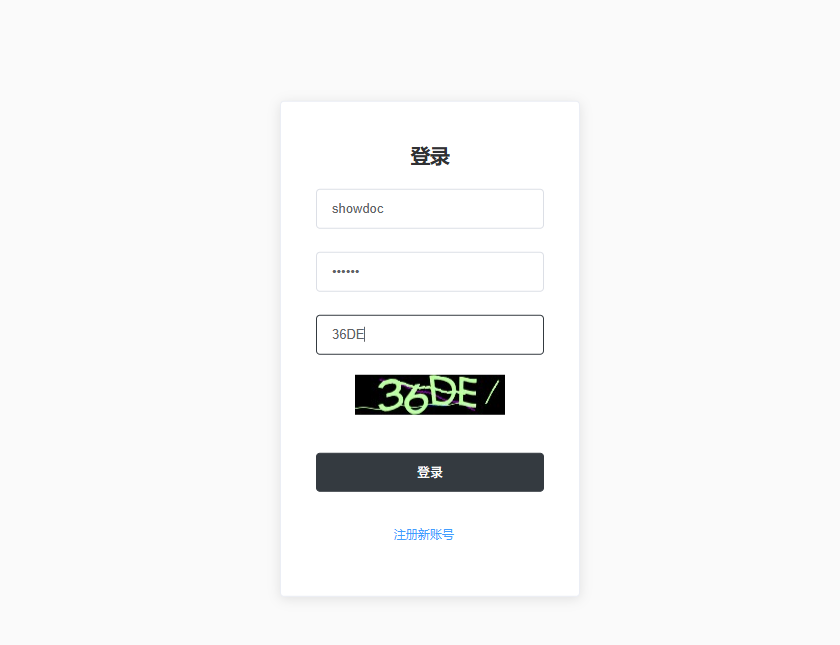
After successful login, you will enter the main page.
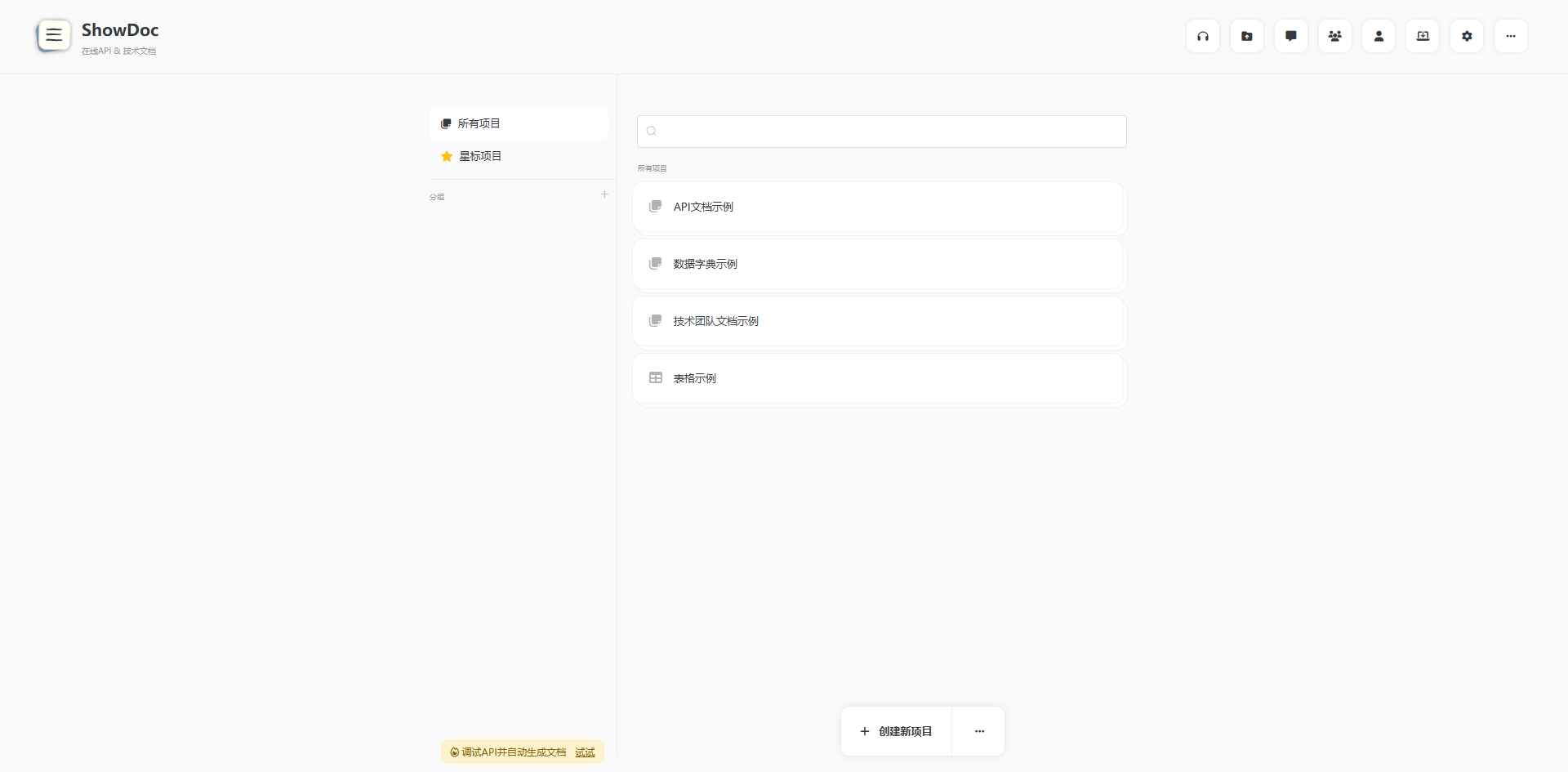
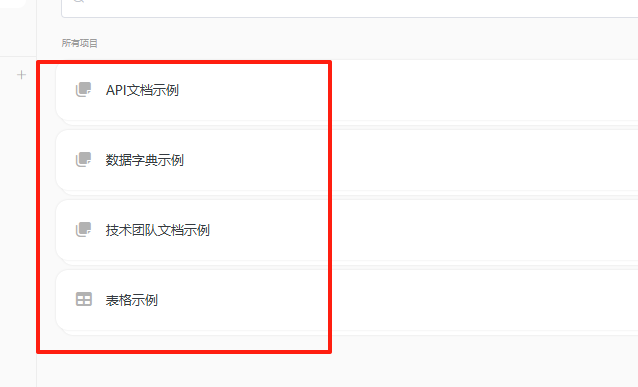
It comes with 4 sample templates for your reference.
Click "New Project". Projects in ShowDoc can be either Public or Private. Public projects are accessible to any user (logged-in or not), while Private projects require a password to access.
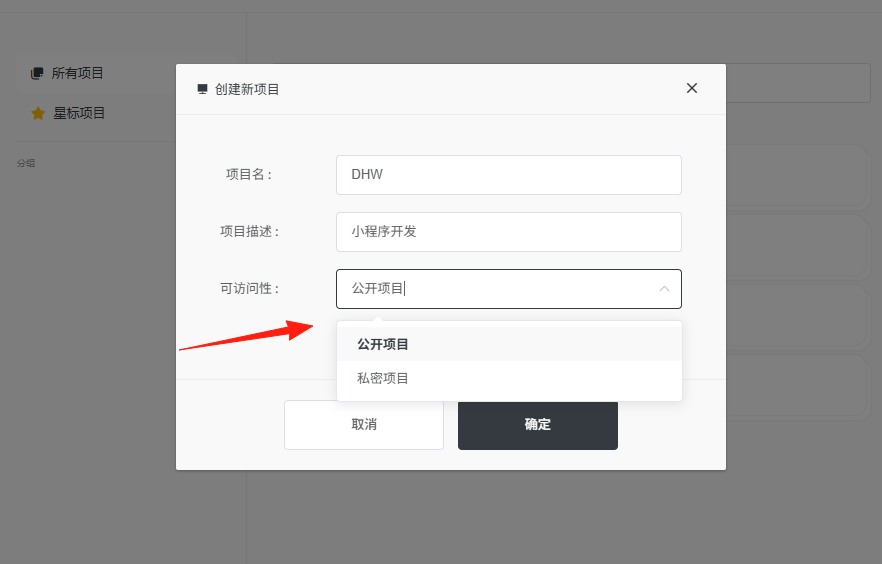
Selection Suggestions:
- External API documentation: Choose Public Project
- Internal technical documentation: Choose Private Project
- Personal note organization: Choose Private Project
Click to enter the project and start writing your first document. Click "New Page".
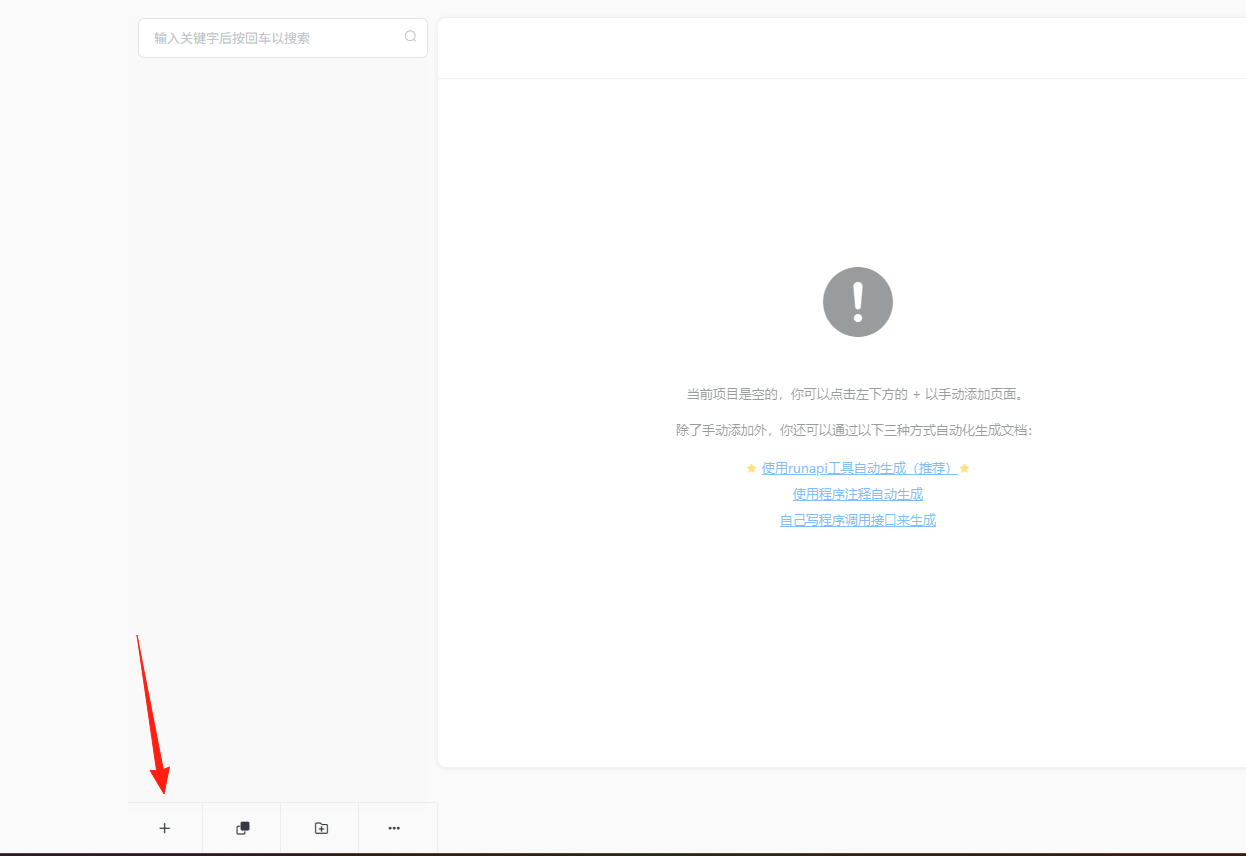
Enter the page title (e.g., User Login API).
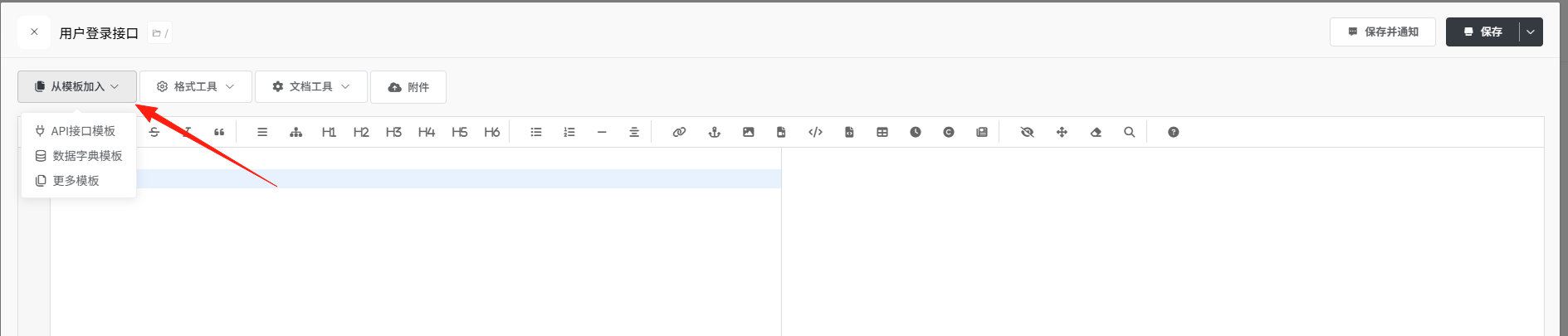
Click the "API Interface" button above the editor to insert a template.
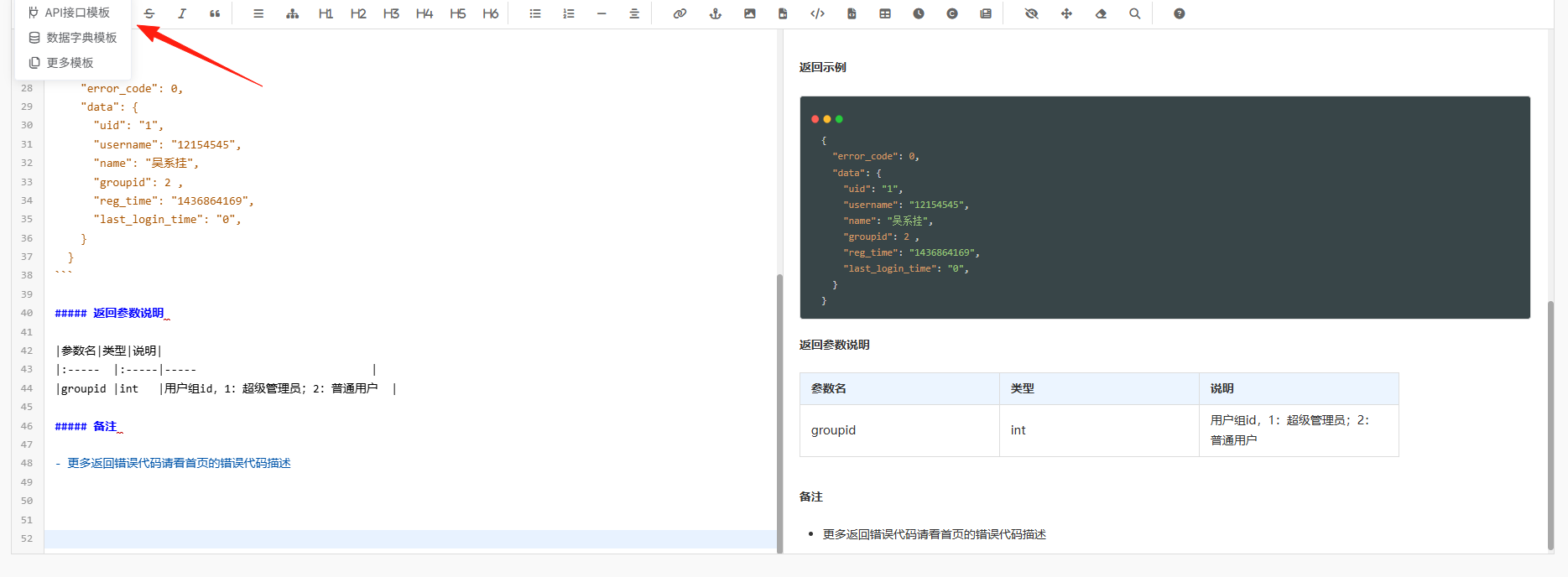
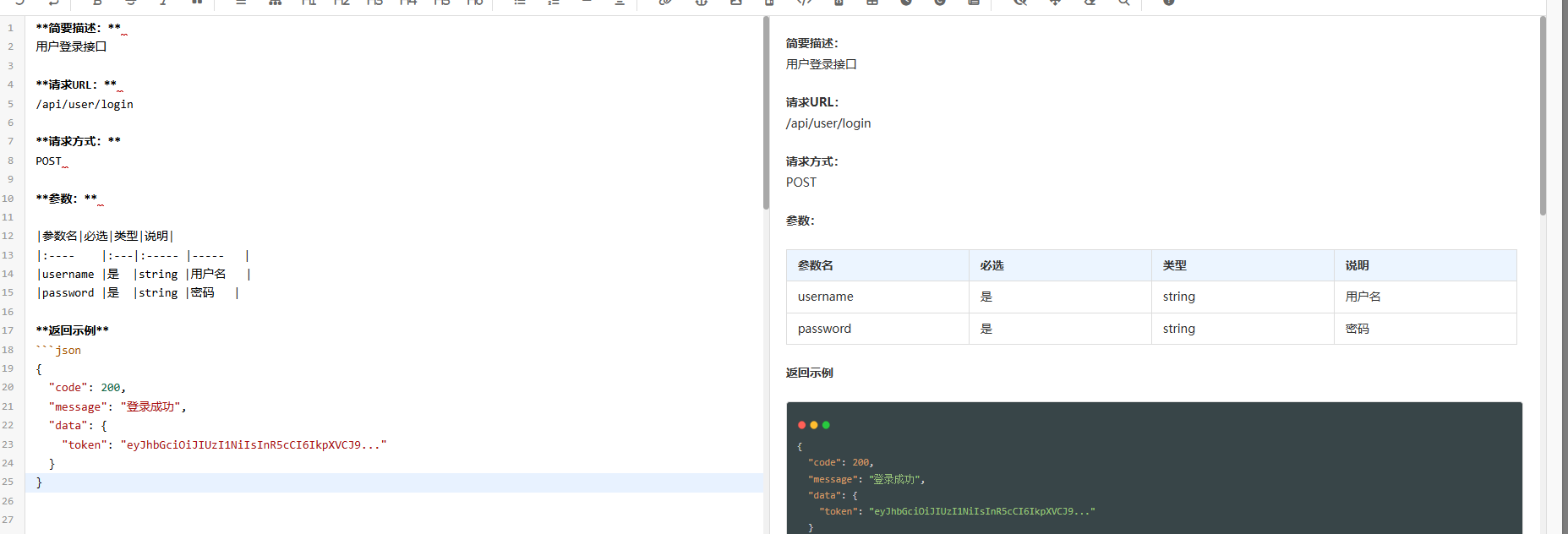
Fill in the specific content, for example:
**Brief Description:**
User Login API

**Request URL:**
/api/user/login

**Request Method:**
POST

**Parameters:**

| Parameter | Required | Type   | Description |
| :-------- | :------- | :----- | :---------- |
| username  | Yes      | string | Username    |
| password  | Yes      | string | Password    |

**Return Example**
```json
{
  "code": 200,
  "message": "Login successful",
  "data": {
    "token": "eyJhbGciOiJIUzI1NiIsInR5cCI6IkpXVCJ9..."
  }
}
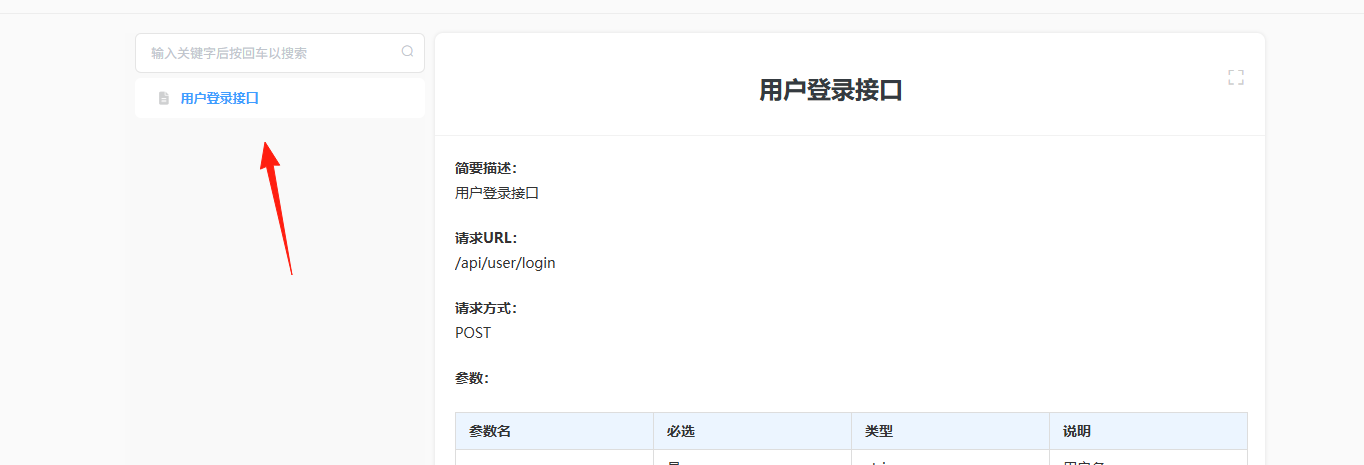
Click Save, and you're done! You can see it from the project homepage.
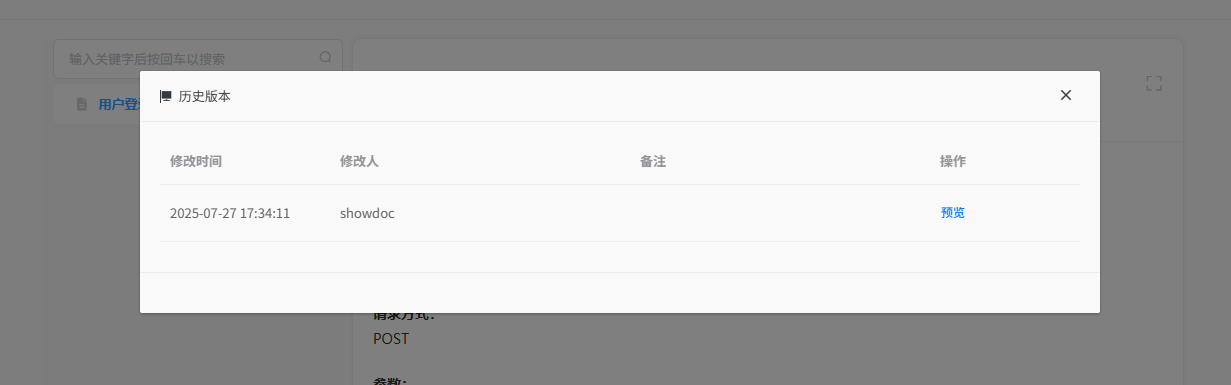
ShowDoc has a version history feature, allowing you to revert changes if you make a mistake. You can also see who changed what and when, which is essential for team collaboration.
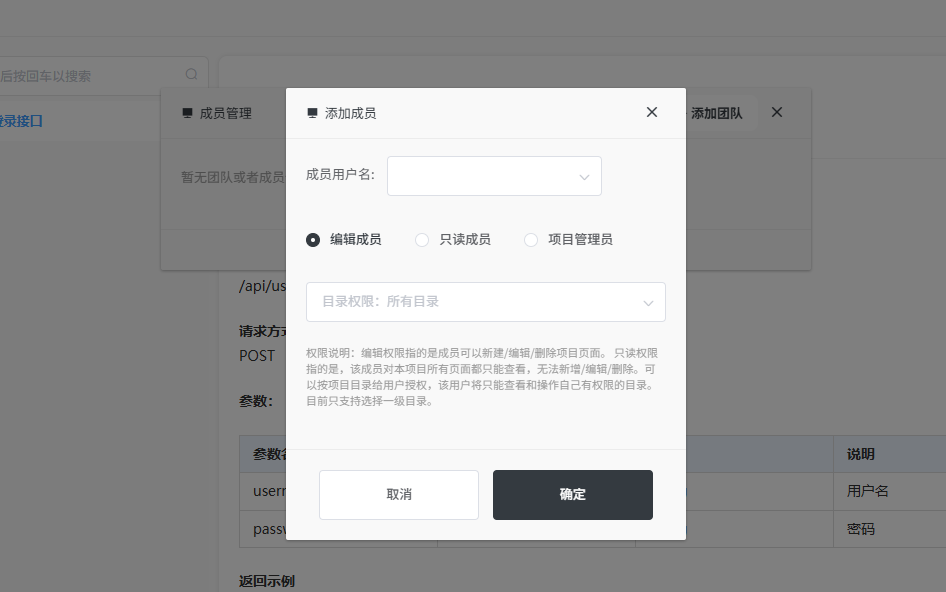
The permission management is very considerate.
- Project Owner: Can delete the project, transfer project ownership.
- Project Member: Can edit documents but cannot delete the project.
- Guest: Can only view, cannot edit.
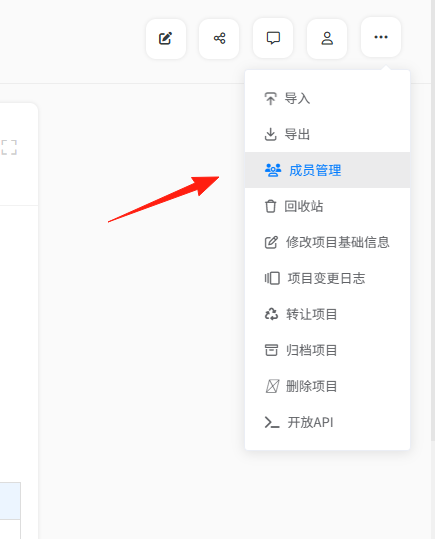
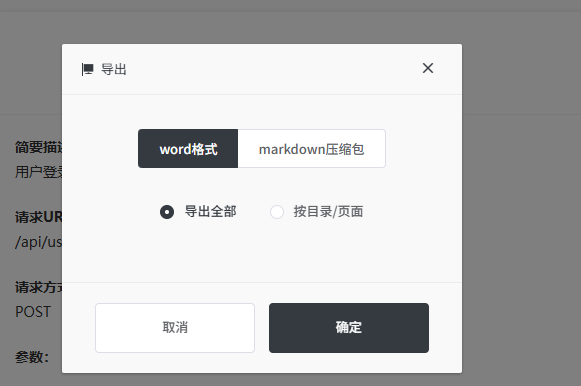
The export feature is super practical.
You can also export the project as a Word file for offline browsing. Need to send a document to your boss? Just export it to Word. Need to view it offline? Export it locally for viewing anytime.
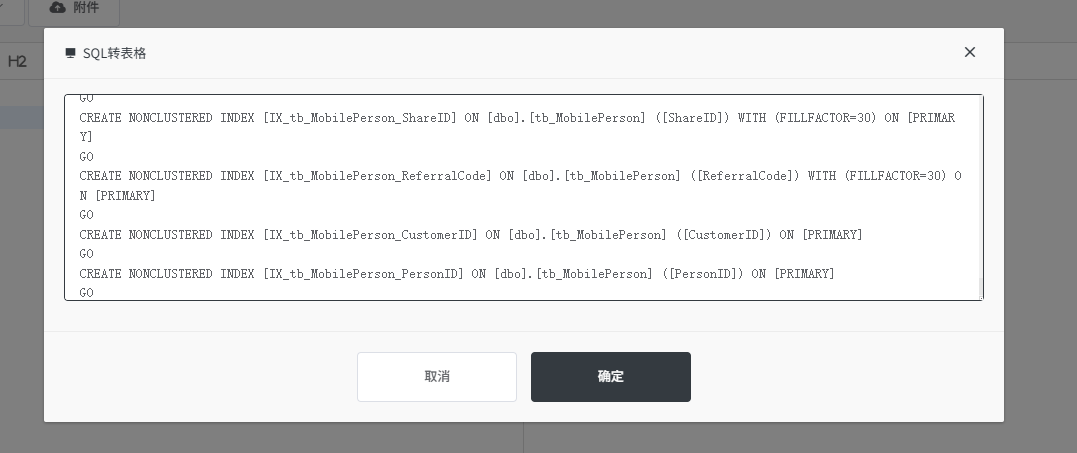
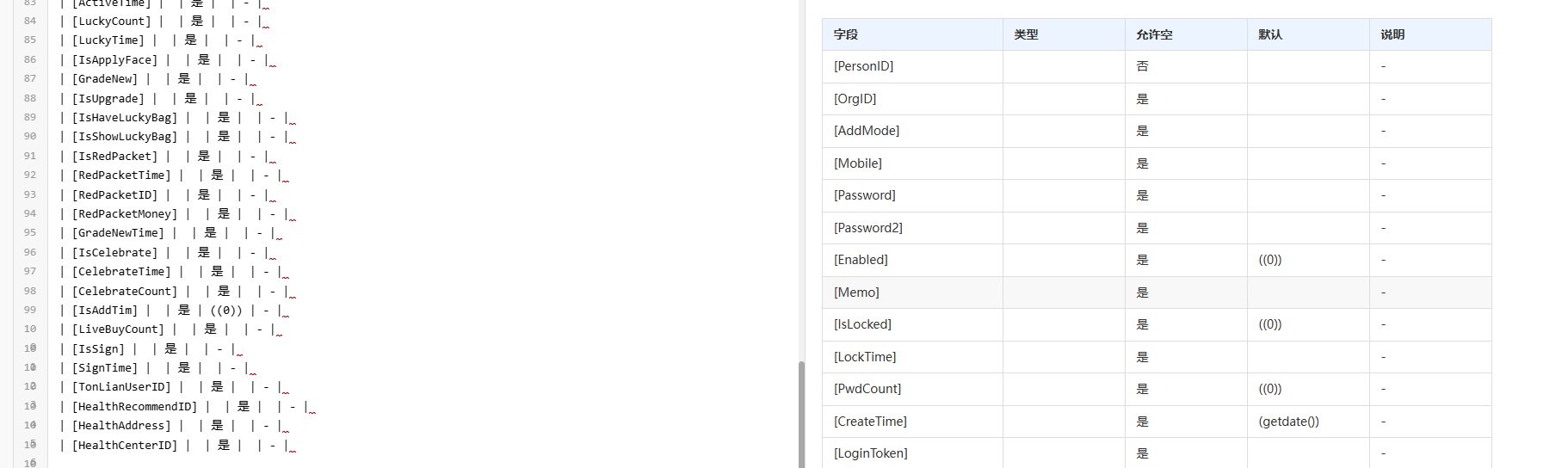
A good data dictionary can easily explain your database structure to others, such as the meaning of each field.
Using the "Data Dictionary Template", the table name, field name, type, and description are clear at a glance.
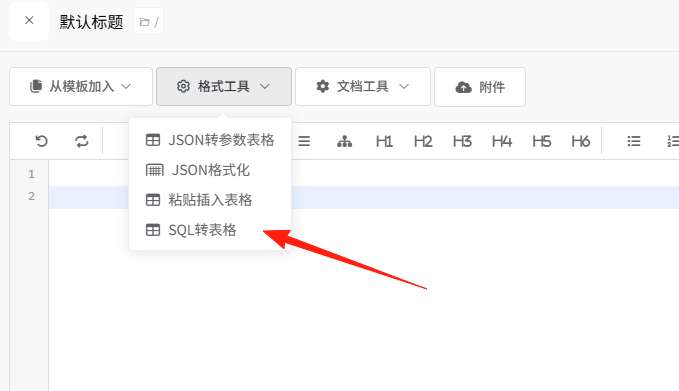
- You can directly export the structure from the database, then paste it in and make minor adjustments.
- For new hires, reading this is 100 times more efficient than reading the code.
Some Practical Usage Suggestions for Real Projects
Organize Documentation Structure by Project
Project Name/
├── API Documentation/
│   ├── User Module/
│   ├── Order Module/
│   └── Payment Module/
├── Database Documentation/
│   ├── User Table Structure/
│   └── Order Table Structure/
├── Deployment Documentation/
└── Frequently Asked Questions/
Tips for Writing Documentation
- Clear Titles: Make it obvious what the interface does at a glance.
- Detailed Parameter Descriptions: Specify required/optional, data type, value range.
- Real Return Examples: Copy real return data directly, don't make it up.
- Comprehensive Error Codes: List all possible error scenarios.
Summary
ShowDoc is a tool that makes writing documentation less painful for programmers. It has a clean interface, practical features, is free and sufficient for most needs, and facilitates team collaboration.
If your team is still using Word to write API documentation or sharing documents back and forth in WeChat groups, you really should give ShowDoc a try.