
Oasis: A Cross-Platform File Server
What is Oasis?
Oasis is a file server that supports file upload, download, and preview for formats including text, PDF, images, audio, and video. It also supports multiple platforms (Linux, macOS, Windows, Docker).
https://appstore.lazycat.cloud/#/shop/detail/xyz.mxue.oasis
How to Use
After installing the application, first navigate to the installation page.
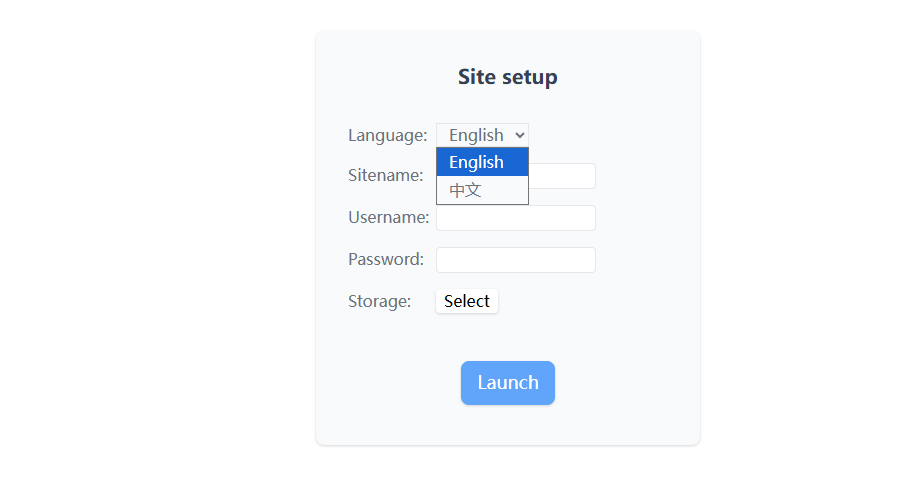
Select Chinese as the language, enter your username and password. Go to Storage --> Select --> Partition --> /home/storage
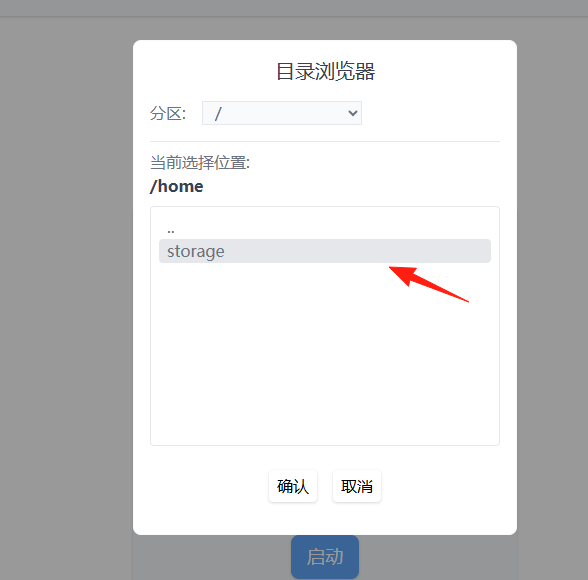
Click Start
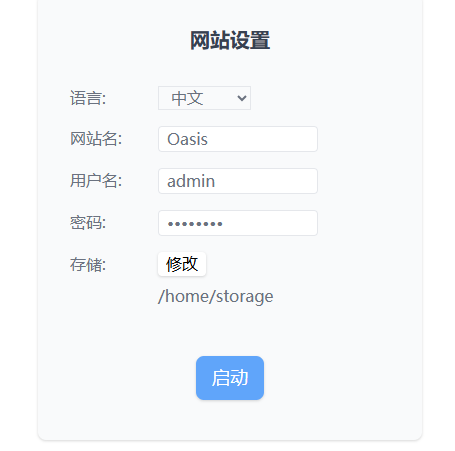 You will be redirected to the login interface.
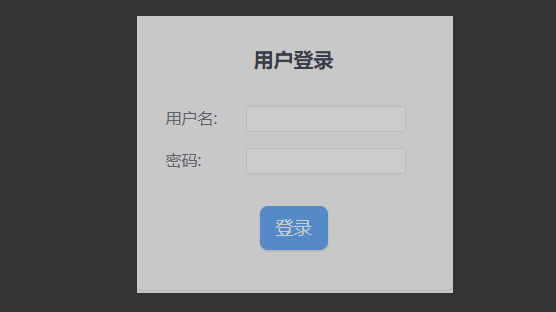
Enter the username and password you set earlier. After successful login, you will enter the main page.
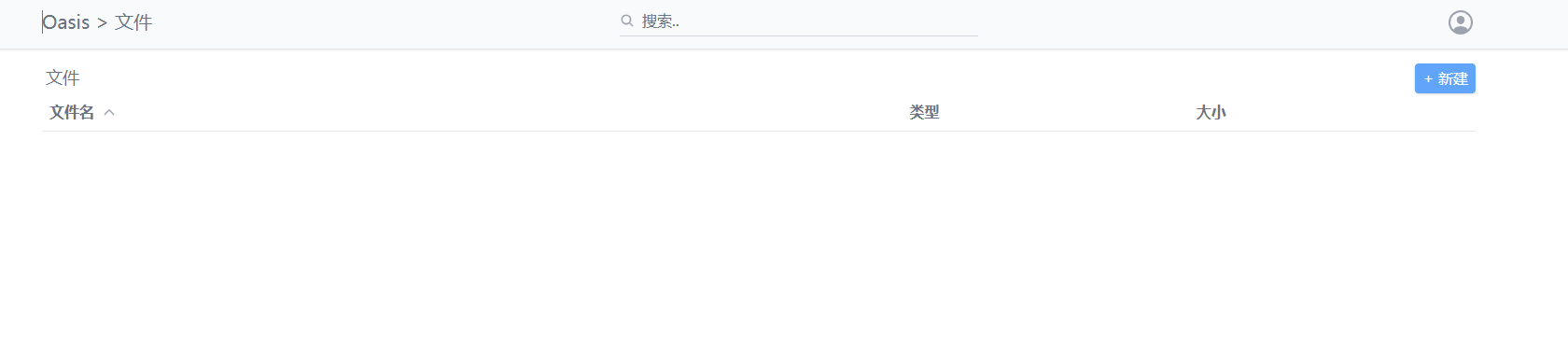
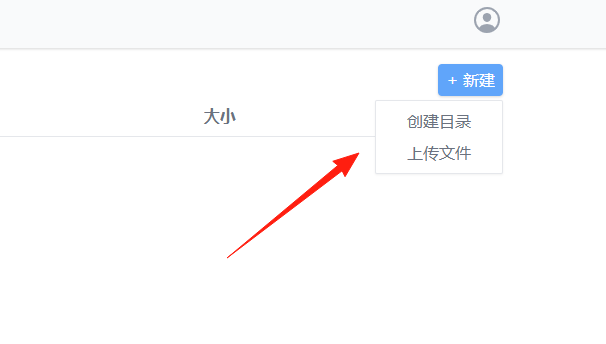
You can upload files via New --> Upload File
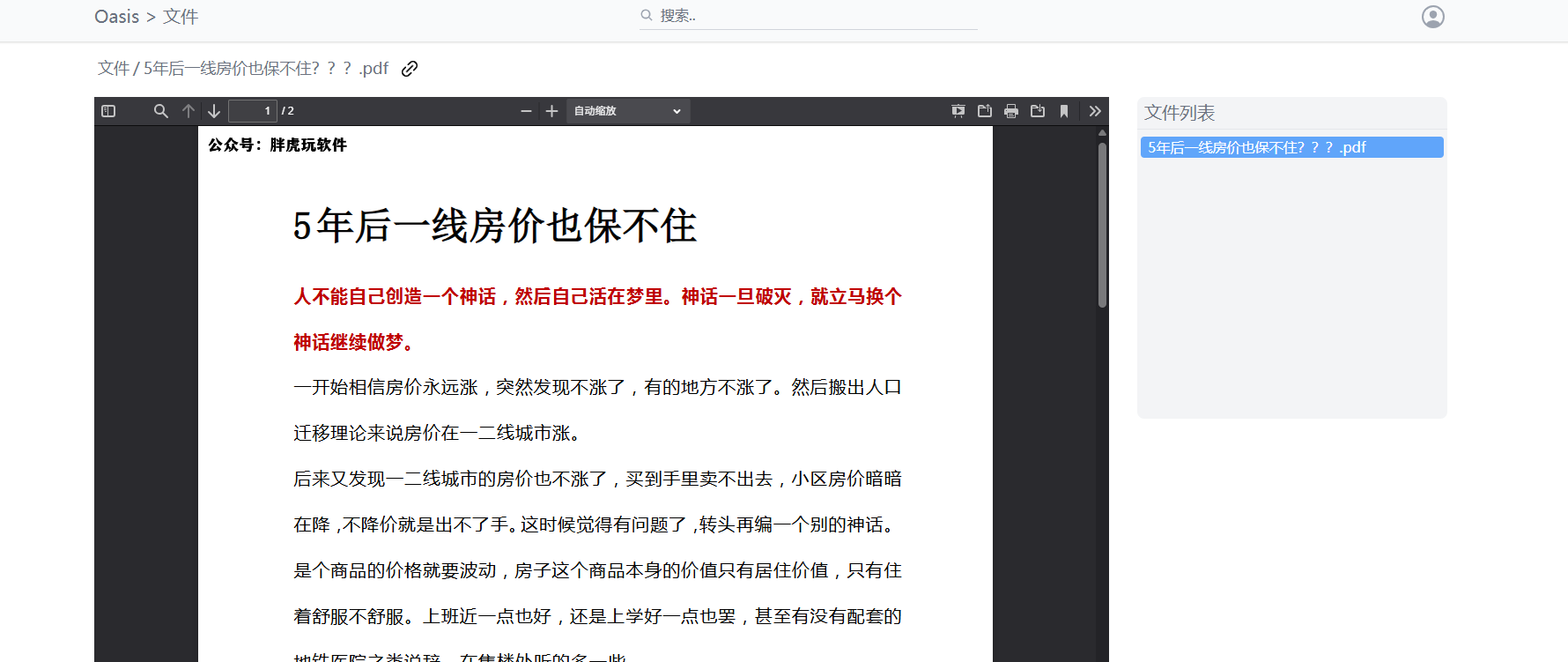
PDF files can be opened directly for viewing.
Video playback also works without issues.
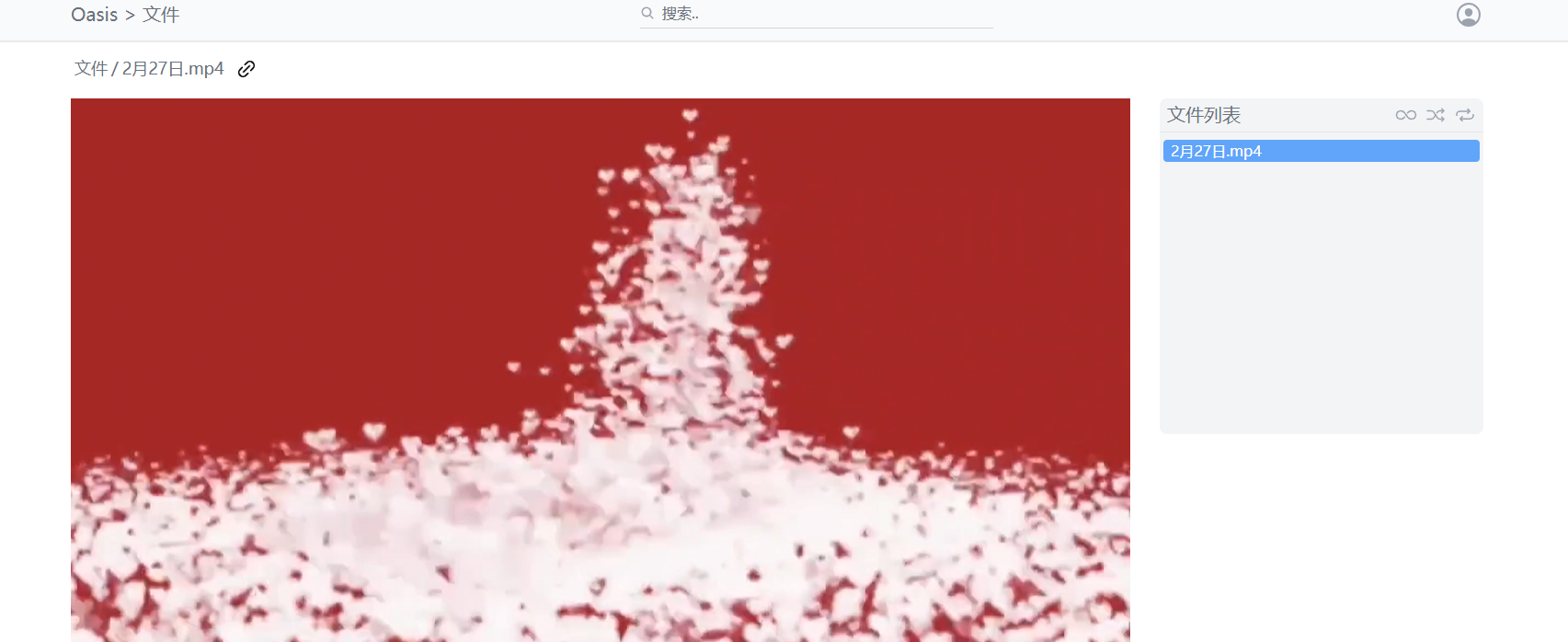
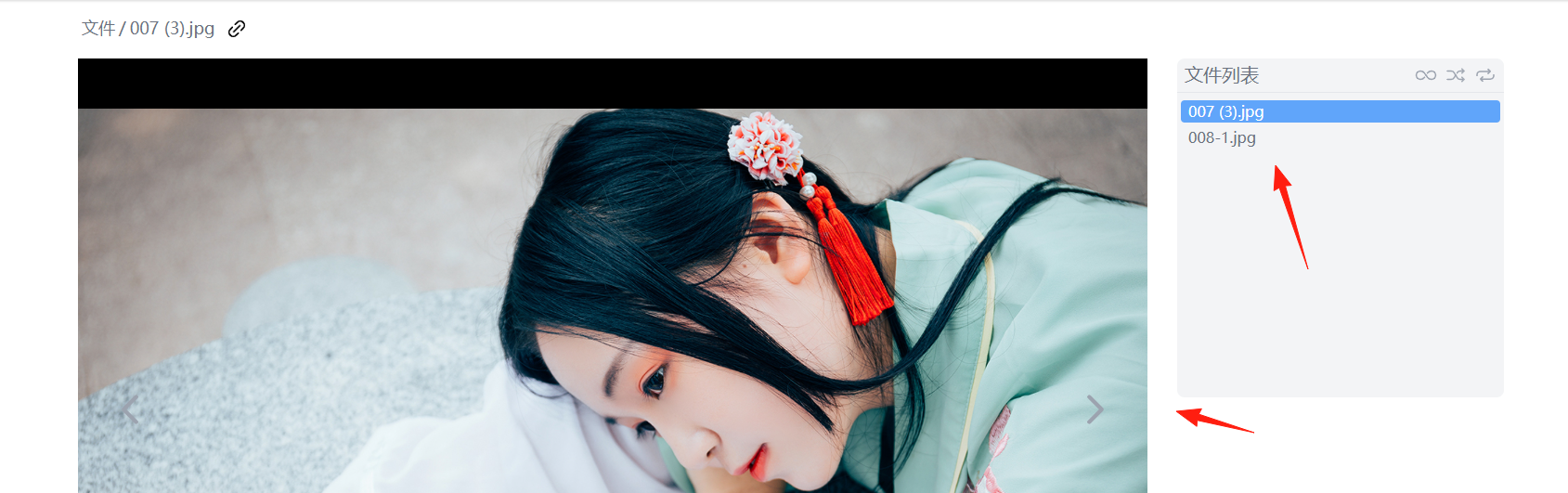
Image viewing supports switching between images using the left and right arrow keys.
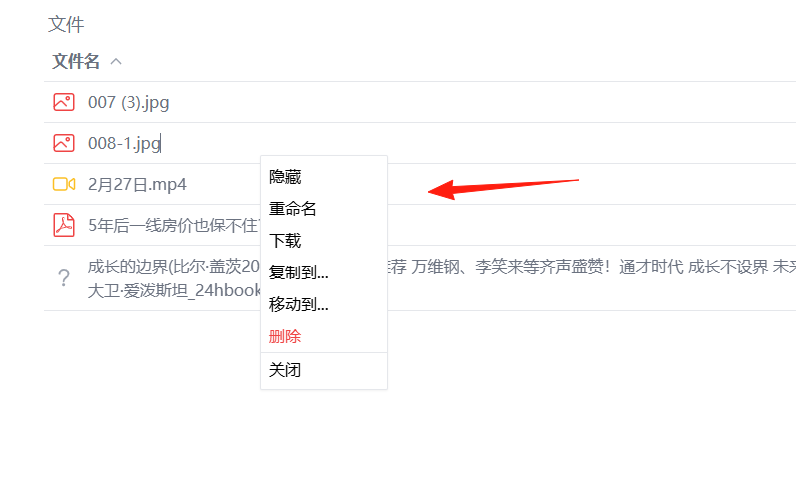
Right-clicking on a file reveals more menu options.
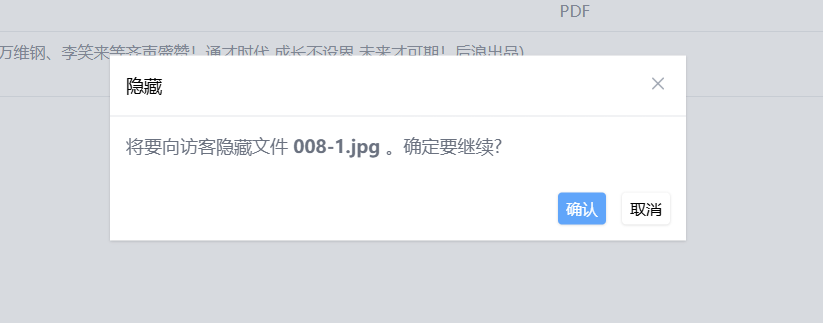
The Hide function allows you to make files invisible to guests.
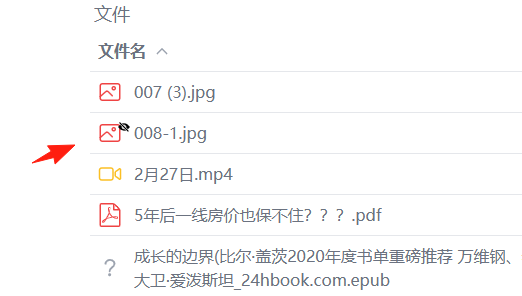
 Hidden files will be marked with an eye icon.
In the Website Settings, you can check whether to allow guest access.
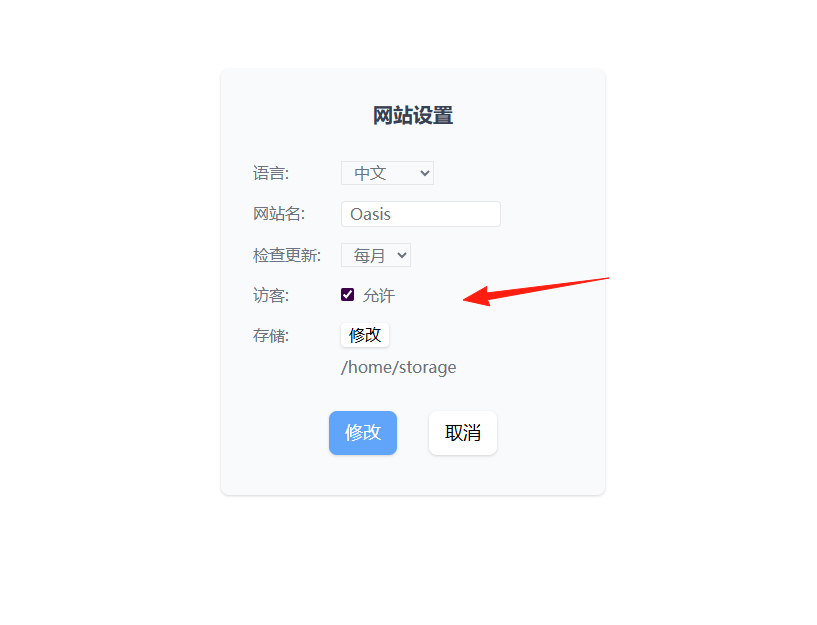
This will display a guest entry point on the login page.
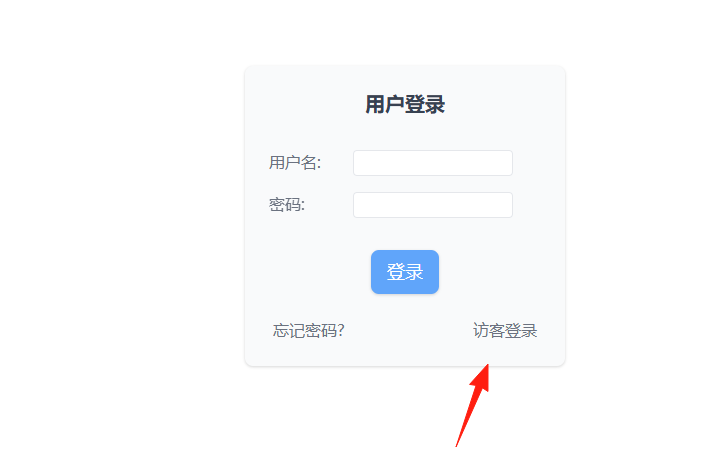
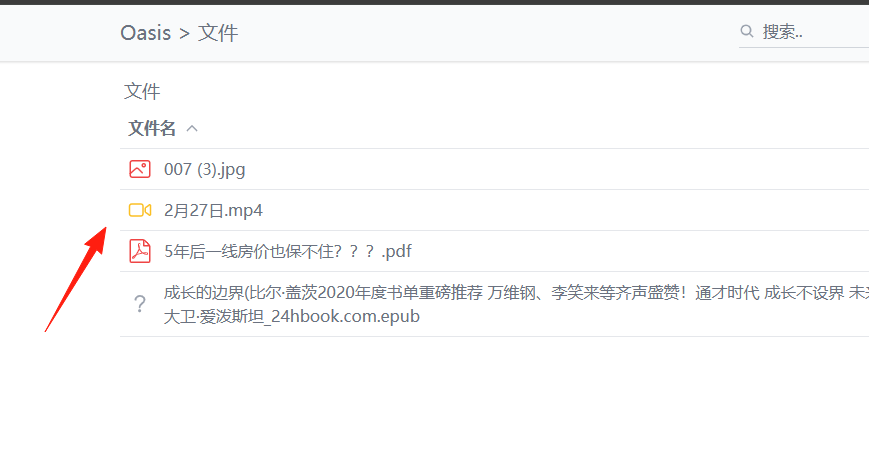
After clicking Guest Login, the hidden files set earlier will not be visible.
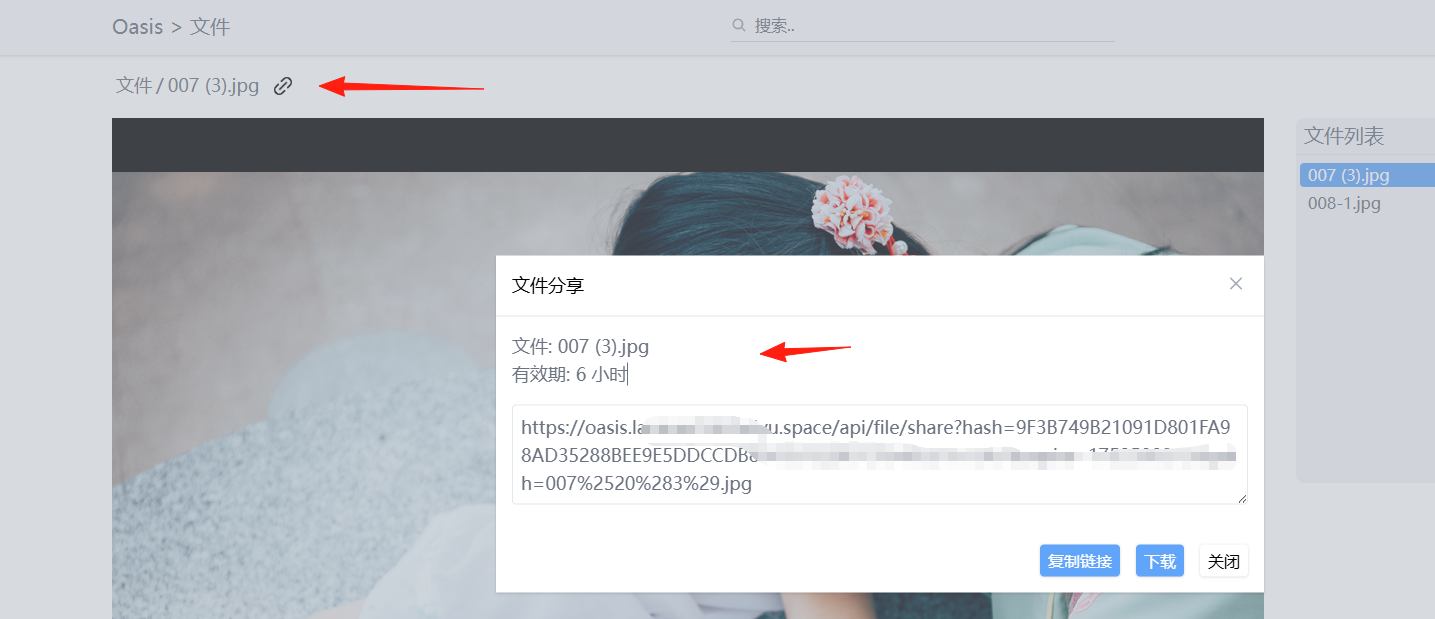
Individual files also support sharing, with a default validity period of 6 hours.
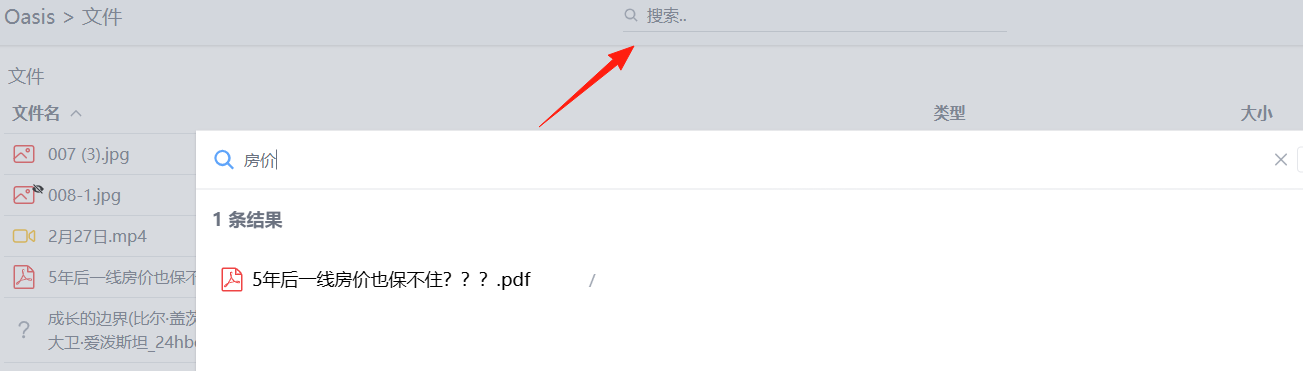
Supports simple searching by filename.
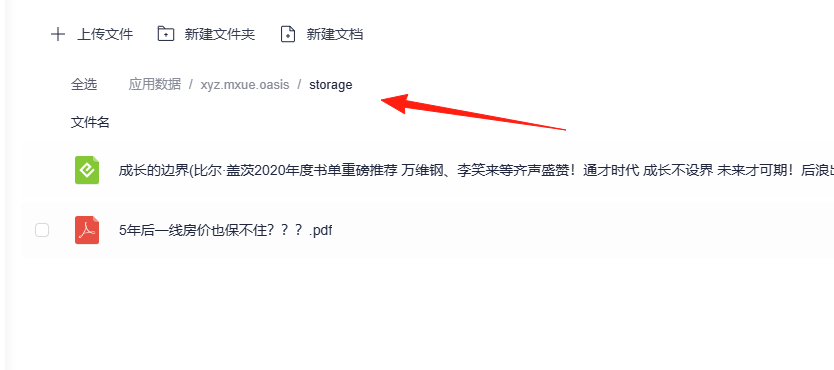
All its data is located under the application data directory. You can also directly place files into the application data/storage directory.
Oasis is a simple file server, easy to install and very convenient to use.