
Umami: The Ultimate Self-Hosted Website Analytics Tool
What is Umami?
Umami is a self-hosted website analytics tool—essentially a "private version of Google Analytics." Its core advantages include:
- ✅ Privacy-first: Collects no personal user information, uses no cookies, and is fully GDPR compliant
- ✅ Lightweight & Minimalist: Tracking script is only 2KB (30x smaller than GA!), won't slow down your website
- ✅ Data Ownership: All data is stored on your own server, completely eliminating third-party access
- ✅ Clean Interface: Single-page display of all key metrics, no complex menus
- ✅ Completely Free: Open-source GitHub project with over 20k+ stars!
https://appstore.lazycat.cloud/#/shop/detail/dev.beiyu.umami
How to Use
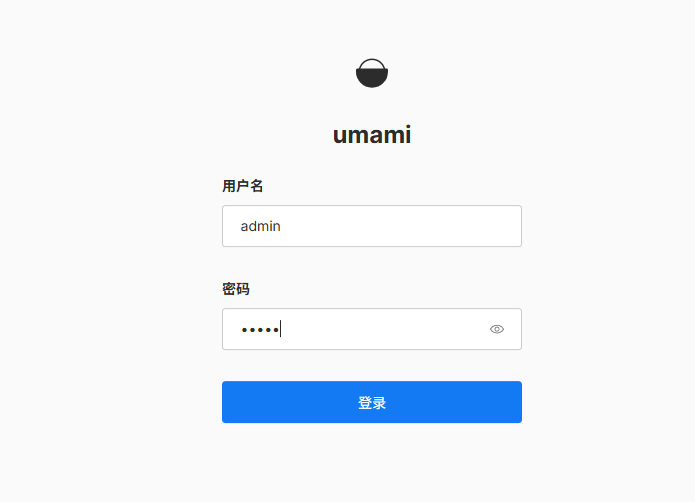
After installing the application, open the login page. The default credentials are: admin/umami
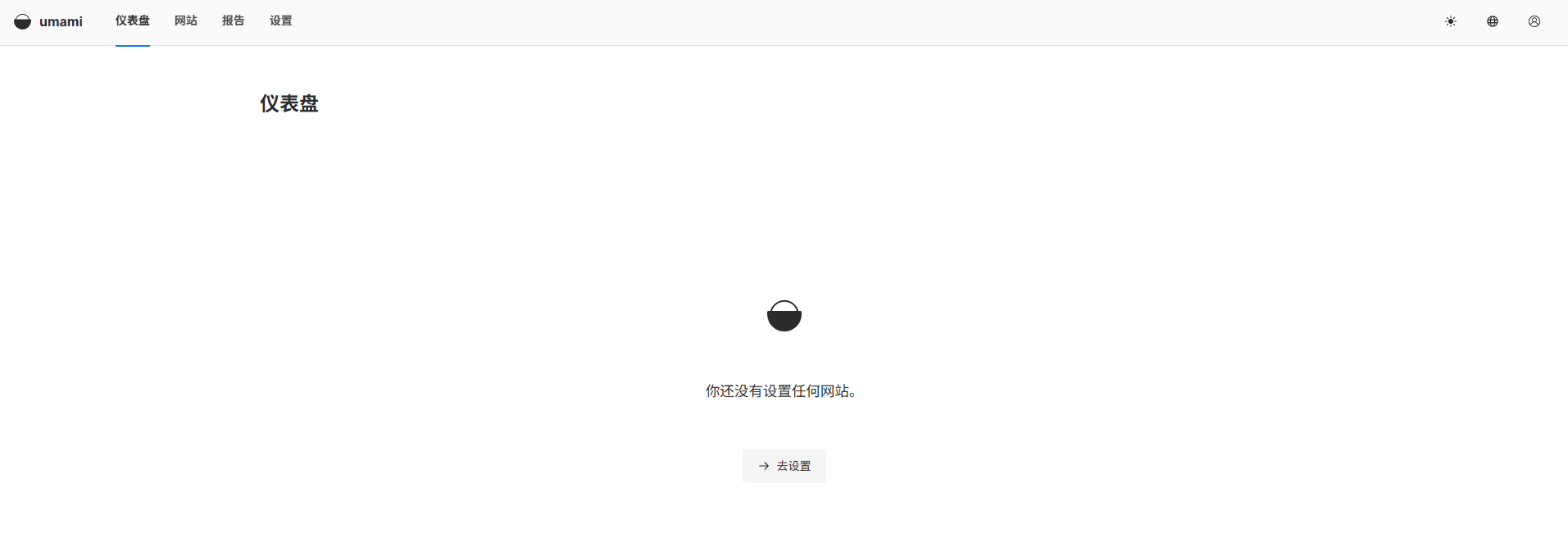
After logging in, you'll enter the main dashboard.
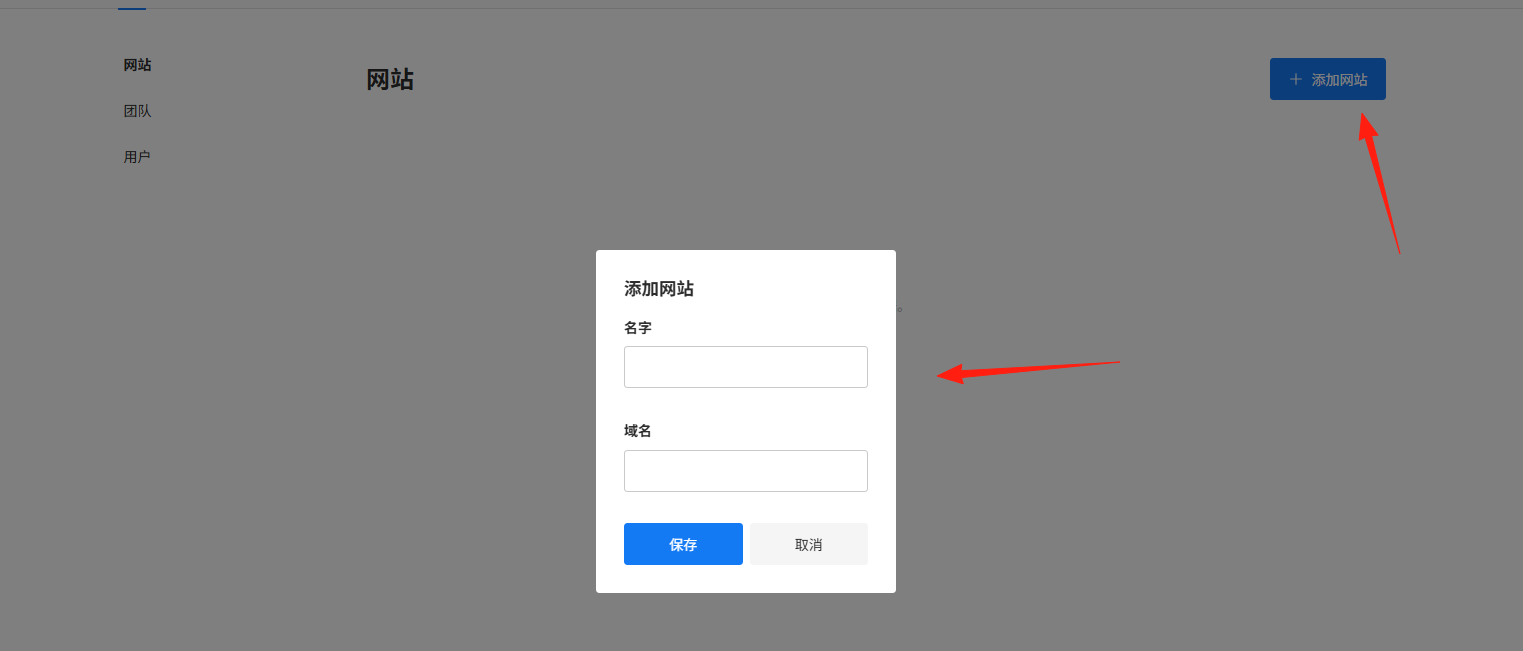
Click Settings → Websites → Add Website
(Just enter the domain like example.com, no http prefix needed)
Click Edit
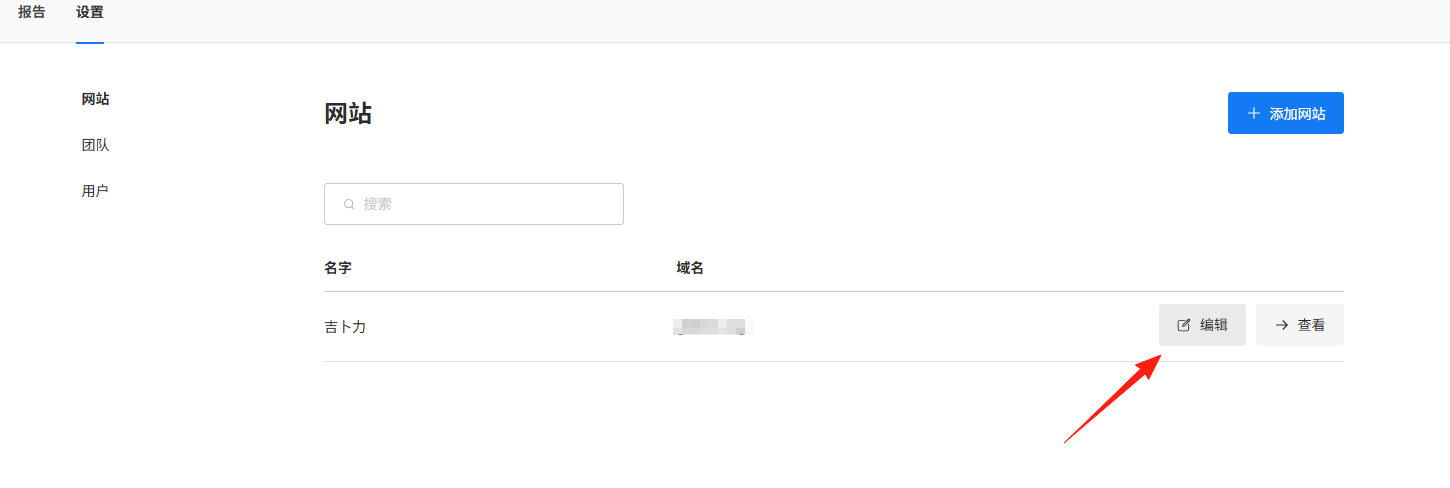
Copy the Tracking Code
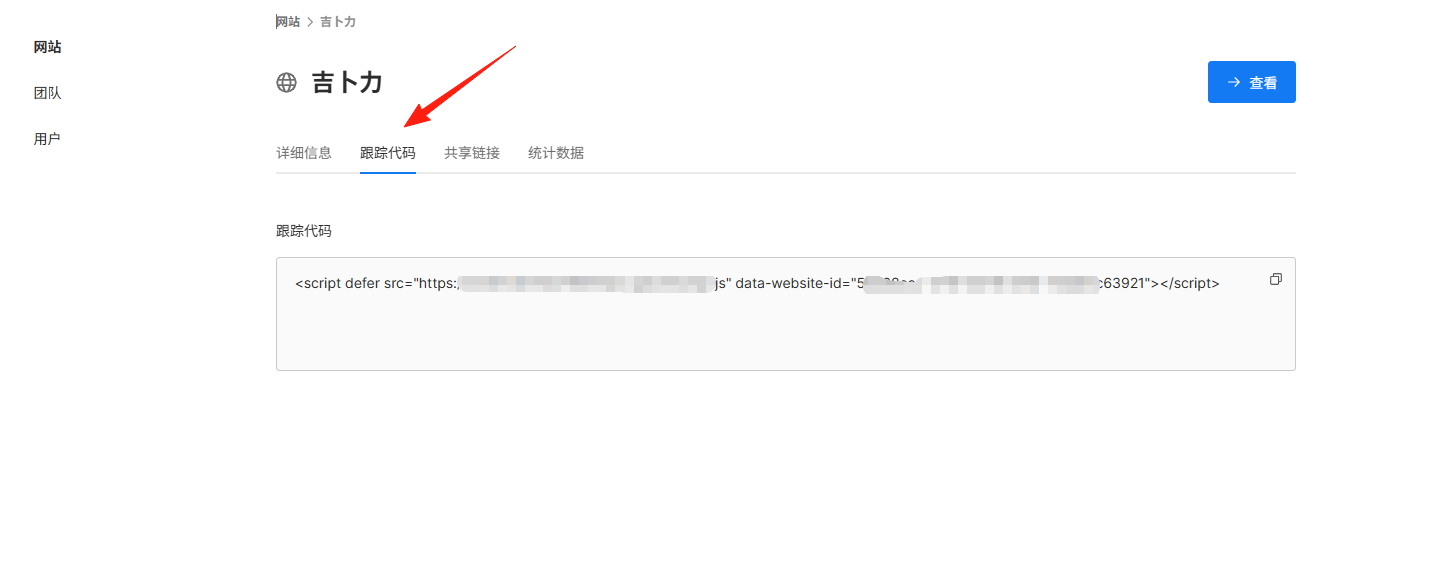
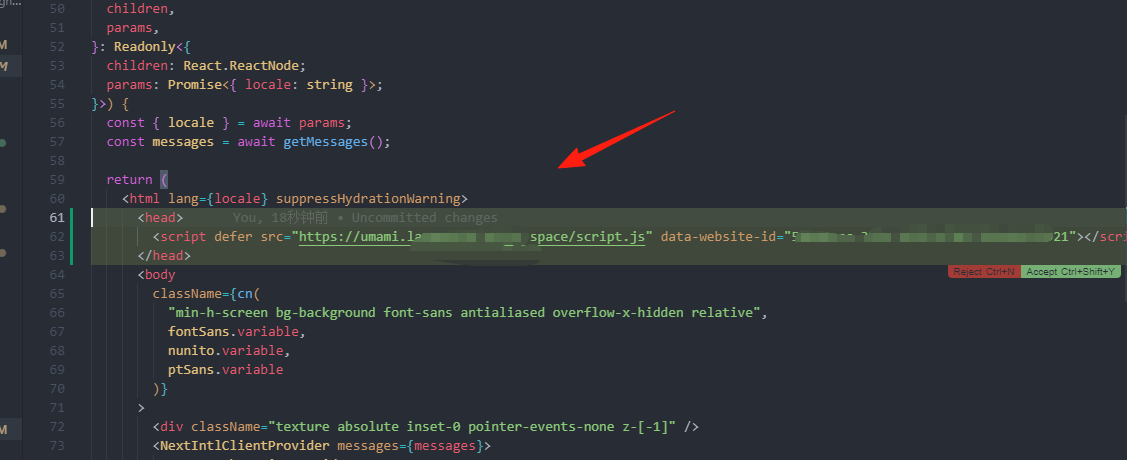
Paste the code right before the </head> tag
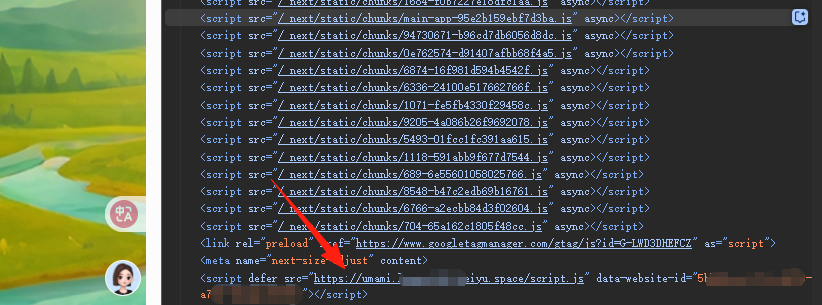
Update your website, and you can confirm the code has been added
Wait 5 minutes, then refresh the dashboard to see real-time data!
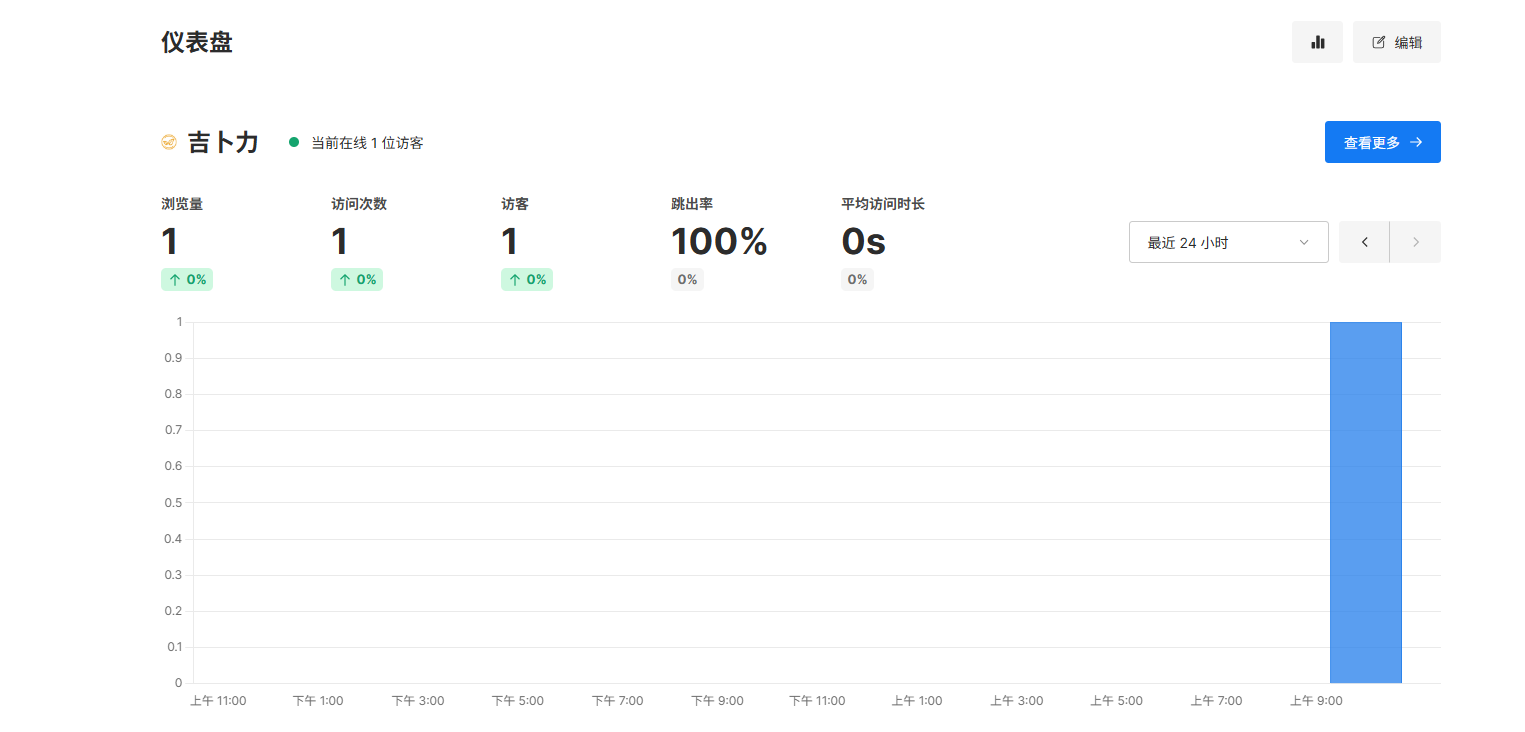
It displays core metrics in real-time: Pageviews, Visitors, Average Duration, etc.
Visualizes traffic trends (switch freely between hourly/daily/monthly views)
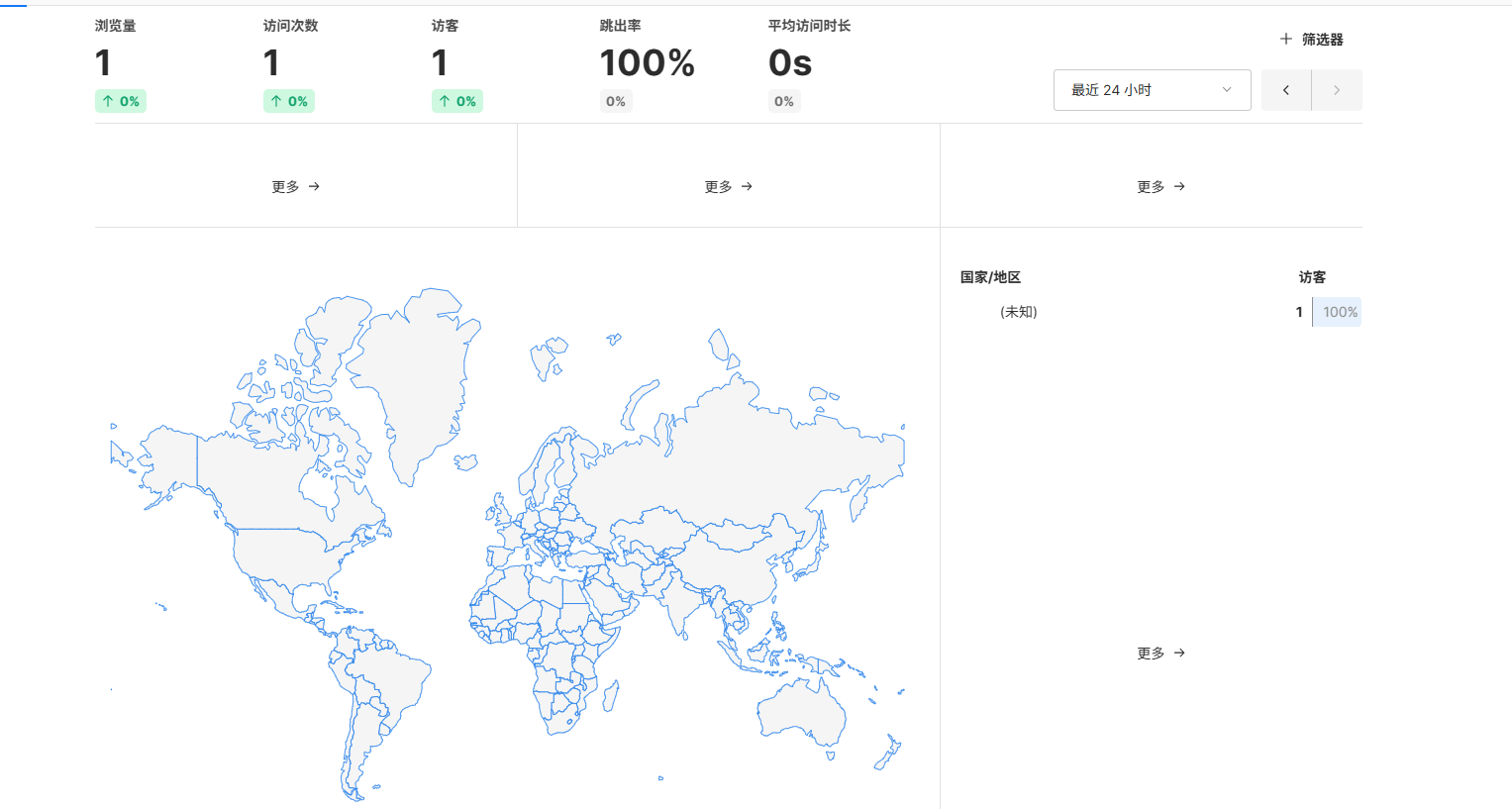
Source analysis: Breakdown of direct traffic/search engines/social platforms
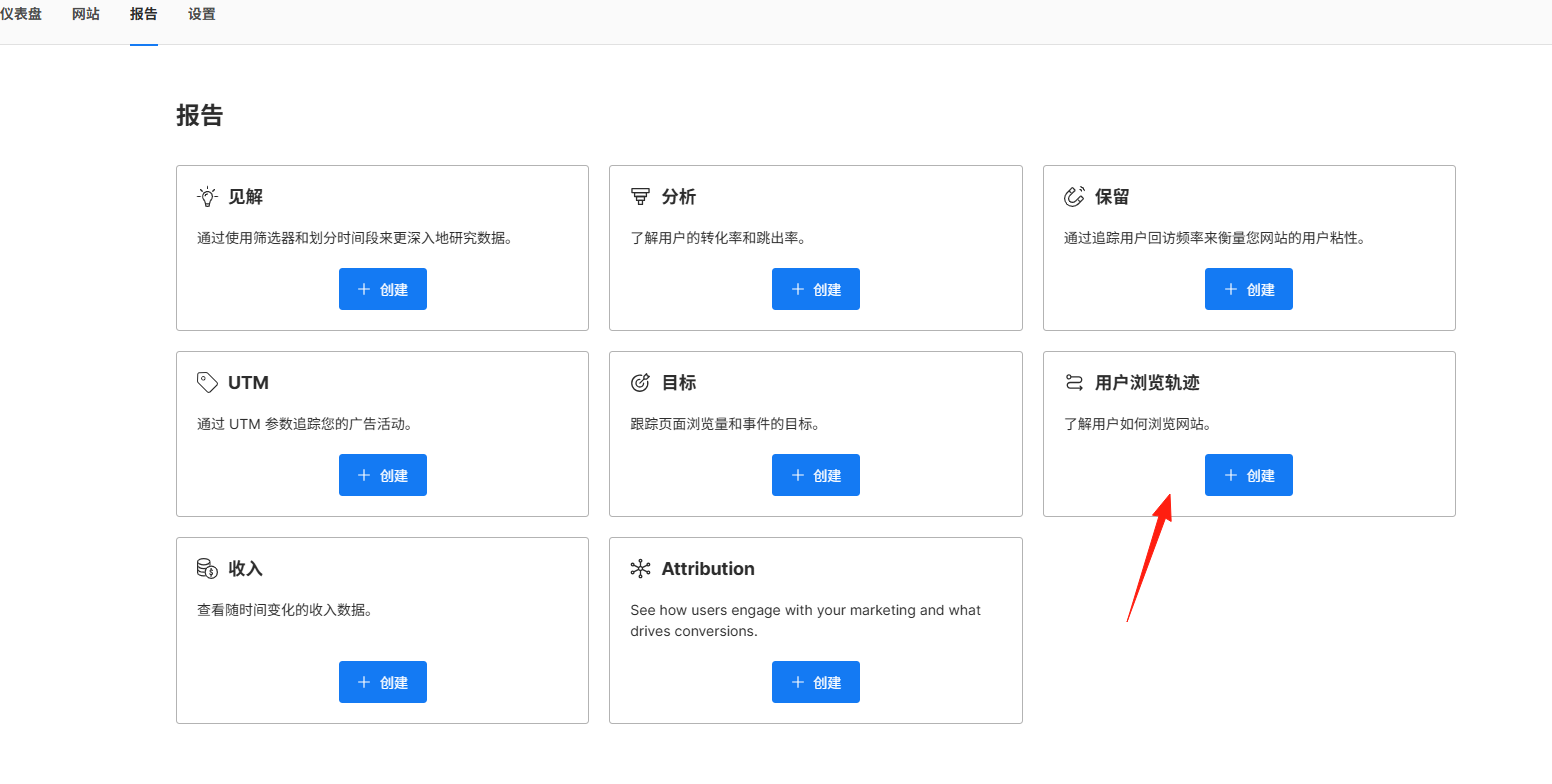
Click on Reports to create custom reports. I typically use Statistics and User Journey.
Summary
Umami = Minimalist Analytics + Privacy Protection + Zero-cost Self-hosting + No Ad Distractions
If you're tired of big tech controlling your data, or worried about analytics tools slowing down your site, take 5 minutes to integrate Umami.