
ActionView User Experience: An Issue and Requirement Tracking Tool
What is ActionView?
ActionView is an open-source, free, easy-to-use, Jira-like issue and requirement tracking tool designed for small and medium-sized enterprises.
The frontend is based on ReactJS and Redux, the backend is based on the PHP Laravel framework, and it uses MongoDB as its built-in database.
Jira is a project and issue tracking tool developed by Atlassian, widely used for defect tracking, customer service, requirement collection, process approval, task tracking, project tracking, and agile management. Jira is known for its flexible configuration, comprehensive features, simple deployment, and rich extensibility. With over 150 features, it is recognized by more than 19,000 customers across 115 countries worldwide.
https://appstore.lazycat.cloud/#/shop/detail/peterpig.lzcapp.actionview
How to Use
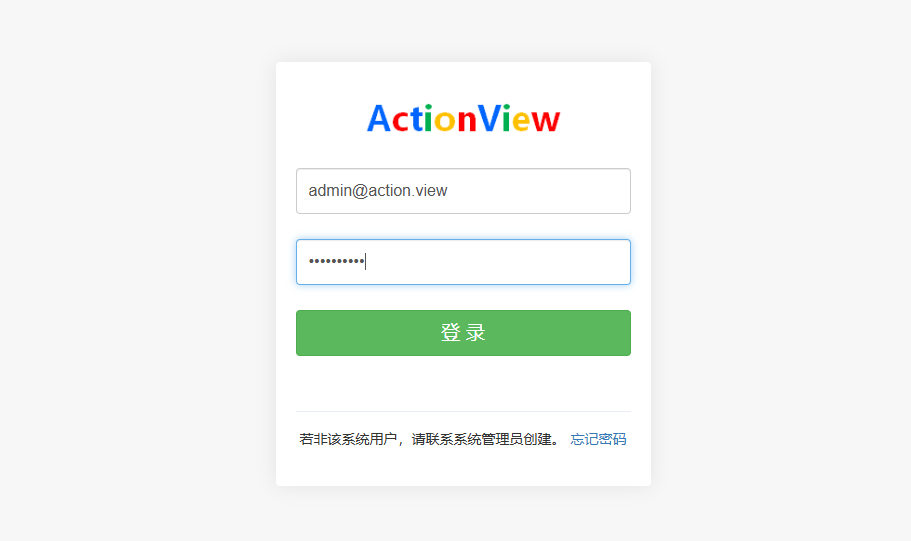
After installing the application, open the login page. The default administrator account is: admin@action.view Password: actionview
Main page after login
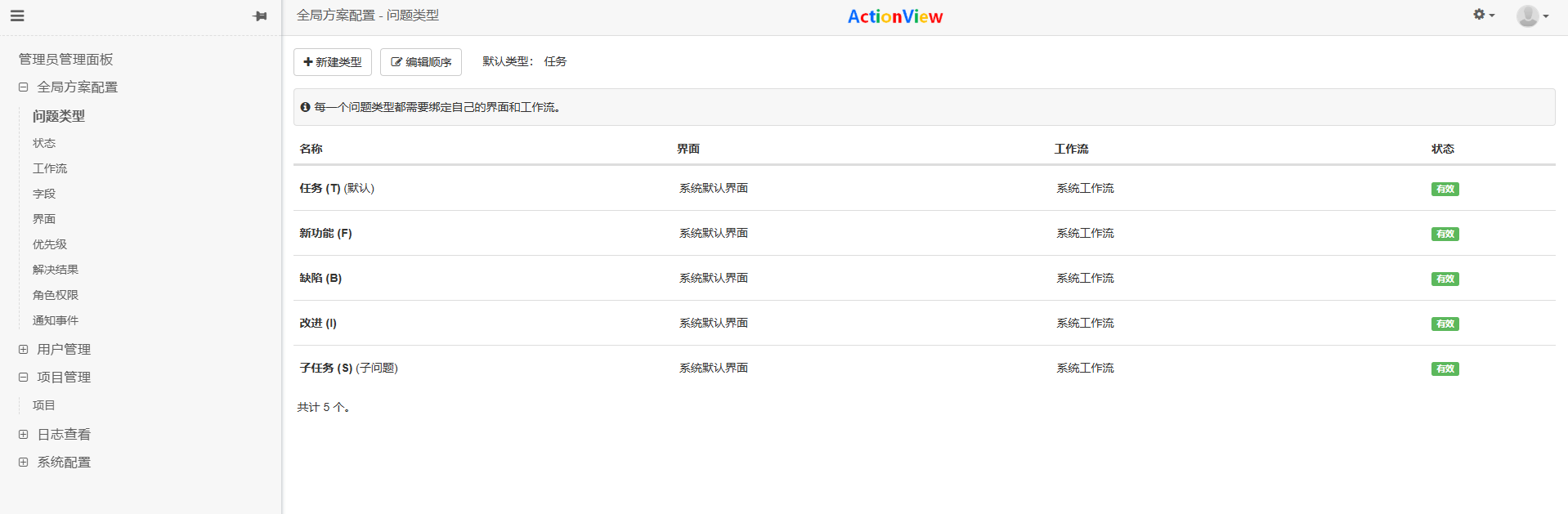
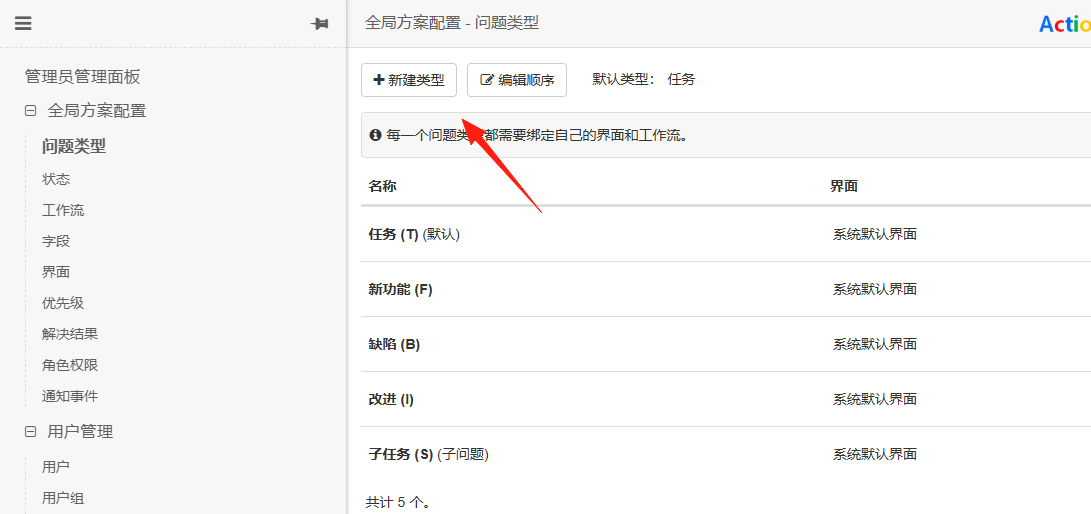
From Issue Management, you can create new issue types. Some default types are already added for you.
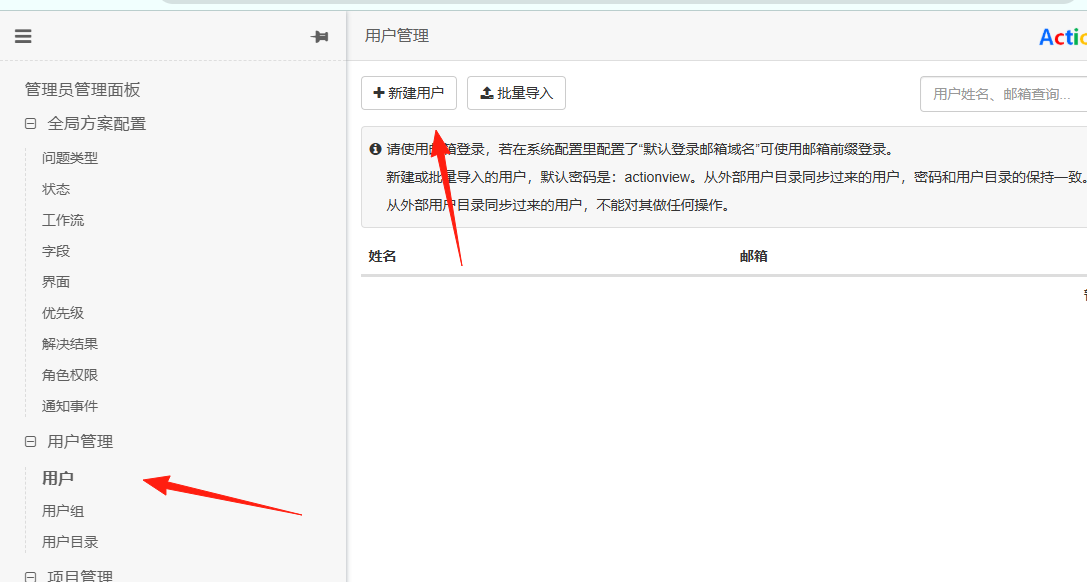
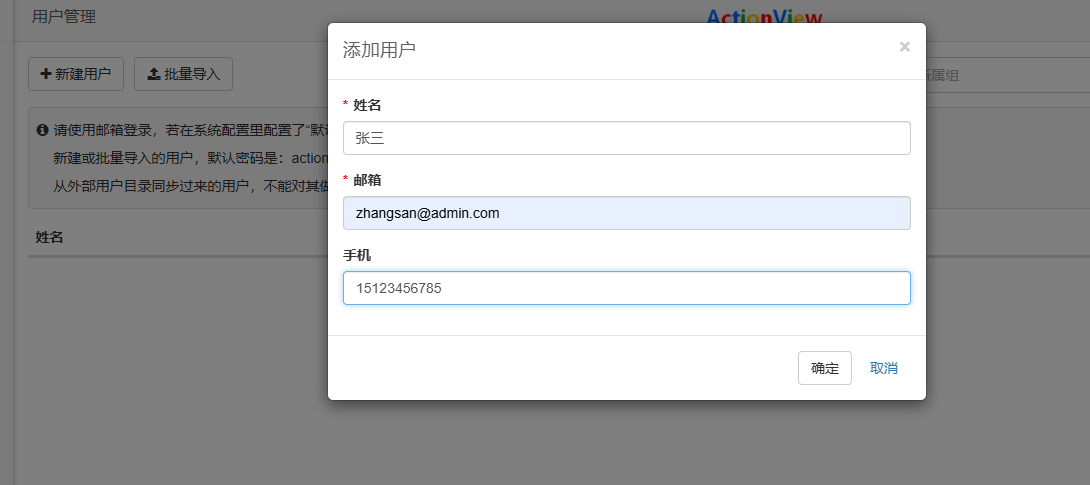
Go to the Console → User Management → Add User
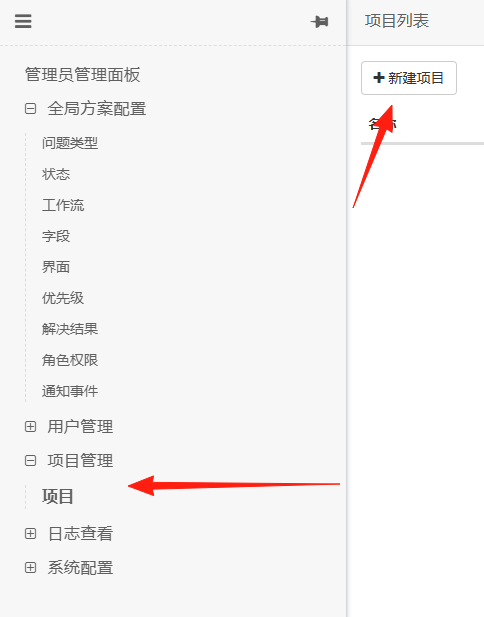
Go to Console → Project Management → Create Project
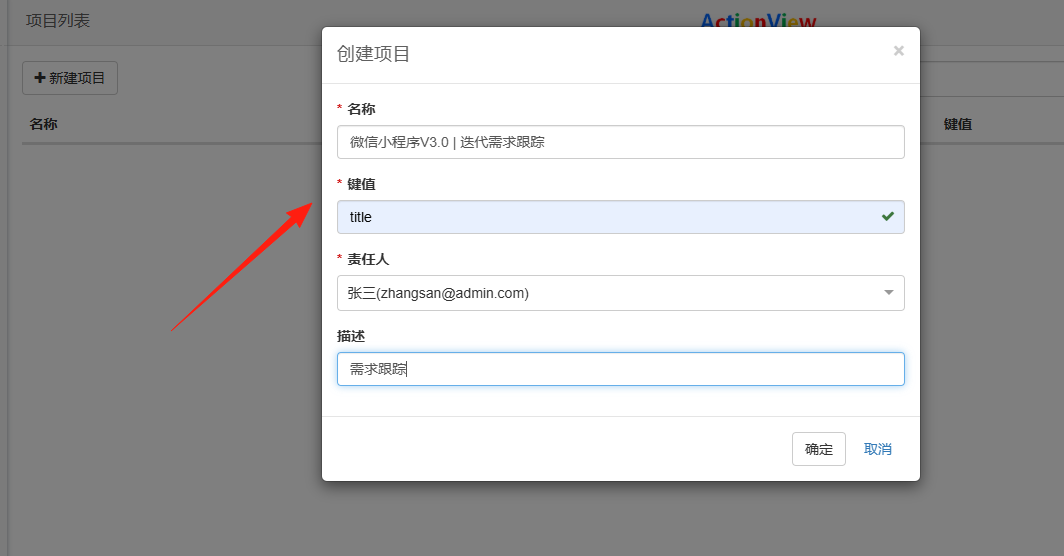
Fill in the Name + Description (e.g., WeChat Mini Program V3.0 | Iteration Requirement Tracking)
Key Operation → Add Members (Otherwise, others cannot see the project!)
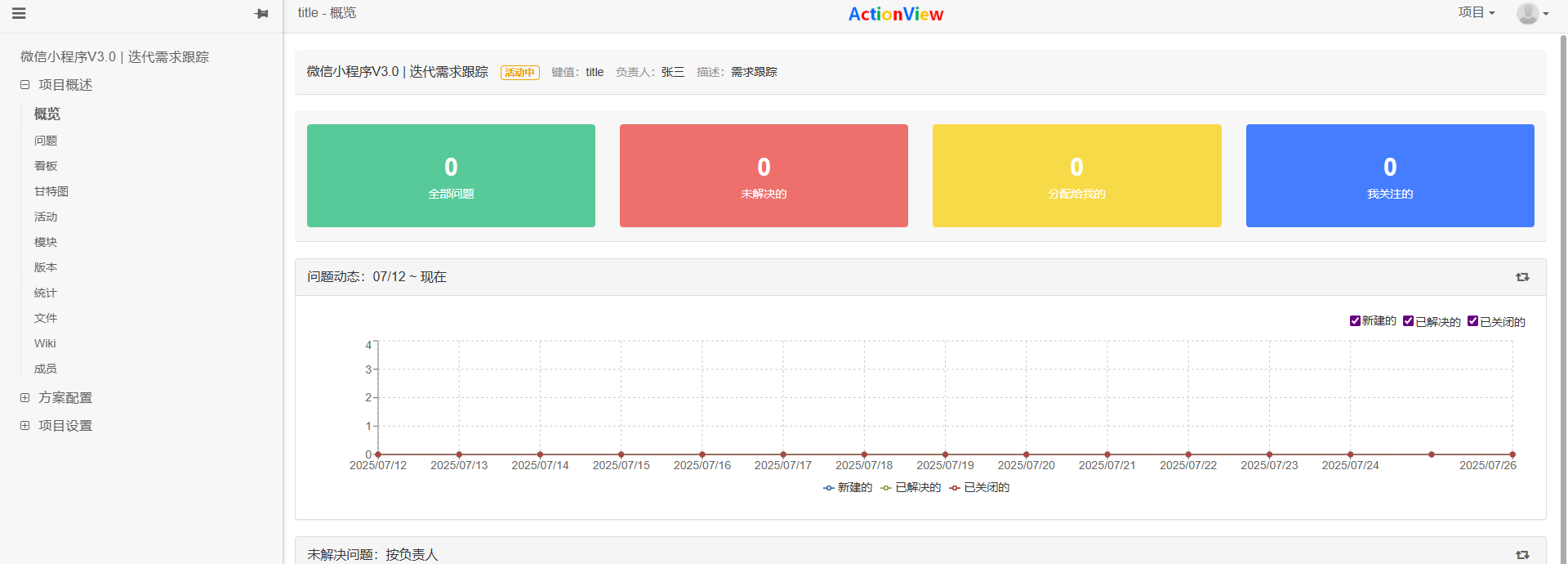
 Click to enter the project
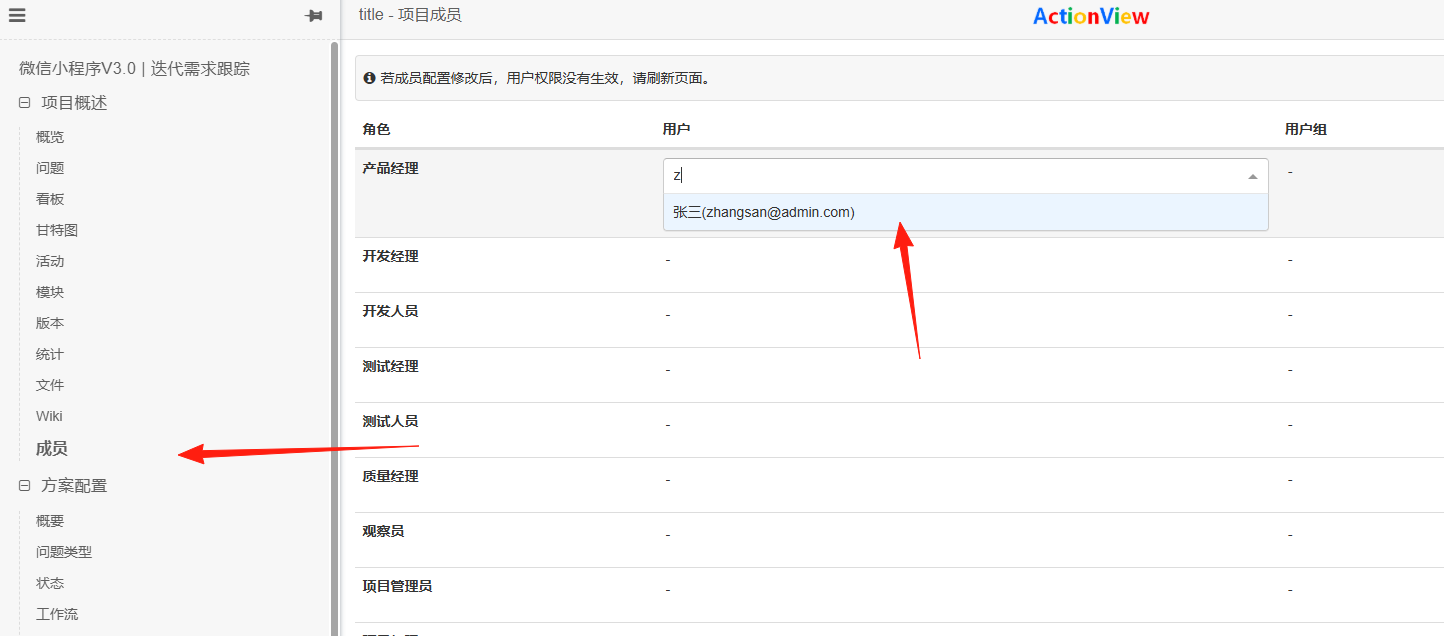
Go to Members, assign a role to Zhang San. Roles are required for permissions.
 Log out of the administrator account and log in with Zhang San's account.
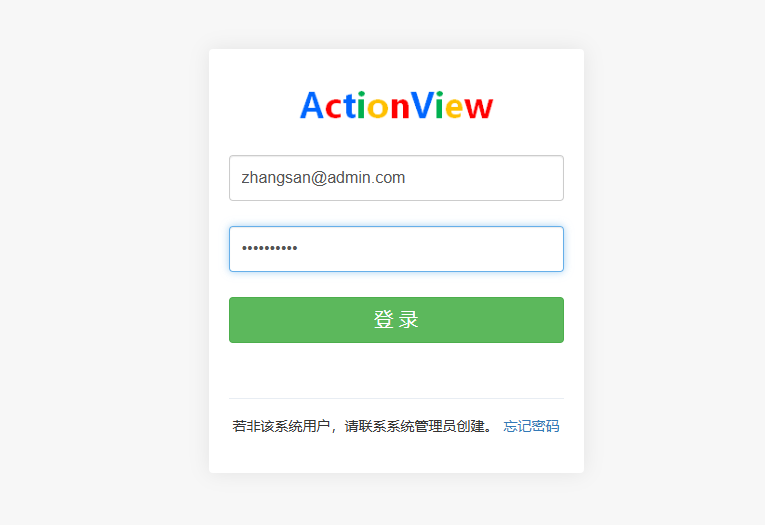 After the member logs in, they enter My Workspace.

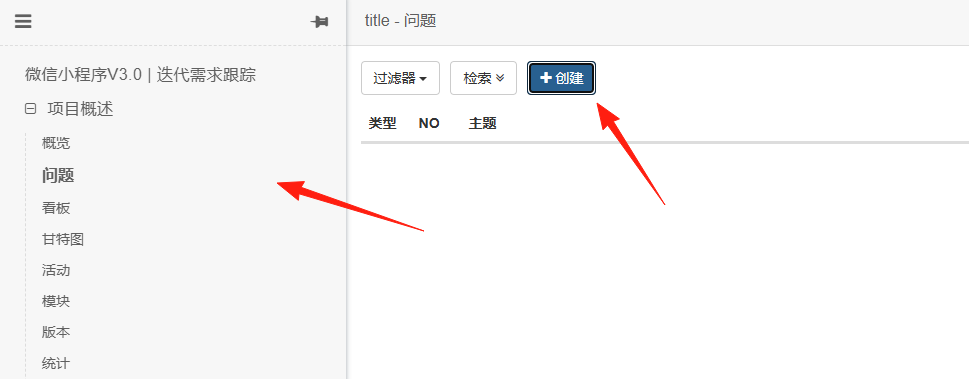
Click the + to create a new issue and fill in as needed:
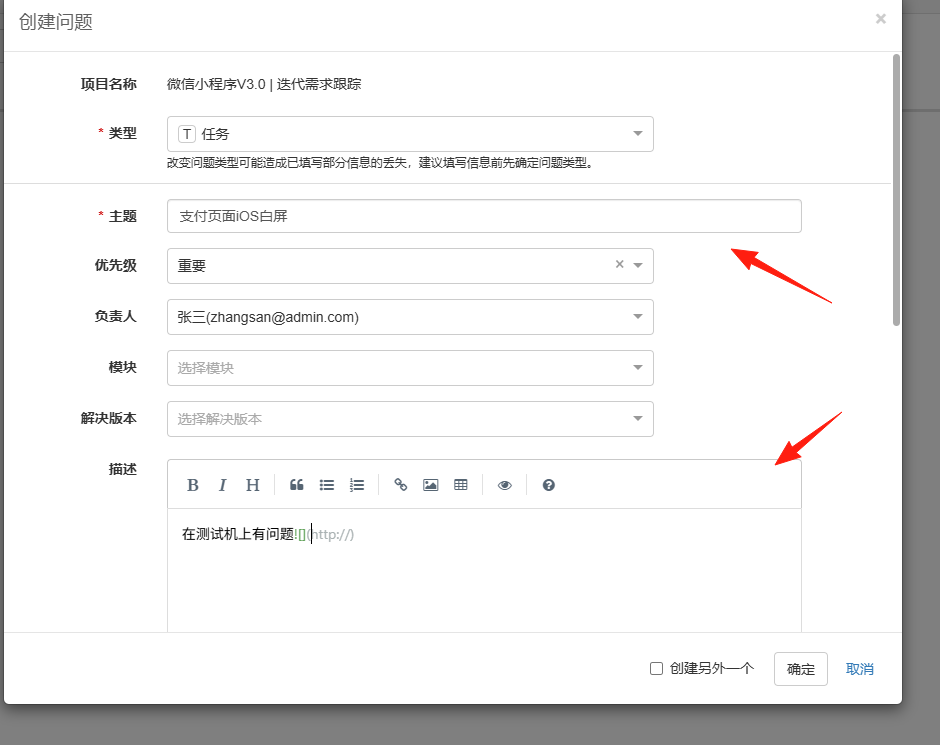
 Title: Clearly summarize the issue (e.g., "Payment Page White Screen on iOS")
Type: Bug/Requirement/Optimization/Task (Select Bug)
Priority: Urgent/High/Medium/Low (Urgent issues are marked in red)
Description: Markdown supported! You can paste code/screenshots/error logs.
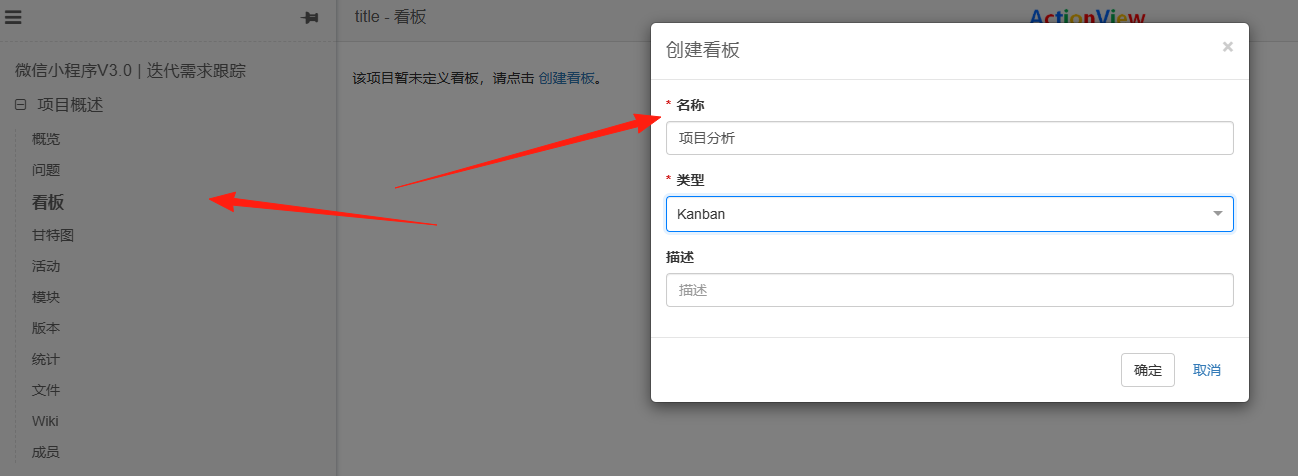
In addition to creating issues, you can also create boards.
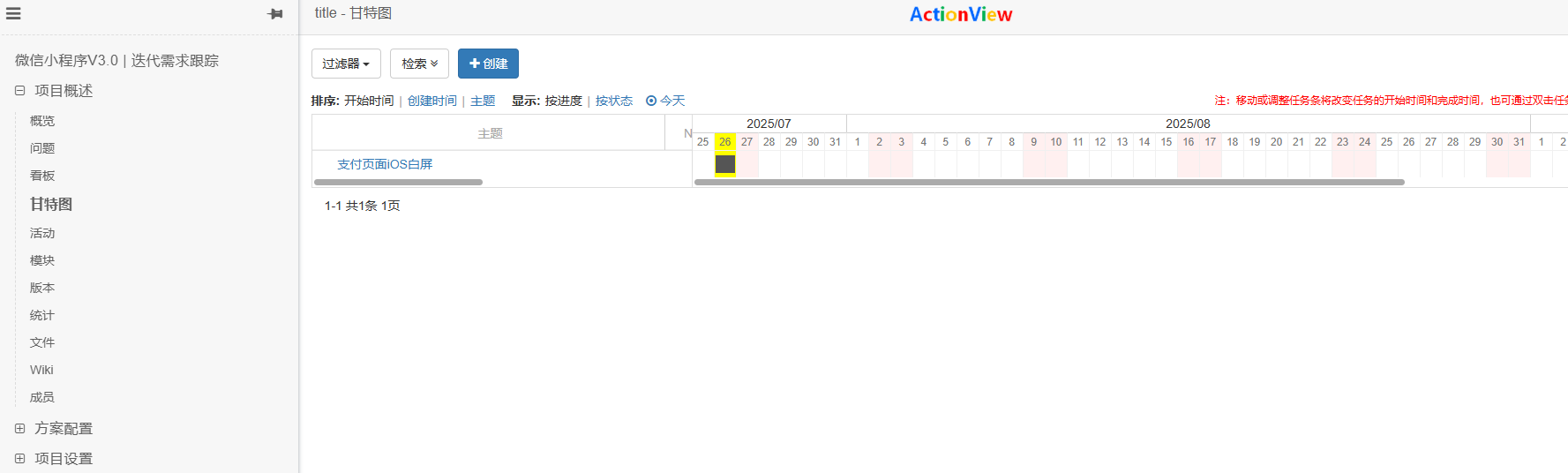
The Gantt chart also works well.
The above covers the core functionalities. You can explore more detailed features on your own.
Summary
ActionView is particularly suitable for teams that need professional project management tools but have limited budgets.
If your team is still using Excel to manage projects or has been deterred by Jira's high costs, it's highly recommended to try ActionView.