Kaizoku Guide: Self-Hosted Manga Downloader
What is Kaizoku?
Kaizoku is an excellent self-hosted application that runs mangal in the backend to download manga from multiple sources. It can set up scheduled tasks to check for ongoing manga and automatically download new episodes. Kaizoku runs very fast and is compatible with the most common manga sources available online.
In simple terms, it is a manga downloader that allows users to build their own manga download and management platform.
https://appstore.lazycat.cloud/#/shop/detail/cloud.lazycat.app.kaizoku
How to Use
After the application is installed, open the main interface. At this point, there is no data; it's still blank.
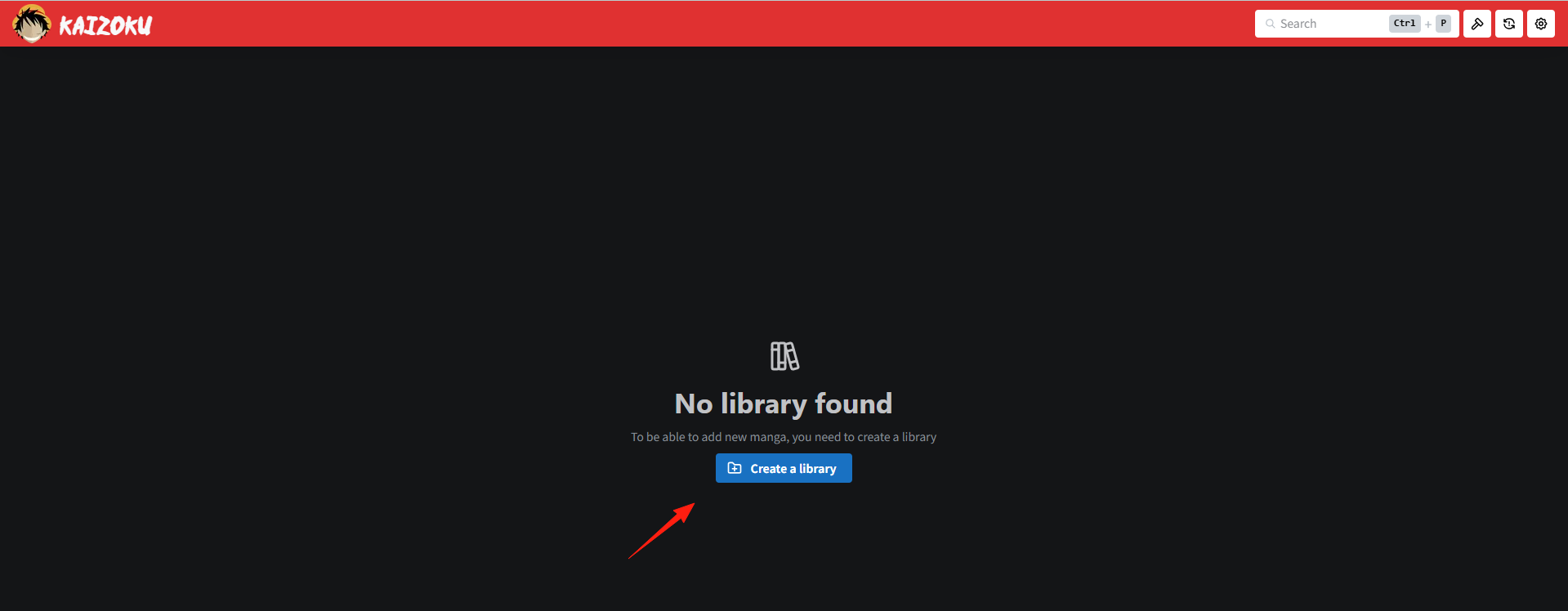
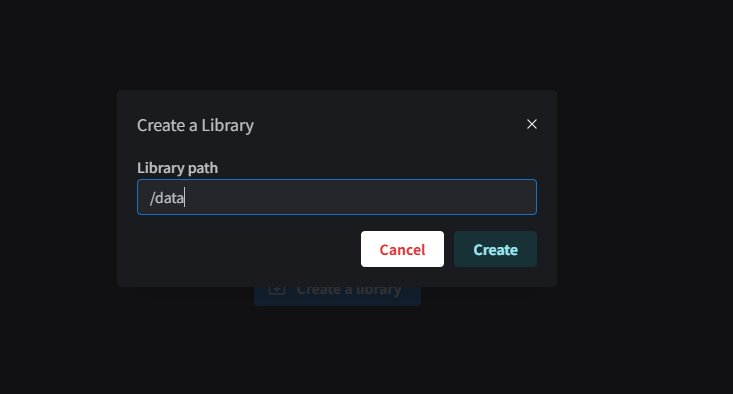
Click "New Library" and enter /data as the library path.
The result after creating the library.
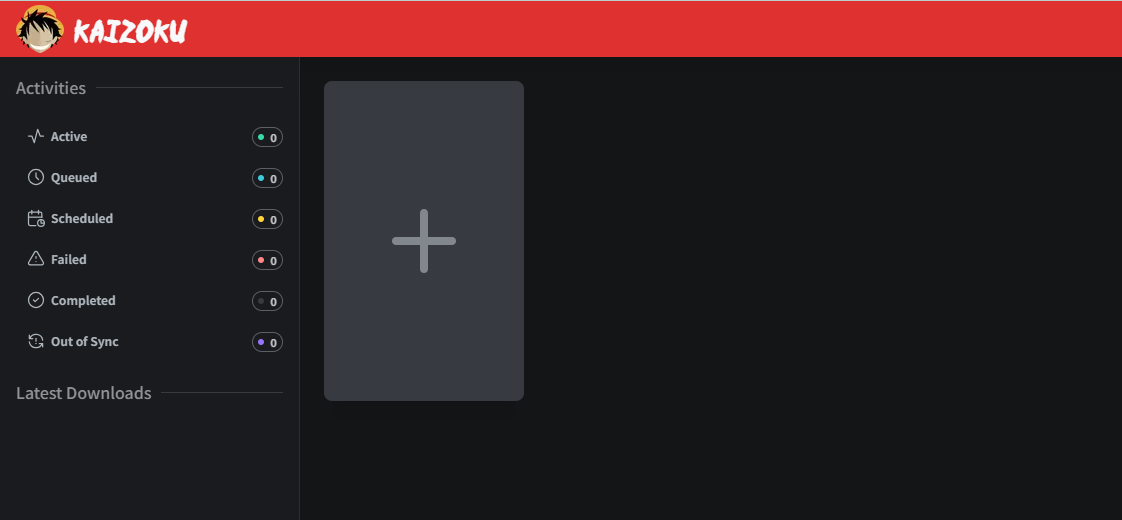
Click the + button to add manga.
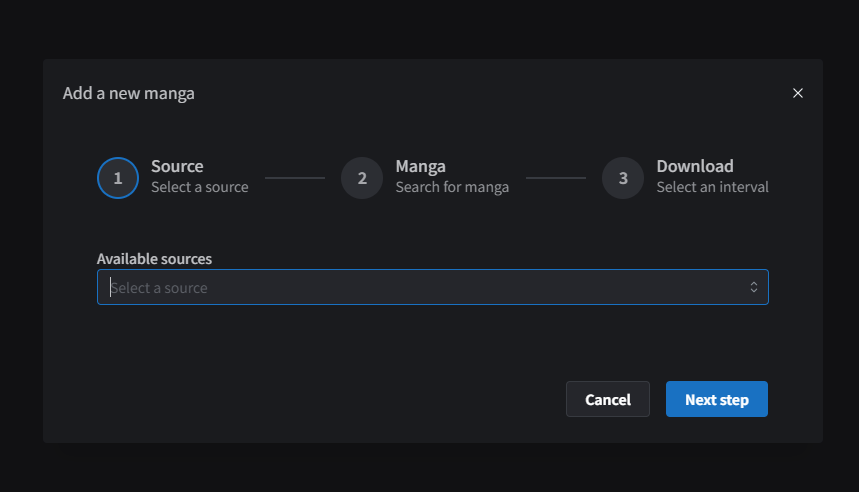
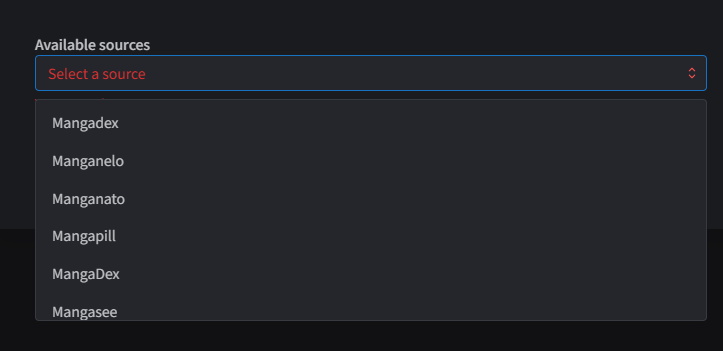
Click the "Available sources" dropdown to select the manga source.
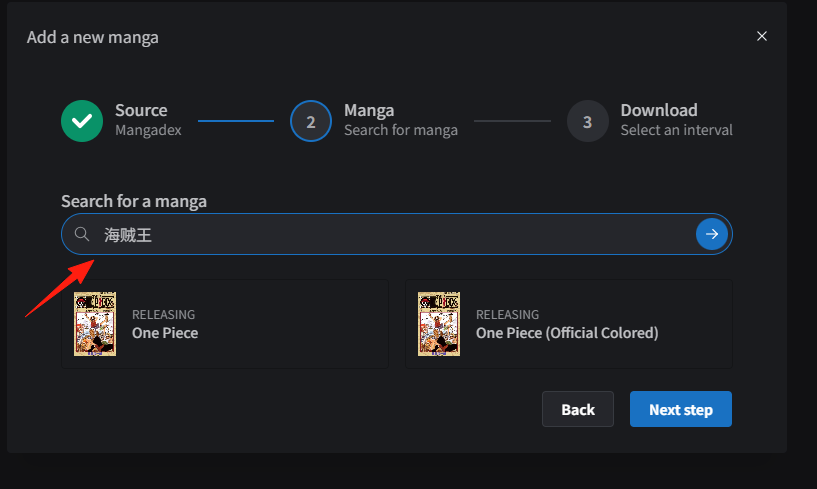
Step 2: Search for manga. Using "One Piece" as an example.
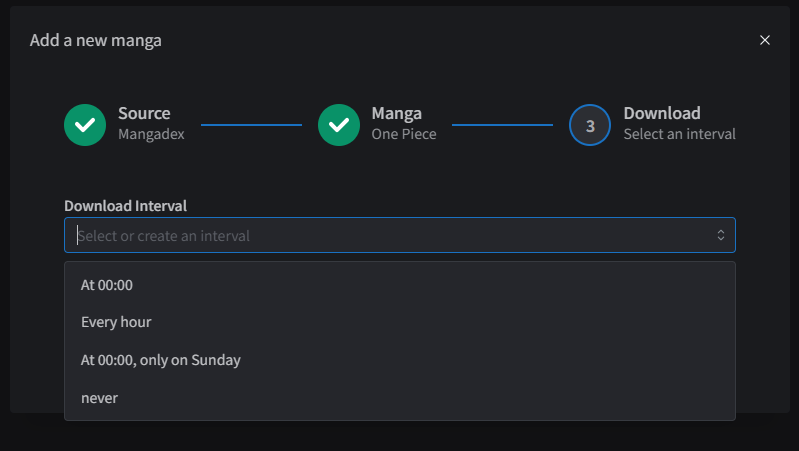
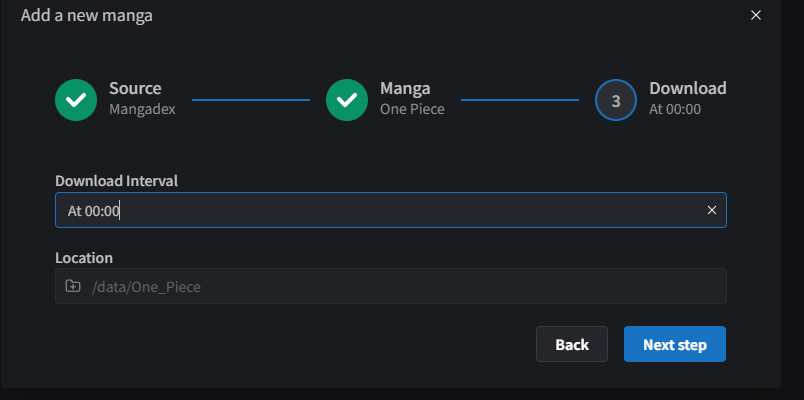
Set the Download Interval.
- At 00:00: Executes once daily at midnight (00:00).
- Every hour: Executes once every hour.
- At 00:00, only on Sunday: Executes only once a week on Sunday at midnight (00:00).
- never: Does not run automatically; requires manual triggering by the user.
The Location does not need to be set; it will be automatically generated in the /data directory.
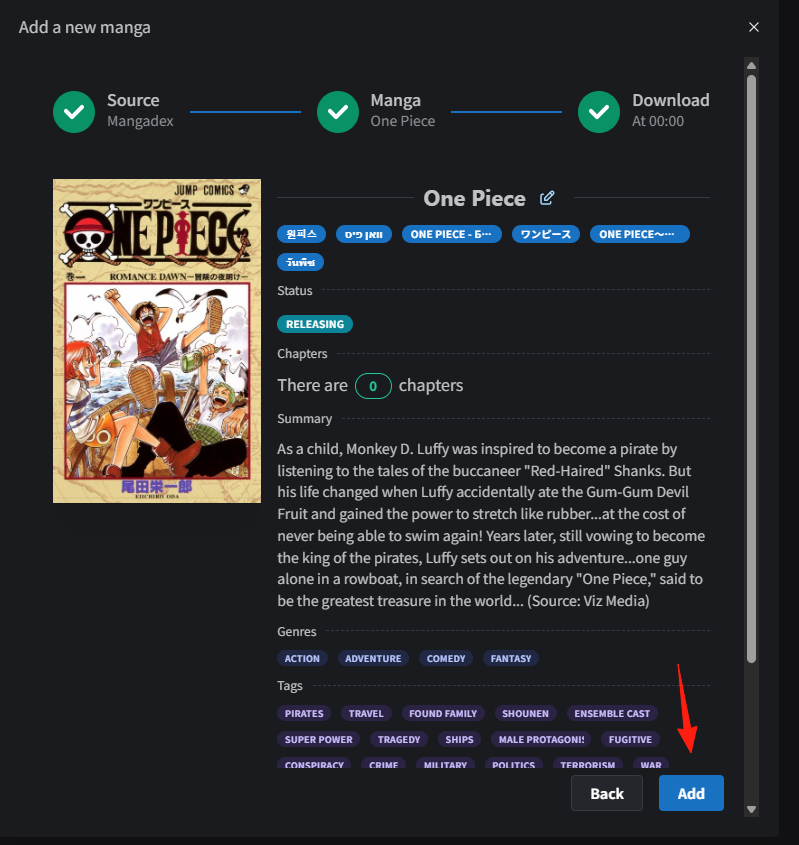
Click "Add" to add it to the Library.
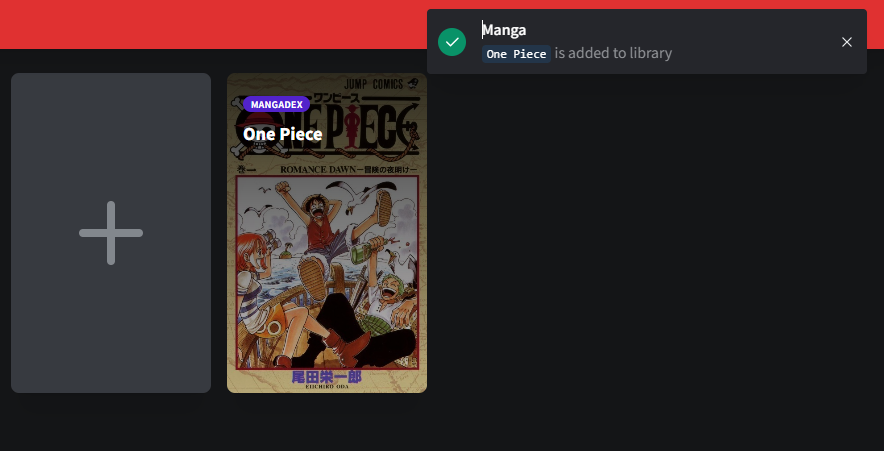
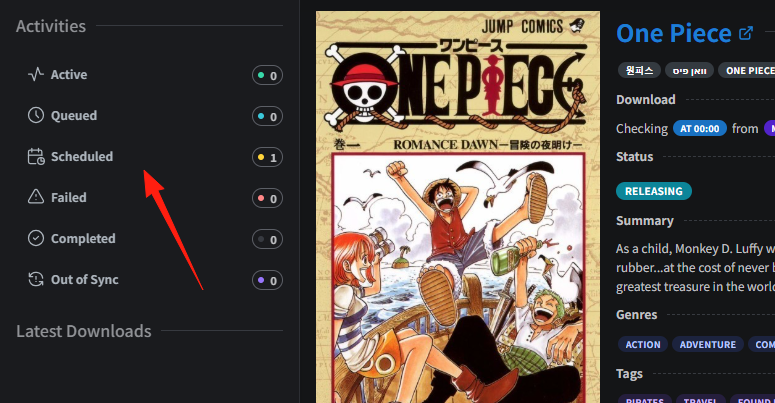
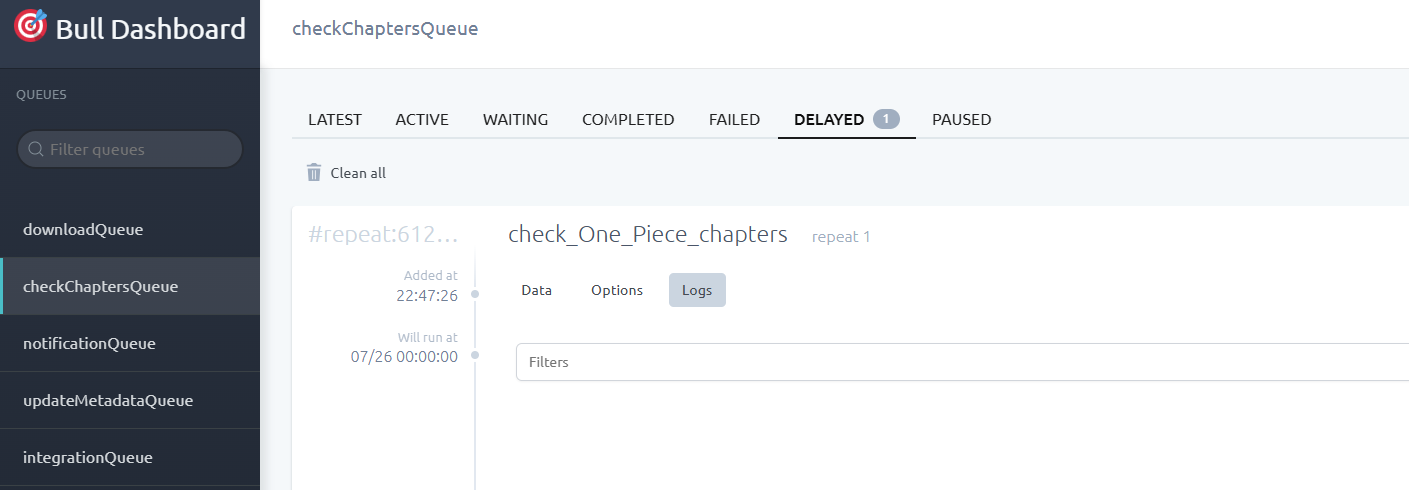
Since the download was set to start at 00:00, you can see the scheduled task in the left panel. Click on it to view the status.
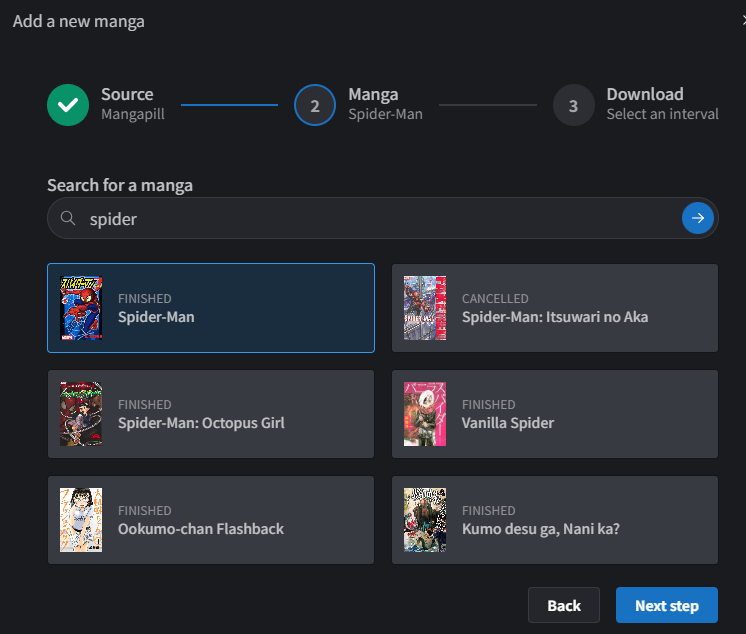
Let's add Spider-Man ("spiderman").
This time, I selected "never", requiring manual download. Click on "Details".
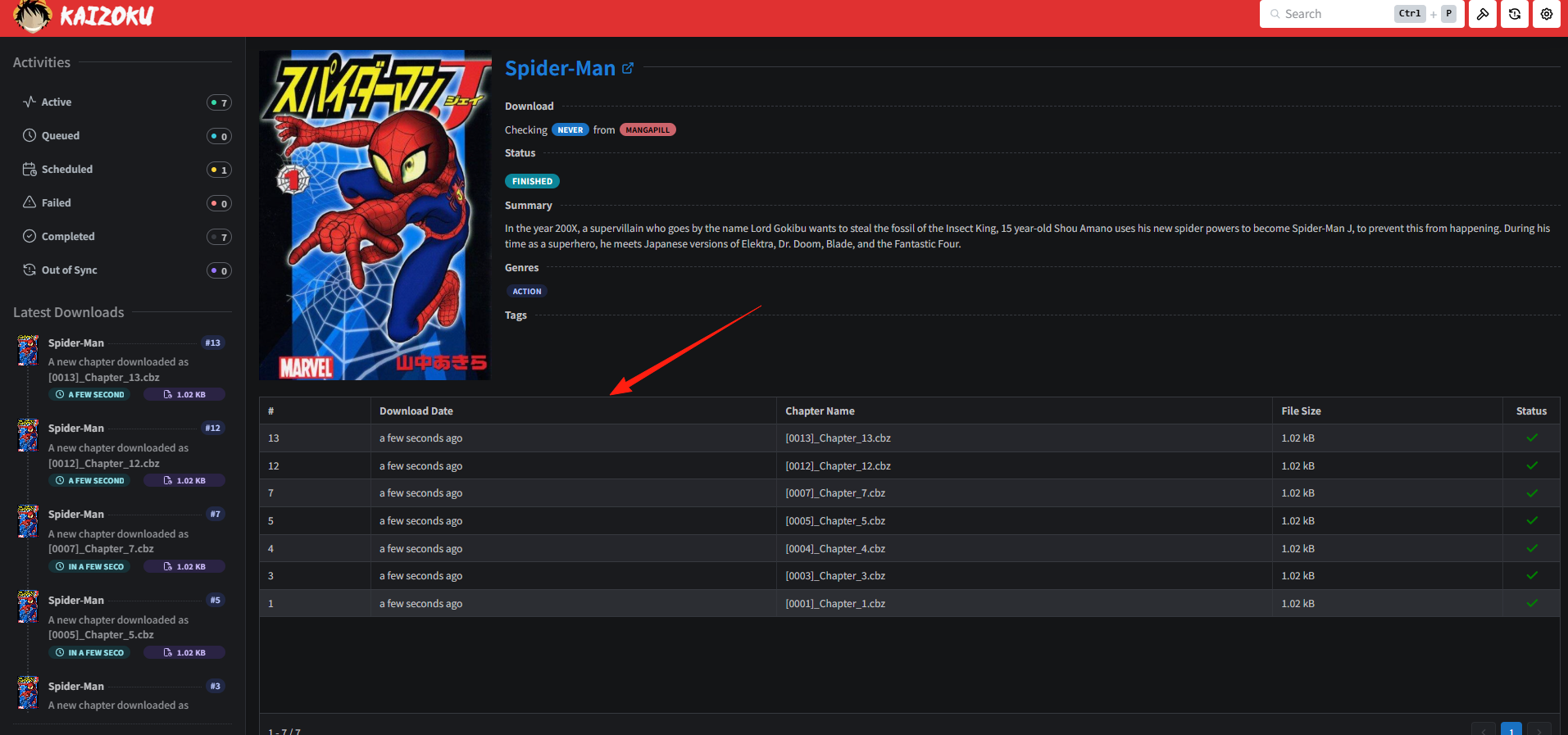
You can see it has been downloaded.
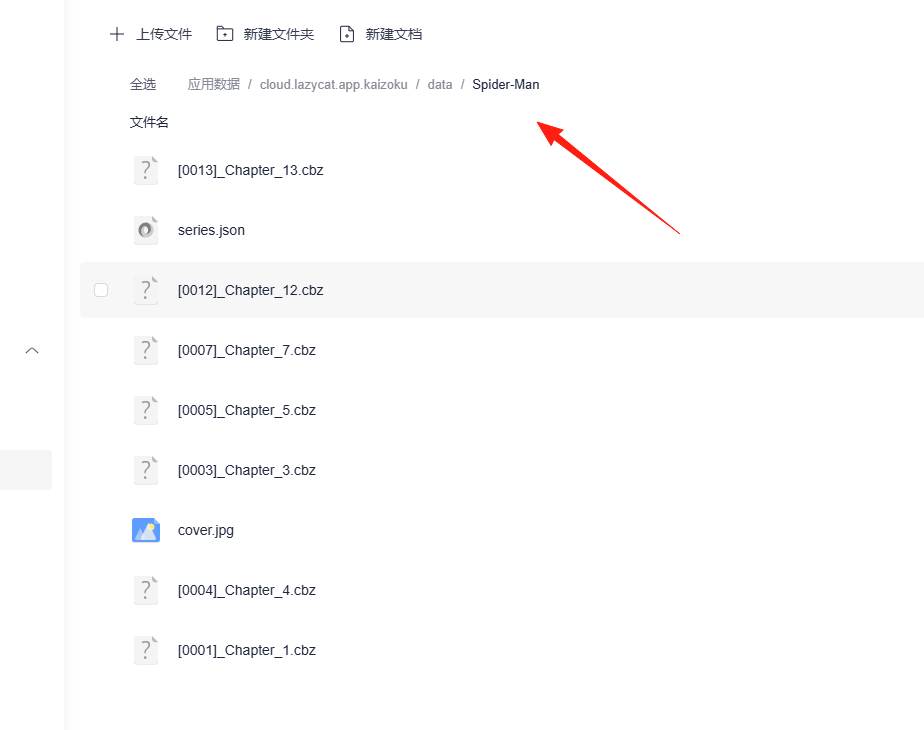
The downloaded files can be found in the application data directory.
This application only provides the download functionality. To read the manga, you need to use a dedicated comic reader.
Click on "Settings". It supports importing to these two platforms.
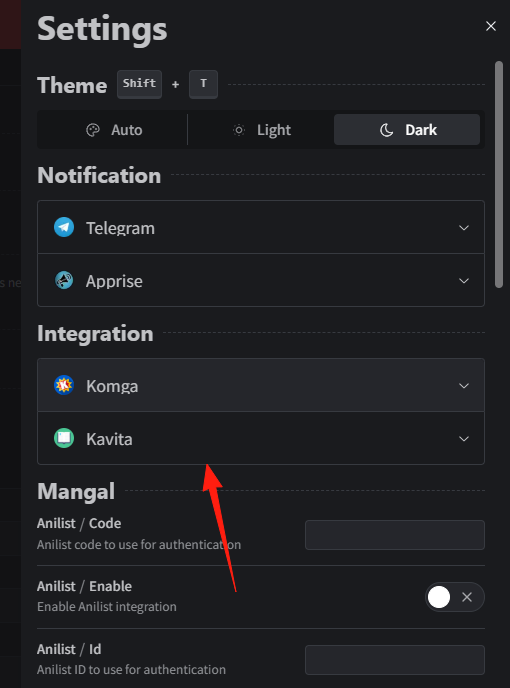
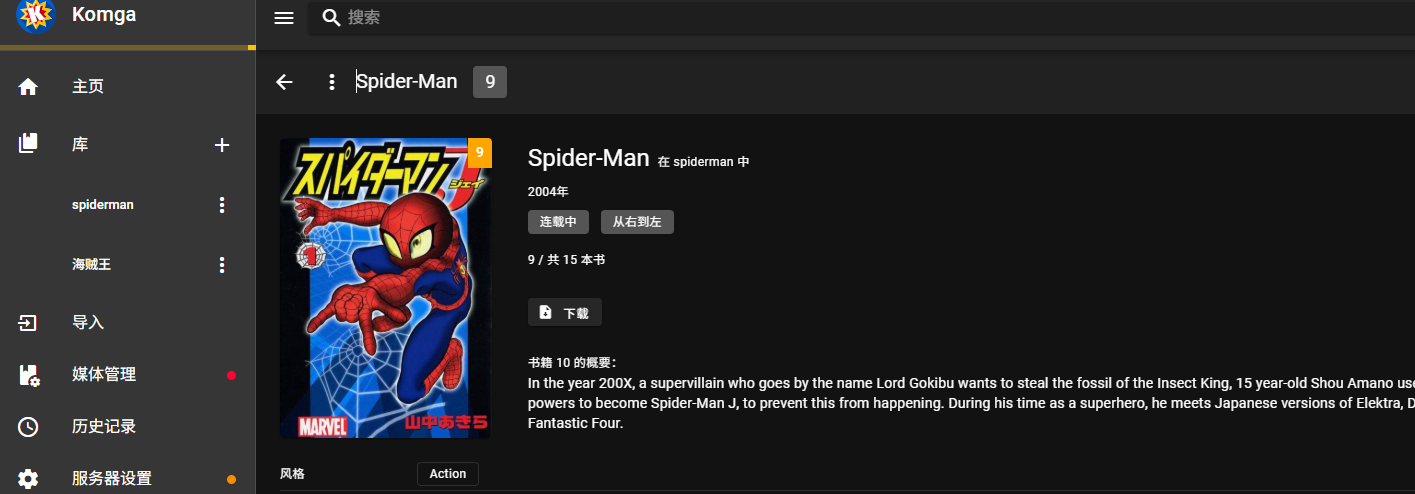
Alternatively, you can directly import the .cbz file into Komga to enjoy reading your manga.