
ProjectSend Practical Guide: Build Your Own File Sharing System
What is ProjectSend
Have you ever encountered this scenario: you need to send a large file to a client, but WeChat can't handle it, QQ is too slow, Baidu Netdisk requires the client to be downloaded, and email attachments have size limits. Those paid cloud storage services are either expensive or unreliable, and storing important files on someone else's server just doesn't feel secure.
Today, let me introduce ProjectSend, which is specifically designed to solve this pain point.
Simply put, it's an open-source, free file sharing system that allows you to set up a professional file sharing platform on your own server.
https://appstore.lazycat.cloud/#/shop/detail/peterpig.lzcapp.projectsend
Quick Start
After the application is installed, open the guide page.
Fill in the database information:
- Database Type: MySQL
- Server: mysql (Note: This is the container name, not localhost)
- Database Name: LAZYCAT
- Username: LAZYCAT
- Password: LAZYCAT
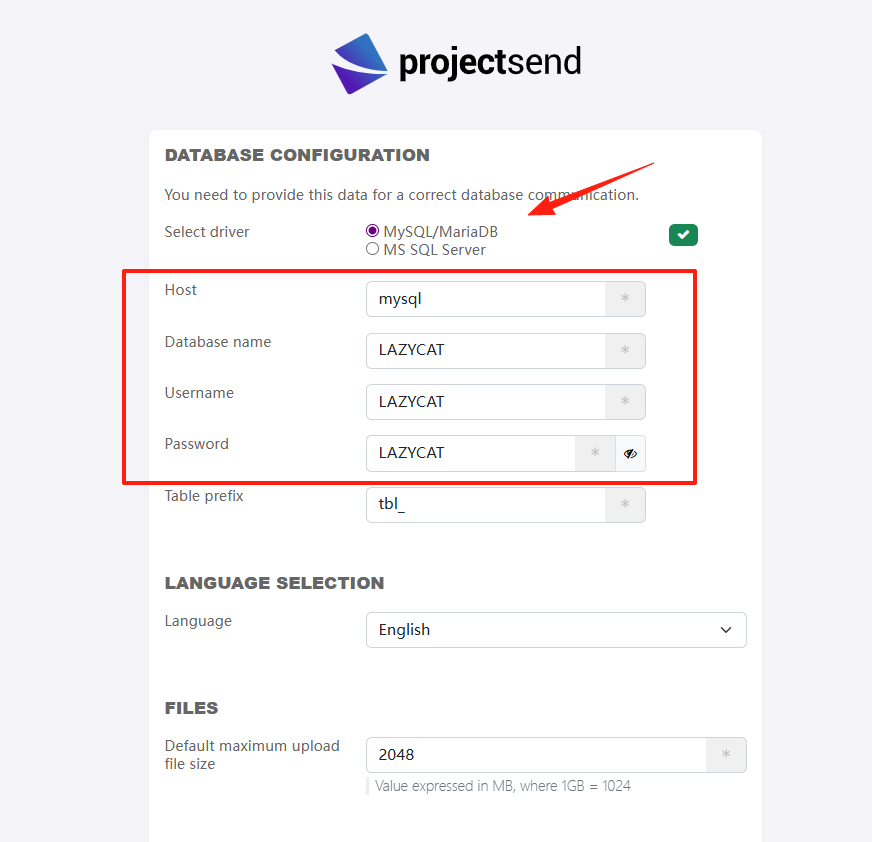
Click the Check button below.
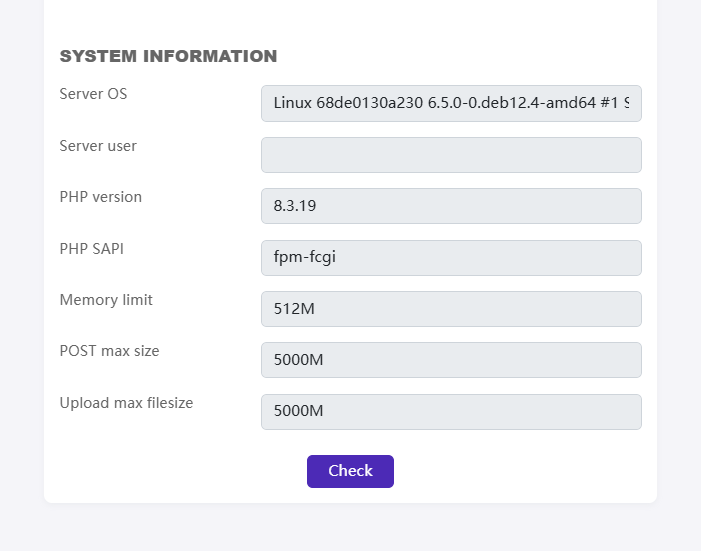
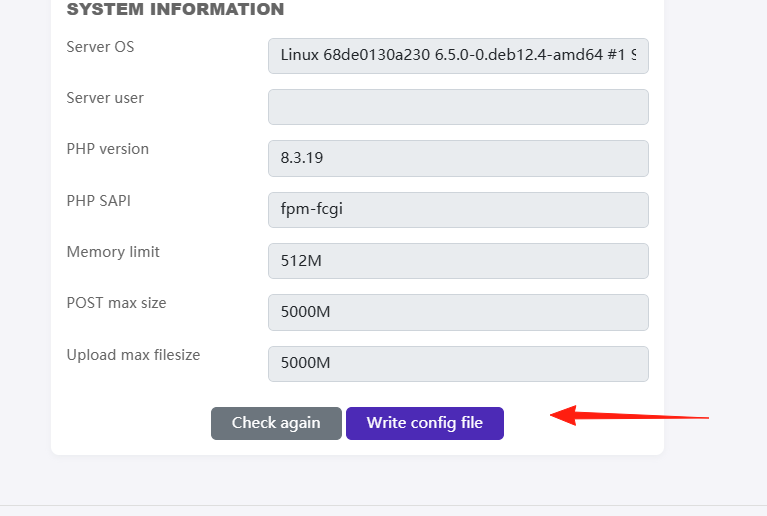
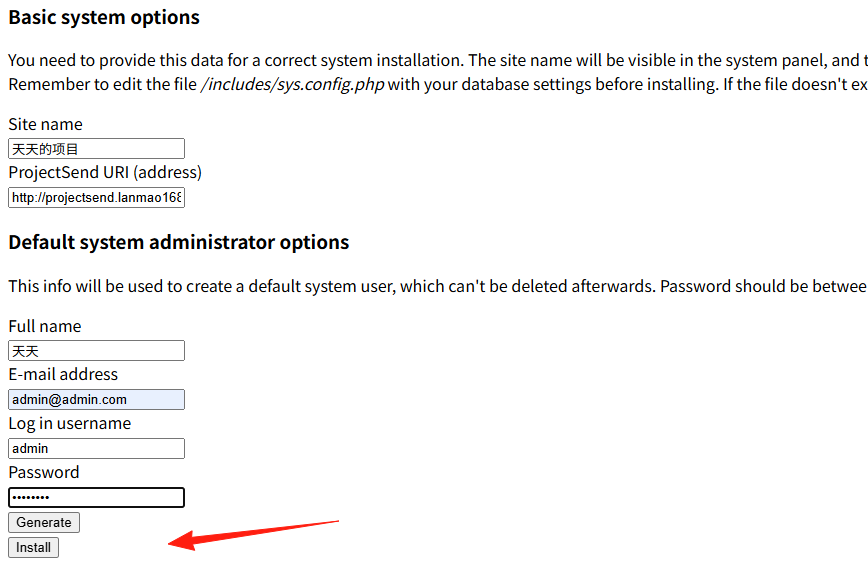
The page style might look messy at this step, but you can still scroll down and enter the information.
For the address in this step, the default is http, but you must change it to https, otherwise the subsequent styles will be completely messed up (I learned this the hard way).
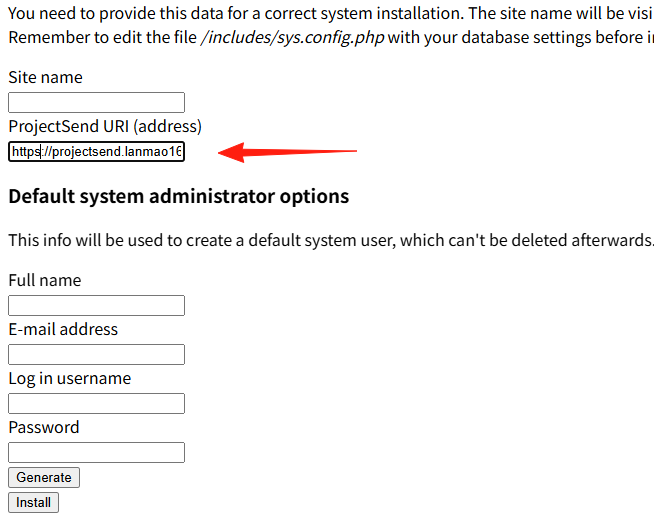 Click install to proceed.
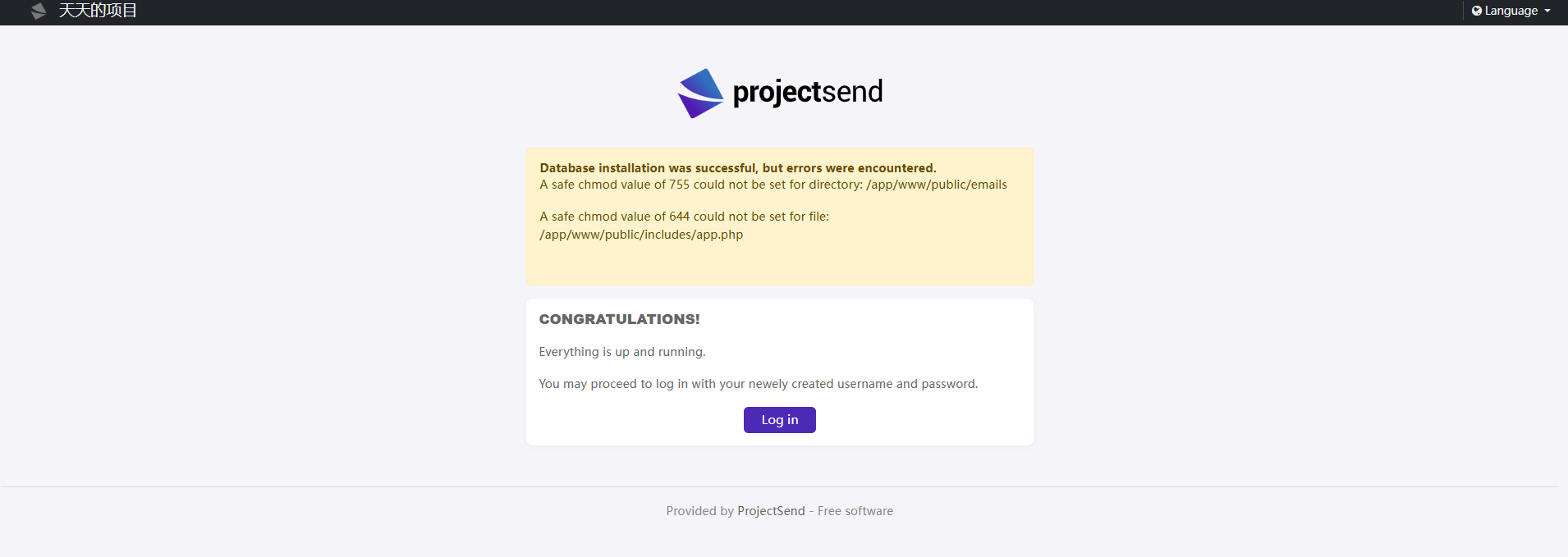
 After success, you will enter this page. Click login.
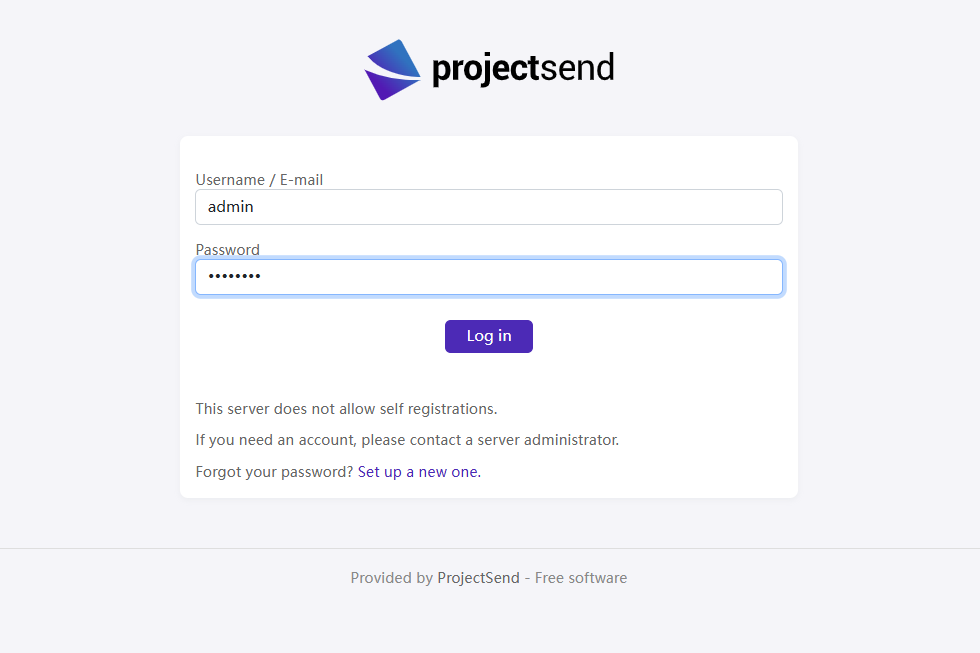
Enter the username and password you set earlier.
You've finally reached the homepage, though it's currently only in English.
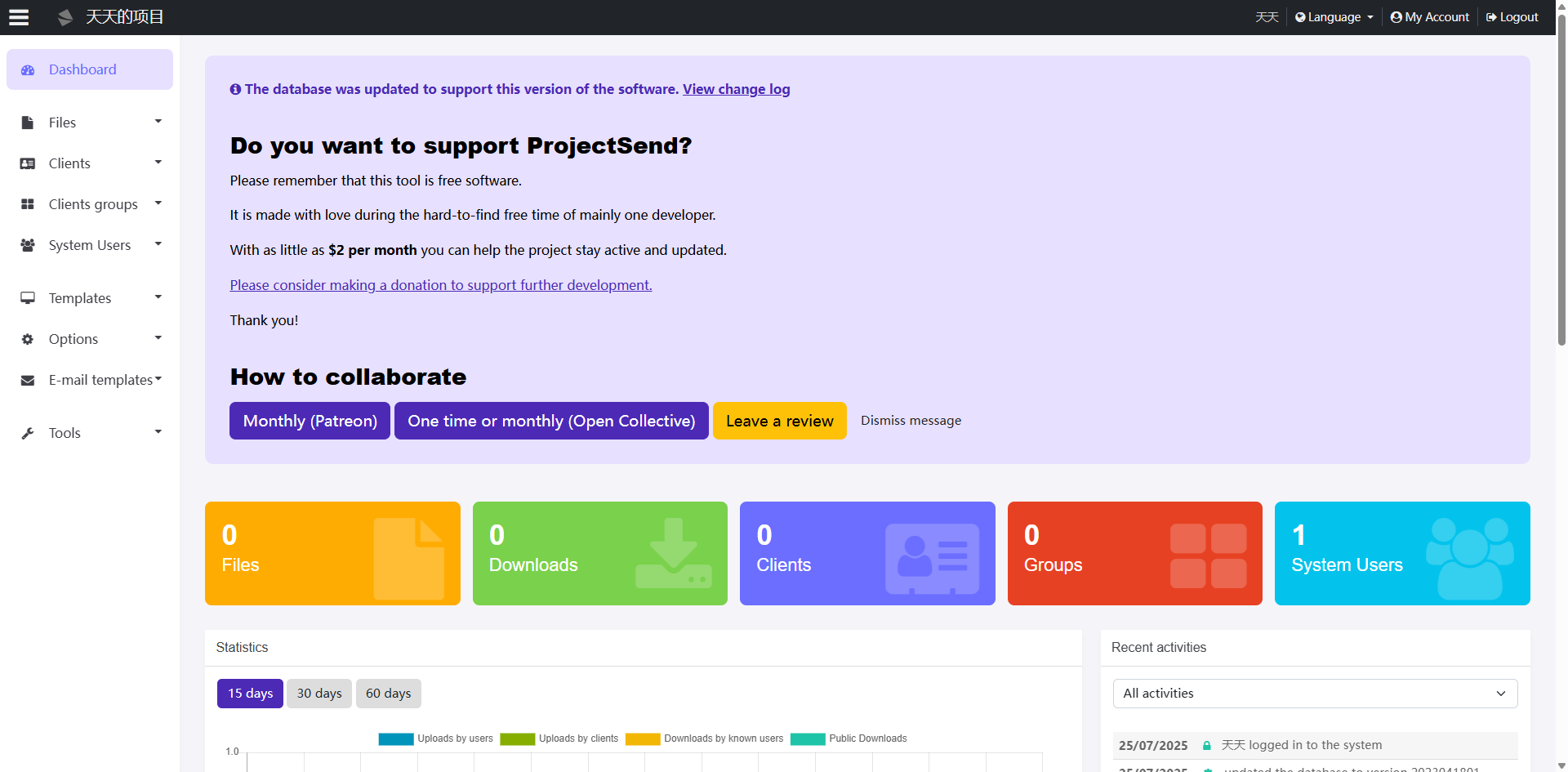
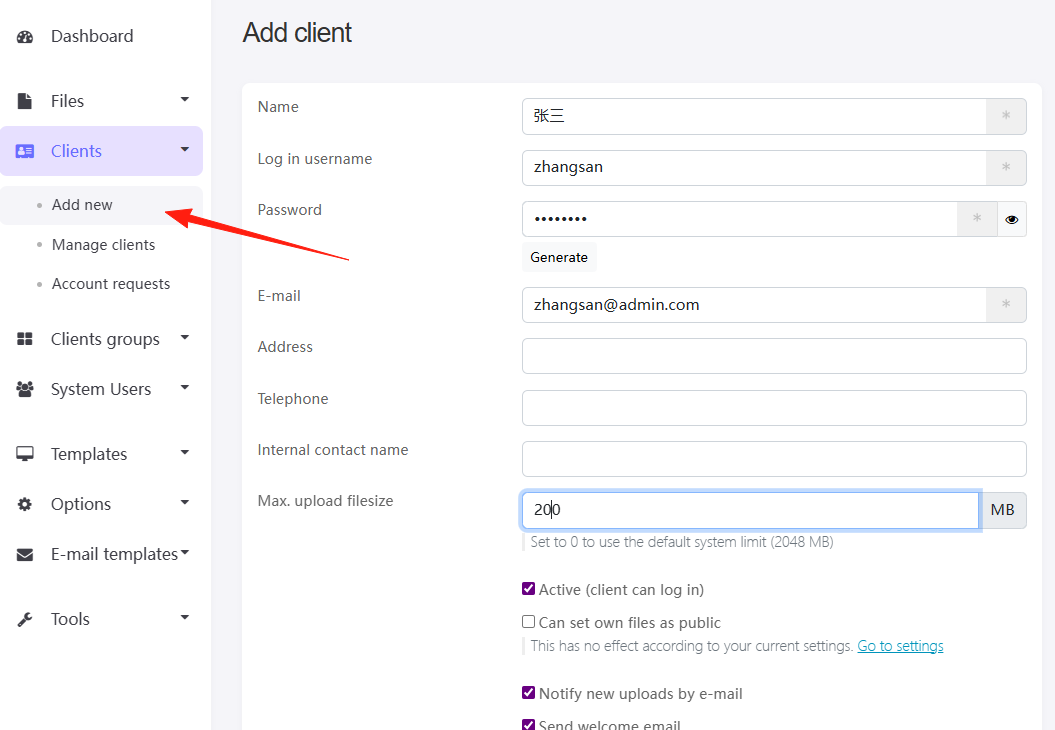
Our goal is to start uploading files and sharing them with clients. First, we need to add a client.
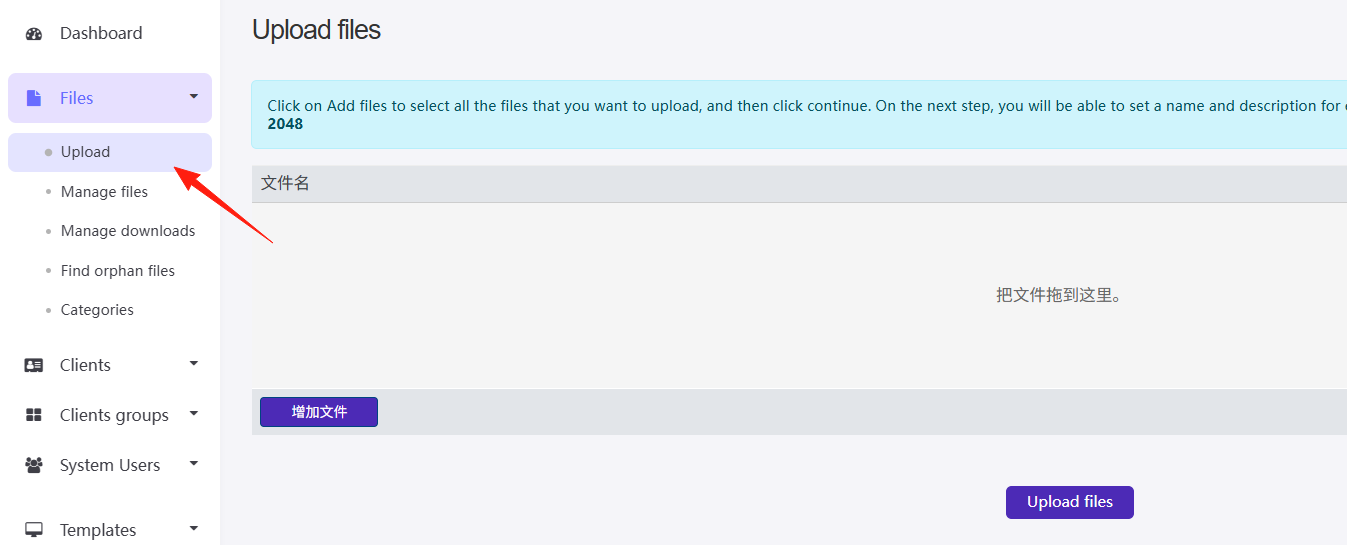
Then, upload a file.
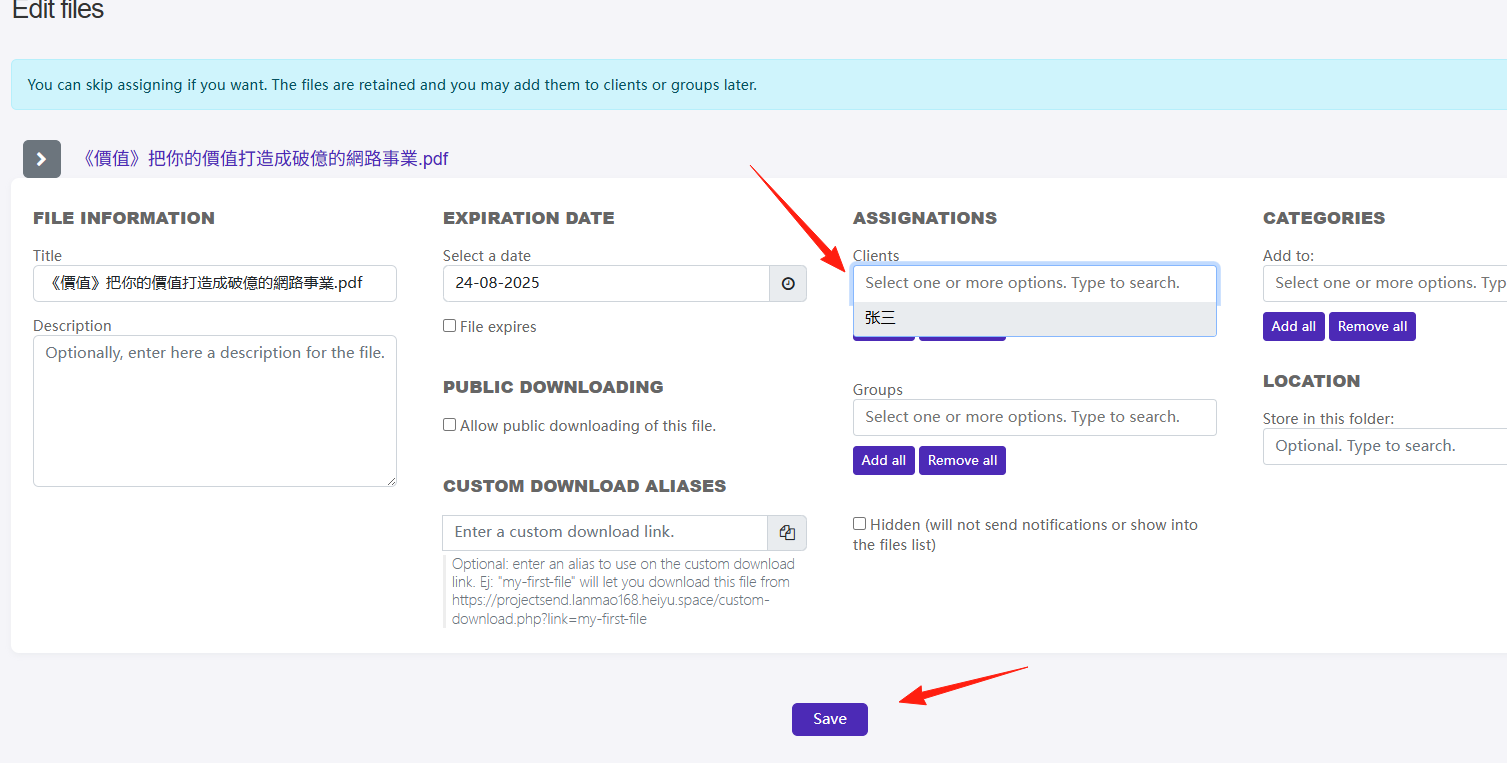
After successful upload, select the user you just created and click Save.
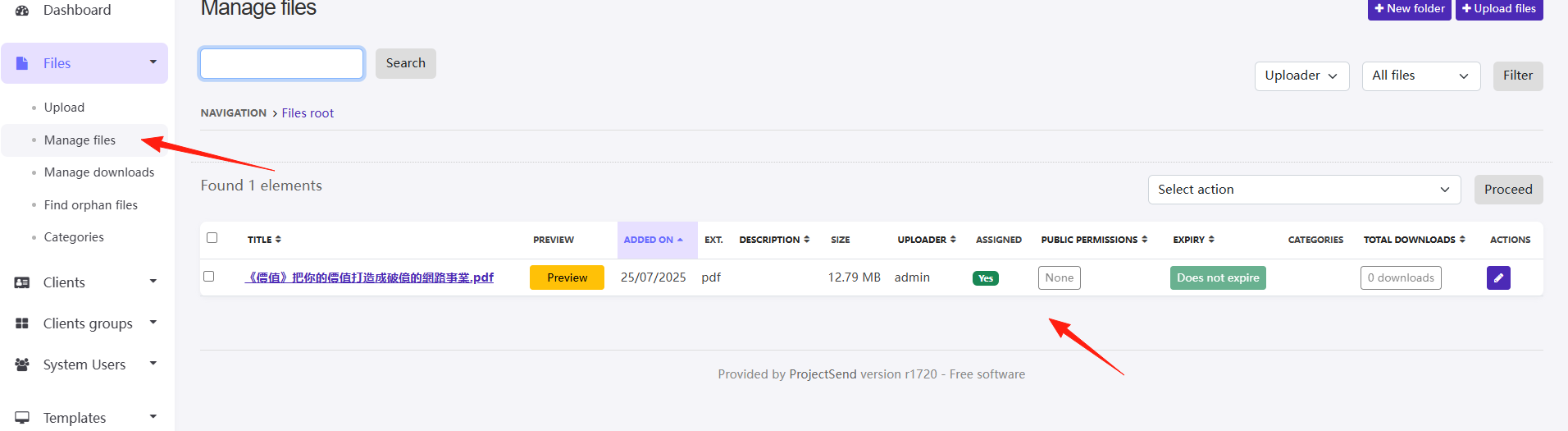
After assignment is complete.
 To check the status and manage uploaded files, click the "Manage files" option under the Files section.
Log out of the system, and let's log in using Zhang San's account.
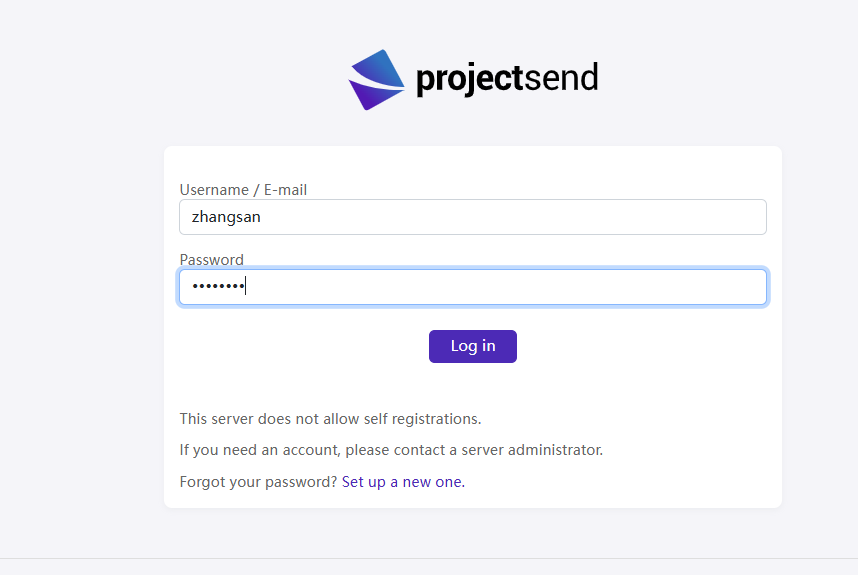 After the client logs in, they can see the documents shared with them.
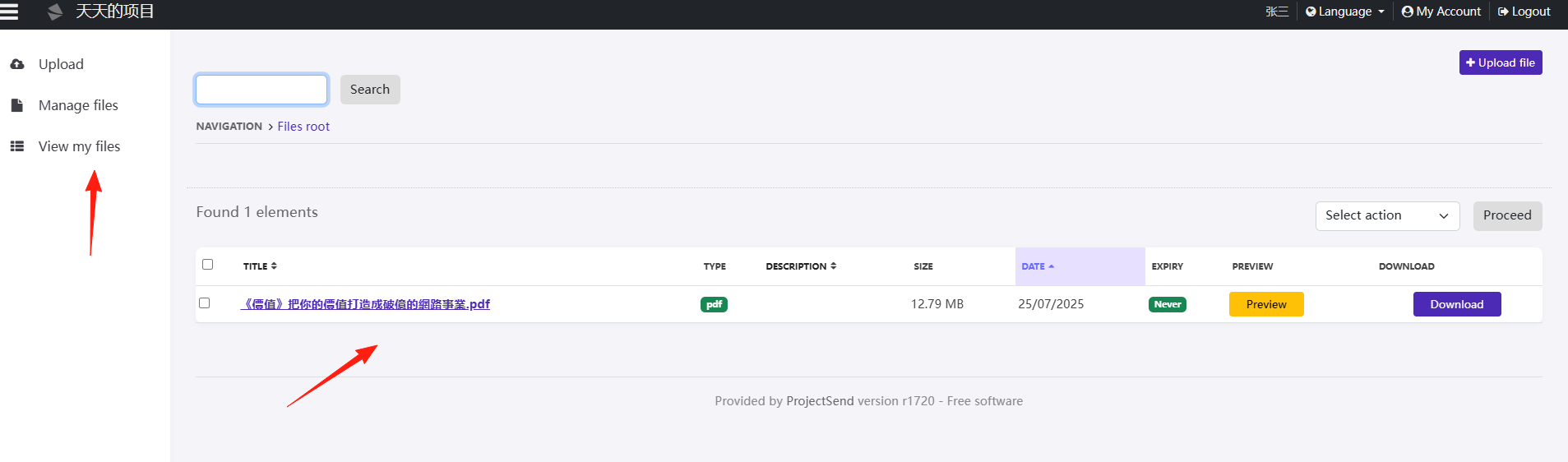
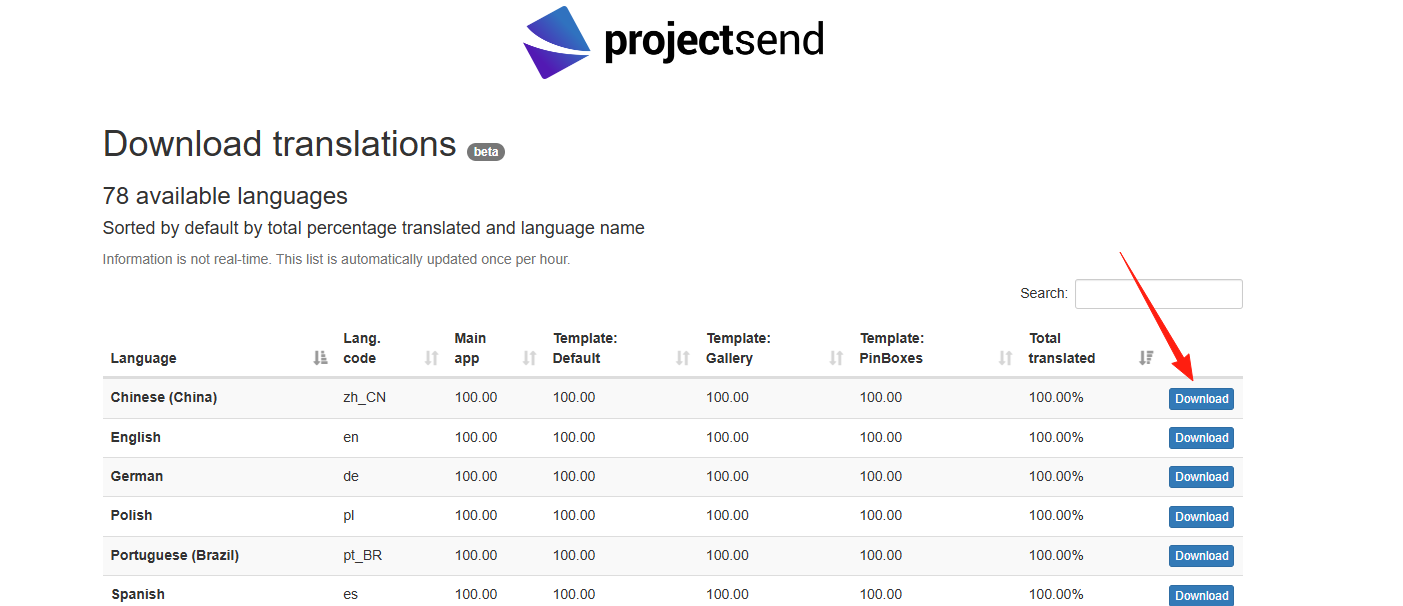
If you want to use the Chinese interface, you can follow these steps:
Download the localization pack from this website: https://www.projectsend.org/translations/
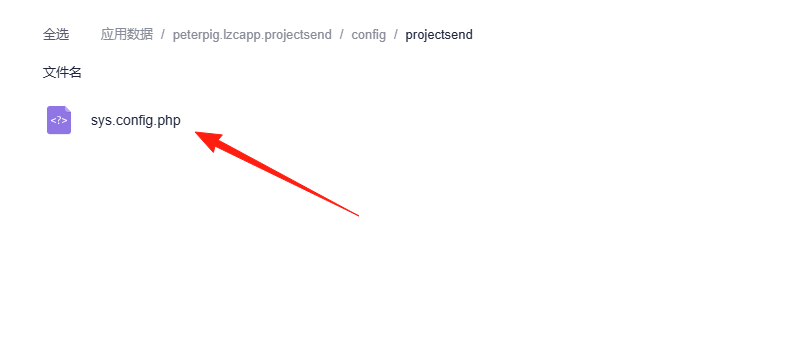
Upload the downloaded file to the application data, under this directory.
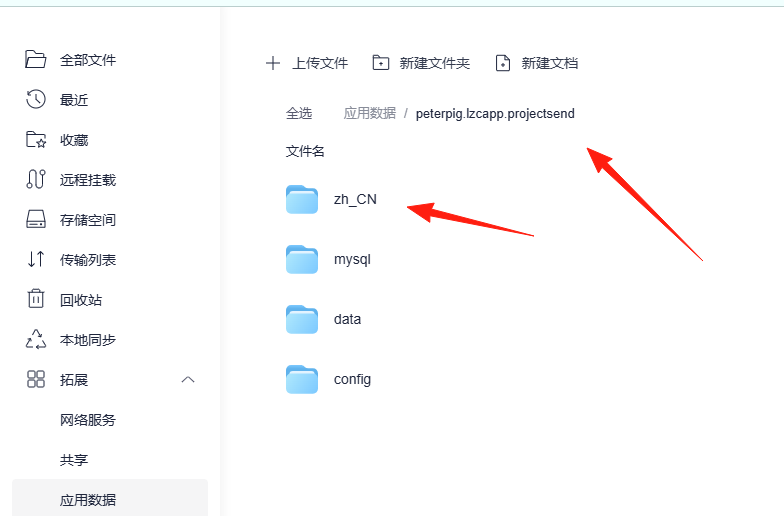
It won't take effect immediately. Go to this directory. Modification isn't supported directly in Lazycat, so download the file first, modify it.
Change the code on line 73 from 'en' to 'zh_CN'.
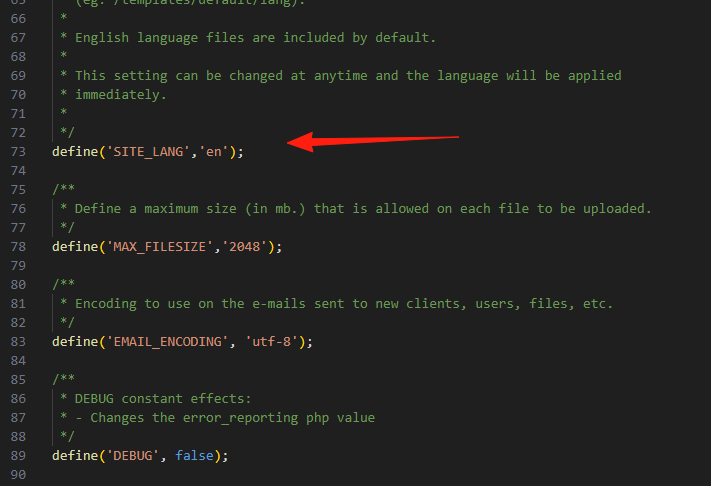
After modification, upload it again, overwriting the original file.
Summary
ProjectSend is particularly suitable for small teams or individuals who frequently need to share files with clients.
Although the interface might not be as flashy as those commercial products, its features are sufficient. The key points are that it's free, open-source, and your data remains in your own hands.