
KodExplorer User Experience: A Practical Web File Manager
What is KodExplorer?
KodExplorer is a fast and efficient private cloud and online document management system. It provides a secure, controllable, easy-to-use, and highly customizable private cloud product for personal websites, enterprise private cloud deployment, network storage, online document management, online office, and more.
It features a Windows-style interface and operating habits, allowing users to get started quickly without a learning curve. It supports online preview for hundreds of common file formats and is extensible and easy to customize.
https://appstore.lazycat.cloud/#/shop/detail/cloud.lazycat.app.kodexplorer
How to Use
After the application is installed, open the main page.
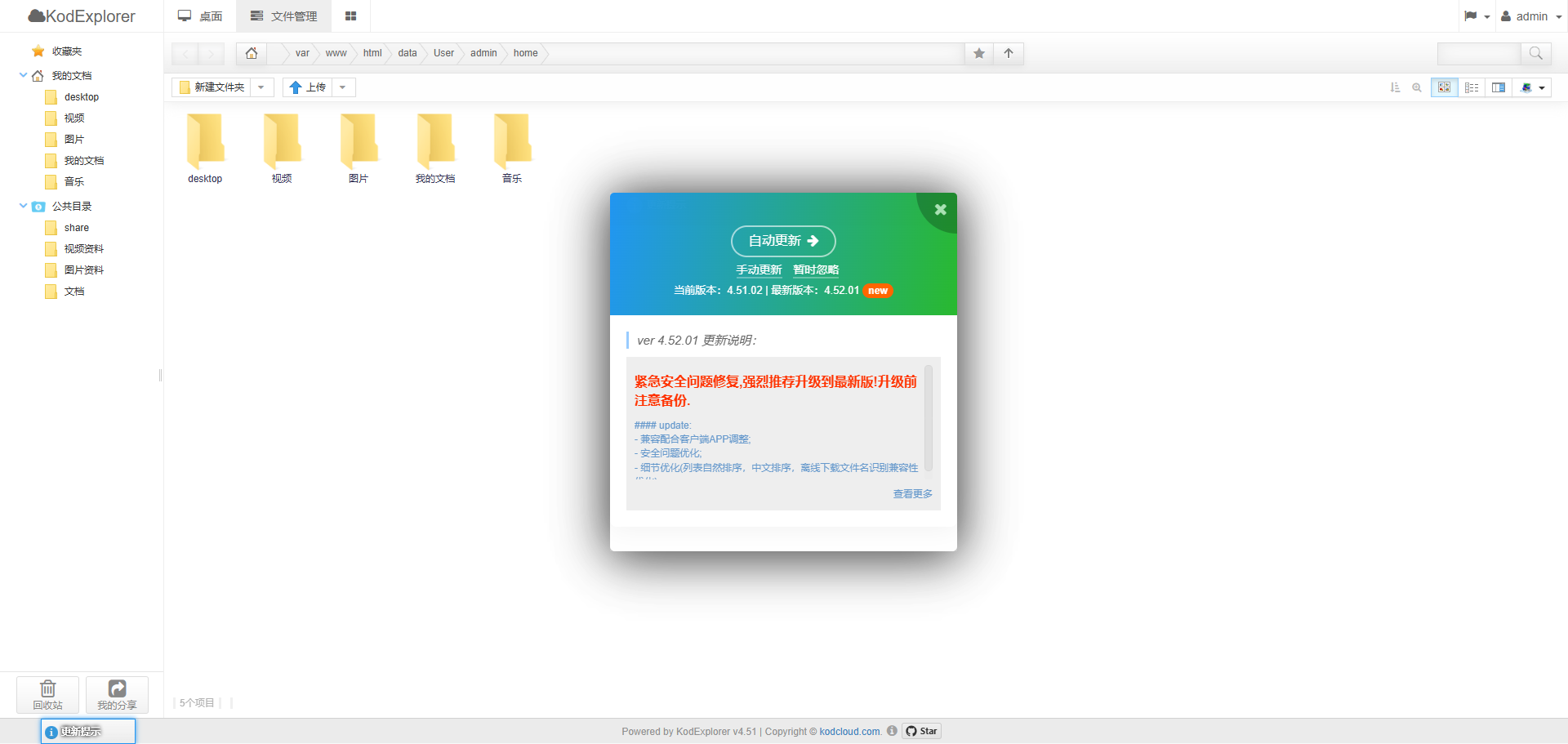
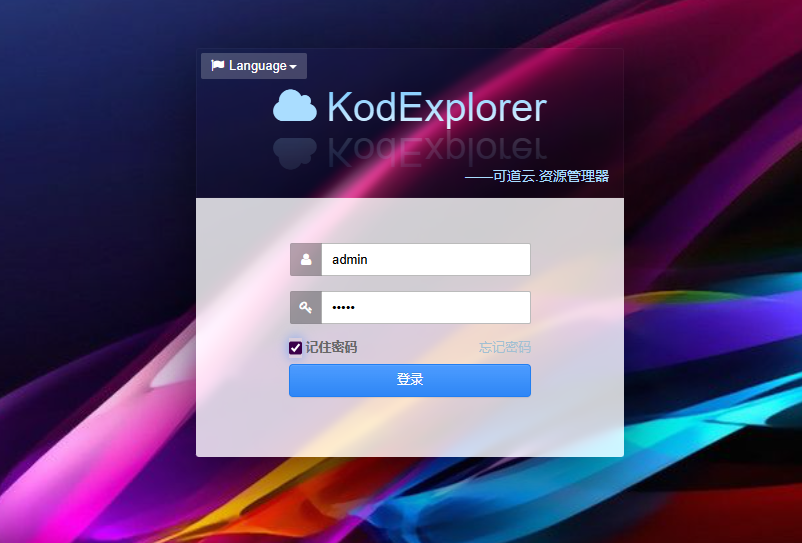
It prompted for an update. After the automatic update, it redirected to the login page. Username/Password: admin/admin
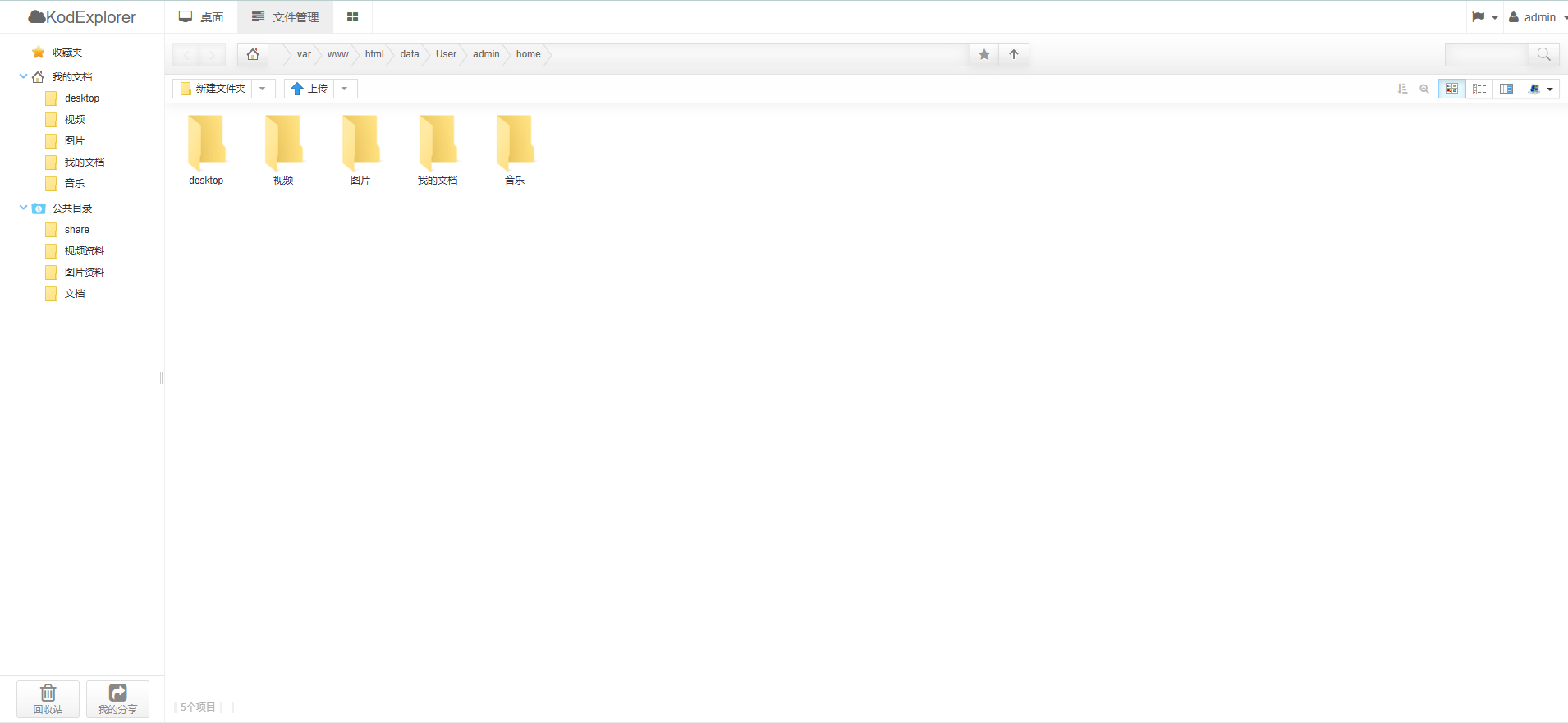
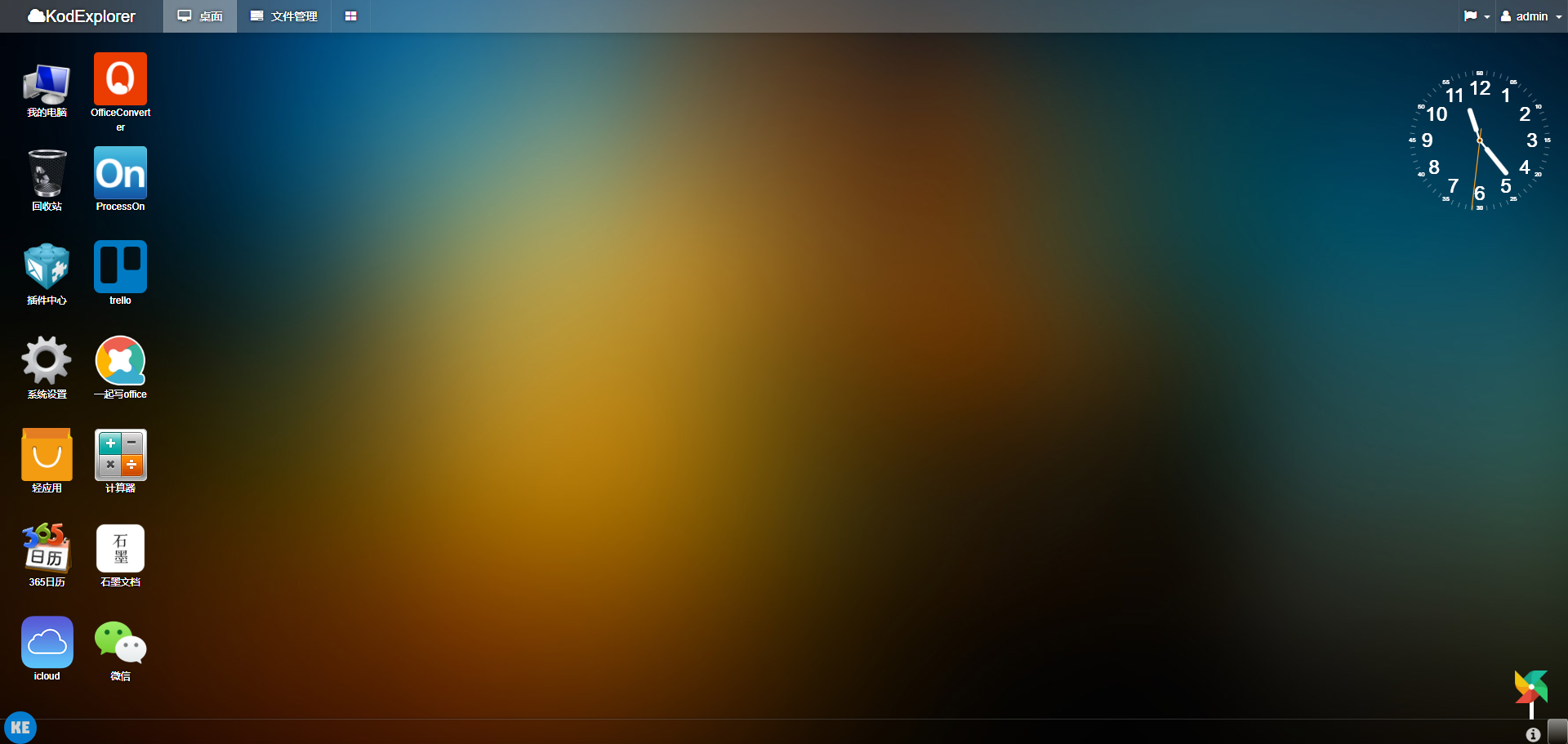
Upon entering the home page, you can see the familiar Windows-style interface.
Click on the Desktop.
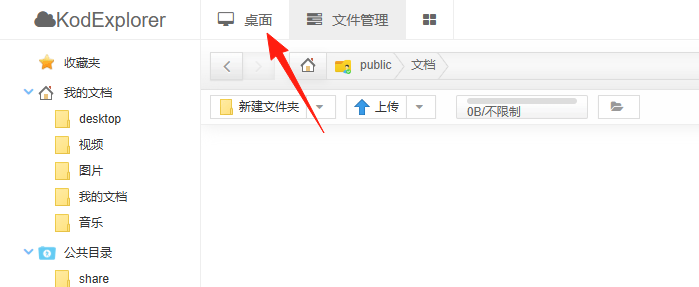
You can think of it as having entered an operating system where you can use its built-in software for office work.
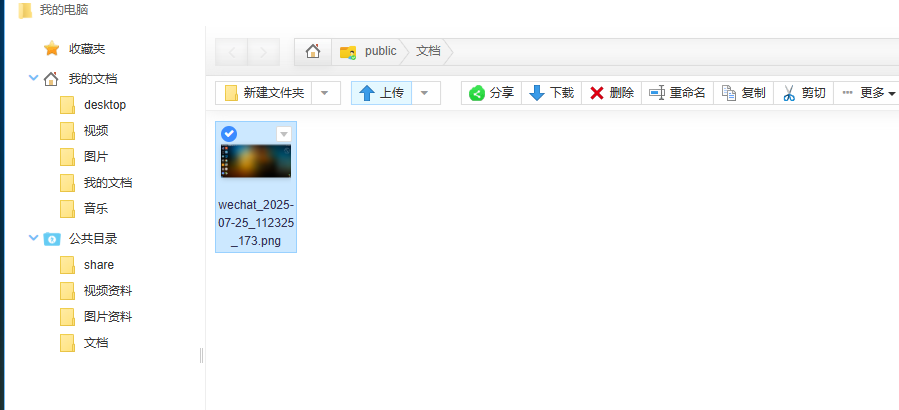
Open "My Computer" to upload and download files.
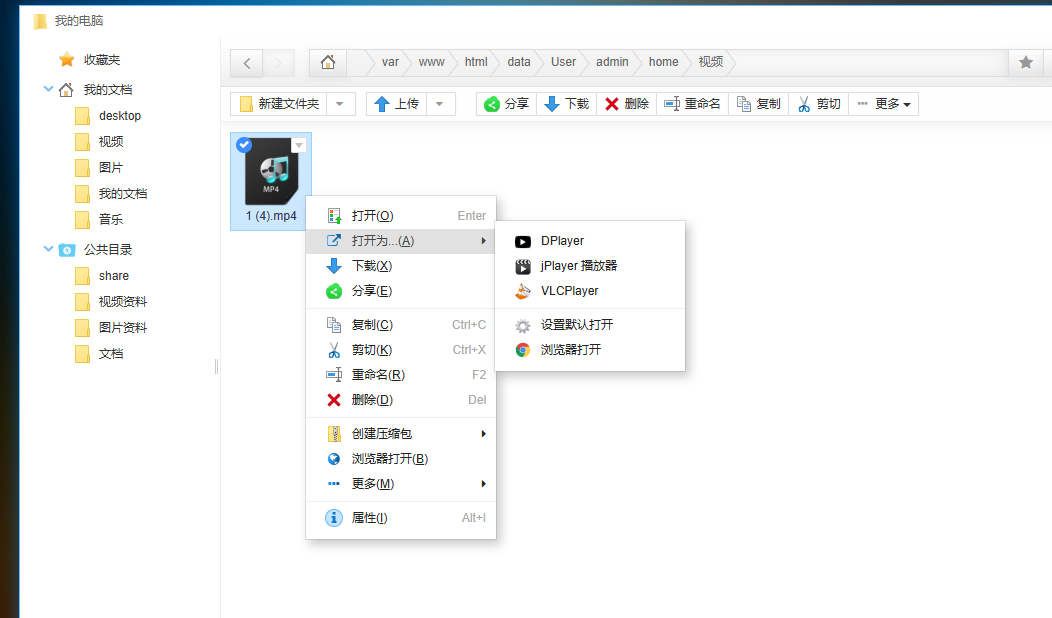
Supports video playback.
Click on "Light Apps". It comes with many built-in applications. Note: WeChat is no longer usable.
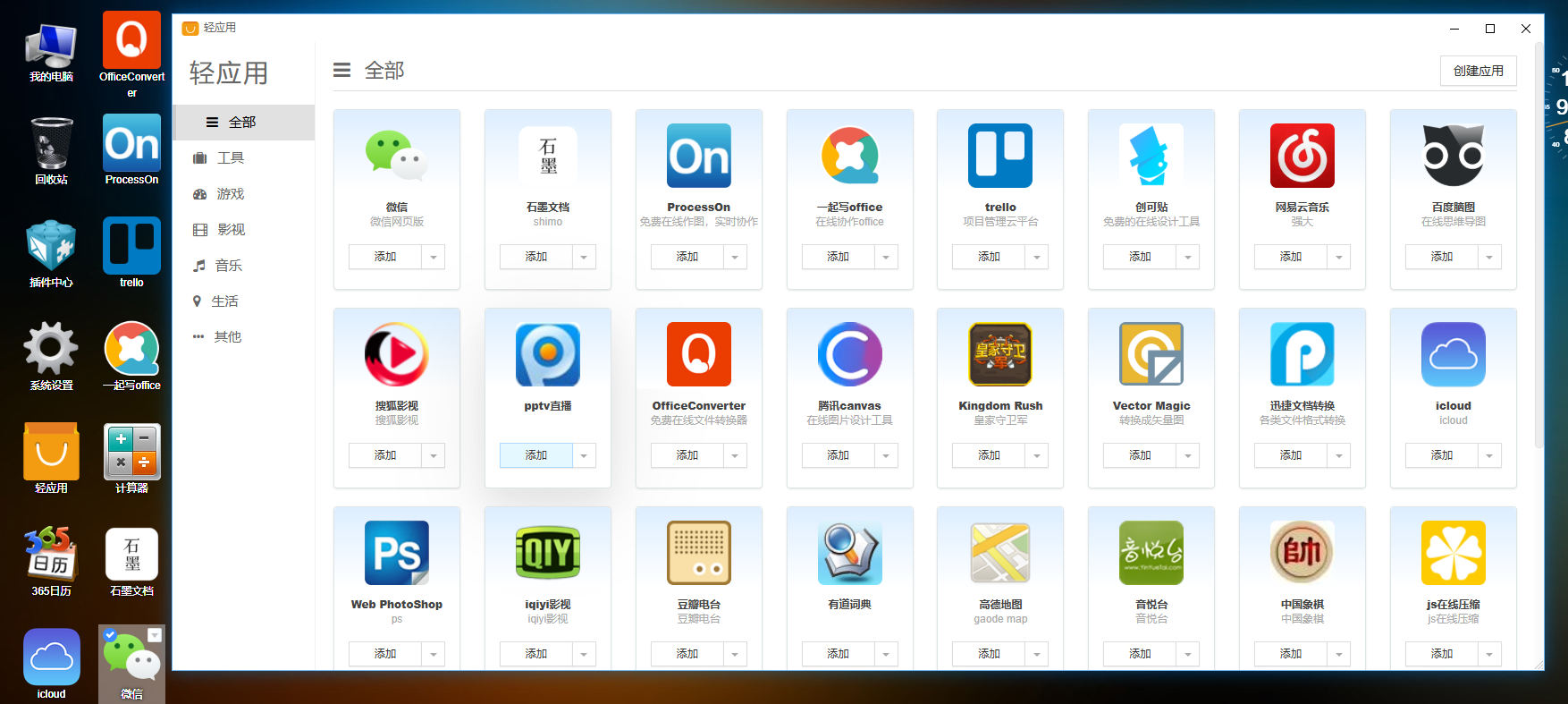
You can see it has some built-in applications; they are ready to use after clicking "Add".
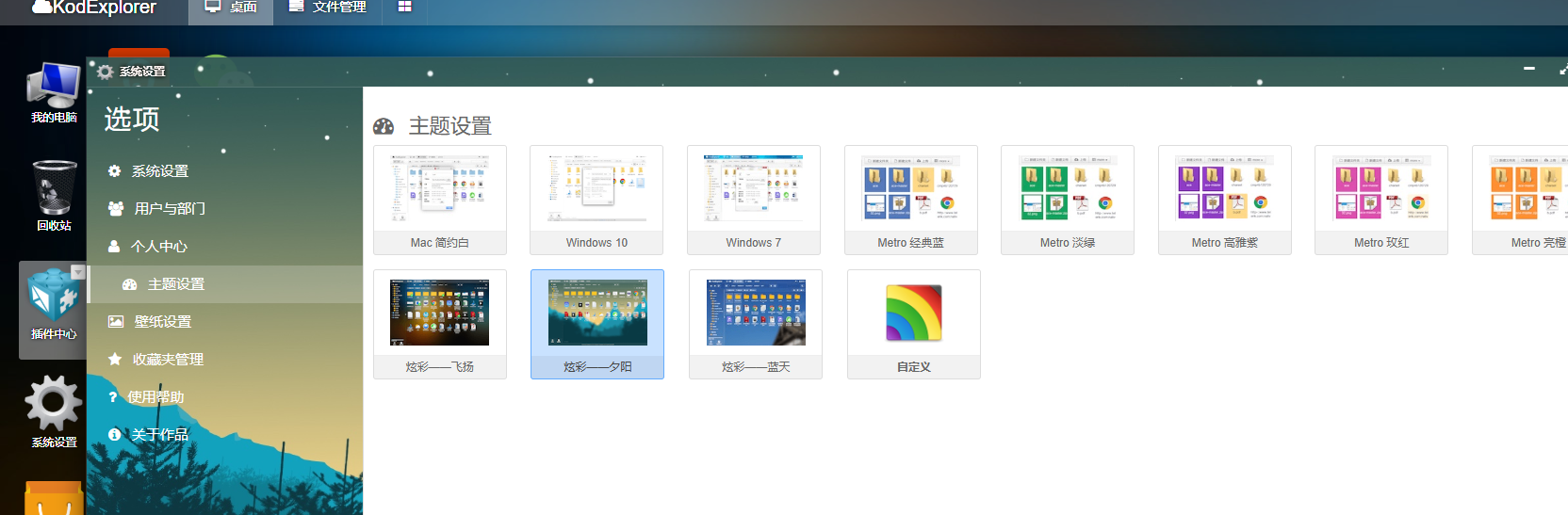
Click on the top-right corner. It also includes built-in themes and wallpapers, and the effects are quite good.
Summary
KodExplorer solves a series of problems including online file storage and management, sharing and cross-platform access, online office work, and audio-video entertainment. It enables a remote experience that is as convenient, fast, and secure as operating locally.