
SheetAble: A Self-Hosted Sheet Music Manager
What is SheetAble?
SheetAble is an easy-to-use sheet music management software designed for all music enthusiasts.
The developer's goal is to make SheetAble available across all devices, allowing users to annotate PDFs on tablets/iPads and store them on their home servers.
https://appstore.lazycat.cloud/#/shop/detail/xyz.mxue.sheetable
How to Use
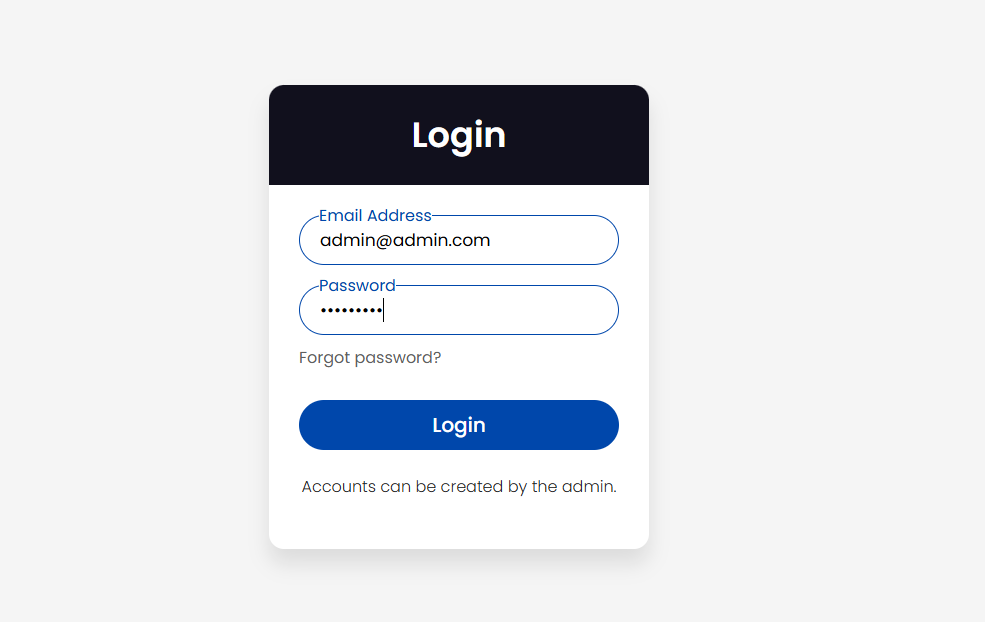
After installing the application, the login page opens by default. The default account/password is: admin@admin.com/sheetable
After logging in, you will enter the home page.
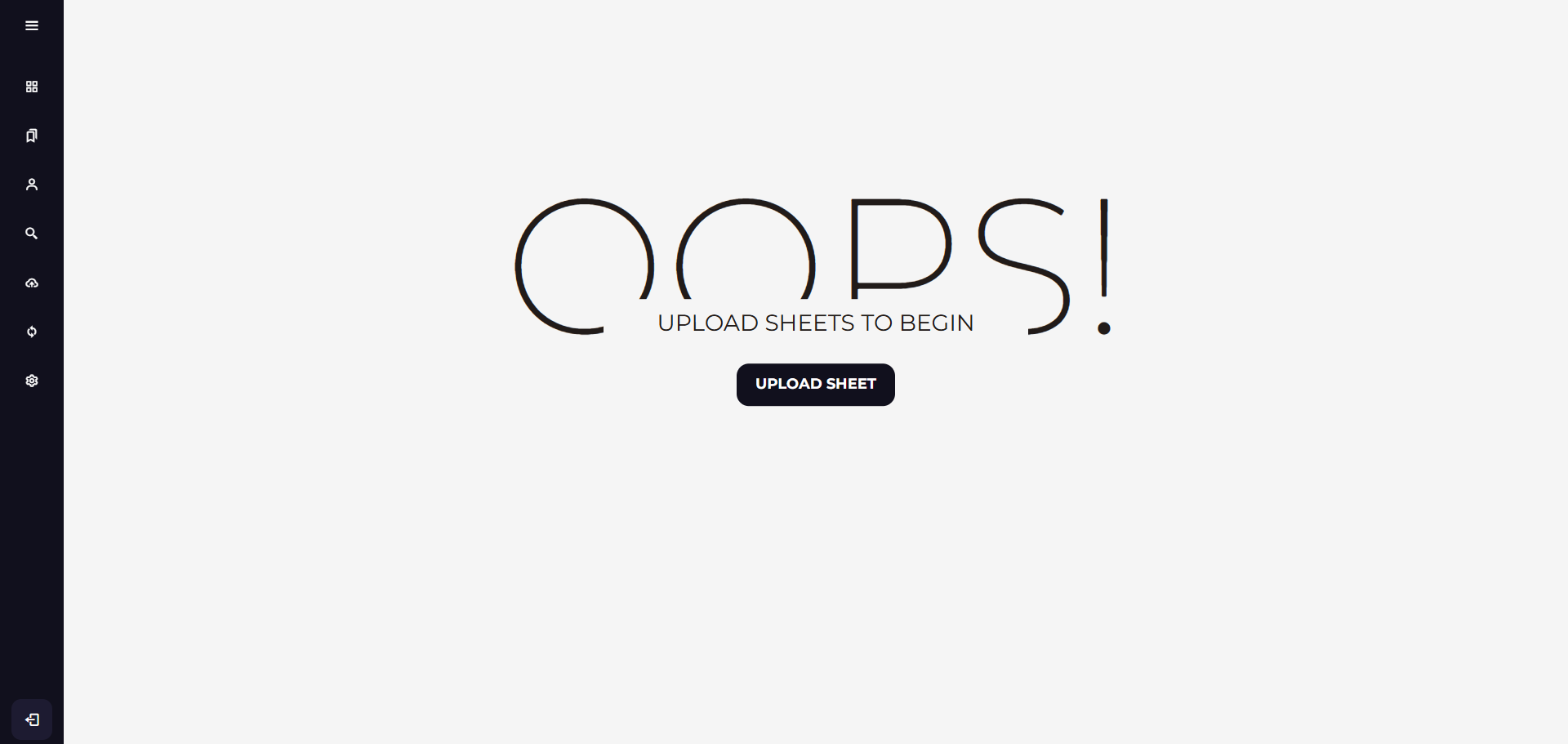
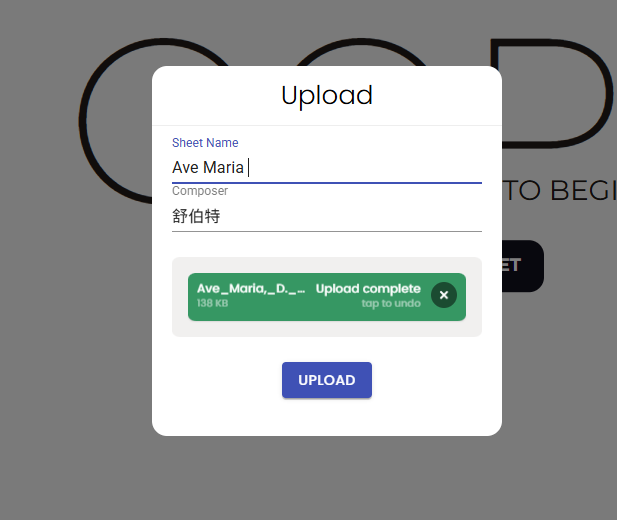
Click "Upload Sheet" to upload a sheet music file, then fill in the sheet name and composer.
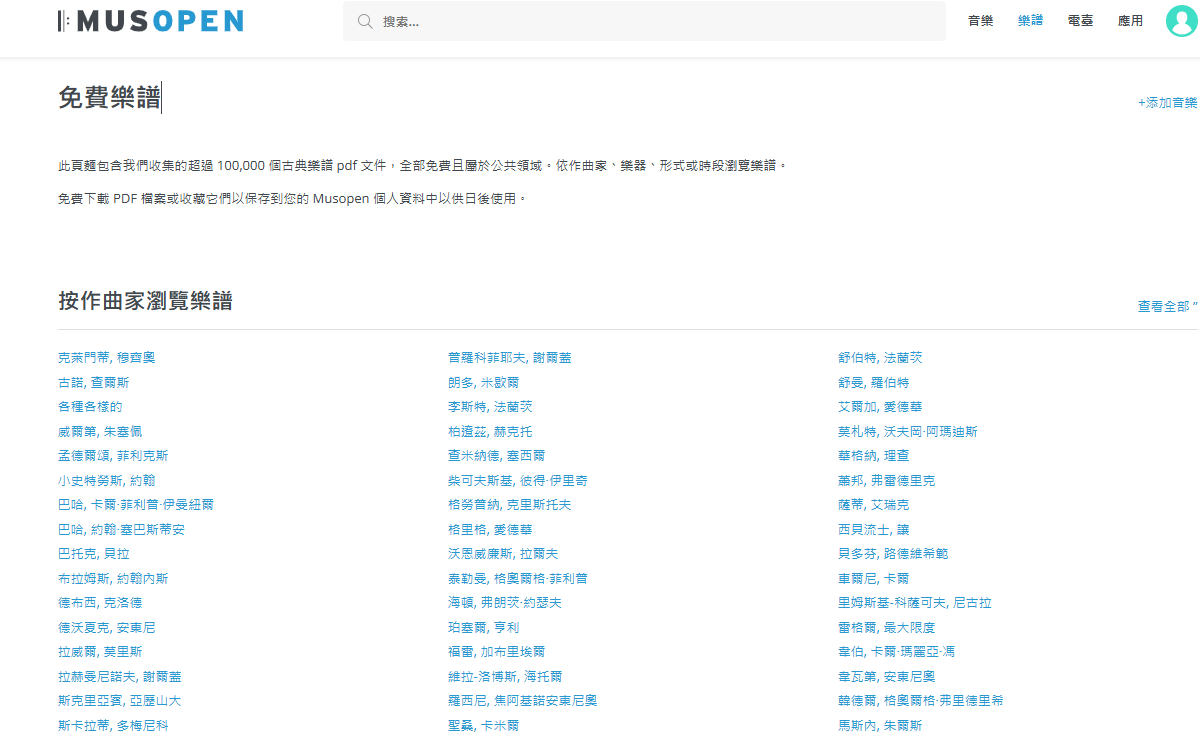
Here is a recommended free source for downloads: https://musopen.org/zh-hant/sheetmusic/
After a successful upload, you can view the sheet.
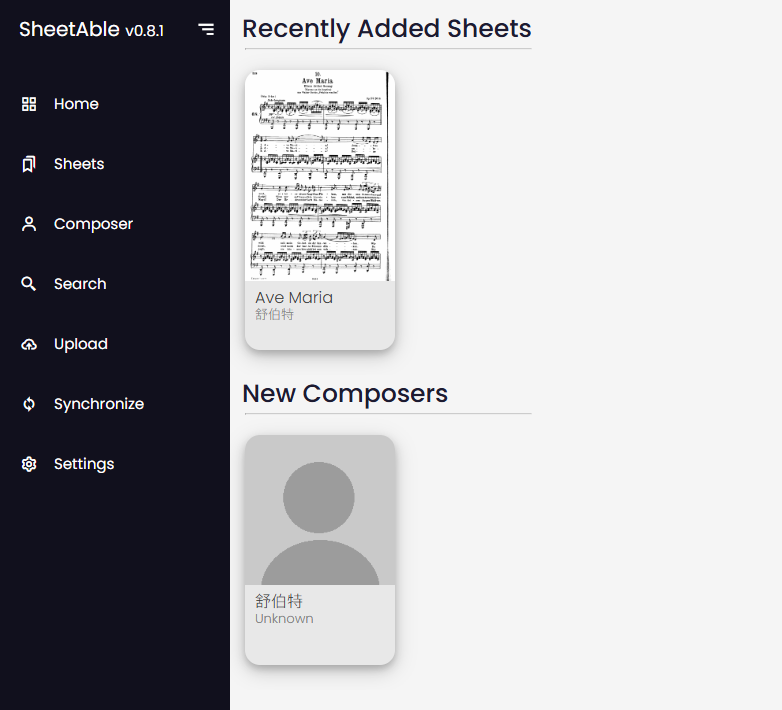
Click on it to view the details.
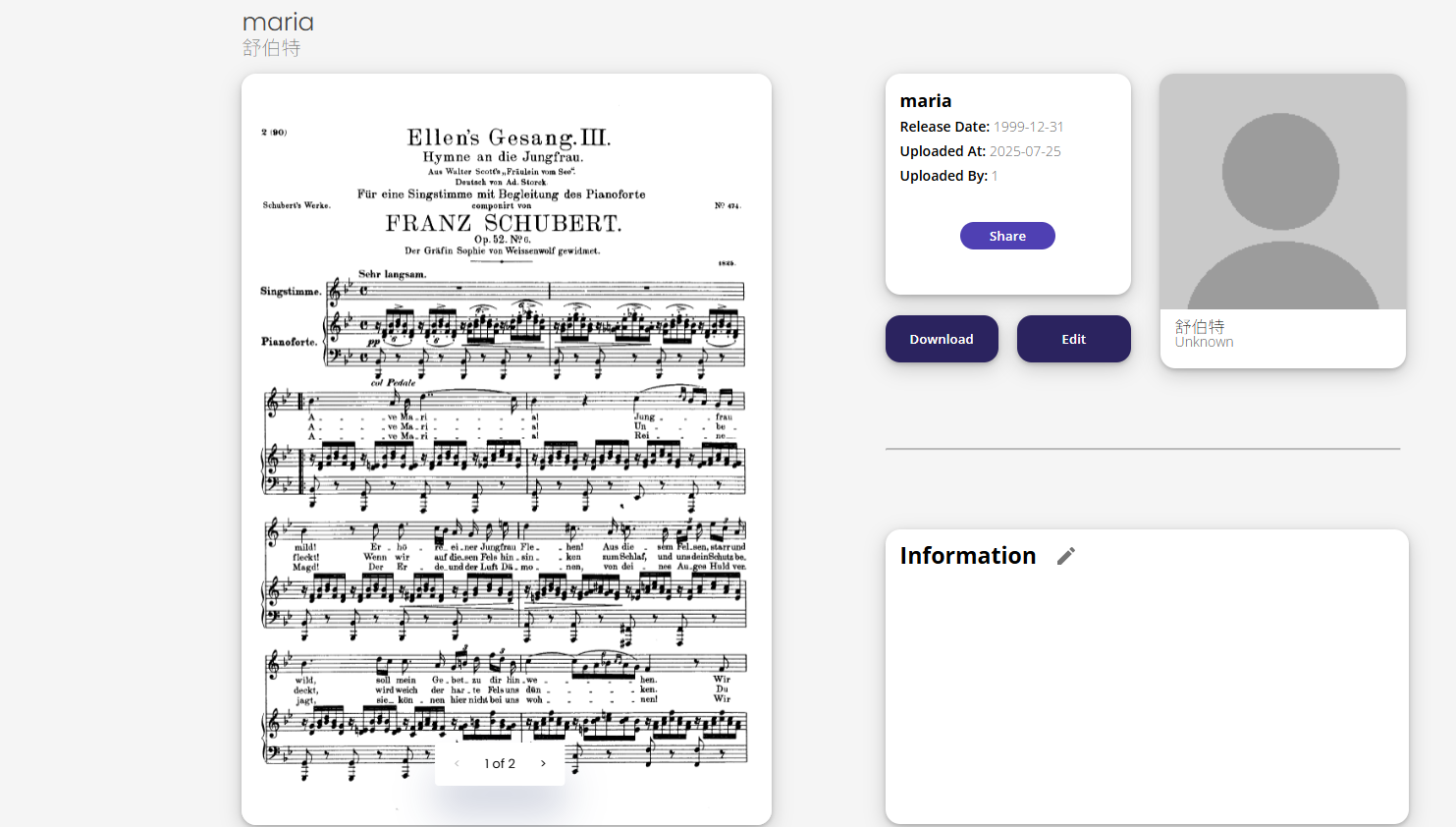
Click "Information" to add some annotation details.
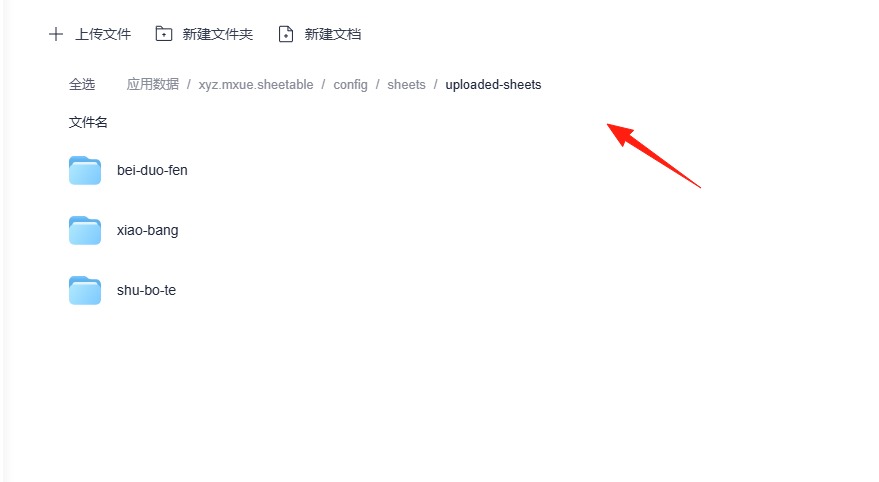
The uploaded files can be found in the application data directory, where a separate folder is created for each composer. It's recommended to back up your data promptly.
The overall usage is quite straightforward. Essentially, any PDF file can be uploaded.
However, since this application is specifically designed for sheet music management, it's best to only upload sheet music files.