
DashMachine: An Interesting Bookmark Dashboard Management Software
What is DashMachine?
DashMachine is a web bookmark dashboard application with interesting features that allows you to manage all your self-hosted applications from a single dashboard.
DashMachine uses a single .ini file for configuration, making it relatively easy to manage. It supports data sources, enabling functionality beyond just bookmarks. It also supports sophisticated dashboards for data visualization.
https://appstore.lazycat.cloud/#/shop/detail/cloud.lazycat.app.dashmachine
User Experience
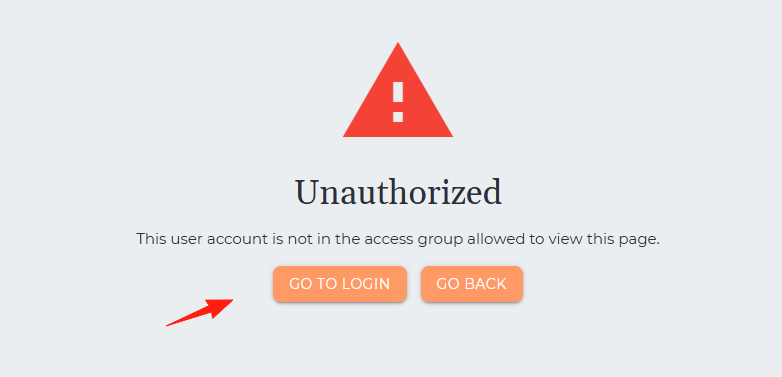
After the application is installed, click "login".
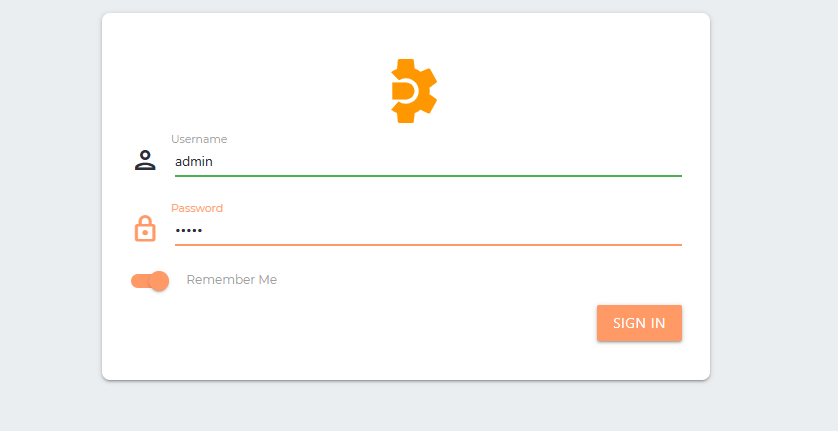
You will arrive at the login page. The default username and password are: admin / admin
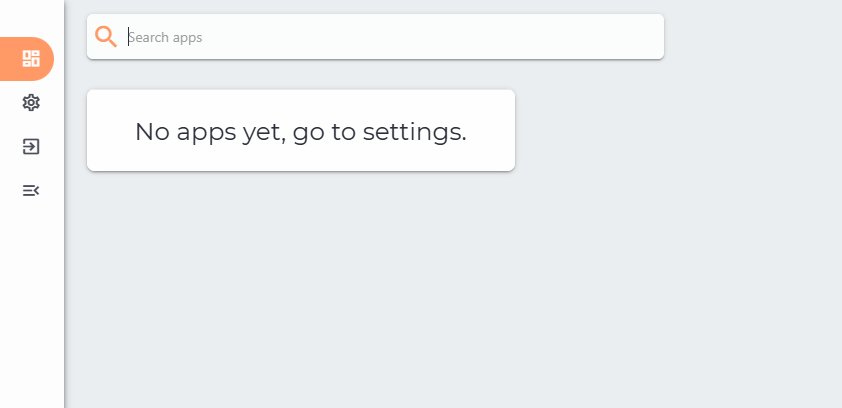
Enter the main page, which is currently blank.
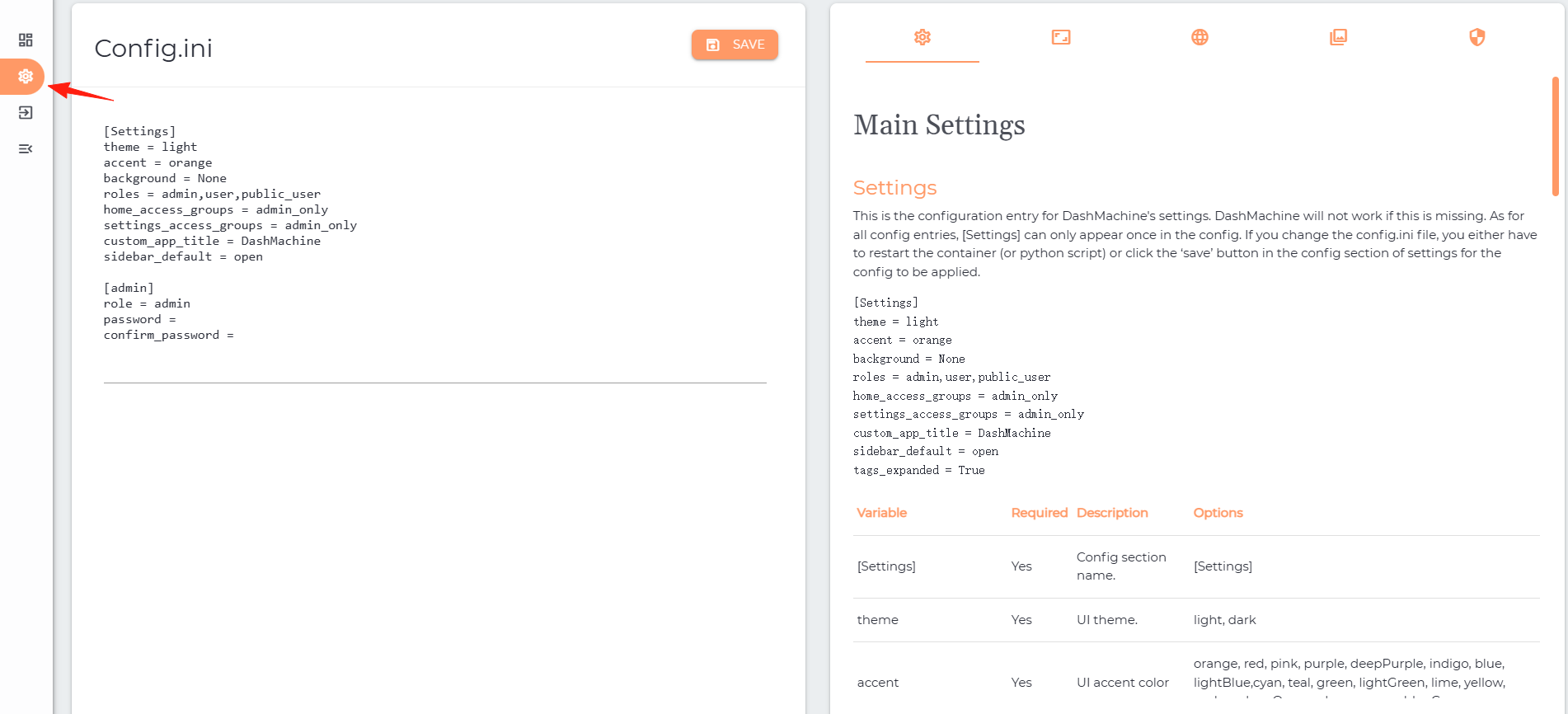
Click "Setting" to start editing. The left side shows the content of Config.ini, and the right side shows the instructions.
Click to enter the "Cards" page.
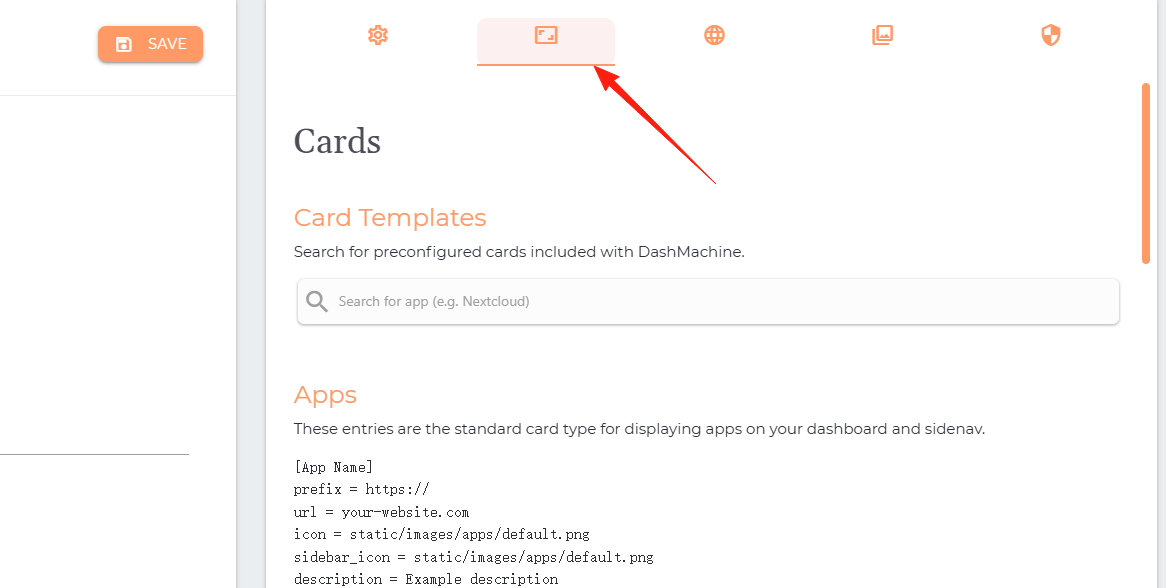
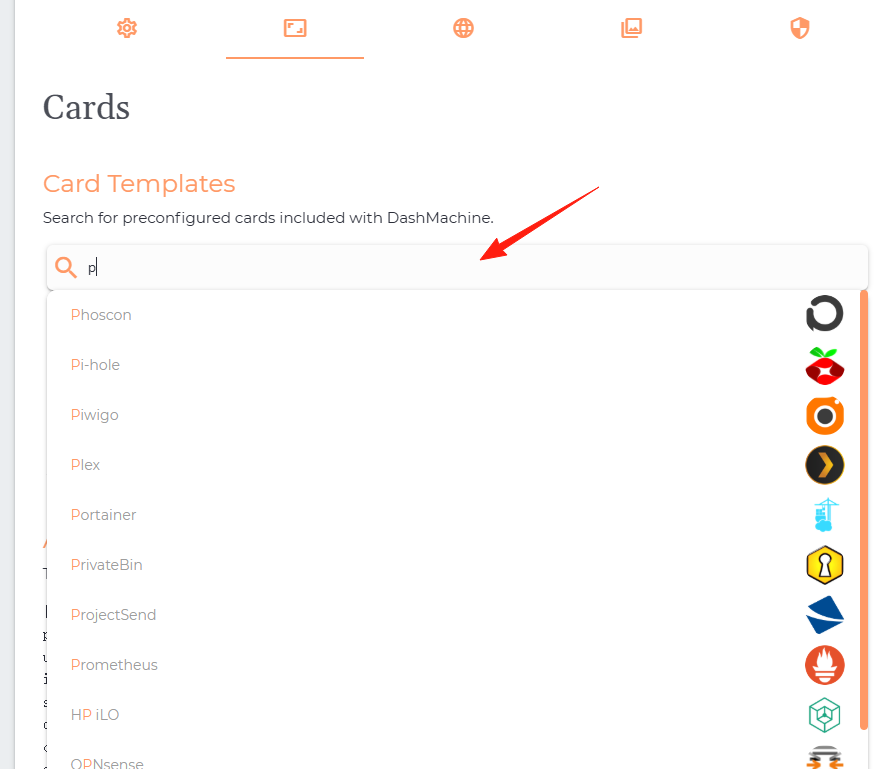
It comes with some built-in applications. Find one that exists in the Lazycat Store and that you have installed. For example, I have the pihole application installed.
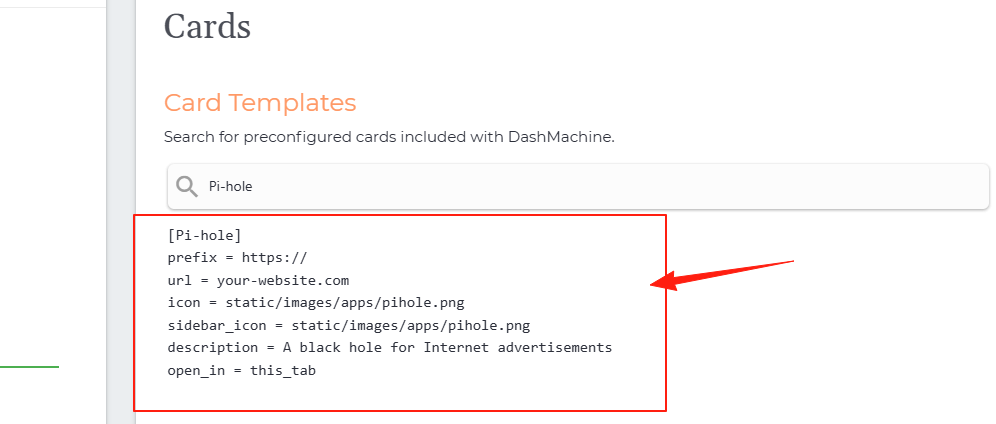
It automatically generates the code below. Copy the code to the left side.
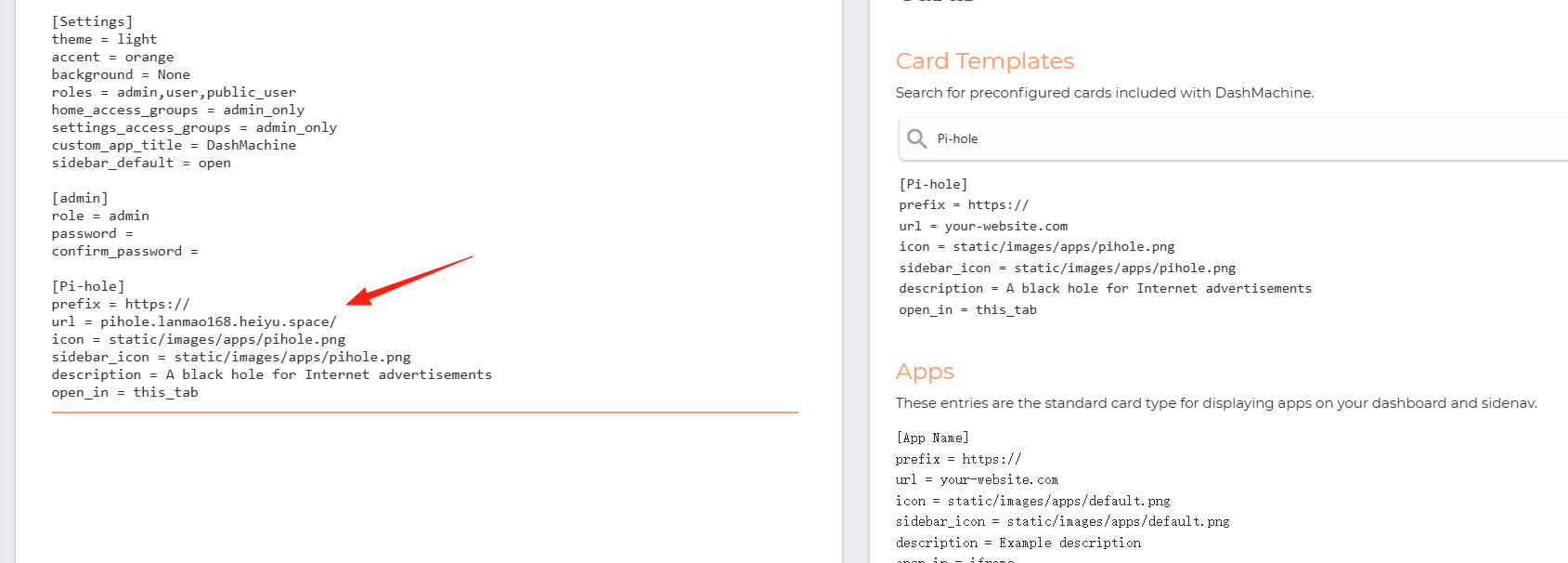
Change the url to your own URL, then click "Save".
Return to the home page, and you will see that pihole has appeared. There is also a quick access icon on the left.
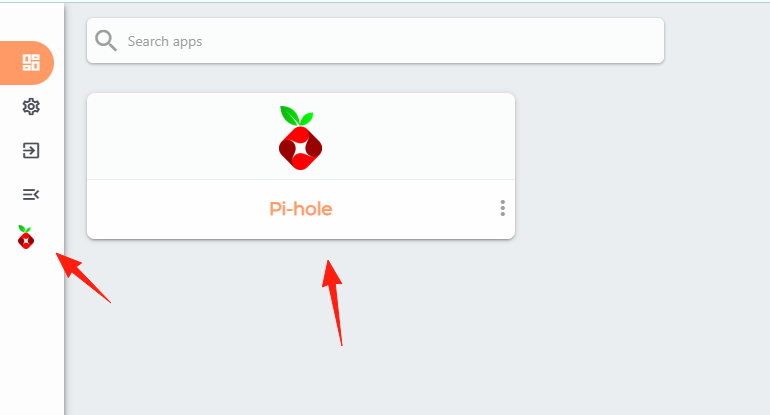
Click it to jump to the corresponding application.
Similarly, you can add other cards. If you can't find one via search, you can modify the content yourself.
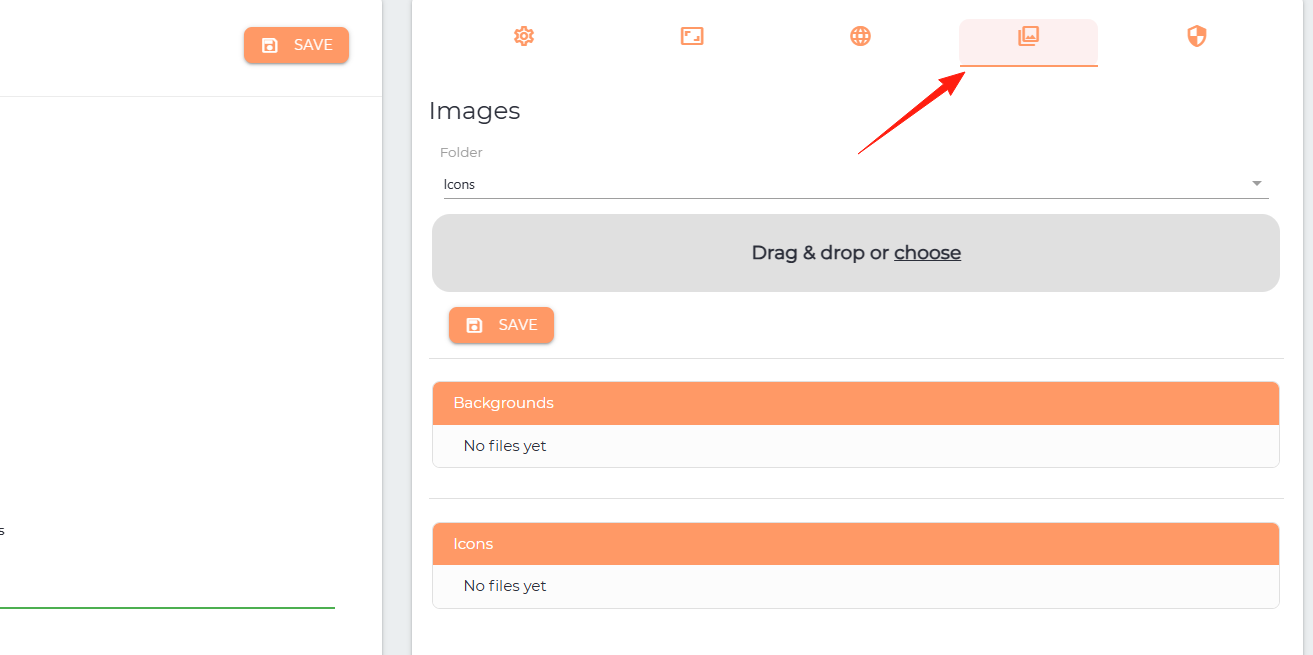
Generally, you just need to modify the url, description, and icon. You can upload icons from here:
This menu is for the data source feature.
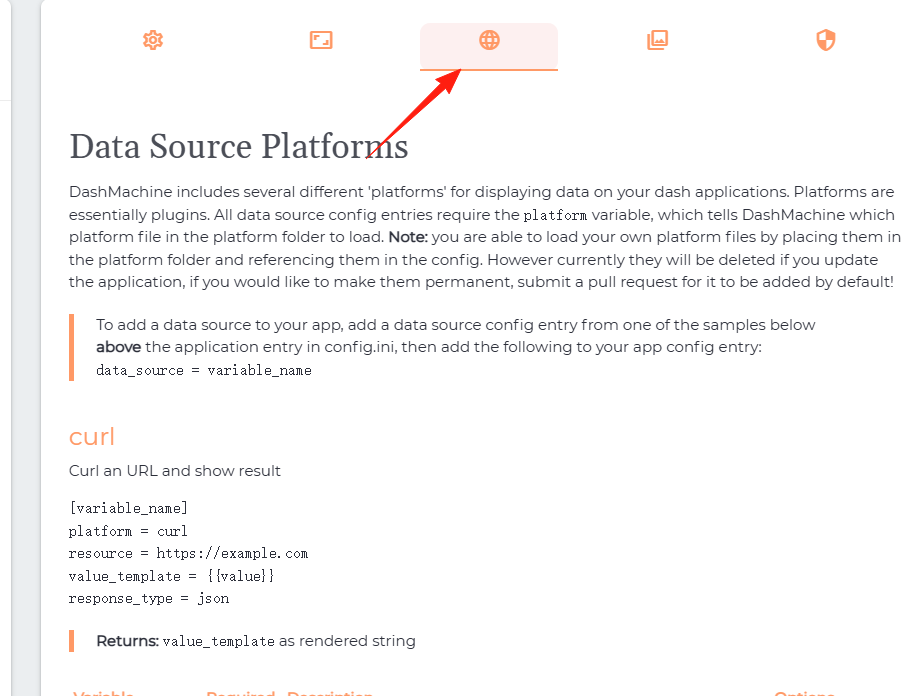
Follow the instructions and copy the code from the right side to the left side.
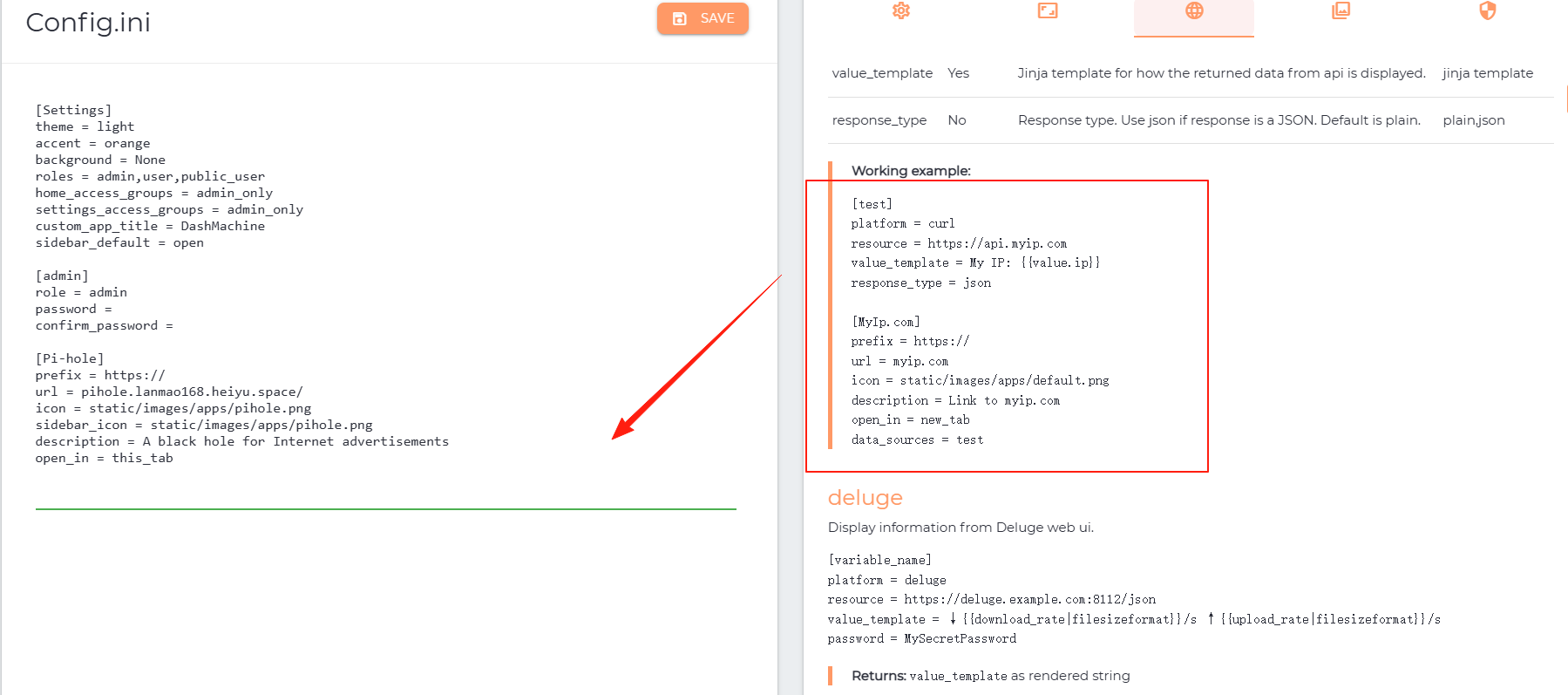
The effect is as shown. Normally, it should display my IP here, but in my case, it kept spinning without showing the result.
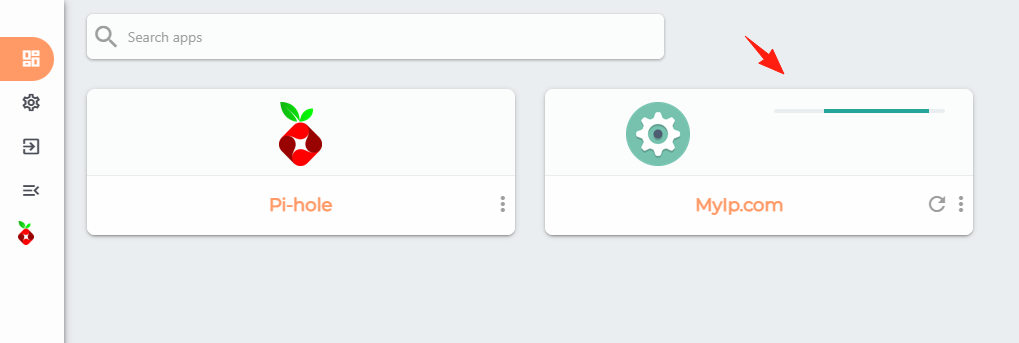
Similarly, you can add any card for which you can retrieve information via an API, to compose your own page.
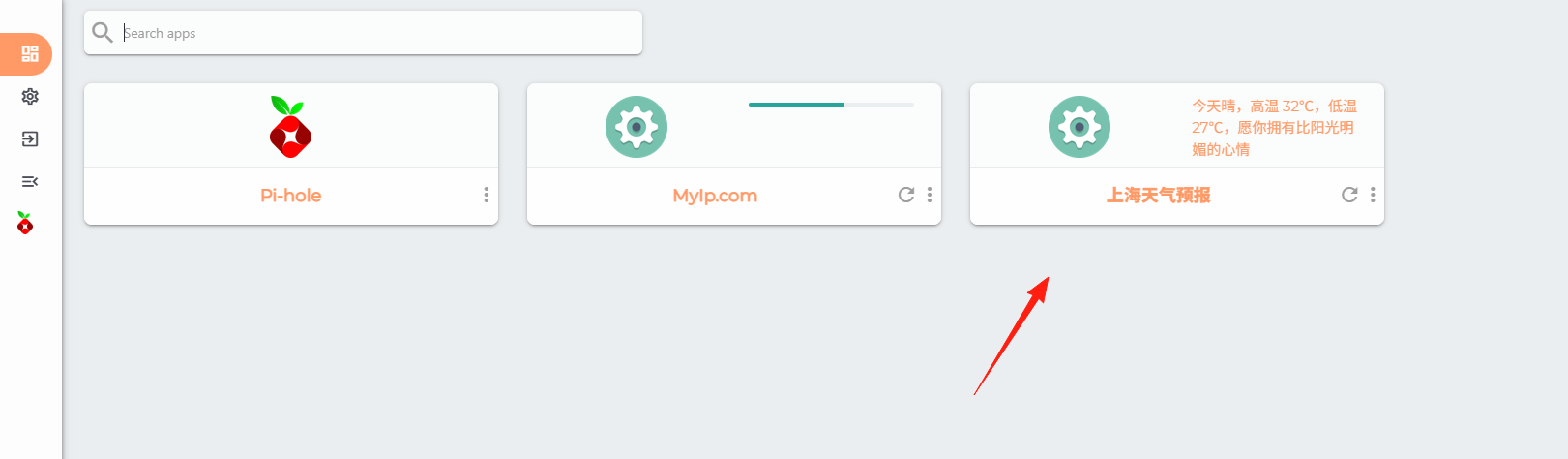
The above covers the basic usage. You can follow its rules and just modify the Setting file to create your preferred page layout.