
Fenrus: Build Your Personal Homepage
What is Fenrus?
Fenrus is a personal homepage/dashboard developed based on node.js.
It allows you to have a custom homepage/new tab page for quick access to your personal applications/websites. It is similar to previously introduced navigation software like Flame and Heimdall.
https://appstore.lazycat.cloud/#/shop/detail/xyz.mxue.fenrus
User Experience
After the application is installed, the interface looks quite cool. You need to register a user first.
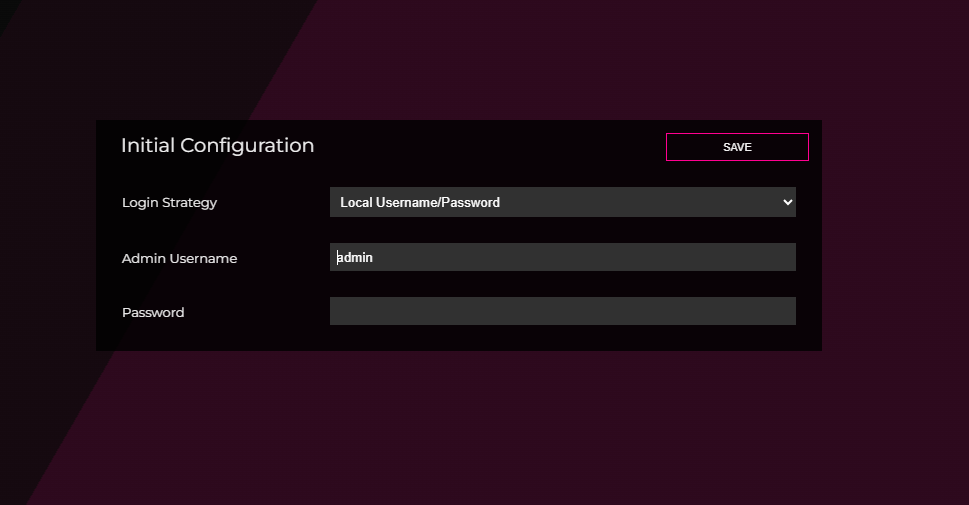
Login
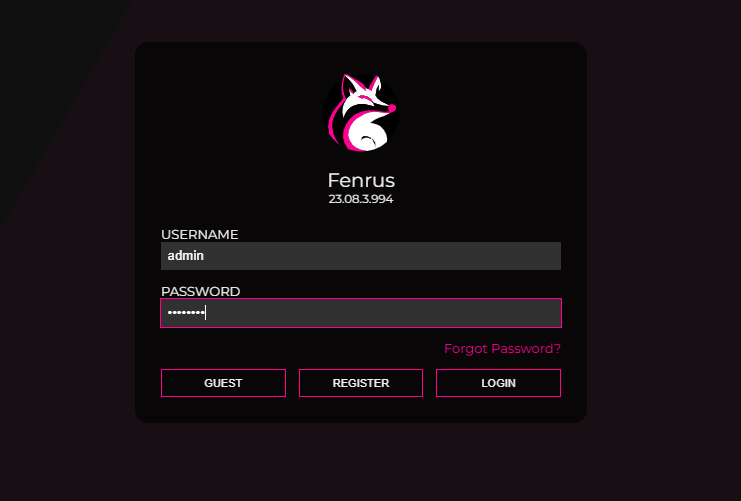
Enter the main page

Hover the mouse over Setting to see some options. Unfortunately, Chinese is not supported.
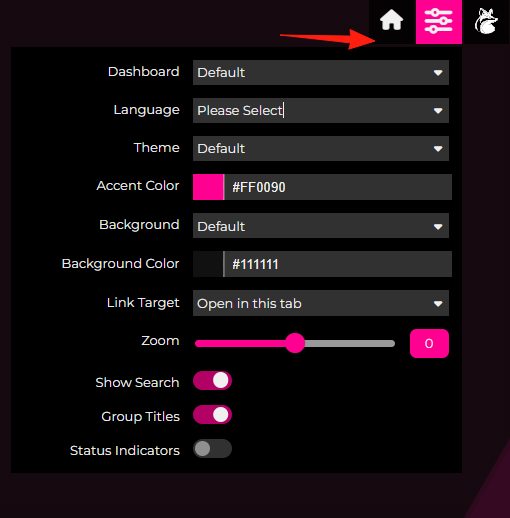 Click the Settings button to enter the settings page. This design is somewhat counter-intuitive.
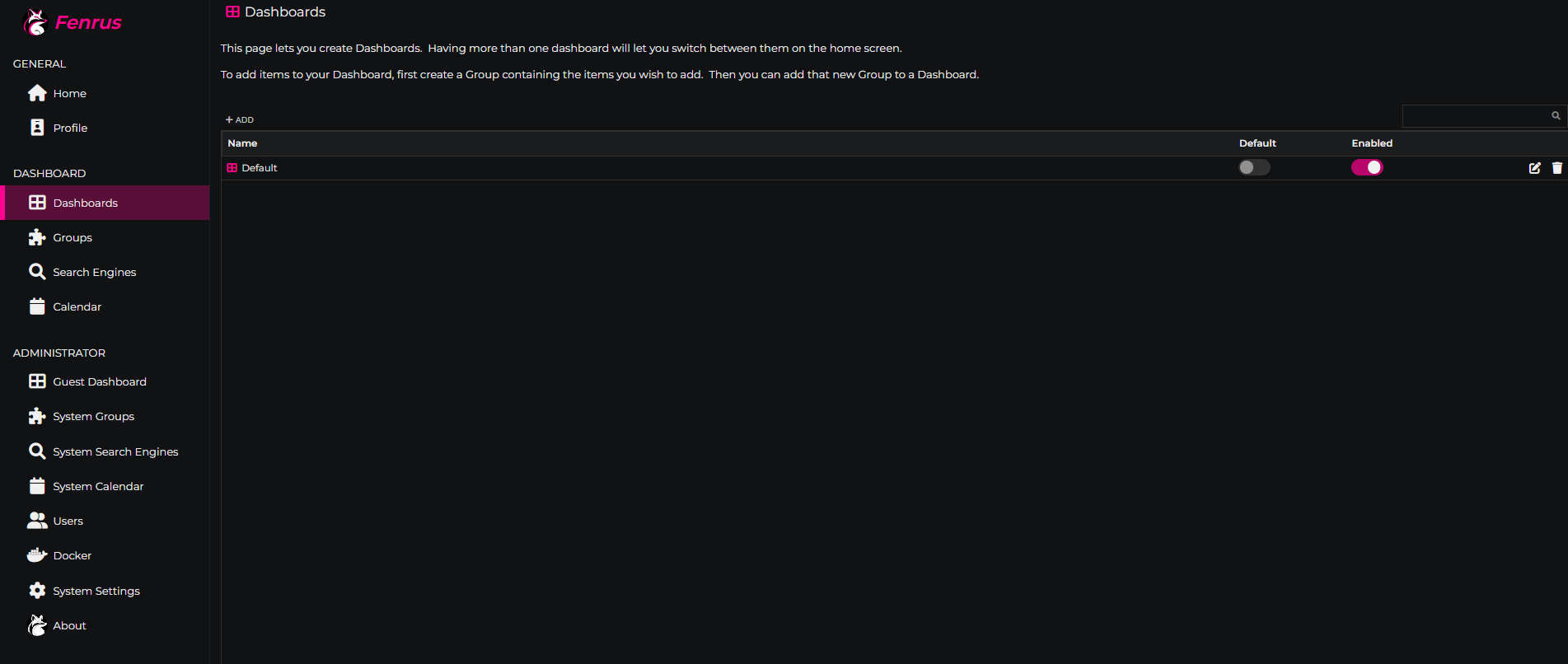 System Search Engines - Configure search engines.
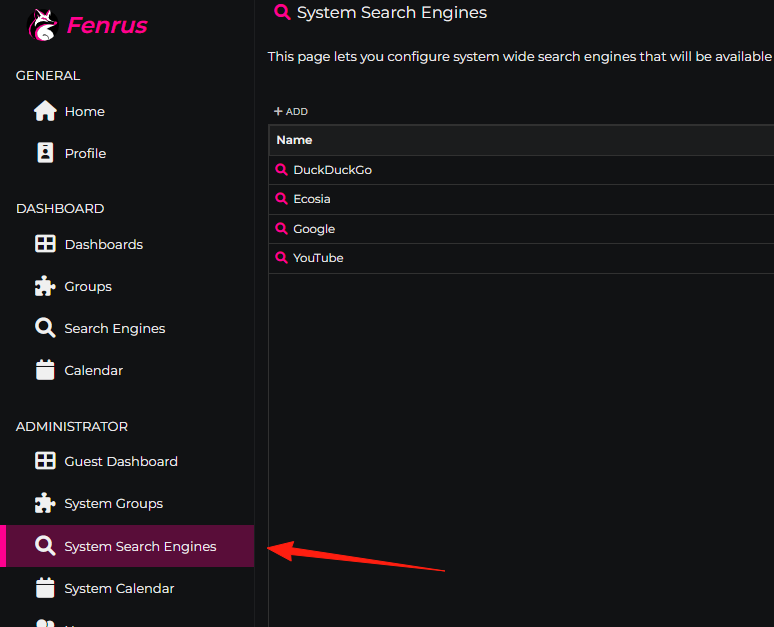
I changed the default search to Google.

Returning to the homepage, you can see it has changed.

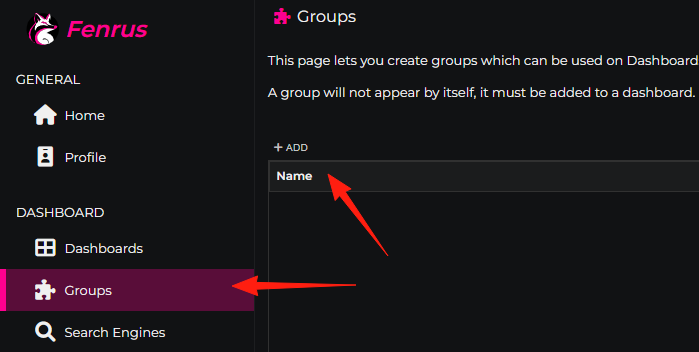
Find the System Groups menu. The original two groups don't need to be deleted even if unused; they can just be disabled.
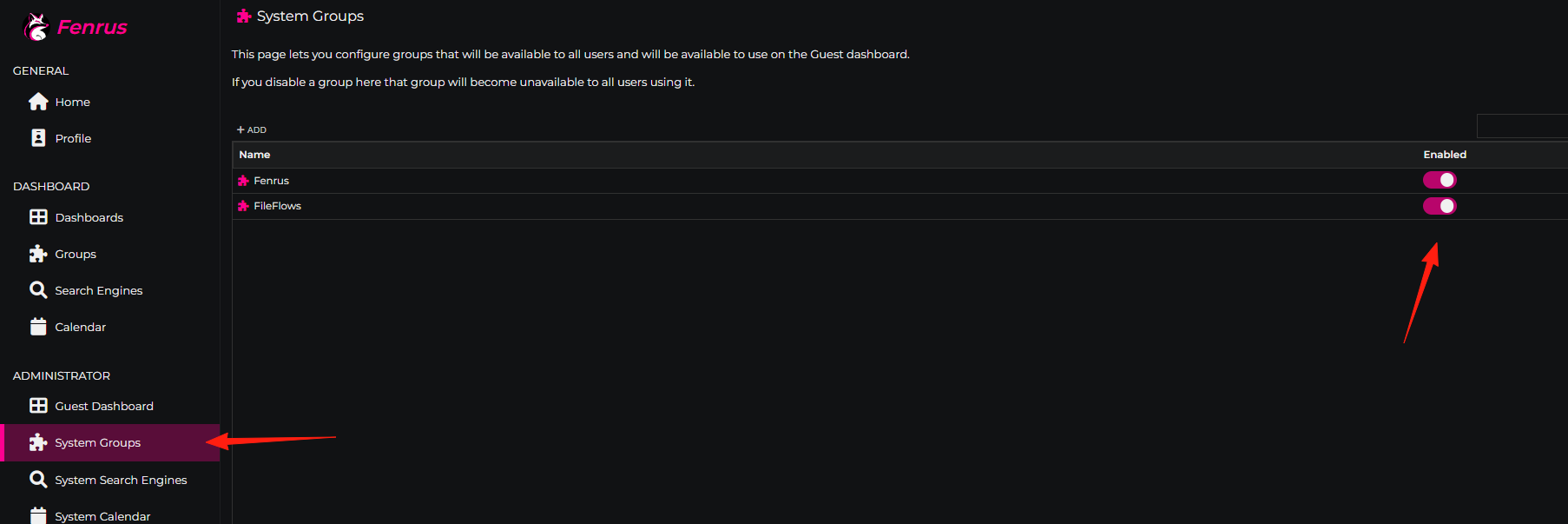
Use ADD to create your own group and add sub-items.
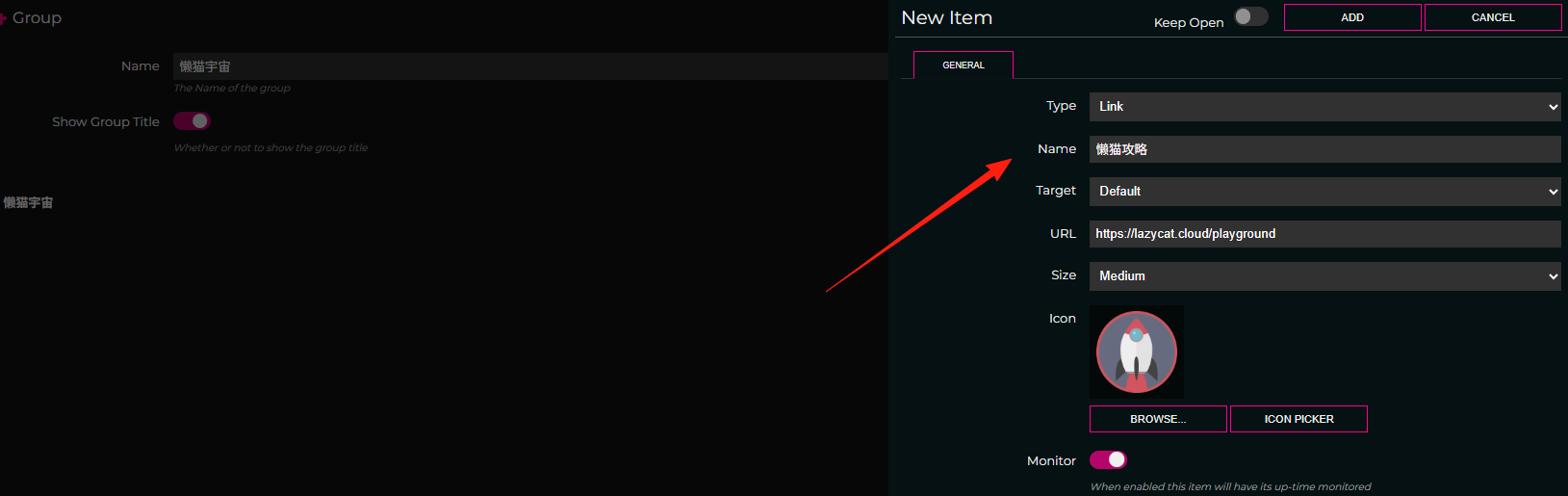
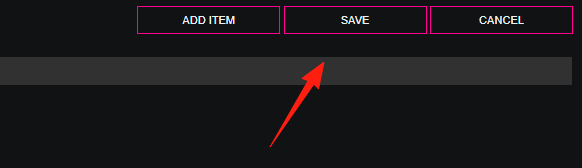
Remember to always click Save for changes to take effect.
Find Dashboards, edit the Default one, and use ADD to include the newly created "Lazy Cat" group.
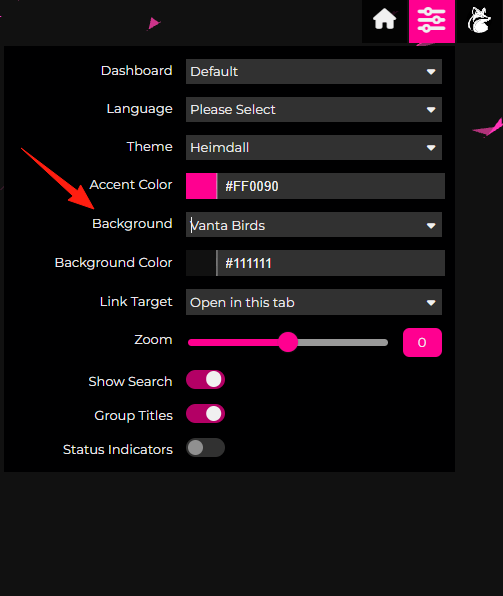
Select the paper airplane background here; the effect is quite nice.
Here is an official preview image; it's still quite visually appealing.
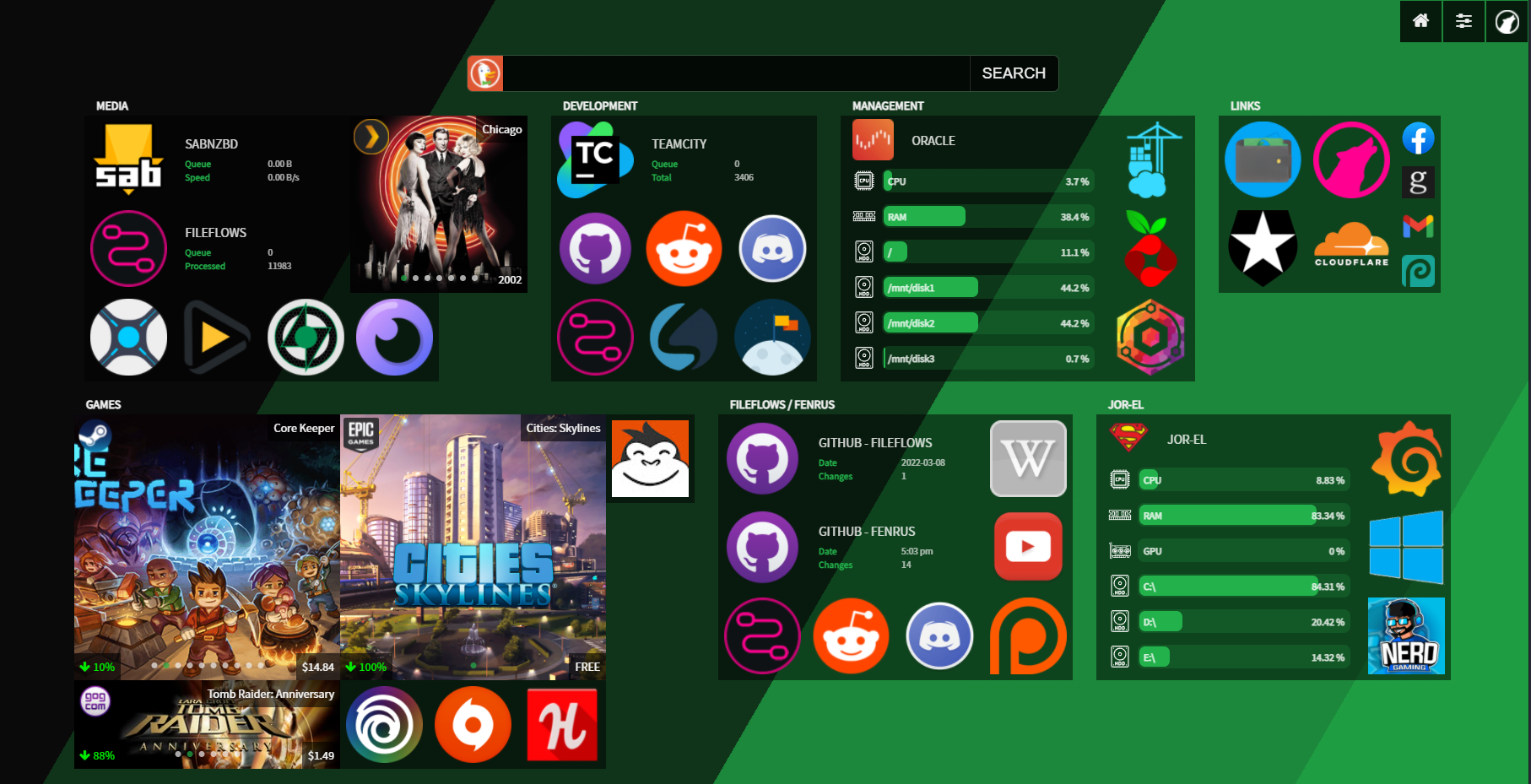
To make the homepage look good, you need to slowly add data and adjust styles yourself. It's relatively cumbersome and requires some patience.