
Linkding: A Practical Bookmark Management Tool
What is LinkDing?
LinkDing is a simple bookmark service that you can self-host. It's designed to be minimal, fast, and easy to set up using Docker.
Feature Overview:
- Clean user interface optimized for readability
- Organize bookmarks using tags
- Bulk editing, Markdown notes, read-it-later functionality
- Share bookmarks with other users or guests
- Automatically fetches titles, descriptions, and favicons for bookmarked websites
- Automatically archives websites as local HTML files or to the Internet Archive
- Import and export bookmarks in Netscape HTML format
- Installable as a Progressive Web App (PWA)
- Extensions for Firefox and Chrome, plus a bookmarklet
- SSO support via OIDC or authentication proxy
- REST API for developing third-party applications
- Admin panel for user self-service and raw data access
https://appstore.lazycat.cloud/#/shop/detail/in.zhaoj.linkding
Usage Tutorial
After the application is installed, open it to access the main page.
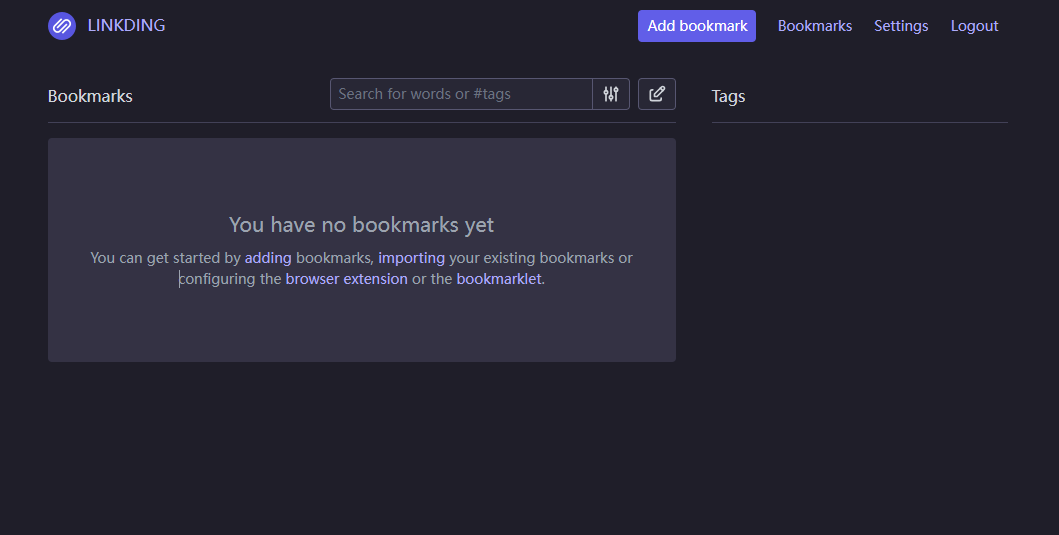
Click "Add bookmark" to add a new bookmark.
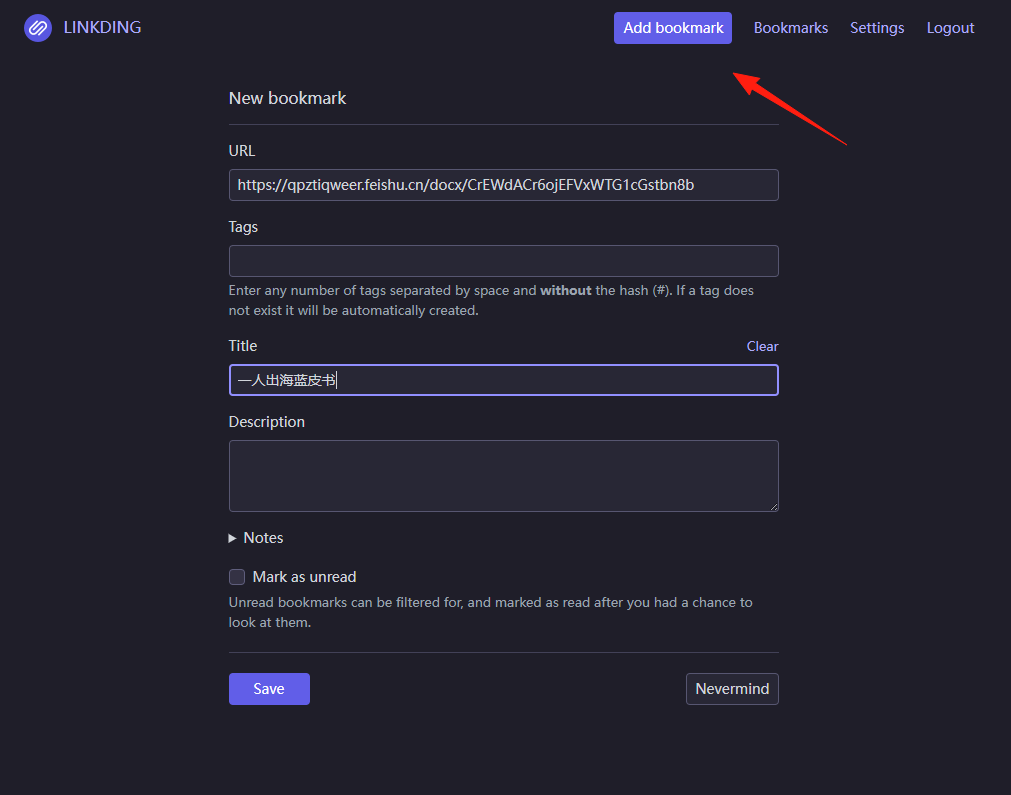 However, this method is relatively cumbersome and not recommended.
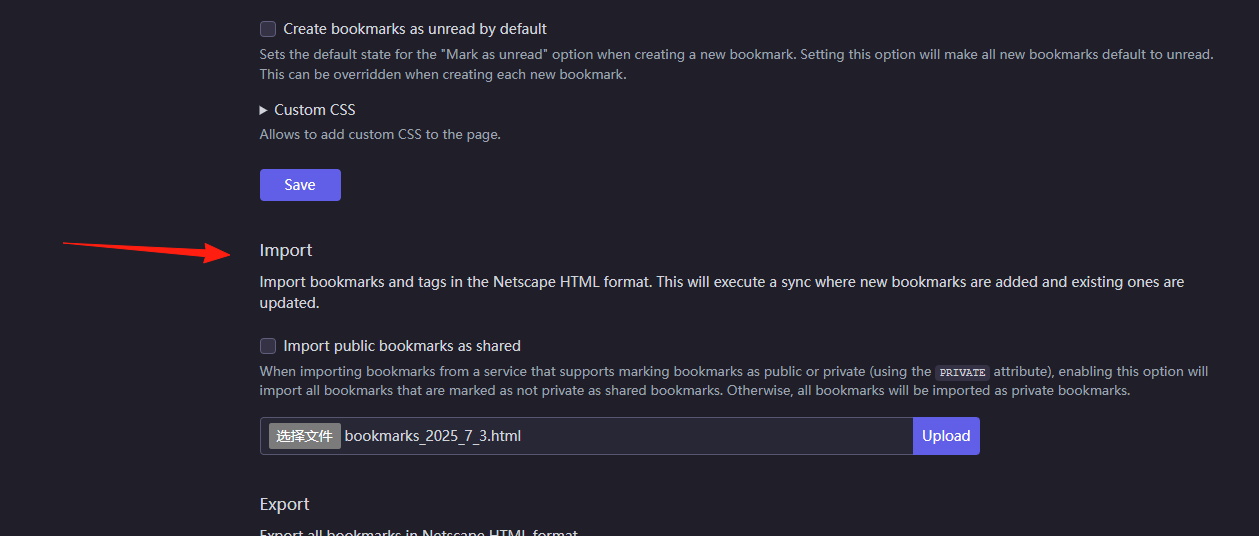
First, I exported my bookmarks from Chrome, then selected the exported file in Settings –> Import.
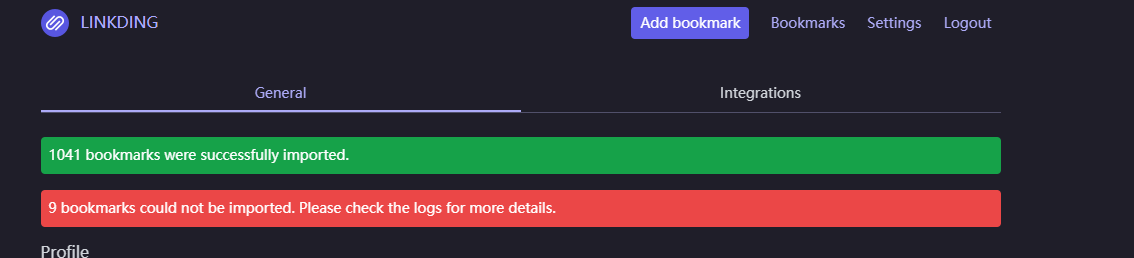
A prompt appears after import completes, showing over 1000 successful imports and 9 failures.
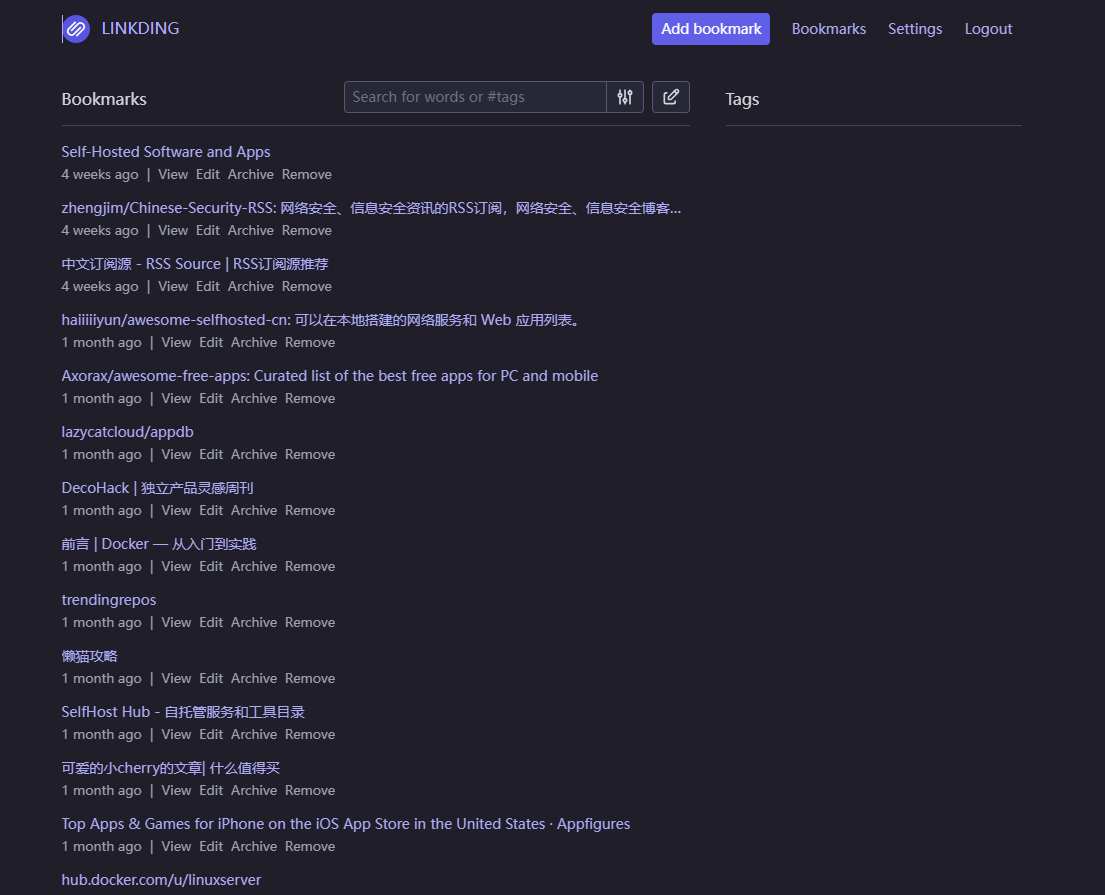
Returning to the main page, you can see the data.
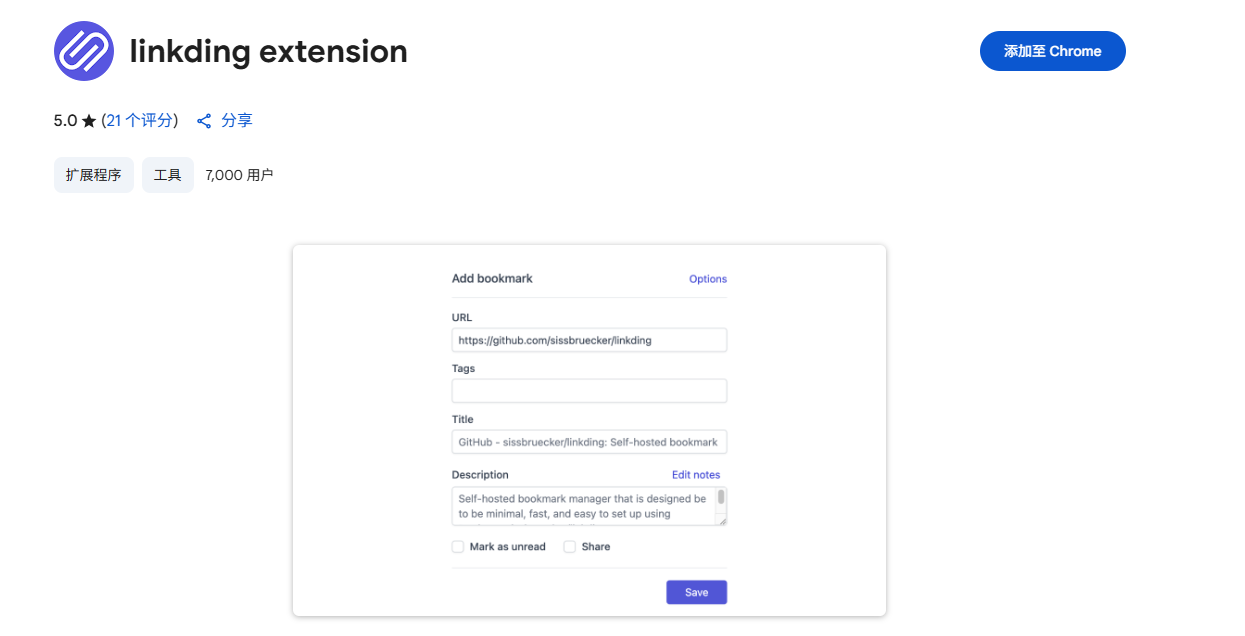
After installing the Chrome or Firefox extension, you can: https://chromewebstore.google.com/detail/linkding-extension/beakmhbijpdhipnjhnclmhgjlddhidpe
- Quick Add: Click the extension icon when you see good content; it automatically fetches the title and description.
- Batch Tagging: Add tags while saving, so you don't need to organize them later.
- Set Shortcuts: Assign a keyboard shortcut to the extension in your browser settings, e.g.,
Ctrl+Shift+L.
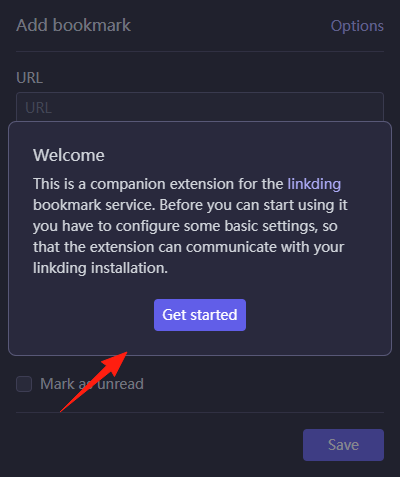
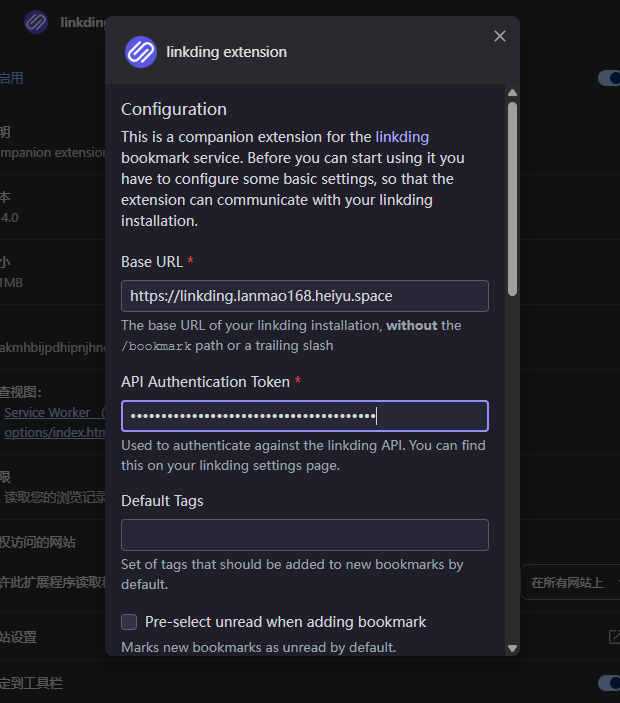
 After installation, click "get started".
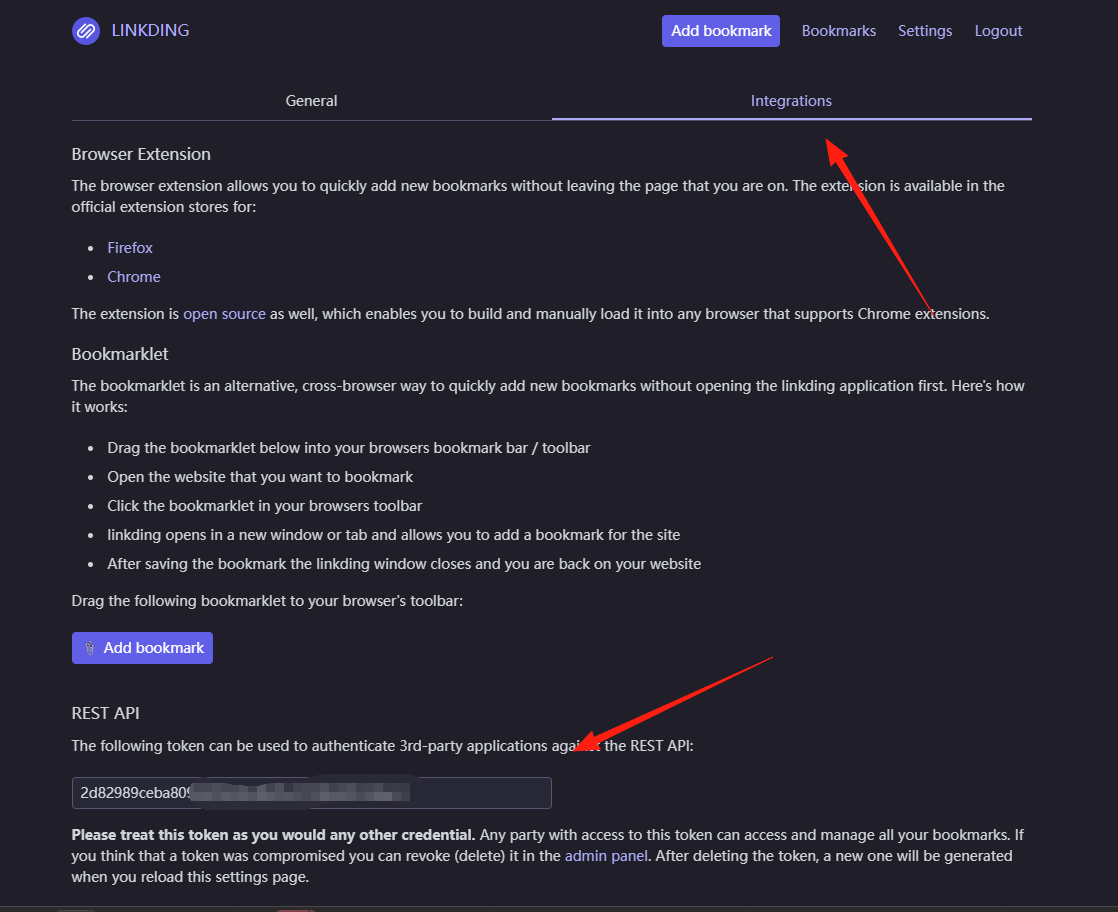
The Base URL is the address you used in the browser earlier.
The API Authentication Token can be obtained from Settings –> Integrations –> REST API.
Enter the URL and token, then save.
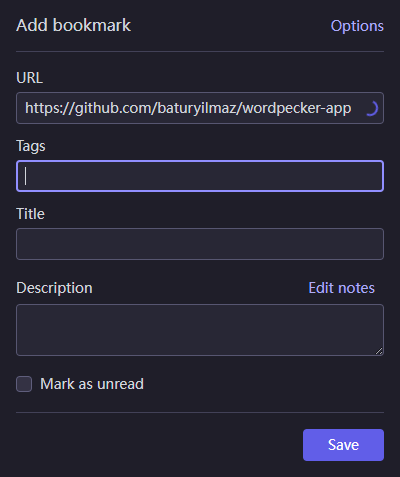
When you come across a good webpage later, just click the extension button and save it.
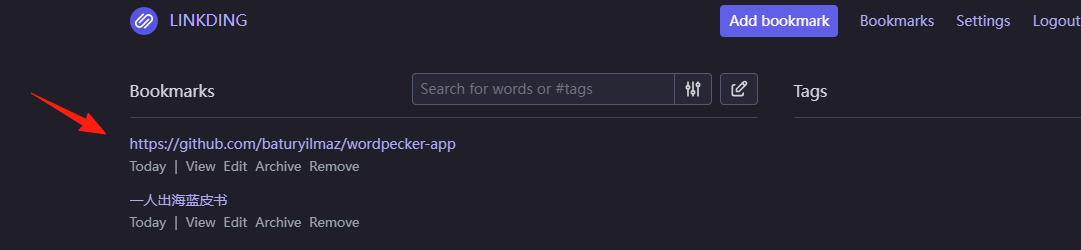
You can also see it on the main page now.
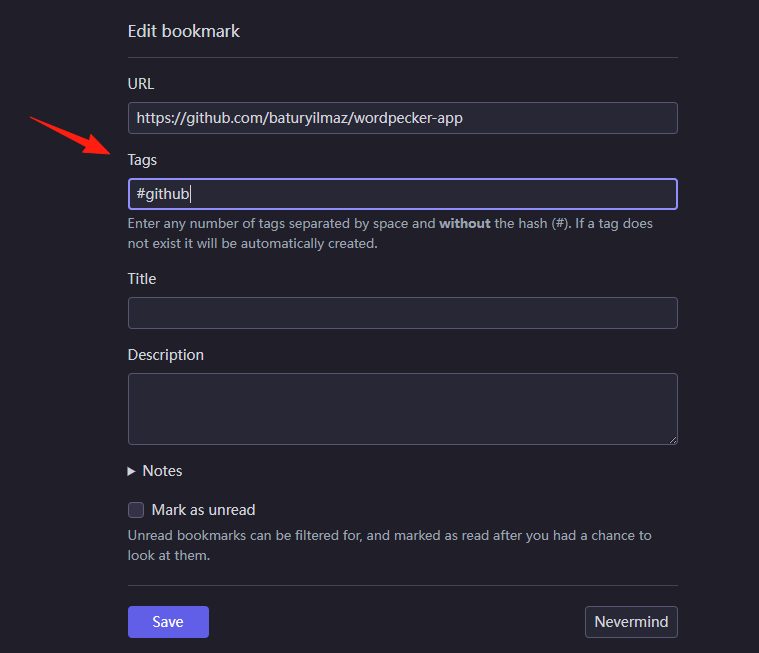
Linkding's tagging system allows you to categorize all your content. Here are some of my usage tips:
Categorize by Purpose:
work- Work-relateddev- Development tools and tutorialslife- Life servicesread-later- Read later
Categorize by Importance:
star- Premium, favorite contentdaily- Used dailytemp- Temporarily saved, will be cleaned up later
Combine Tags: For example, a GitHub project can have both dev and star tags, so you can find it whether you search by development tools or by favorite content.
Linkding's search functionality is powerful:
- Tag Search: Simply type
#devto find all development-related links. - Combined Search:
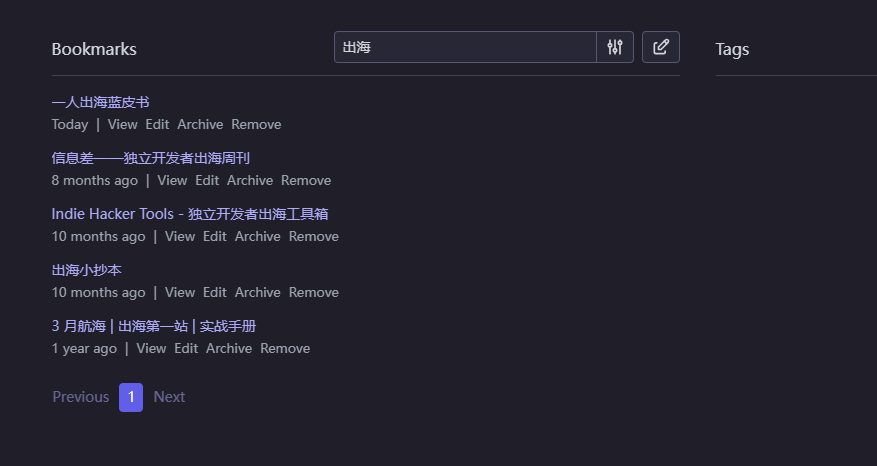
#work pythonfinds Python content related to work. - Fuzzy Search: Can't remember the full title? Type keywords to find it.
Summary
Linkding is just such a practical tool: simple in design and fast in operation. It doesn't distract you with fancy features; it just focuses on doing one thing well—bookmark management.
The entire interface is as clean as a newly renovated bare apartment, without any flashy features to distract you.
All you need to do is add links, tag them, and search. It's that simple.