
Fireshare: A Tool for Short Video Sharing
What is Fireshare?
Fireshare shares your game clips, videos, or other media via unique links.
All you need to do is place your videos in a folder, and Fireshare handles the rest.
https://appstore.lazycat.cloud/#/shop/detail/wcloud.gblw.app.fireshare
User Experience
After installing the app, the default login page uses the credentials: admin/admin
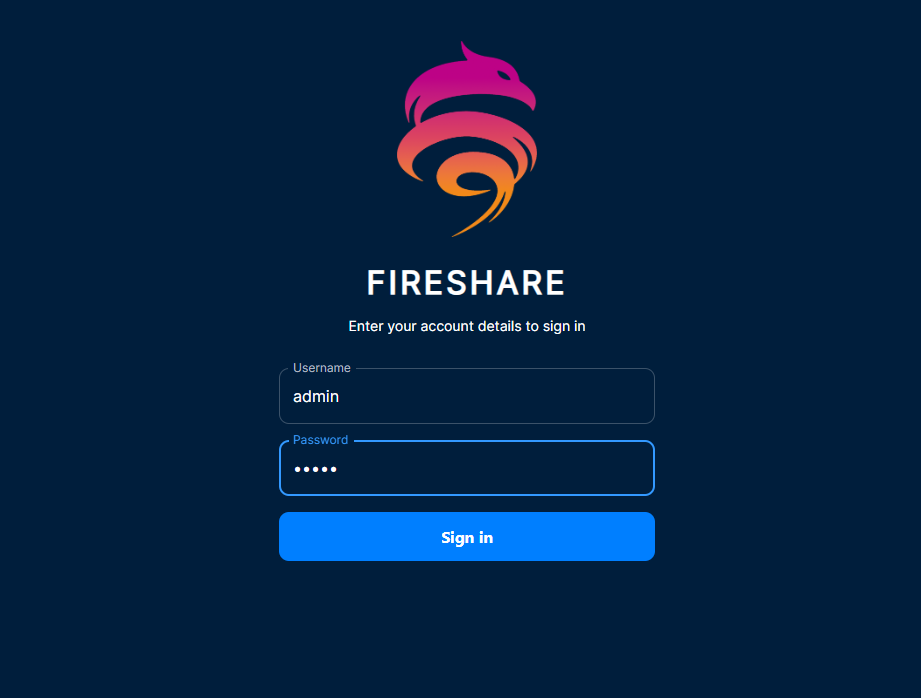
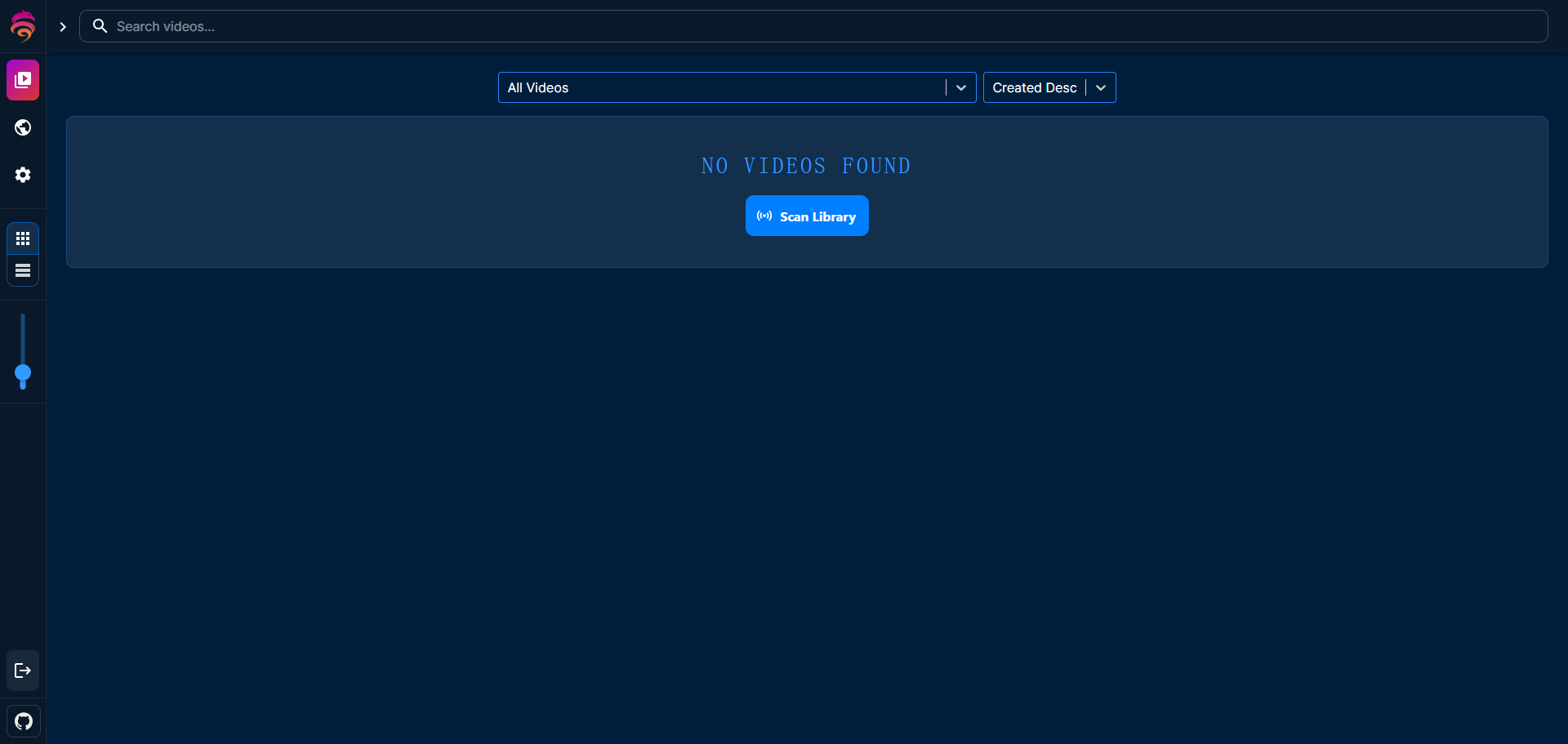
Entering the main page
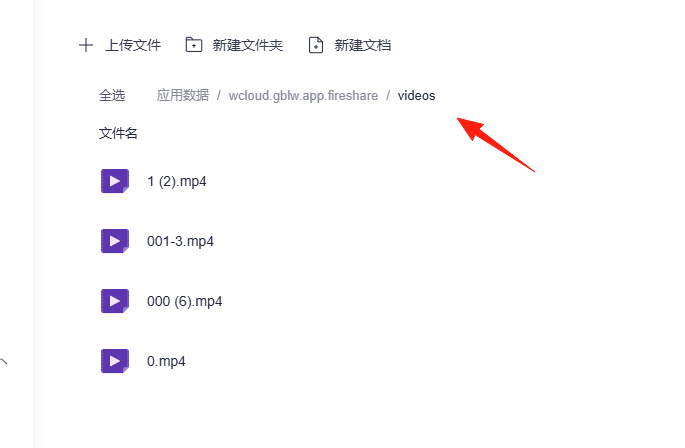
Upload a few files in App Data -> videos
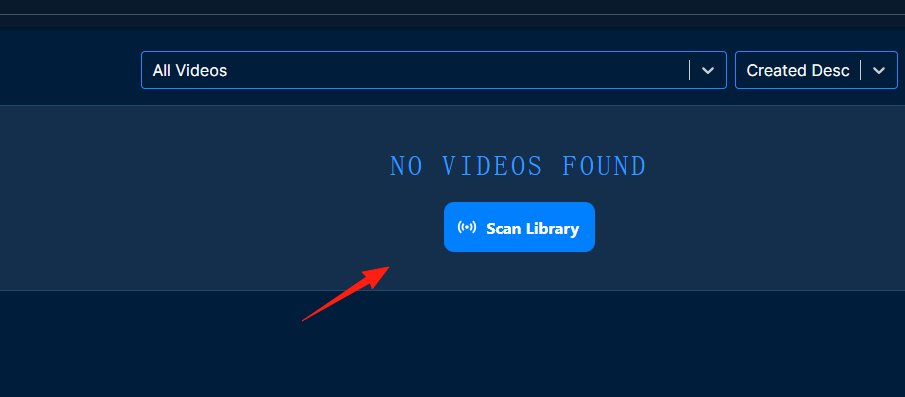
Click the scan button on the main page
Wait a moment, and the videos will appear
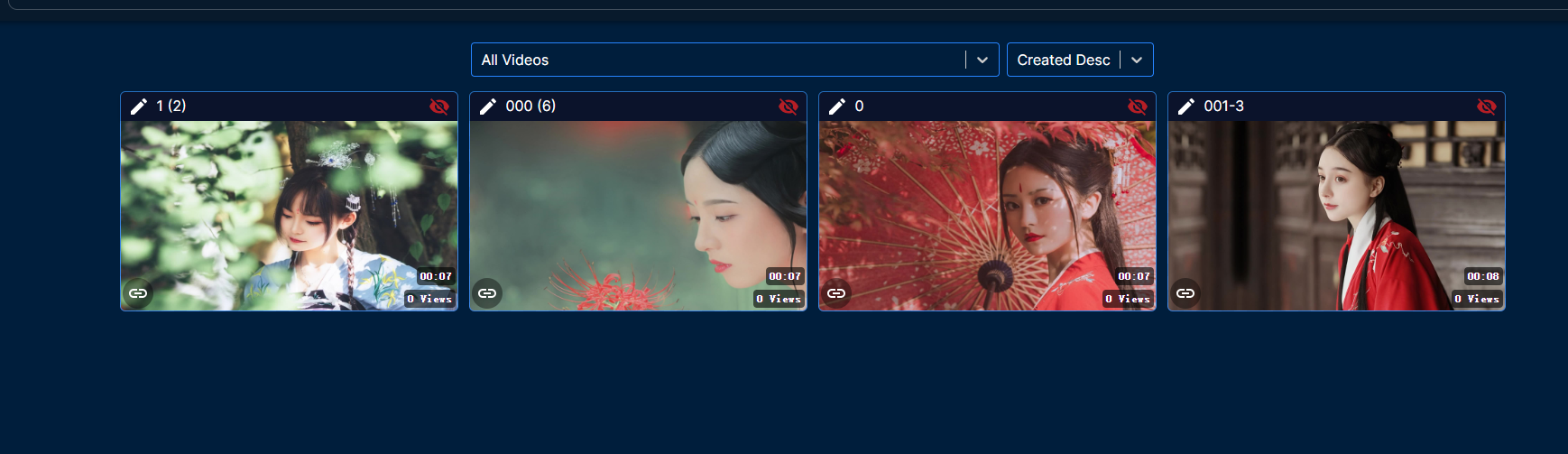
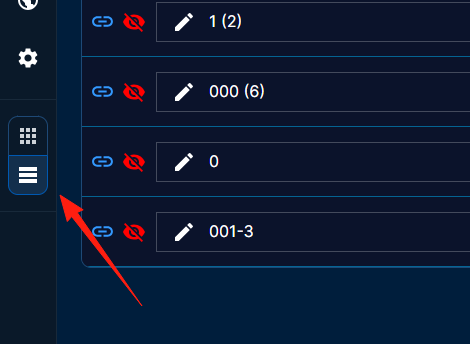
You can switch between table view and card view on the left
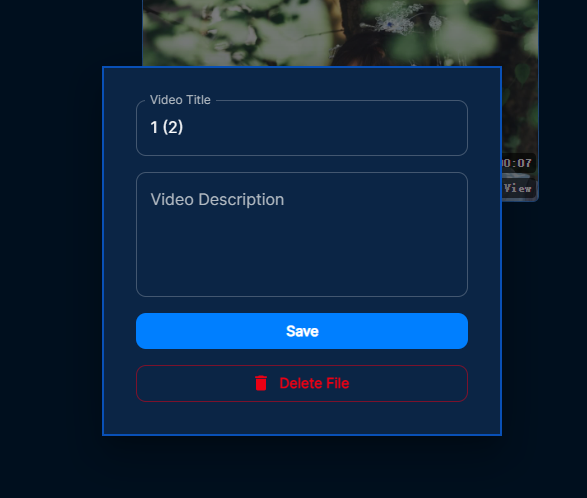
You can edit the title and description for each video
Click the copy link button to get the video's URL, which looks something like this: https://fireshare.lazycat.heiyu.space/w/d2c102d096c9bbd1c965c480c7983069
To share with others, you need to configure the domain. This has been covered in a previous article, which you can refer back to.
Click the eye icon in the top right corner
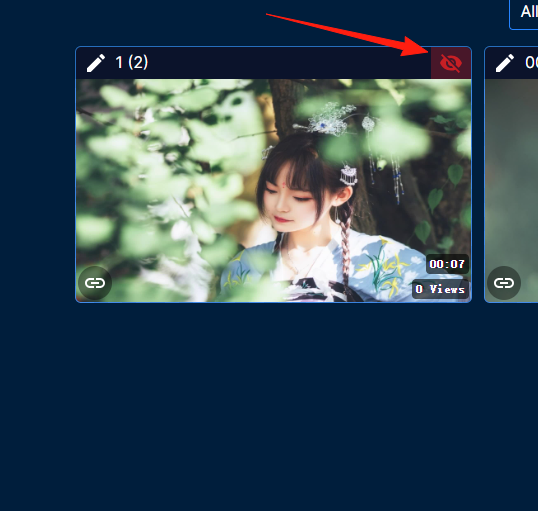
This indicates videos "Added to your public feed" that others can view without logging in. The effect is as follows:

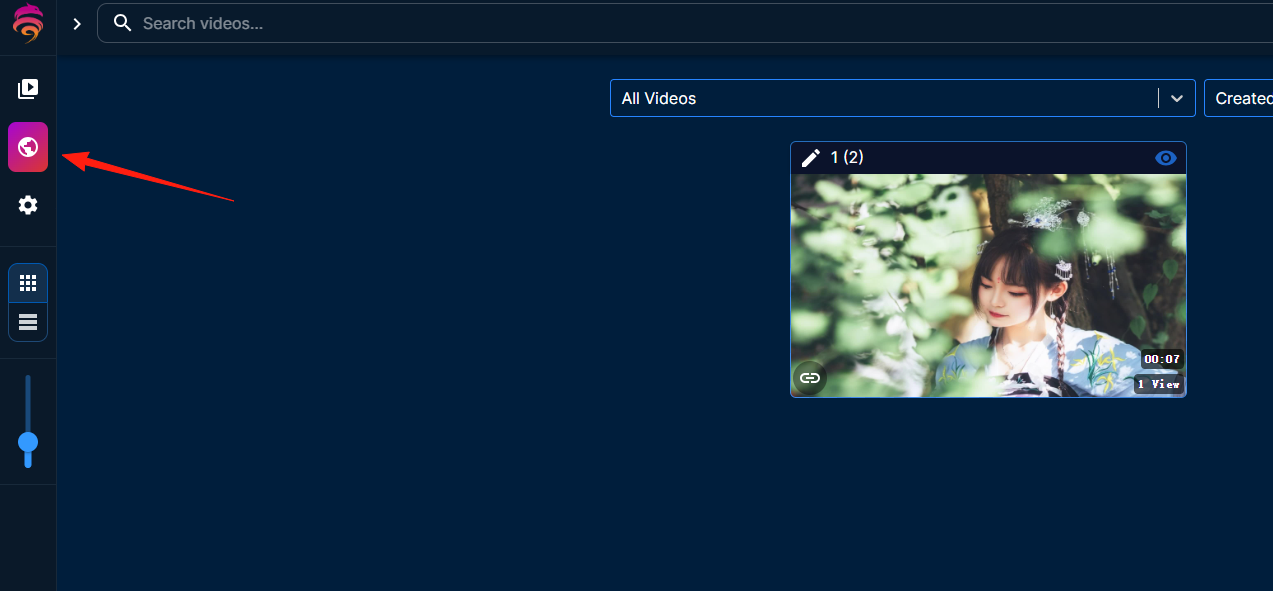
Public videos will be displayed here
The above covers the basic usage. This tool is quite useful for sharing small videos.