
Vikunja Experience: A To-Do Management Tool
What is Vikunja?
Let's be honest, there are tons of task management tools out there—Todoist, Notion, TickTick... I've tried many. Some are overly complex and confusing, while others require a paid subscription.
Then I discovered Vikunja (Alpaca, colloquially known as Cǎo Ní Mǎ), and it immediately caught my attention.
Simply put, Vikunja is an open-source task management tool that you can self-host, so you don't have to worry about what vendors do with your data. It has enough features, a decent-looking interface, and it's free.
https://appstore.lazycat.cloud/#/shop/detail/dev.beiyu.vikunja
User Experience
After installing the app and opening the login page, you need to register a user first.
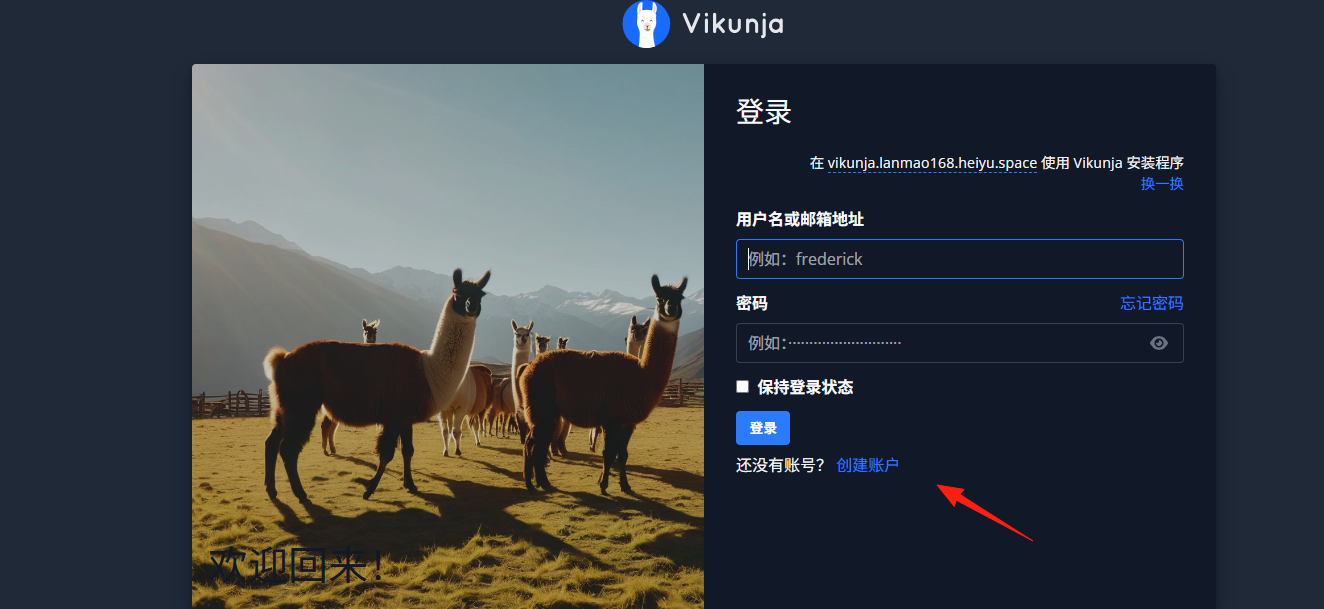
After successful registration, you enter the main page.
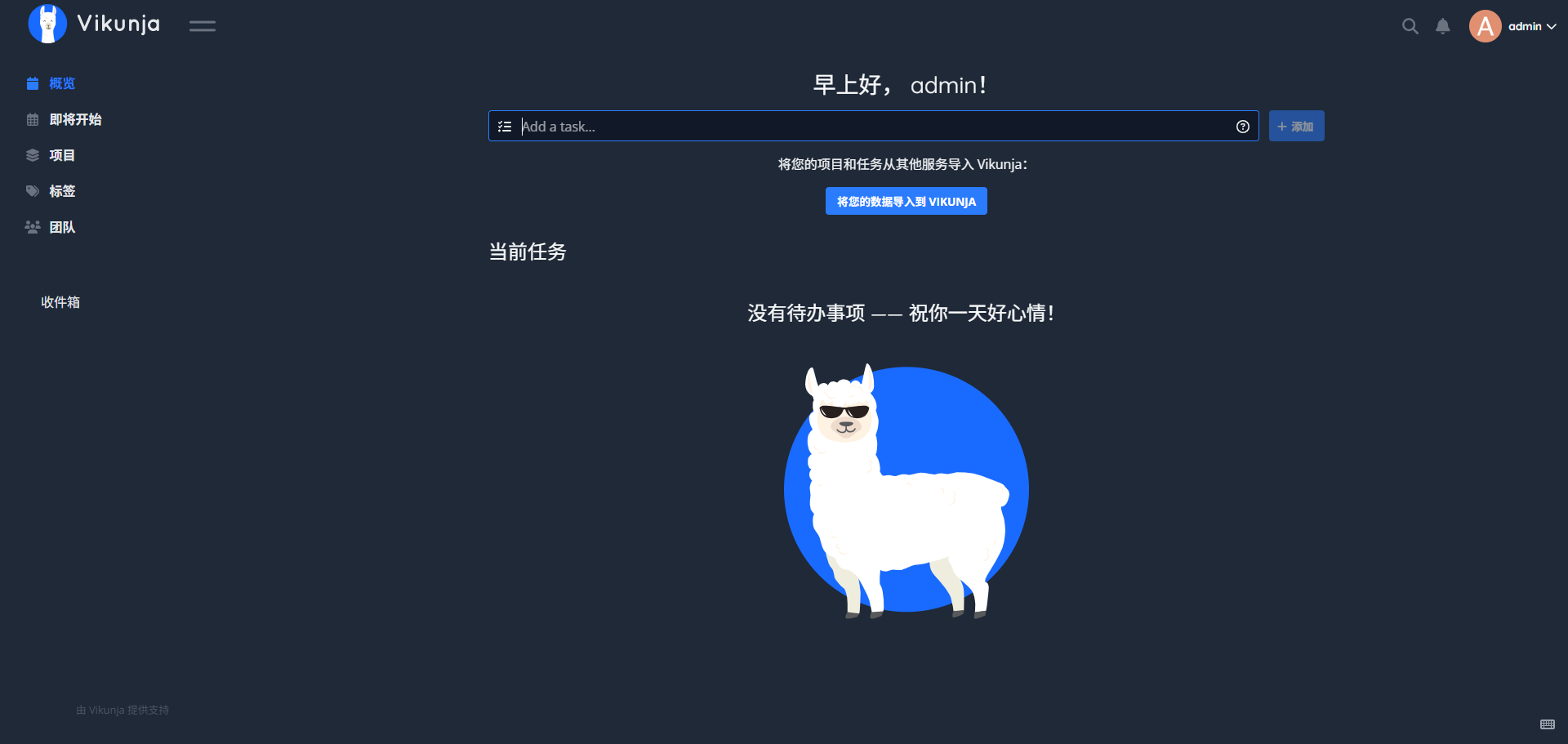
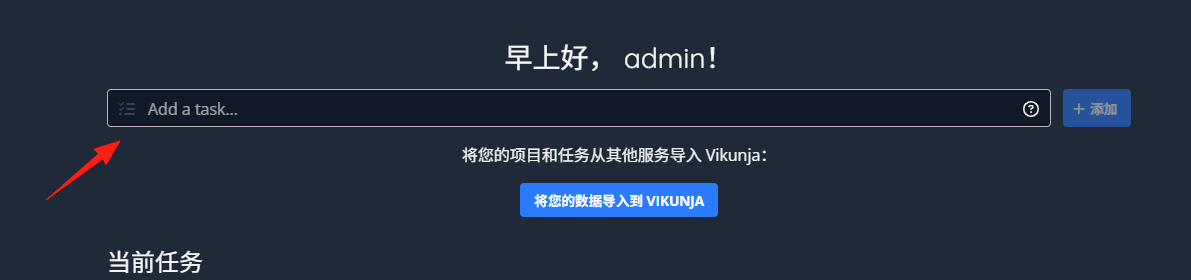
Add a task directly from the home page.
 After successful addition.
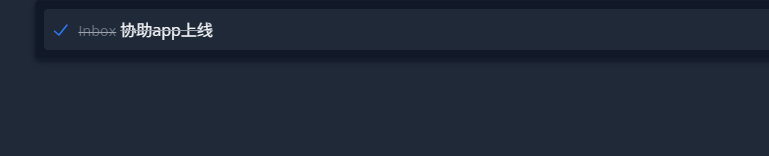
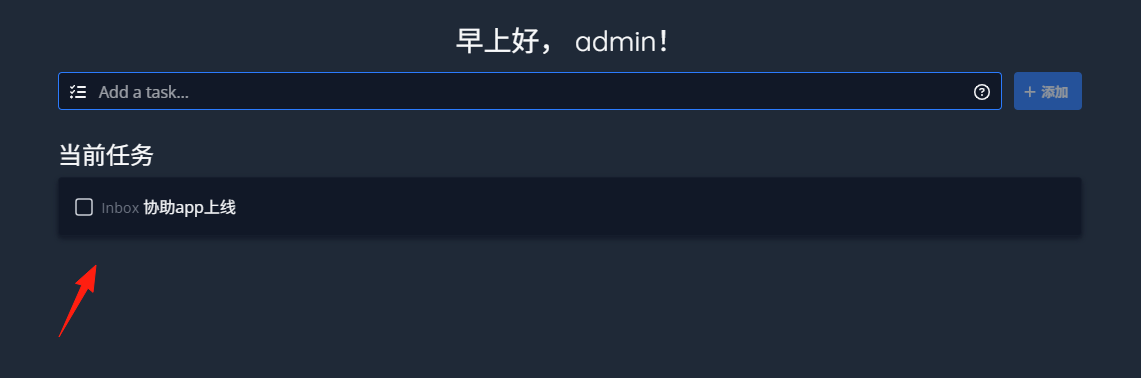 Click to mark it as completed, similar to how you use a typical todo app.
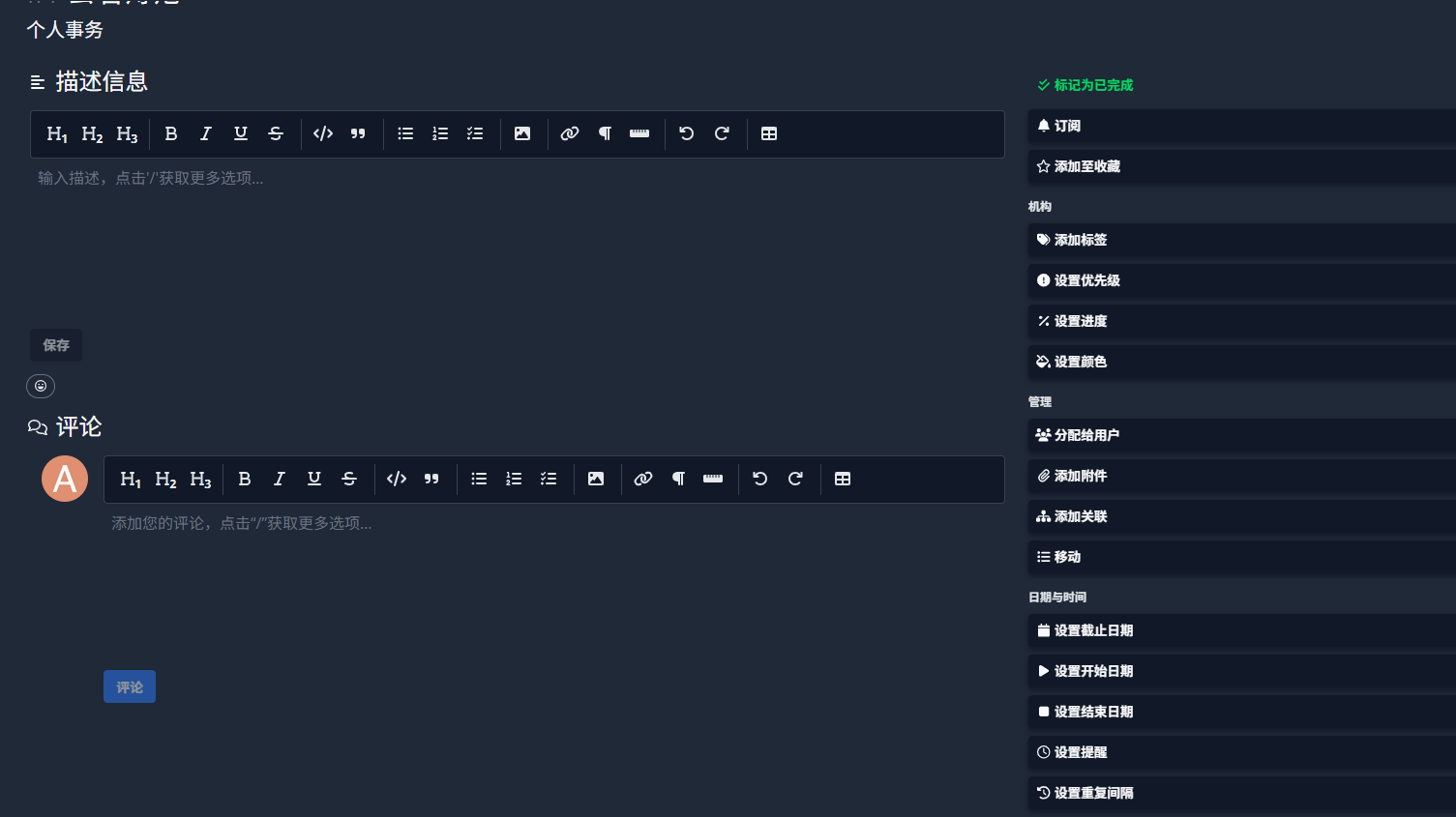
Click on a specific task for more detailed editing options.
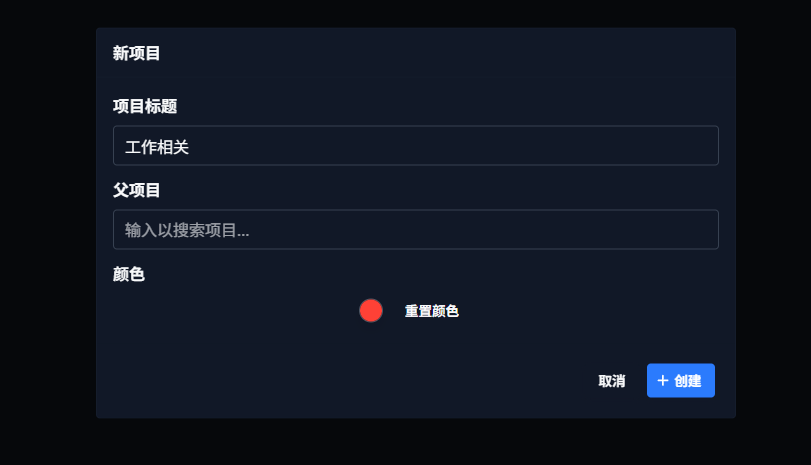
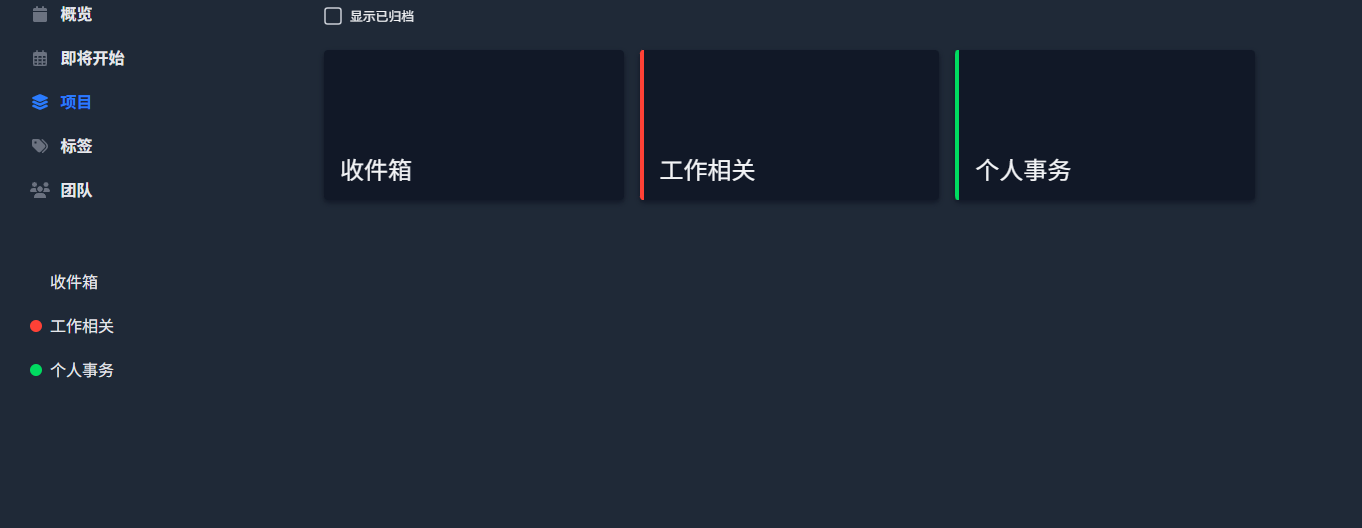
 Click on 'Projects' on the left -> 'New Project'.
 Don't dump all your tasks into a single project. Here's my approach:
- Work-related: Categorized by project, e.g., "Website Redesign", "Product Launch"
- Personal Matters: Divided into broad categories like "Daily", "Learning", "Health"
- Ad-hoc Items: Create a dedicated "Inbox" project; toss ideas in as they come and organize them weekly.
Make Use of Labels and Priorities
Vikunja's labeling feature is very useful. I recommend setting them up like this:
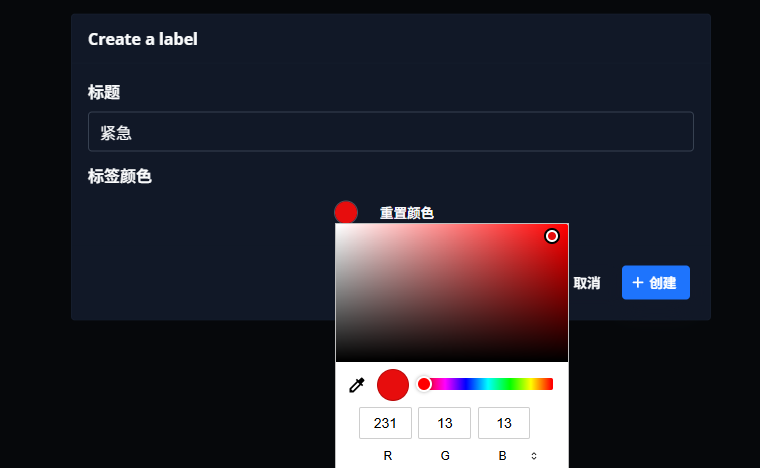
- By Urgency: 🔥 Urgent, ⚡ Important, 📋 Normal
- By Type: 📞 Call, ✉️ Email, 🏃♂️ Action, 💭 Thinking
- By Location: 🏠 Home, 💼 Office, 🛒 Store
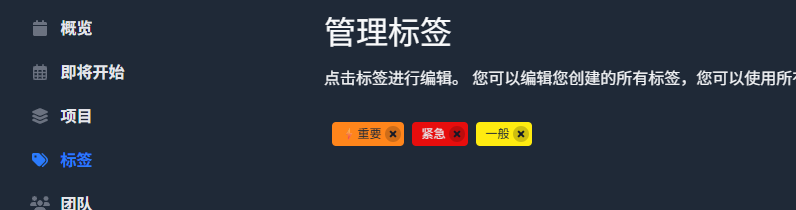
- List View: The classic to-do list look, suitable for daily use.
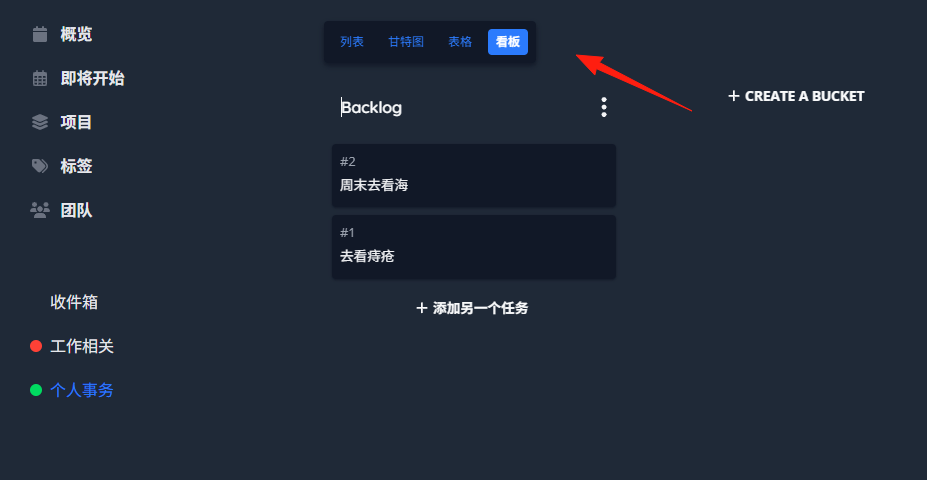
- Kanban View: Similar to Trello, very intuitive with drag-and-drop.
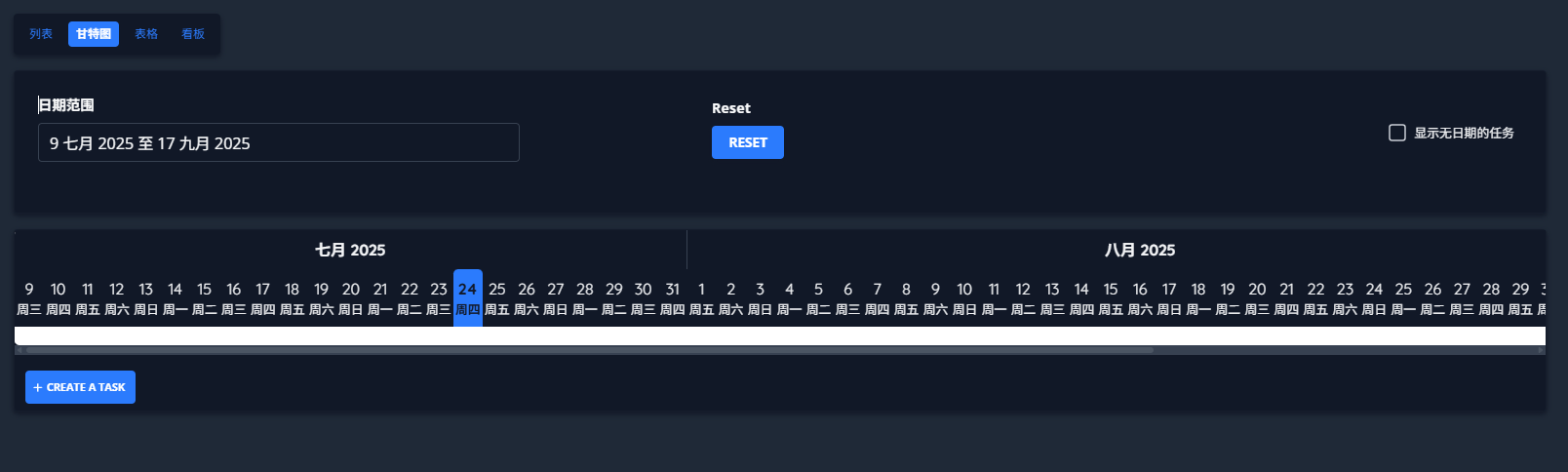
- Gantt Chart: Especially useful for project planning, shows the timeline.
- Table View: A favorite for data enthusiasts, all information is clear at a glance.
The Usefulness of the Kanban View
Create columns like these:
- Inbox: New ideas go here first.
- To Do Today: Tasks to be completed that day.
- In Progress: Tasks you are currently working on.
- Waiting: Tasks waiting for someone else's reply or action.
- Done: Completed tasks.
Using Gantt Charts for Planning
If you're doing project management, Gantt charts are really useful. Break down large tasks into smaller ones, set dependencies, and the entire project timeline becomes clear.
Honestly, no tool is perfect. Vikunja also has some areas that could be improved:
- User management features are relatively basic, might not suffice for larger teams.
- No native mobile app, so the mobile experience isn't ideal.
- Primarily developed and maintained by one person, so the update pace is relatively slower.
Summary
Vikunja is a great "middle ground" option, balancing functionality and ease of use.
If you're tired of task management tools that are either too simple or too complex, or if you're concerned about data privacy, Vikunja is definitely worth trying.