
BookLore: Build Your Personal Digital Library
What is BookLore?
BookLore is a self-hosted ebook management tool that supports PDF and ePub formats and can track your reading progress.
Think of it as building a luxurious library for your ebooks, where you can not only organize them neatly but also read online and keep track of which page you're on.
Most appealing features:
- 📚 Categorization & Organization: Create different libraries and bookshelves, just like a real library
- 🧠 Smart Recognition: Automatically fetches book information from Goodreads and Amazon after upload
- 👥 Multi-user Support: Create different accounts for family members with varying permissions
- 📖 Built-in Reader: Read books directly in your browser without needing additional software
- 📱 Cross-platform Compatibility: Supports OPDS protocol, accessible via various reading apps
https://appstore.lazycat.cloud/#/shop/detail/xyz.mxue.booklore
User Experience
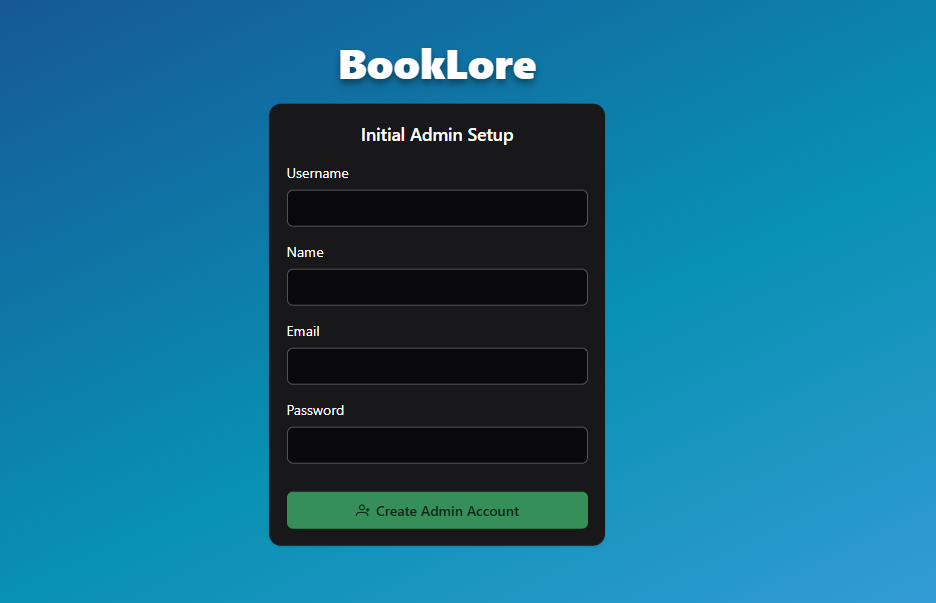
After installing the application, you need to first register an administrator account by providing a username, email, and password.
After logging in, you'll enter the main page
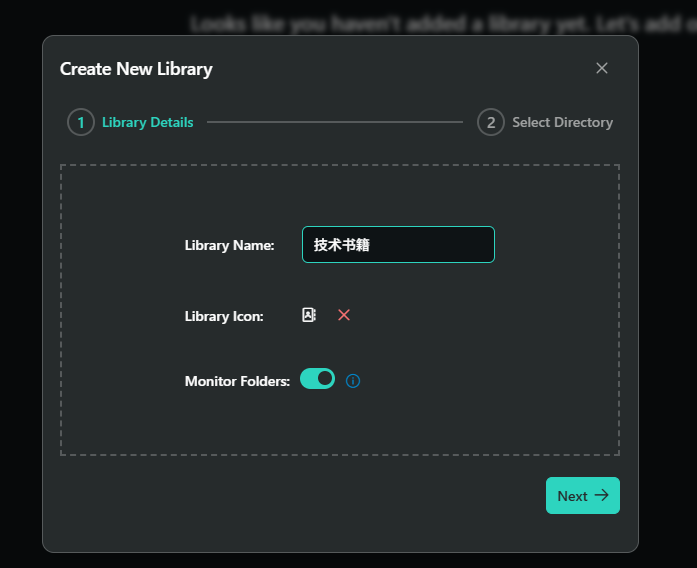
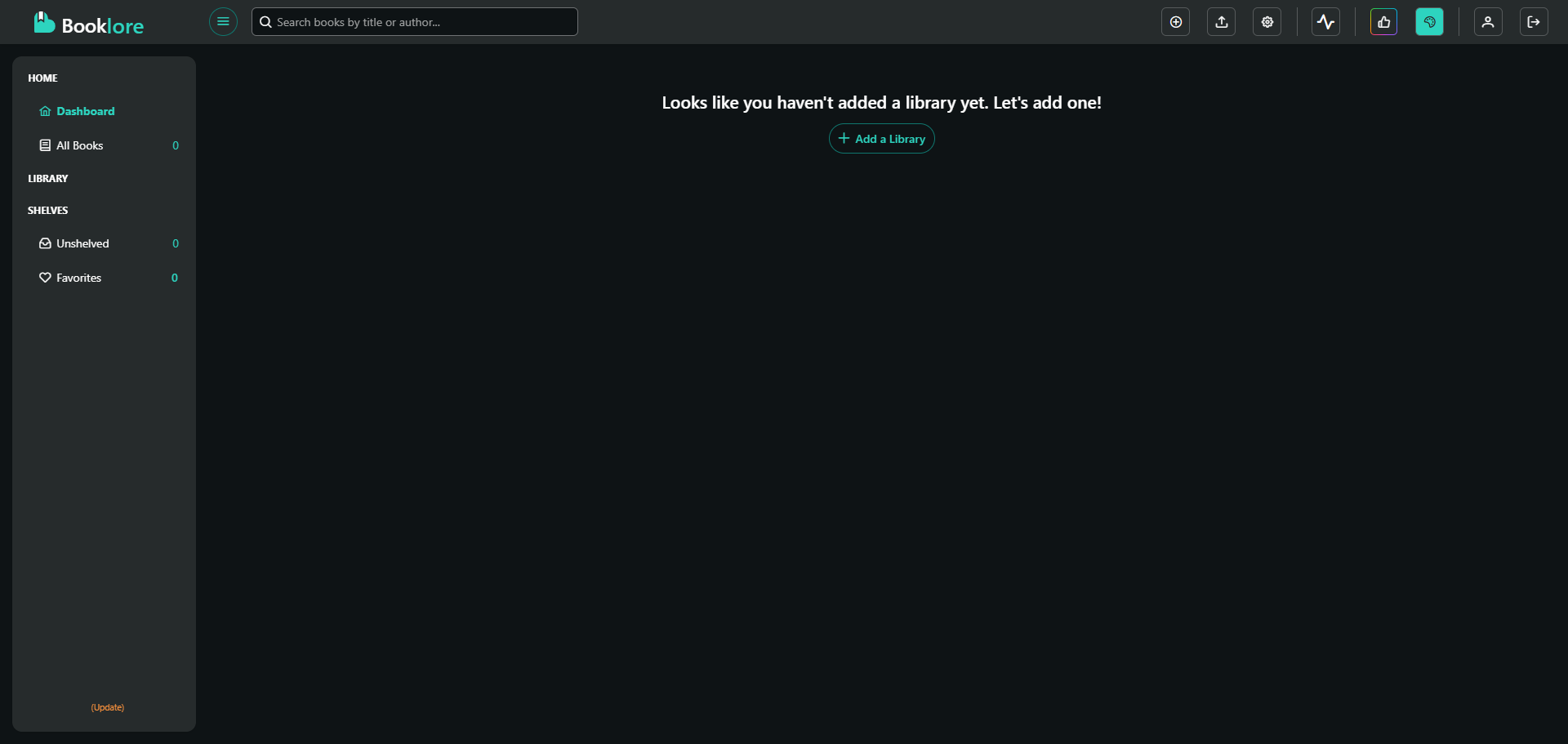 Click "Add a Library" to create a library
If "Monitor Folder" is enabled, it will monitor the specified folder, triggering actions whether books are added or deleted
Click "Add a Library" to create a library
If "Monitor Folder" is enabled, it will monitor the specified folder, triggering actions whether books are added or deleted
It's recommended to organize using this hierarchy:
- Library: Categorized by broad types, such as "Fiction", "Technical Books", "Popular Science"
- Bookshelf: Further categorized by specific types, for example under fiction you can have "Sci-Fi", "Mystery", "Literature"
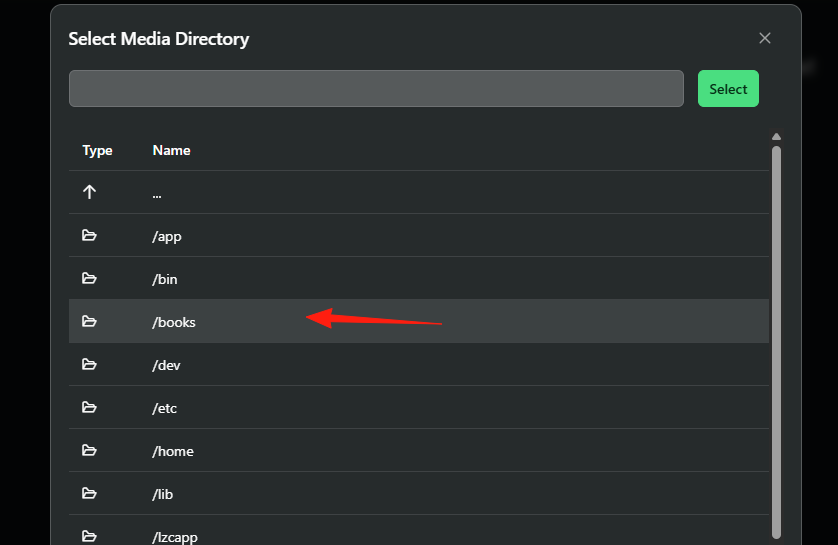
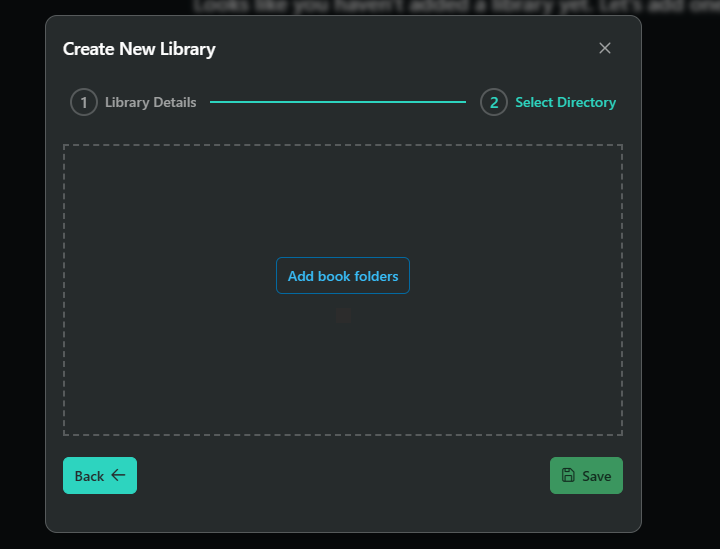 This displays directories within the container, select /books
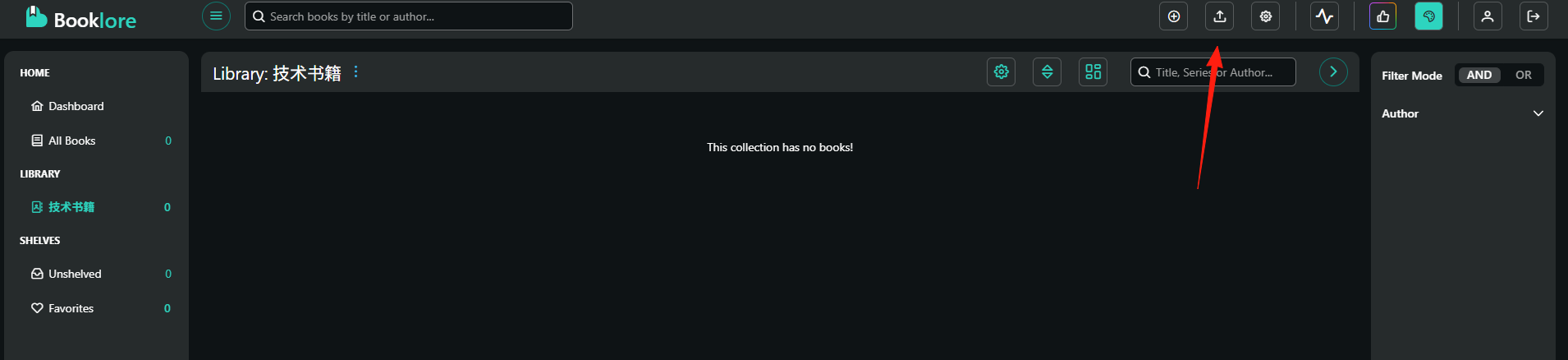
 You can now upload books
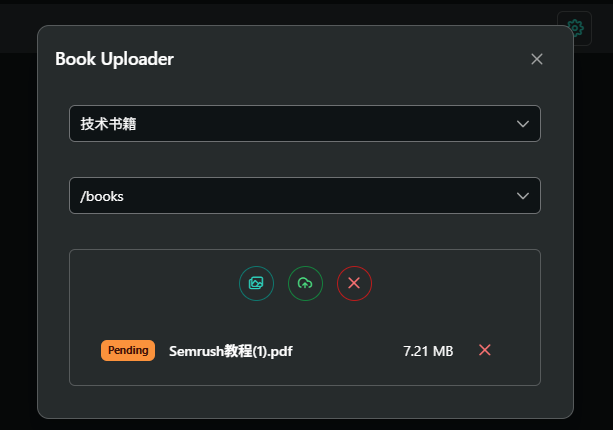
You can select multiple files at once, and the system will automatically recognize book information
 After successful upload, they appear on the left side
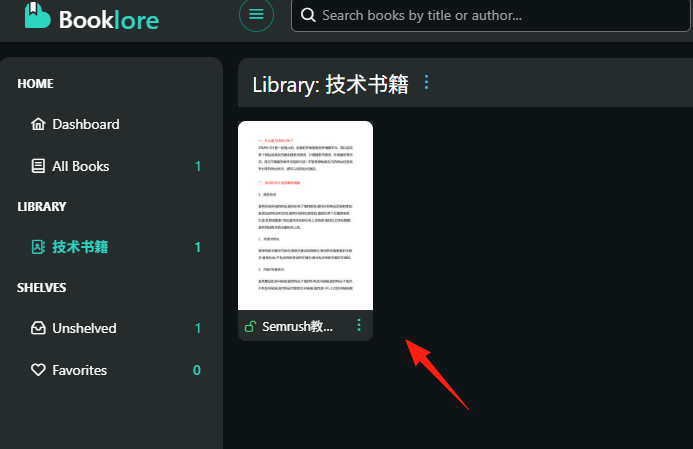
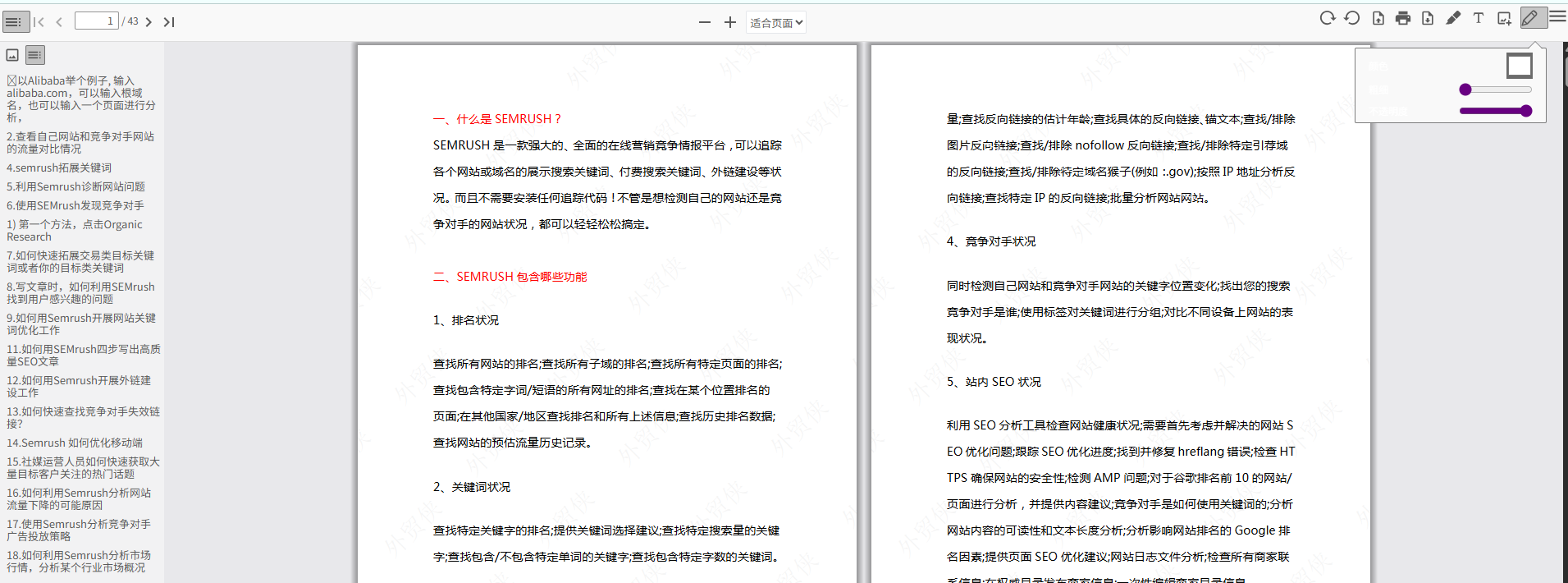
Click on the data to start reading, with edit tools available in the top right corner
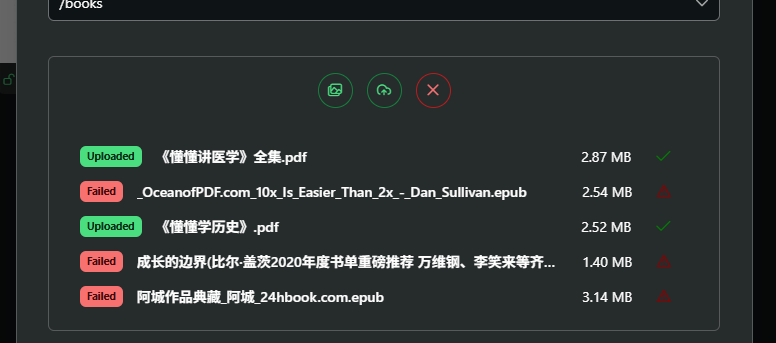
Although it claims to support epub, all my epub uploads failed, while PDFs worked without issues
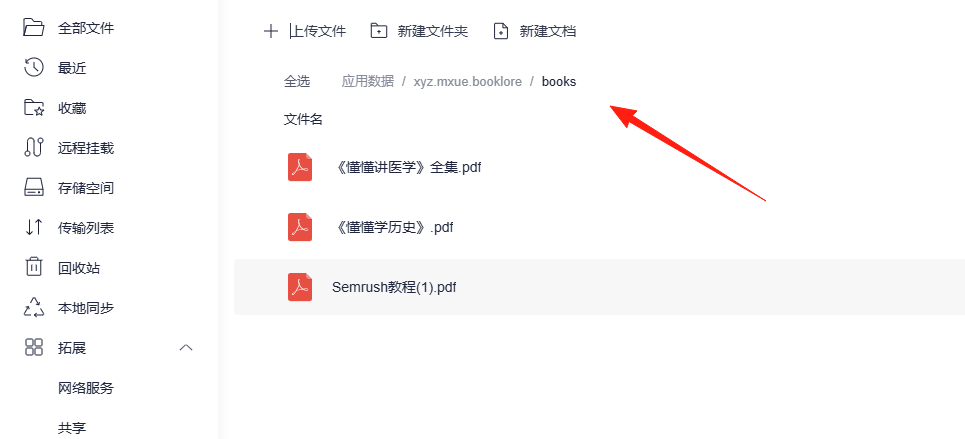
Uploaded resources are located in the application data - books directory
 I directly uploaded epub files from here,
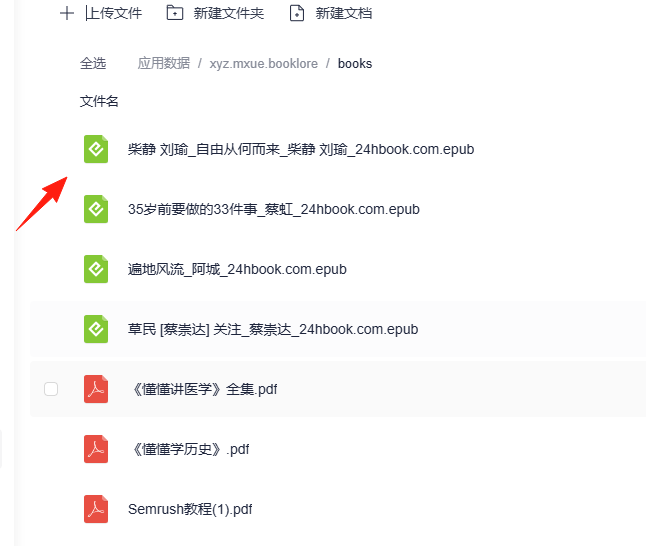 and found they still didn't display on the main page, which should be a bug
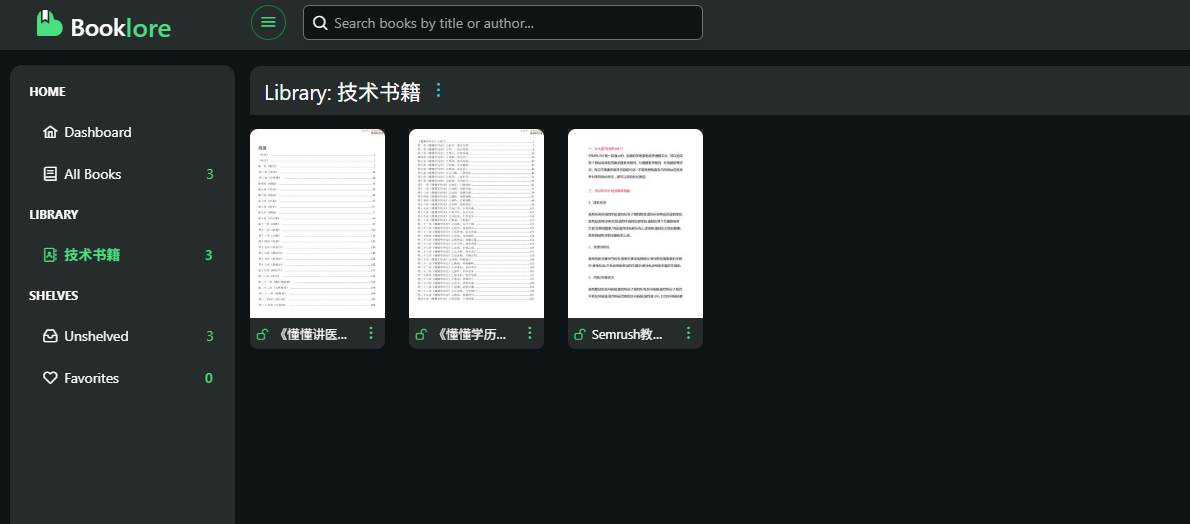
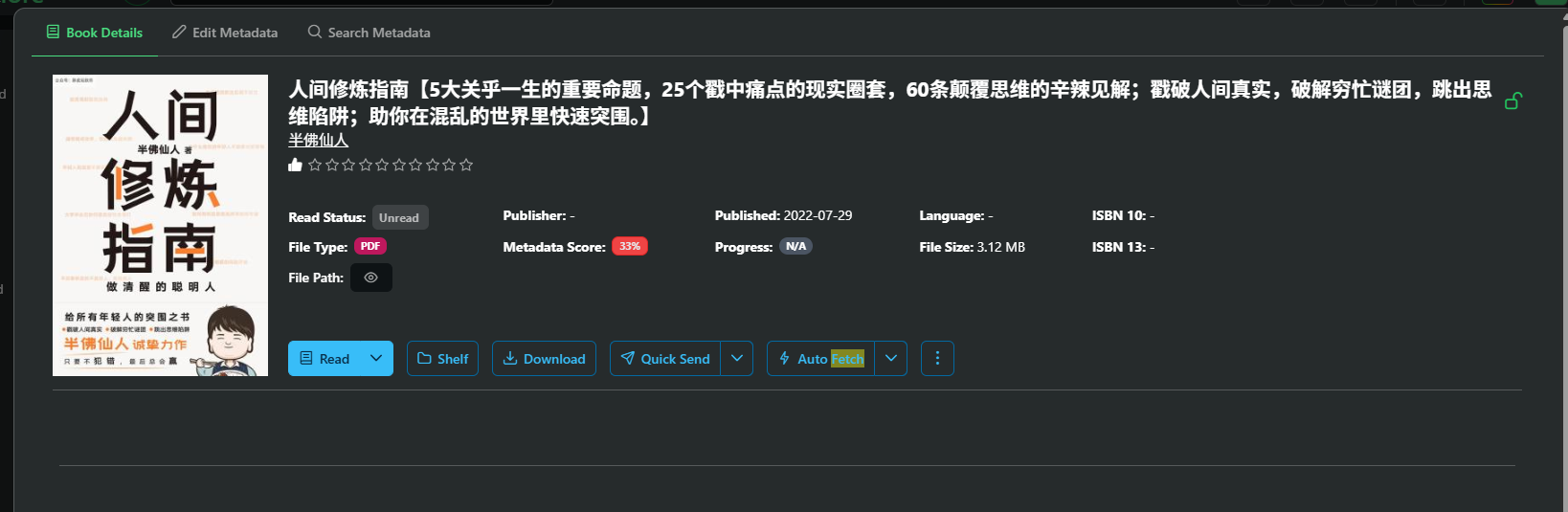
For ebooks from legitimate publishers, its recognition works quite well
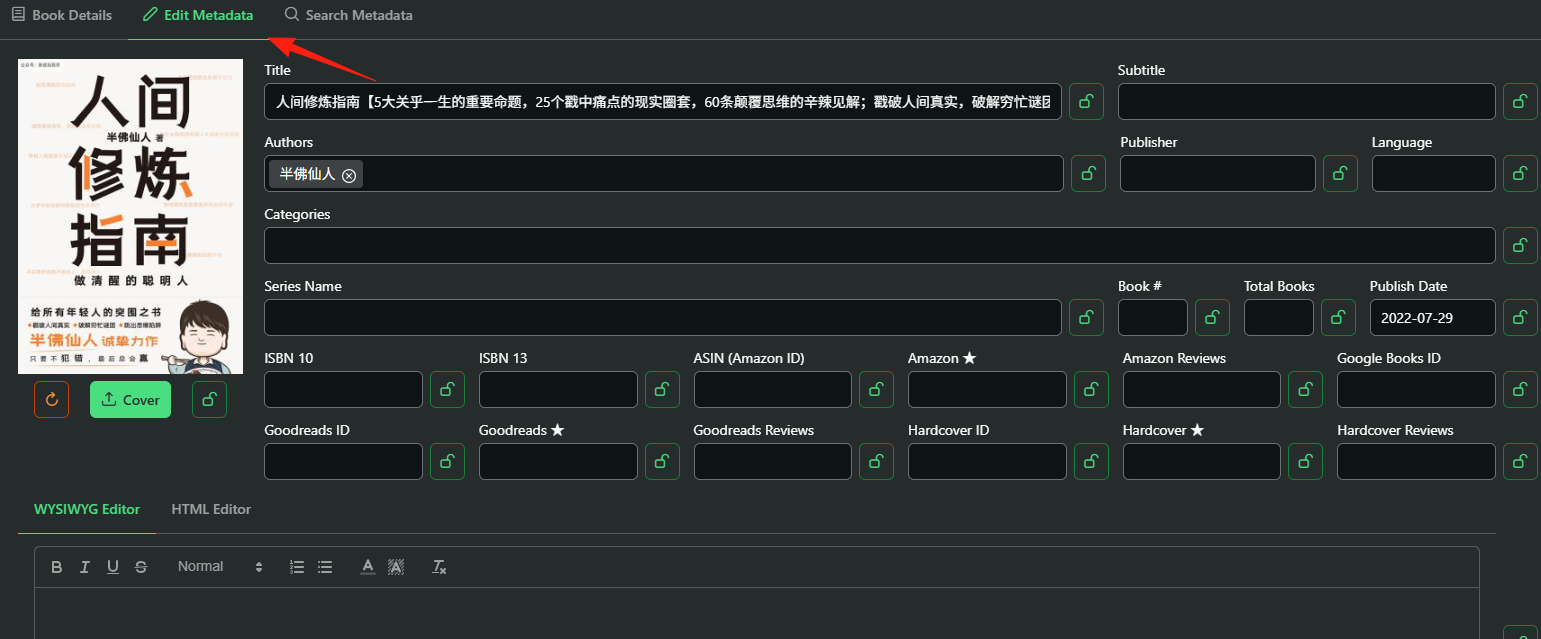
 Manual adjustments are supported
When using the built-in reader, the system automatically records your reading progress
Summary
If you're a heavy ebook user requiring format conversion, advanced editing, and other features, Calibre might be more suitable.
But for most people, BookLore is already fully capable.